













Kling Motion Control: Turn a Photo Into a TikTok Dance Video
Learn how to use Kling Motion Control to transfer a TikTok-style dance from a reference video to a character created from a single image.

Select Model & Location


Have the model showcase your product!

Explore solution playbooks, tool guides, and generated pages designed for repeatable creative operations.
Learn how to use Kling Motion Control to transfer a TikTok-style dance from a reference video to a character created from a single image.
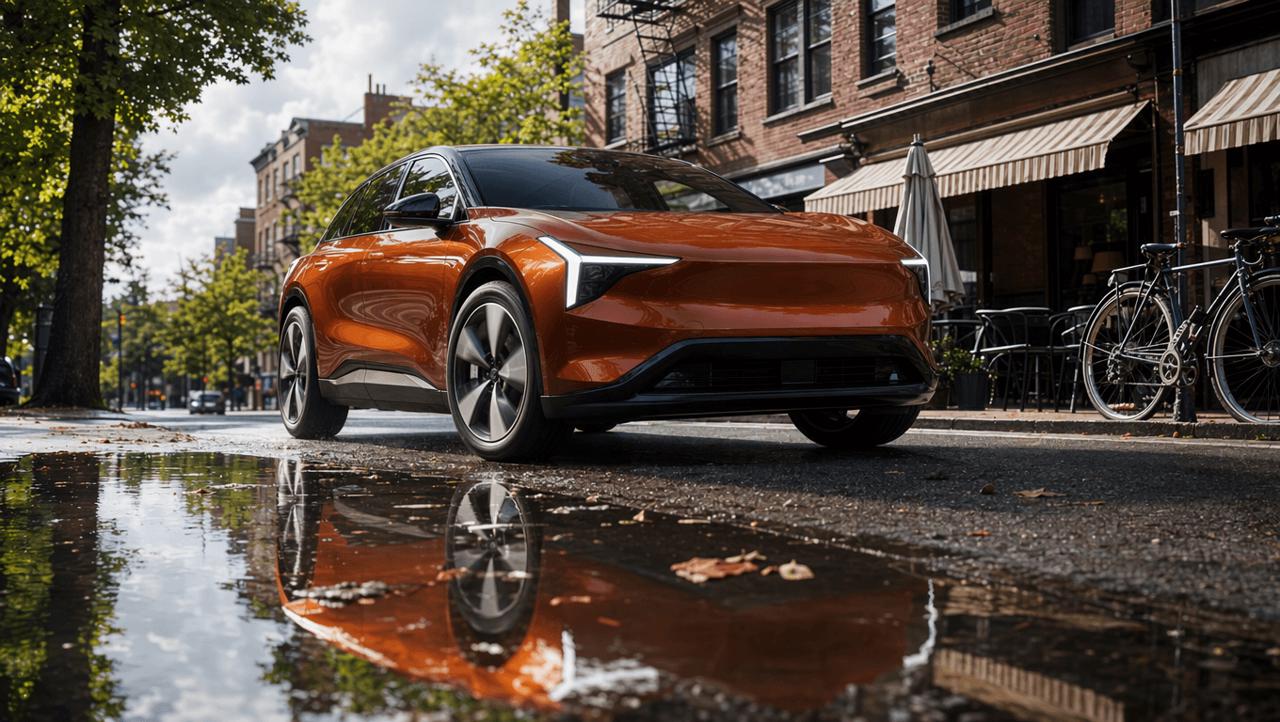
This real-world MiniMax H3 for Shopify test turns skincare, pet, automotive, and jewelry references into four short product ads. It compares creative transitions, product fidelity, physical consistency, typography, and the prompt corrections needed before publishing.
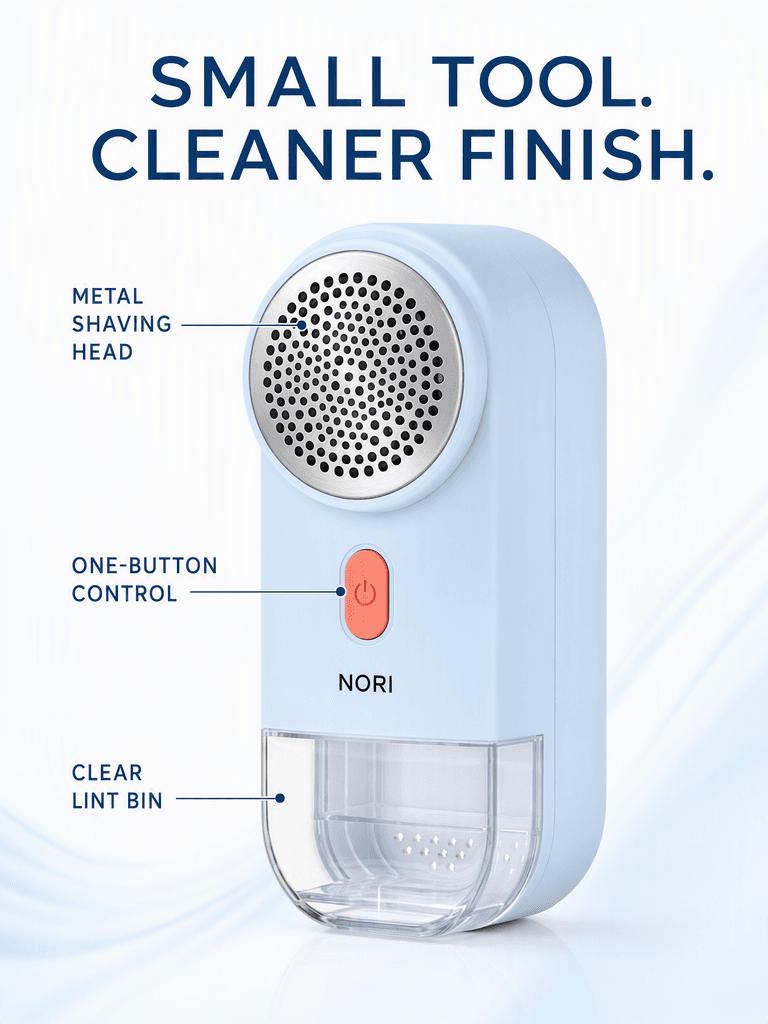
Can one product image support four different campaigns without losing its identity? This real GPT Image 2 test turns the same SKU into problem–solution, feature, travel, and brand ads, then checks the text, proportions, and product details that changed.
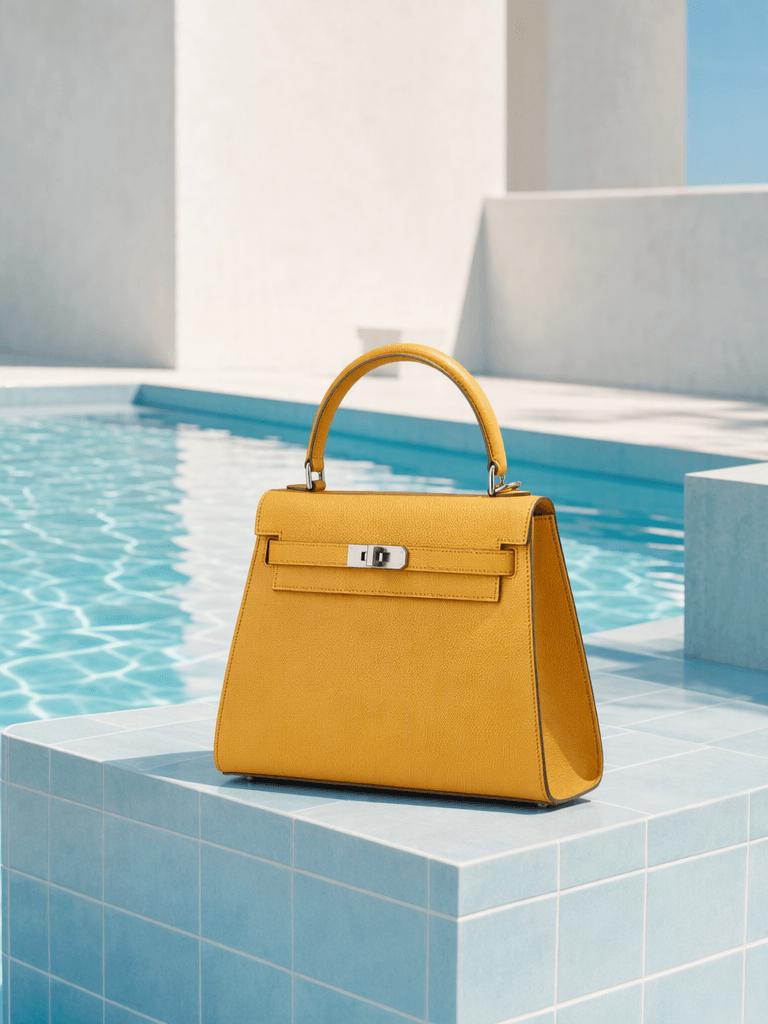
Test 10 copy-ready photo editing prompts across portraits, product images, and street scenes. See what worked, what partially failed, and how to preserve faces, materials, lighting, and composition with GPT Image 2.
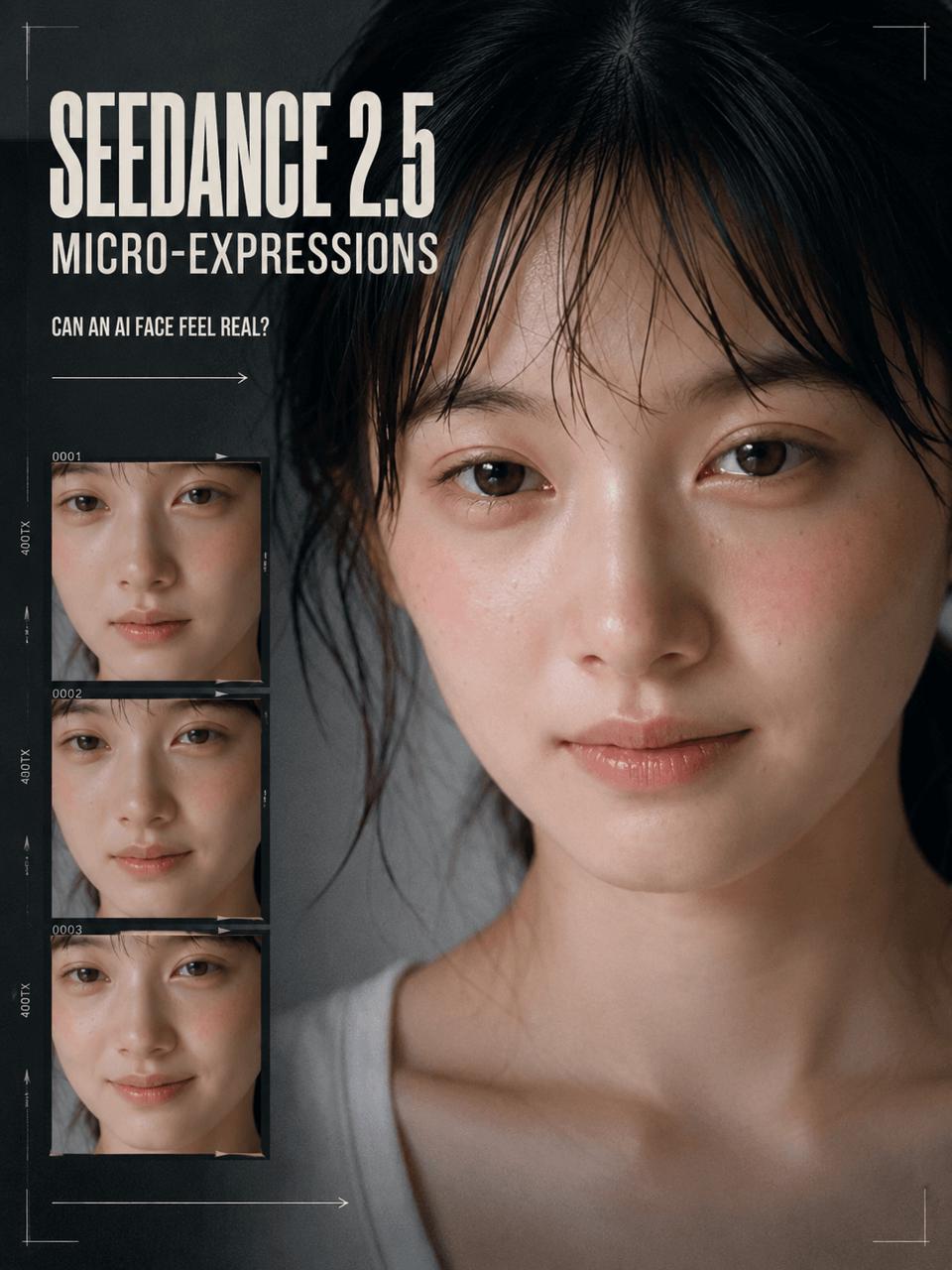
Can an AI-generated face show emotion before it smiles? This case study breaks down a 20-second Seedance 2.5 micro-expressions performance, its timed prompt, and a smaller text-only test using a minimal prompt.[

See three real Seedance 2.5 prompt tests: a 30-second timeline story, a six-second action montage, and an eight-second cinematic scene without timestamps.
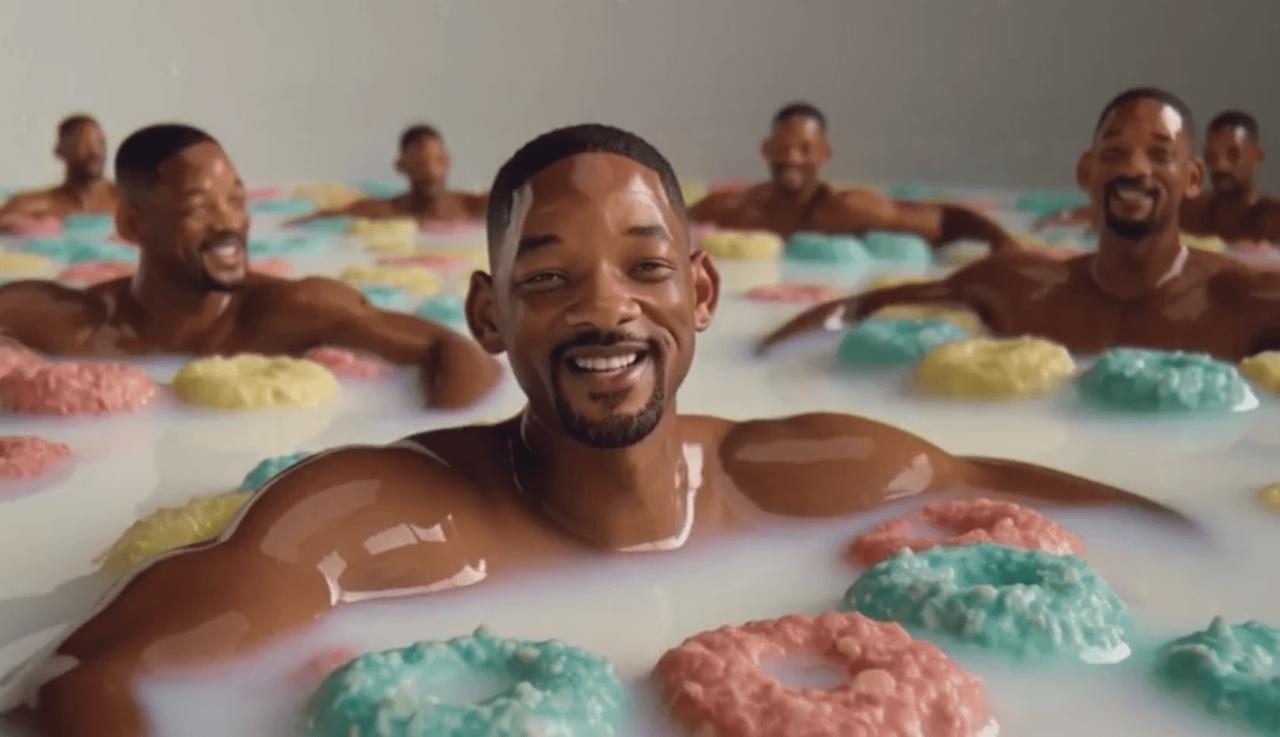
This case study shows how a MiniMax H3 prompt reverses the classic Will Smith spaghetti test and turns a surreal meme into a structured 10-second text-to-video story.

Seedream 5.0 Pro goes head-to-head with GPT Image 2 and Nano Banana Pro in eight first-output tests covering ecommerce ads, product editing, lifestyle imagery, storytelling, and infographics. See where each model wins—and which one is safest for real production.
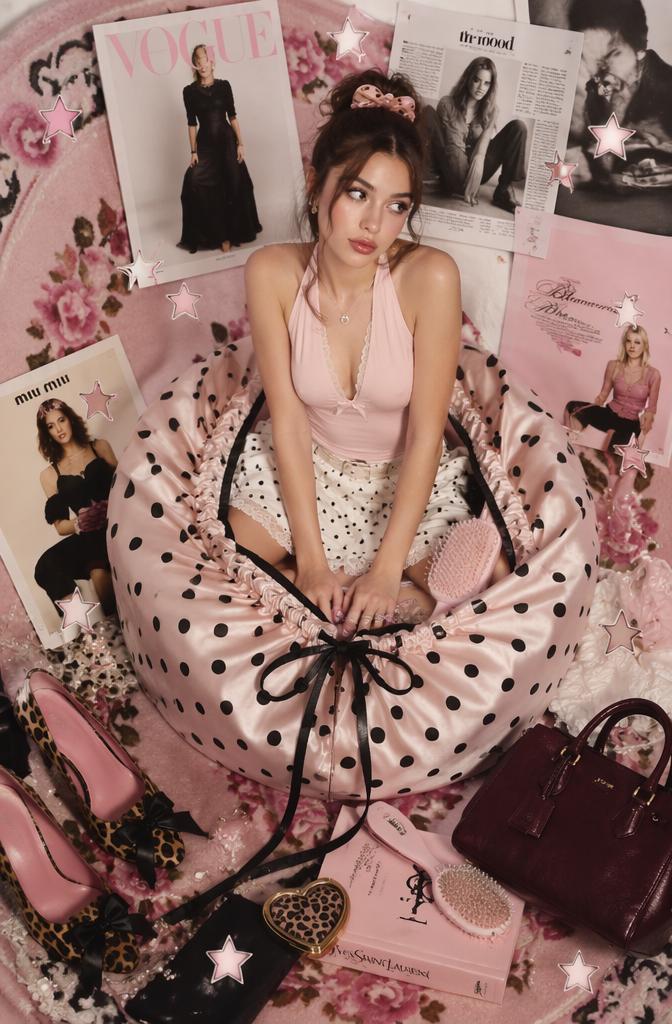
Use WeShop AI Video Replication to create TikTok Reels for ecommerce product campaigns. Learn the workflow: choose a reference style, upload a product asset, write a prompt, generate, and refine.