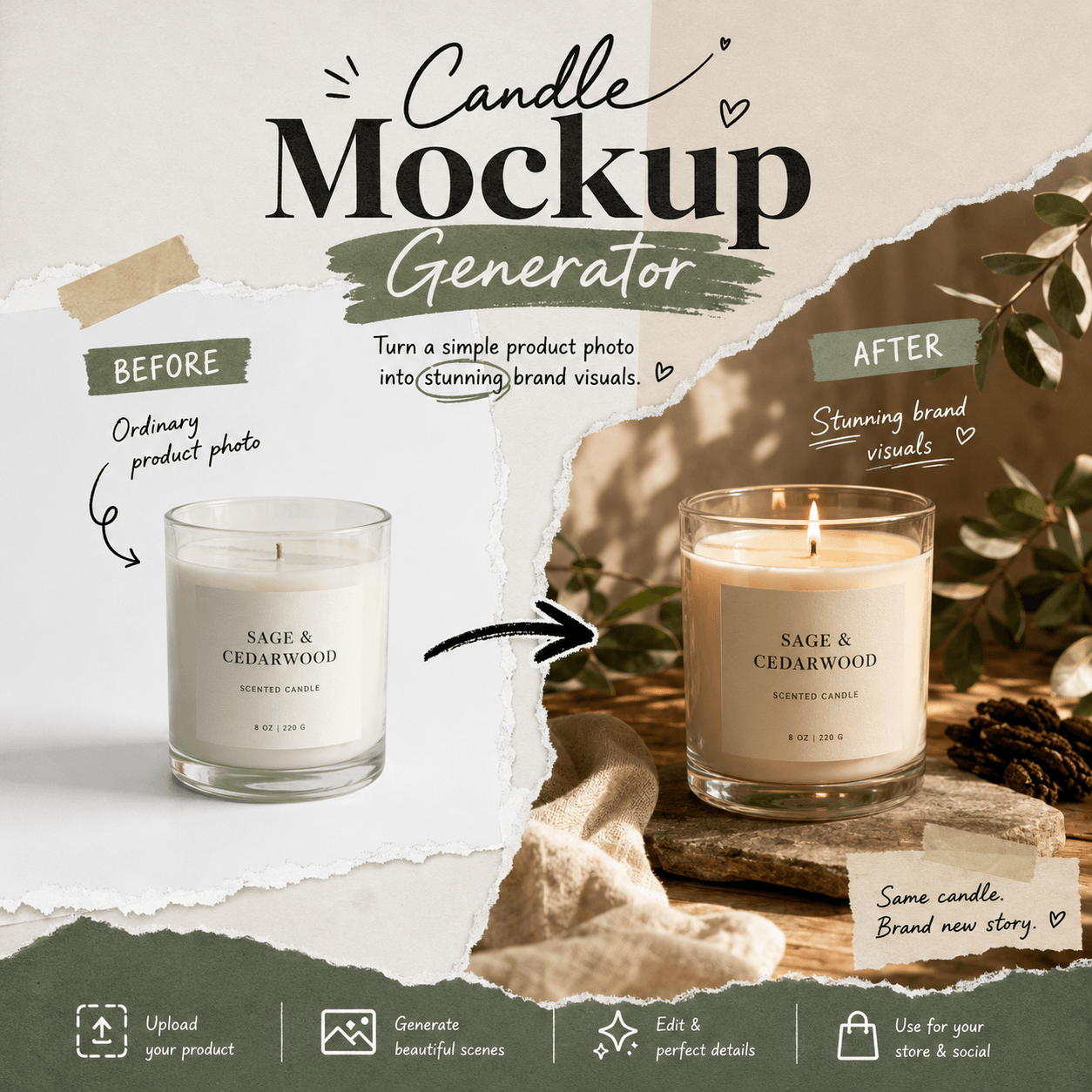
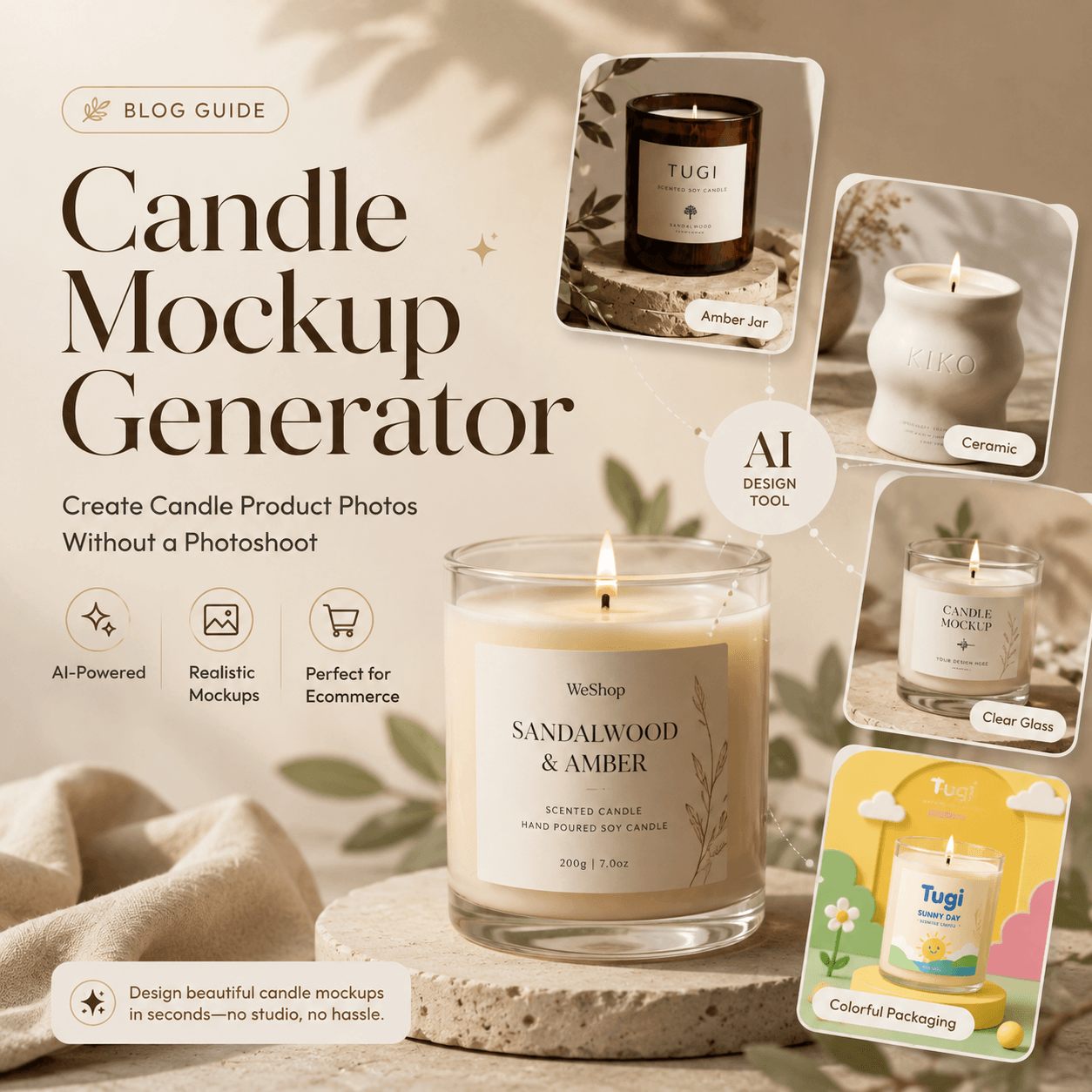
A Candle Mockup Generator solves one big problem for online candle brands: people cannot smell the product through a screen.
Shoppers can see the jar, label, lid, and wax. However, they cannot smell rain, vanilla, cedar, or sea salt online. So, a candle brand must turn scent into a visual story.
That is where the tool becomes useful. It can help you test the jar, label, wax color, box, light, and setting before you make the real product. More importantly, it can help you answer one simple question:
What should this scent look like?
In this guide, we will build a candle called After the Rain. Instead of making another beige product photo, we will create a full visual world around it.
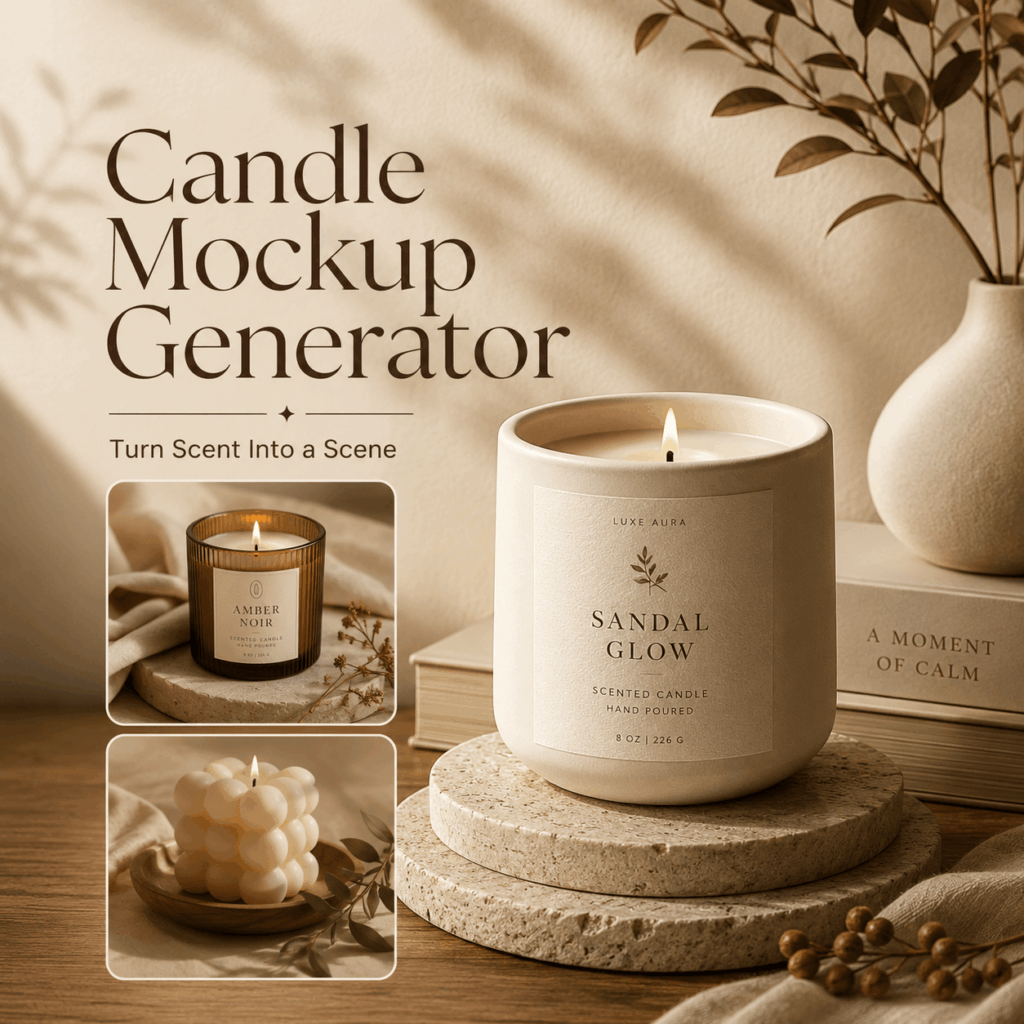
A Candle Mockup Generator Should Do More Than Place a Label
Most candle mockups use the same recipe.
First, there is a beige wall. Next, someone adds a wooden tray. Then, dried flowers appear. Finally, pampas grass joins the scene for no clear reason.
The result may look nice. Still, it could belong to almost any brand.
A strong mockup should do more. It should show who the candle is for, when they may light it, and how the scent should feel.
Therefore, start with a moment, not a style.
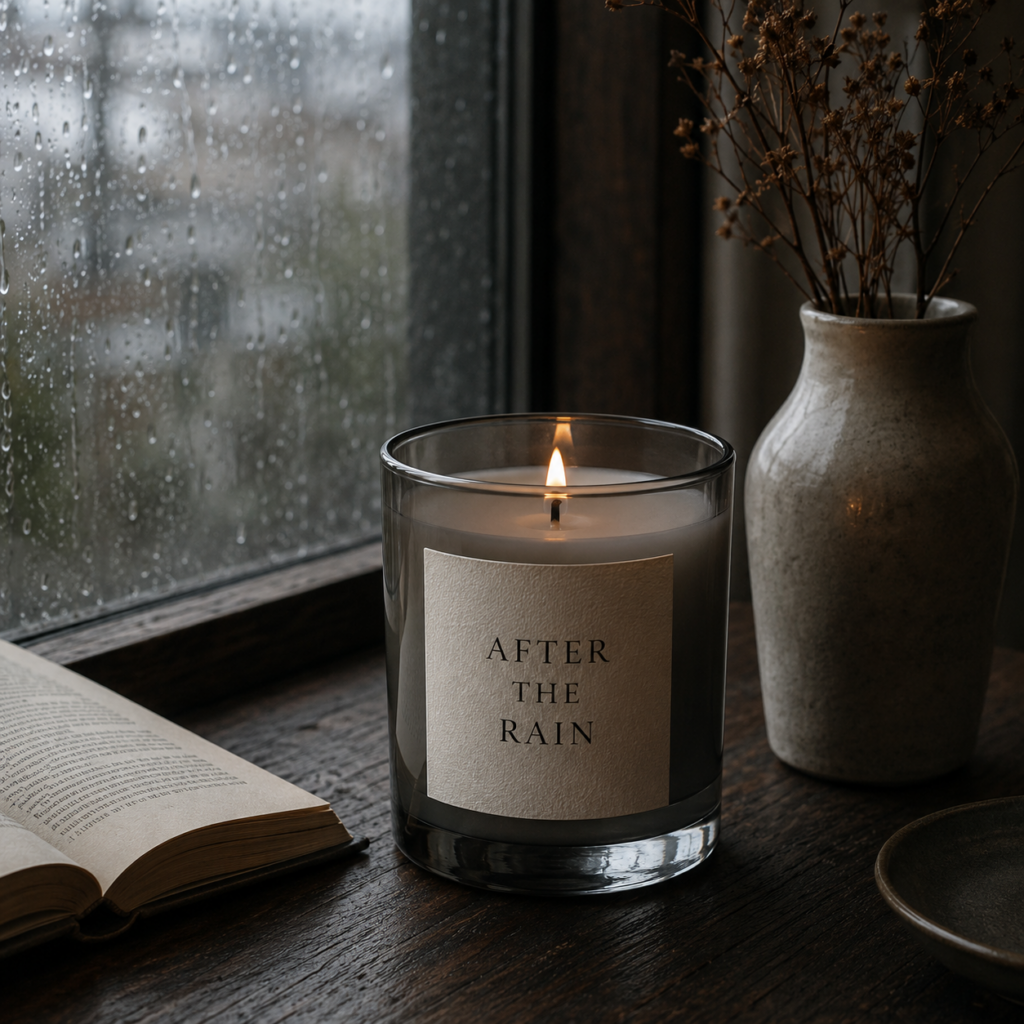
For this test, our candle is called After the Rain. It smells like black tea, wet stone, cedarwood, and moss. Also, it should feel like sitting near a bookshop window after closing time.
Now the mockup has a job. It must make that moment feel real.
Step 1: Turn the Scent Into Visual Clues
A scent name can sound lovely but still be hard to picture.
For example, “a calm and mysterious rain candle” gives the tool very little detail. The word “mysterious” could lead to a dark forest, a purple room, or a random cloud of smoke.
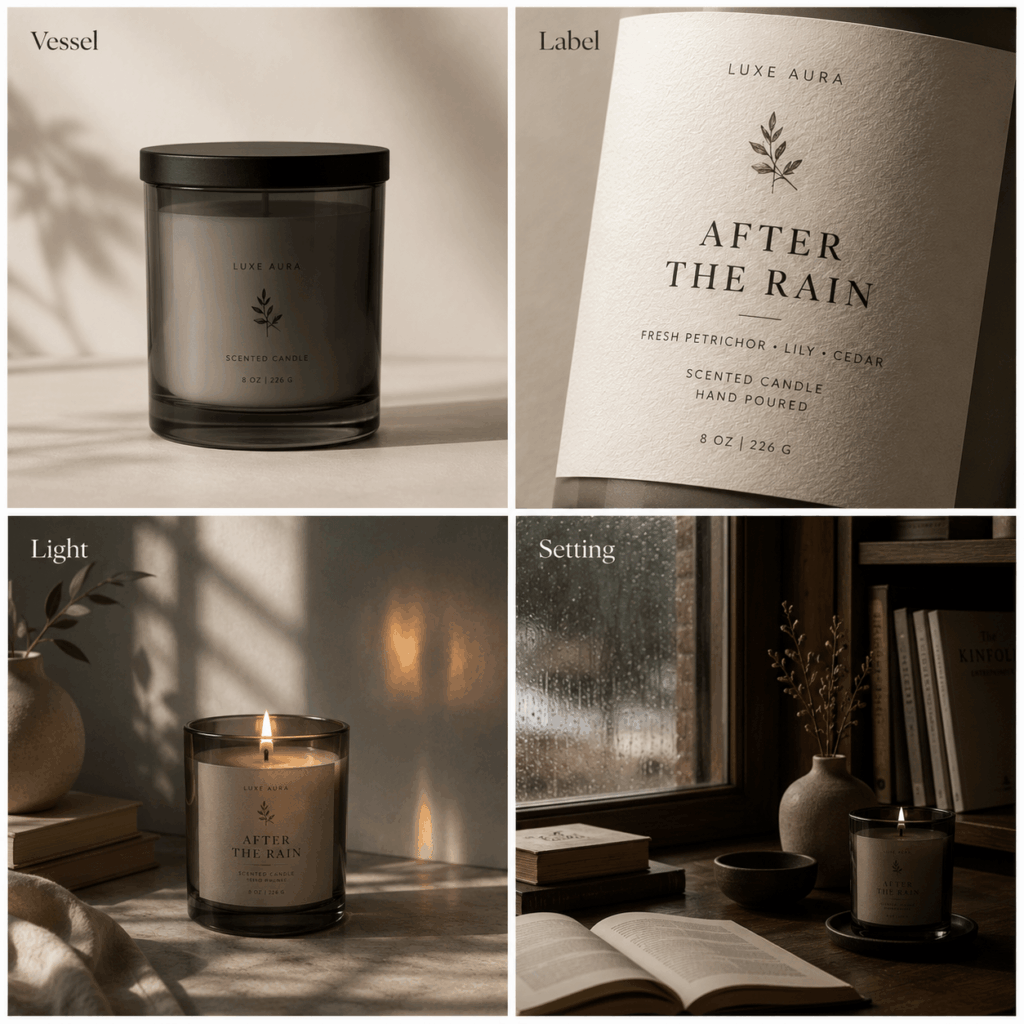
Instead, split the scent into four visual parts.
Vessel
Choose smoked gray glass with a matte black lid.
Label
Use warm ivory paper, small black type, and plenty of empty space.
Light
Pick cool window light with one soft amber reflection.
Setting
Add wet glass, dark wood, and an open book. However, skip flowers and bright props.
Each choice supports the scent. The gray jar feels like wet stone. Meanwhile, the paper label adds warmth. The rain and bookshop setting create a clear mood.
As a result, the image feels planned rather than random.
Step 2: Build the First Candle Mockup
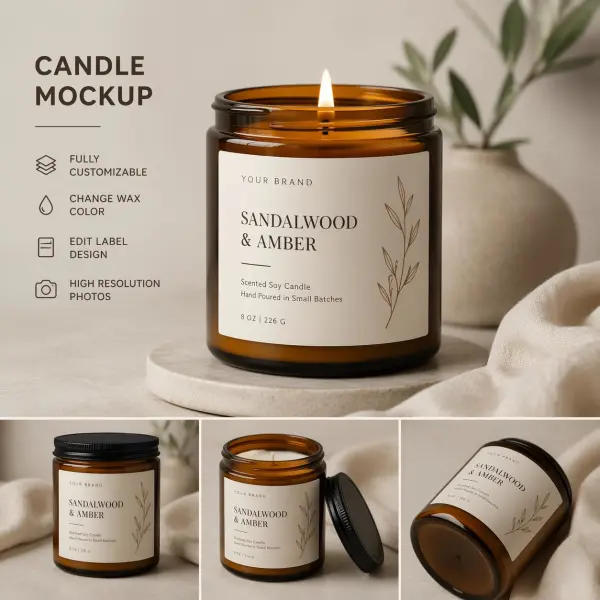
Now open the Candle Mockup Generator. Upload your label, logo, candle photo, box design, or another clear reference.
If the candle does not exist yet, that is fine. You can start with a full text prompt instead.
Try this:
Create a realistic candle mockup for a scent called “After the Rain.” Use a smoked gray glass jar, matte black lid, warm ivory paper label, small black serif text, pale gray wax, cool window light, dark wooden table, and rain on the glass in the background. Add a quiet bookshop mood. Keep the scene natural. No dried flowers, no bright colors, and no extra props.
This prompt works because it gives clear facts. It covers the jar, lid, label, wax, light, mood, and limits.
Also, it tells the tool what not to add. That small step can save many weak results.
Keep One Detail Fixed
When you make more versions, keep one detail the same.
For example, you can lock the jar shape, label size, logo spot, lid material, or main brand color.
For After the Rain, keep the gray jar and ivory label. Then, change the camera angle, background, or props.
Because the core product stays fixed, the brand remains easy to recognize.
Step 3: Create Three Clear Image Worlds
Do not make ten random versions. Instead, build three clear image types.
Each one should have a job.
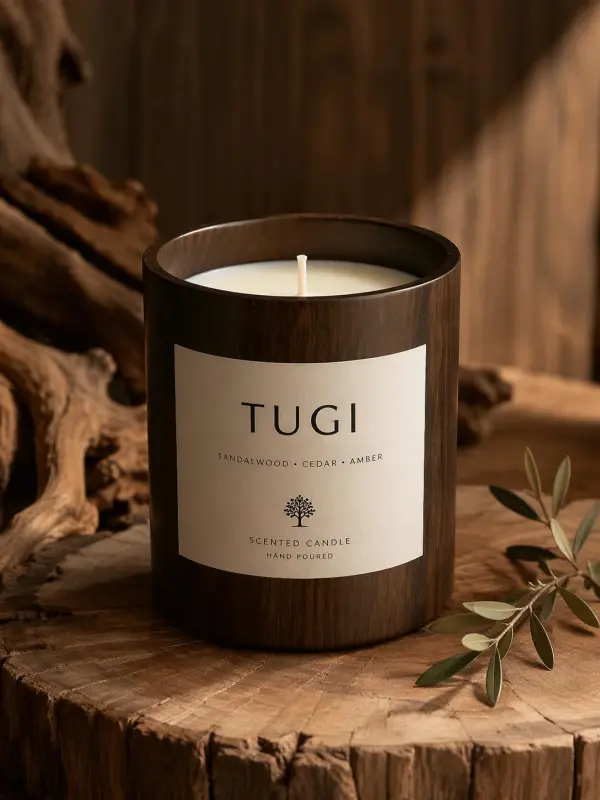
1. The Clean Product Page
This image should be simple. Use a plain background, a clear label, and a soft shadow.
Prompt:
Realistic ecommerce candle photo, smoked gray glass jar, ivory label reading “After the Rain,” matte black lid beside the jar, soft gray background, natural side light, clear label, centered layout, and a light shadow.
This version works for a shop page, marketplace listing, or product catalog.
2. The Scent Story
Next, build the mood.
Prompt:
Editorial candle photo for “After the Rain,” smoked gray candle jar beside an open book, rain on a nearby window, dark wooden table, cool daylight, one warm reflection on the glass, and a quiet bookshop after closing.
This version works well for a launch post, blog cover, or campaign banner.
3. The Social Concept
Finally, make one image that feels less expected.
Prompt:
Creative candle mockup for “After the Rain,” smoked gray candle inside a half-open moving box with a folded raincoat and an old paperback, soft cloudy light, new-apartment mood, natural photo style, and a slightly imperfect layout.
This image tells a small story. Also, it gives people something to remember.
The candle is no longer sitting on a perfect table. Instead, it becomes part of a real moment.
Step 4: Add One Human Detail
AI product images often look too smooth. Yet candles are made of paper, wax, glass, wood, and flame.
Those materials should feel real.
So, add one small human detail.
You could use a lightly rough paper label, a handwritten batch number, a tiny wax mark, a used match, or a soft uneven shadow.
For example, add this line to your prompt:
Include a lightly textured paper label, a small handwritten batch number, natural wax variation, and soft uneven shadows.
However, do not add every flaw at once. Too many marks can make the candle look damaged.
One small detail adds life.
Five details create a crime scene.
Step 5: Turn One Candle Into a Collection
Once the first candle looks right, use it as a rule for the full set.
Our collection could include three scents.
After the Rain
Black tea, wet stone, cedarwood
Smoked gray jar
Cool window light
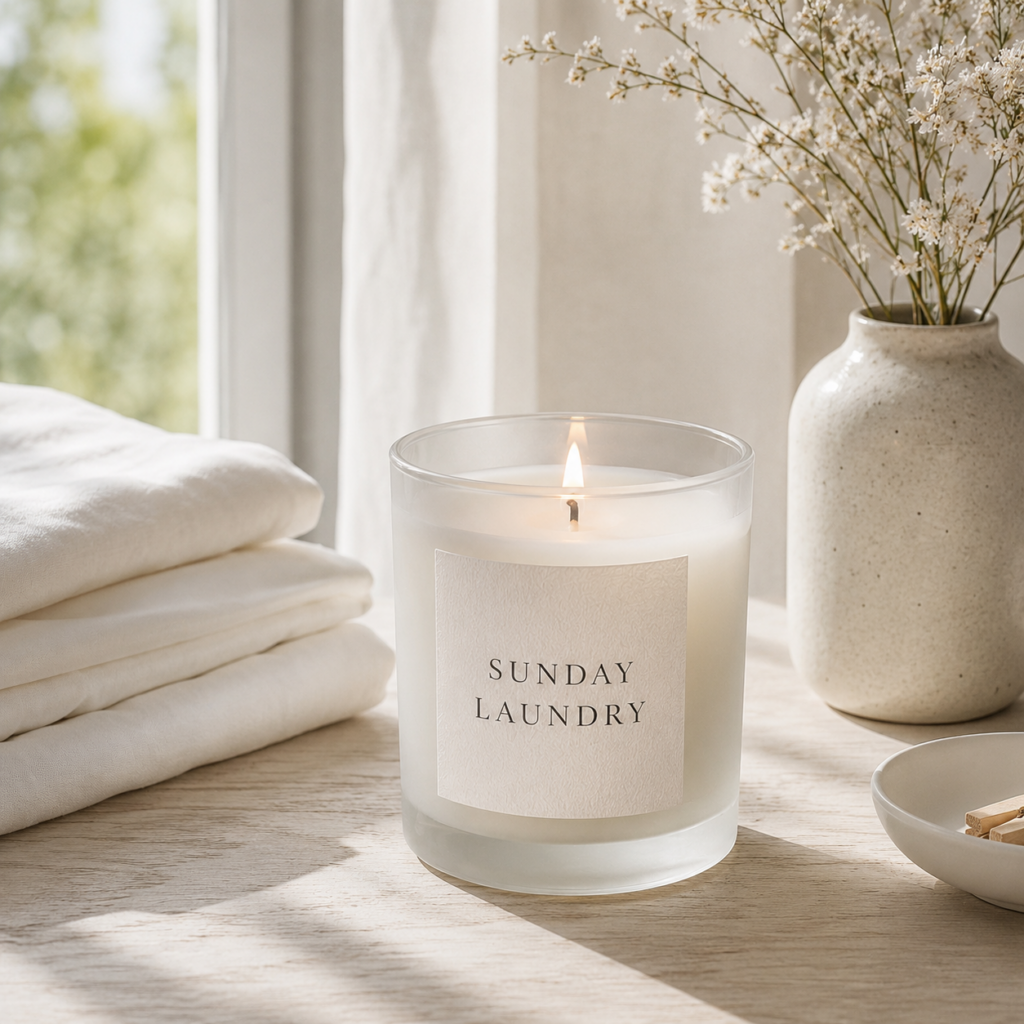
Sunday Laundry
Cotton, iris, white musk
Frosted clear jar
Bright morning light
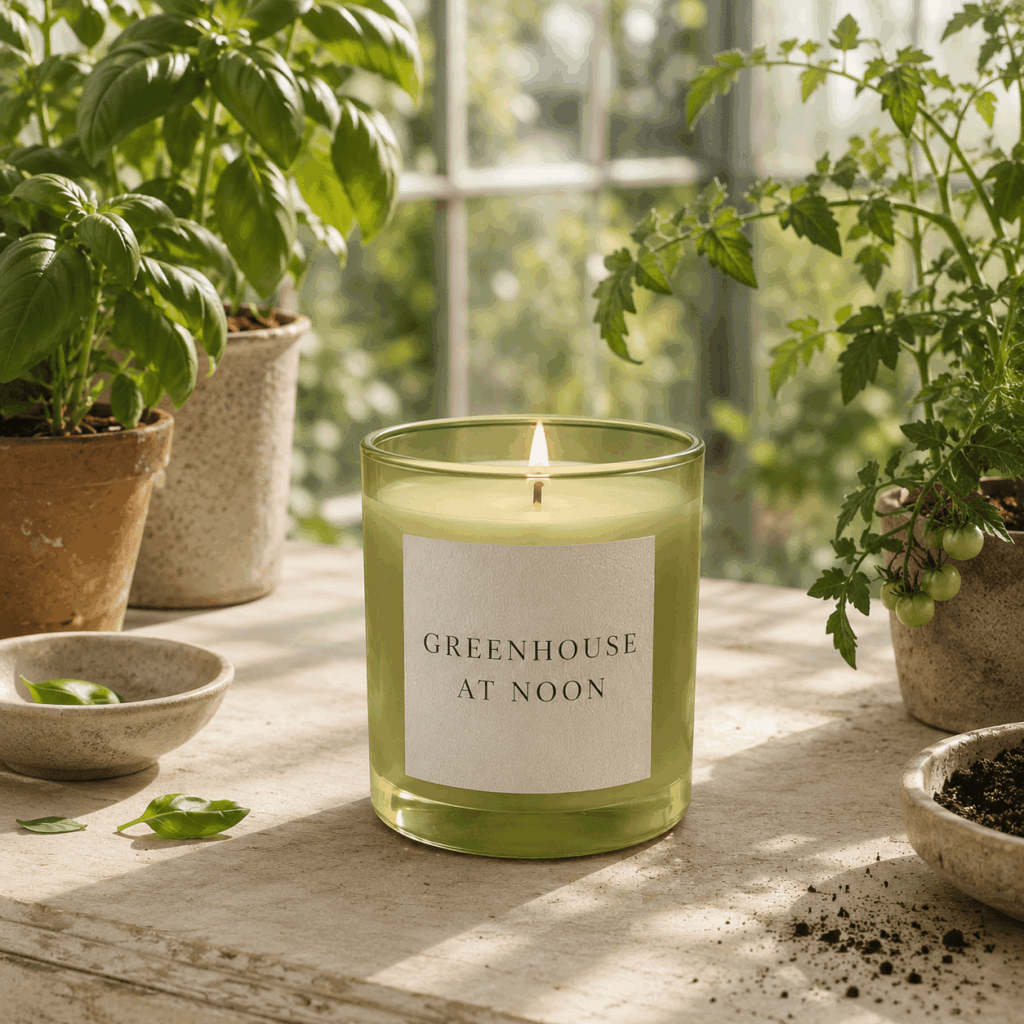
Greenhouse at Noon
Tomato leaf, basil, warm soil
Olive glass jar
Strong summer light
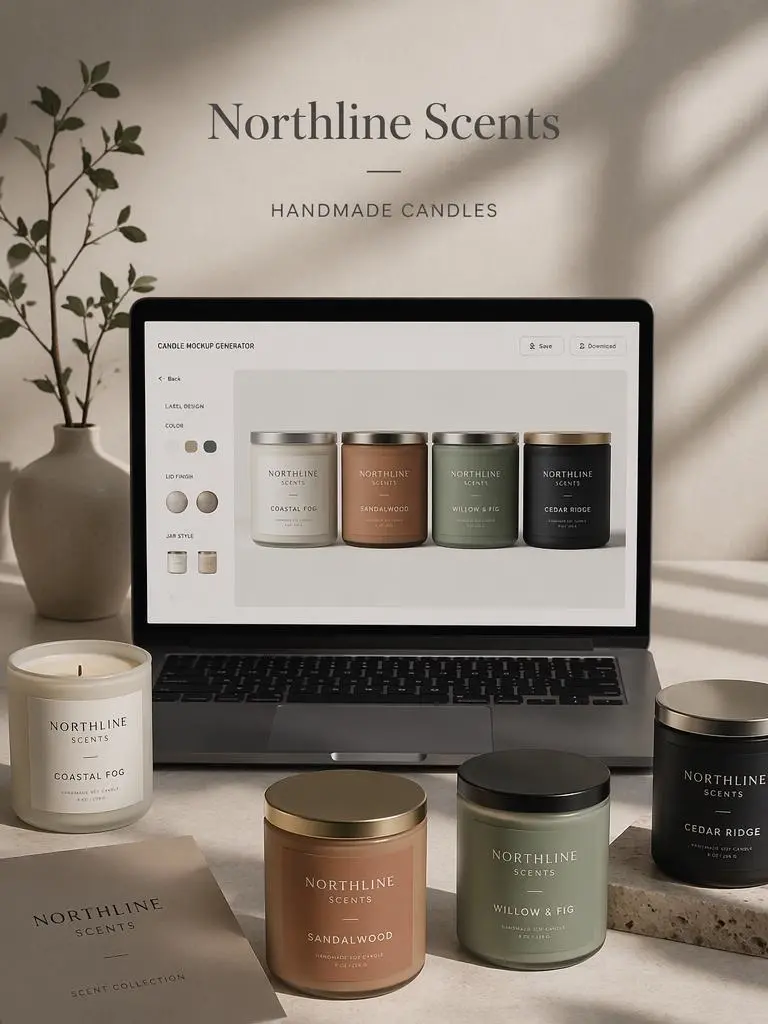
Each scent has its own mood. Still, the label size, type, camera angle, and box shape stay the same.
That balance matters.
If every image looks the same, the set feels flat. However, if every image looks unrelated, the brand feels weak.
Use this prompt:
Create a three-candle collection with the same jar size, label layout, type style, logo size, camera angle, and box shape. Give each scent a different jar color, wax tone, light, and setting. Keep one clear brand style across all three.
As a result, you get a real product family instead of three separate pictures.
Step 6: Check the Image at Thumbnail Size
A large image can hide many problems.
On a phone screen, the label may be too small. Also, the jar may blend into the background.
Therefore, shrink the image before you choose the final version.
Ask these questions:
- Can you find the candle at once?
- Can you still read the scent name?
- Does the jar stand out from the setting?
- Is there one detail you remember?
- Do the props help the product?
If the candle gets lost, remove some props.
If the label feels weak, raise the contrast. In many cases, a cleaner image will work better.
Most importantly, do not judge the mockup only as a large artwork. Check how it looks where customers will really see it.
What to Avoid With a Candle Mockup Generator
A Candle Mockup Generator gives you many options. Still, more options do not always create a better image.
Do Not Mix Every Trend
Chrome type, vintage paper, hand-drawn flowers, gothic text, pastel stripes, and clean design may all look good alone.
Together, they can make the product feel confused.
Instead, choose one main idea and one small accent.
Do Not Let the Background Fight the Scent
A red room can make a fresh linen candle feel too heavy. Likewise, a sunny beach can make a smoky wood scent feel strange.
So, let the setting support the scent.
Do Not Hide the Label
Mood matters. However, people still need to know what they are buying.
Keep the brand name and scent name easy to see.
Do Not Treat a Mockup as a Print Proof
A digital mockup is useful for testing ideas. Yet real glass, paper, foil, ink, and wax may look different.
Therefore, use the mockup to choose a direction. Then, test a real sample before a large print run.
Build a Small Candle Launch Set
One hero image is not enough for a product launch.
Instead, create a small set with clear roles:
- Clean product image
- Scent story image
- Close label shot
- Full collection image
- Social crop
- Box or gift set image
Because each image has one job, the launch feels more complete. Also, the brand looks more planned.
The clean image explains the product. Meanwhile, the story image creates emotion. Finally, the collection image shows that the brand has a clear system.
The Best Candle Mockup Starts With a Moment
Before you write the final prompt, finish this sentence:
This candle belongs in the moment when ________.
Maybe it belongs in the moment when rain starts.
Perhaps it belongs beside clean sheets on a Sunday morning.
Or, it may belong near an open suitcase in a new home.
Once the moment is clear, the jar, label, light, and setting become easier to choose.
That is the real value of a Candle Mockup Generator. It does not only place a logo on a jar. Instead, it helps you turn an invisible scent into a visible world.
So, do not just mock up the candle.
Mock up the moment someone will want to light it.
FAQ About the Candle Mockup Generator
Can I upload my own candle label?
Yes. Upload your label, logo, candle photo, box design, or another clear reference. Then, test how it looks on different jars and in different scenes.
Can I use it before the candle is made?
Yes. Start with a label file, a rough product idea, or a detailed prompt. Therefore, the tool can help during early brand planning.
How can I make the mockup look more real?
Use clear materials, simple props, natural light, and soft shadows. Also, keep the jar and label the same across different images.
Can I create a full candle collection?
Yes. First, set one label style and one product shape. Then, change the scent name, jar color, wax tone, light, and setting.
Should mockups replace real product photos?
Not always. Mockups are useful for ideas, early posts, and design tests. However, real samples are still important before final production.
Go to WeShop AI For Exploration: