

language

English

Steal the Look! Click to Replicate it with Your Product!

Image to Video AI Generator – Animate Photos into Stunning Videos Online

Image to Video AI Generator is a free ai video generator that helps users convert images, static photos, illustrations, logos, product photos, diagrams, digital art, and ai generated visuals into smooth animated videos. With image-to-video generation, prompt-based motion control, camera movement, aspect ratio settings, dynamic motion, natural motion, and animation style options, this video ai free workflow makes it easier to generate ai videos for TikTok, Instagram Reels, YouTube Shorts, product ads, animated logos, ecommerce pages, brand campaigns, and storytelling.

Real-World Use Cases for Image to Video AI Generator

Animating Product Images for Online Ads

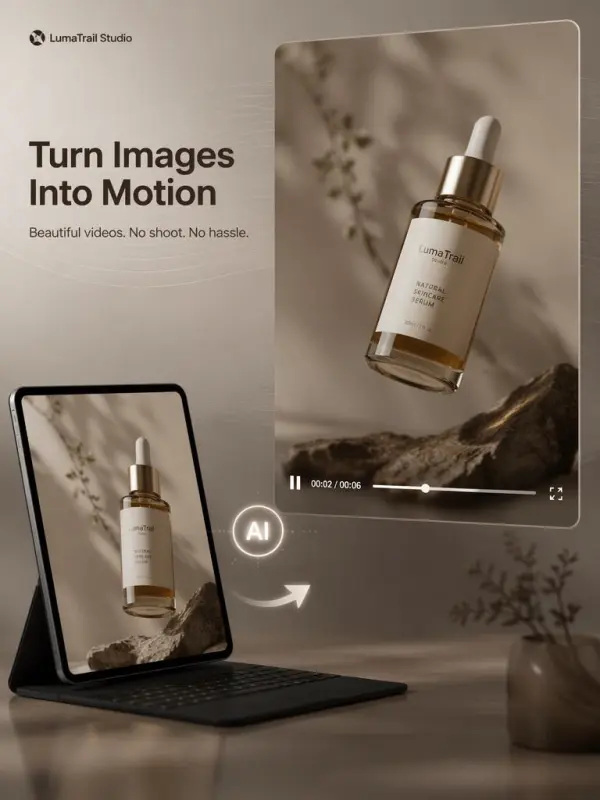
A small ecommerce brand called LumaTrail Studio had polished product photos but needed more engaging video content for ads, landing pages, and product showcases. Instead of planning a new shoot, the team used an Image to Video AI Generator to convert images into a dynamic video with slow camera movement, soft lighting, smooth motion, and clean background animation. The AI models helped turn static product photos into ai generated visuals with natural motion, making it easier to create product ads without managing a full editing timeline.
ecommerce brand video

Turning Personal Photos into Moving Memories

A creator named Maya Collins wanted to make family photos and old travel pictures feel more emotional for a short montage. She uploaded portraits, city shots, and landscape images as reference image inputs, then described gentle zooms, cinematic camera pans, and a soft animation style. The Image to Video AI tool transformed still pictures into short clips with smooth motion and dynamic motion. This helped Maya generate ai videos for social sharing, family memories, and personal storytelling without manual frame-by-frame video editing.
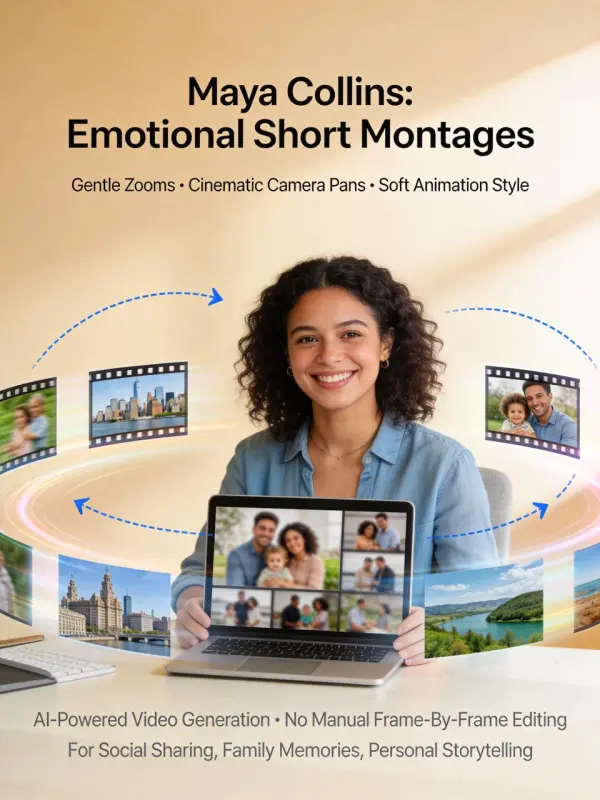
Personal Photos into Moving
Previous
Next

Key Features of Image to Video AI Generator

Puppy eating video

Turn Static Images into Videos

Image to Video AI Generator helps users turn static images into a video with a simple upload. Photos, product shots, illustrations, logos, and AI artwork can become moving clips. For example, creators using an ai shoe generator free workflow can animate stunning shoe designs, own shoes, ankle boots, or modern product visuals into dynamic videos.
Commercial Shooting Videos

Prompt-Based Motion Control

Users can guide the video by writing a prompt that describes movement, mood, style, camera angle, and animation direction. The AI model can add slow zooms, object motion, product rotation, or cinematic pans. This helps generated results perfectly match the original vision, color palette, design elements, and unique style of each image.
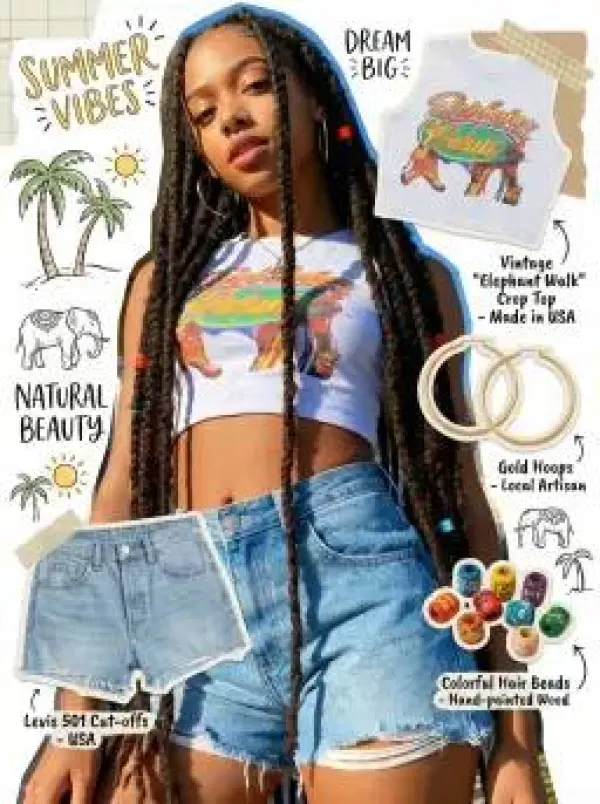
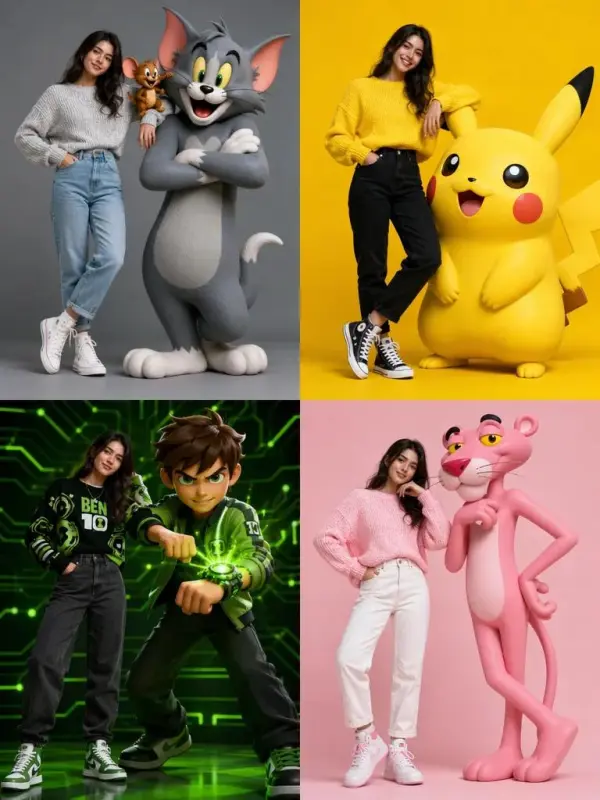
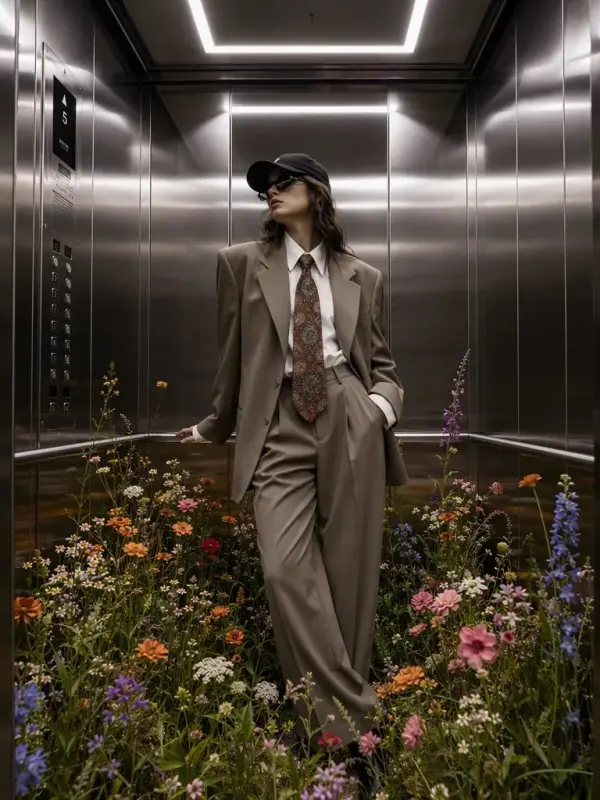
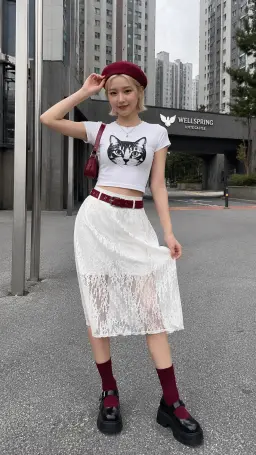
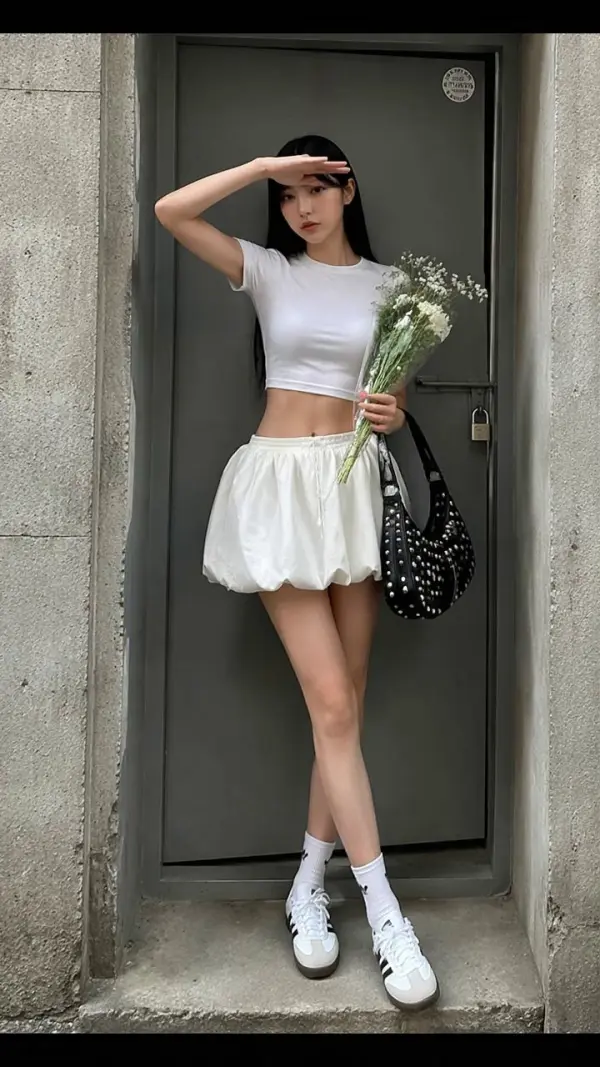
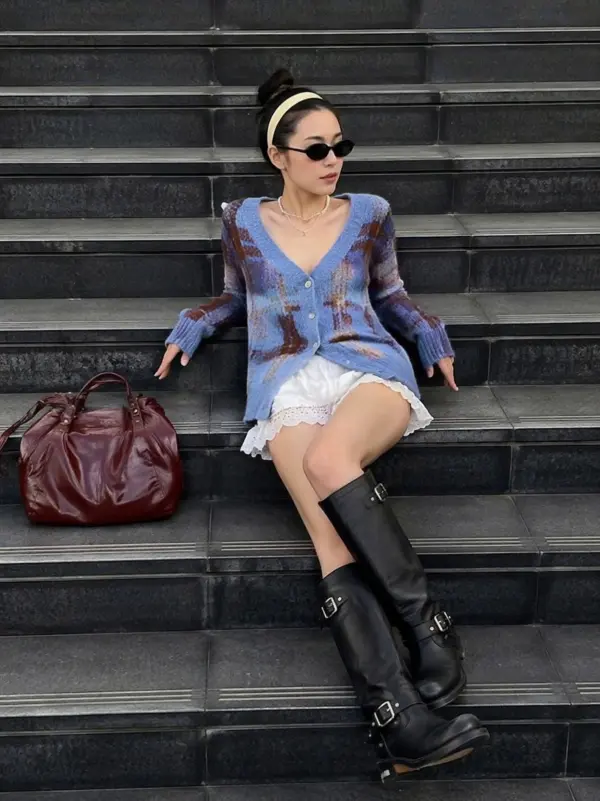
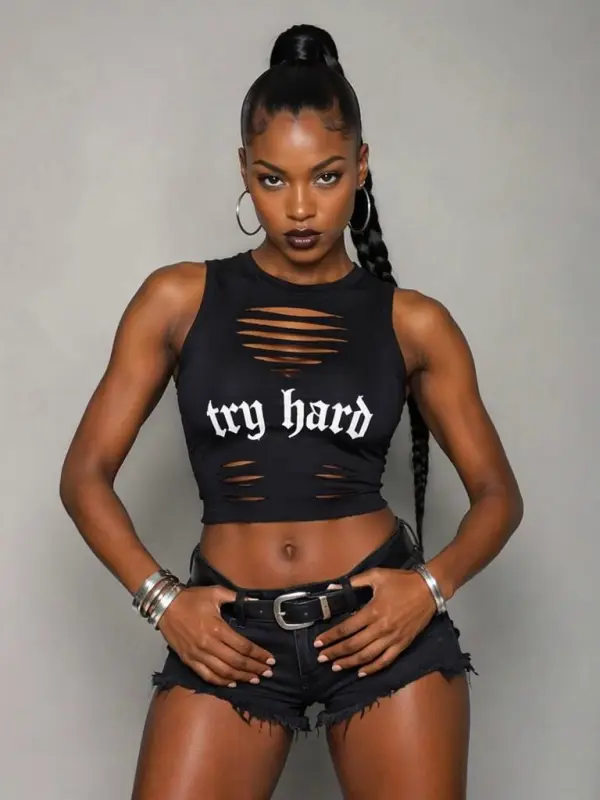
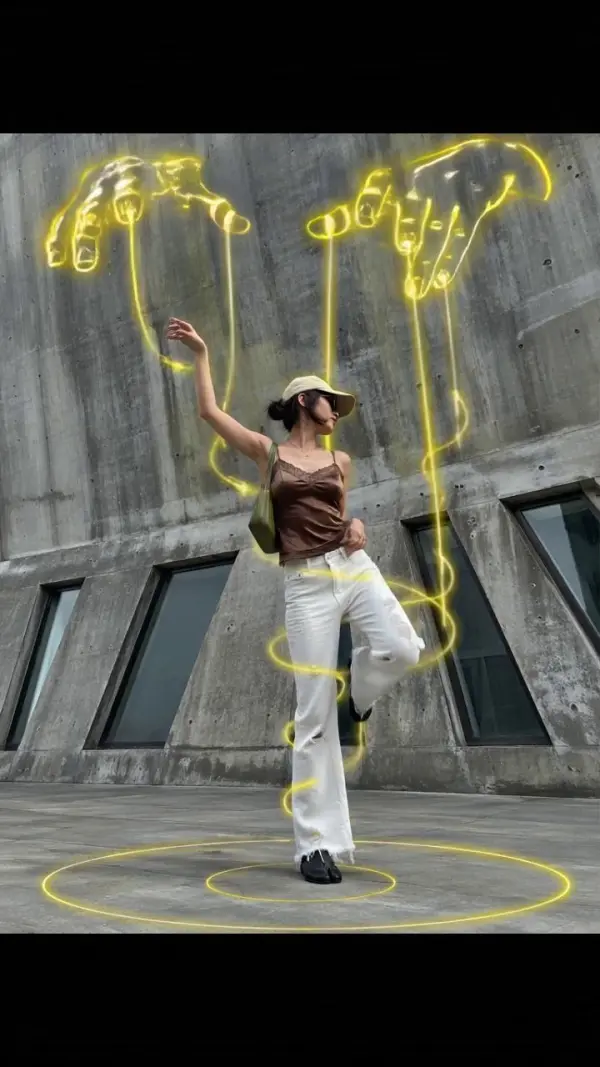
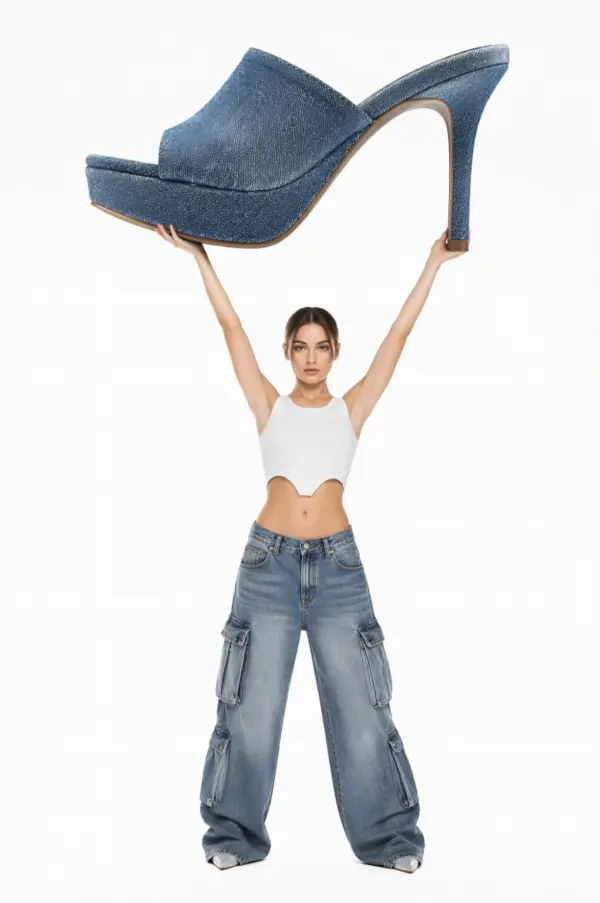
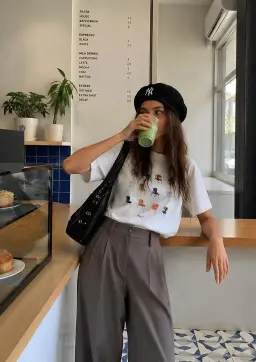
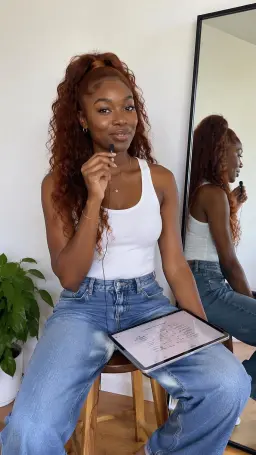
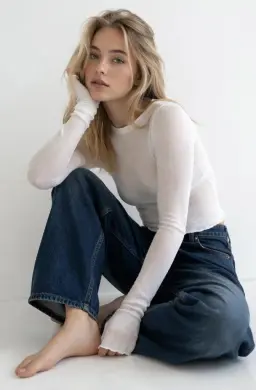
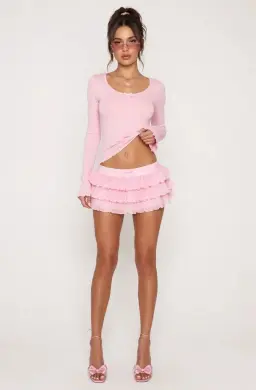
Trendy OOTD video production

Realistic Camera Motion and Depth Effects

A strong image-to-video AI tool should create more than simple slideshow motion. It can add depth, camera movement, smooth transitions, and realistic animation that make flat images feel alive. These settings are useful for product videos, modern fashion visuals, travel clips, and fun creative concepts built from shoes, artwork, or lifestyle images.
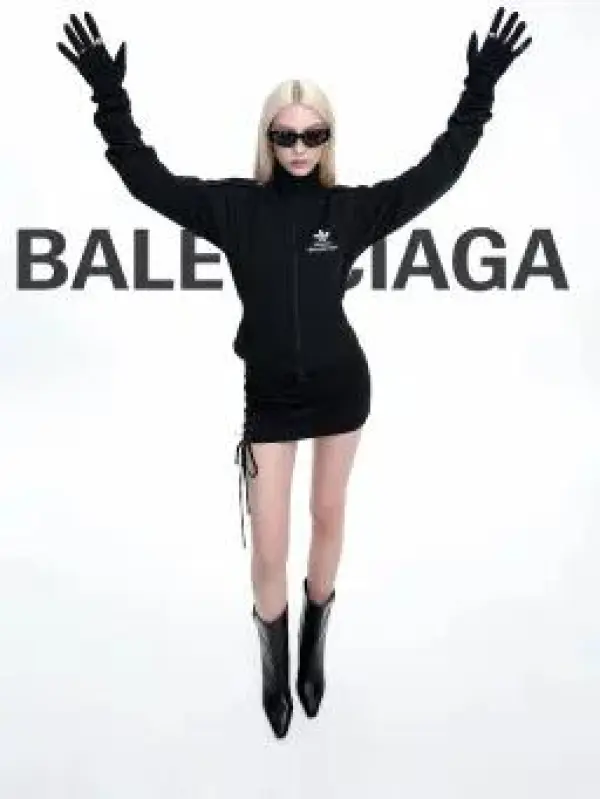
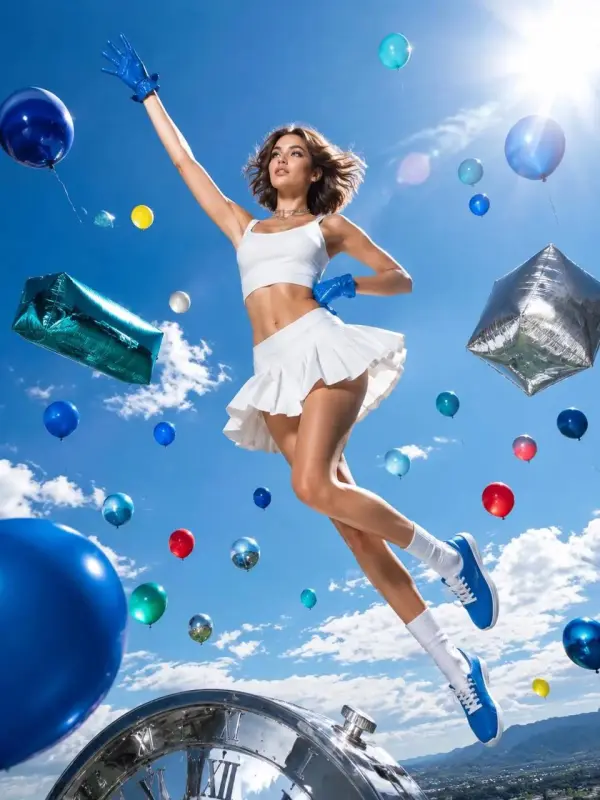
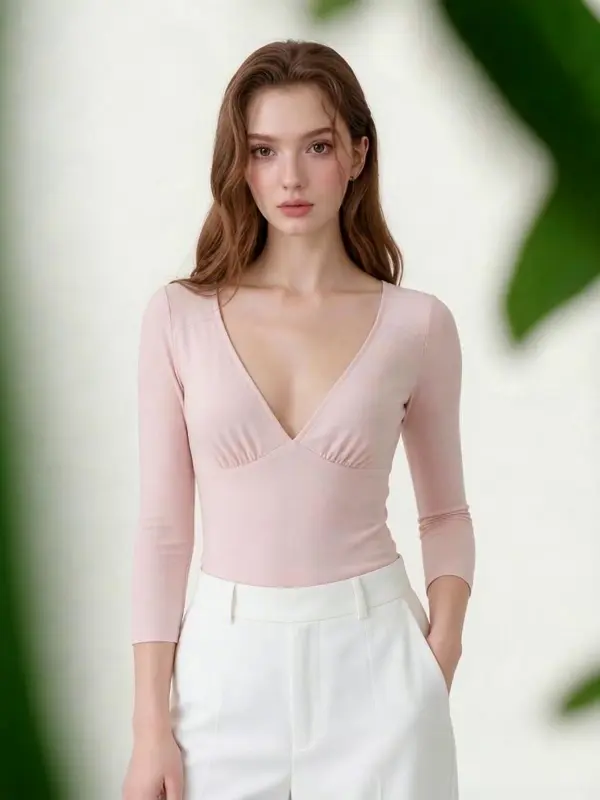
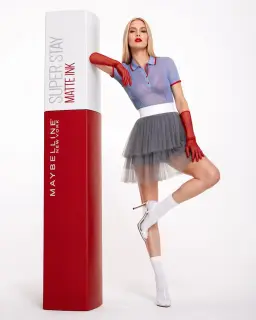
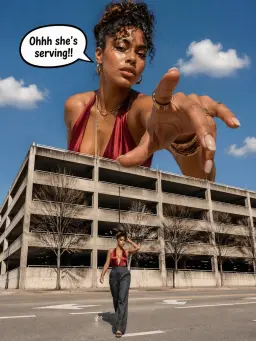
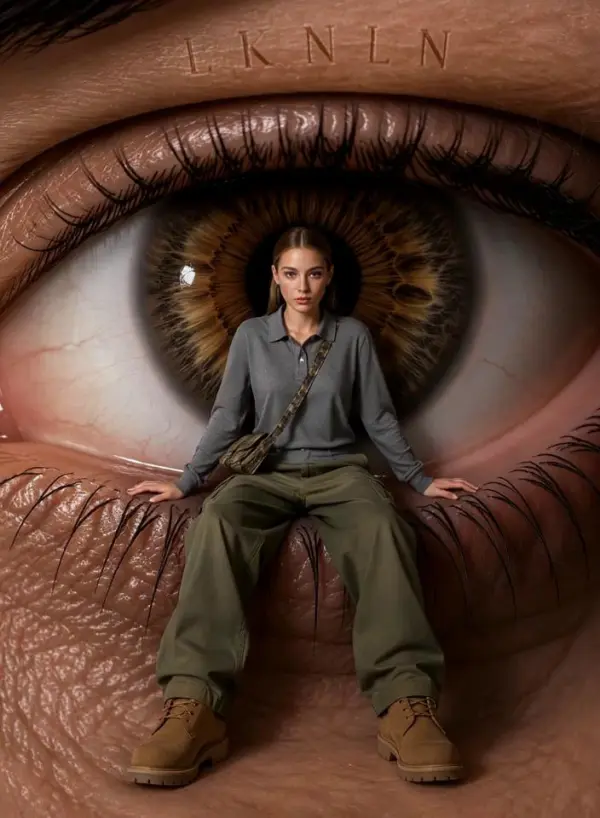
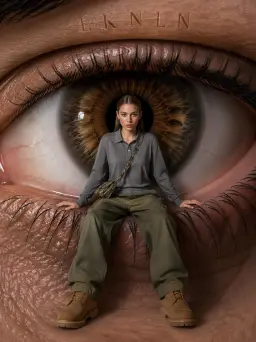
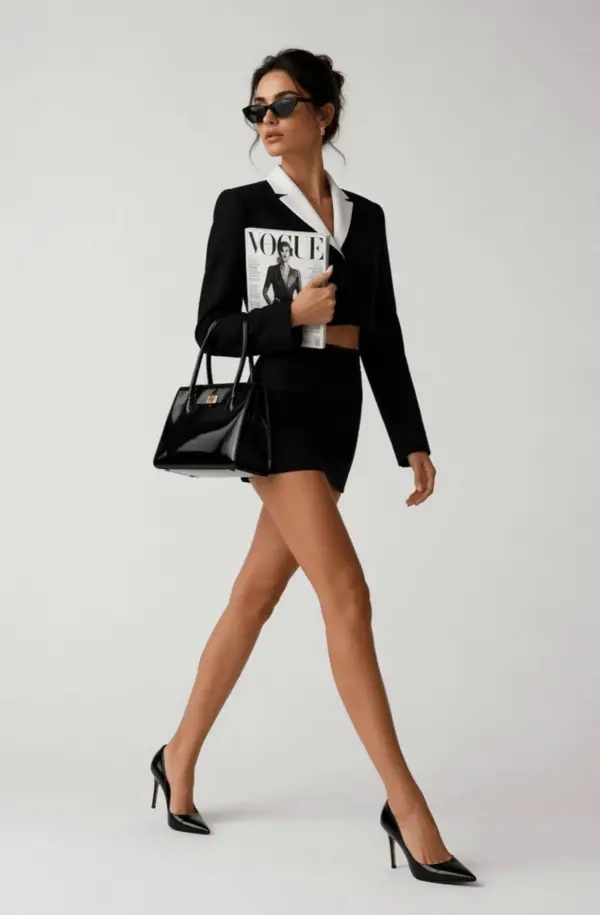
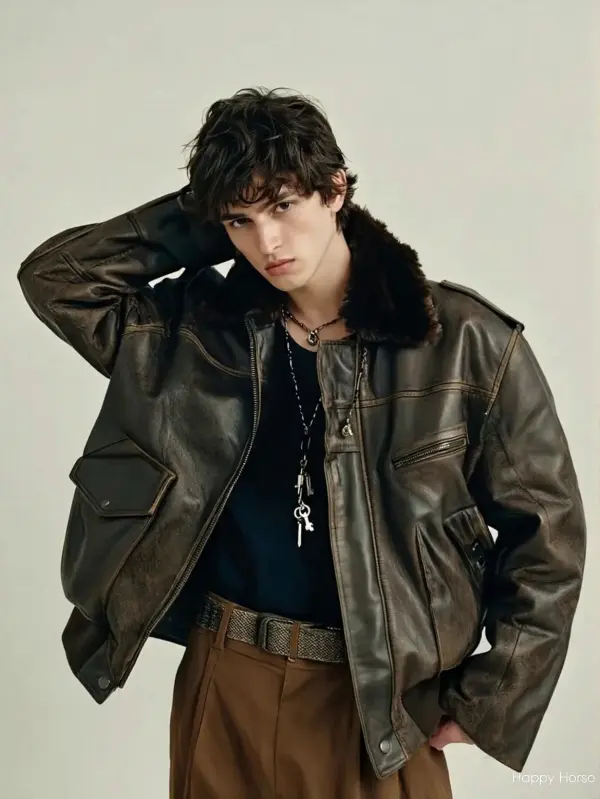
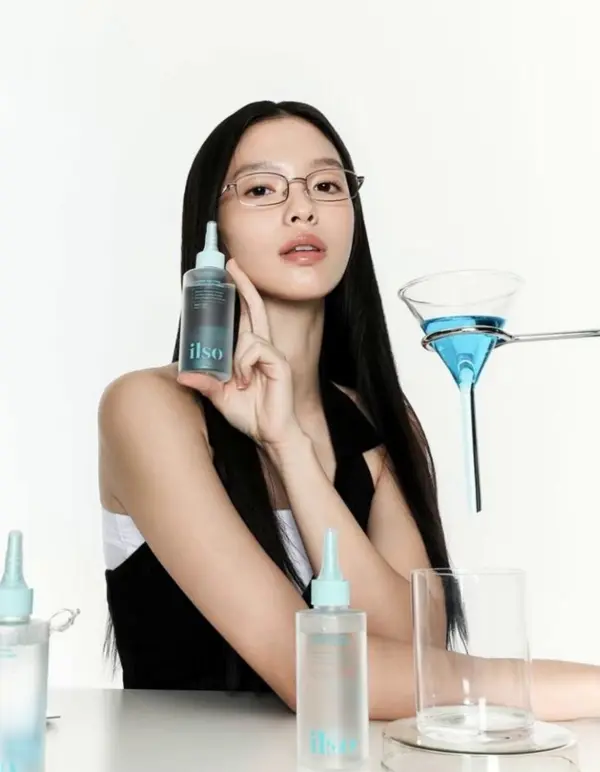
Magazine style video tiktok video

Social Media-Ready Video Formats

The generator can create short video clips for TikTok, Instagram Reels, YouTube Shorts, Facebook, and other social platforms. Users can prepare vertical, square, or widescreen videos depending on the publishing channel. This helps creators avoid extra resizing work and makes the final video easier to share.
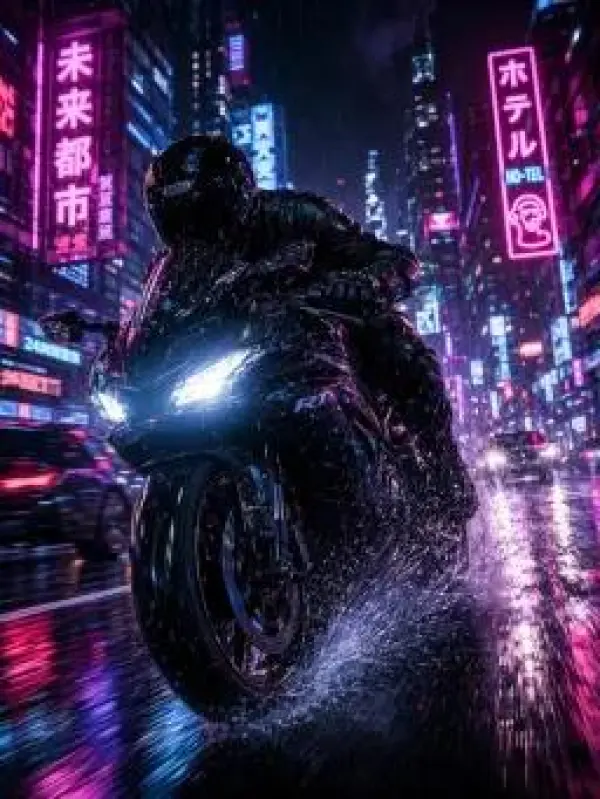
Motorcycle Style Images and Videos

Social Media-Ready Video Formats

The generator can create short videos for TikTok, Instagram Reels, YouTube Shorts, Facebook, and other platforms. Users can prepare vertical, square, or widescreen formats depending on the final channel. This makes it easier to share generated results, display stunning shoe designs, promote product photos, and download videos ready for social posting.

What You Can Do with Image to Video AI Generator

Animate Photos into Short Videos

Upload a portrait, travel photo, pet image, lifestyle shot, or personal memory and turn it into a short animated video. Add prompts for gentle motion, zoom, wind, or cinematic lighting. You can also animate modern shoe photos, ai shoe generator free concepts, or personal product images into fun clips with a unique style.

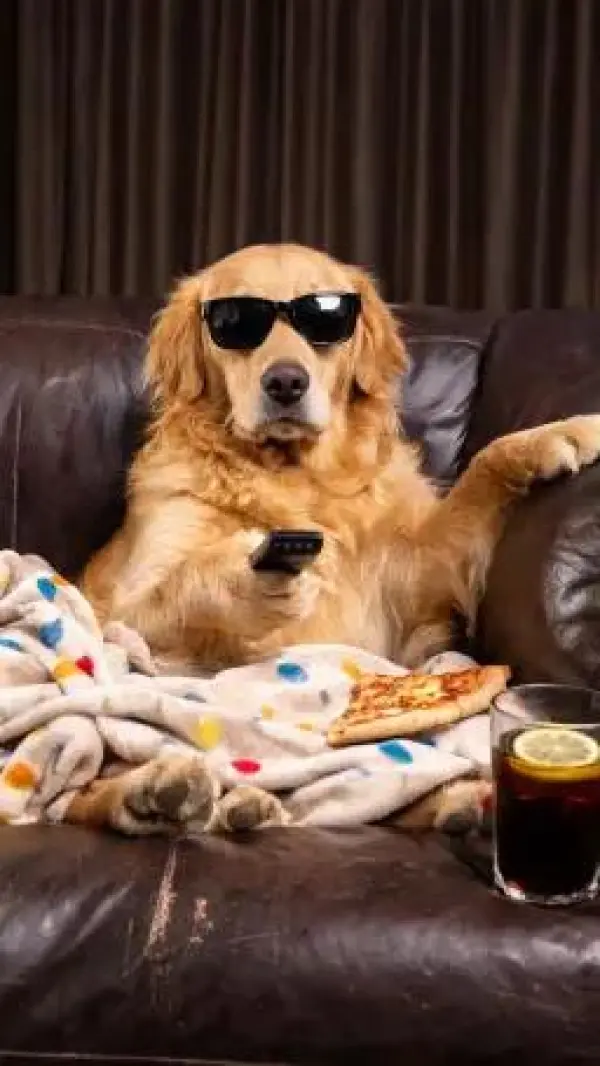
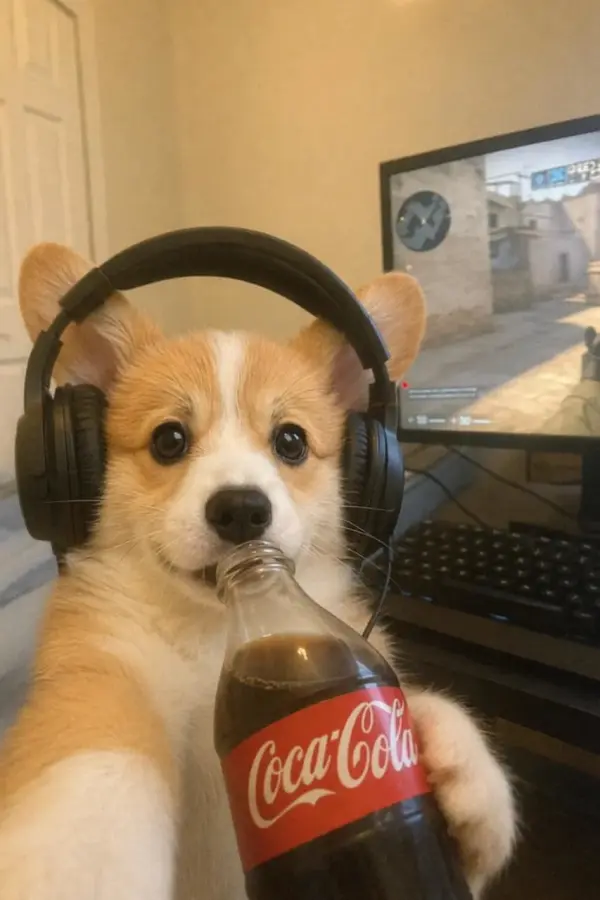
The puppy drinks a beverage

Create Product Videos from Images

Businesses can upload product photos and use Image to Video AI to create short product showcase clips. Describe slow rotation, close-up motion, reflective lighting, studio backgrounds, or lifestyle movement. This works well for footwear brands showing own shoes, ankle boots, or stunning shoe designs with a color palette that perfectly match campaign visuals.

splicing product videos

Make Animated Logos and Brand Intros

Designers and marketers can animate logos, icons, posters, and brand graphics into short video clips. Add prompt details such as glowing text, smooth reveal, camera push-in, particle effects, or clean motion graphics. These clips can be used for video intros, social media, website headers, and campaign branding.

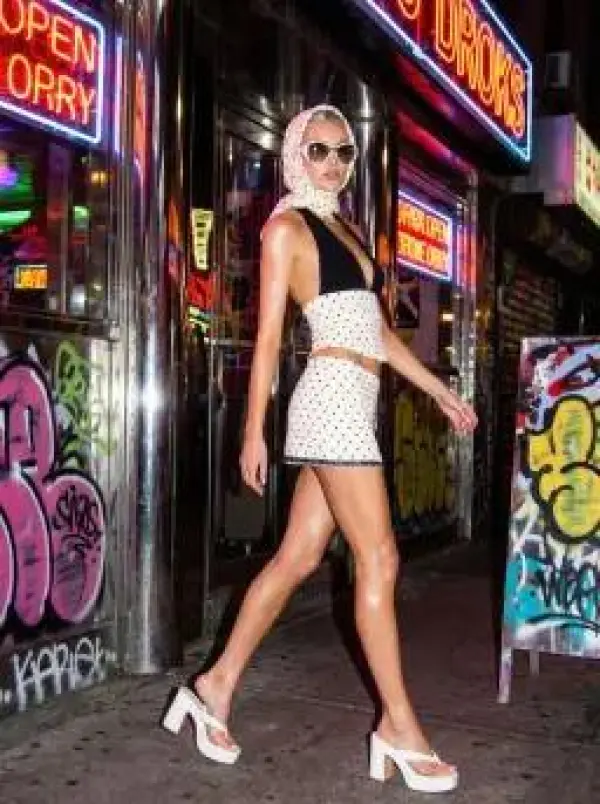
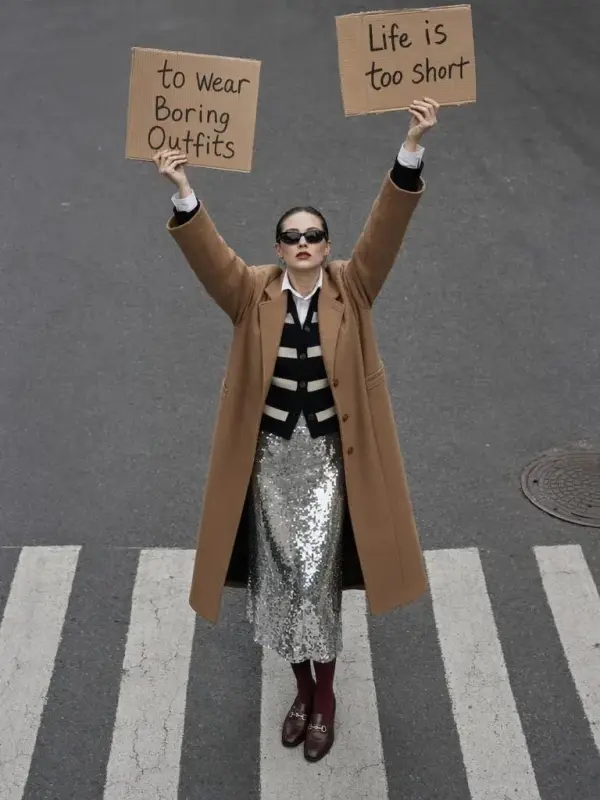
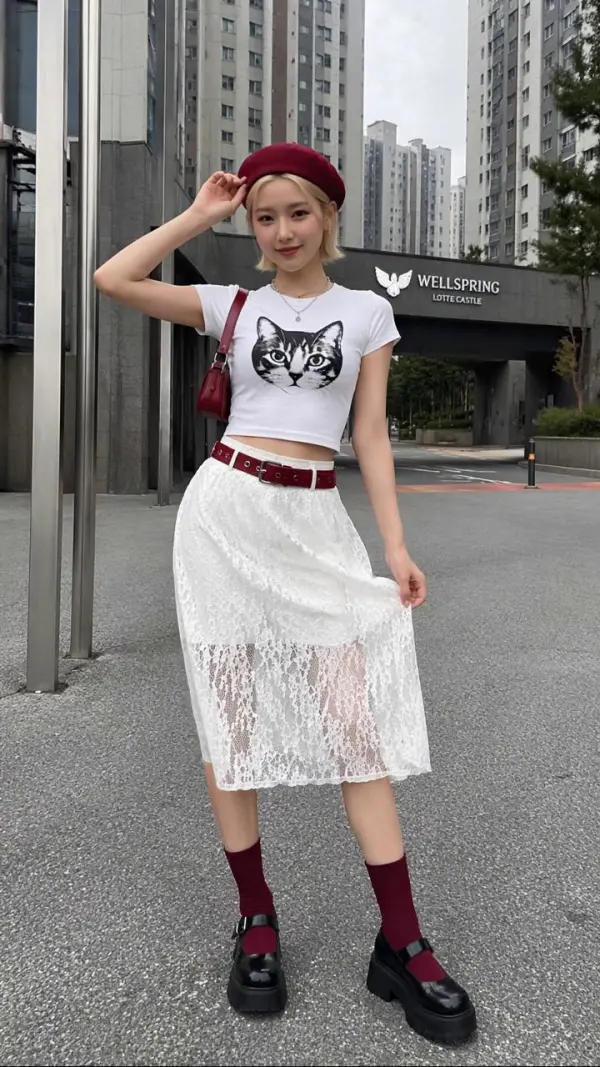
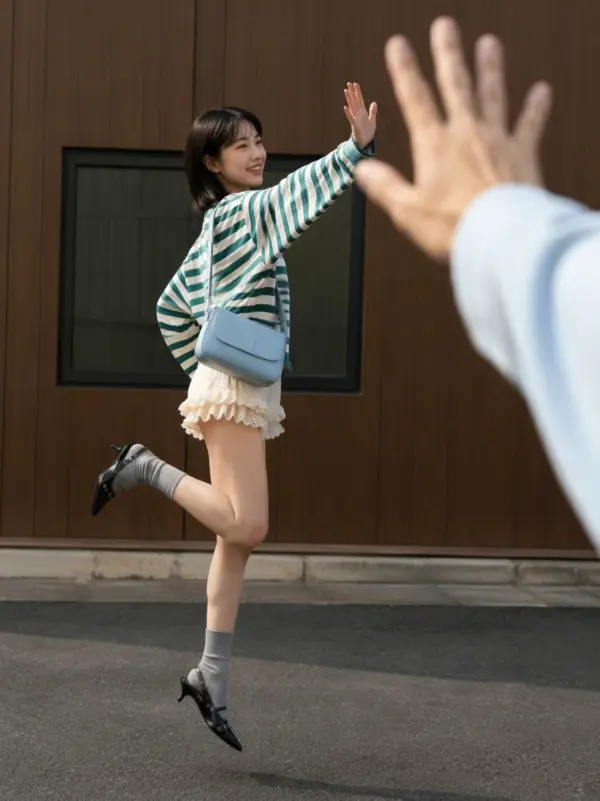
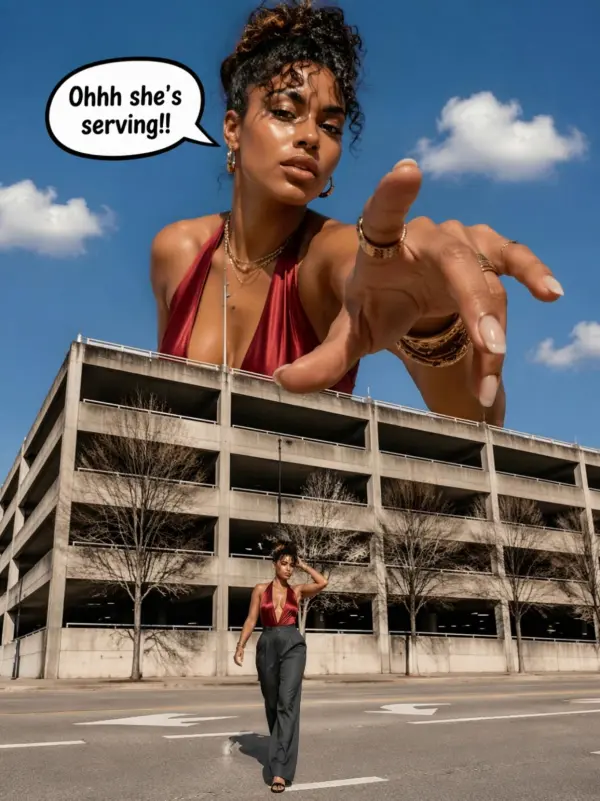
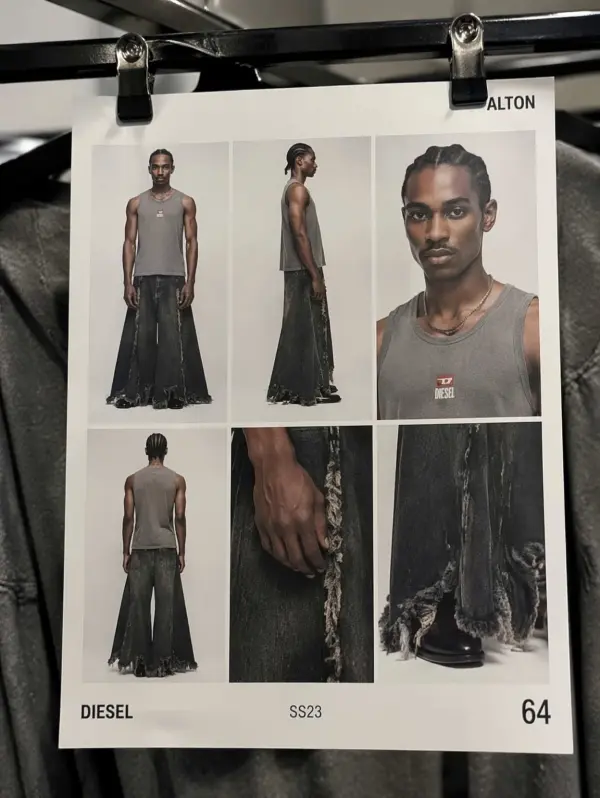
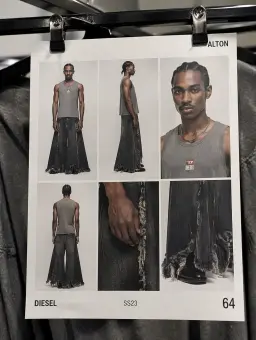
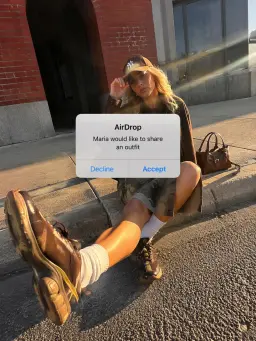
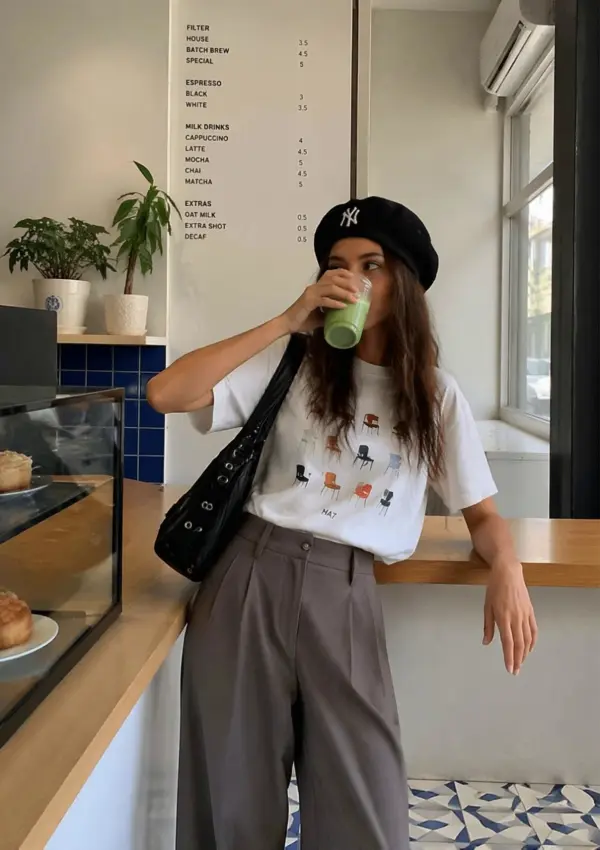
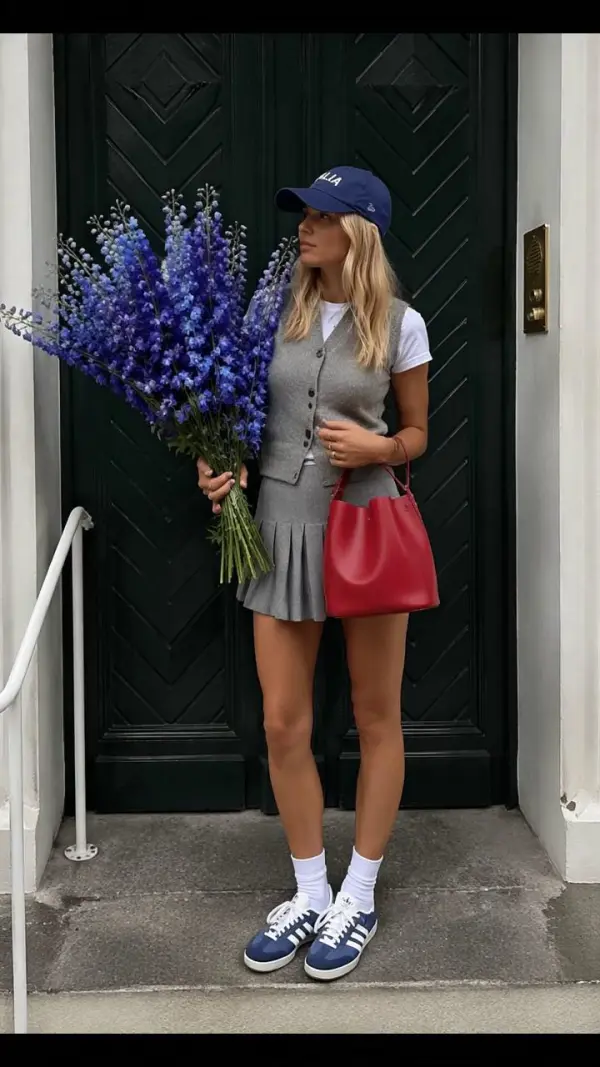
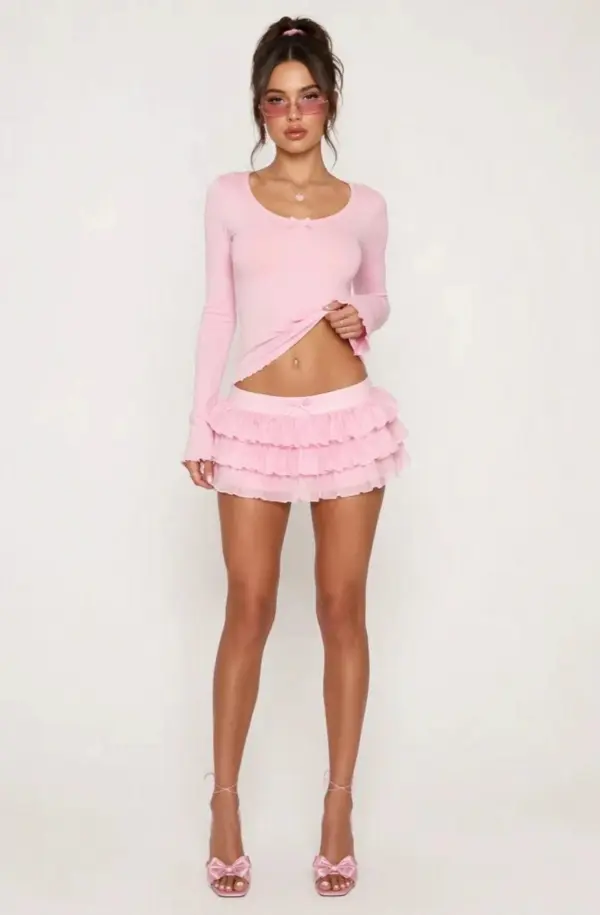
Street fashion photography

Turn Illustrations and AI Art into Motion

Artists can use image-to-video generation to animate illustrations, digital art, concept images, fantasy scenes, and AI-generated visuals. Add camera direction, atmosphere, and motion settings to bring the picture to life. For fashion projects, the AI model can animate design elements, modern shoe artwork, or generated results into expressive video clips.

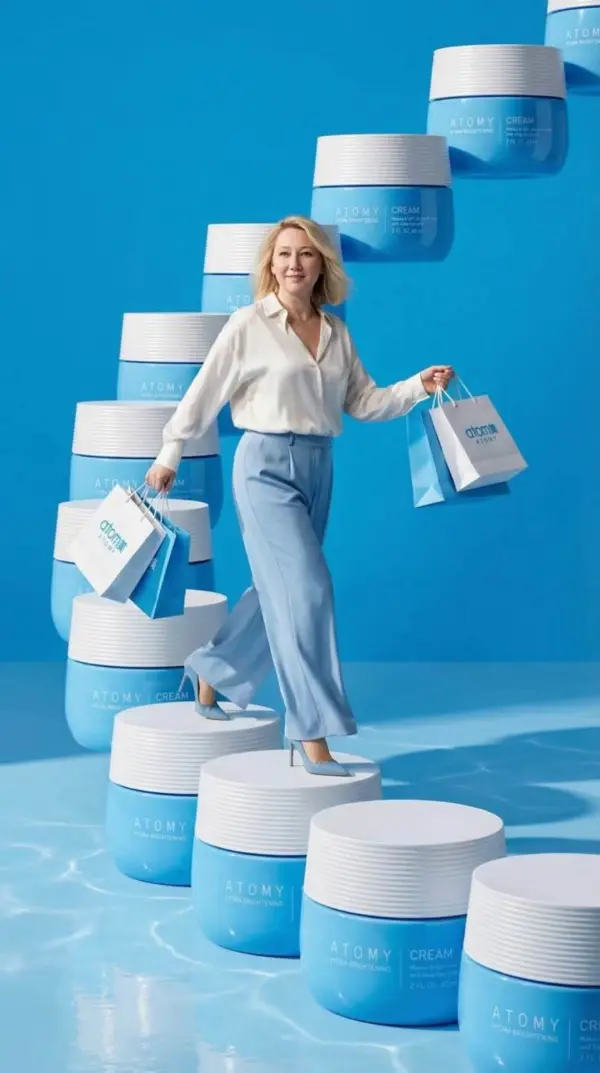
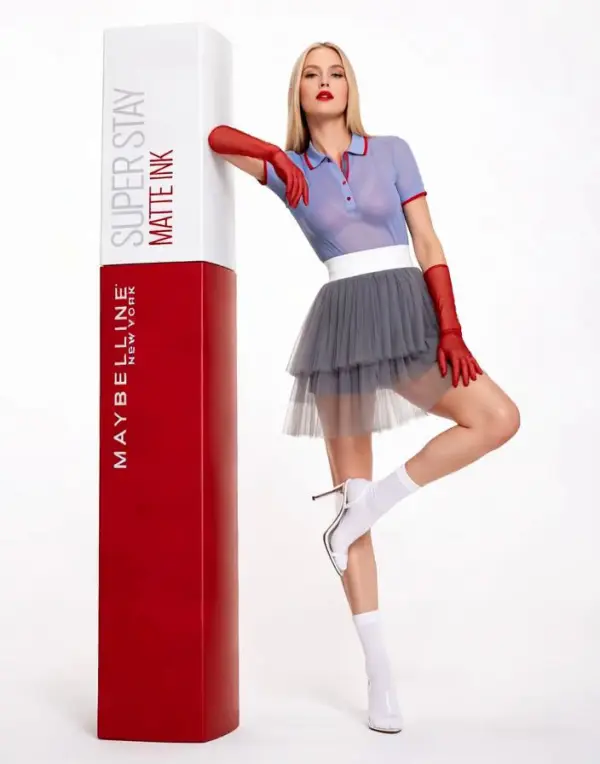
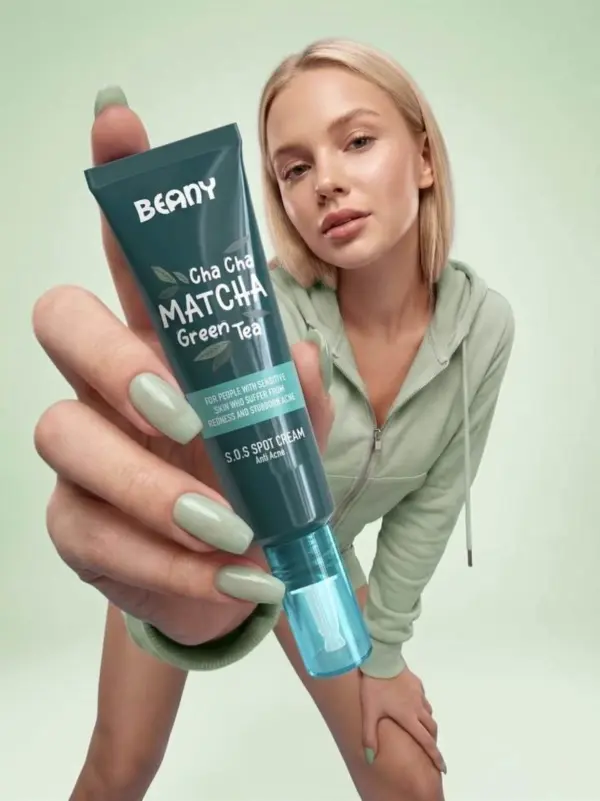
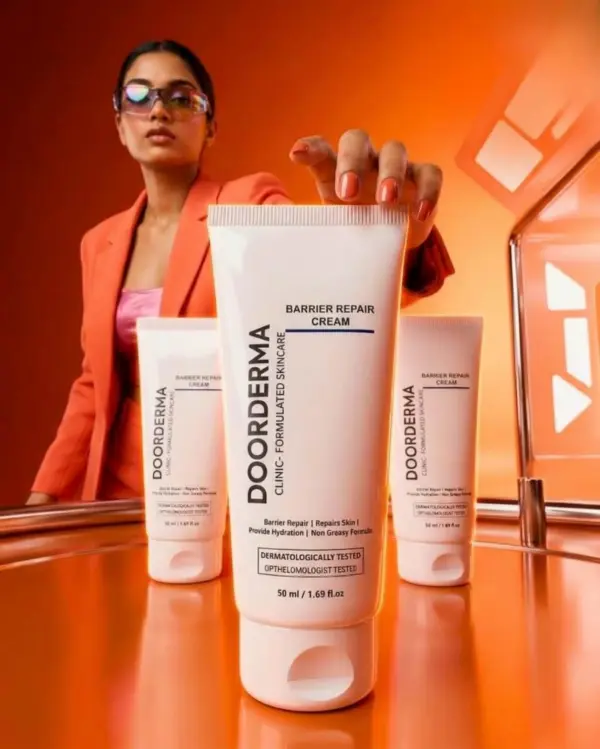
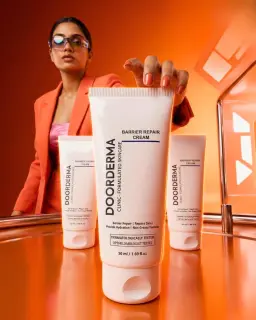
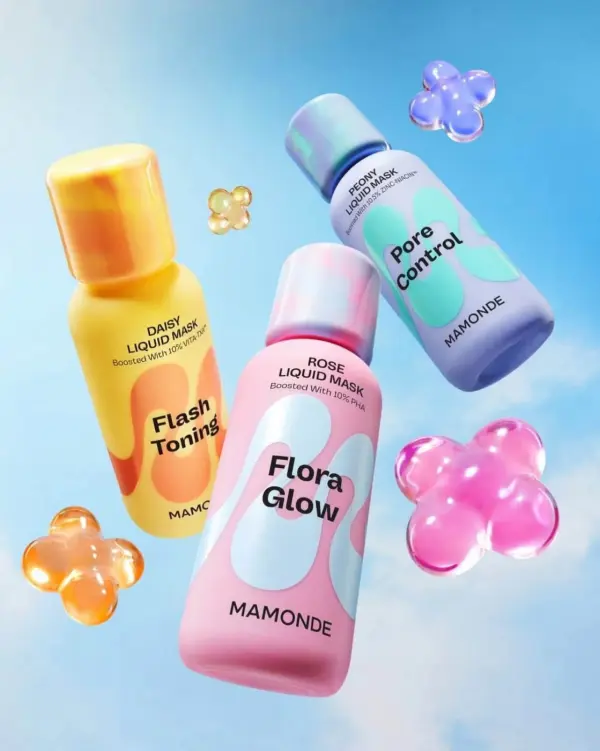
Colorful Product Advertisement

Create Social Media Posts and Shorts

Image to Video AI helps users create eye-catching videos for TikTok, Instagram Reels, YouTube Shorts, and other social platforms. A single image can become a dynamic clip with motion, depth, music, and style. This is useful for fun posts, product teasers, modern fashion visuals, and downloadable content that audiences can quickly share.

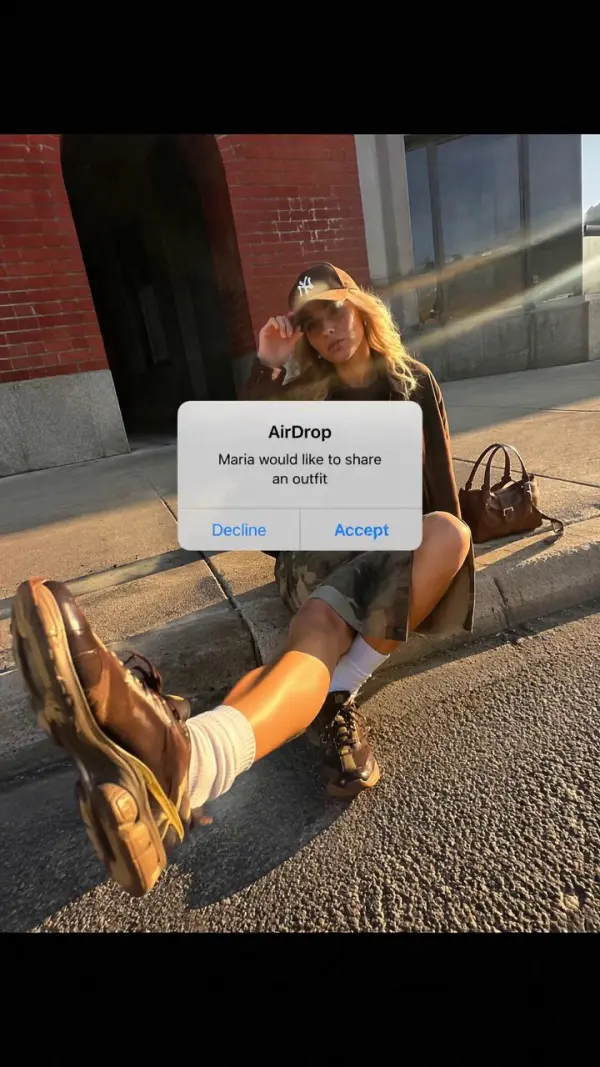
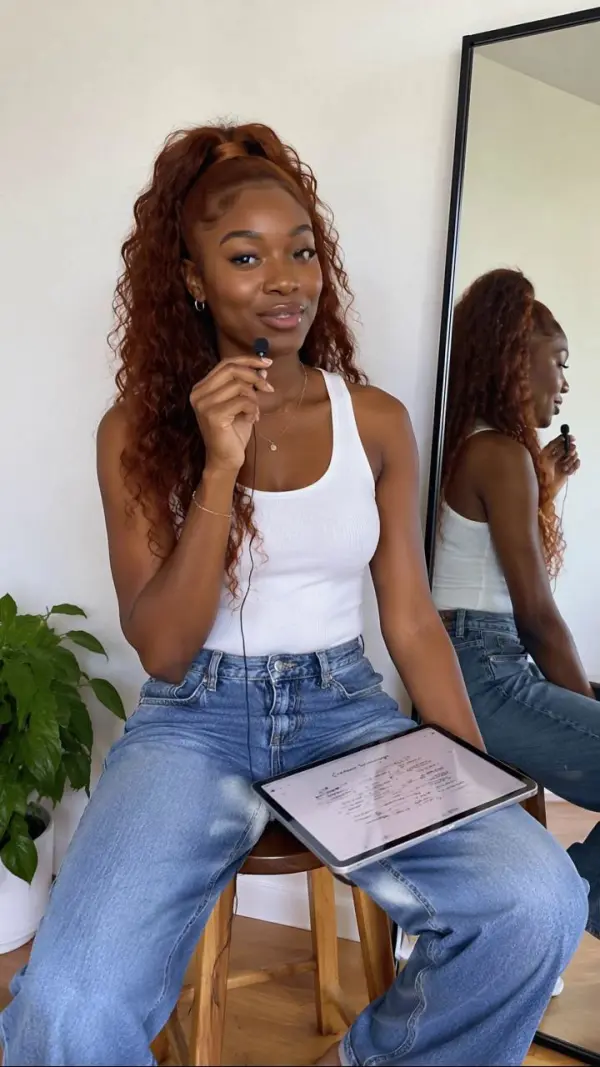
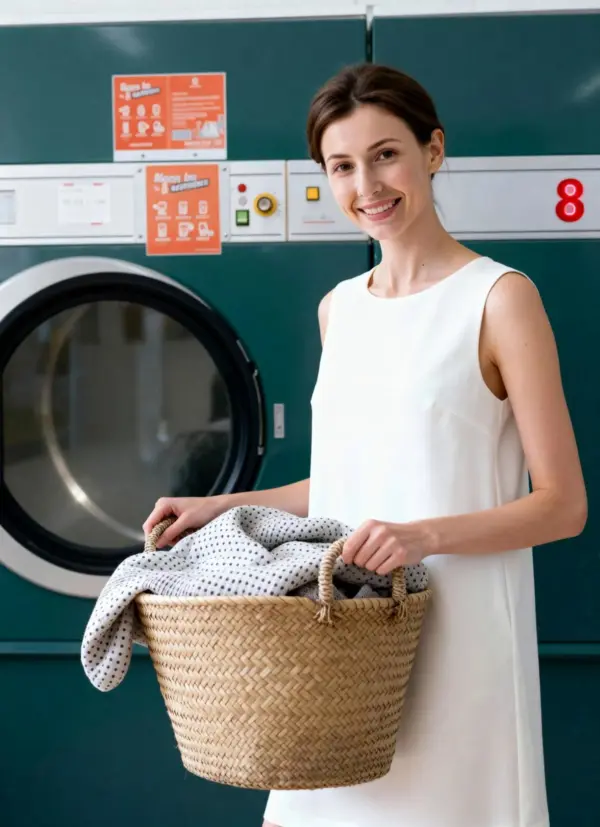
Instagram style videos

Frequently Asked Questions About Image to Video AI Generator

What is Image to Video AI?

Image to Video AI is a generative video technology that turns static images into animated videos. Users upload an image, describe the motion they want, and AI creates a short video with movement, depth, transitions, or camera motion.

Can I turn a photo into a video with AI?

Yes. You can upload a photo and use AI to animate it into a short video. This works for portraits, product photos, travel pictures, pet images, artwork, logos, and other static visuals.

Do I need editing skills?

No. Most image-to-video AI tools are designed for beginners. You only need to upload an image, write a prompt, generate the clip, and download the final video.

What kinds of images work best?

Clear, high-quality images with a visible subject usually work best. Product photos, portraits, illustrations, logos, AI images, and clean compositions can give the AI more useful visual information for animation.

Can I control the motion?

Yes. Many tools let users control motion through text prompts. You can describe camera movement, subject action, background motion, lighting changes, zoom effects, or the style of animation you want.

Can I create product ads with Image to Video AI?

Yes. Image to Video AI is useful for creating product ads, ecommerce clips, product showcase videos, landing page visuals, and social media promotions from existing product images.

Can I animate a logo?

Yes. You can upload a static logo and generate an animated logo video with effects such as reveals, glow, rotation, motion graphics, or smooth transitions.

Is Image to Video AI useful for social media?

Yes. It is well suited for TikTok, Instagram Reels, YouTube Shorts, and other social platforms because it can create short, eye-catching clips from simple images.

Can I use AI-generated videos commercially?

Commercial use depends on the platform’s license, your input image rights, music rights, and final export terms. For safer use, upload images you own or have permission to use and review the tool’s usage rules before publishing.

How do I get better image-to-video results?

Use a clear image, describe the motion specifically, mention camera movement, mood, lighting, background, and desired video style. Short, focused prompts usually create more controlled and realistic animation.

Explore More AI Tools

Our new Virtual Try-On just launched. Try it now!
close

HappyHorse AI Video Generator

Create Cinematic Text-to-Video and Image-to-Video Content

GPT Image 2 AI Image Generator

Create High Quality Images, Text Rich Visuals, and Product Photography

Nano Banana

Google's Next-Gen AI Image Model for Instant Professional Creativity

AI Video Generator

Turn Images into Stunning AI Videos for Free

Virtual Try-On

Try On Clothes Online with AI Virtual Try Technology

Swap Model & BG

Realistic Model & Background Swapping Online with AI

AI Fashion Model

Showcase clothing with a variety of models

AI Product

Create stunning product images with few clicks from anywhere

Face Forge

AI Face Morph & Face Swap Generator Online

Product Recoloring

Recolor Image Online Free - Color Changer in WeShop AI

To Mannequin

Convert real model photos into mannequin displays

Change Pose

Change poses, switch between various model poses, making the clothing display more natural

Remove Background

Removing background with lightning speed and ease

AI Photo Enhancer

Enhance Photo Quality Online with Free AI

Relight

Relight your images automatically and efficiently

Expand Image

Expand images & backgrounds to fit any platform

Magic Eraser

Remove unwanted objects from your photos with AI

Hand/Feet Fixer

Regenerate natural-looking hands and feet in AI-generated images

Design Repair

Upload an image, highlight the area you wish to fix, and upload a target reference image

Outfit Generator

Create AI clothes styling from any model photo, garment, or style prompt.

Video Agent

Create and publish videos from a photo or description—instantly, in any style.

AI Clothing Piece Generator

Create Professional Flatlay Clothing Images From Any Photo or Idea

Watermark Video Remover Free Online

Remove Watermark from Video

AI Video Enhancer

Enhance Video Quality Online with AI

Replace Face in Video Online Free

AI Video Face Swap for Realistic Clips

Seedream 5.0

Try the Latest Smart Image Creation Model Online

Seedance 2.0

A Multi-Modal AI Video Creative Engine for Cinematic Storytelling

Sora 2

Next Generation AI Video Generator with Realistic Physics & Storytelling

Wan AI Video Generator

Advanced AI Image & Video Generation Model

Midjourney Image Generator

Use Midjourney v7 to Create AI-Generated Images

Kling 3.0

AI Director Video Model with 4K Cinematic Storytelling

Qwen Image Edit

A Revolutionary Tool for Seamless Image Editing

Z-Image AI Image Generator

Create High-Quality Images from Text Instantly

FireRed Image Edit

Open Source AI Image Editing Model for High Fidelity Edits

Grok Imagine AI Image Generator

Create High-Resolution Images from Text with Aurora AI

Grok Imagine AI Video Generator

Create Cinematic AI Videos with Native Audio & Scene Control

Hailuo AI Video Generator

Create Cinematic AI Videos from Text or Images

Veo 3 AI Video Generator

Create Cinematic Videos from Text or Images

Vidu Q3 AI Video Generator

Create Cinematic Short Videos with Turbo and Pro Modes

Kling Motion Control

Create Realistic Motion Videos from Reference Images and Videos

Imagen 4

Create Photorealistic Images and Accurate Text Visuals with AI

HiDream AI Image Generator

Create Stunning AI-Generated Images Online

Sulphur2

Create Cinematic AI Videos from Text and Images

idea
helper