

A Candle Mockup Generator helps small candle brands create realistic product photos without booking a studio, buying props, or spending hours editing images. If your candle smells amazing but your product photo looks dark, messy, or unfinished, customers may scroll past before they ever read the scent description.
That is the problem many handmade candle sellers face. Online shoppers cannot smell your vanilla, sandalwood, rose, or cedar candle. Instead, they judge the product through the image first. Therefore, your candle photo needs to sell the mood, the packaging, and the feeling of your brand.
With this AI tool, you can turn a simple candle idea, product photo, or label concept into a polished candle mockup. As a result, your product can look ready for Etsy, Shopify, Instagram, Pinterest, or a seasonal launch page before you arrange a real photoshoot.
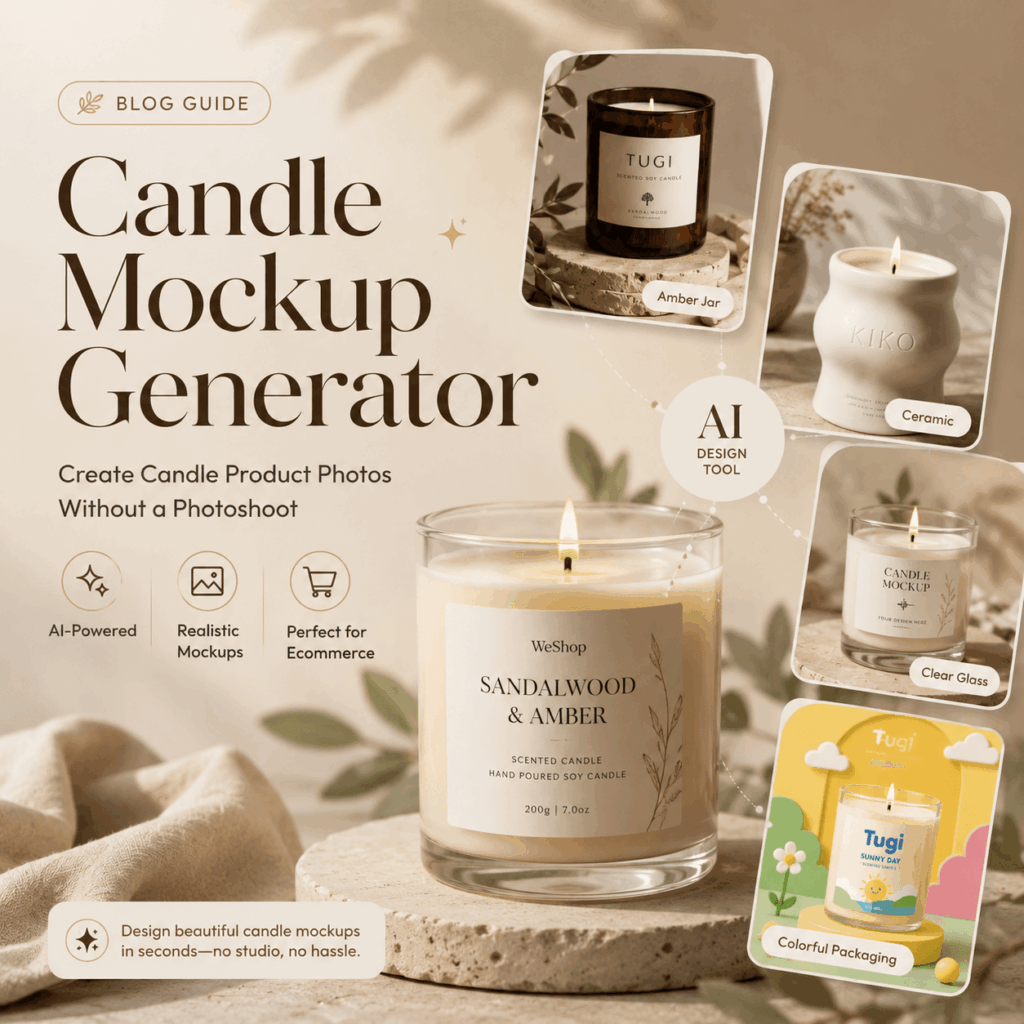
Why Candle Sellers Need Better Product Mockups
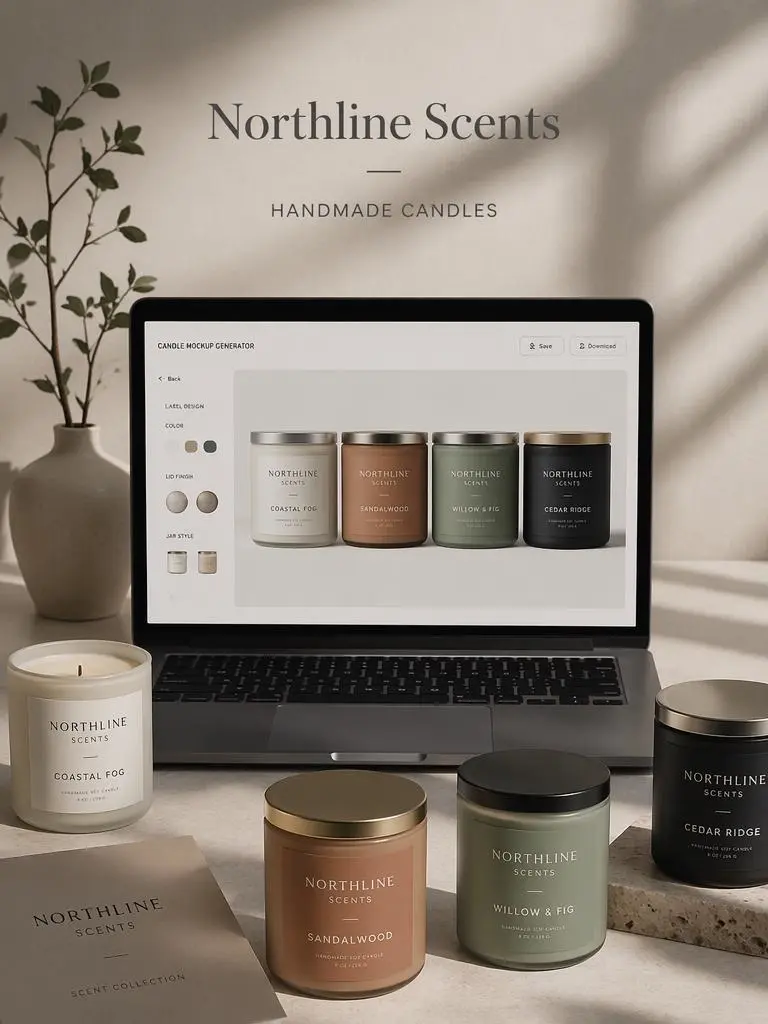
Selling candles online is tricky because customers cannot experience the scent first. So, they rely on visuals. A clean candle mockup can help them imagine the product on a nightstand, bathroom shelf, gift table, or cozy desk corner.
Also, candle products are strongly connected to emotion. People are not only buying wax and fragrance. They are buying calm, warmth, comfort, romance, or a giftable moment. Because of that, your product image needs to feel inviting.
However, a full photoshoot can be expensive. You may need a photographer, lighting, backgrounds, props, and editing. For a small candle business, that cost can add up quickly. This is where a Candle Mockup Generator becomes useful. It gives you a faster way to test product visuals before spending money on production or photography.
What Is a Candle Mockup Generator?
A Candle Mockup Generator is an AI product visualization tool that creates realistic candle product images from text prompts, uploaded photos, or label ideas. In simple terms, it helps you preview how your candle jar, label, wax color, lid, box, or packaging design could look in a real product scene.
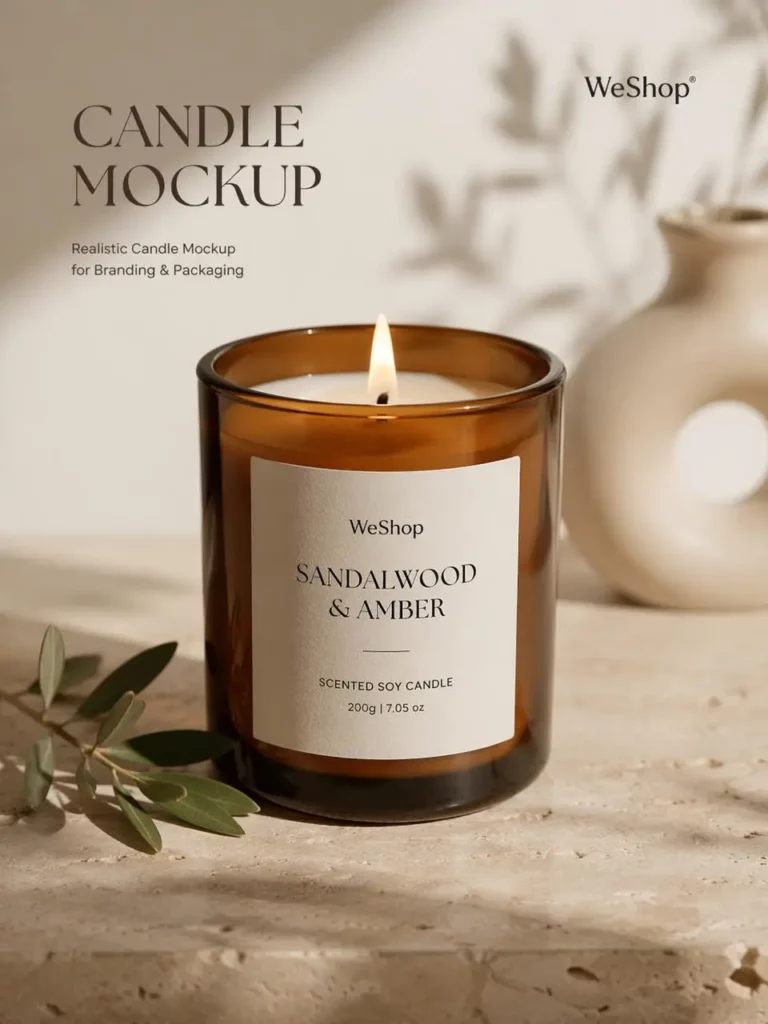
For example, you can describe a luxury amber jar candle with a cream label and warm sunlight. Then, the tool can generate a realistic candle mockup with soft shadows, clean composition, and a premium brand feel.
Because of this, you do not need to start with a perfect product photo. You can begin with a rough idea and turn it into something that looks much closer to a finished brand image.
What You Can Create With This Candle Mockup Generator
Realistic Candle Product Photos
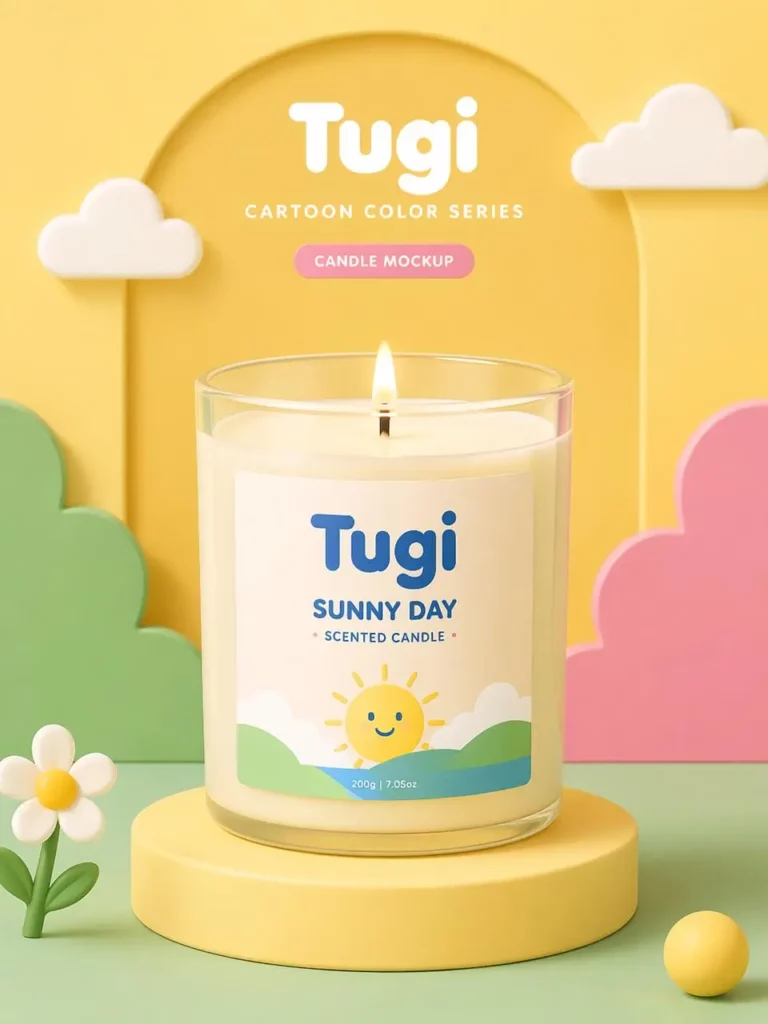
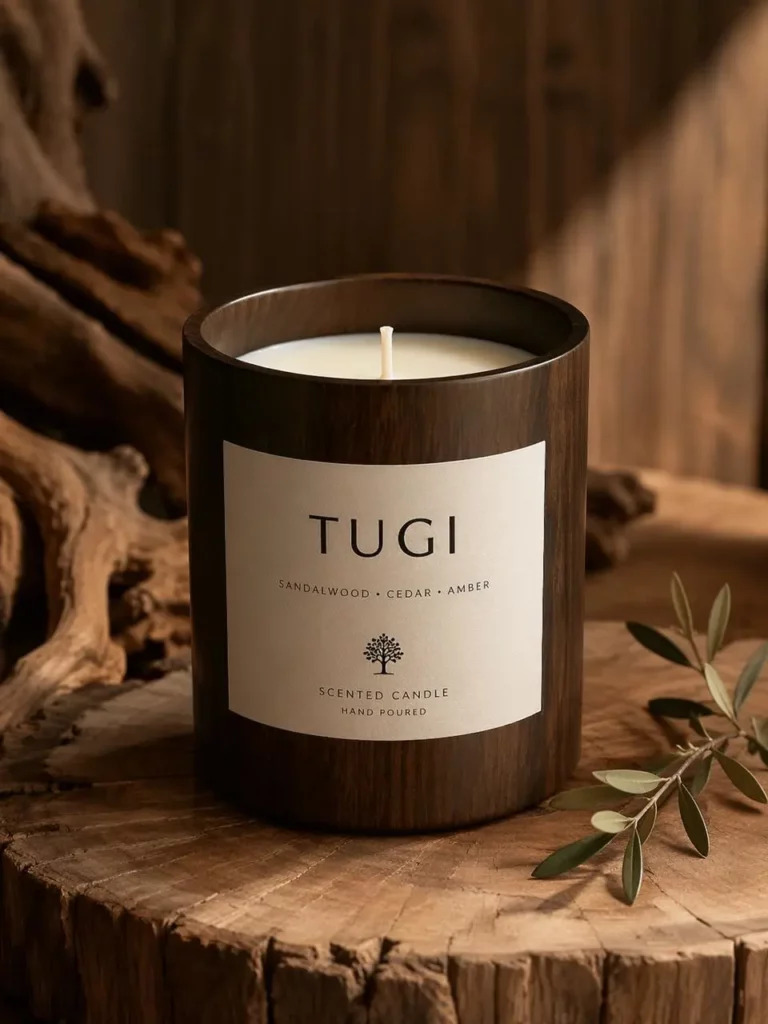
First, you can create product photos for glass jar candles, amber jars, ceramic jars, candle tins, and gift sets. These images can work well for product pages, launch banners, and social media posts.
For example, a simple amber candle jar can become a warm lifestyle image with wooden textures, soft light, and natural shadows. Meanwhile, a white ceramic candle can become a clean, high-end product photo with a beige studio background.
Candle Label Mockups Before Printing
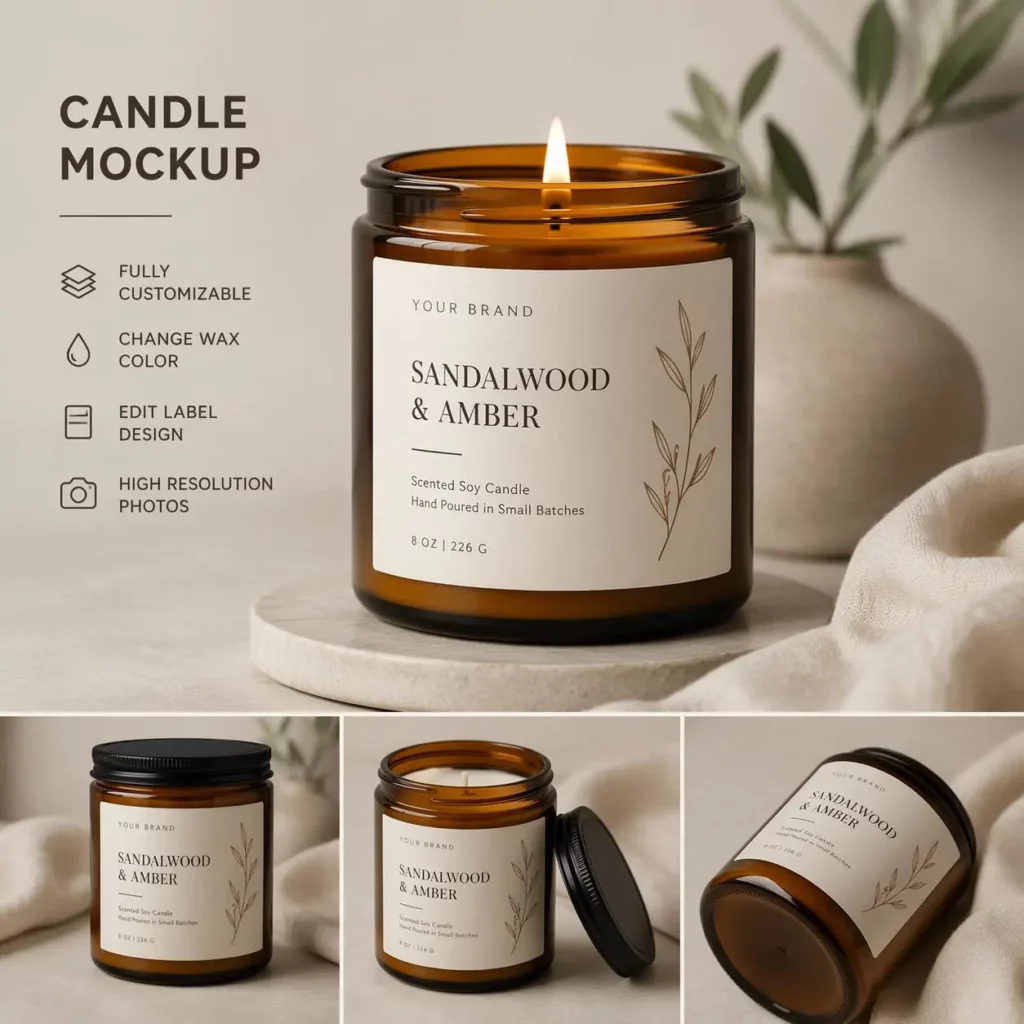
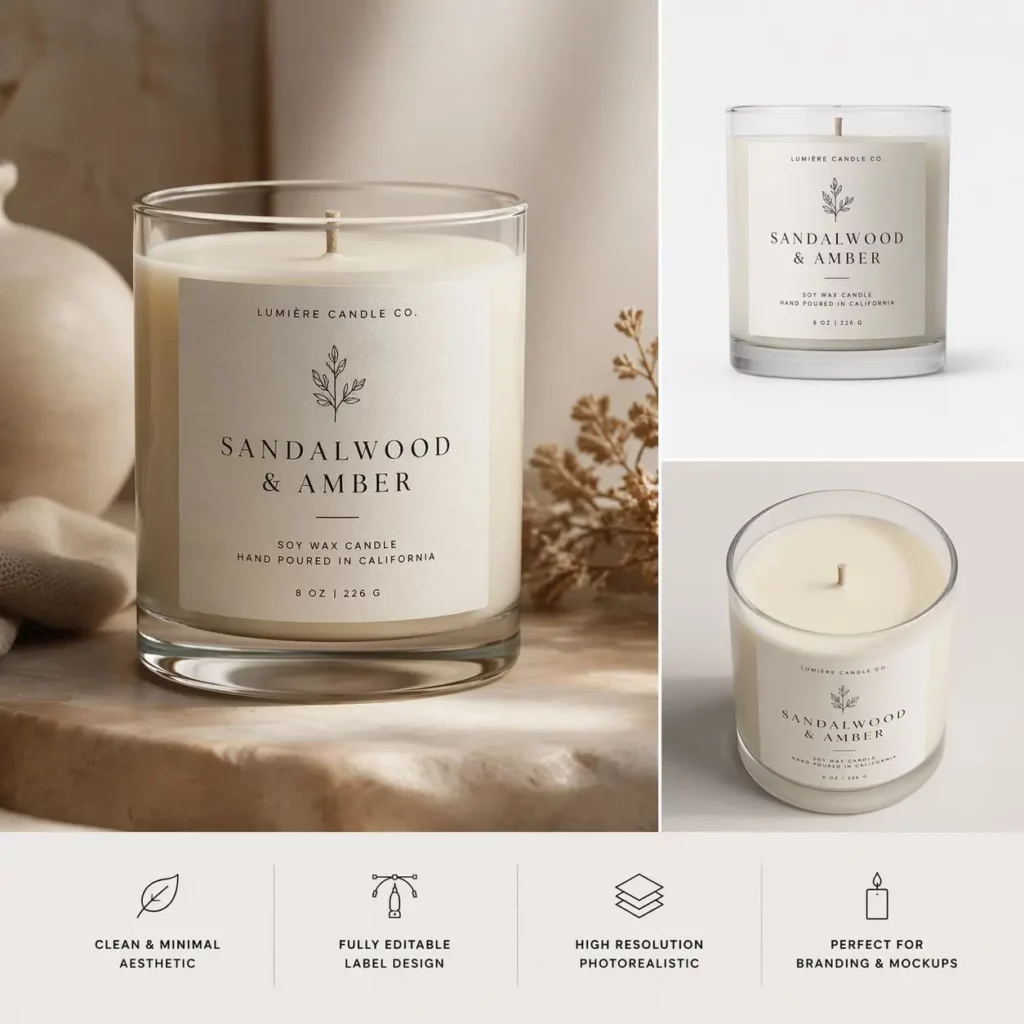
Next, you can preview your candle label before you print it. This is one of the most useful parts for small sellers.
A label may look beautiful on a flat design file. However, once it wraps around a jar, the font may feel too small, the logo may sit too low, or the color may not match the wax and lid. Therefore, testing the label on a candle mockup can help you avoid expensive mistakes.
Different Brand Styles in Minutes
In addition, the tool can help you test different brand styles quickly. You can create a minimalist candle mockup, a handmade soy candle look, a luxury fragrance style, or a festive holiday collection.
This is helpful because many small brands are still finding their visual identity. Instead of guessing, you can generate several directions and compare them side by side. Then, you can choose the style that feels most “on brand.”
Seasonal Candle Packaging
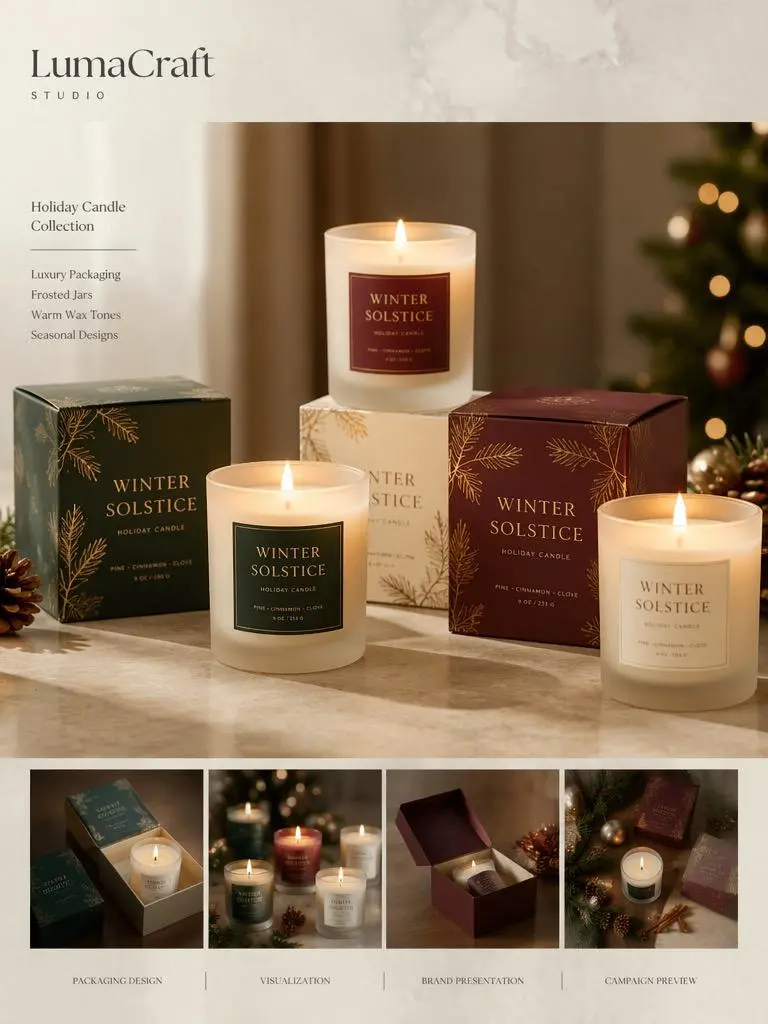
Finally, a Candle Mockup Generator is especially useful for seasonal products. Candles sell well during Christmas, Valentine’s Day, Mother’s Day, fall launches, weddings, and gift seasons. So, you can use mockups to test holiday packaging before producing the full collection.
For example, you can create red and gold Christmas candle packaging, soft pink Valentine’s Day gift candles, or warm autumn candle visuals with brown glass jars and cozy backgrounds.
How to Use a Candle Mockup Generator
Step 1: Upload or Describe Your Candle
To begin, upload a candle photo, label design, or packaging concept. If you do not have a product photo yet, you can start with a text prompt.
For example, you might write:
“Create a realistic amber candle jar with a cream label, warm sunlight, soft shadows, wooden background, and premium handmade brand style.”
This gives the AI a clear direction. Also, it helps the result feel more intentional.
Step 2: Choose the Visual Style
Next, decide what type of image you need. Do you want a clean ecommerce product photo? A cozy lifestyle image? A luxury candle ad? A holiday packaging mockup?
Here are a few useful style directions:
- luxury candle mockup
- handmade soy candle mockup
- clean ecommerce product image
- holiday candle packaging
- warm lifestyle product photo
- minimalist candle label mockup
The clearer your direction is, the better the mockup usually looks.
Step 3: Generate Several Versions
After that, generate more than one version. This is important because your first result may not be the best one.
For example, you can create one clean store image, one cozy lifestyle image, one social media image, and one holiday gift image. Then, compare them. As a result, you can quickly see which style makes your candle look more attractive.
Step 4: Pick the Best Image for Selling
Finally, choose the mockup that fits your selling goal. A clean white background may work best for product listings. However, a warm lifestyle scene may work better for Instagram or Pinterest.
You can use the final mockup for:
- Etsy product listings
- Shopify store pages
- Instagram posts
- Pinterest pins
- email banners
- holiday campaign visuals
- new scent launch images
Best Use Cases for Small Candle Brands
Product Listing Images
A Candle Mockup Generator can help make your store look more consistent. This matters because shoppers often trust brands that look polished. When your product images share similar lighting, backgrounds, and composition, your shop feels more professional.
New Scent Launches
If you are launching a new scent, mockups can help you create visuals before the product is fully ready. For example, you can create different images for sandalwood, vanilla, rose, lavender, cedar, or jasmine candles. Then, you can start building interest before the official launch.
Holiday Collections
Seasonal candles need strong visuals. Therefore, mockups are useful for Christmas gift sets, Valentine’s Day candles, wedding favors, Mother’s Day gifts, and fall collections. You can test the mood first, then decide which packaging direction deserves real production.
Label Testing
Before printing hundreds of labels, use a candle mockup to test the design. You can compare different fonts, label sizes, logo placements, colors, and backgrounds. This makes your final packaging decision easier and safer.
Prompt Ideas for Better Candle Mockups
Luxury Candle Mockup Prompt
Create a realistic luxury candle mockup in an amber glass jar, cream label, warm sunlight, soft natural shadows, beige background, premium fragrance brand style.
Handmade Candle Mockup Prompt
Create a handmade soy candle mockup with kraft paper label, wooden table, dried flowers, cozy natural lighting, warm artisan brand mood.
Clean Ecommerce Candle Mockup Prompt
Create a clean candle product photo with a glass jar, centered composition, white background, realistic shadow, clear label, high-resolution ecommerce style.
Holiday Candle Packaging Prompt
Create a Christmas candle packaging mockup with red and gold labels, gift boxes, warm candlelight, festive background, luxury holiday collection style.
Why This Candle Mockup Generator Works for Small Sellers
It Saves Photoshoot Costs
A professional photoshoot can be expensive, especially if you have several scents or seasonal products. However, AI mockups let you test product visuals first. Then, you can decide which images or packaging ideas are worth developing further.
It Makes Your Store Look More Professional
Good product images build trust. Even if your brand is small, consistent mockups can make your shop feel more complete. As a result, your candles may look more giftable, more premium, and more ready to buy.
It Helps You Sell the Feeling
Most importantly, a candle image should sell a feeling. A warm background can suggest comfort. A clean white scene can suggest freshness. A dark amber jar can suggest depth and luxury. Therefore, the right mockup can make your candle easier to understand at a glance.
Conclusion: Make Your Candle Look Ready to Sell
A good candle photo does more than show a jar. It shows the mood your customer wants to bring home.
With a Candle Mockup Generator, small candle brands can create realistic product visuals before booking a photoshoot, printing labels, or producing a full collection. Whether you are launching your first scent or preparing a holiday campaign, this tool helps your candle look more polished, more professional, and more ready to sell.
FAQ About Candle Mockup Generator
What is a candle mockup?
A candle mockup is a realistic preview image that shows how a candle jar, label, box, tin, or packaging design could look before production or photography.
What is a Candle Mockup Generator?
A Candle Mockup Generator is an AI tool that creates realistic candle product images from text prompts, product photos, label designs, or packaging ideas.
Can I use a Candle Mockup Generator without design skills?
Yes. You can start with a simple text prompt and generate candle product images in different styles. You do not need advanced design or photography skills.
Can I test my candle label before printing?
Yes. You can preview how your label looks on different jars, colors, backgrounds, and product scenes before printing.
What types of candle images can I create?
You can create glass jar candles, amber jars, ceramic jars, candle tins, gift boxes, holiday packaging, ecommerce product photos, and social media visuals.
Is a Candle Mockup Generator useful for Etsy or Shopify sellers?
Yes. It is useful for Etsy, Shopify, and small online candle brands that need product images, launch visuals, and seasonal campaign graphics without arranging a full photoshoot.
How can I make candle mockups look more realistic?
Use clear label artwork, choose a jar style that matches your brand, keep lighting natural, use soft shadows, and avoid overcrowded backgrounds.
Go to WeShop AI For Exploration:


