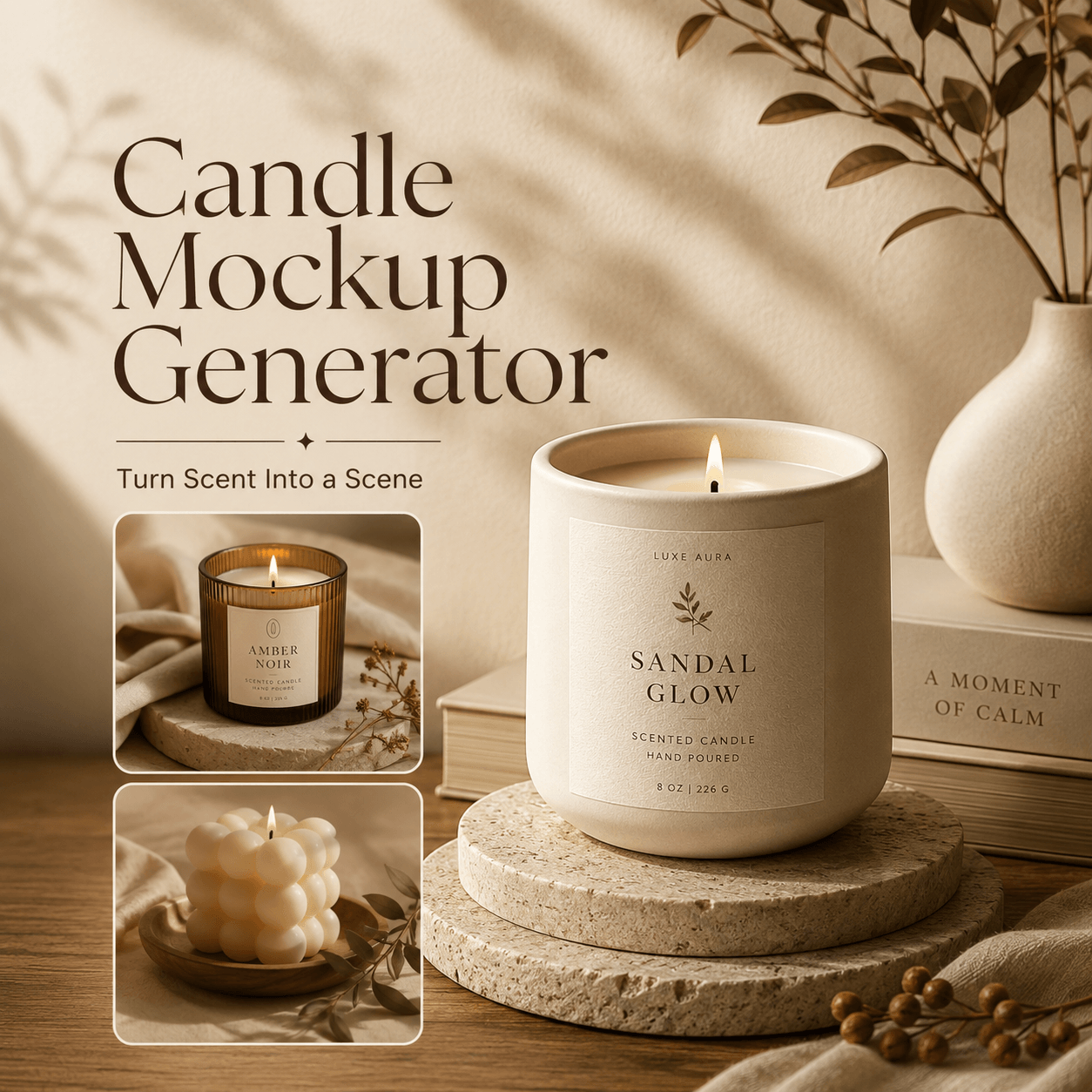
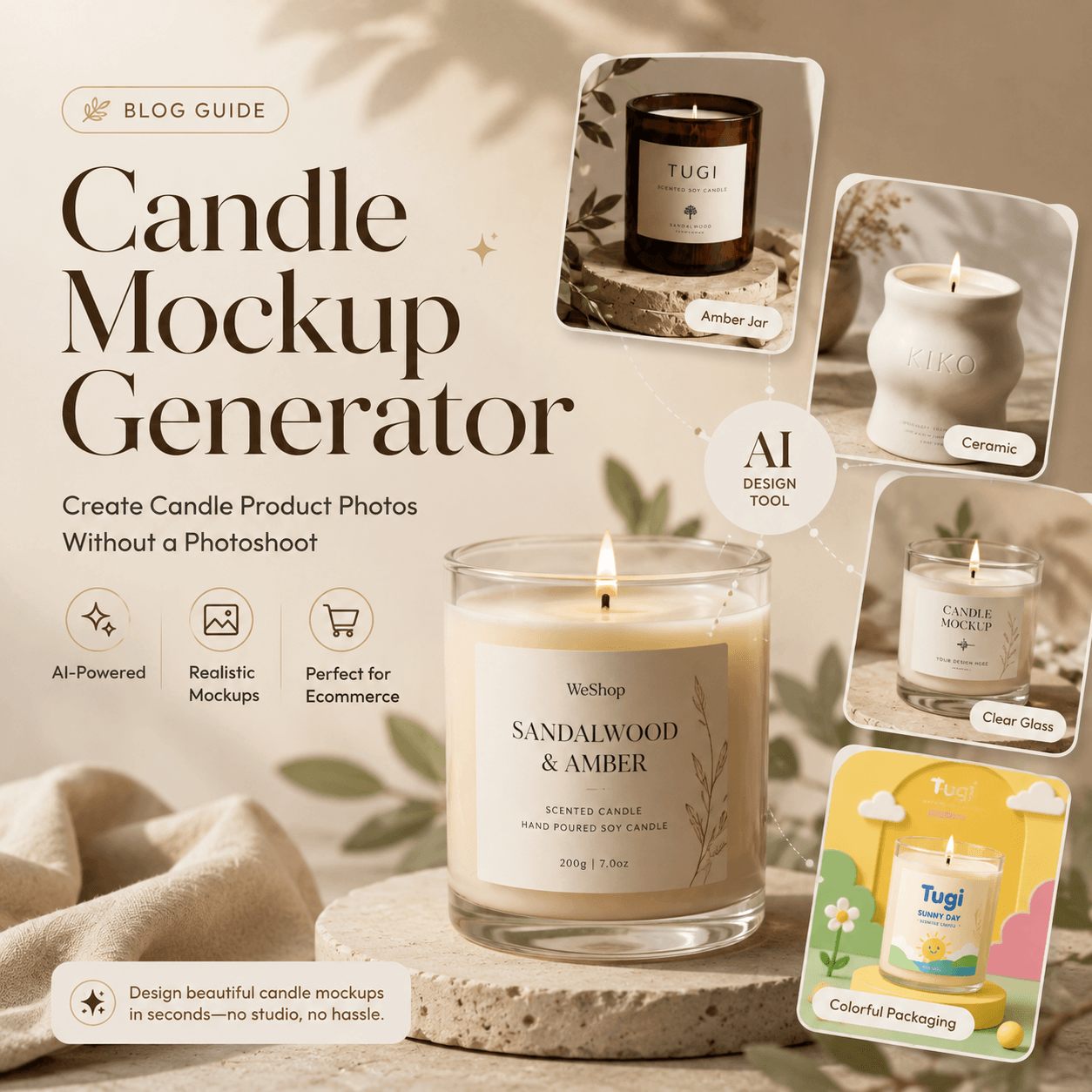
A Candle Mockup Generator helps candle brands turn a simple product photo into a polished visual that feels ready to sell. It can showcase the jar, label, packaging, and mood in a more professional way. As a result, customers can understand the style of each scent before they ever experience it in person.
That is why product visuals matter so much. A Candle Mockup Generator helps turn a simple candle photo or packaging idea into a polished brand image. Instead of building a full photography set, you can explore different scenes, test labels, and prepare visuals for your store.
More importantly, you can show the feeling behind each scent before the product reaches a customer.
🕯️ Why a Candle Mockup Generator Matters for Small Brands
Candle shoppers often buy more than wax and fragrance. They also buy a mood.
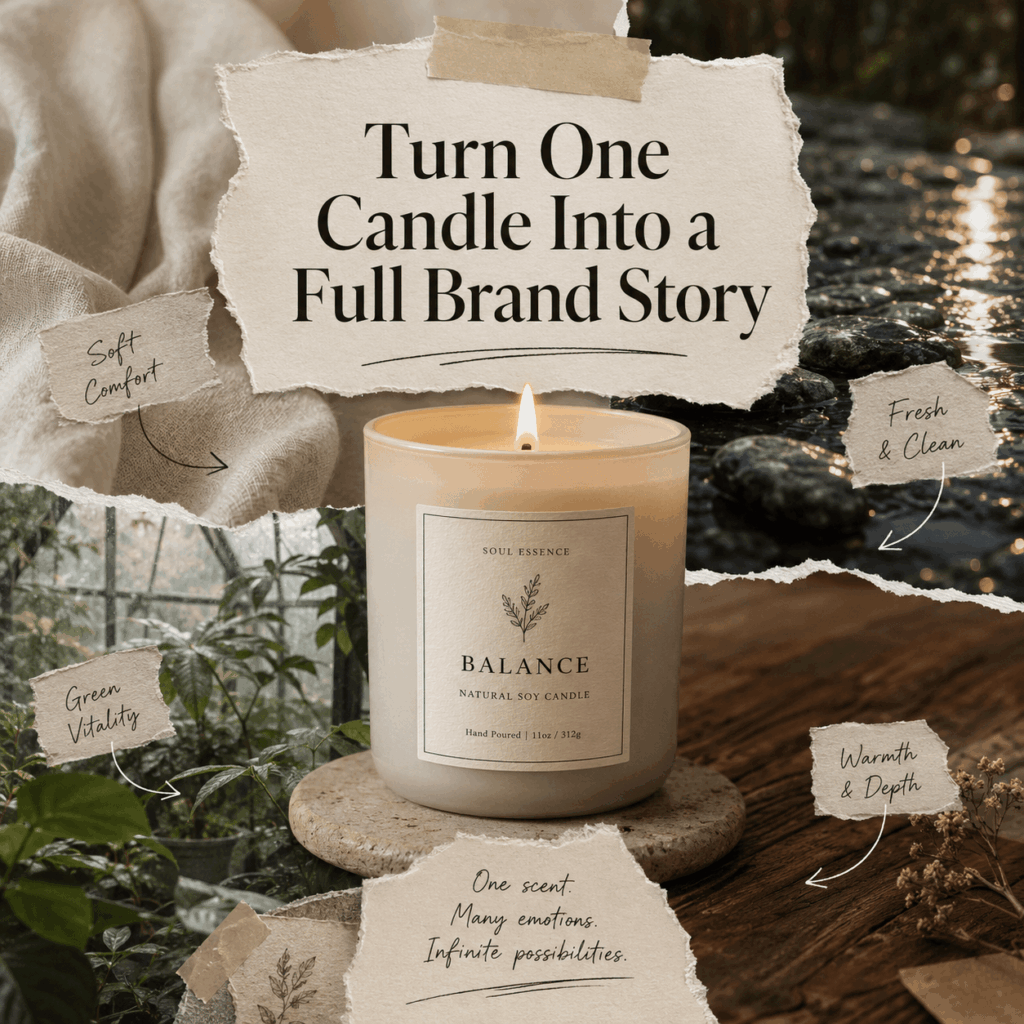
For example, a soft beige candle beside folded linen may suggest comfort. Meanwhile, a dark glass jar with deep shadows may feel rich and mysterious. Although both products may have a similar shape, their visual stories are completely different.
A Candle Mockup Generator makes it easier to explore these stories. You can create several directions before choosing one for your launch. Therefore, you do not need to commit to expensive props, locations, or packaging samples too early.
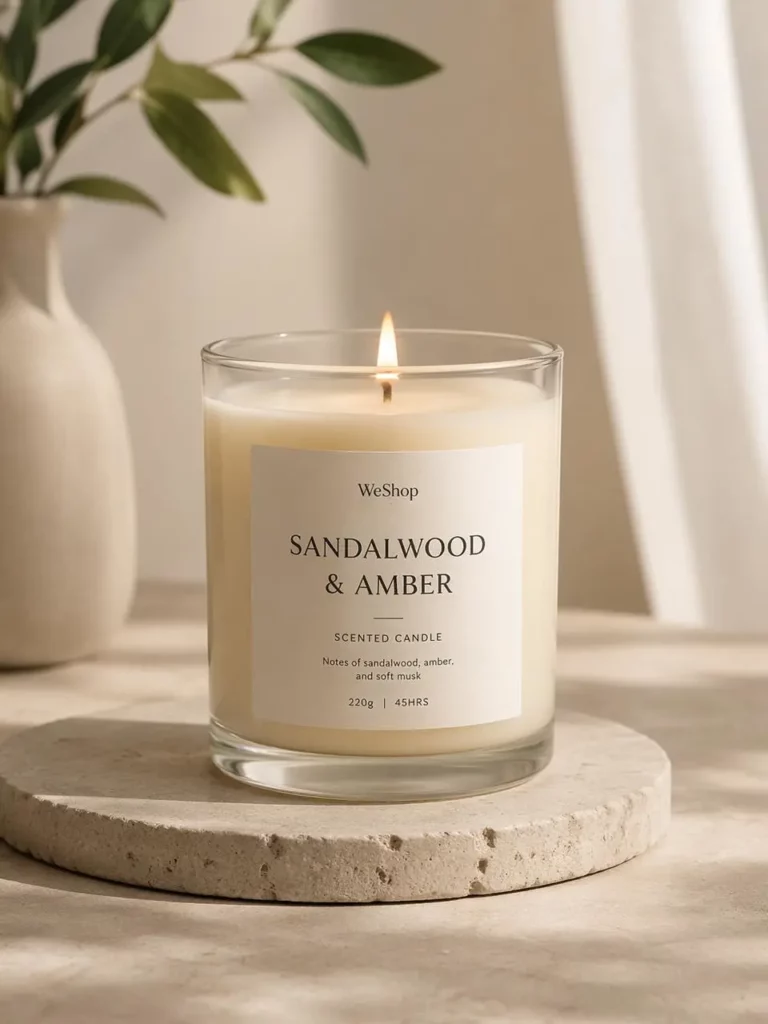
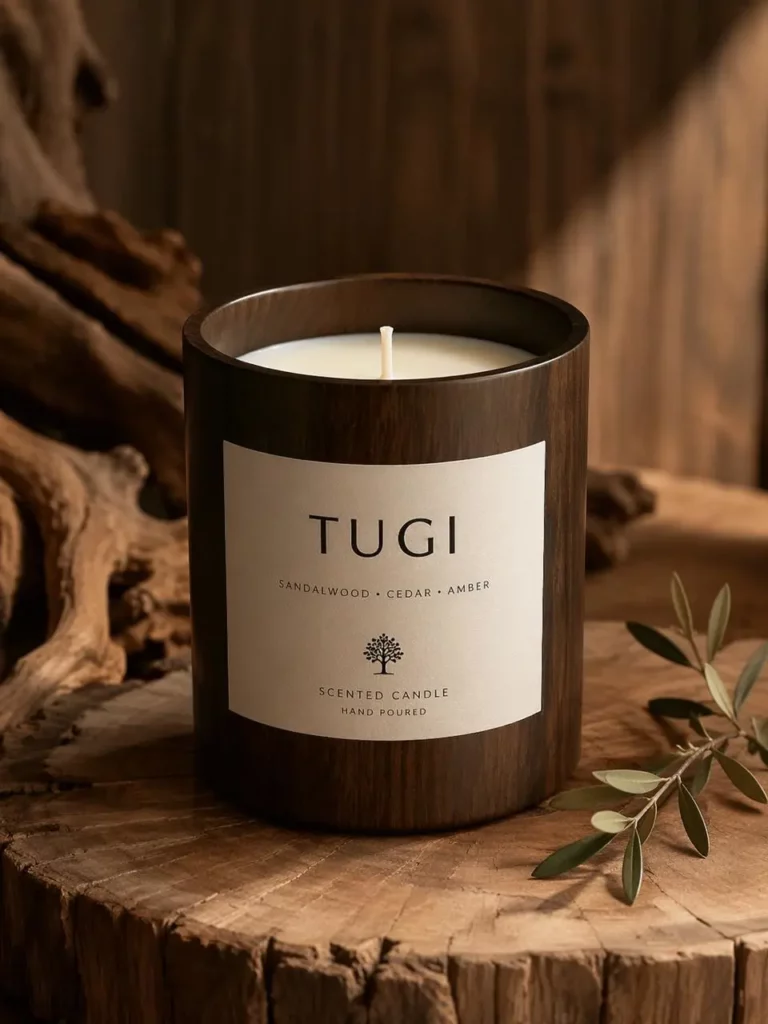
✨ What Can You Create With a Candle Mockup Generator?
A Candle Mockup Generator is not only useful for making one attractive picture. Instead, it can support an entire product launch.
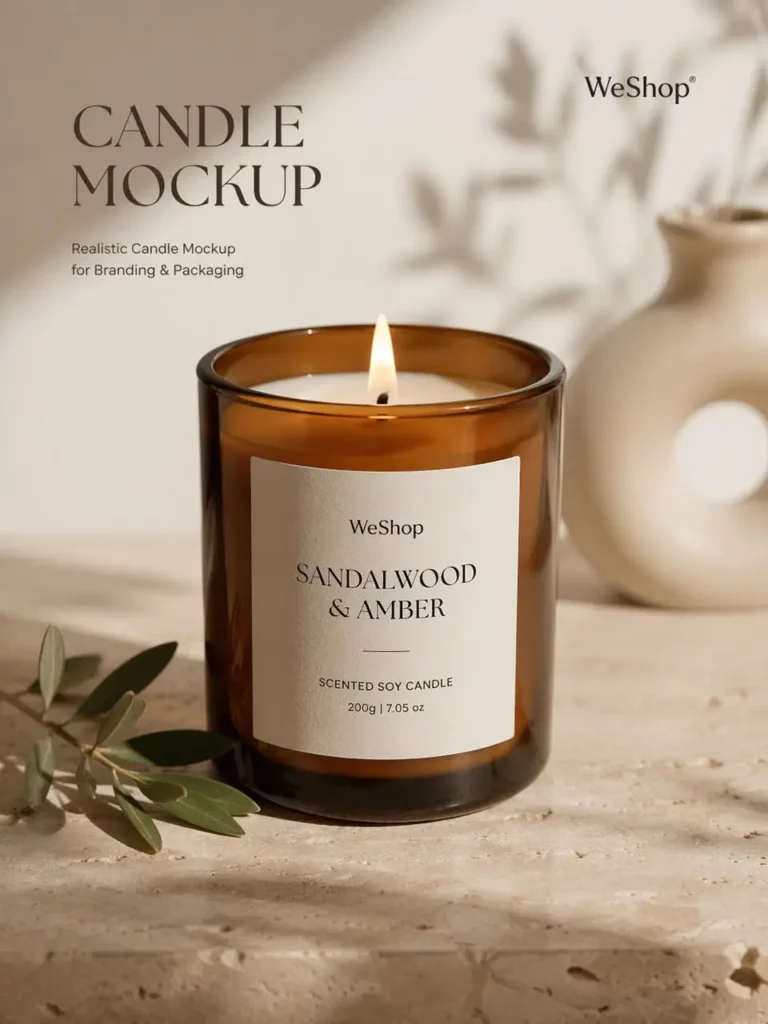
You can create clean store images, emotional lifestyle scenes, seasonal campaign visuals, and packaging previews. Moreover, the same candle can appear in several settings without losing its identity.
Build a Complete Candle Collection
A candle collection should feel connected. However, each scent still needs its own personality.
For instance, you could use the same jar shape and label layout across four scents. Then, you could change the background, lighting, plants, fabrics, or supporting objects for each one.
As a result, the collection feels consistent without looking repetitive. This approach works especially well for online stores, catalog pages, and social media carousels.
Turn One Product Into Several Campaign Looks
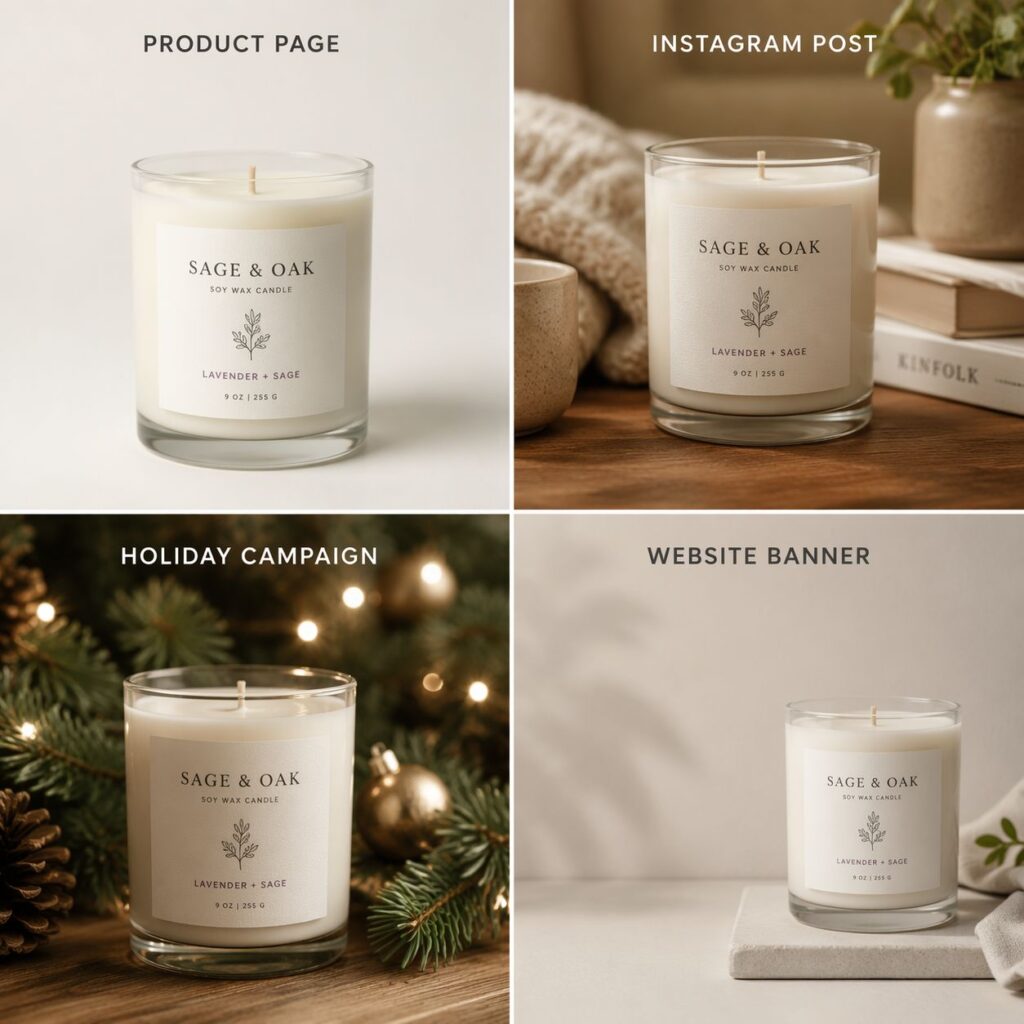
One candle photo can support more than one marketing moment.
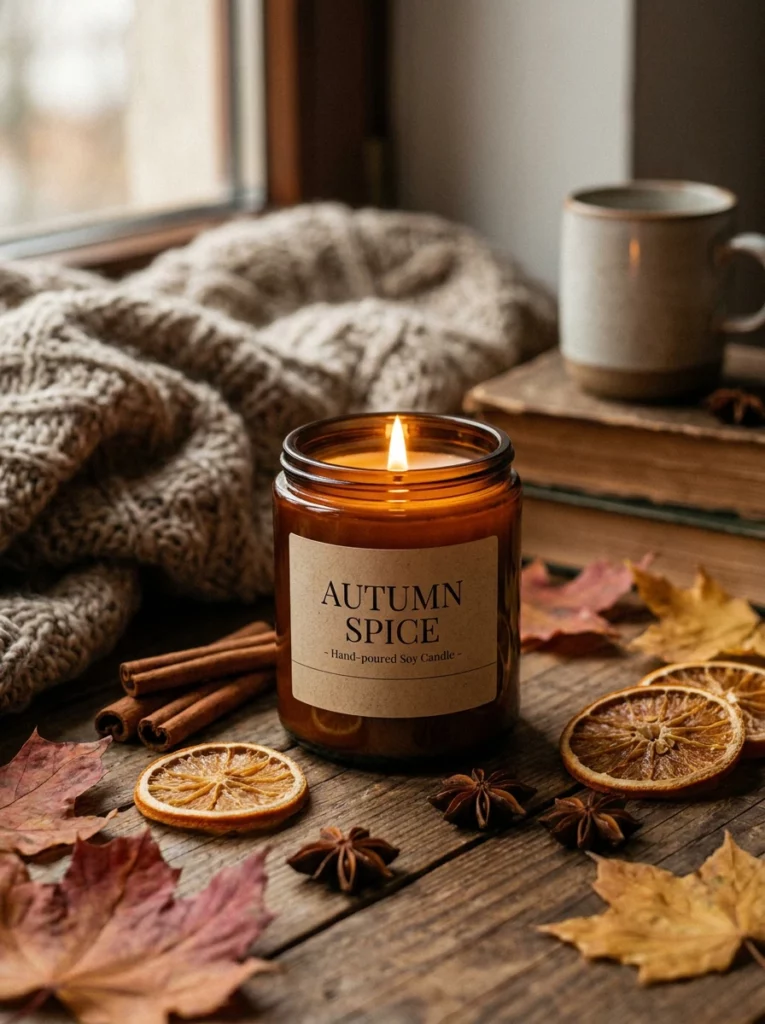
First, you might create a clean studio mockup for the product page. Next, you could place the same candle in a warm bedroom for Instagram. Finally, you could build a festive scene for a holiday promotion.
Therefore, you do not need to use the exact same image everywhere. Instead, you can match each visual to the platform and campaign.
Preview Candle Labels Before Printing
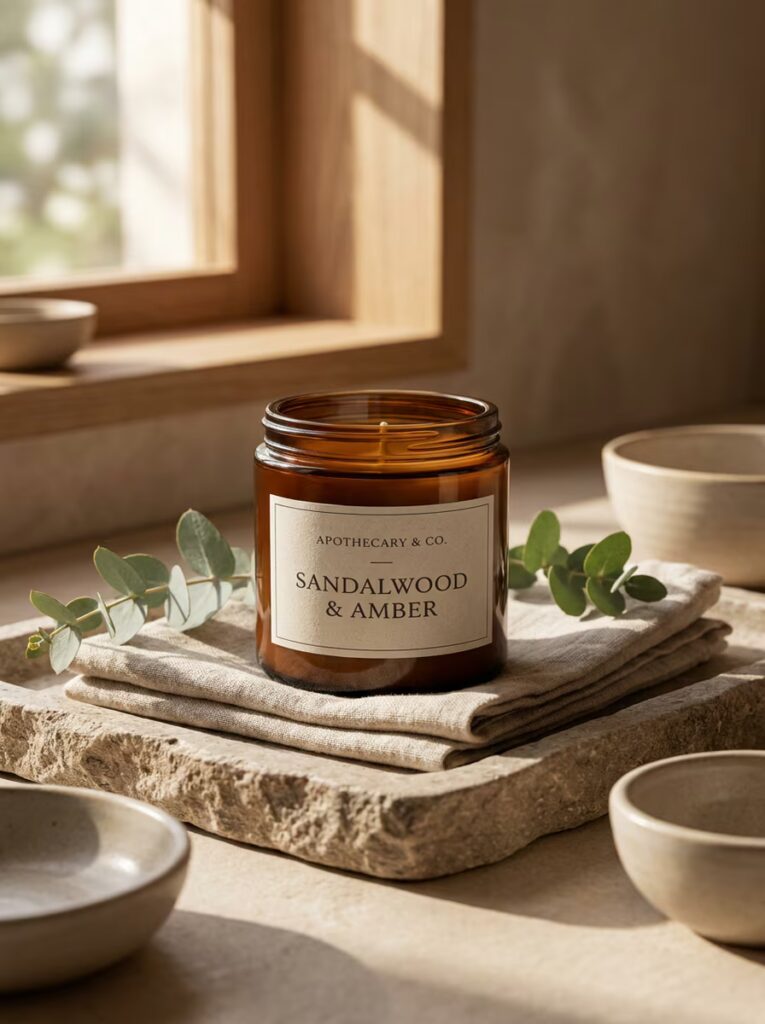
Label design often looks different on a real container. Small text may become hard to read. In addition, a wide logo may feel crowded when placed on a curved jar.
A Candle Mockup Generator helps you check the design in context. You can review the logo size, scent name, spacing, color contrast, and overall balance.
Consequently, the mockup becomes more than a marketing image. It also becomes a useful design-checking tool.
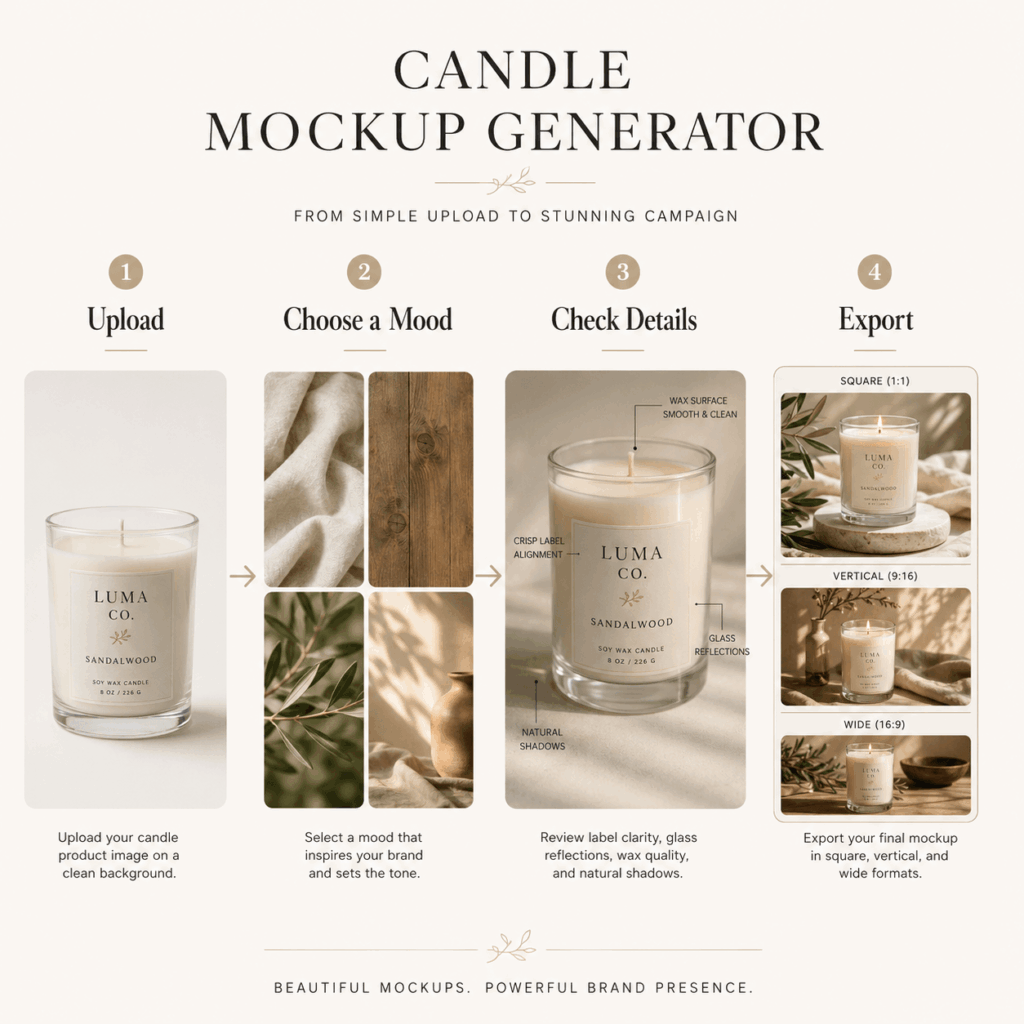
🚀 How to Use a Candle Mockup Generator in Four Steps
The process does not need to be complicated. In fact, a clear starting image and a focused visual idea usually lead to better results.
Step 1: Upload a Clear Candle Photo
Start with a photo that clearly shows the product shape. Ideally, the candle should not be covered by hands, flowers, or other objects.
Also, use an image with enough detail around the jar and label. A clean photo gives the Candle Mockup Generator more useful information to work with.
When possible, keep the product facing forward. This makes it easier to maintain label shape and text placement.
Step 2: Choose One Clear Brand Mood
Before generating the mockup, decide how the image should feel.
Do you want a quiet spa mood, a modern studio look, or a warm home setting? Although it can be tempting to mix several ideas, one strong direction usually creates a cleaner result.
For example, a “fresh morning” direction could include soft sunlight, white fabric, pale wood, and open space. Meanwhile, a “night garden” direction could use dark greenery, glossy surfaces, and low lighting.
Step 3: Check the Product Details
Once the image is generated, look at the candle before looking at the background.
First, check whether the label is readable. Then, review the jar shape, lid, wax color, reflection, and shadows. In addition, make sure the candle still looks like your original product.
A beautiful scene is not enough when the brand name has changed or the container looks distorted. Therefore, product accuracy should always come before extra decoration.
Step 4: Export Different Versions
Finally, prepare several crops for different channels.
A square version works well for product grids and social posts. Meanwhile, a vertical version can be useful for stories and Pinterest. A wider image may fit a website banner or email campaign.
Because each platform has a different layout, leave enough space around the candle whenever possible. This gives you more freedom when cropping the final mockup.
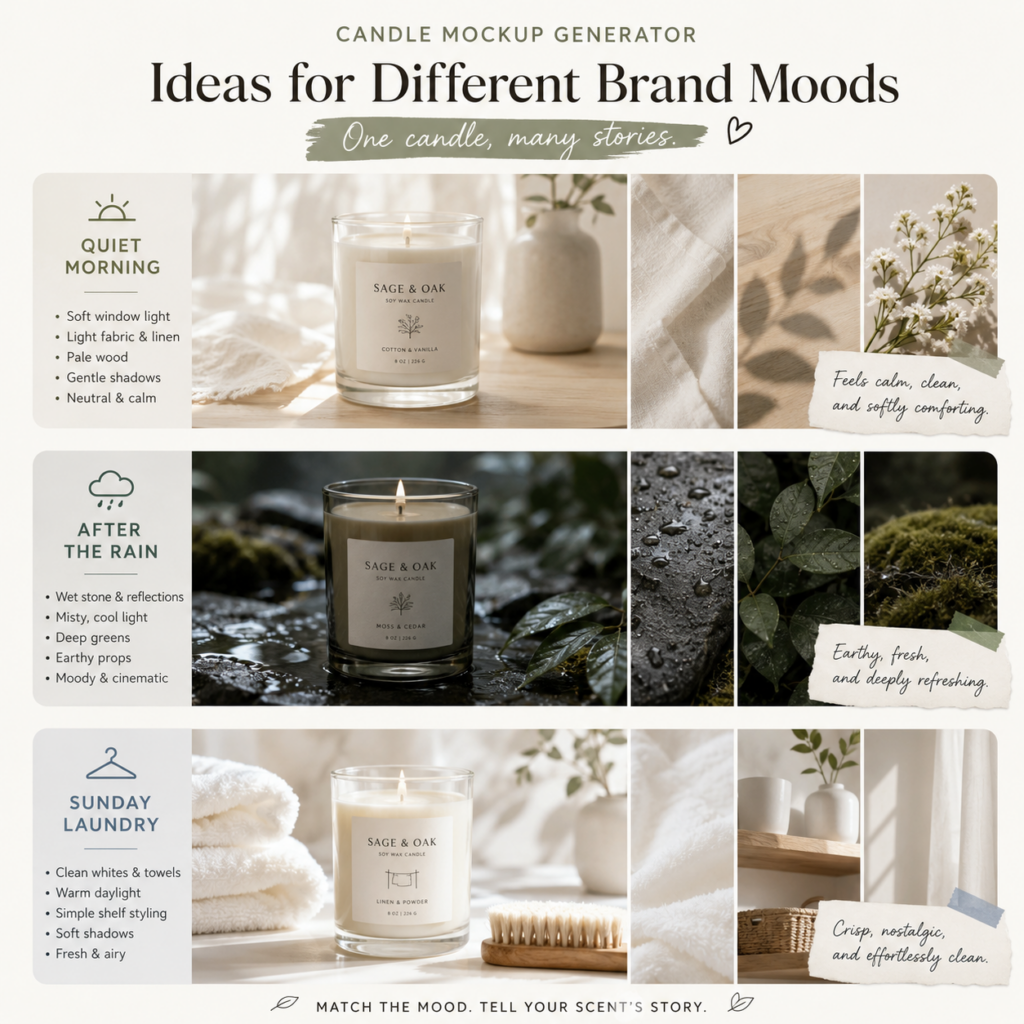
🌿 Candle Mockup Generator Ideas for Different Brand Moods
You do not need a complex concept to create a strong image. Instead, start with a simple mood and a few matching details.
Quiet Morning
Place the candle near a softly lit window with light fabric, pale wood, and gentle shadows. Moreover, keep the color palette neutral and calm.
This style works well for cotton, tea, linen, vanilla, and clean musk scents.
After the Rain
Create a darker scene with wet stone, cool reflections, misty light, and deep green details. As a result, the candle may feel earthy, fresh, and slightly cinematic.
This mood fits moss, cedar, rainwater, eucalyptus, and forest-inspired scents.
Sunday Laundry
Combine soft towels, a simple shelf, warm daylight, and clean white space. In addition, use gentle shadows rather than strong studio lighting.
This setting works well for soap, linen, powder, cotton, and fresh-air fragrances.
👥 Who Should Use a Candle Mockup Generator?
A Candle Mockup Generator can support many stages of candle branding.
Independent candle makers can use it to prepare launch images before producing a large batch. Similarly, packaging designers can present label ideas in a more realistic way.
Ecommerce teams can also create cleaner product listings and seasonal banners. Meanwhile, social media creators can turn one product photo into several campaign visuals.
Most importantly, the tool helps small teams explore more ideas without building a new photography set for every scent.
❓ Candle Mockup Generator FAQ
Can I use a Candle Mockup Generator before producing my candle?
Yes. You can use a mockup to preview label designs, container colors, packaging ideas, and campaign scenes before ordering physical samples. Therefore, it can be useful during both design and marketing.
What type of candle photo works best?
A clear front-facing product photo usually works best. In addition, the jar, label, lid, and edges should be easy to see. Avoid strong blur, heavy shadows, or objects covering the candle.
Can candle mockups be used for online stores?
Yes. Candle mockups can support product pages, collection banners, social posts, advertisements, lookbooks, and launch materials. However, always check the product details before using the final image commercially.
💡 Final Thoughts: Sell the Feeling, Not Just the Jar
A candle image should do more than show the container. It should suggest a room, a season, a memory, or a feeling.
A Candle Mockup Generator makes that process more flexible. You can test visual ideas, improve label presentation, build complete collections, and create content for several platforms.
However, the strongest mockups still begin with a clear brand idea. Keep the product accurate, choose props carefully, and let the scent guide the scene.
When the visual mood feels right, customers may begin imagining the candle in their own space before they ever smell it.
Go to WeShop AI For Exploration: