language

English

Sign In

Our new Virtual Try-On just launched. Try it now!
close
Steal the Look! Click to Replicate it with Your Product!

Vidu Q2 AI Video Generator – Create Cinematic Short Videos with Turbo and Pro Modes

Vidu Q2 AI Video Generator is positioned as one of the best AI video generator options for creators who need fast, flexible, and high quality videos for modern content workflows. Built for advanced ai video generation, it supports text to video, image to video ai, and start-end frame creation with improved motion realism, natural motion, and more accurate prompt interpretation. Whether you want to create ai generated videos for social media, ads, anime clips, or narrative shorts, Vidu Q2 helps turn ideas into ai generated video content with detailed visual sequences, smoother video frames, and less reliance on advanced video editing skills.

Real-World Use Cases for Vidu Q2 AI Video Generator

Creating Cinematic Short Videos for Ads and Social Media

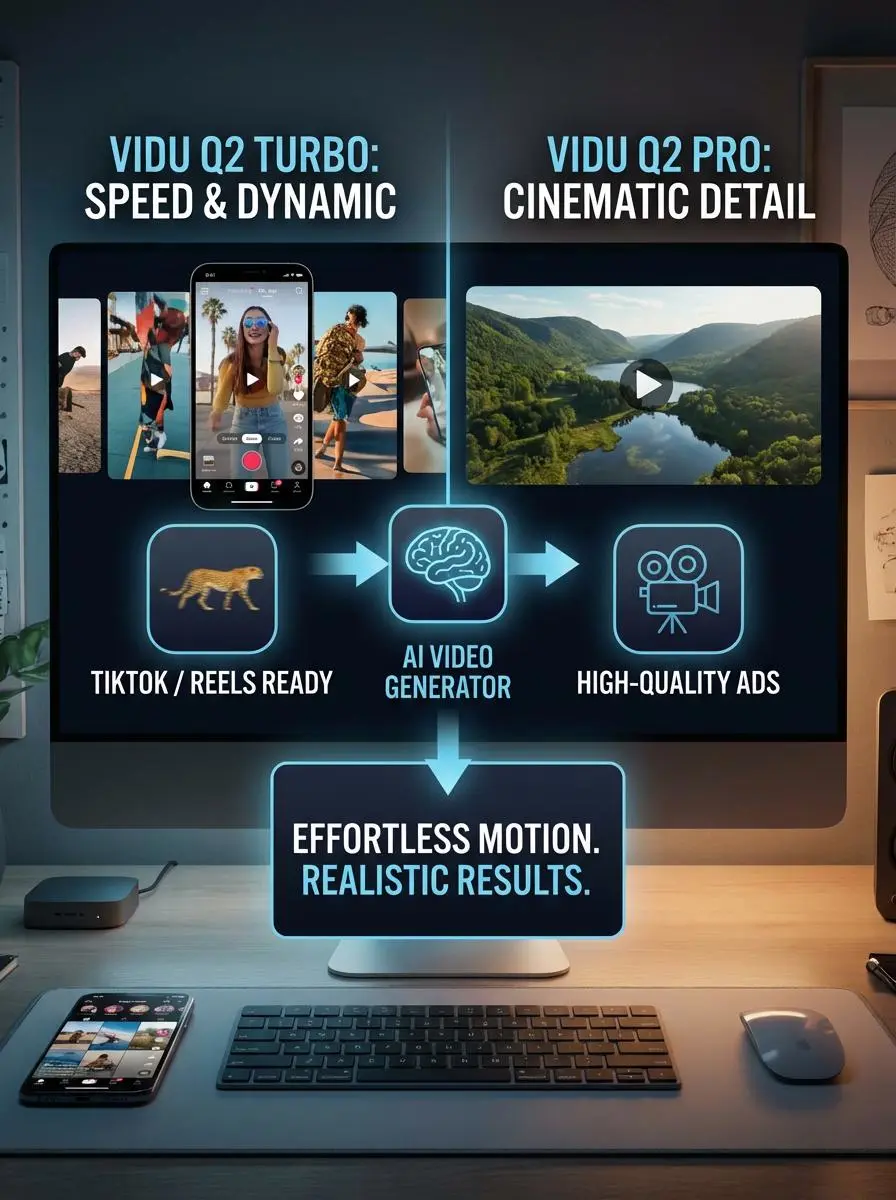
A creator needed polished clips for TikTok, Instagram Reels, and short ad campaigns without building a full editing pipeline. Using Vidu Q2 Turbo for speed and Vidu Q2 Pro for more cinematic detail, they used one of the best AI video generator workflows to create ai generated videos with improved motion realism, natural motion, and stronger consistency across video frames. This made it easier to test campaign ideas, produce dynamic videos, and deliver high quality videos with less dependence on manual editing.
vidu ai by weshop ai

Building Character-Consistent Animation and Story Clips

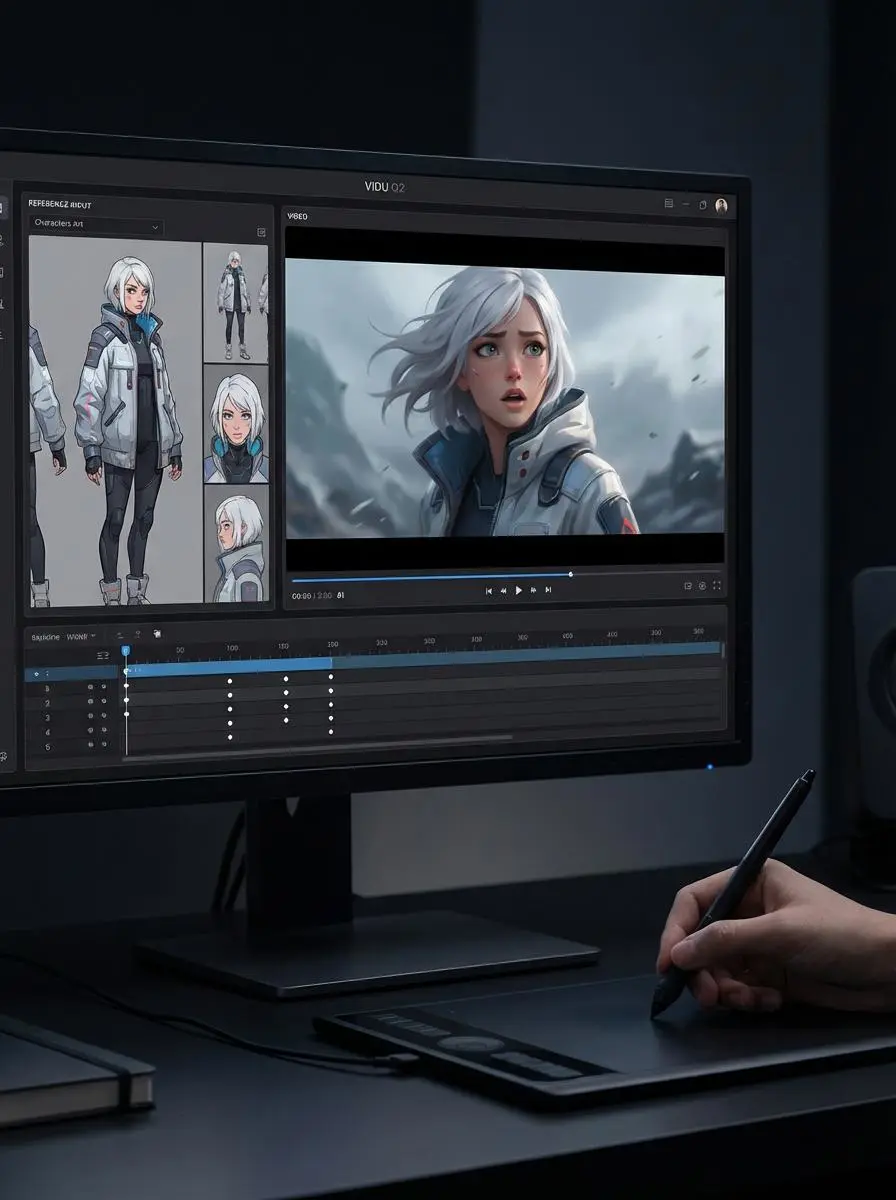
Another user wanted to turn reference images into stylized story clips while keeping character details stable across scenes. With Vidu Q2’s image to video ai, reference-based workflows, and prompt controls, they produced ai generated video sequences with expressive faces, natural body language, and detailed visual sequences that stayed more consistent from frame to frame. This showed how ai video generator depends not only on speed, but also on improved motion realism, cleaner video frames, and the ability to generate high quality videos for narrative and anime-style content.
vidu ai by weshop ai
Previous
Next

Key Features of the Vidu Q2 AI Video Generator

Turbo and Pro Modes for Different Creative Needs

Vidu Q2 offers Turbo and Pro modes, allowing creators to choose between speed and higher cinematic polish depending on the project. Turbo is ideal for quick drafts and testing, while Pro is better for stunning videos, cinematic scenes, and commercial projects that need subtle details, realistic motion, and reliable results without overly complex workflows.

Text to Video, Image to Video, and Start-End Control

Vidu Q2 supports text to video, single image animation, and start-end controls, giving users more flexibility across different ai tools. You can enter prompt instructions, upload product images or ai generated images, and guide scene flow with stronger creative direction. This broader workflow helps simplify complex workflows while supporting smooth transitions and seamless integration into production.

Improved Visual Consistency and Motion Stability

The model is designed for greater visual consistency across clips, helping characters, scenes, and other elements stay more stable from frame to frame. This improves storytelling for cinematic scenes, explainer videos, and branded shorts that require smooth transitions, cleaner continuity, and realistic motion. It is especially useful for creators who need reliable results in a new release workflow.

Expressive Characters and More Natural Movement

Vidu Q2 renders characters with more expressive faces, body language, and emotional nuance, making scenes feel more lifelike and engaging. It captures subtle details in movement and expression that support cinematic scenes, animated storytelling, and character-driven shorts. This makes the model useful for creators who want stunning videos with stronger emotion, realistic motion, and cleaner visual presentation.

Flexible Duration, Resolution, and Expansion Features

The platform supports flexible short-form generation, higher-resolution output, and video extension features for more polished storytelling. This helps creators continue scenes, expand ideas, and refine creative direction for explainer videos, product visuals, and commercial use. With smoother continuation and seamless integration, Vidu Q2 is well suited for commercial projects that need reliable results and strong final presentation.

What You Can Do with Vidu Q2

Turn Prompts into Cinematic Short Videos

Use Vidu Q2 to enter prompt ideas and turn them into cinematic scenes with realistic motion, stronger composition, and polished storytelling. This is useful for social media, explainer videos, and ad creatives that need stunning videos without complex workflows. It helps creators move from concept to output faster while maintaining creative direction and reliable results.

Animate Images into Consistent Video Content

Vidu Q2 can turn still images into moving video clips while preserving character design, scene style, and visual continuity more effectively. This is especially useful for creators working on anime content, concept visuals, or production-ready clips that start from illustration, concept art, or reference photography.

Create Ad Videos and Brand-Focused Content

Because the model supports cleaner scene continuity and strong prompt control, it works well for commercial use, branded storytelling, and commercial projects. Teams can build short ad creatives, product demos, and explainer videos with other elements such as brand colors, apparel, or visual cues kept more consistent. This makes production faster and more aligned with campaign goals.

Build Character-Centric and Anime-Style Videos

Vidu Q2 is useful for character-focused shorts that need emotional nuance, subtle details, and realistic motion. It can help creators generate cinematic scenes with expressive faces and more natural body language, making it well suited for anime-style storytelling, stylized shorts, and creator projects. This gives artists more freedom to refine visual tone and creative direction.

Extend and Refine Existing Video Ideas

With video extension and start-end controls, users can improve transitions, continue short clips, and shape mini narratives more effectively. This helps when a scene feels incomplete or needs more polish for commercial use or social publishing. The workflow supports smooth transitions, seamless integration, and reliable results, making Vidu Q2 practical for refining ideas into stronger final videos.

Frequently Asked Questions About Vidu Q2

What is Vidu Q2?

Vidu Q2 is an AI video model from Vidu that supports image-to-video, start-end-to-video, and later-added text-to-video and video extension workflows. It is positioned for faster, higher-quality short video generation with stronger consistency and motion control.

What is the difference between Vidu Q2 Turbo and Pro?

Vidu’s official updates and the materials you provided position Turbo as the faster mode for short, efficient generation, while Pro is aimed at more cinematic results with higher detail and stronger final quality.

Does Vidu Q2 support text to video?

Yes. Vidu’s official update notice states that Q2 later gained text-to-video capability, along with video extension, in addition to its earlier image-to-video and start-end-to-video support.

What resolution and duration does Vidu Q2 support?

Official pricing documentation lists Q2 workflows at 720p and 1080p, and Vidu’s update notice says Q2 later expanded to 9-second and 10-second durations on several interfaces. Many marketing materials also emphasize short clips in the 2–8 second range as a core use case.

Is Vidu Q2 good for anime and character videos?

Yes. Vidu’s official image-to-video materials emphasize anime, illustration, expressive motion, and cinematic consistency, which aligns well with character-centric and anime-style short video workflows.

Can Vidu Q2 extend existing videos?

Yes. Vidu’s official update notice specifically lists video extension among the expanded Q2 capabilities, making it useful for longer narratives and smoother continuation of short clips.

Explore More AI Tools

Our new Virtual Try-On just launched. Try it now!
close

Nano Banana 2

Google’s Next-Gen AI Image Model for Instant Professional Creativity

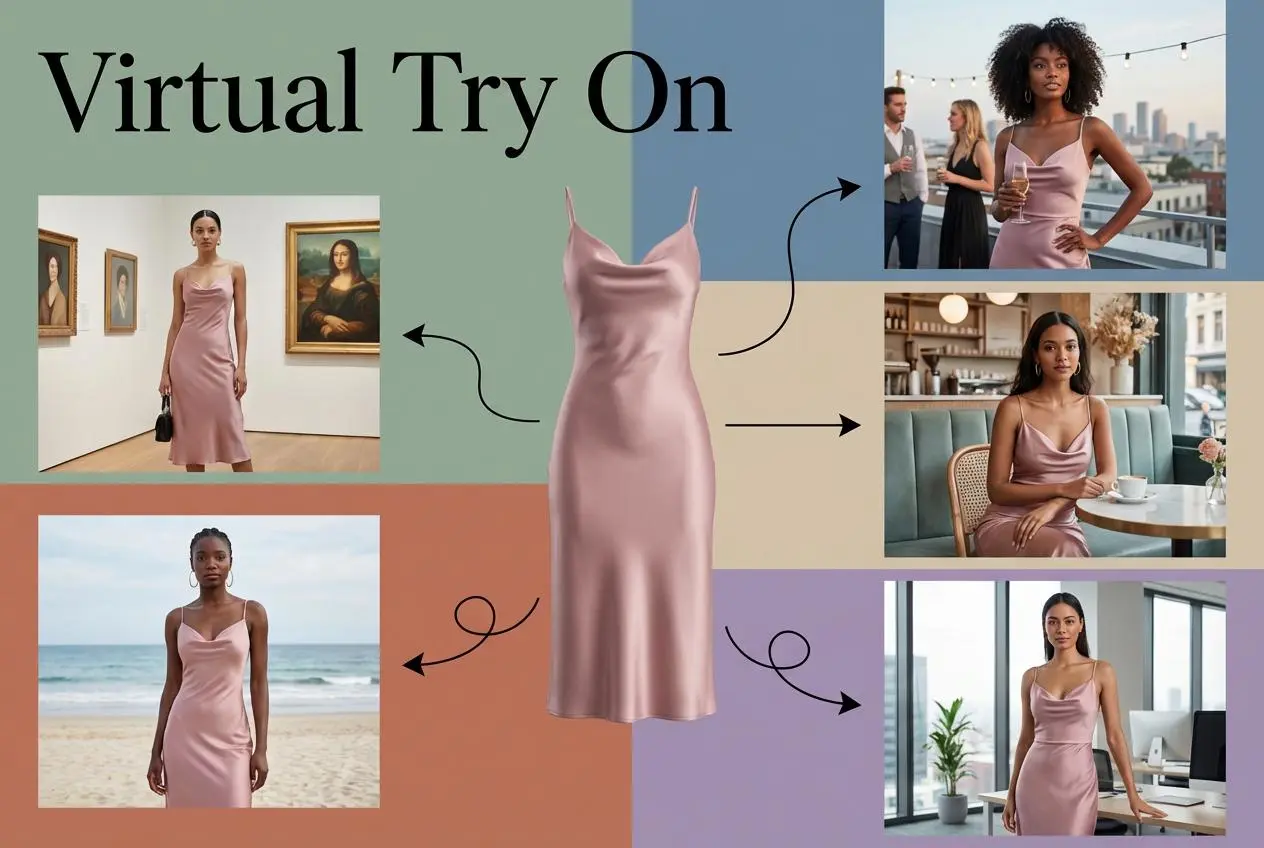
Virtual Try-On

Try On Clothes Online with AI Virtual Try Technology

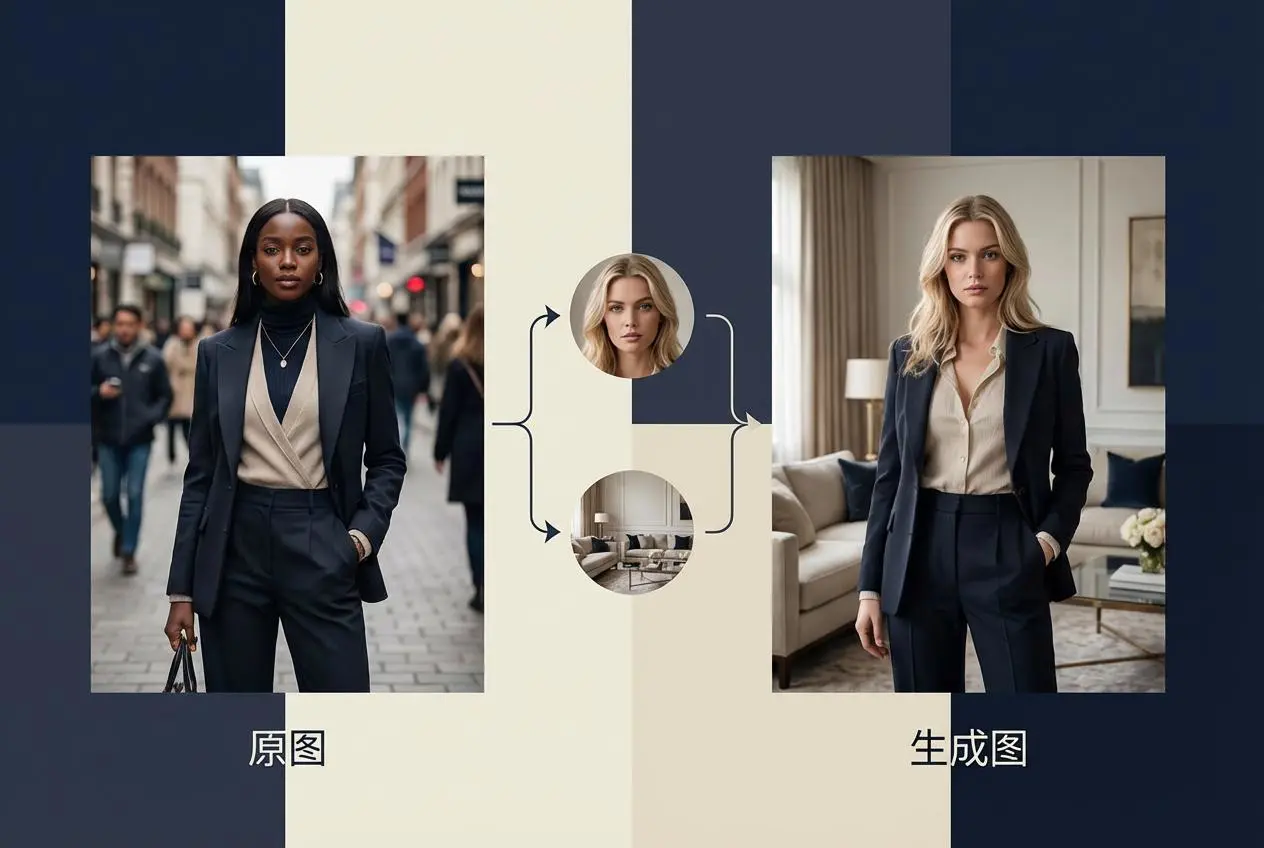
Swap Model & BG

Realistic Model & Background Swapping Online with AI

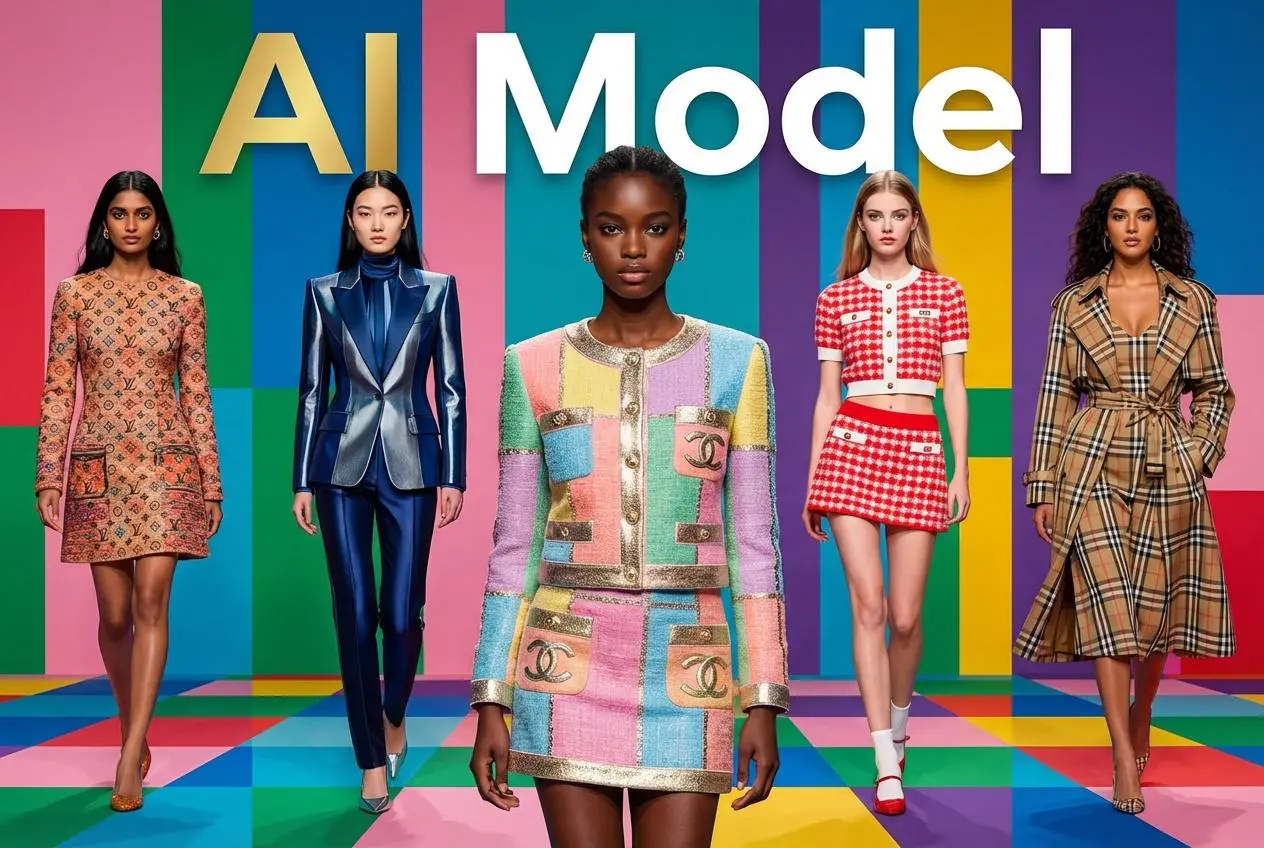
AI Model

Showcase clothing with a variety of models

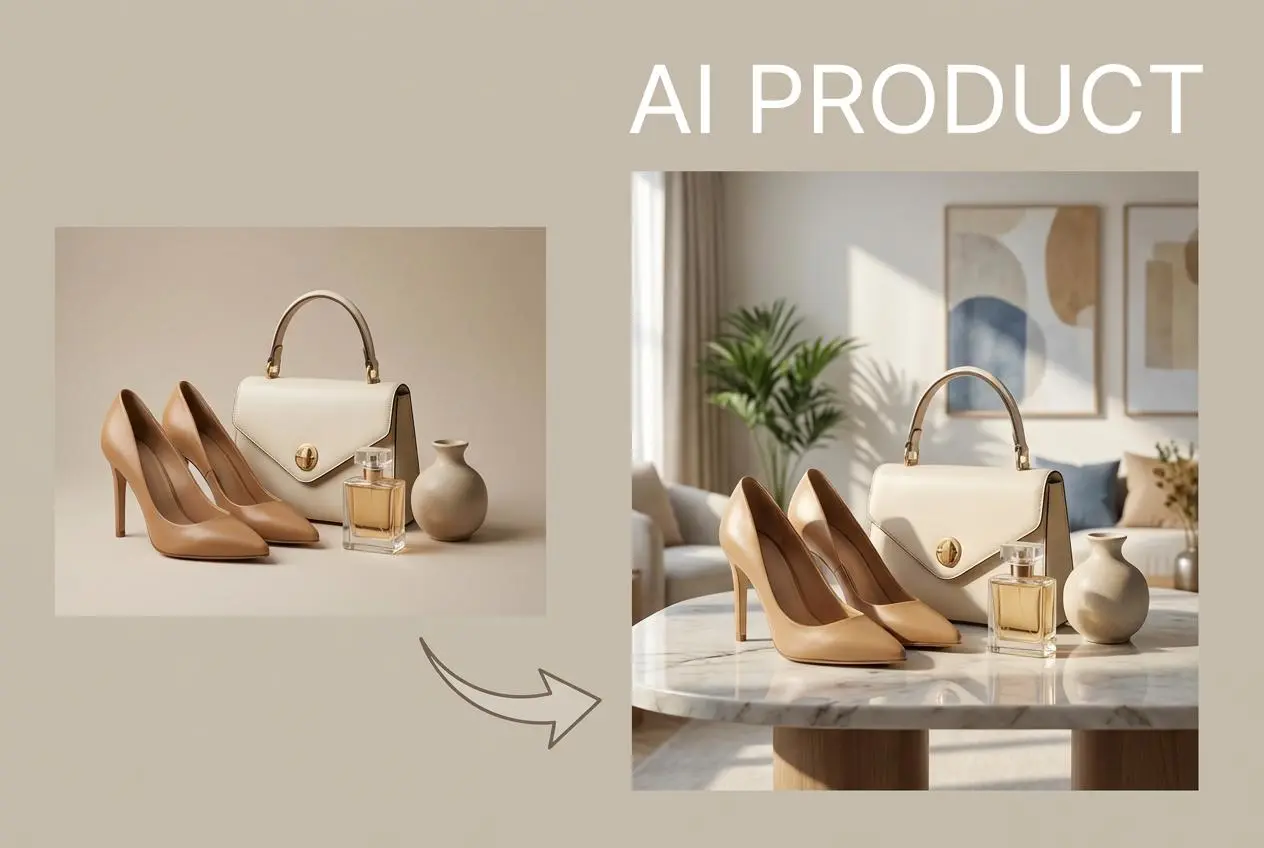
AI Product

Create stunning product images with few clicks from anywhere

AI Video

Create and publish videos from a photo or description—instantly, in any style.

Face Forge

AI Face Morph & Face Swap Generator Online

Nano Banana Pro

Conversational editing, precisely consistent.

Product Recoloring

Recolor Image Online Free - Color Changer in WeShop AI

AI Image to Video Generator

Turn Images into Stunning AI Videos for Free

To Mannequin

Convert real model photos into mannequin displays

Change Pose

Change poses, switch between various model poses, making the clothing display more natural

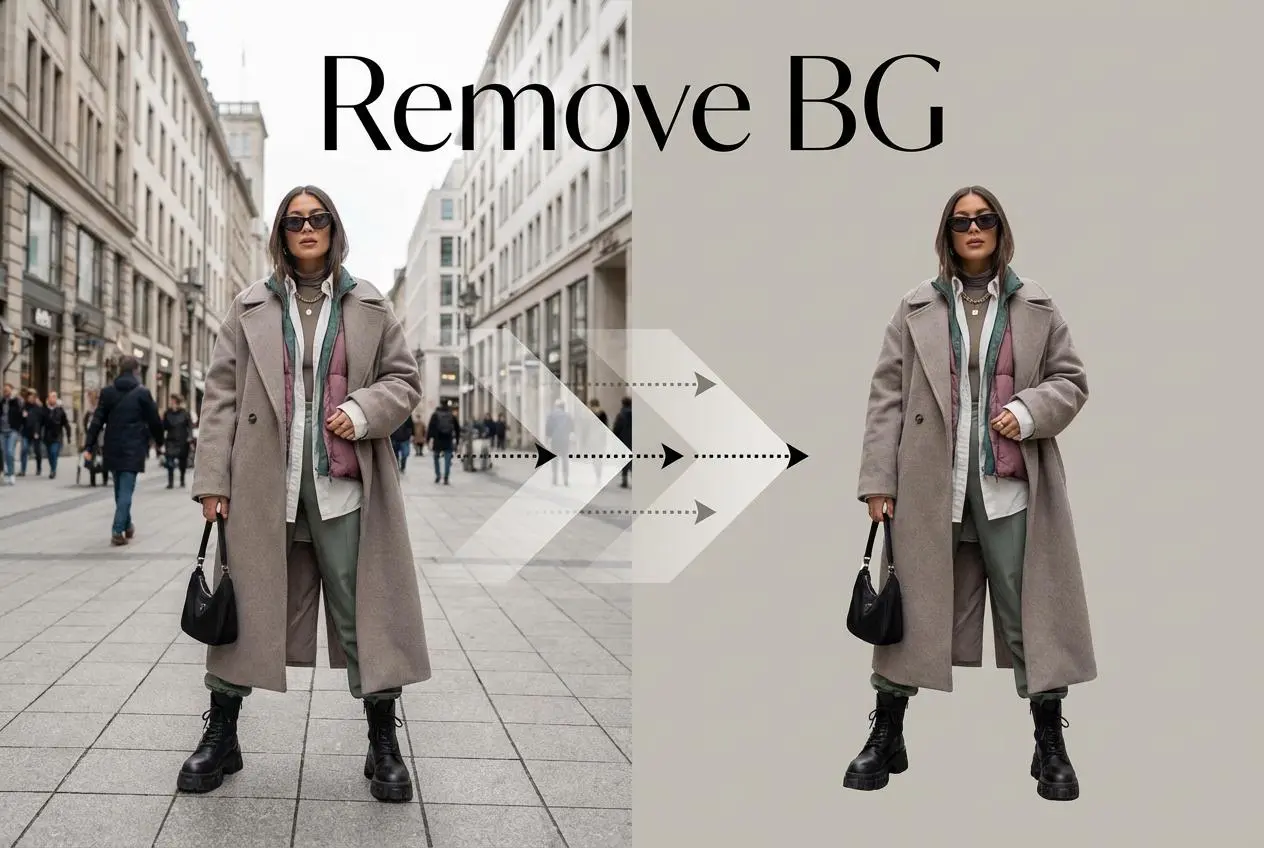
Remove Background

Removing background with lightning speed and ease

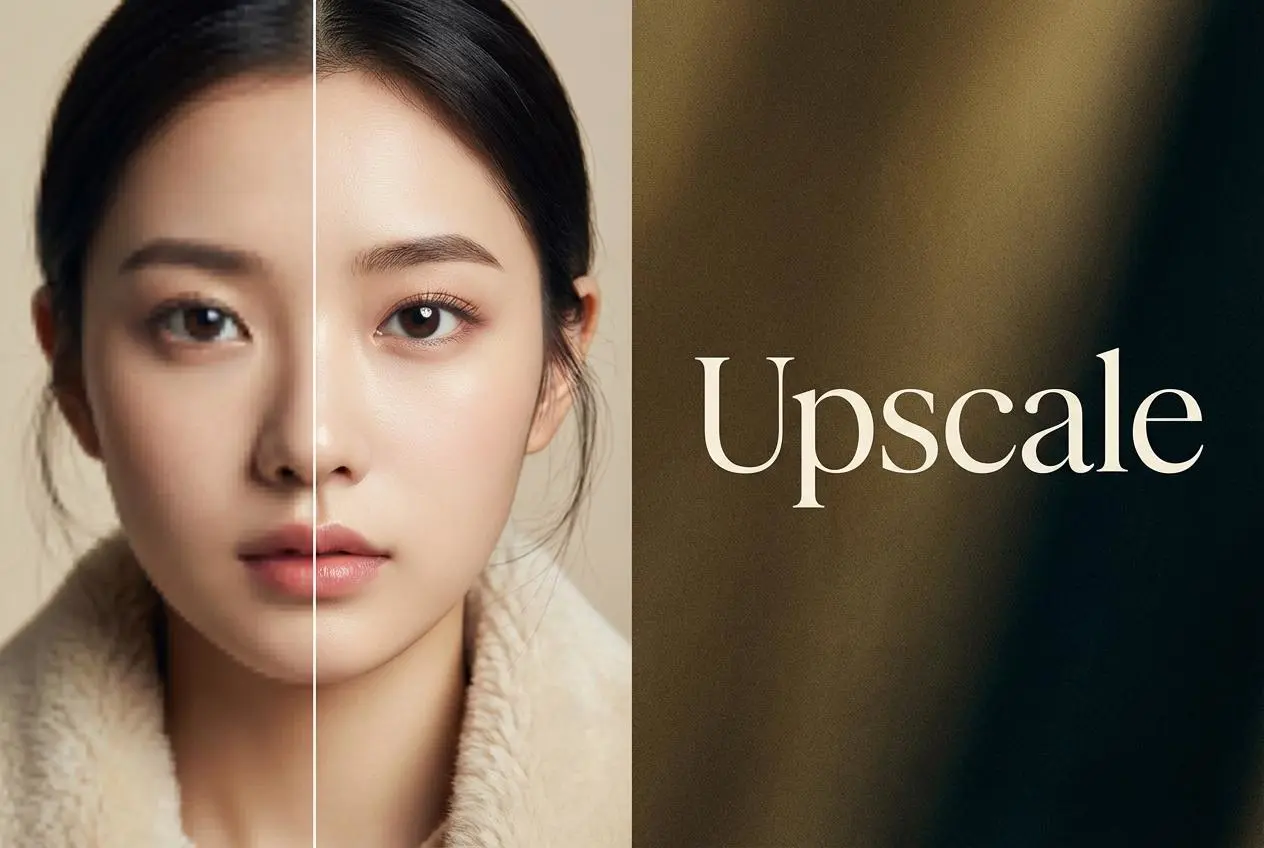
AI Photo Enhancer

Enhance Photo Quality Online with Free AI

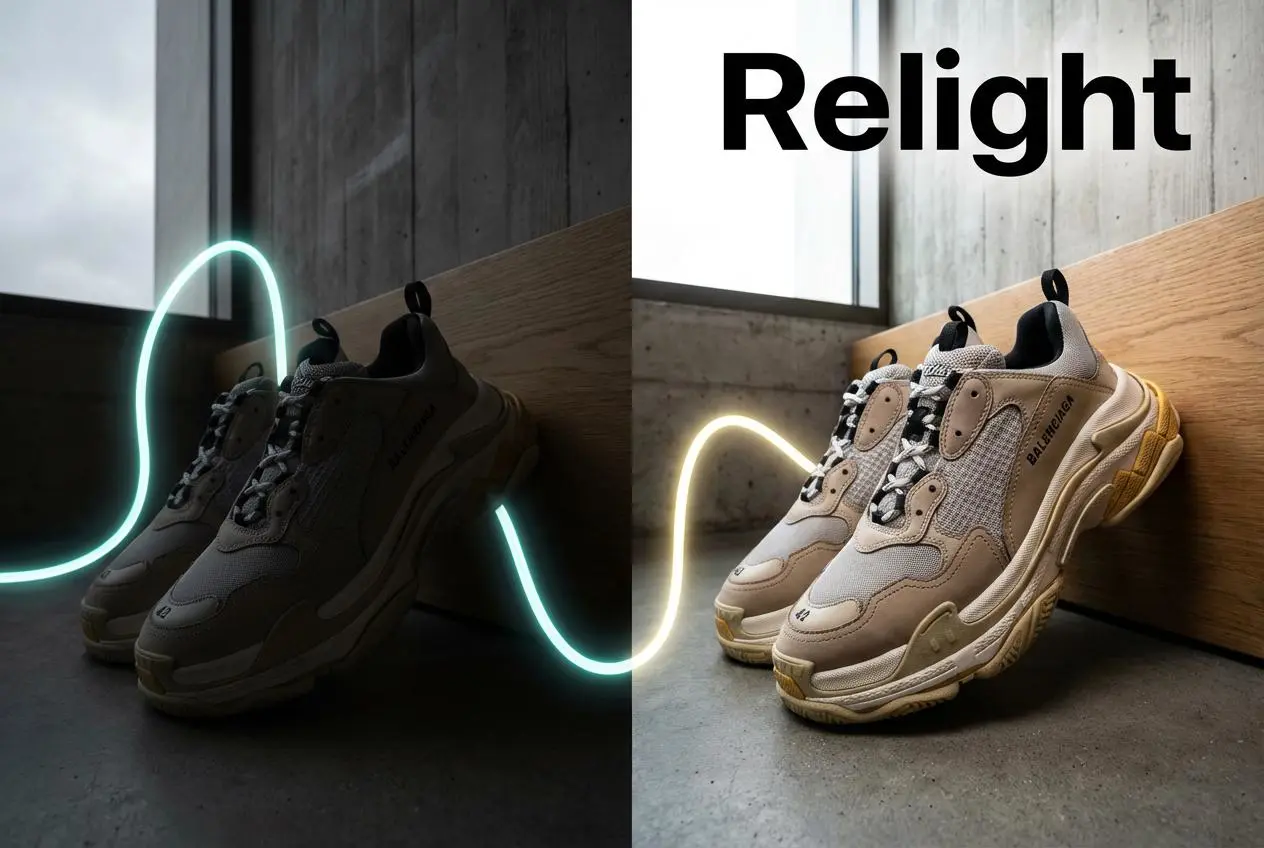
Relight

Relight your images automatically and efficiently

Expand Image

Expand images & backgrounds to fit any platform

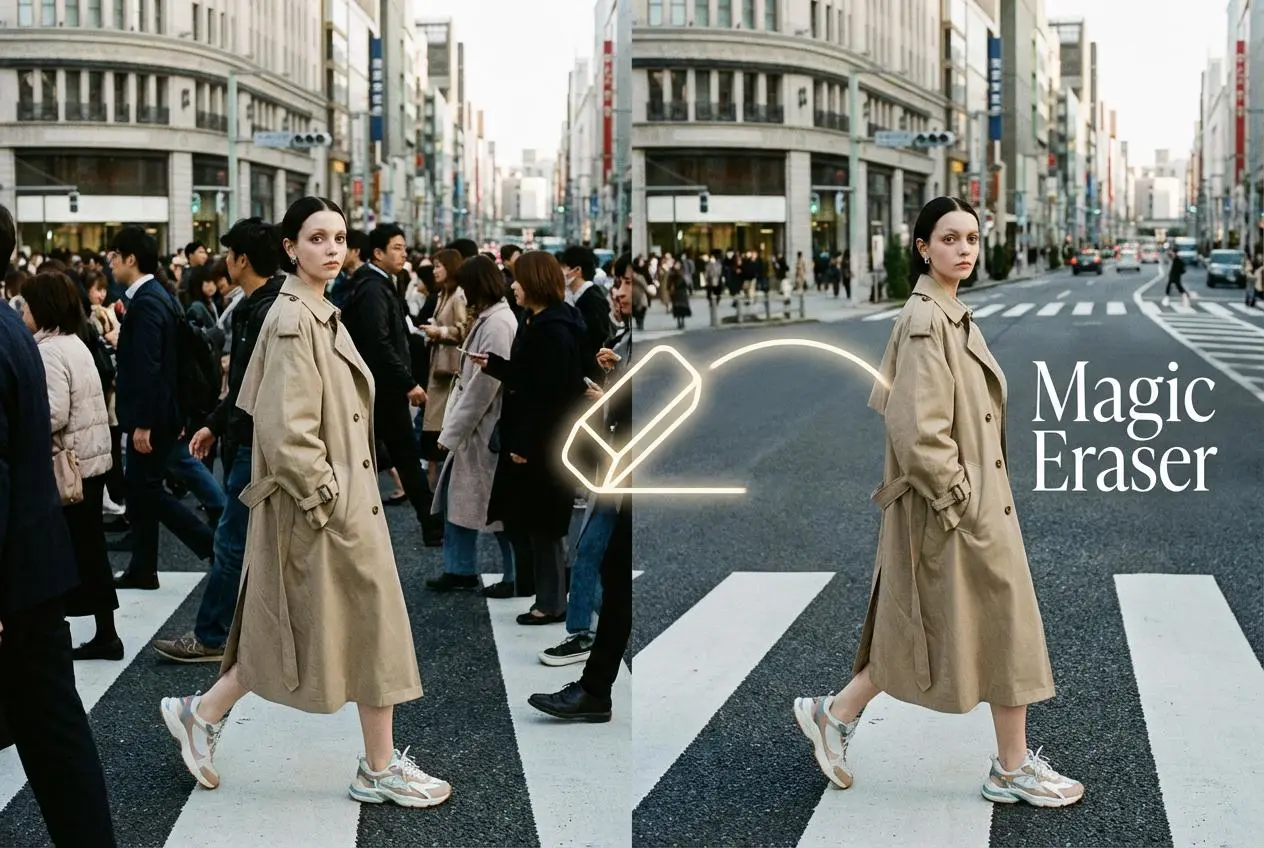
Magic Eraser

Remove unwanted objects from your photos with AI

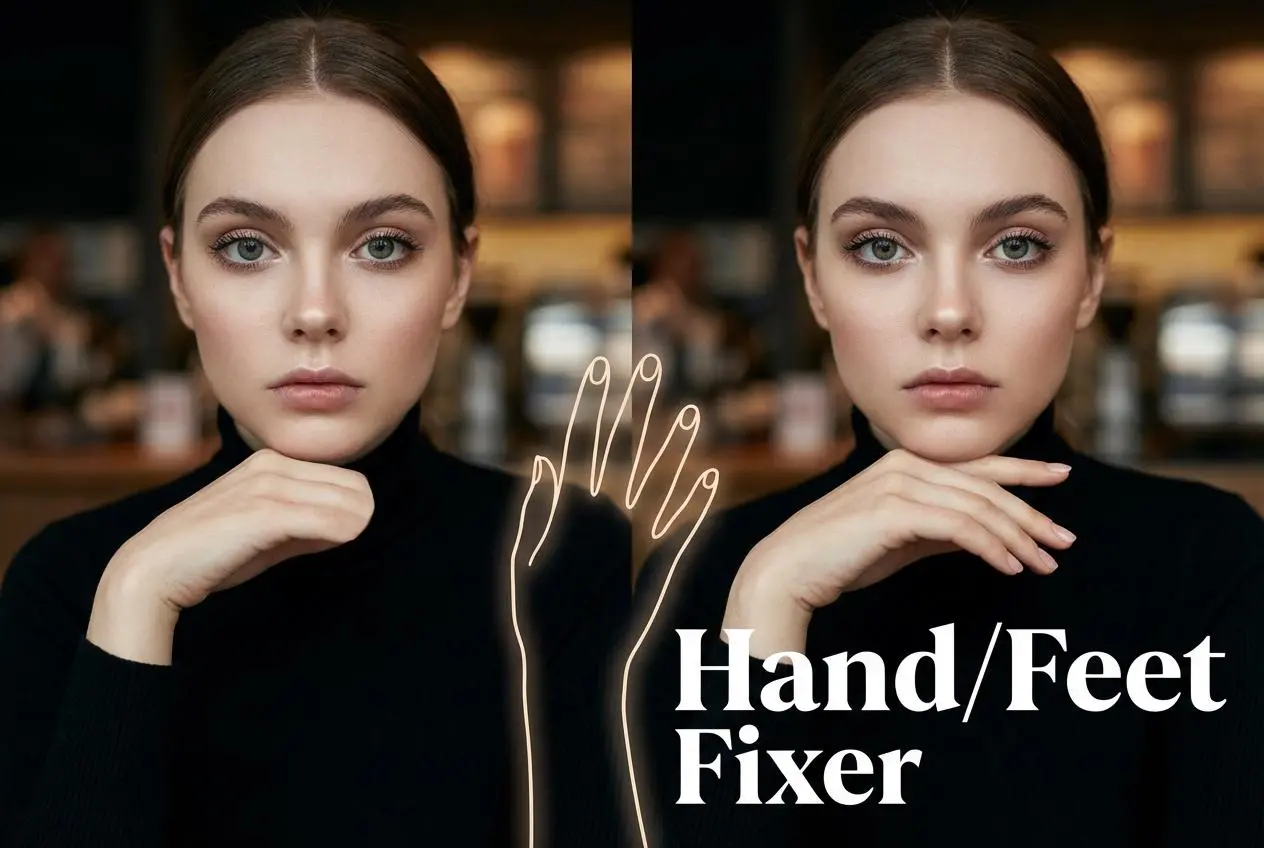
Hand/Feet Fixer

Regenerate natural-looking hands and feet in AI-generated images

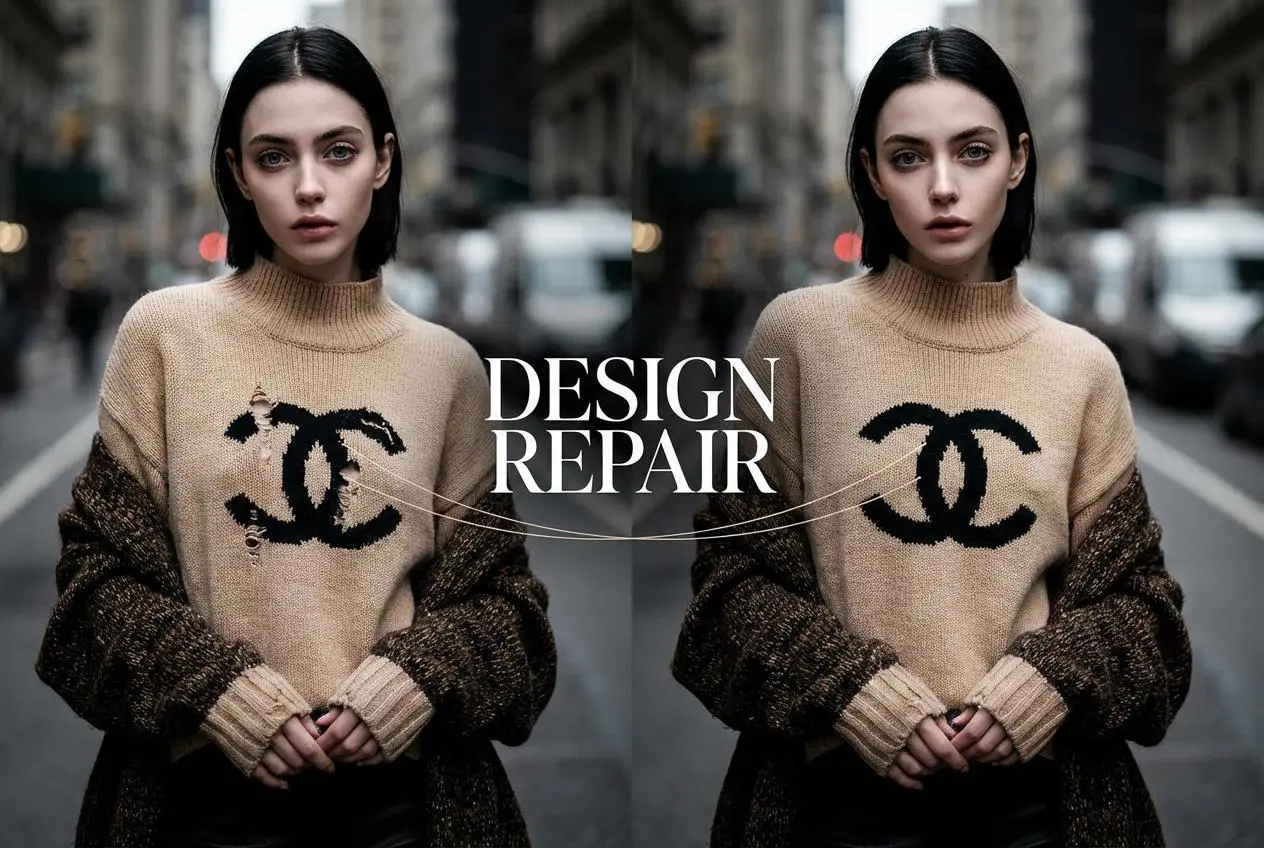
Design Repair

Upload an image, highlight the area you wish to fix, and upload a target reference image

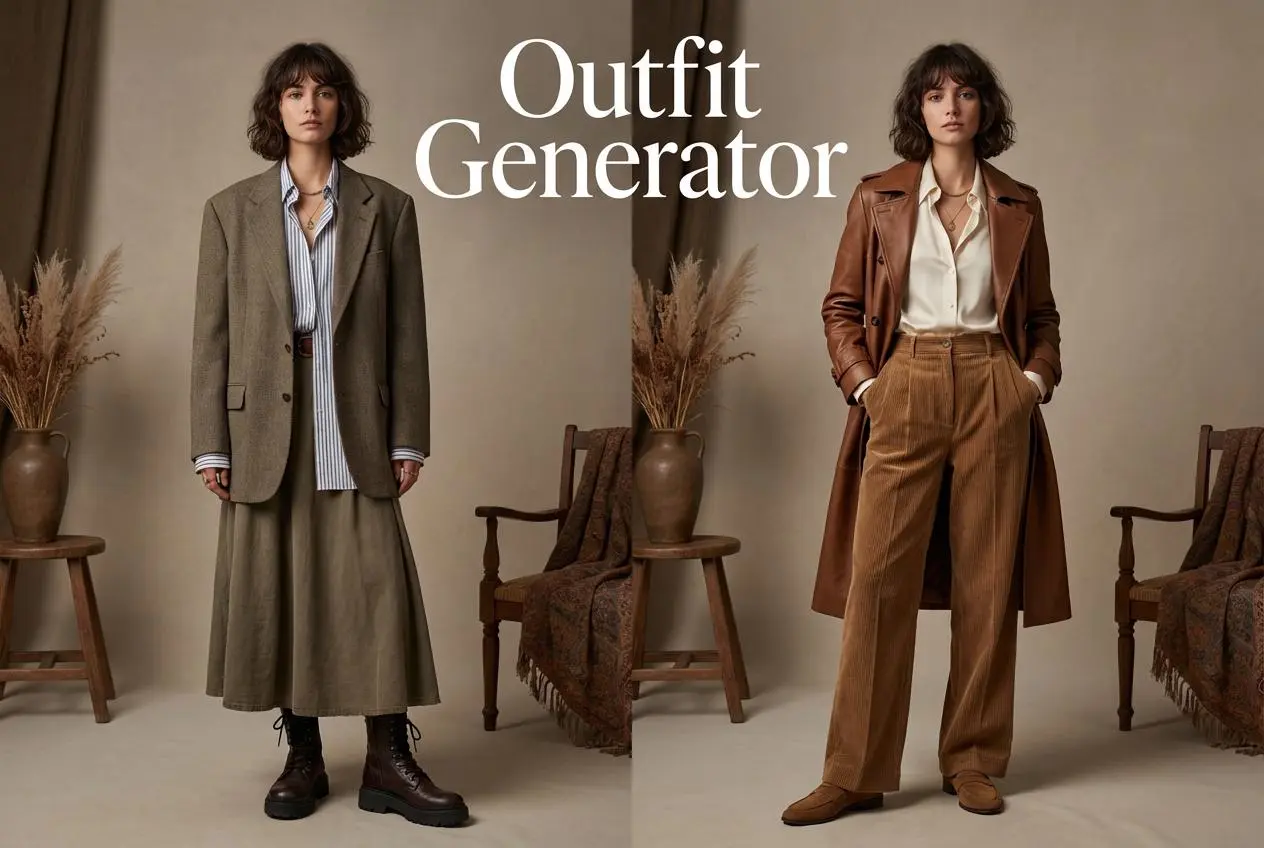
Outfit Generator

Create AI clothes styling from any model photo, garment, or style prompt.

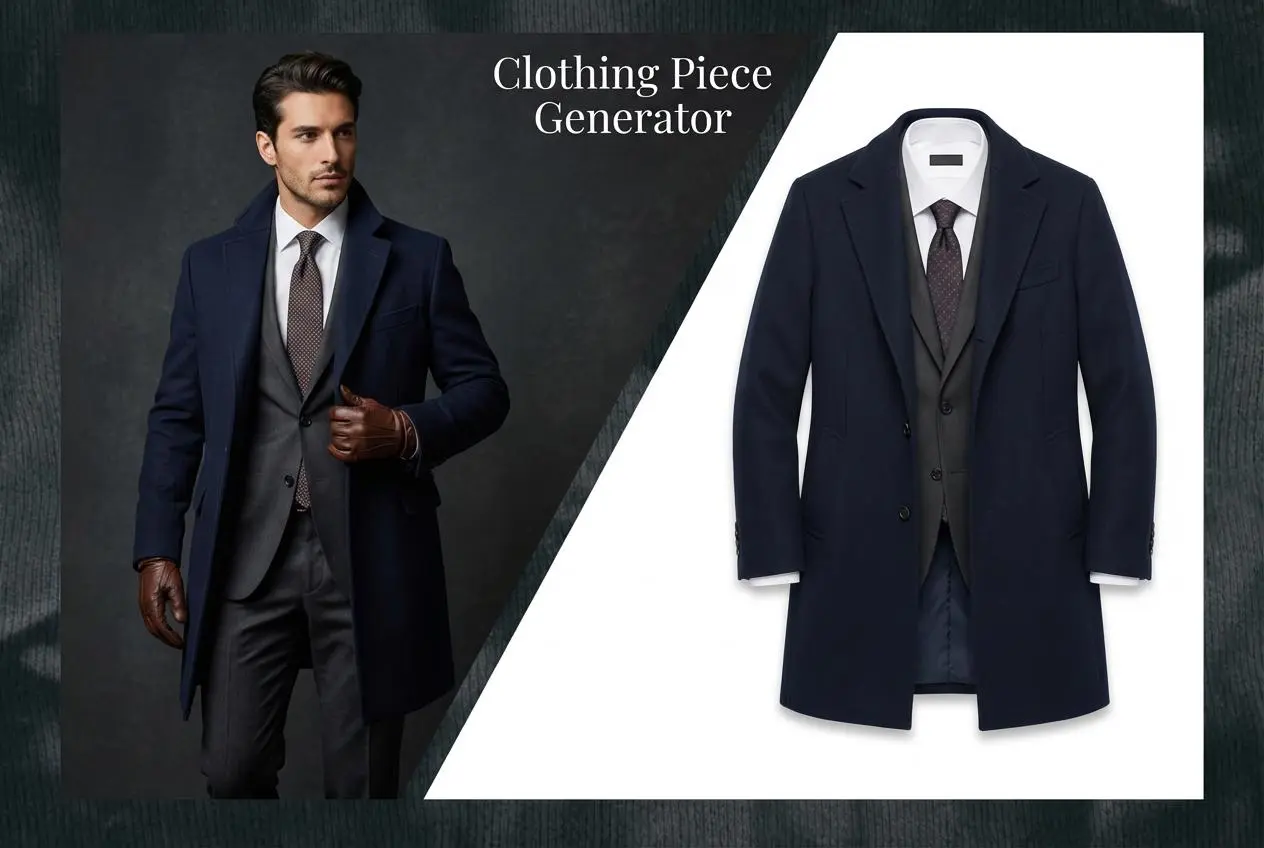
AI Clothing Piece Generator

Create Professional Flatlay Clothing Images From Any Photo or Idea

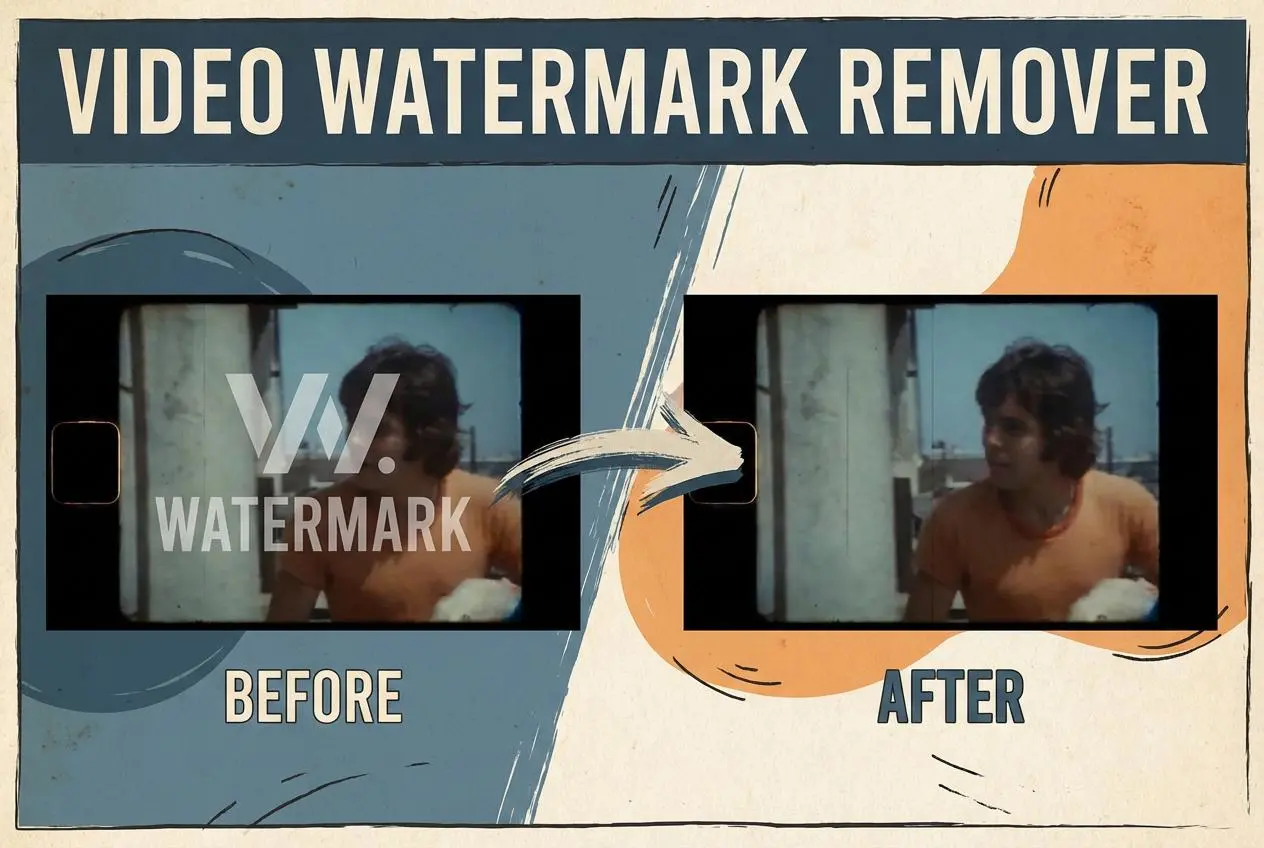
Watermark Video Remover Free Online

Remove Watermark from Video

AI Video Enhancer

Enhance Video Quality Online with AI

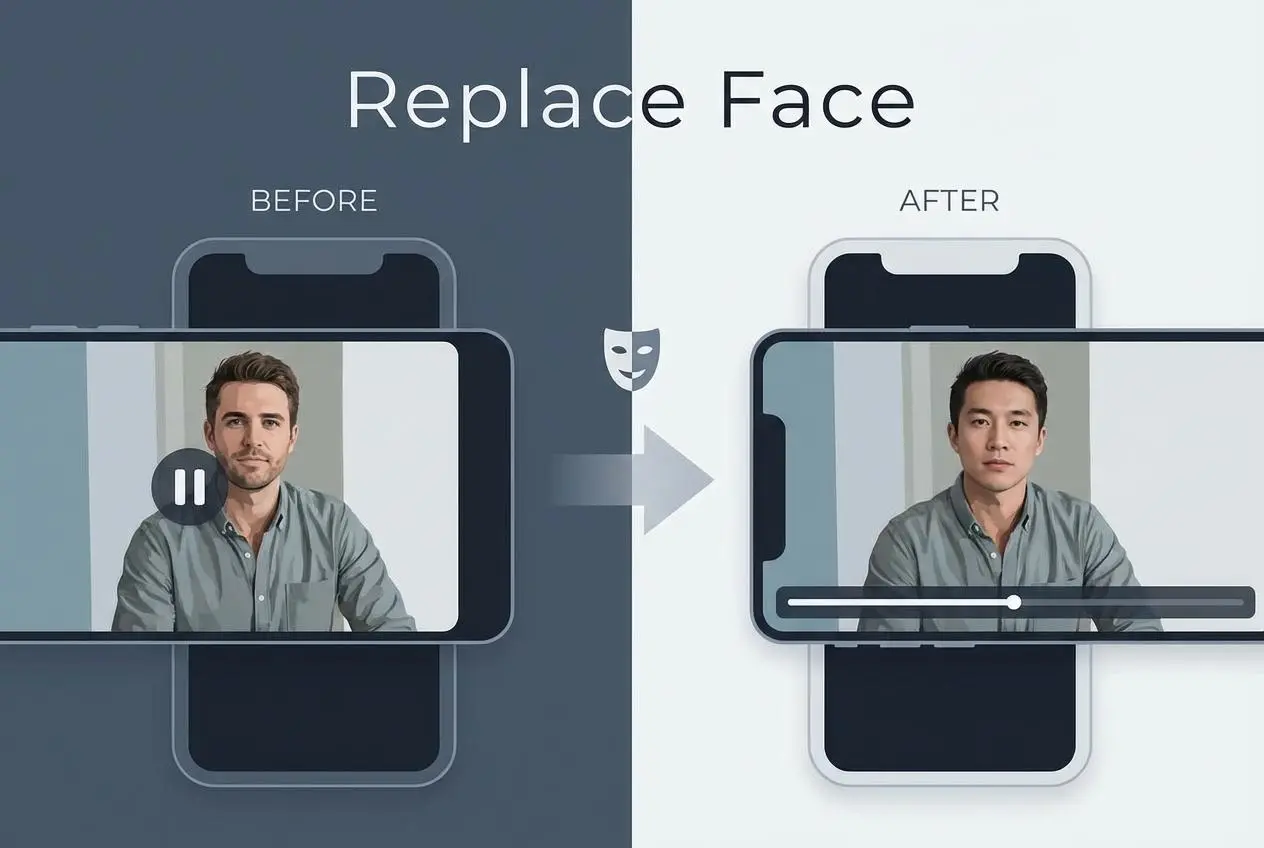
Replace Face in Video Online Free

AI Video Face Swap for Realistic Clips

Seedream 5.0 AI Image Generator

Try the Latest Smart Image Creation Model Online

Seedance 2.0

A Multi-Modal AI Video Creative Engine for Cinematic Storytelling

Sora 2

Next Generation AI Video Generator with Realistic Physics & Storytelling

Wan AI Video Generator

Advanced AI Image & Video Generation Model

Midjourney Image Generator

Use Midjourney v7 to Create AI-Generated Images

Kling 3.0

AI Director Video Model with 4K Cinematic Storytelling

Qwen Image Edit

A Revolutionary Tool for Seamless Image Editing

Z-Image AI Image Generator

Create High-Quality Images from Text Instantly

FireRed Image Edit

Open Source AI Image Editing Model for High Fidelity Edits

Grok Imagine AI Image Generator

Create High-Resolution Images from Text with Aurora AI

Grok Imagine AI Video Generator

Create Cinematic AI Videos with Native Audio & Scene Control

Hailuo AI Video Generator

Create Cinematic AI Videos from Text or Images

Veo 3 AI Video Generator

Create Cinematic Videos from Text or Images

idea
helper