




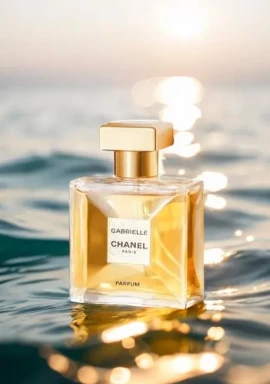
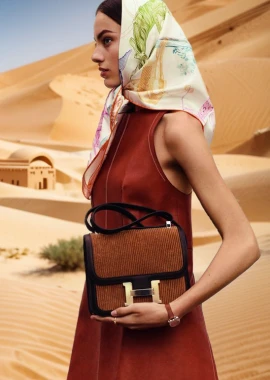
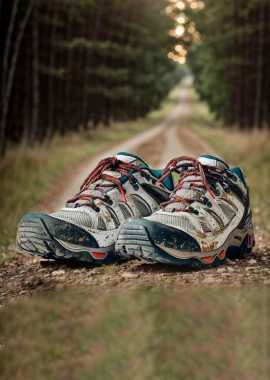
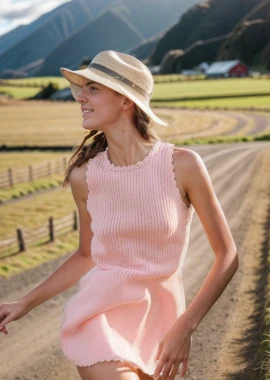





Transform Your Photos into Japanese Hand-Drawn Plogs with WeShop AI
Learn how to use WeShop AI to turn ordinary everyday photos into cute Japanese-style hand-drawn Plogs with doodles and emotional handwritten text. Follow a simple step-by-step guide with a powerful prompt to create viral-worthy social media content in seconds.
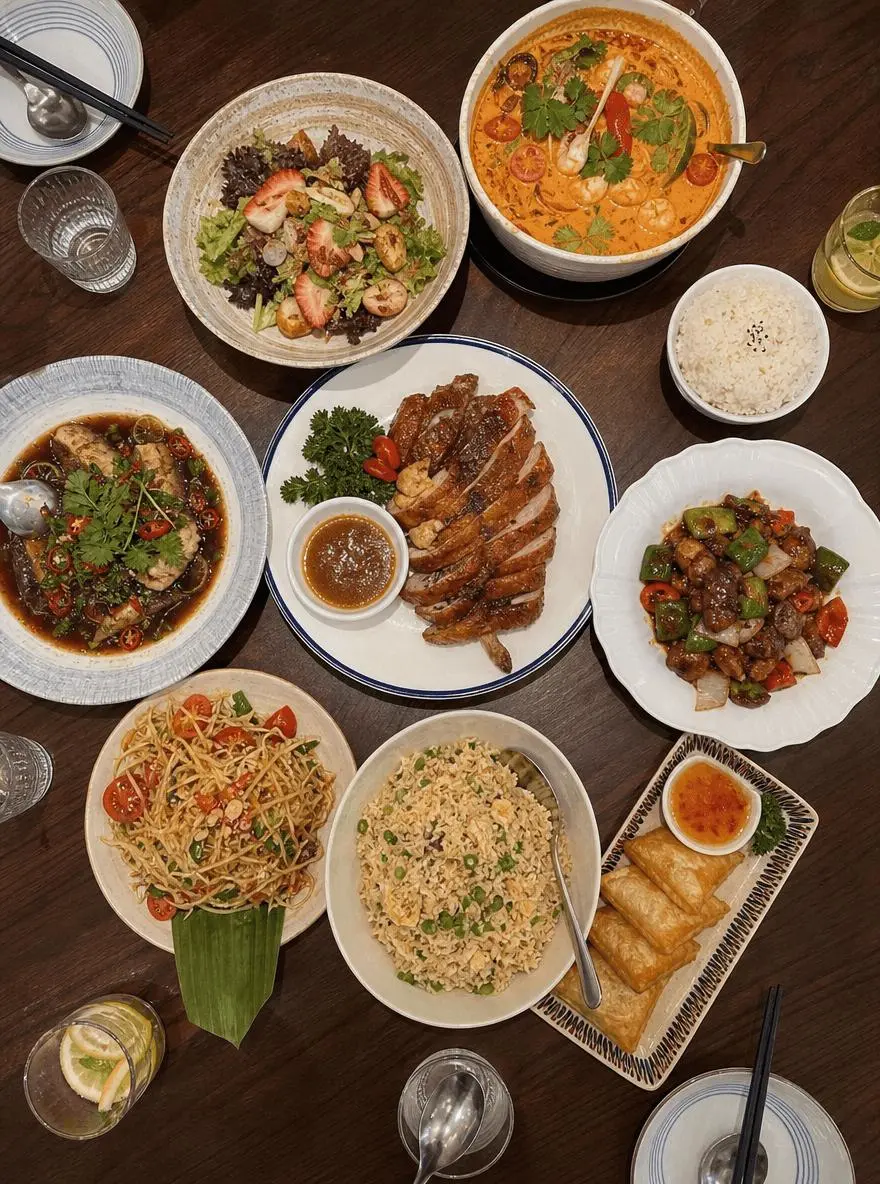
Every time you have a feast and take photos of the delicious food, but when you post them on Moments, they feel flat and boring?
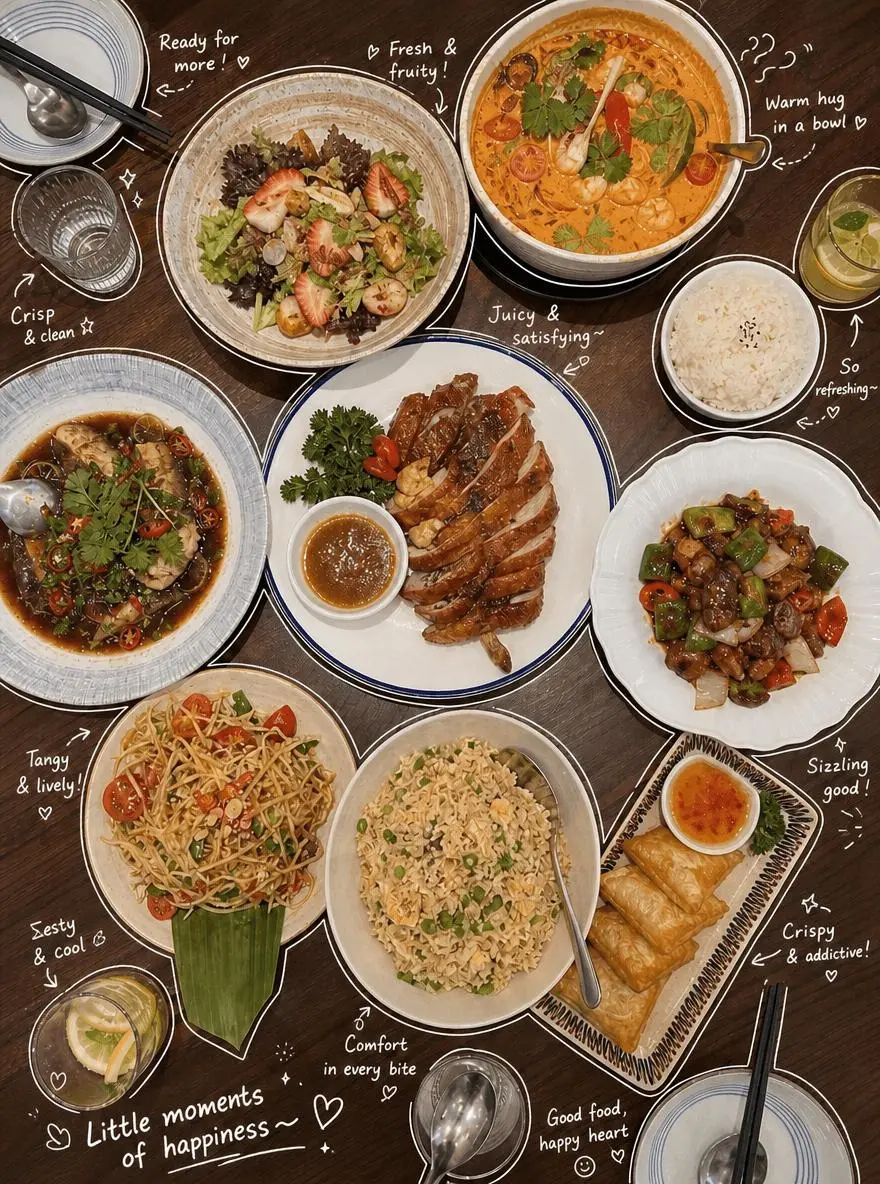
You envy those Plogs (photo blogs) on social media that are full of life, with cute hand-drawn doodles and emotional ramblings, but you consider yourself 'all thumbs' and can't draw that spontaneous diary feel with a brush?
|
|
Don't worry! In this AI era, you don't need any drawing skills at all.
Today, I'll teach you step by step how to use a 'god-level prompt' to hand over your ordinary everyday photos to WeShop AI (GPT Image 2 AI Image Generator) and let it automatically add precise outlines and cute Japanese-style handwritten annotations for you.
In just a few seconds, you can salvage your bad shots and easily create perfect content for your Moments!
Preparation / Required Tools
- Core Tool: WeShop AI (GPT Image 2 AI Image Generator)
- Source Image: A clear everyday photo with distinct elements
Detailed Step-by-Step Guide
Step 1: Open WeShop and upload your original photo
First, click to visit the WeShop AI GPT-Image page.
Find the image upload area in the interface and upload the photo you want to transform.
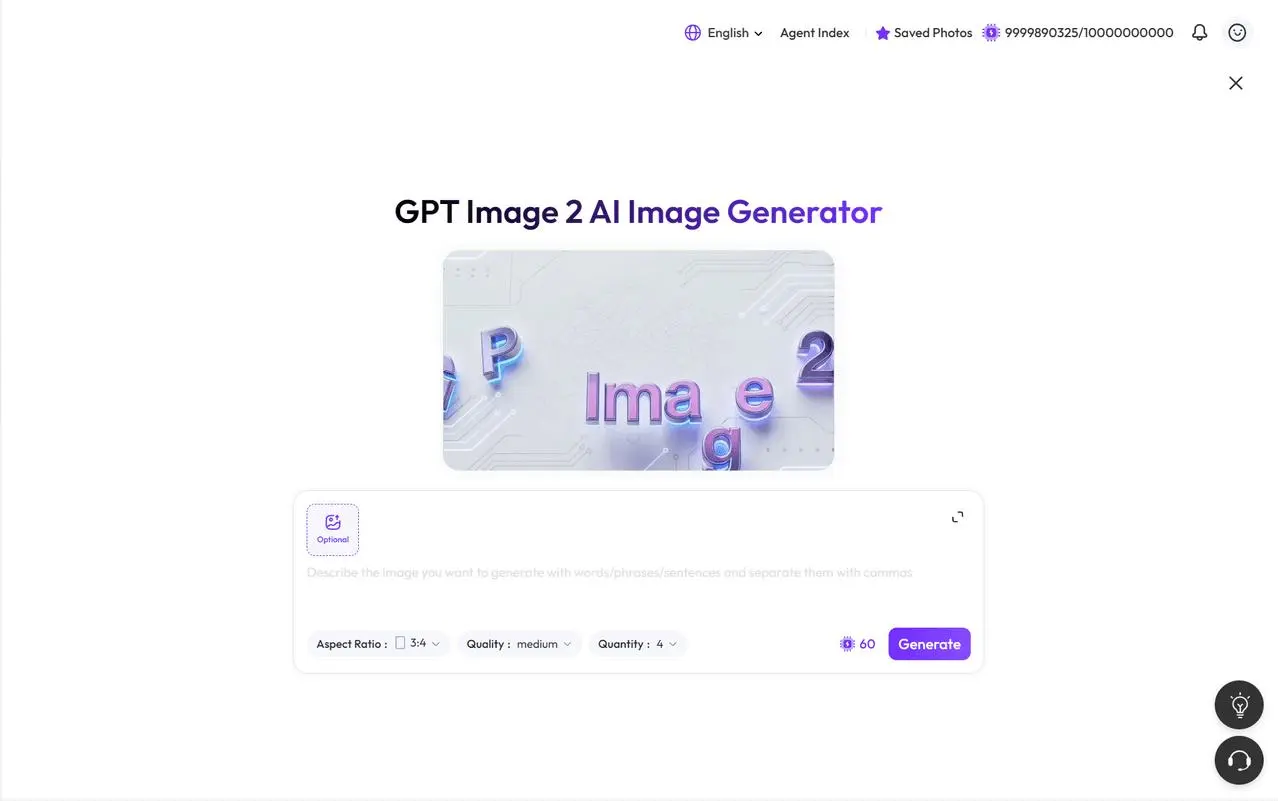
Step 2: Enter the 'god-level' hand-drawn style prompt
This step is crucial for determining the final quality of your photo.
Don't just simply tell the AI to 'add some text' — we need to give it a very clear set of drawing and layout rules.
After uploading the image, directly copy and paste the following prompt into the instruction input box. You can also fine-tune the examples in the prompt according to your photo content.
Please carefully observe the elements in the photo and add meaningful, hand-drawn style annotations to each main object. Please follow these rules strictly:

[Drawing Rules]
- Use thin, white, hand-drawn style lines, like a white gel pen.
- Use a casual, continuous line art style with a slightly sketchy and uneven feel.
- Draw rough outlines or borders around the main objects.
- Use small arrows or dashed lines to point to the objects.

[Text Rules]
- Use a cute, handwritten aesthetic font.
- Keep the text very short, like a casual diary entry or inner monologue.
- The tone should be cozy, relaxed, and slightly emotional.

[Annotation Content Rules]
- For Drinks: Describe taste, temperature, or mood, such as "Refreshing", "A bit sweet", or "Just right".
- For Food: Describe texture or tastiness, such as "Super yummy!", "Juicy", or "So satisfying~".
- For Objects/Space: Describe the vibe or function, such as "Relaxing corner", "Love this vibe", or "My daily essential".
- Overall Vibe: Add one summarizing sentence, such as "Little moments of happiness~" or "Perfect day!".

[Decorations]
- Moderately add cute doodles such as steam, sparkles, mini hearts, stars, or simple smiley faces.
- Do not over-clutter the image.
- Leave enough negative space to keep the image clean and breathable.
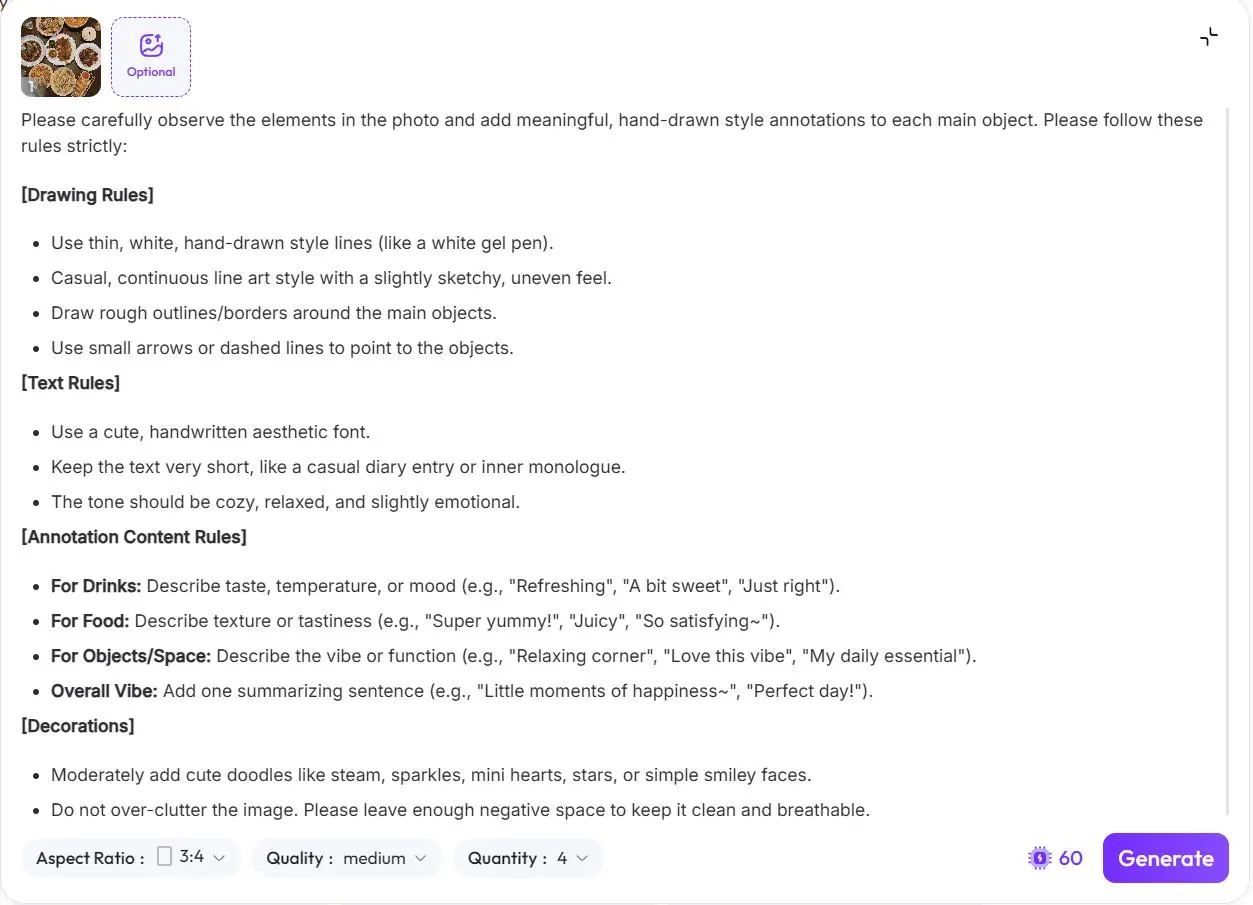
Step 3: Generate with one click
Click the generate button and give WeShop AI a few seconds to process.
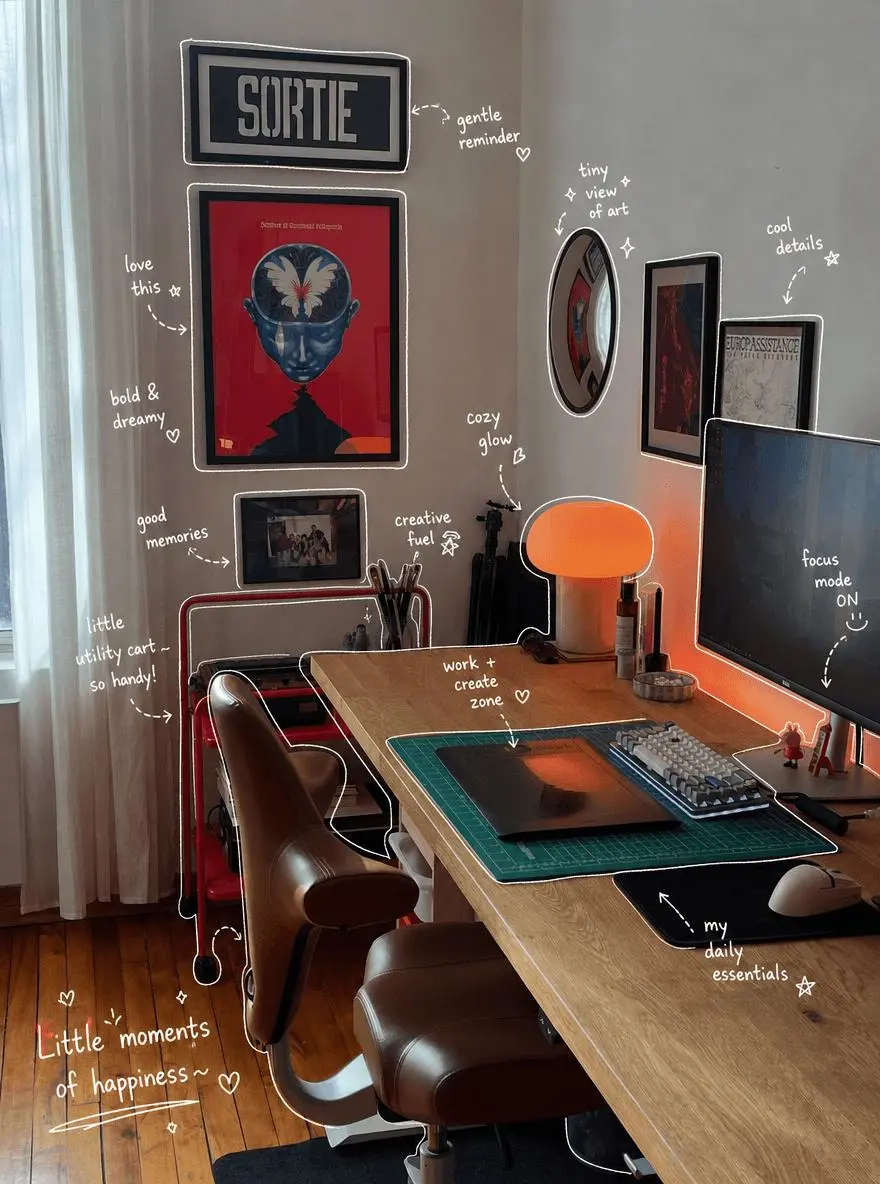
It will automatically identify the main elements in the image and generate white hand-drawn outlines, arrows, doodles, and emotional handwritten text around the objects.
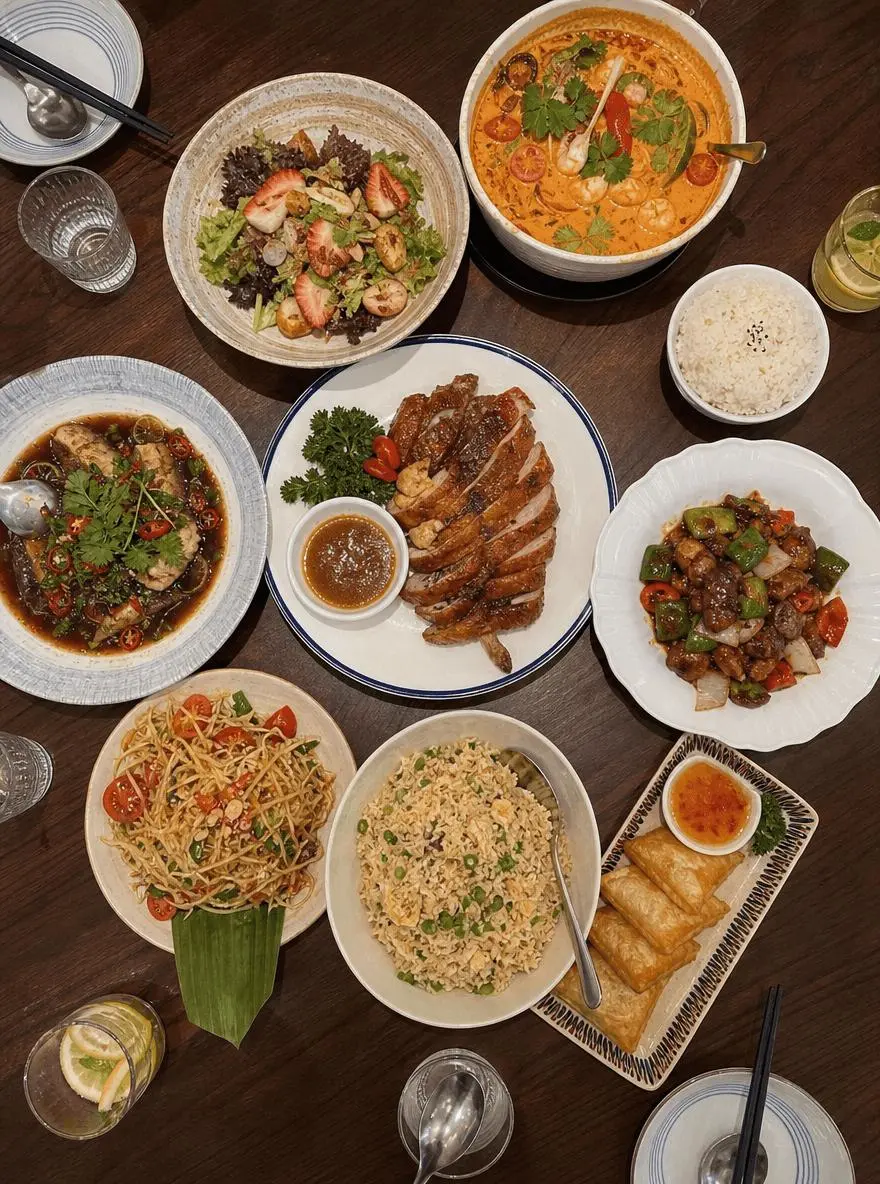
|
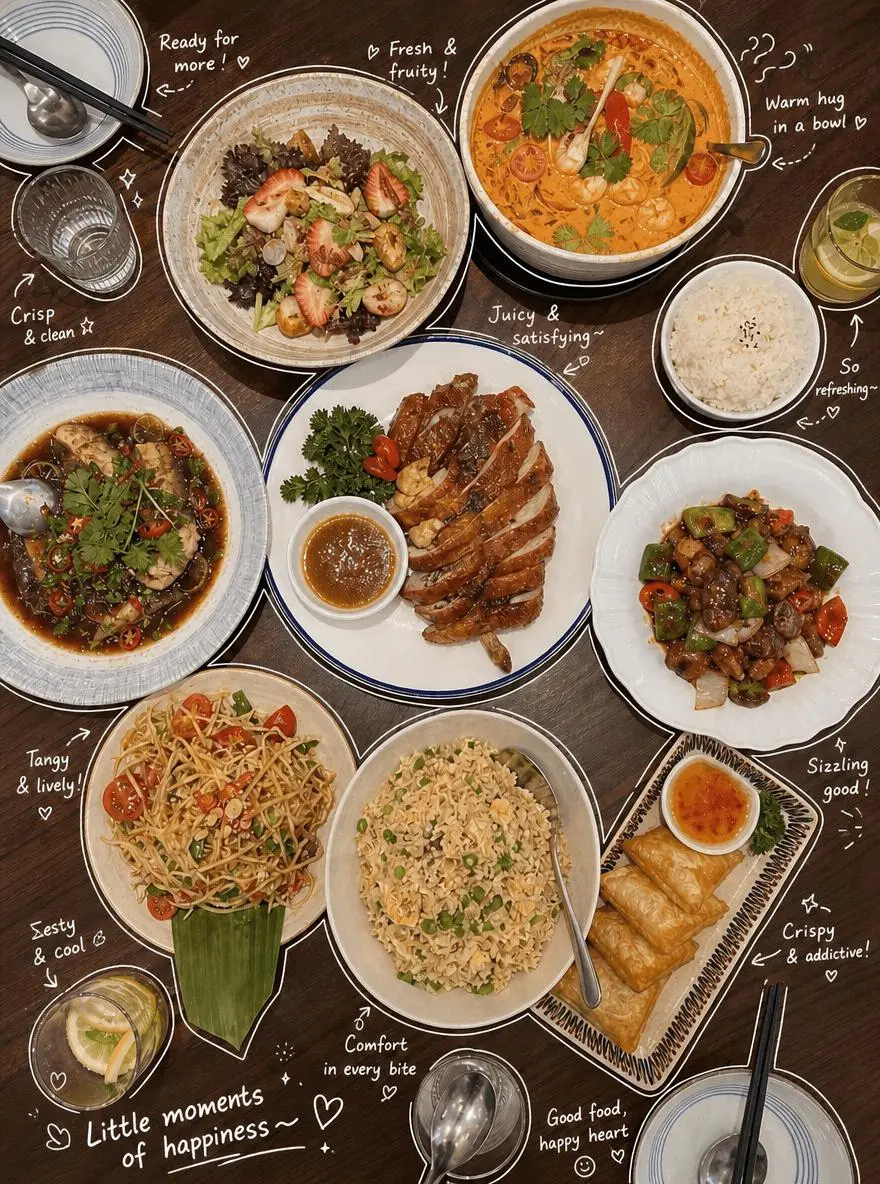
|
💡 Tip: If the first result looks too busy, or the doodles cover the main subject, don't give up. You can generate a few more and pick the best one.
Advanced Tips / FAQ
Q1: Why do the outlines on my photo look broken?
It might be because the original photo is too dark, or the image contrast is too low, causing the AI to fail to accurately identify object edges.
It's recommended to use the editing features built into your phone's gallery to appropriately increase the photo's:
- Brightness
- Contrast
- Saturation
- Sharpness
This will help the AI more accurately identify the subject and object outlines.
Q2: Can this trick only be used on food photos?
Of course not!
This prompt is also suitable for many everyday scenes, such as:
- OOTD daily outfit breakdown
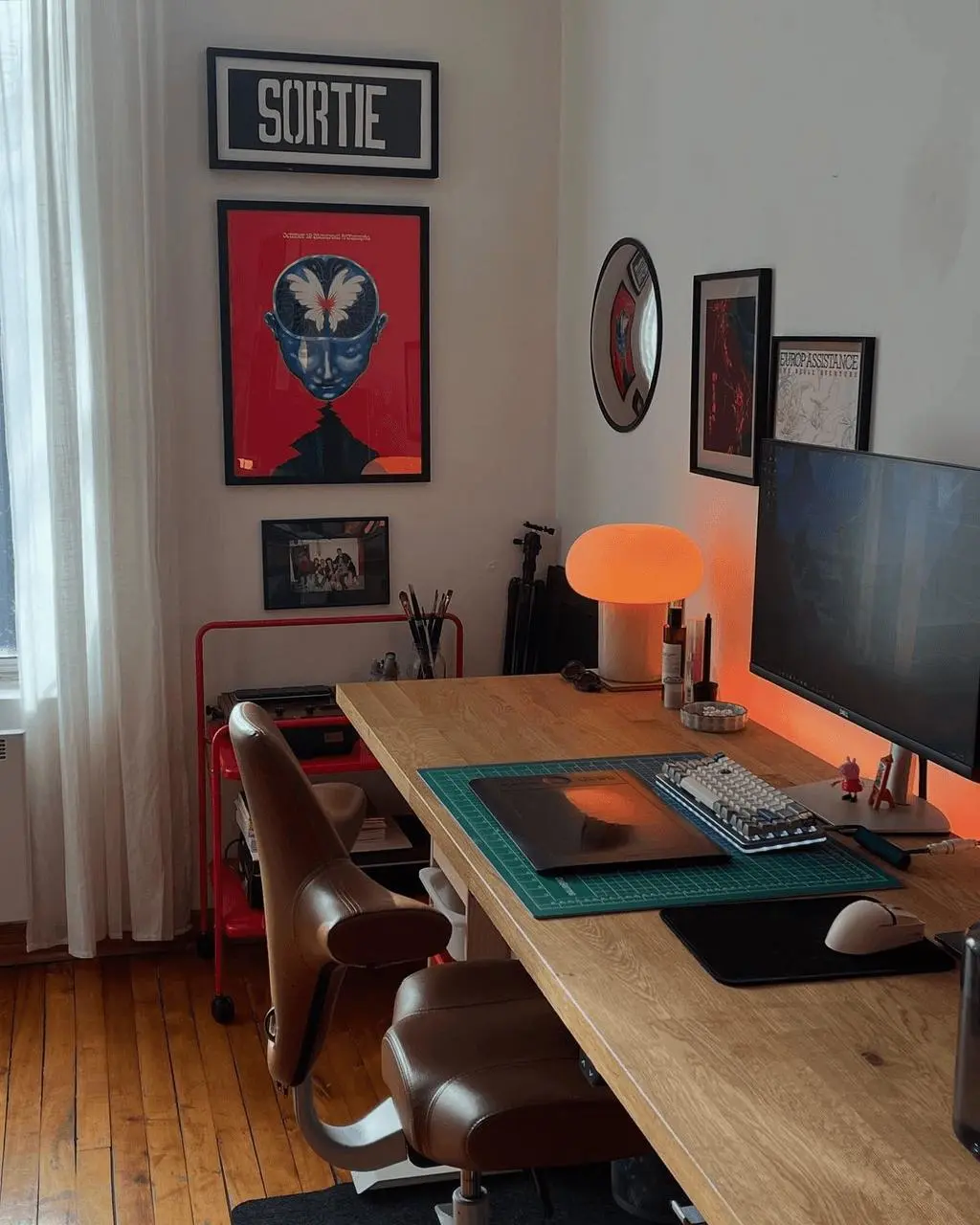
- Desk goodies sharing
- Coffee shop check-in
- Home life records
- Travel photos
- Bag unboxing
- Skincare product sharing
- Daily essentials display
You just need to adjust the content in the [Annotation Content Rules] section of the prompt according to the photo type.
For example, when making an outfit Plog, you can replace 'food texture' and 'drink taste' with:
- Clothing material
- Color matching
- Wearing experience
- Item features
- Styling suggestions
When making a goodies sharing post, you can replace with:
-
Purpose of the item
-
User experience
-
Recommendation reason
-
Daily use scenarios
|
|
Summary
As long as you master the right communication 'spell' and pair it with a powerful AI image generation tool like WeShop, even ordinary, monotonous everyday photos can instantly be filled with warmth, emotion, and a sense of life.
This kind of Japanese-style hand-drawn Plog, with its built-in life atmosphere and emotional value, can not only make your photos more interesting but also make your Moments content more distinctive.
Now pick an everyday photo, upload it to WeShop, and try making your very first hand-drawn style Plog!