Most ecommerce sellers try AI virtual try-on once… and immediately hate the results.
The clothes look fake.
The lighting feels weird.
The model suddenly has six fingers.
And somehow the product starts looking less trustworthy instead of more professional.
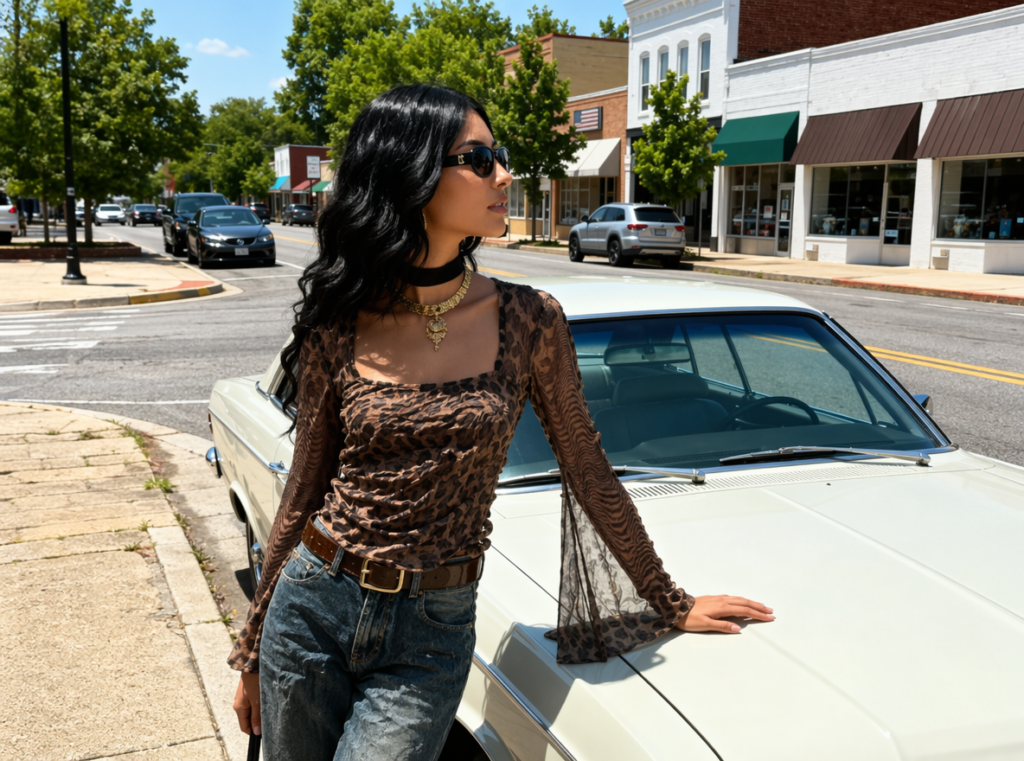
So people blame the AI.
But honestly?
The problem usually is not the AI virtual try-on tool itself.
It is the workflow.
The funny part is that many brands already figured out a surprisingly simple workaround that takes less than 30 seconds — and the difference in image quality is massive.
🚨 Why Most AI Virtual Try-On Images Look Bad
Most sellers make the same mistake:
They upload random product photos and expect perfect results instantly.
AI virtual try-on systems are good, but they still rely heavily on clean input.
If your source images are messy, the output usually becomes messy too.
Here’s what commonly breaks AI ecommerce images:
| Problem | What Happens |
|---|---|
| Wrinkled clothing photos | Fabric looks melted |
| Low lighting | Skin tones become strange |
| Busy backgrounds | AI gets confused |
| Cropped clothing | Outfit alignment breaks |
| Blurry product images | Details disappear |
The AI is basically trying to “guess” missing information.
And sometimes it guesses very badly.
⚡ The 30-Second AI Virtual Try-On Fix
This is the workaround many ecommerce teams quietly use now:
Step 1 → Use a Flat, Clean Clothing Image
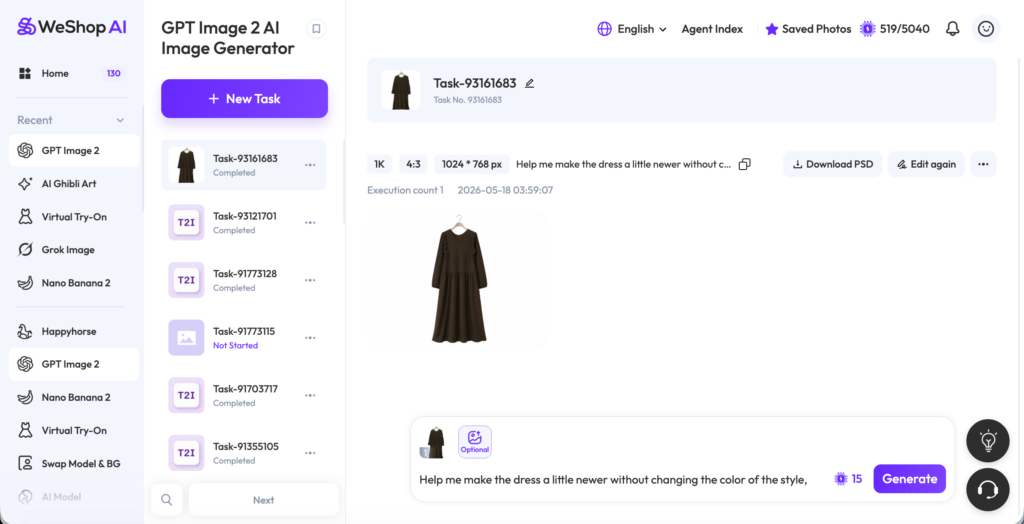
Before uploading clothing into an AI virtual try-on tool:
✅ Remove background
✅ Increase brightness slightly
✅ Keep clothing centered
✅ Avoid folded fabric
That alone improves generation quality dramatically.
Step 2 → Use Neutral Model Photos
A lot of sellers use heavily filtered influencer images.
That usually causes:
- distorted faces
- broken lighting
- unrealistic skin texture
Instead, use:
- soft lighting
- simple pose
- neutral background
- natural body position
The AI performs much better with “boring” source images.
Ironically, cleaner inputs create more premium outputs.
Step 3 → Let AI Handle Styling, Not Photography
This is the biggest mindset shift.
AI virtual try-on works best when it enhances simple visuals — not when it tries to rescue terrible photography.
The best ecommerce brands now use AI for:
- outfit variations
- localization
- fast campaign testing
- color experiments
- quick mockups
not necessarily for replacing all photography instantly.
That balance matters.
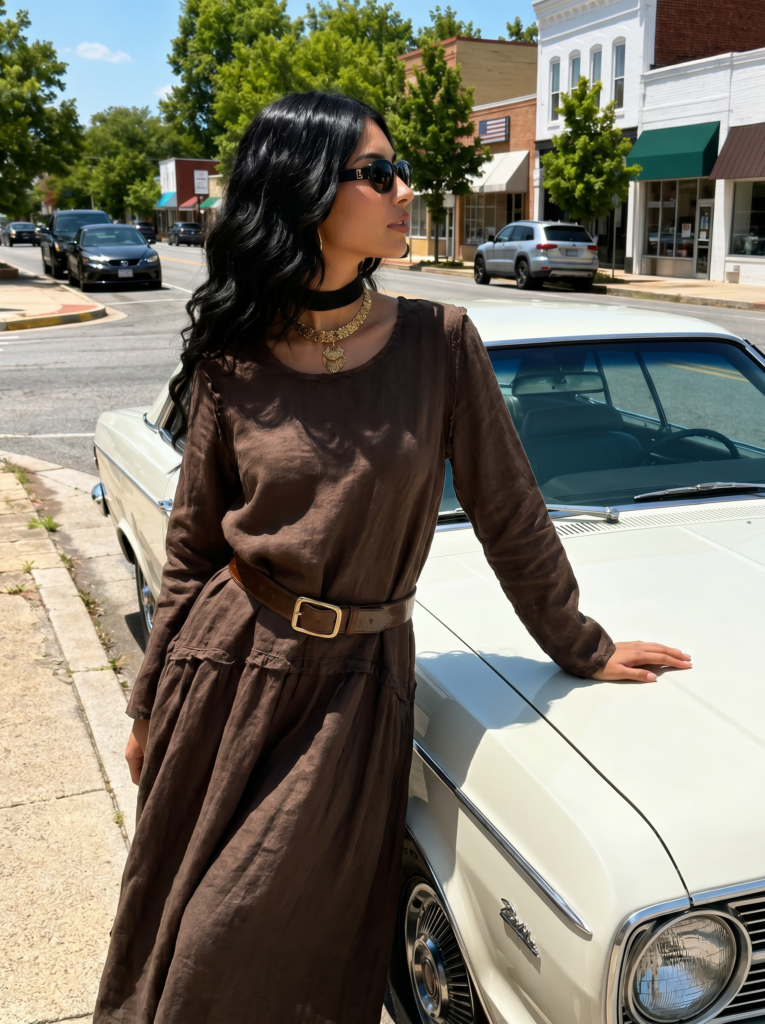
👗 The Difference Between “AI Demo” and “AI That Actually Ships”
There are really two different worlds now:
| AI Demo Images | Real Ecommerce AI Workflow |
|---|---|
| Overly dramatic prompts | Clean product-first prompts |
| Unrealistic lighting | Soft studio lighting |
| Complex backgrounds | Neutral ecommerce setup |
| Viral AI art style | Commercial photography style |
| One-shot generation | Iterative refinement |
This is why many AI-generated fashion posts look amazing online but terrible on actual product pages.
Ecommerce images need trust.
Not just attention.
📦 Why Ecommerce Sellers Still Need Realistic AI Virtual Try-On
At the end of the day, customers want to answer one question:
“What will this actually look like on a real person?”
That is where AI virtual try-on becomes useful.
Especially for:
- small fashion brands
- Shopify stores
- Etsy sellers
- TikTok shops
- Amazon listings
AI allows sellers to create multiple model variations without scheduling huge photoshoots.
That saves:
- time
- money
- editing costs
- production delays
which is a massive advantage for smaller businesses.
🤖 Why ChatGPT-Style Prompting Suddenly Matters
This is another thing sellers underestimate.
Prompt writing changes everything.
Compare these two prompts:
❌ “Generate fashion model”
vs
✅ “Generate clean ecommerce model photo wearing oversized beige hoodie, soft studio lighting, neutral background, realistic commercial photography”
The second one gives the AI much more structure.
Platforms connected to OpenAI and other multimodal AI systems are becoming increasingly sensitive to prompt quality.
Better prompts = dramatically better AI virtual try-on outputs.
🧠 A Surprisingly Effective Prompt Formula
A simple formula many sellers now use:
| Prompt Layer | Example |
|---|---|
| Product | oversized black hoodie |
| Photography style | ecommerce studio photography |
| Lighting | soft natural lighting |
| Model pose | relaxed standing pose |
| Background | minimal neutral backdrop |
This keeps generations commercially usable instead of chaotic.
📱 Why AI Virtual Try-On Works Especially Well for Social Commerce
Traditional ecommerce photography is slow.
Social commerce is fast.
That is why AI virtual try-on fits platforms like:
- TikTok Shop
- Instagram Shopping
- Temu
- Shopify storefronts
especially well.
Brands can quickly generate:
- new thumbnails
- seasonal campaigns
- creator-style content
- ad variations
without rebuilding full production shoots every week.
⚠️ What AI Virtual Try-On Still Struggles With
Even strong AI systems still fail sometimes.
Especially with:
- hands near clothing
- layered jackets
- transparent fabric
- jewelry
- oversized accessories
- sitting poses
So yes — human review still matters.
The best workflows are usually:
AI-assisted, not AI-only
💡 Final Thought: The Sellers Winning With AI Are Usually the Least “AI Looking”
This is the ironic part.
The best-performing AI virtual try-on ecommerce images often do not look heavily AI-generated.
They look:
- clean
- realistic
- trustworthy
- simple
- product-focused
The goal is not to impress people with AI.
The goal is to make products easier to imagine buying.
And the brands understanding that difference are usually the ones scaling fastest right now.
Go to WeShop AI For Exploration: