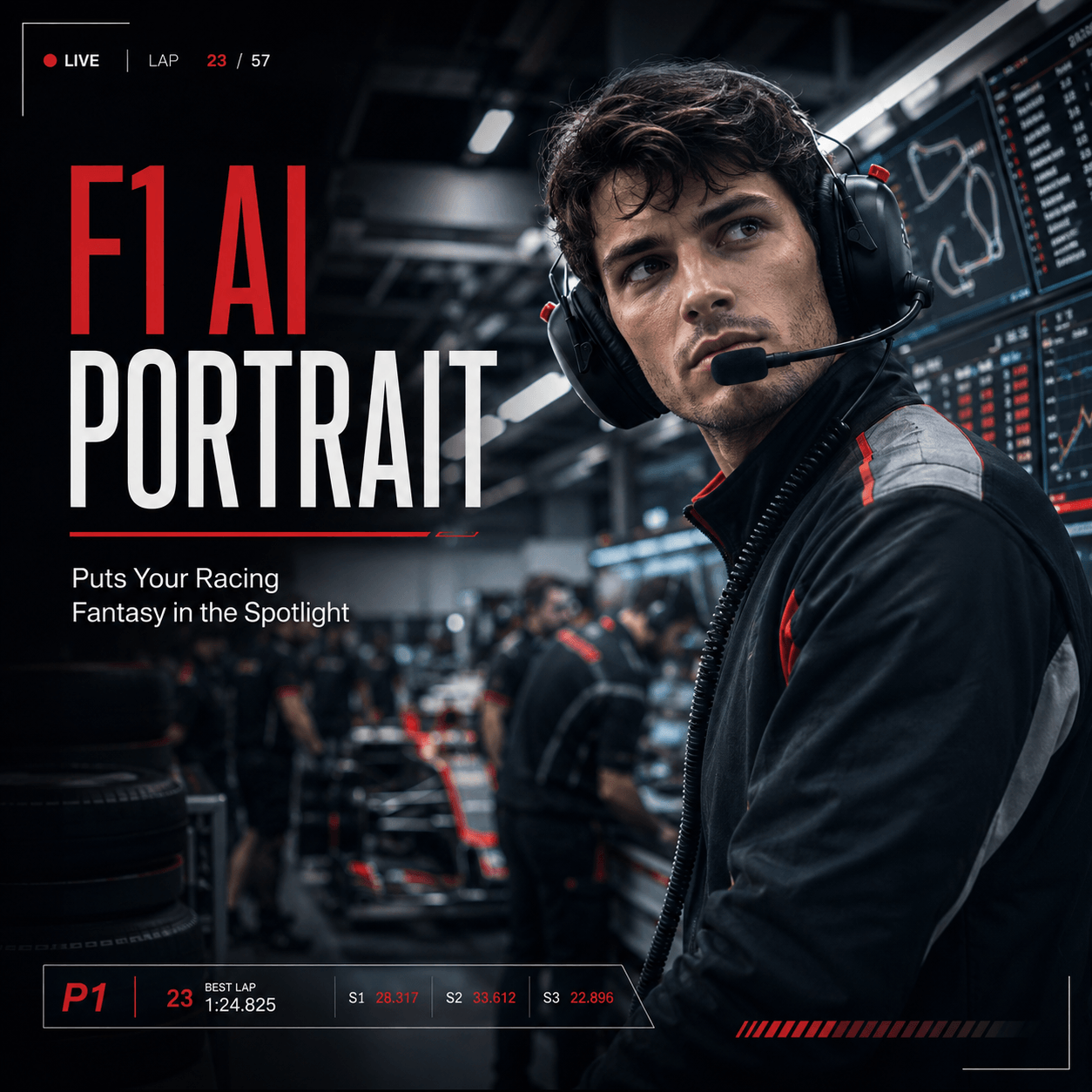
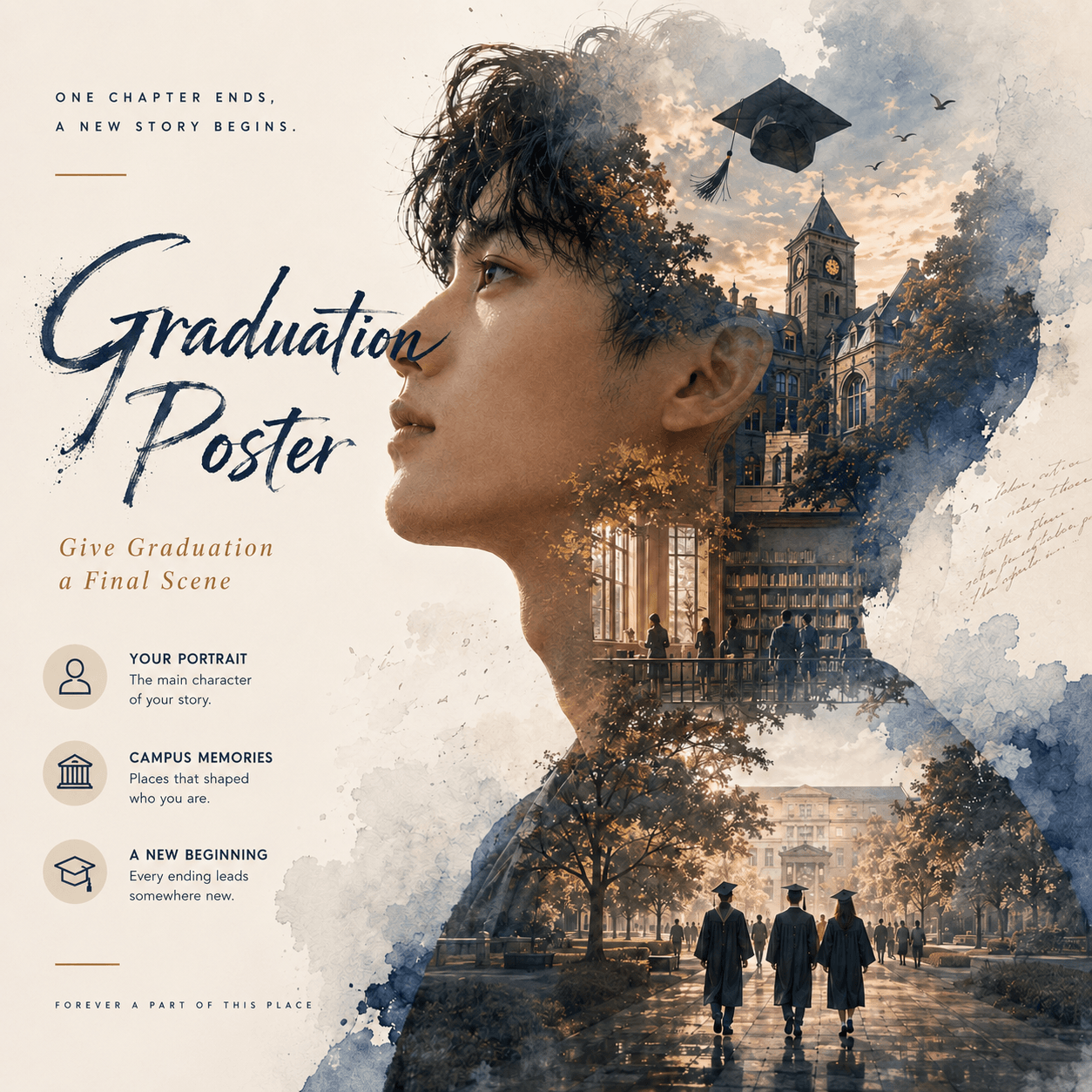
A small moment that breaks the old habit
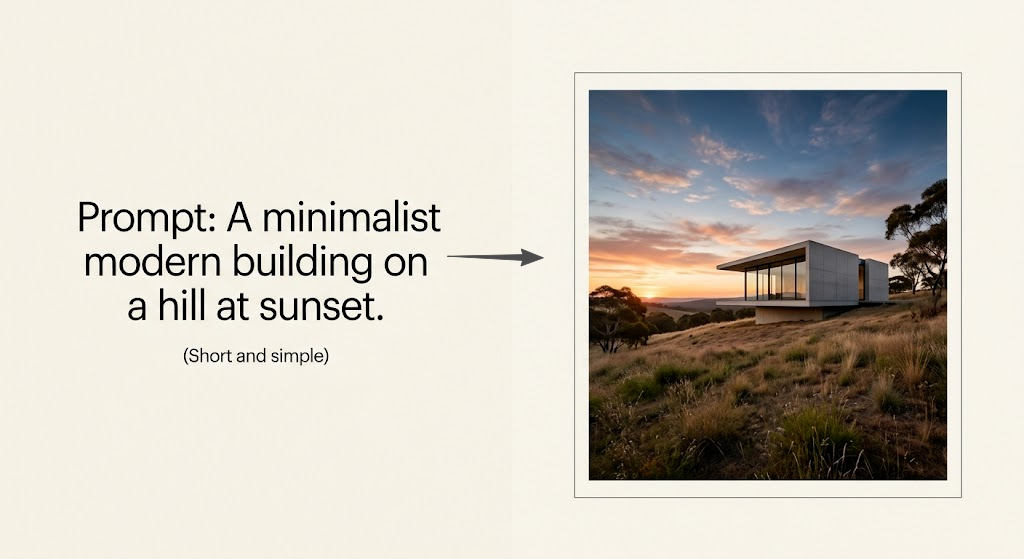
It didn’t start with a “wow” image. There was no cinematic lighting, no overloaded prompt, and no stack of style keywords trying to force something impressive. Just a simple request, almost too simple to feel serious.
And yet the result felt finished.
Not perfect. Not spectacular. Just decided, as if GPT Image 2 already understood what the image was supposed to be, not only how it should look.
That is the moment the old instinct starts to break down. If GPT Image 2 can already produce something useful from a minimal prompt, then what exactly are 100 prompts supposed to fix?
The quiet shift: from prompting to directing
Most people are still using an older assumption: the better the prompt, the better the image.
That used to be mostly true. But with GPT Image 2, the dynamic has shifted in a subtle but important way. The model handles minimal prompts well, responds to structured instructions, and improves through iteration. More importantly, GPT Image 2 behaves less like a one-shot generator and more like something you can guide.
So the change is not just technical. It is conceptual.
You are no longer writing prompts just to trigger output. You are directing outcomes.
The wrong question
There is a reason “100 prompts” keeps showing up everywhere. It is easy to package, easy to click, and easy to skim. But it is built on the wrong question.
What is the best prompt?
That question assumes the image is hidden somewhere inside the right combination of words. It is not.
A more useful question is: what job does this image need to do?
Once you ask that, the prompt usually becomes shorter, clearer, and much more effective. GPT Image 2 does not need word inflation. It needs intent.
Why simple prompts suddenly work
This is the part people often describe as the model “thinking.” Not literally, of course, but in a way that feels less mechanical and more deliberate.
GPT Image 2 combines instruction-following with contextual understanding and a sense of how scenes typically work. That means when you write something simple, it does not just render objects. It completes the situation.
You are not describing every detail. You are setting the frame. And GPT Image 2 fills in what a human would naturally expect.
That is why shorter prompts can feel stronger. Not because they are clever, but because they are clean.
What people are noticing
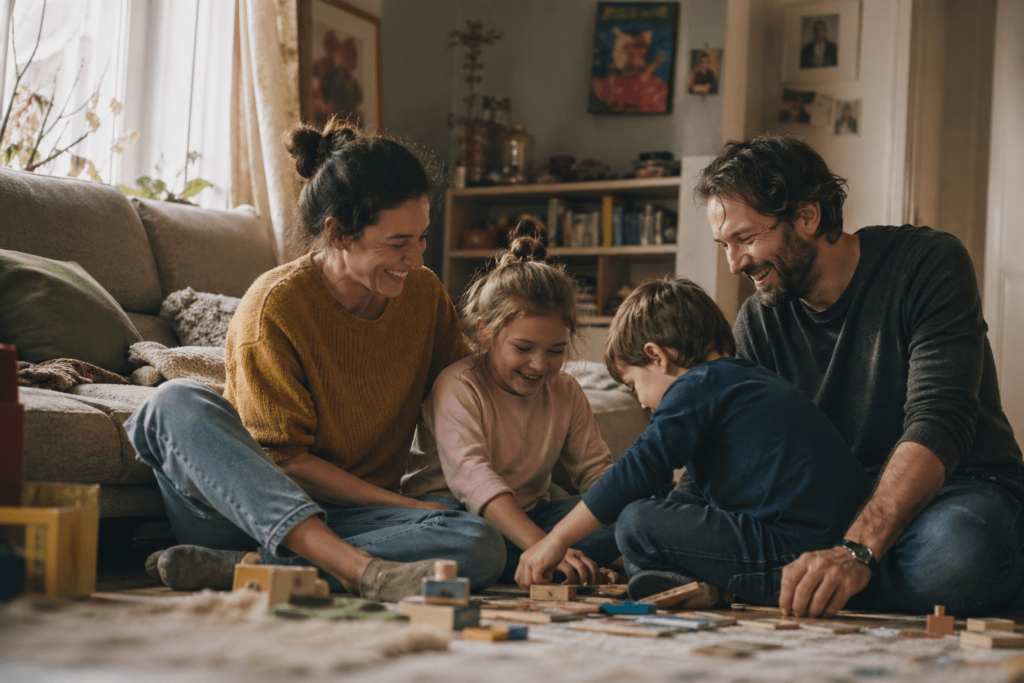
If you spend time in forums, a pattern starts to emerge. People are getting better results with plain language, shorter prompts, and fewer stacked keywords. Some mention that the first result is already usable. Others say edits feel more reliable than starting over. Many notice that GPT Image 2 holds structure better across iterations.
At the same time, imperfections still show up. Artifacts, inconsistencies, and edge cases are still part of the process.
That actually makes the pattern more believable. The takeaway is not that GPT Image 2 is flawless. It is that it responds better to clarity than complexity.
Why “100 prompts” is the wrong unit
A prompt library feels like progress. But most of the time, it is just accumulation.
And accumulation does not scale here.
With GPT Image 2, the advantage does not come from having more prompts. It comes from understanding what you want, setting boundaries, and refining the result. The model becomes more useful when you treat it like a creative system, not a keyword vault.
So instead of asking how many prompts you have, ask how many visual problems you can solve.
That is where the real difference shows up.
A more useful way to structure this
If you still want to include prompts, they should not be organized by style. They should be organized by intent.
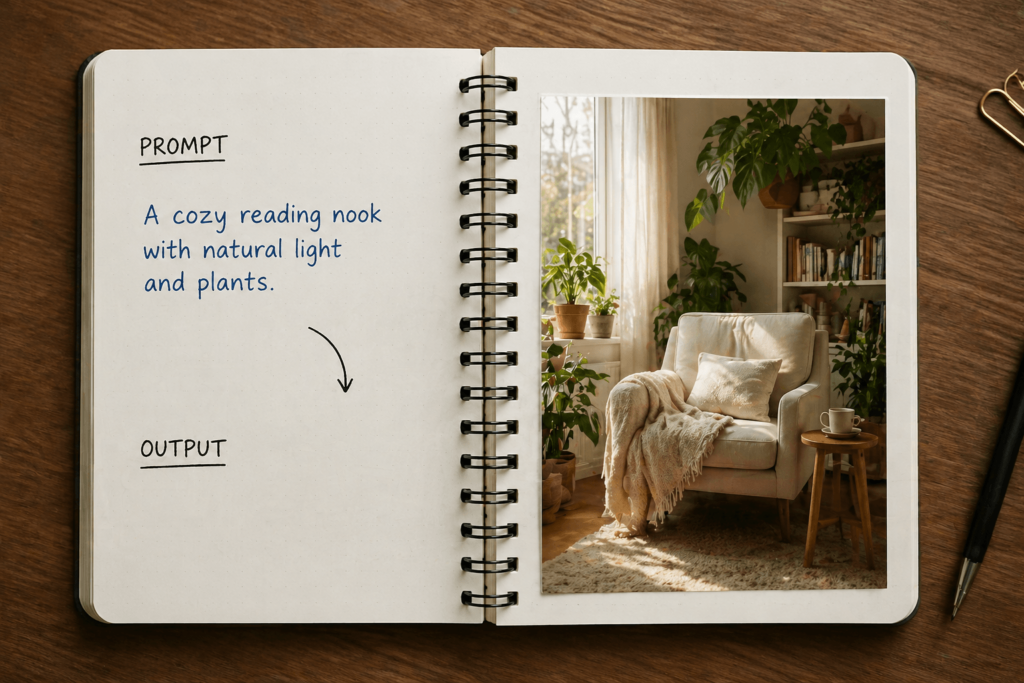
The one-line prompt
A minimal request. No decoration. Just enough to define the scene.
This section proves that GPT Image 2 does not need verbosity to work well. A short, direct line can often do more than a packed paragraph.
The brief prompt
Now you add structure. Who is there, what is happening, what it should feel like, and what must not change.
At this point, the prompt starts to look less like a trick and more like a creative brief. GPT Image 2 works especially well when the request feels like direction instead of decoration.
The edit prompt
This is where GPT Image 2 gets especially interesting.
Instead of restarting, you guide the image forward: keep the composition, change the lighting. Keep the subject, adjust the mood. Remove elements, preserve framing.
This is not prompting in the old sense. This is control.
The production prompt
This is where most content falls short, because it is not flashy. But it is where GPT Image 2 becomes genuinely useful.
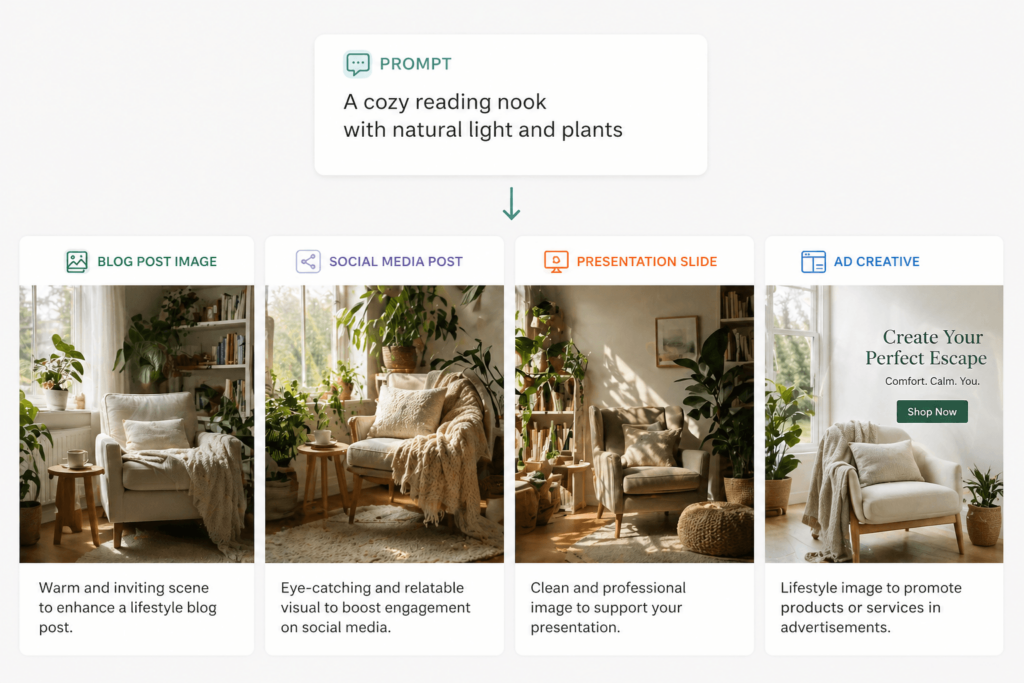
Landing pages, thumbnails, social visuals, slides. Images that need to function, not just impress. GPT Image 2 is strongest when the output has a job to do.
What no longer works
Some habits do not translate well anymore. Stacking “ultra realistic,” “8K,” “cinematic,” and “masterpiece” in one request. Mixing multiple styles in the same prompt. Writing like a tag cloud. Trying to control everything at once.
Those approaches come from older systems.
With GPT Image 2, they mostly add noise.
Cleaner input tends to produce better output.
A simple framework that actually works
If you strip everything down, this is enough.
Name the job. What is the image for?
Set the scene. Where are we, and who is there?
Lock the boundaries. What must stay consistent?
Add one quality lever. Lighting, realism, composition, or texture.
Iterate instead of restarting. Keep what works and adjust what does not.
That is the whole system.
The real shift
GPT Image 2 does not reward prompt collecting. It rewards visual thinking.
That is the difference most people have not fully adapted to yet. Collecting prompts feels productive, but directing outcomes is what actually works.
Closing
The strongest way to end this is not with more prompts. It is with a different idea.
One GPT Image 2 brief can become multiple outputs: a blog cover, a social post, a thumbnail, a slide visual. Same intent, different forms.
That is where the real leverage is.
Go to WeShop AI For Exploration: