
WeShop AI is introducing Virtual Try-On Flash, a new model option designed to lower cost while keeping the same familiar workflow. If you already use Virtual Try-On, you do not need to relearn anything. If you are new to it, this Lite version makes it much easier to start.
In short, Virtual Try-On Flash keeps the process simple, flexible, and fast. Most importantly, it brings the cost down to just 10 points per image, making large-scale testing and daily content production more realistic than ever.
One Tool, One Flow, No Learning Curve
Virtual Try-On Flash is not a separate tool. It is an update inside the existing Virtual Try-On feature on the WeShop AI platform.
Once you enter WeShop AI, everything starts from the same place. On the left sidebar, you will find Virtual Try-On. Click into it, and the interface will feel familiar if you have used it before. Nothing is hidden. Nothing is complicated.
The first step is still to upload a flat clothing image. This can be a product image from your supplier, a clean studio flat lay, or any clear garment image you already use for e-commerce. The Flash version does not change this requirement. Clear input still leads to better output.
After uploading the clothing image, the interface presents a structured box layout that makes the process easy to understand at a glance. This layout is where Virtual Try-On really shows its strength.
Virtual Try-On: Three Boxes That Define the Result
At the center of the workflow, you will see a box divided into three key sections. Each one controls a different part of the final image.
The first box shows the clothing image you uploaded. This is the item that will be worn by the model. You can quickly double-check that the garment looks correct before moving on.
Next comes the model box. Here, you select a model from your AI Models library. You can choose from existing ones. This keeps the experience consistent across different WeShop AI features.
Then comes the location box. This is where you choose an AI-generated environment. The location can define the mood of the image. It can feel like a studio, a street, a café, or a lifestyle setting. Even subtle changes here can shift how the product is perceived.
Together, these three boxes create the foundation of the try-on image. Clothing, model, and location work as a system rather than separate steps. Because of this structure, you can easily swap one element while keeping the others unchanged.
Choosing the Model: Pro, Nano Banana Pro, and Now Flash
Once everything above is ready, you reach the final decision point. This is where the update becomes clear.
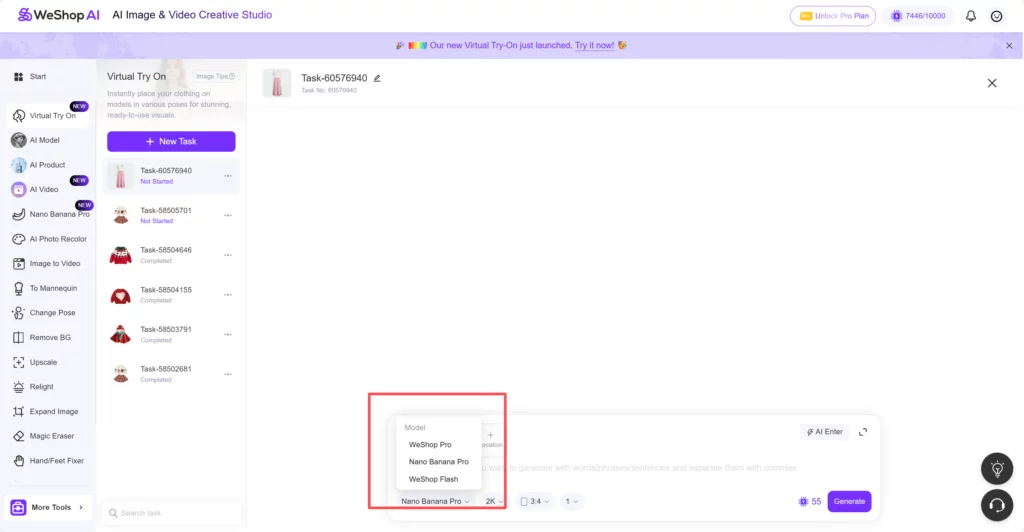
Under the prompt area, you can select which generation model you want to use. Previously, you could choose between WeShop Pro and Nano Banana Pro. Both are powerful and detailed, especially for high-end visuals or hero images.
Now, Virtual Try-On Flash appears as a new option alongside them.
This is not a replacement. It is an addition.
The Flash version focuses on efficiency and affordability. Each generated image costs only 10 points, making it the lowest-cost option in the Virtual Try-On lineup.
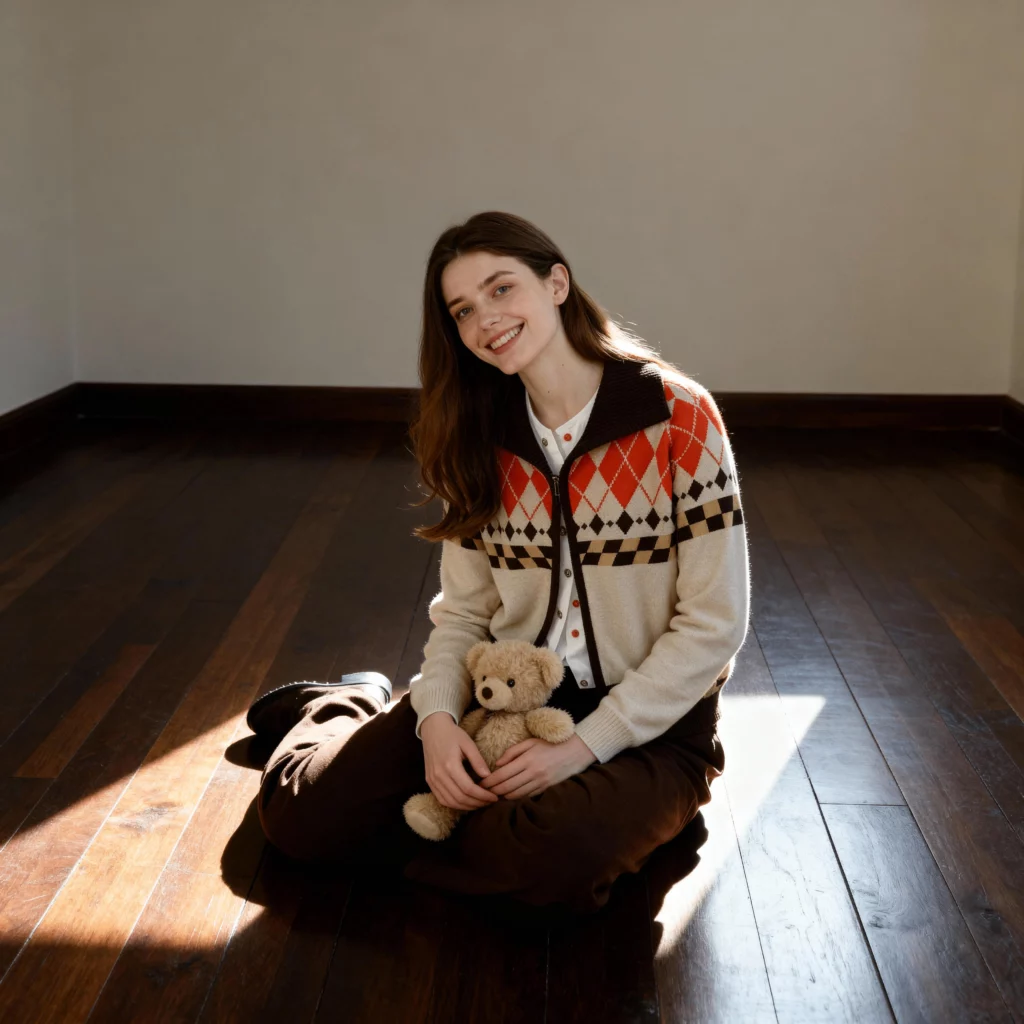
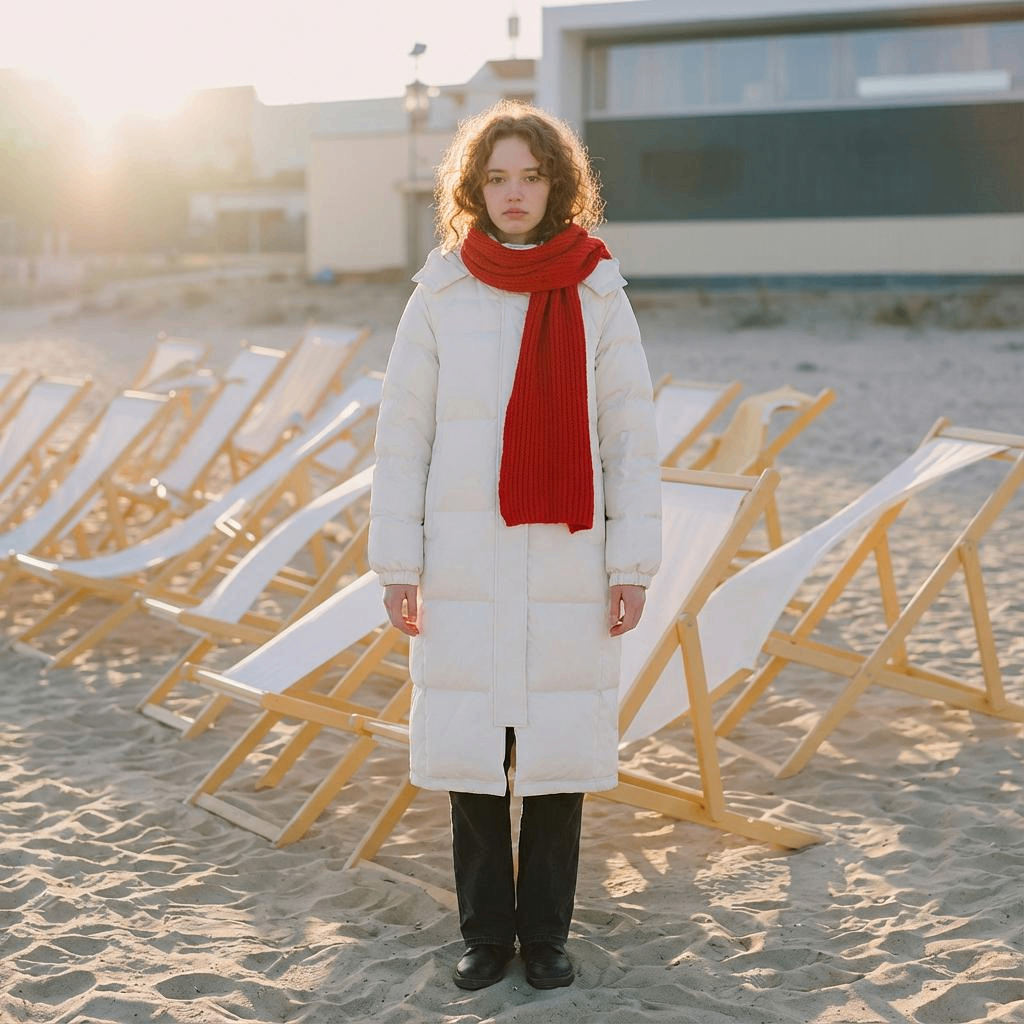
Because of this, Flash is ideal for users who want to generate more images, test more variations, or simply keep costs under control while maintaining visual consistency.
Describe the Image You Want, In Your Own Words
Below the three-box layout, you will find a text field. This is where creative control comes into play.
The prompt field allows you to describe the image you want to generate using words, phrases, or short sentences. You can separate ideas with commas. There is no strict format, which makes experimentation easier.
You might describe lighting, pose, mood, camera angle, or styling details. You can keep it minimal or add more detail depending on your goal. For example, a short prompt works well for fast testing, while a longer description helps refine a specific look.
Why Virtual Try-On Flash Matters
Lower cost changes behavior. That is the real impact of this update.
With Flash pricing, it becomes much easier to experiment. You can test multiple poses, different locations, or alternate prompts without worrying about burning through points too quickly. This encourages exploration rather than hesitation.
For e-commerce sellers, this means more freedom. You can generate several versions of the same product image and choose the one that performs best. You can refresh listings more often. You can adapt visuals for different platforms without repeating the same image everywhere.
For content creators, Flash makes daily output realistic. You can generate visuals for social posts, ads, or mood boards without planning everything in advance. The process becomes lighter and more playful.

Final Thoughts
Virtual Try-On Flash is a small change with a big effect.
By adding a low-cost model option, WeShop AI makes virtual try-on more flexible, more experimental, and more accessible. The workflow stays the same. The creative control stays intact. The only thing that changes is how easy it becomes to generate more.
If you already use Virtual Try-On, Flash gives you room to explore. If you are new, it gives you a low-risk way to start.
Sometimes, the best updates are the ones that do not force you to learn something new. They simply let you do more of what you already do, with less friction.
Virtual Try-On Flash does exactly that.