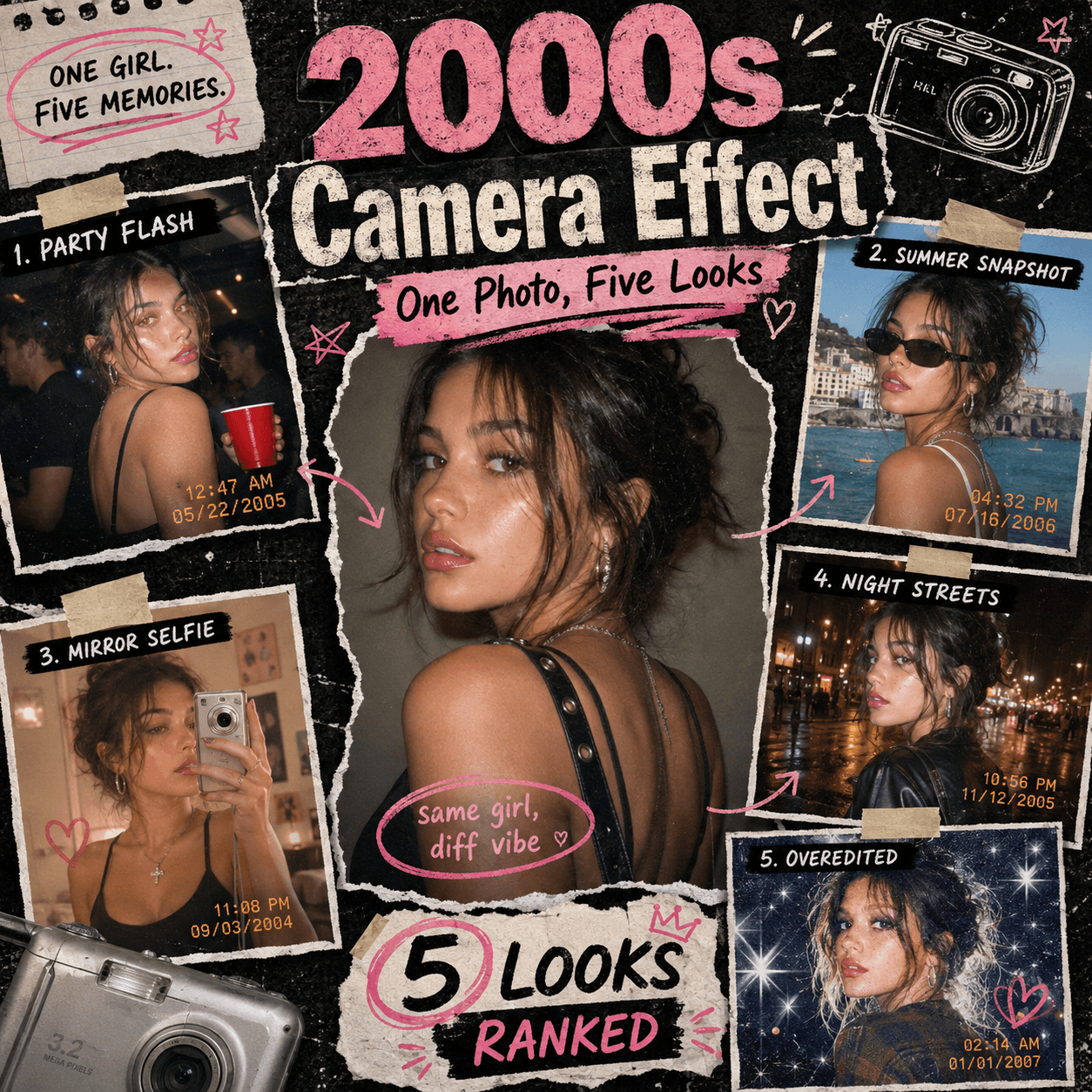
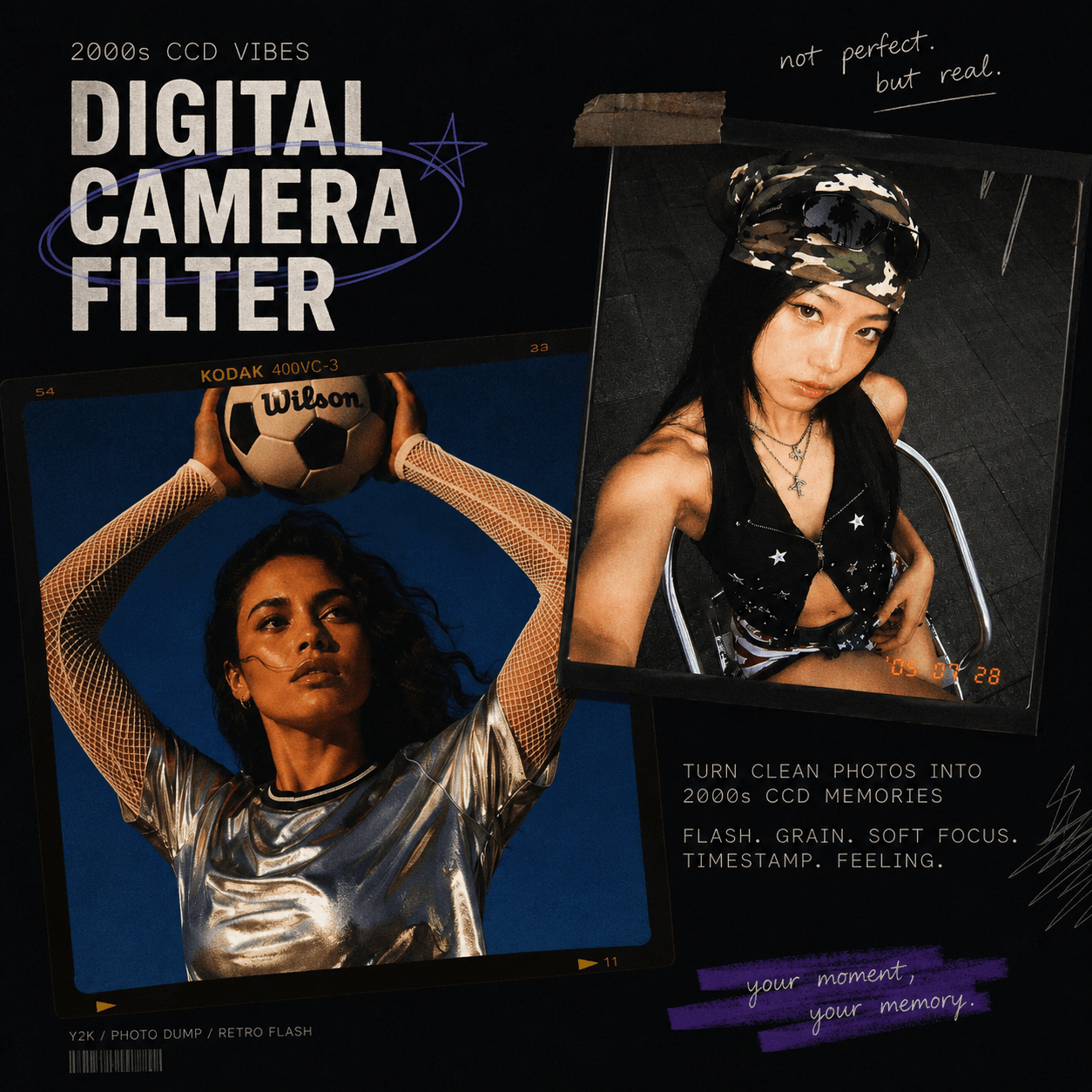
A Digital Camera Filter Online can turn a clean modern photo into a nostalgic snapshot from the early 2000s. Instead of buying an old compact camera, you can upload an image and recreate direct flash, CCD color noise, soft blur, faded tones, grain, and timestamp details.
As a result, an ordinary selfie can feel like a forgotten photo from a summer holiday, birthday party, or late-night hangout.
Perfect photos still look beautiful. However, many social media users now prefer images that feel casual, personal, and slightly imperfect. That is why the old digital camera look has returned across Instagram photo dumps, TikTok carousels, fashion posts, mood boards, and album covers.
✨ Why a Digital Camera Filter Online Feels So Fresh
The appeal is not only about nostalgia. More importantly, this style makes modern photos feel more human.
Phone cameras are now extremely sharp. They balance the light, clean the shadows, and smooth every small detail. However, that perfect quality can sometimes make different photos look too similar.
A Digital Camera Filter Online adds small imperfections back into the image. For example, the flash may look slightly harsh. The background may become darker, while the colors may shift toward warm pink, pale green, or cool blue.
Because of these details, the final photo feels more like a real memory and less like a planned photo shoot.
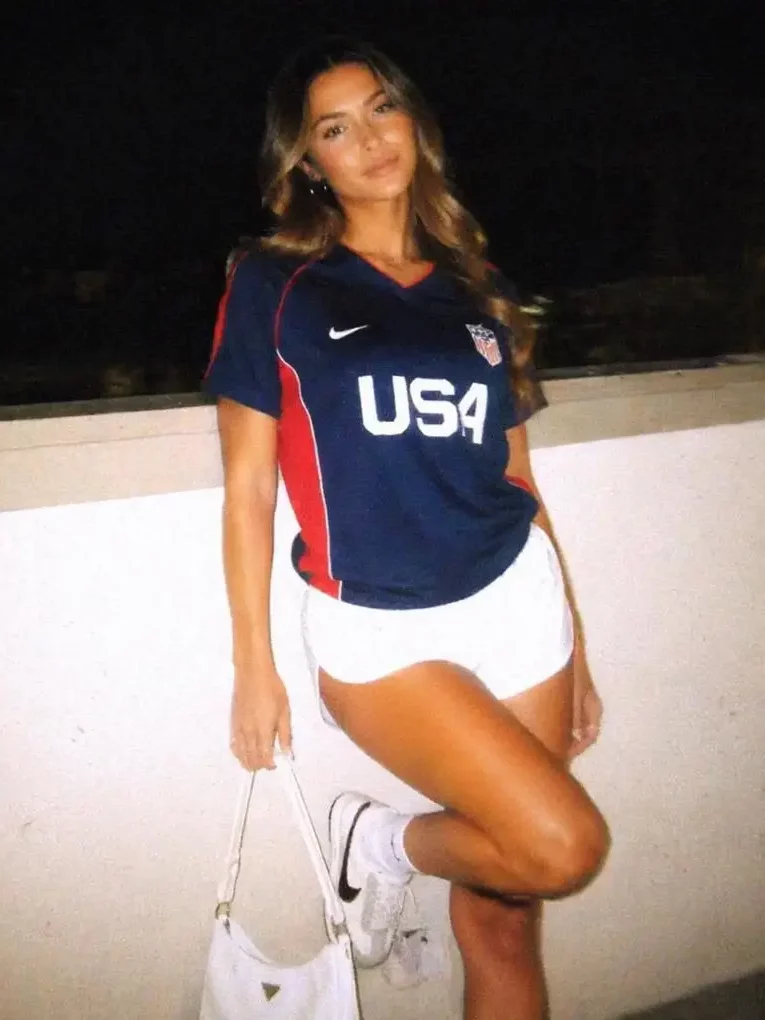
📷 Digital Camera Filter Online Effects That Create the Look
A strong retro camera effect usually combines several visual details.
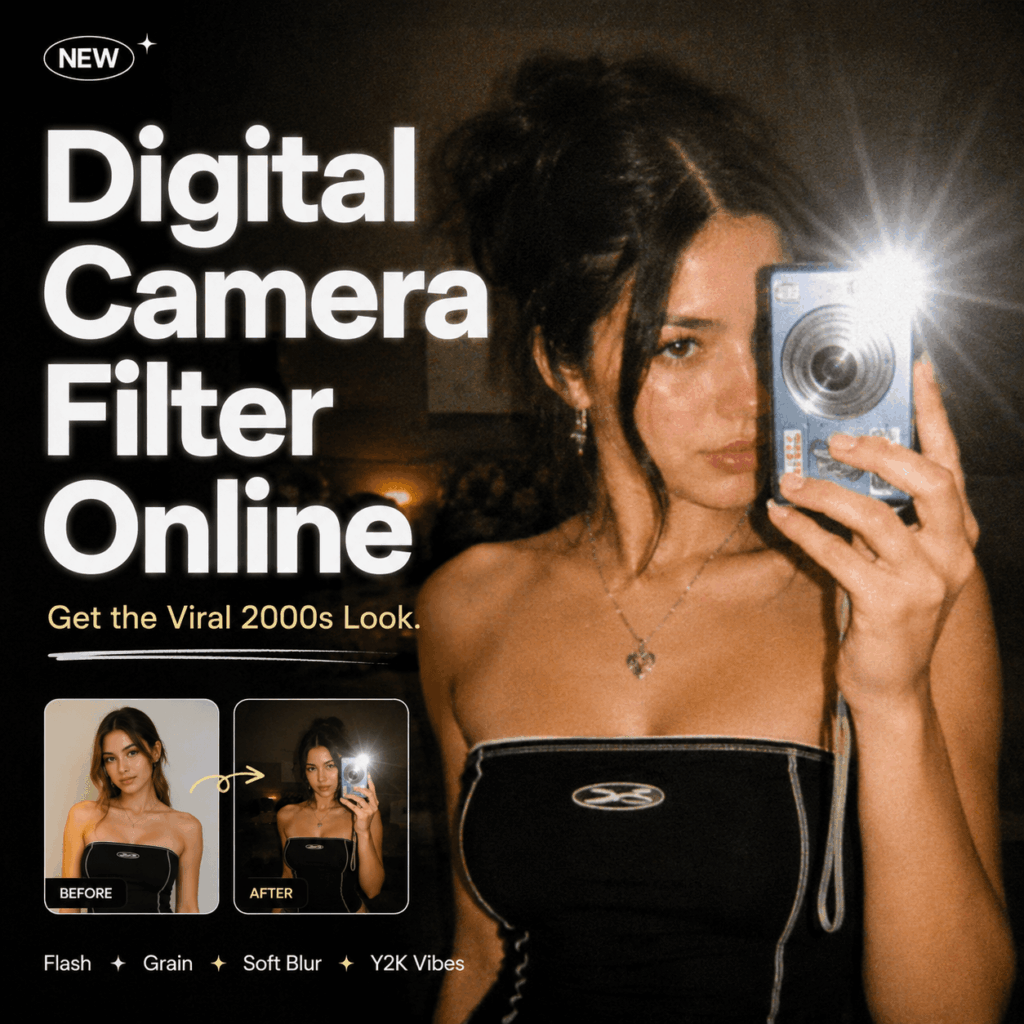
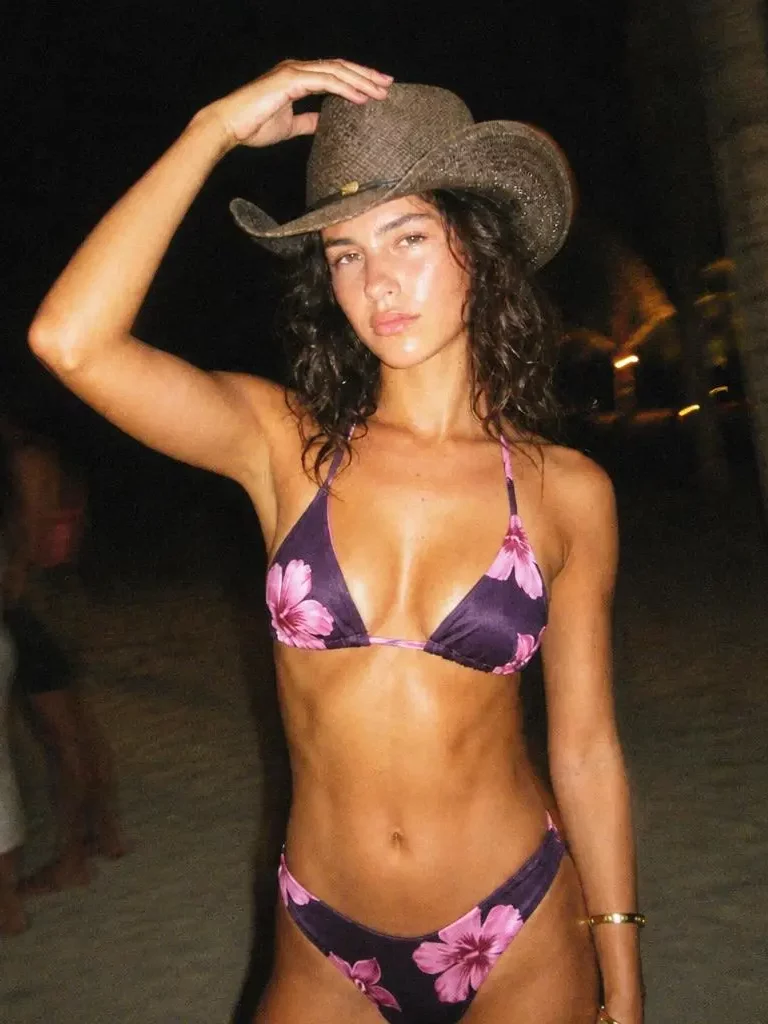
First, direct flash creates a bright subject and a darker background. This look is common in party photos, mirror selfies, and night-out portraits.
Next, CCD-style color noise adds tiny red, green, and blue marks. Meanwhile, soft focus removes the overly sharp finish created by modern phone cameras.
A timestamp can also make the photo feel more believable. However, it should support the image instead of covering the subject.
Finally, faded contrast and slight overexposure create the imperfect point-and-shoot mood that makes old digital photos so recognizable.
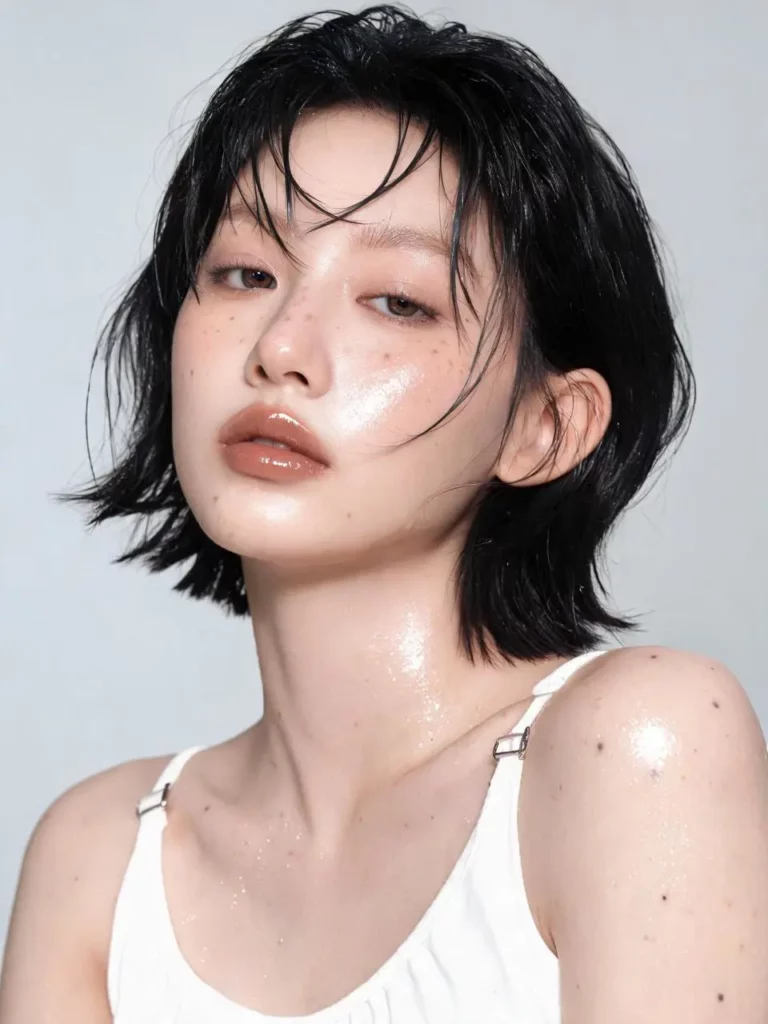
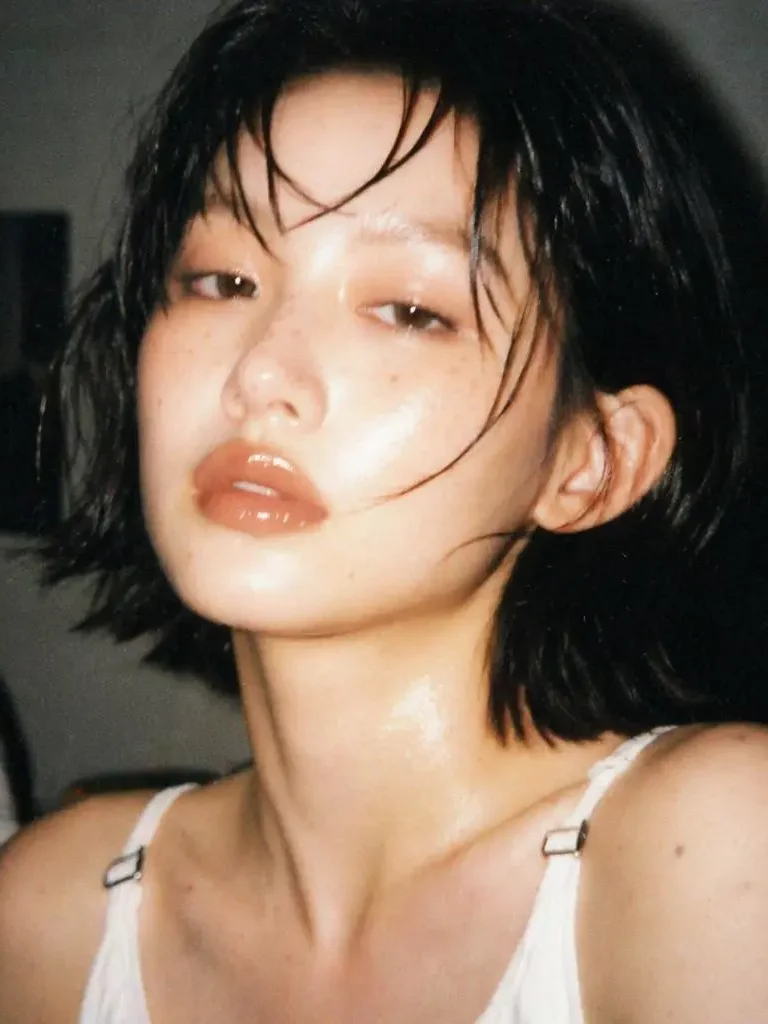
🖼️ What Can You Create With a Digital Camera Filter Online?
A Digital Camera Filter Online is useful for much more than profile pictures. In fact, the same visual style can support personal posts, fashion content, product campaigns, and creative design projects.
Create a Nostalgic Y2K Photo Dump
Photo dumps often work best when the images feel connected but not overly planned.
Therefore, you can use the filter on mirror selfies, food photos, street scenes, party pictures, and small everyday moments. The shared camera style will help the images feel like part of one story.
However, avoid making every photo look exactly the same. For example, one image can have stronger flash, while another can use softer grain. As a result, the photo dump stays consistent without feeling repetitive.
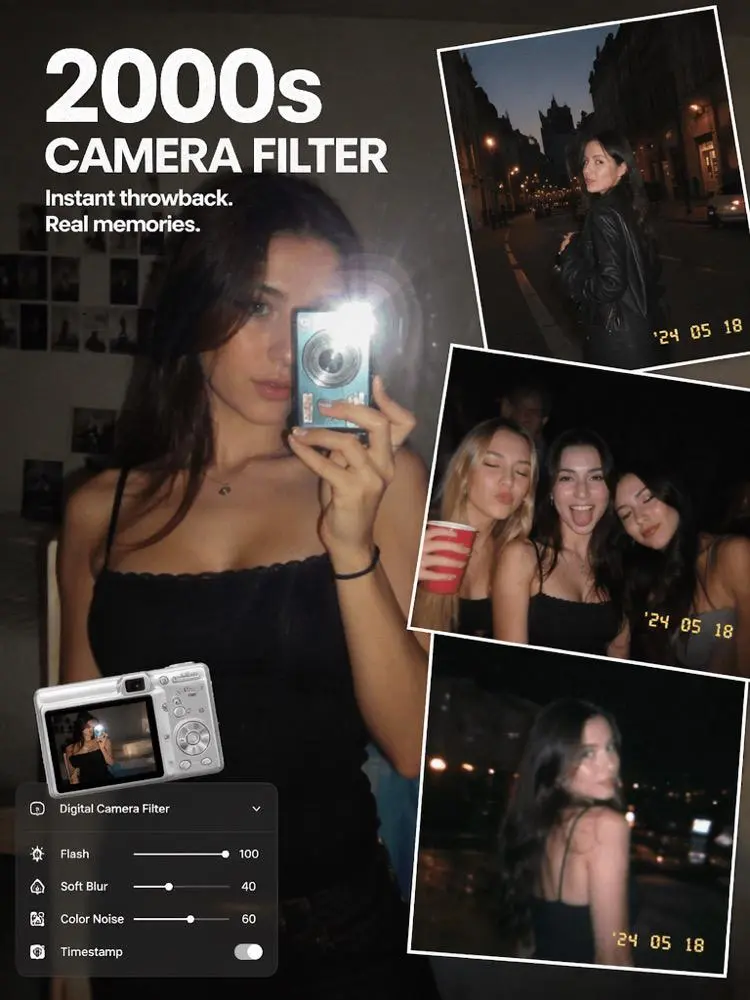
Give Fashion Photos More Personality
Clean fashion photos are useful, but they can sometimes feel too formal for social media.
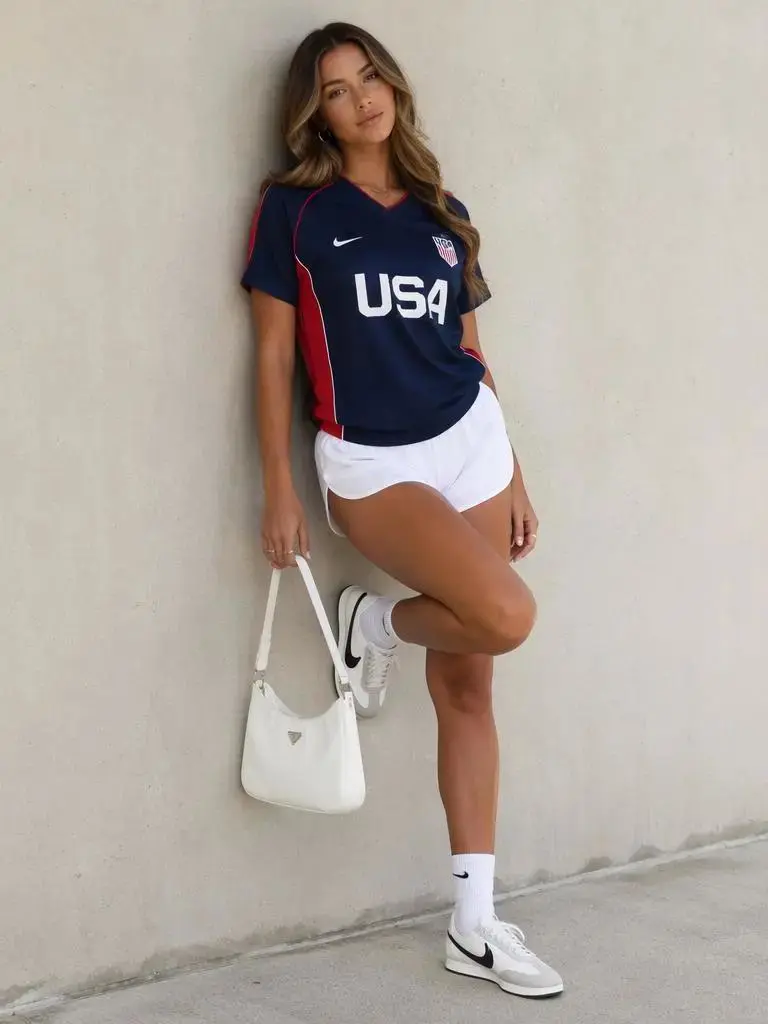
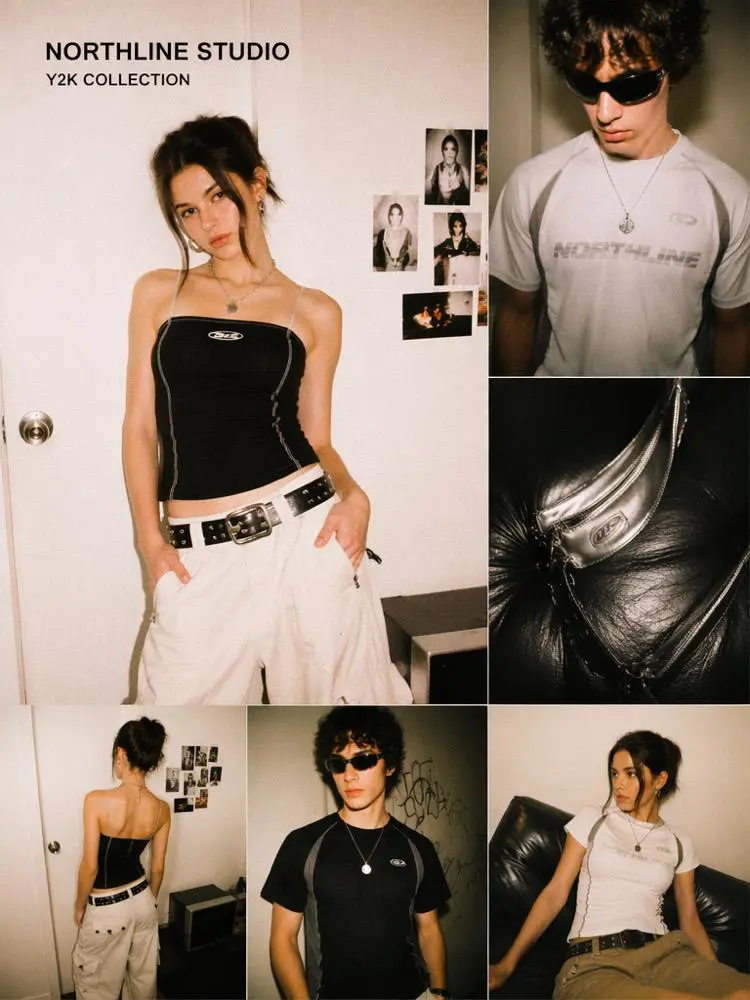
In contrast, a Digital Camera Filter Online can make outfit photos feel more spontaneous. Direct flash, muted shadows, and casual framing can create the mood of a real party, backstage moment, or street-style snapshot.
For example, you can apply the effect to mirror selfies, fitting-room photos, street portraits, or bedroom outfit shots. Still, clothing colors and important design details should remain visible.
Design Album Covers and Creative Posters
The retro digital camera look also works well for music and event graphics.
Because the texture already feels emotional, even a simple portrait can become a strong album-cover concept. In addition, designers can combine the image with bold text, handwritten notes, stickers, or small timestamp details.
However, the layout should remain simple enough for the photo to stay at the center of the design.
🚀 How to Use a Digital Camera Filter Online
The process does not need to be complicated. In most cases, four simple steps are enough.
Step 1: Upload a Clear Photo
First, choose a photo with a visible subject.
Selfies, portraits, outfit shots, party pictures, and travel images usually work well. Although the final result will look imperfect, the original image should still contain enough detail.
For better results, avoid photos that are already extremely dark or blurry. Otherwise, the added flash and grain may hide the face, clothing, or product.
Step 2: Choose Your Retro Camera Mood
Next, decide what type of memory you want the image to suggest.
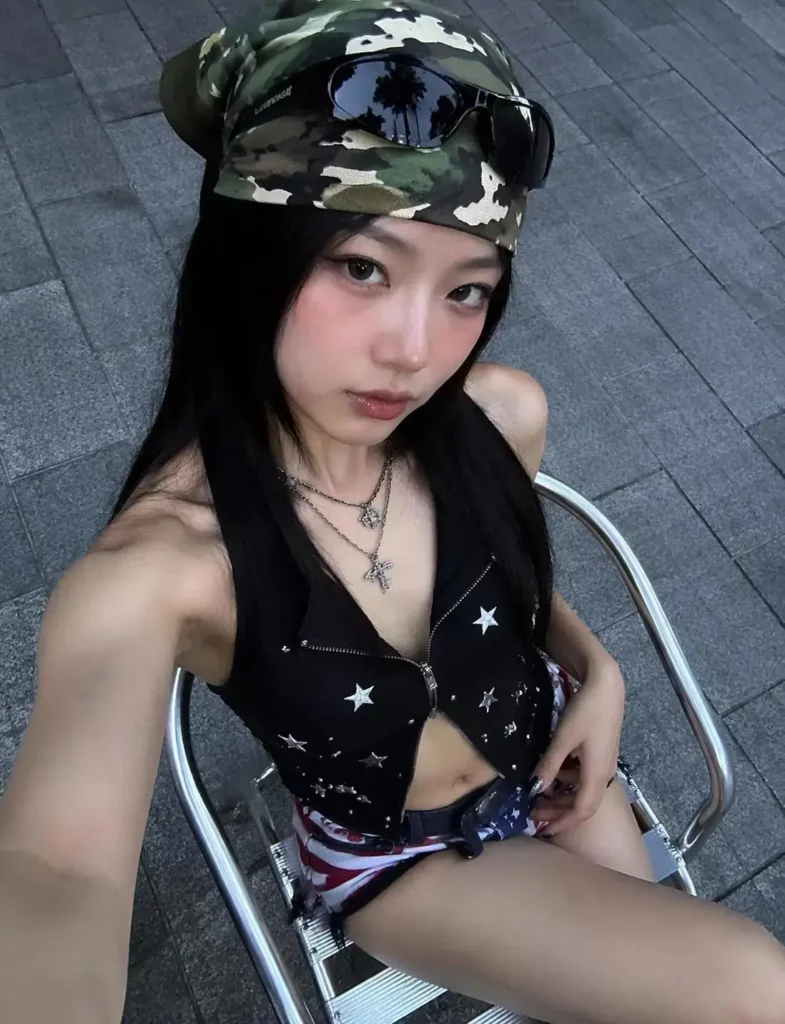
A bright direct-flash look feels energetic and social. Meanwhile, faded daylight colors create a softer and more personal mood.
You can also try a cool street-photo effect, a warm holiday look, or a slightly overexposed party style. Therefore, the filter should match the story of the photo rather than follow one fixed formula.
Step 3: Generate Your Digital Camera Look
Next, click Generate to apply the Digital Camera Filter Online effect to your photo.
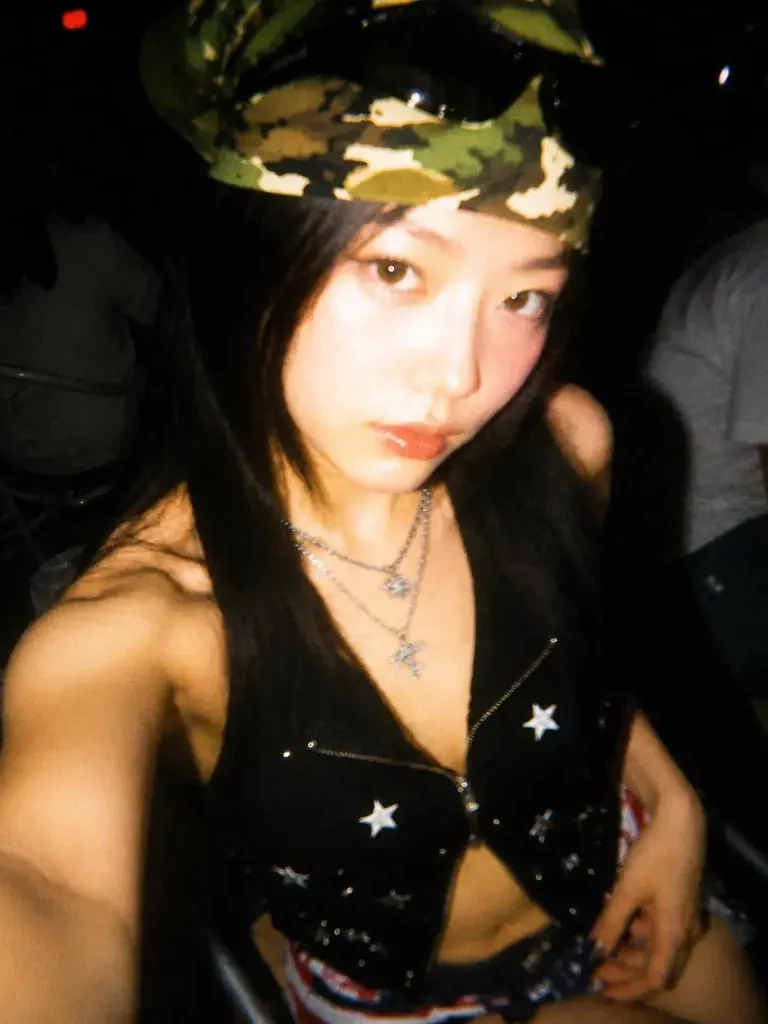
The tool will add details such as direct flash, soft focus, CCD-style color noise, grain, and faded tones. After a few moments, you can preview the transformed image.
However, check whether the face, clothing, and background still look clear. If the flash is too bright or the grain feels too heavy, adjust the effect and generate the photo again.
💡 How to Make a Digital Camera Filter Online Look Real
The best retro edits do not use every effect at full strength. Instead, they leave enough space for the original photo to breathe.
Make the Timestamp Believable
A timestamp can add instant 2000s energy. Still, oversized text or a random date may make the image feel fake.
Instead, use a small date that fits the story of the photo. Place it close to a corner, and avoid covering the face or product.
As a result, the timestamp feels like part of the camera rather than an added sticker.
Do Not Overedit Every Photo
A real compact-camera gallery includes variation.
Some pictures are sharp, while others are slightly blurred or overexposed. Therefore, your final photo set should not look too controlled.
For example, keep one image relatively clean. Then, give another photo stronger flash and make the next one slightly softer. This mix creates a more believable rhythm.
❓ Digital Camera Filter Online FAQ
Is a Digital Camera Filter Online Only for Selfies?
No. You can also use it for fashion photos, product images, travel pictures, social campaigns, mood boards, posters, and album covers.
What Makes a Digital Camera Effect Look Authentic?
Usually, the best results combine direct flash, soft focus, light CCD noise, faded contrast, slight overexposure, and a small timestamp.
However, balance is more important than using every effect at once.
Can Modern Phone Photos Get an Old Camera Look?
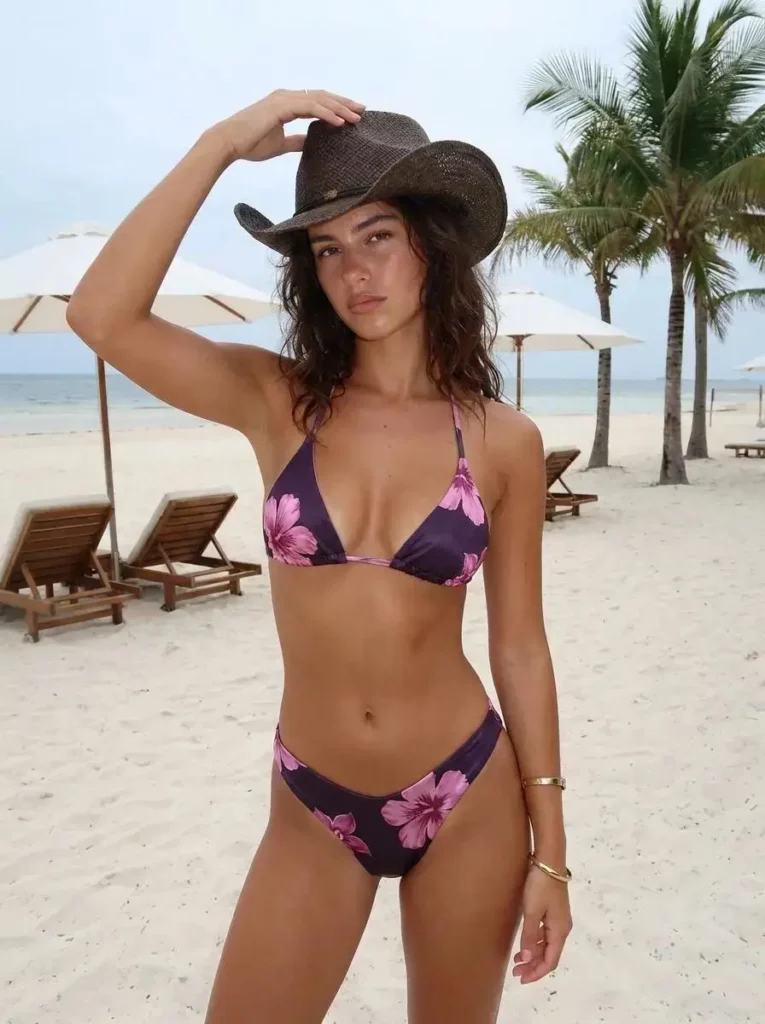
Yes. A clear modern photo can become a convincing retro snapshot when the flash, color, grain, blur, and texture work together.
🎞️ Final Thoughts
A Digital Camera Filter Online gives modern photos a less perfect and more memorable mood.
Instead of copying one preset across every image, focus on the feeling behind the photo. Choose believable flash, keep the grain controlled, and let each image look slightly different.
Ultimately, the best retro edits feel like moments you almost forgot. Therefore, start with one simple photo, test a few styles, and build a camera roll that looks personal rather than polished.
Go to WeShop AI For Exploration: