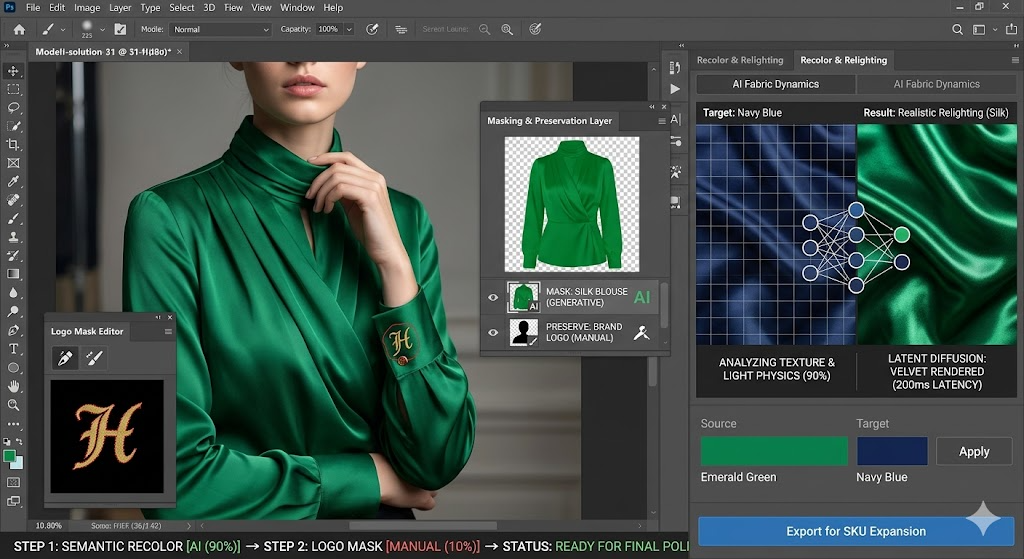
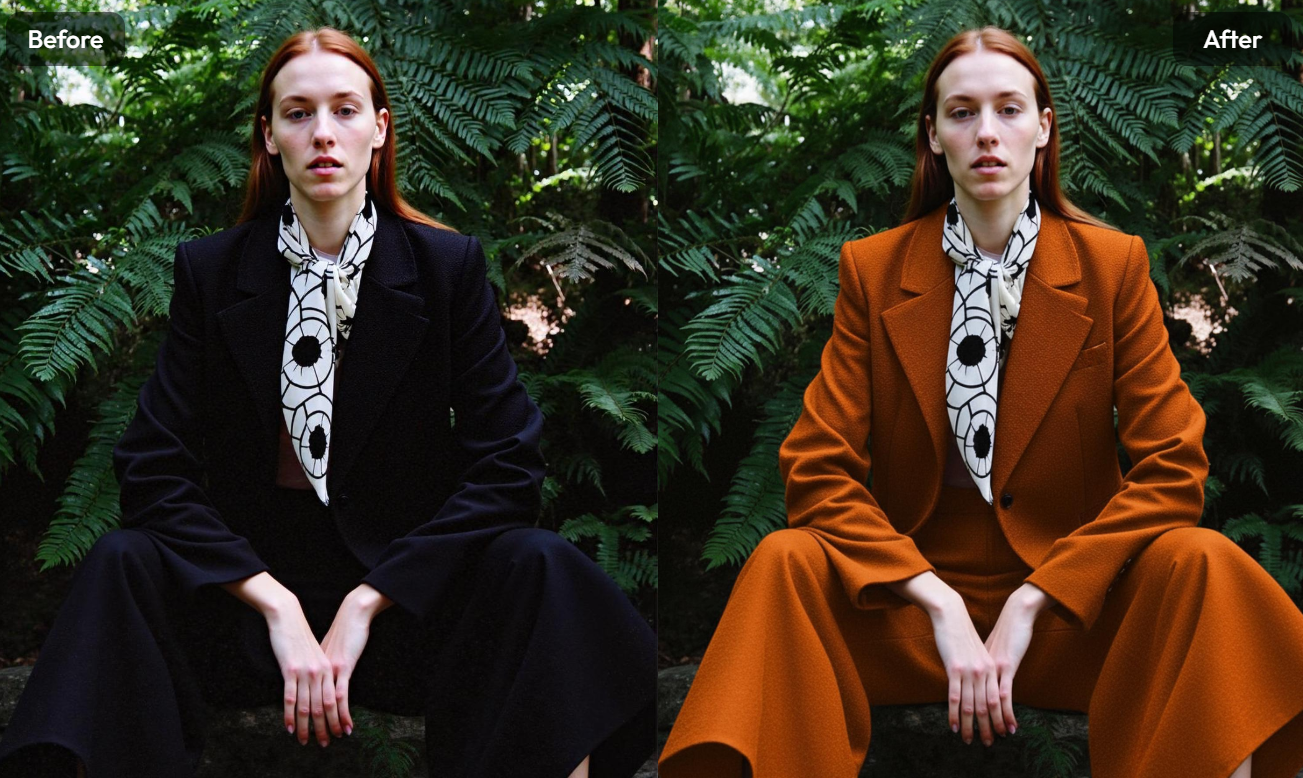
AI Photo Recolor can turn one strong product image into several realistic color versions. Instead of photographing the same shirt, bag, bottle, or accessory again, teams can change selected colors while protecting the original texture, lighting, shadows, and product details. Therefore, one approved image can become the visual base for a larger color collection.
However, recoloring should not be treated as a quick decorative edit.
Every new shade may become a product variant, campaign visual, prototype, marketplace image, or internal design reference. As a result, color accuracy and product consistency matter just as much as visual appeal.
The goal is not to create the largest number of colors.
The goal is to build a useful colorway system from one reliable source image.
Why AI Photo Recolor Works Best as a Colorway System
A traditional product shoot often treats every color as a separate assignment.
The team prepares each physical sample. Then, it repeats the lighting, product position, styling, camera settings, and image editing. This process can work well. Yet it becomes expensive and slow when a product has many color variants.
In addition, the final images may not match perfectly.
A sleeve may sit differently. A bottle may move slightly. A shadow may become darker. The camera crop may also change between shots.
These differences are small. Still, they can make a product catalog feel less consistent.
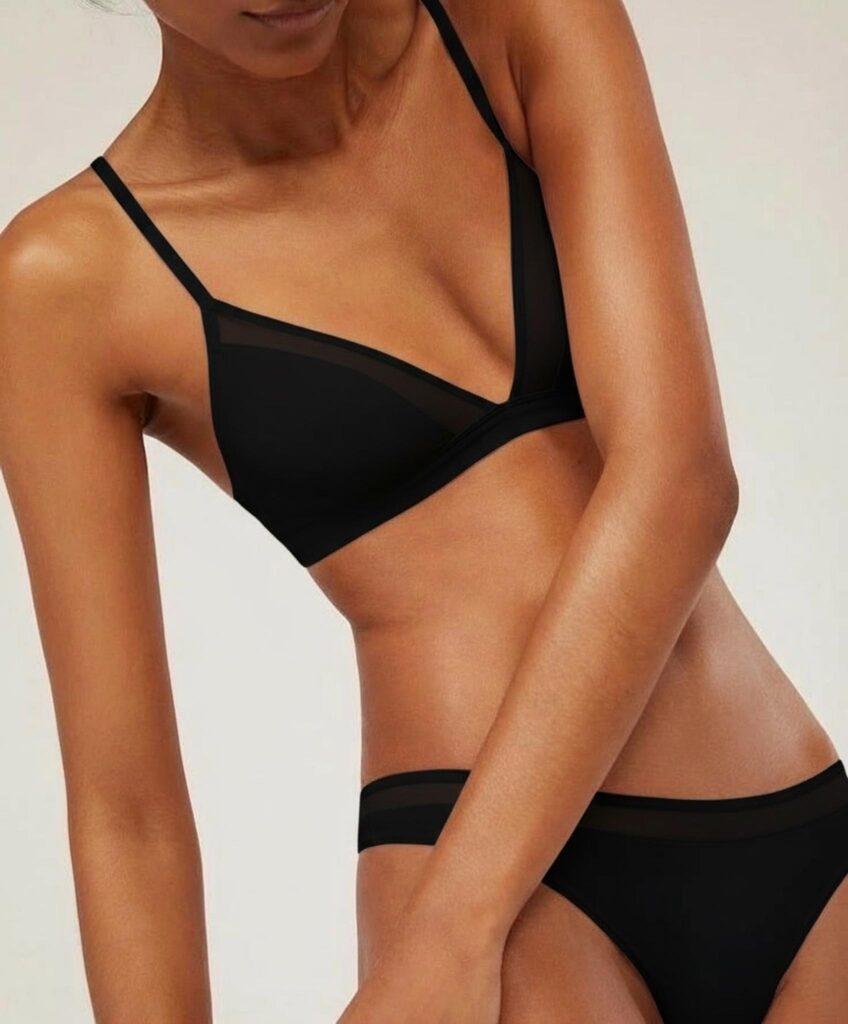
AI Photo Recolor creates another option. The team can begin with one approved master image and develop controlled variations from it. The current WeShop AI tool is designed for products such as clothing, dresses, bottles, bags, and technology accessories while keeping realistic texture, shadows, and details.
AI Photo Recolor Starts with One Master Image
A master image is the visual reference for the whole colorway set.
It should already have:
- Accurate product proportions
- Clear material texture
- Controlled lighting
- Clean product edges
- A useful camera angle
- Enough image resolution
- A suitable background
- A composition approved by the team
The master image does not need to use the final hero color. However, it should clearly show the product structure.
For example, a light gray handbag may be easier to recolor than a deep black version because its seams, folds, highlights, and leather grain remain visible.
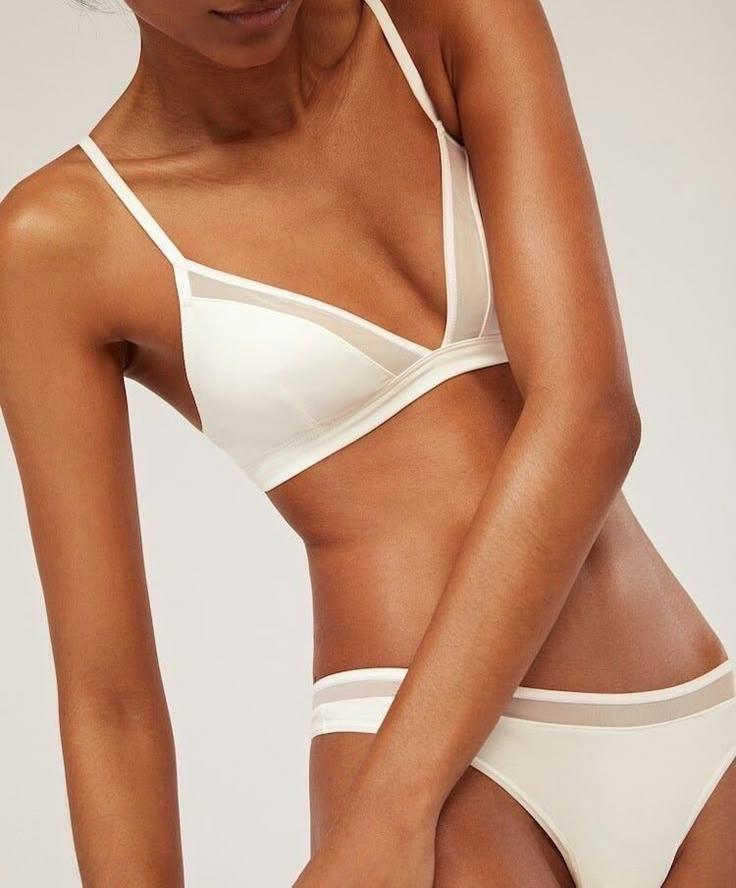
Similarly, a medium-tone garment can reveal more fabric information than an overexposed white item or a heavily shadowed black item.
Therefore, choose the source for visual clarity, not only for personal preference.
One Master Image Creates Fairer Comparisons
When every version shares the same composition, shoppers can compare colors more easily.
The product does not move. The crop stays stable. The lighting remains familiar. Only the selected color changes.
This consistency is useful for:
- Product variation selectors
- Collection pages
- Marketplace listings
- Seasonal campaign planning
- Wholesale presentations
- Packaging proposals
- Design reviews
- Social media comparisons
As a result, the viewer can focus on the actual color difference rather than unrelated changes in photography.
What Can AI Photo Recolor Change?
AI Photo Recolor is useful for more than fashion products.
WeShop AI describes the tool as suitable for recoloring clothing, bags, bottles, technology accessories, and other objects. Users can select a target region and choose replacement colors without using advanced editing software.
Still, the best use depends on the product material and the intended result.
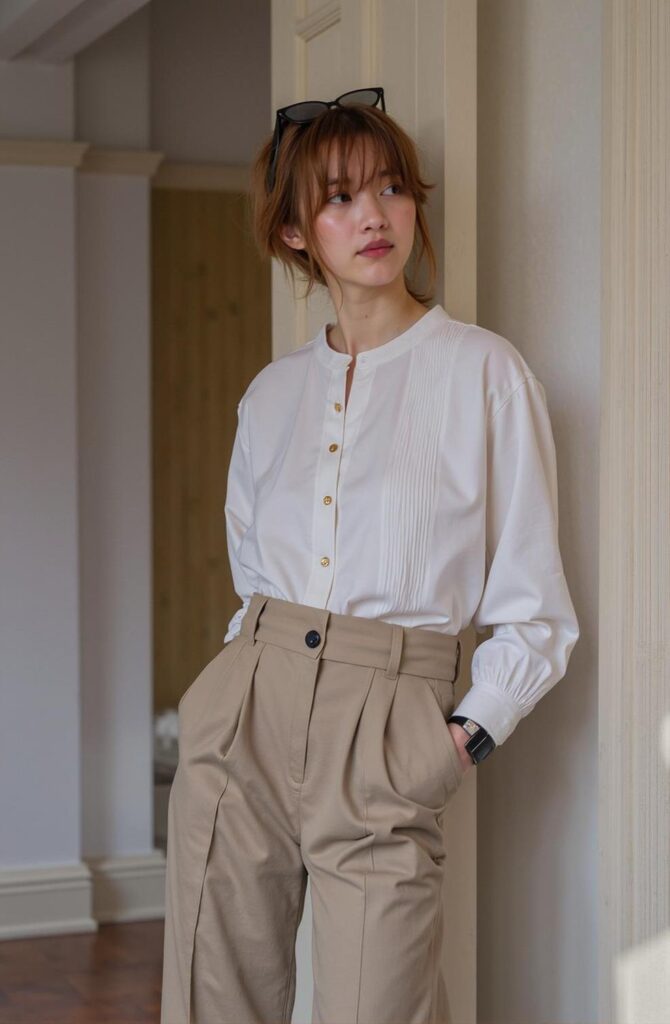
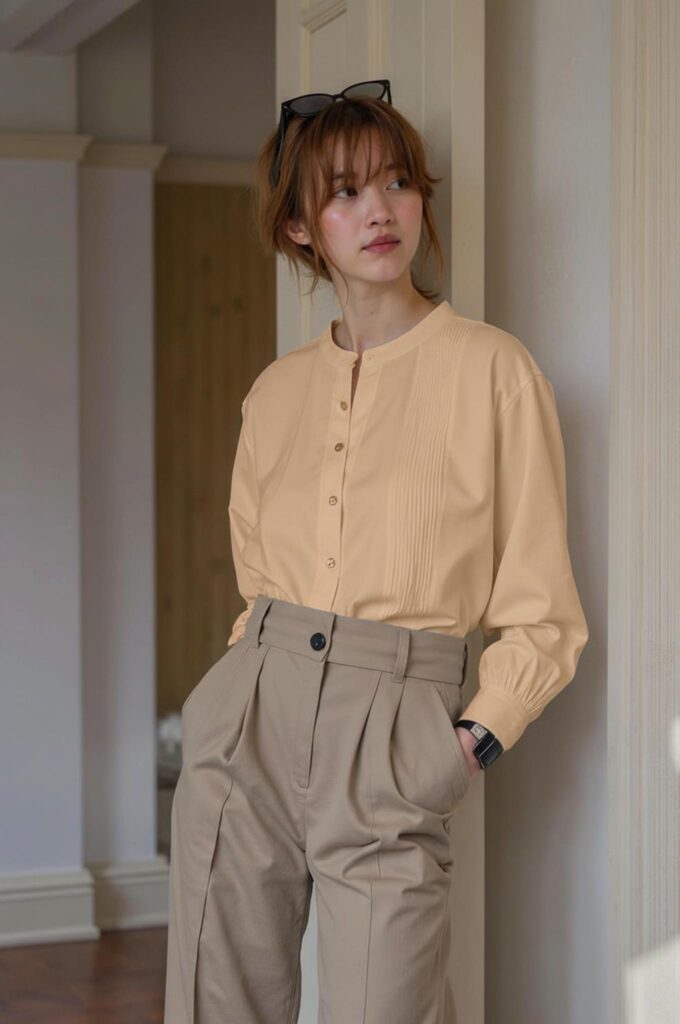
AI Photo Recolor for Fashion Colorways
Fashion products often launch in several colors while keeping the same construction.
For example:
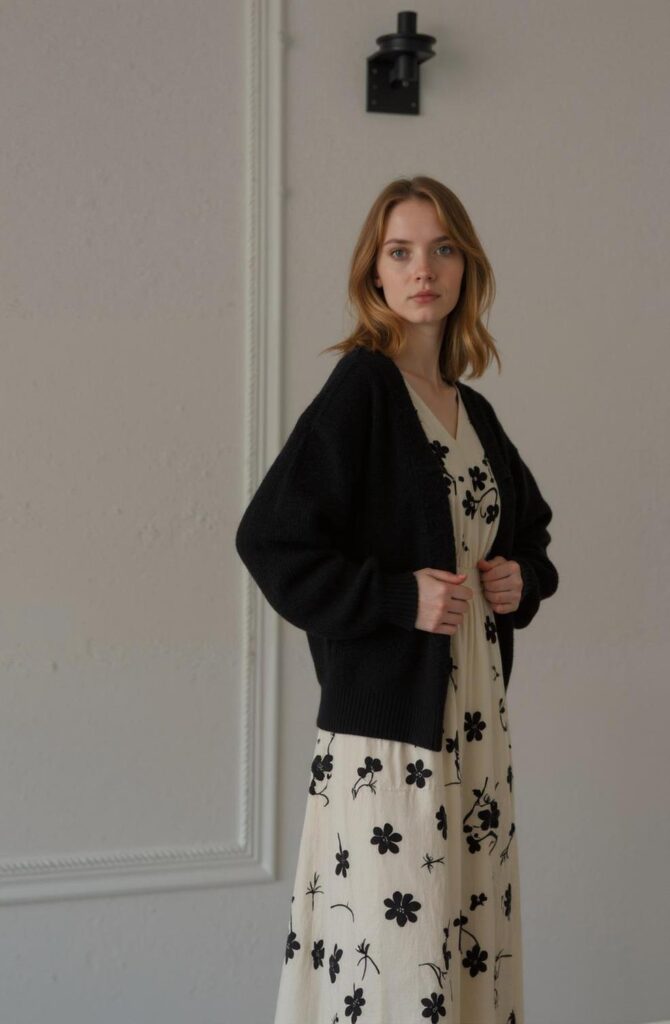
- One dress in black, cream, blue, and red
- One shirt in seasonal neutral tones
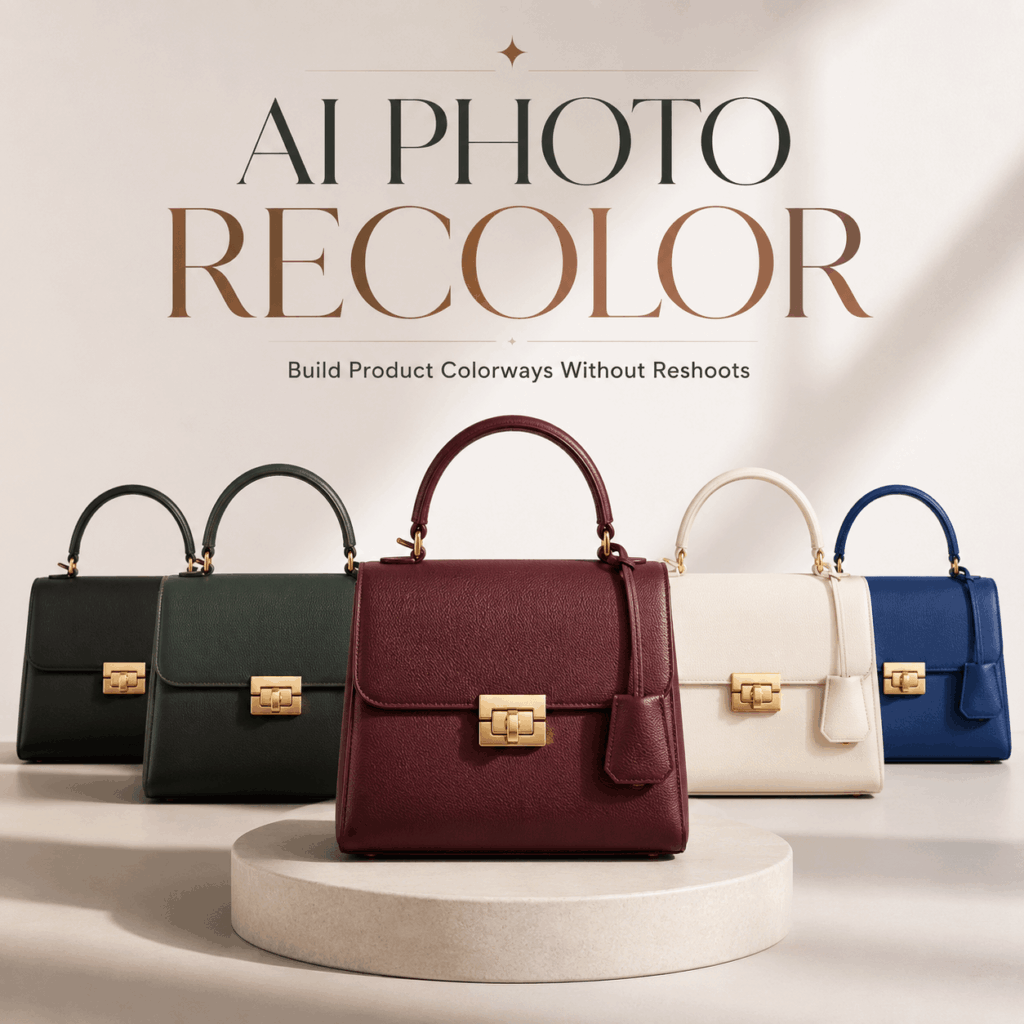
- One handbag in several leather colors
- One sneaker in different accent combinations
- One jacket in regional color selections
In these cases, the silhouette and design details should remain unchanged.
Only the approved color area should change.
However, materials must still behave naturally. A recolored satin dress should keep its soft sheen. A knitted sweater should retain visible fibers. Meanwhile, denim should not become smooth like plastic.
Therefore, a successful fashion recolor must protect both the design and the material.
AI Photo Recolor for Product Packaging
Packaging teams can also use recoloring during concept development.
For instance, the same bottle or box may be tested in:
- A lighter seasonal palette
- A premium dark edition
- A limited campaign color
- A regional color system
- A new product category
- A refreshed brand identity
This can help teams compare directions before producing every physical sample.
However, a concept preview is not the same as final packaging proof.
Exact print colors, coatings, metallic finishes, transparent materials, and production tolerances still require physical review.
Therefore, use recolored packaging images for planning and communication. Do not treat them as the final manufacturing reference.
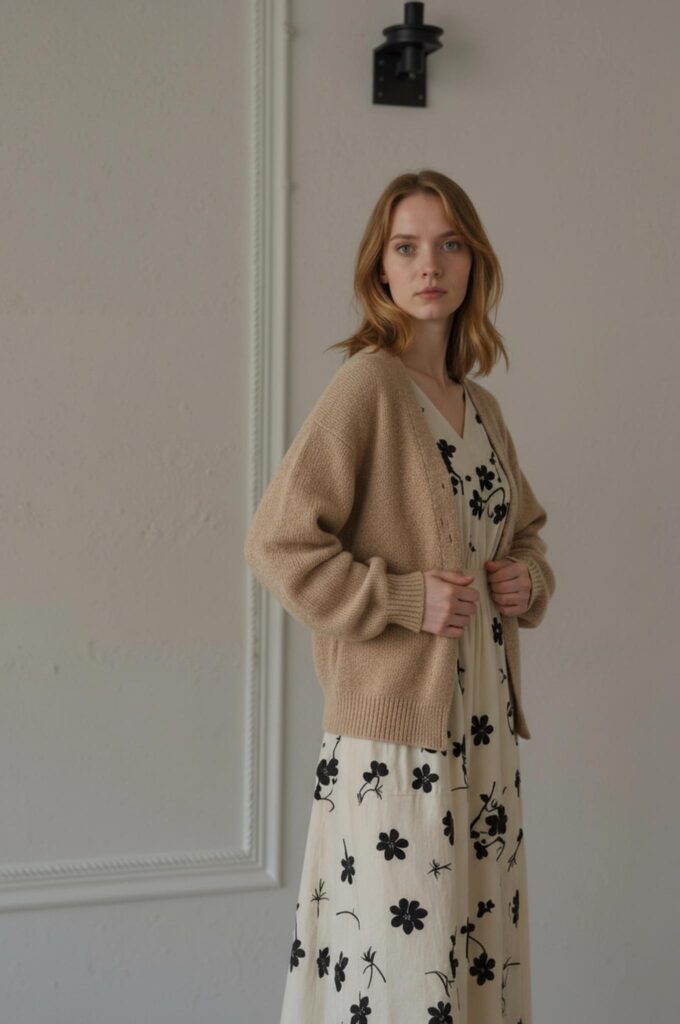
AI Photo Recolor for Product Prototypes
Product designers may need to present several color options before a product enters production.
A single neutral product render can become a range of visual proposals for:
- Internal presentations
- Investor decks
- Buyer meetings
- Early customer testing
- Packaging discussions
- Seasonal collection reviews
The WeShop AI tool page specifically positions recoloring as useful for prototype previews, ecommerce listings, investor presentations, and packaging concepts.
This allows a team to discuss the palette before committing to physical samples.
Still, label every unproduced color clearly as a concept.
When Should You Use AI Photo Recolor?
Recoloring is most valuable when the product structure remains the same and only the color direction needs to change.
Several situations are especially suitable.
Before a Full Color Collection Is Produced
A brand may have one finished sample but several possible color directions.
Instead of manufacturing every option immediately, the team can first create visual previews.
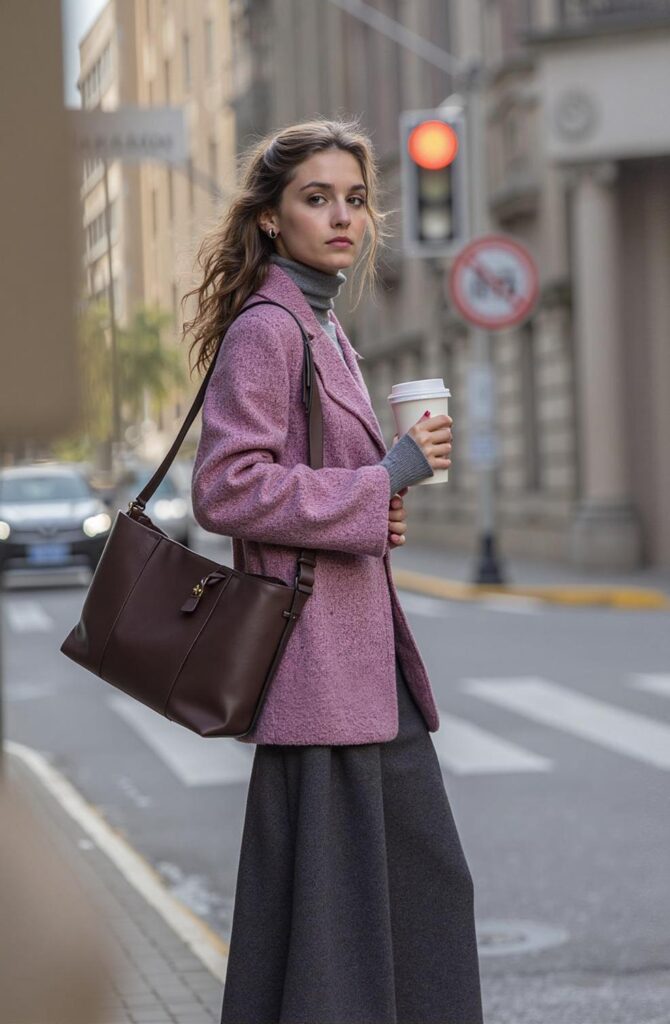
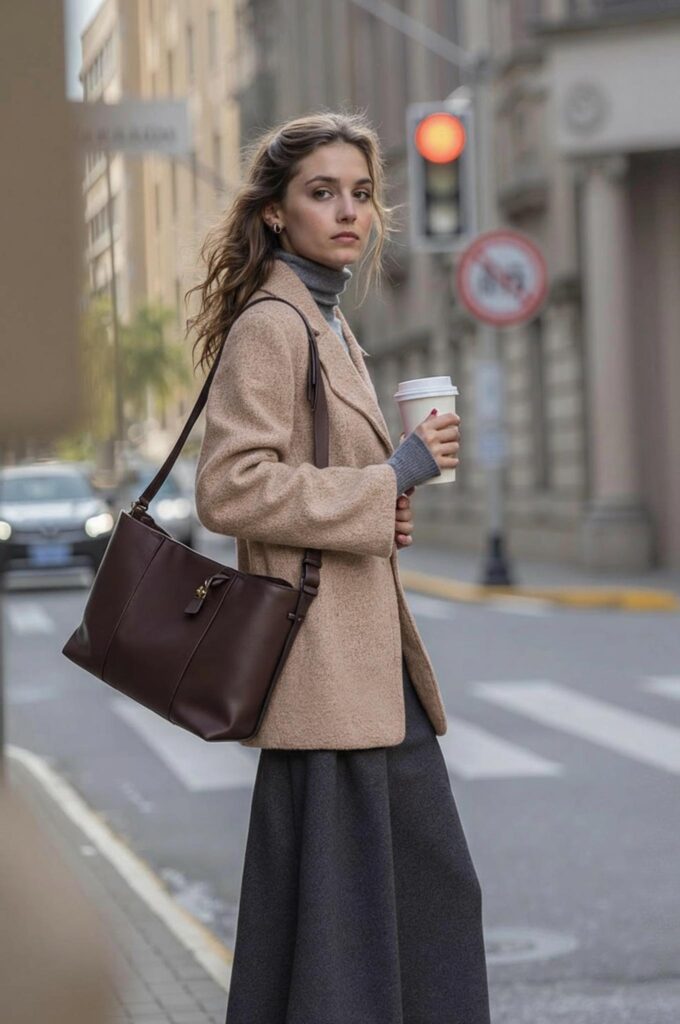
For example, a bag may be tested in:
- Deep burgundy
- Warm tan
- Forest green
- Soft blue
- Glossy black
Then the team can compare how each shade works with the product shape, hardware, and campaign direction.
This does not replace sample production. However, it can help remove weaker options earlier.
When New Color Variants Need Consistent Images
A seller may already have a strong product image but lack photos for every approved variant.
AI Photo Recolor can create a consistent starting set.
However, the seller must confirm that each displayed color represents a real purchasable variant. The image should not suggest inventory that does not exist.
In addition, the final result should match the real item as closely as possible.
When Campaign Colors Need to Change
A product may remain the same while the campaign palette changes.
For instance:
- Spring campaigns may use softer colors.
- Summer campaigns may use brighter tones.
- Autumn campaigns may use earthy shades.
- Holiday visuals may use deeper or metallic colors.
In this case, recoloring can help a creative team test which product version works best with each campaign environment.
When a Brand Wants to Test Demand
A business may want to compare audience responses before choosing a larger production run.
Several approved concept colors can be used in internal reviews, buyer presentations, or clearly labeled customer research.
However, do not present concepts as available products.
Transparency matters, especially when the visual is more advanced than the actual inventory.
How to Use AI Photo Recolor for Better Results
The tool workflow is simple. Users upload an image, choose the target area, select a replacement color, generate the result, and export the final version. The available workflow can also use a color palette or more specific references such as HEX or Pantone values.
Still, a professional colorway system needs more control.
Step 1: Choose the Strongest Source Image
Start with one image that already represents the product correctly.
Check:
- Shape
- Proportions
- Construction
- Texture
- Lighting
- Product edges
- Camera angle
- Shadow direction
- Background
- Image quality
If the source product is already distorted, recoloring will not solve the structural problem.
Therefore, repair the base image first when necessary.
Step 2: Decide Exactly What Should Change
A product may contain several different color zones.
For example, a sneaker may include:
- Upper material
- Sole
- Laces
- Logo
- Stitching
- Metal hardware
Do not recolor everything automatically.
Instead, define the selected area.
A useful instruction may be:
Change only the blue leather panels to deep burgundy. Keep the white stitching, silver hardware, black lining, sole, shadows, and background unchanged.
This gives the process a clear boundary.
Step 3: Use a Confirmed Color Reference
Color names can be subjective.
“Dusty rose” may look pale pink to one person and muted brown to another. Similarly, “sage green” can cover a wide range of tones.
Therefore, use a clear reference whenever accuracy matters.
You may provide:
- A HEX value
- A Pantone reference
- A photographed physical sample
- A brand color guide
- A material swatch
- An approved campaign image
WeShop’s recoloring workflow supports palette selection as well as custom color references such as HEX codes or Pantone values.
However, screen previews can still differ from physical materials. Final production colors must be confirmed separately.
Step 4: Generate One Color at a Time
It may be tempting to create ten shades immediately.
However, begin with one.
Review the first version carefully. Then decide whether the source, selected area, and color reference are working.
Once the process is reliable, continue with the rest of the palette.
This saves time because a weak setup will not be repeated across every variation.
Step 5: Keep the Full Set Visually Stable
Every colorway should use the same:
- Product position
- Image dimensions
- Crop
- Background
- Shadow strength
- Camera angle
- Scale
- Export quality
Only the approved color should change.
This consistency turns several separate images into one organized product family.
Step 6: Review the Real Product Before Publishing
A recolored image can look convincing and still be inaccurate.
Therefore, compare it with a physical sample whenever the product already exists.
Check the image on more than one screen. In addition, review it at both full size and thumbnail size.
The final decision should consider visual quality, product truth, and channel requirements.
The AI Photo Recolor Quality Checklist
A professional recolor should pass four checks.
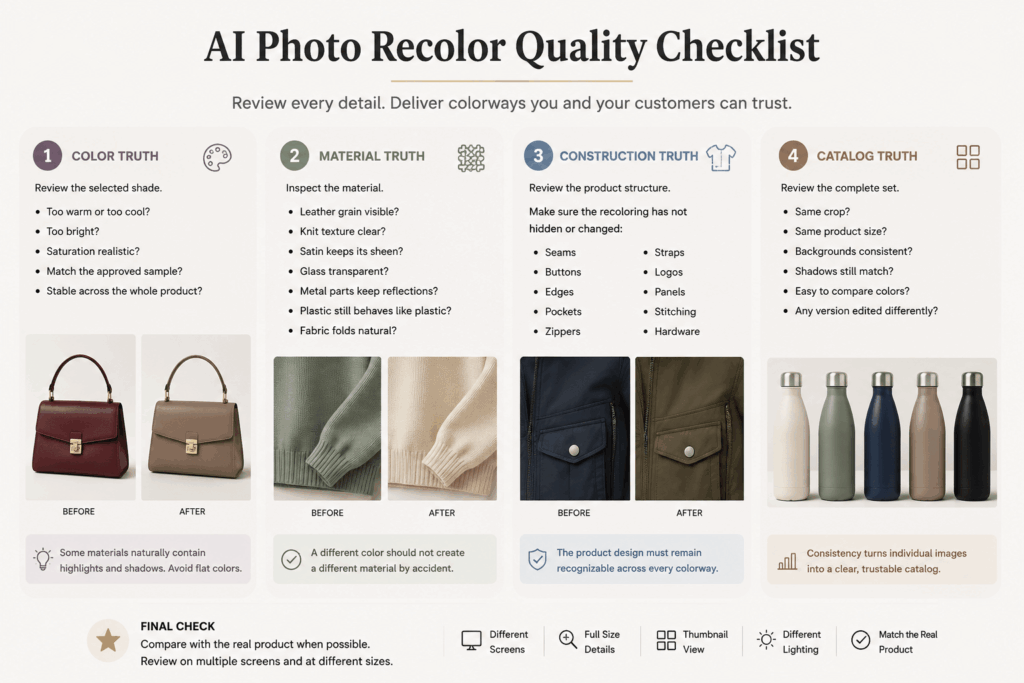
1. Color Truth
First, review the selected shade.
Ask:
- Is it too warm or too cool?
- Is the saturation realistic?
- Does it match the approved sample?
- Does the color remain stable across the whole product?
Some materials naturally contain highlights and shadows. Therefore, the product should not become one completely flat color.
2. Material Truth
Next, inspect the material.
Check whether:
- Leather grain remains visible.
- Knit texture remains clear.
- Satin keeps its sheen.
- Glass remains transparent.
- Metal parts keep metallic reflections.
- Plastic still behaves like plastic.
- Fabric folds remain natural.
A different color should not create a different material by accident.
3. Construction Truth
Then review the product structure.
Make sure the recoloring has not hidden or changed:
- Seams
- Buttons
- Edges
- Pockets
- Zippers
- Straps
- Logos
- Panels
- Stitching
- Hardware
The product design must remain recognizable across every colorway.
4. Catalog Truth
Finally, review the complete set.
Ask:
- Do all images have the same crop?
- Is the product the same size?
- Are backgrounds consistent?
- Do the shadows still match?
- Can customers compare colors quickly?
- Does one version appear more edited than the others?
The colorways should feel like one catalog system, not unrelated images from different projects.
AI Photo Recolor for Different Sales Channels
The same product colorway may need different presentation rules.
Product Detail Pages
Use clean, accurate images.
Show each real variant clearly. In addition, keep the product position consistent so shoppers can compare shades quickly.
The goal is product understanding.
Marketplace Listings
Choose strong clarity and a neutral background.
Colors must remain recognizable at thumbnail size. Therefore, avoid subtle shades that become almost identical when displayed small.
The goal is fast comparison.
Social Media
Social content can use stronger color stories.
For example, several versions can appear in a palette grid, seasonal sequence, or “choose your favorite” post.
Still, the displayed variants should be clearly identified as real products or concepts.
The goal is attention and feedback.
Wholesale and Design Presentations
Use a clean colorway board.
Include the product name, color name, reference number, and development status.
For example:
- Approved
- Sampling
- Concept
- Discontinued
- Market Test
The goal is clear team communication.
Common AI Photo Recolor Mistakes
Recoloring from a Poor Source Image
A low-resolution or heavily shadowed image may hide texture and construction.
Therefore, select a clearer source before creating the full set.
Changing Every Part of the Product
Not every visible area belongs to the main colorway.
Hardware, logos, stitching, soles, labels, buttons, and lining may need to remain unchanged.
Define the target area before generating.
Making Dark Colors Too Flat
Black, navy, and deep brown can remove visible texture when they become too dark.
Keep enough highlight and midtone information to show the product material.
Making Light Colors Look Overexposed
White, cream, and pale yellow can lose edges and fabric folds.
Therefore, check whether the product remains separate from the background.
Ignoring Reflections
Glossy products reflect their environment.
When a red bottle becomes blue, some surrounding reflections may also need subtle adjustment. Otherwise, the image can feel unnatural.
Publishing Concept Colors as Real Inventory
A visually convincing recolor can make an unproduced variant look available.
Always separate concept testing from ecommerce publication.
Do not create customer expectations that the business cannot meet.
Recoloring Patterns as One Solid Area
Prints, embroidery, stripes, and multicolor fabrics need more careful control.
A simple global color change may damage the pattern structure.
In these cases, select only the intended design elements or use a clearer reference.
When AI Photo Recolor Should Not Replace Photography
Recoloring is useful, but it is not always the right solution.
Consider new photography when:
- The material changes with the color.
- The new variant uses different hardware.
- The stitching changes.
- The product construction is different.
- The finish changes from matte to glossy.
- A transparent item uses another tint.
- The print or pattern changes completely.
- The physical shade looks very different under real light.
- Exact color documentation is essential.
For example, a leather bag in smooth black leather may not behave like the same bag in textured suede.
Although the silhouette is similar, the material response is different. Therefore, a simple recolor would not represent the real product accurately.
Use AI Photo Recolor when color changes but the product truth remains stable.
Frequently Asked Questions
What Is AI Photo Recolor?
AI Photo Recolor is an image-editing tool that changes selected product colors while keeping details such as texture, lighting, and shadows realistic. WeShop AI positions it for ecommerce images, prototype previews, packaging concepts, and product color variations.
Can AI Photo Recolor Change Clothing Colors?
Yes. The tool can recolor shirts, dresses, and other fashion items while aiming to retain fabric texture, shadows, and product details.
Can AI Photo Recolor Be Used for Bags and Bottles?
Yes. The official tool page lists products such as bags, bottles, and technology accessories among its supported use cases.
Can I Use a Specific HEX Color?
Yes. The documented workflow allows users to select colors from a palette or provide more precise references, including HEX codes and Pantone values.
Does AI Photo Recolor Replace Product Photography?
Not completely.
It can reduce repeated shoots when product structure and materials remain the same. However, new photography is still important when the real variant changes material, finish, construction, pattern, or other physical details.
Can I Publish Recolored Images on a Product Page?
Yes, when the image accurately represents a real and available product variant.
Before publishing, compare the result with the physical item and confirm the color, texture, hardware, construction, and finish.
Make Every Colorway Part of One System
A new product color should not require the creative team to rebuild the entire visual process.
With AI Photo Recolor, one approved image can support product variants, catalog updates, design presentations, campaign tests, and seasonal planning. The tool can change selected colors while protecting the wider product image, which makes color exploration faster and more consistent.
However, the strongest results begin with control.
Choose one reliable master image. Define the exact color area. Use an approved reference. Generate one shade at a time. Then review color, material, construction, and catalog consistency.
Do not create more colors simply because it is easy.
Create a colorway system that shoppers can understand and teams can trust.
Go to WeShop AI For Exploration: