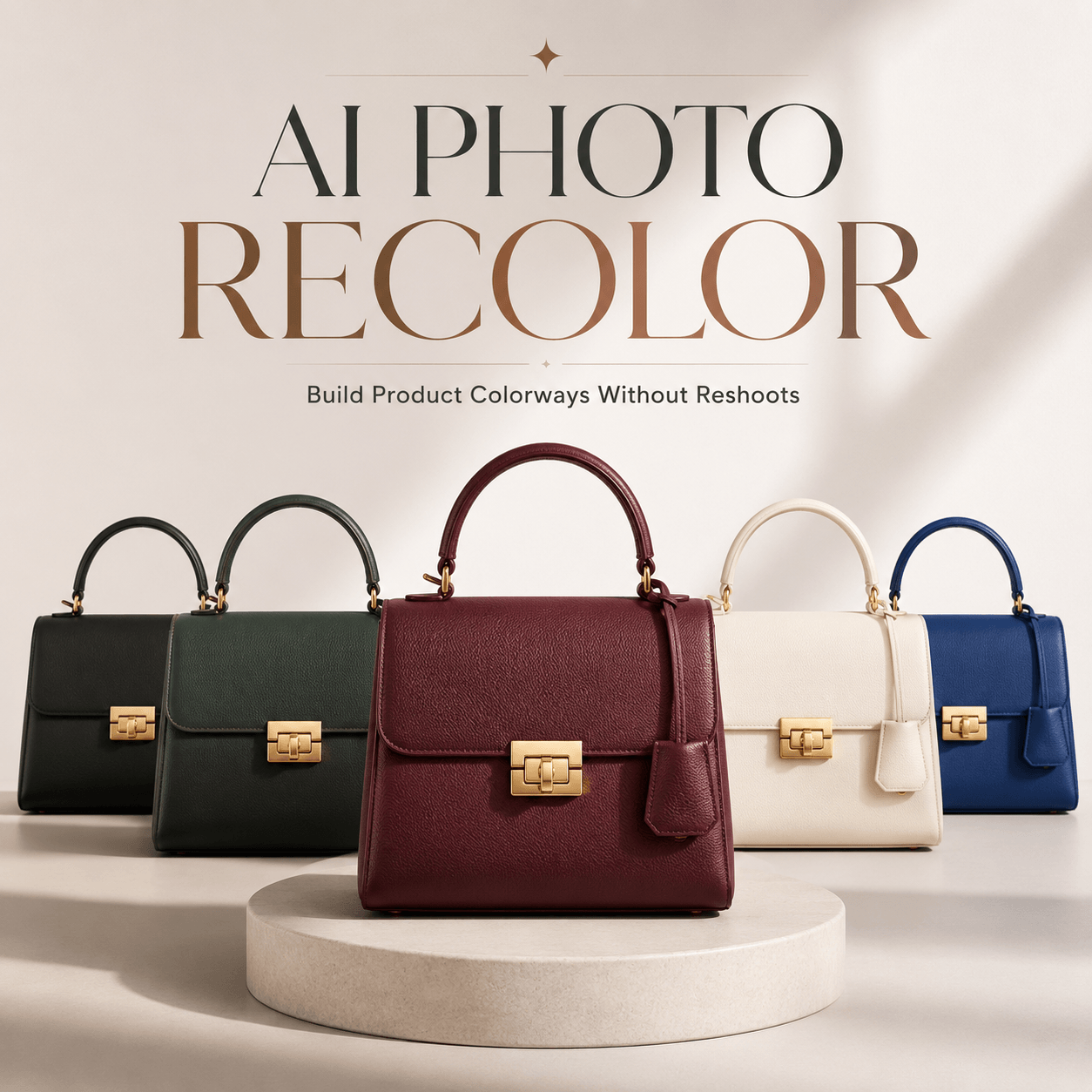
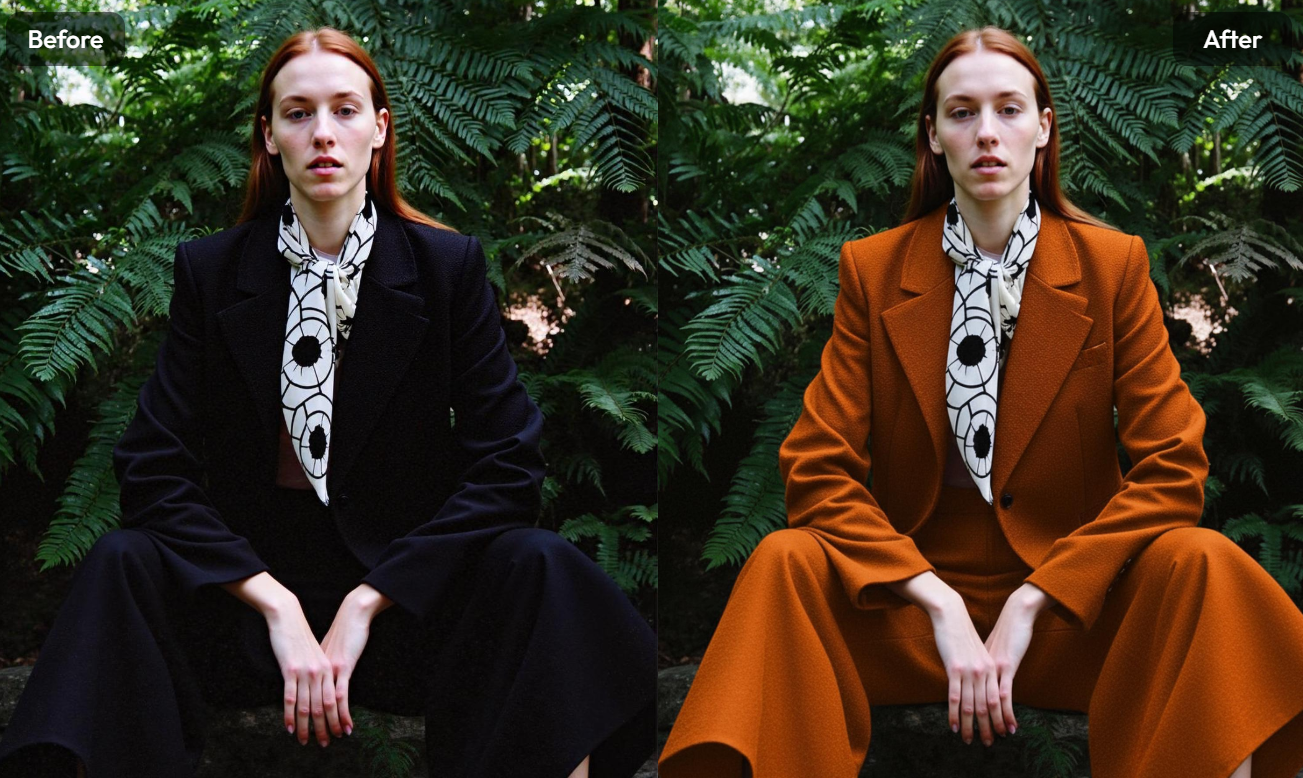
For decades, the “Magic Wand” tool in Photoshop was the pinnacle of color manipulation. It was a tedious, destructive process of isolating pixels based on their RGB values and shifting them. But in 2026, we have transitioned from editing to generative synthesis.
The concept of AI recolor has evolved. It is no longer about changing a “red” value to a “blue” one; it is about teaching a neural network the physical properties of a material and asking it to re-calculate how light would behave if that material’s molecular structure changed. This is the era of Generative Relighting, and if your brand isn’t utilizing it, you are essentially painting with a rock in the age of the digital brush.
The Engine Room: How Modern Diffusion Handles Light
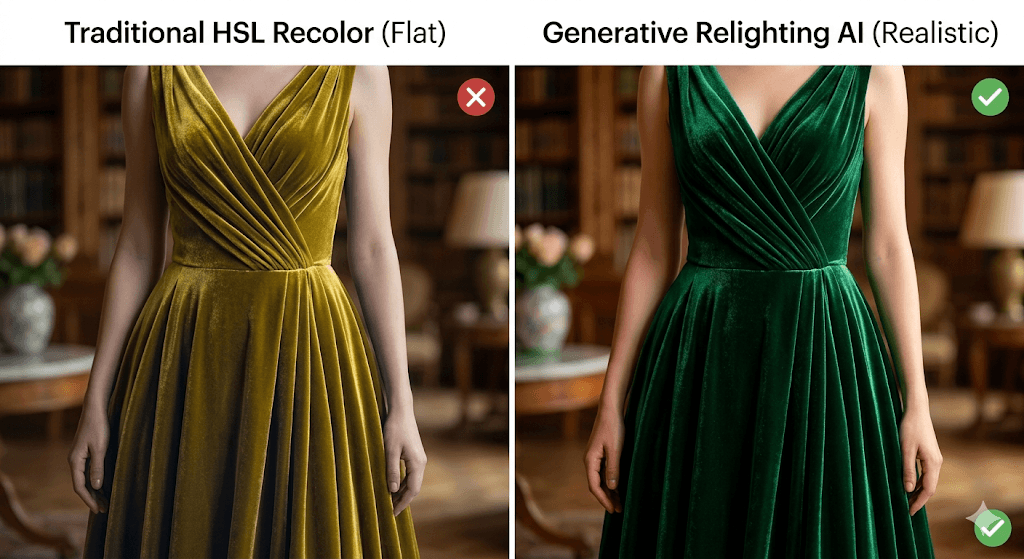
To understand why a 2026 AI recolor looks realistic while a 2022 edit looks like a “sticker,” we have to look at the math. Traditional tools use linear transformations. If you have a shadowed area, the tool simply darkens the new color.
Modern models, however, utilize Latent Diffusion. When you prompt a recolor, the AI “de-noises” the image by referencing a massive library of how specific materials (silk, matte plastic, brushed aluminum) interact with light.
Technical Note: Modern AI uses a P(x|y) probability distribution where x is the generated image and y is the text prompt or reference color. It doesn’t just “tint”; it predicts the subsurface scattering of the material.
The 2026 Model Landscape: From Giants to Niche Specialists
The market is no longer just “Photoshop vs. The World.” It is a fragmented ecosystem of specialized engines.
The Powerhouse: Stable Diffusion + IP-Adapter
While the average user plays with web apps, the industry standard for high-end AI recolor is Stable Diffusion (XL or 3.0) paired with an IP-Adapter (Image Prompt Adapter).
- The Edge: It allows you to “inject” the color profile of a reference photo into your subject without changing the subject’s shape.
- The Limitation: Extreme hardware requirements. You aren’t running this on a MacBook Air; you need dedicated VRAM to handle the 4K denoising process.
The Industrial Specialist: Vizcom
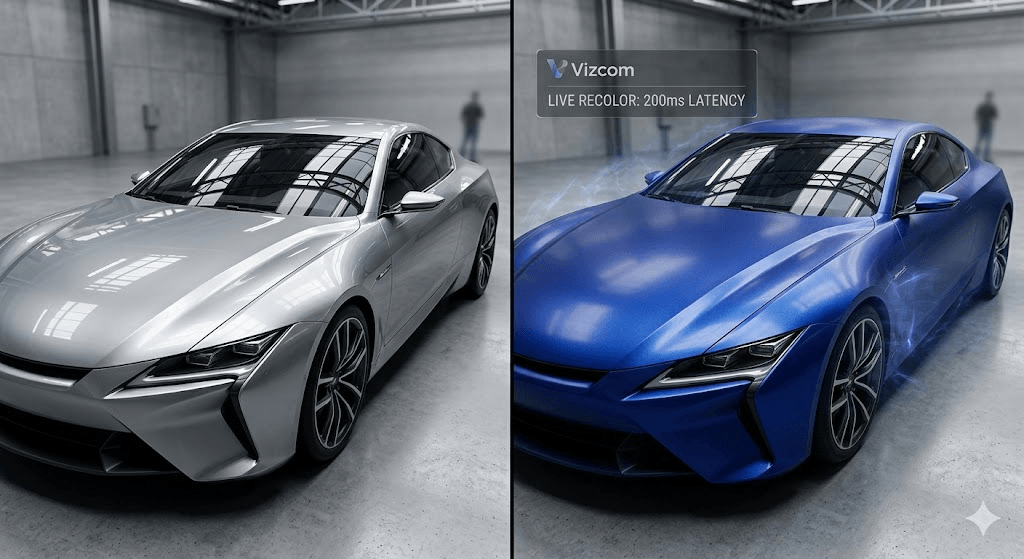
Often overlooked by general marketers, Vizcom is a “cold” but powerful tool used primarily by industrial designers and automotive concept artists.
- The Edge: It understands hard-surface rendering. If you need to recolor a car from “Metallic Silver” to “Matte Midnight Blue,” Vizcom maintains the exact reflection of the studio lights on the car’s body.
The E-Commerce Scaler: Mokker.ai & WeShop
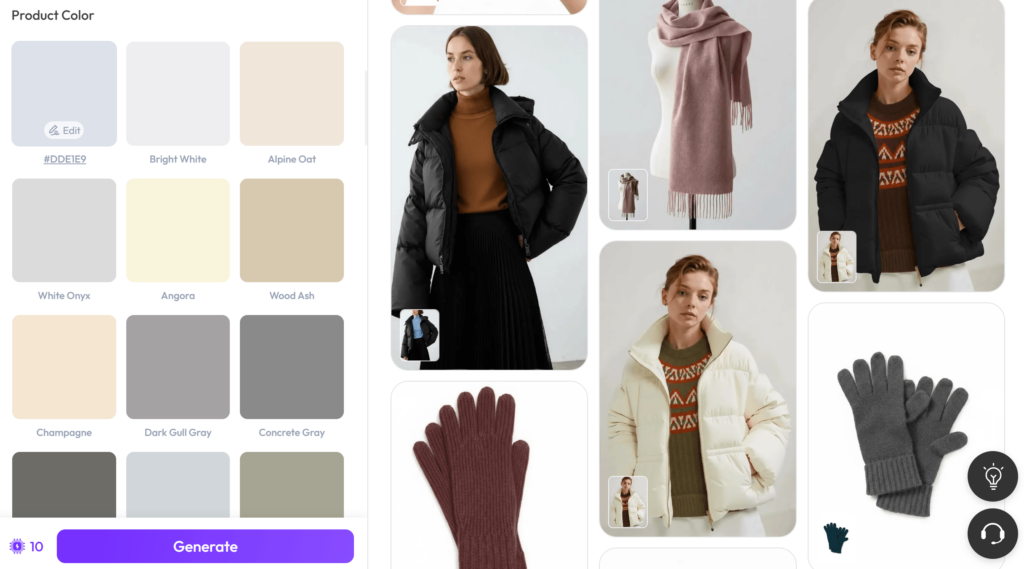
These models are built for one thing: SKU expansion. They use a “Segment Anything” (SAM) backbone to automatically identify clothing, furniture, or accessories and apply a recolor that is strictly bound by the object’s geometry.
- The Edge: Extreme speed. You can upload a CSV of 500 HEX codes and get 500 accurate product images in minutes.
The Creative Wildcard: Krea.ai (Real-time Latent Consistency)
Krea allows for “live” recoloring. As you move a color picker, the AI updates the image in 200ms. It is less about “accuracy” and more about “discovery”—finding the right “vibe” for a campaign before committing to a final render.
The Dialectics of Color: Why “White to Black” is the Final Boss
In any technical discussion about AI recolor, we must address the fundamental physics problem that still plagues the technology: the extreme value shift.
| Challenge | The Physics Problem | The AI Solution |
| Black to White | Original image has zero “information” in the shadows. | AI must “hallucinate” highlights and texture details that were never there. |
| Fluorescents | Modern screens (sRGB) cannot physically display the vibrance of neon. | AI uses “Global Illumination” to simulate a glow effect on the surrounding environment. |
| Reflective Surfaces | Changing a mirror’s color is impossible without changing what it reflects. | AI uses “ControlNet Tile” to re-render the reflections to match the new color temperature. |
The most common failure in AI recolor today is the “Flatness Trap.” When you ask an AI to turn a black leather jacket into a white one, it often loses the oily sheen of the leather, making it look like white paper. Professional workflows now involve Multi-Pass Denoising, where you recolor the image in stages rather than one giant leap.
The Economic Impact: ROI of the “Infinite Catalog”
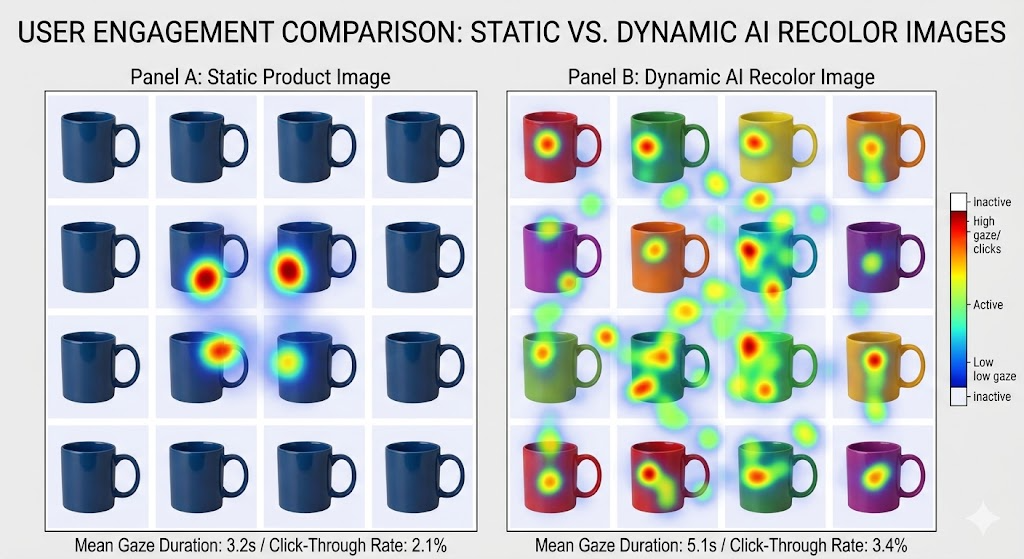
Why does this matter for your bottom line? In the 2026 attention economy, “Visual Fatigue” is real. If a customer sees the same red dress in their feed three times, they stop looking.
By utilizing AI recolor, brands can implement Dynamic Visual Remarketing.
- Phase 1: Show the user the product in a “Safe” color (e.g., Navy).
- Phase 2: If they don’t click, the AI automatically serves them a “Bold” version (e.g., Neon Orange) based on their browsing history.
- Phase 3: The background is recolored to match the user’s current local weather (e.g., warm tones for a sunny day in LA, cool tones for a rainy day in London).
This isn’t just about saving $5,000 on a photoshoot; it’s about a 30-40% increase in Click-Through Rate (CTR) by providing hyper-relevant visual stimuli.
The “Uncanny Valley” and the Ethics of Digital Truth
As AI recolor becomes indistinguishable from reality, we face a new problem: Visual Gaslighting.
If an e-commerce brand uses AI to generate a “perfect” sunset glow on a product, and the customer receives a dull-looking item in the mail, the brand equity is destroyed. The “accuracy gap” is the biggest risk in this industry.
Pro Tip for Brands: Always include a “Physical Sample Metadata” tag. If the color was generated by AI, ensure the underlying color profile is calibrated to a physical Pantone swatch. Transparency is the only way to survive the AI-skepticism era.
Strategic Implementation: Beyond the Prompt
For those looking to lead their creative departments, the implementation of AI recolor should follow a “Hybrid-Human” strategy.
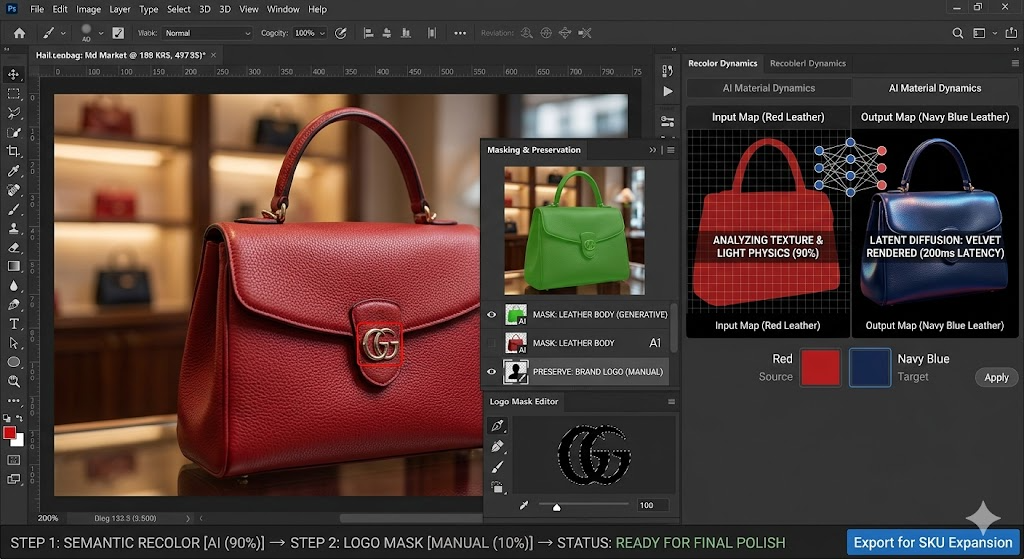
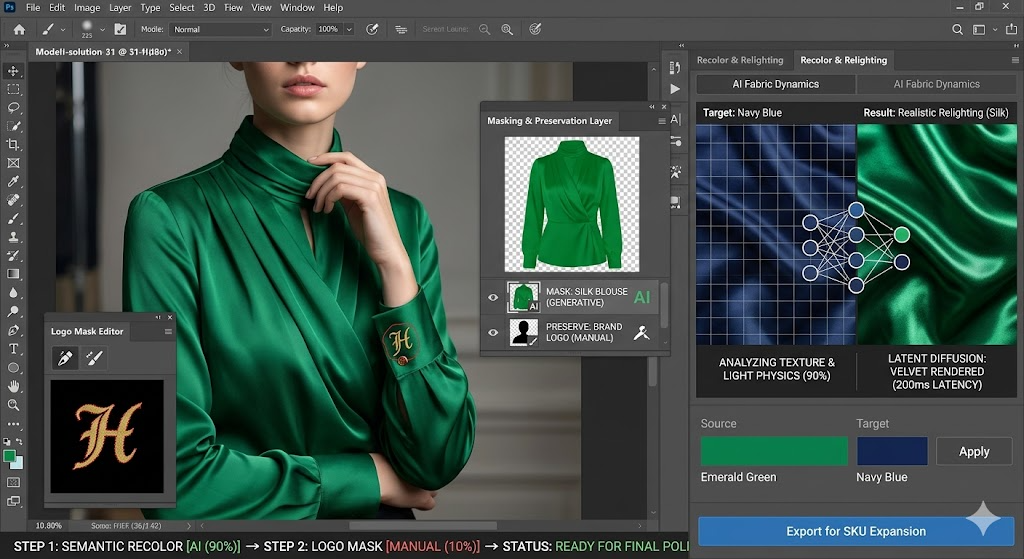
- Semantic Layering: Use AI for the large-scale color shifts and lighting recalculations.
- The Manual Finish: Humans must still handle the “micro-details”—the color of the zipper teeth, the brand logo on the button, or the specific warmth of the model’s skin tone.
The future of design isn’t about choosing between human creativity and AI efficiency. It is about using AI recolor as a force multiplier—turning a single moment of captured beauty into a thousand variations of brand-aligned truth.
What is your “Final Boss” in image editing? Are you struggling with metallic reflections or sheer fabrics? Let’s dive into the technicalities in the comments.