Color is one of the fastest ways to change how an image feels. A product can look premium, seasonal, playful, or bold simply because the shade is different. For brands, that matters more than most people realize. The wrong color can make a product feel off-brand. The right one can make the same image look ready for launch.
That is why AI Photo Recolor is becoming such a useful tool for e-commerce teams, marketers, designers, and fashion brands. Instead of reshooting every variation or spending time on manual editing, you can recolor an image online in seconds and keep the result clean, realistic, and easy to use.
What AI Photo Recolor actually solves
In the real world, color changes are rarely just cosmetic. A brand may need to test new product shades before production. A marketing team may need campaign visuals that match a seasonal palette. A seller may want to show one item in several colorways without arranging multiple shoots. Even a salon, photographer, or illustrator may need quick color adjustments for a specific presentation.
Traditional editing tools can do this, but they often take time, skill, and patience. You need masks, layers, fine-tuning, and a steady hand. That is manageable for one image. It is much harder when you need many versions fast.
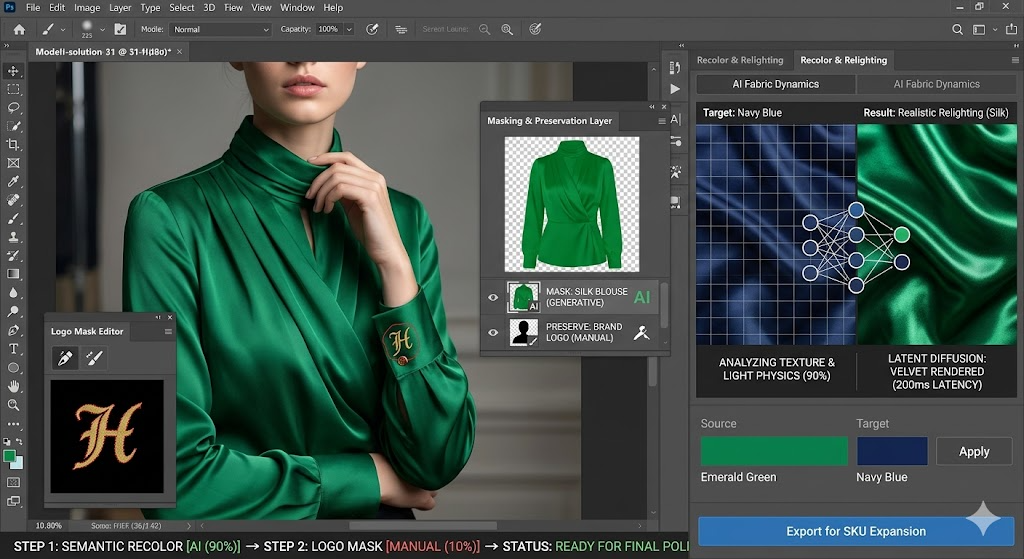
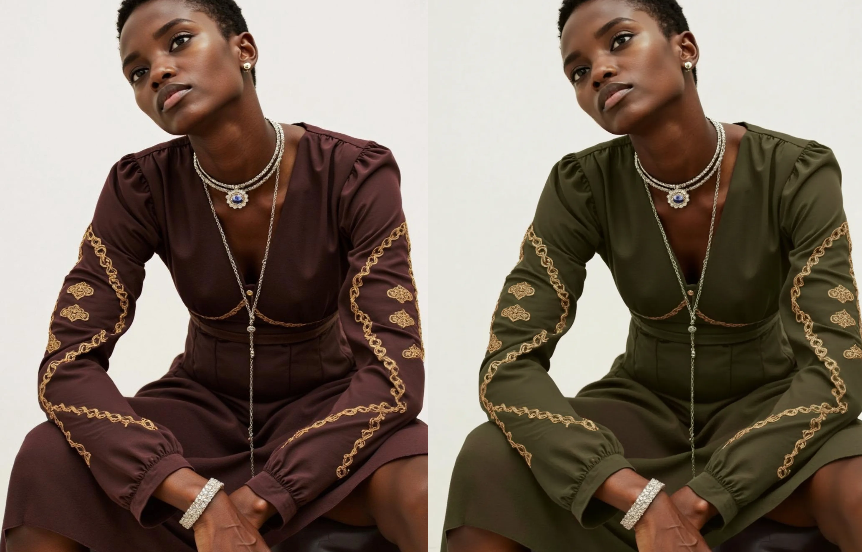
AI Photo Recolor changes that workflow. It is designed to detect the object in the image, identify the area that should change, and replace the color while keeping the texture, shadow, folds, and lighting intact. The goal is not to make the image look artificial. The goal is to make the change feel natural.
Why this matters for product images
For e-commerce, color is not a small detail. It is often part of the product itself.
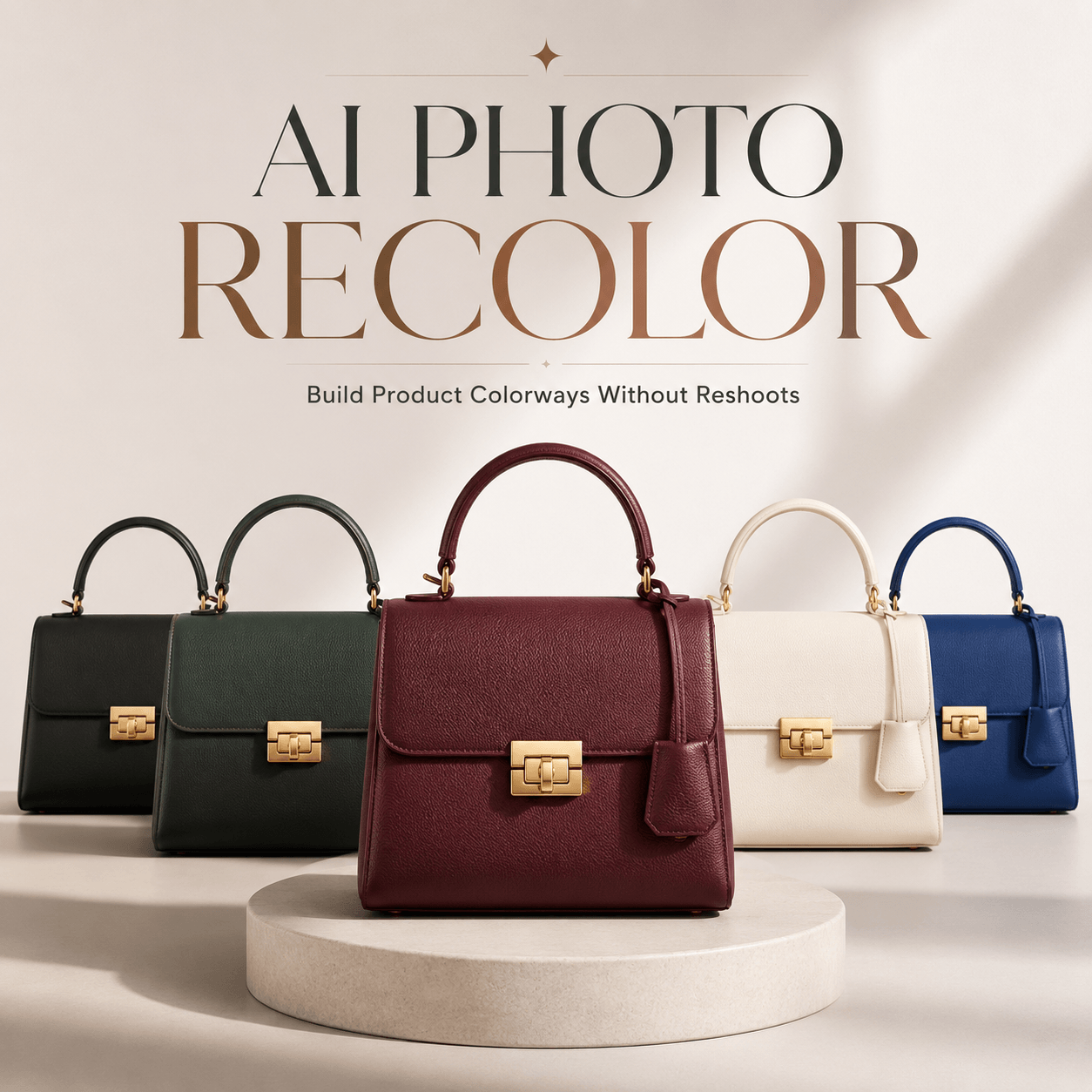
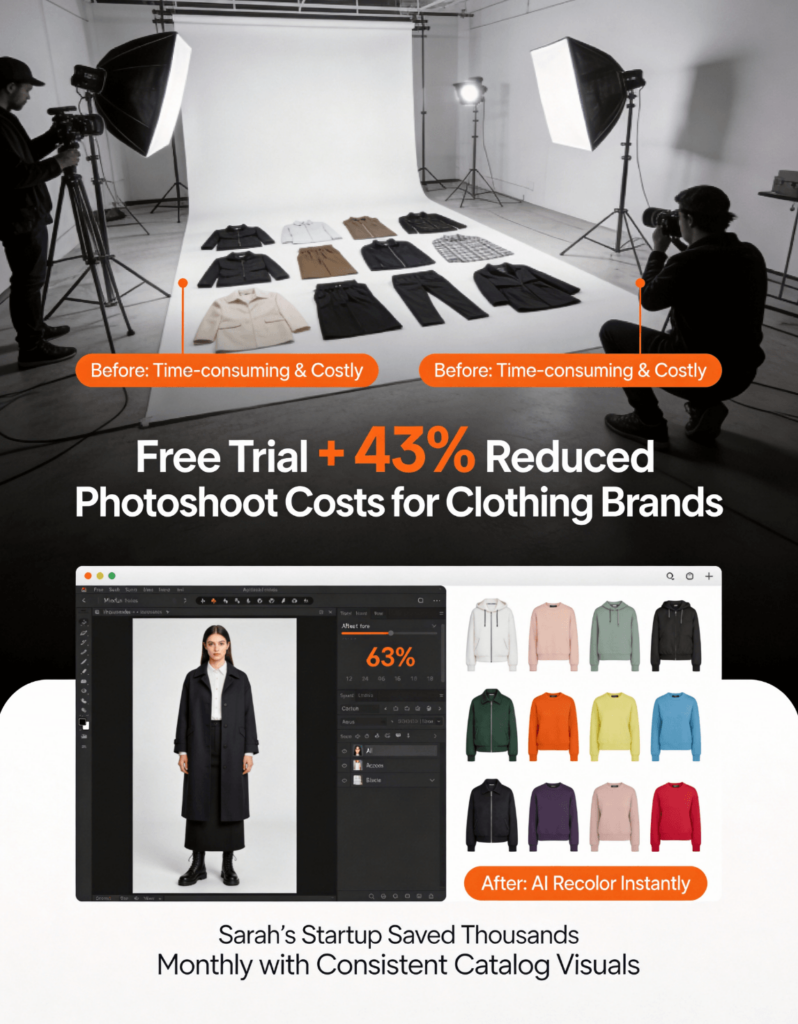
A shirt in five colors. A bag in three finishes. A pair of shoes in a new seasonal palette. A background color that needs to match a campaign. These are all common requests, and they can quickly become expensive if every variation requires a new shoot.
With AI Photo Recolor, one clean base image can become the starting point for many different versions. That means faster catalog updates, quicker testing, and more flexibility when you are planning a launch.
It is especially useful when you want to:
- create multiple product colorways from one photo
- test which shade fits a brand palette best
- refresh older visuals without starting over
- adapt images for ads, social media, or seasonal promotions
- reduce the time spent on repetitive manual editing
How the tool fits into a modern workflow
The strength of an AI recolor tool is not only speed. It is also consistency.
When you work with product visuals, you want the output to look deliberate. The lighting should still make sense. The material should still feel real. The product should still look like the same product, only with a new color applied. That is where smart masking and detail preservation matter.
A good recolor tool should also be easy to use. AI Photo Recolor is built to run online in the browser, so you do not need to install heavy software or learn advanced editing techniques. You upload the image, choose the area, pick a new color, and generate the result.
That makes it practical for teams that need to move quickly.
What you can recolor
This kind of tool is not limited to one category. It works well for apparel, footwear, bags, accessories, product mockups, and other retail visuals where color variation matters.
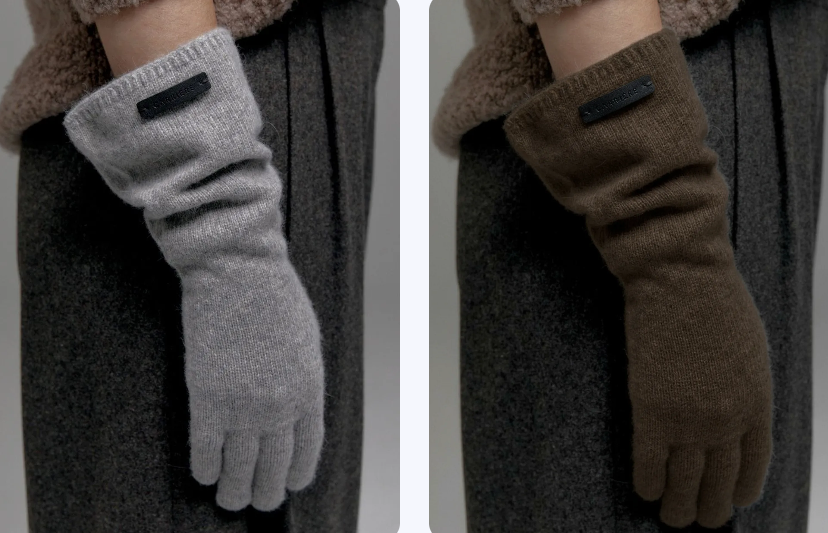
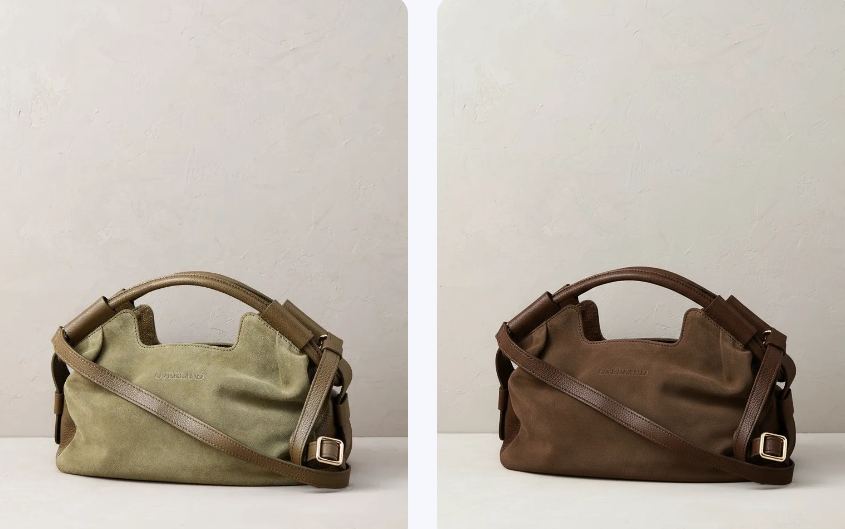
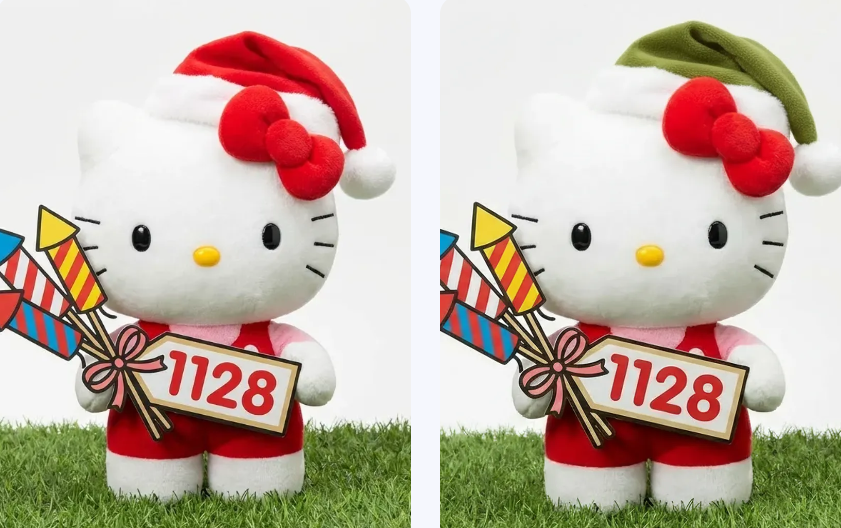
It can also be useful beyond product pages. Designers can use it to test palettes. Marketing teams can use it to adapt visuals for different campaigns. Content creators can use it to keep a feed visually consistent. In some cases, even portrait backgrounds or older photos can benefit from a careful recolor treatment.
The key idea is simple: when the base image is strong, color changes become a fast way to create new assets without starting from zero.
Why this is better than doing it all by hand
Manual editing still has its place, especially for highly specialized work. But for everyday recoloring, AI is much more efficient.
Instead of drawing selections by hand or adjusting every layer separately, AI can handle the heavy lifting. That saves time and reduces friction. It also makes experimentation easier. When a process is less painful, people try more options. And when people try more options, they usually find better ones.
That matters in commerce because color testing is often tied to performance. A slightly different shade can affect how a product is perceived. A warmer tone may feel more seasonal. A cooler one may feel cleaner or more premium. When you can test those options quickly, your creative decisions become stronger.
How AI Photo Recolor works in practice
A typical workflow is straightforward:
- Upload your image.
- Select the object or area you want to change.
- Choose a color from the palette or enter a custom value such as a HEX code or Pantone reference.
- Generate the recolored version.
- Export the image and use it wherever you need it.
That simplicity is what makes the tool useful. You are not spending time wrestling with software. You are moving from idea to output quickly.
When to use AI Photo Recolor
This tool is most valuable when color is part of the message.
If you are preparing product listings, testing new fashion lines, building campaign visuals, or updating assets for social media, recoloring can help you work faster without sacrificing quality. It can also be helpful when you want to compare multiple versions of the same item before committing to a final direction.
And because the recolored images can be used across e-commerce and marketing, the same workflow supports both presentation and promotion.
A smarter way to scale visual content
The bigger your catalog becomes, the more repetitive image editing tends to get. That is where a tool like AI Photo Recolor becomes more than a convenience. It becomes part of the system.
Instead of treating every color variation as a new project, you can treat it as a fast iteration. That shift changes how teams work. Designers stay focused on visual quality. Marketers get more options faster. Brands gain more room to test, refine, and launch.
In that sense, AI Photo Recolor is not just about changing colors. It is about making content production more flexible.
Final thought
Color has always been one of the easiest ways to influence perception. Now it is also one of the easiest things to update.
If your images are close to right but not quite there, AI Photo Recolor gives you a faster path forward. It helps you change colors instantly, preserve realism, and generate new visual versions without extra shoots or complicated editing.
For brands that need speed, consistency, and creative control, that is a very useful combination.