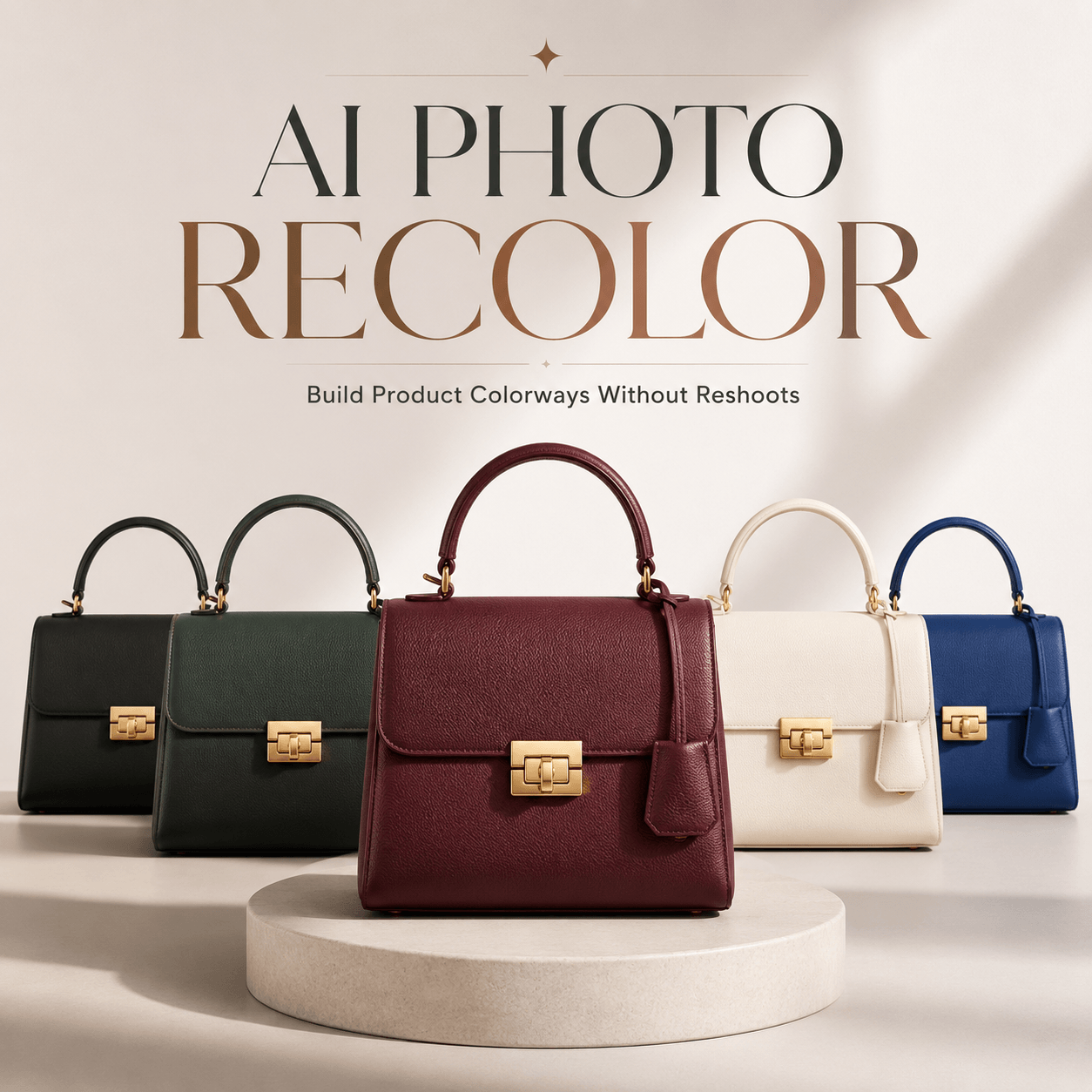
Color can do something most edits cannot. It can change the mood of an image in one second. It can make a product feel more premium, more playful, more seasonal, or more on-brand without changing the whole photo.
That is exactly why AI Photo Recolor is getting so much attention. Instead of treating color editing as a slow, technical task, it turns recoloring into something fast, simple, and surprisingly creative. On WeShop AI, the tool works online in your browser, and the official page says you can upload an image and let the AI automatically detect and recolor objects with minimal manual effort. It also supports PNG and JPEG files, and the tool is designed to keep details looking sharp and natural.
For brands, creators, and marketers, that changes the game. Because once color can be adjusted quickly, visual testing becomes much easier. And when testing becomes easier, better creative decisions usually follow.
Why AI Photo Recolor Feels So Relevant Right Now
We are living in a visual-first world. People scroll fast. They judge fast. They click fast. So a small shift in color can have a much bigger impact than people expect.
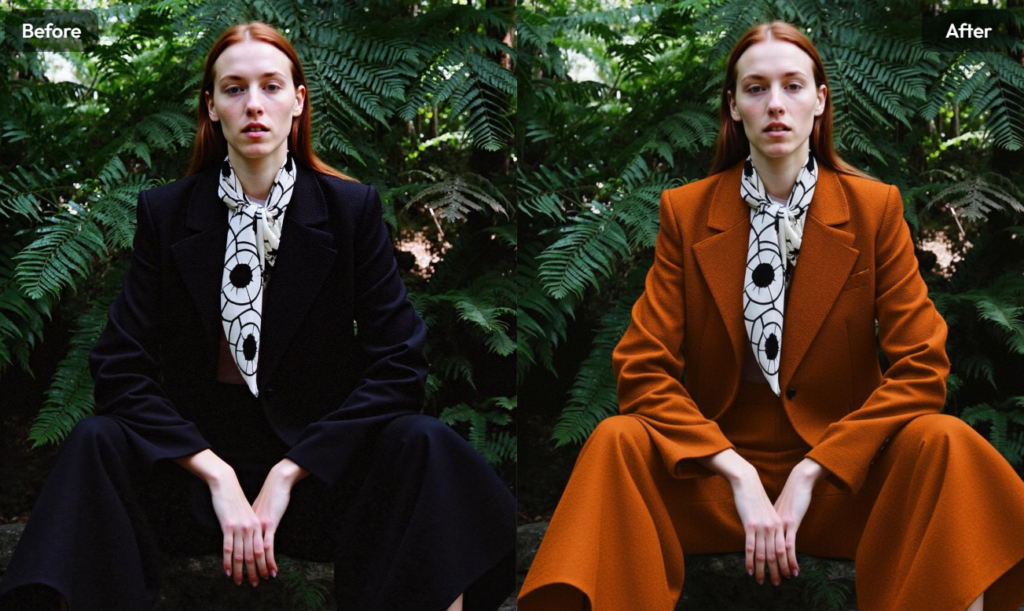
A jacket in navy may feel polished. The same jacket in pastel blue may feel softer and more social-media friendly. A product background in warm beige may feel premium. A cooler tone may feel cleaner and more modern. That is the power of color. It is subtle, but it changes perception immediately.
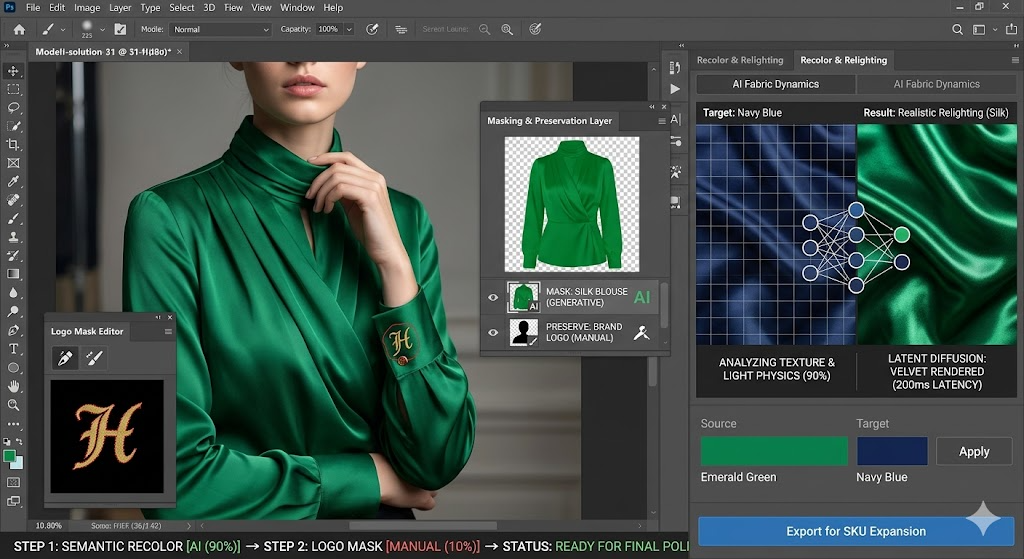
That is also why AI Photo Recolor fits so naturally into modern content workflows. WeShop AI positions the tool for exactly this kind of use: quick recoloring, realistic output, and less time spent doing manual edits. The official page highlights that the AI can detect objects, replace colors accurately, and preserve original image details rather than flattening the photo into a basic filter effect.
The best part is that it does not feel technical
A lot of image-editing tools ask users to think like designers before they can get results. That is fine for professionals. It is less fine for busy marketers, e-commerce teams, or creators who just want a clean result fast.
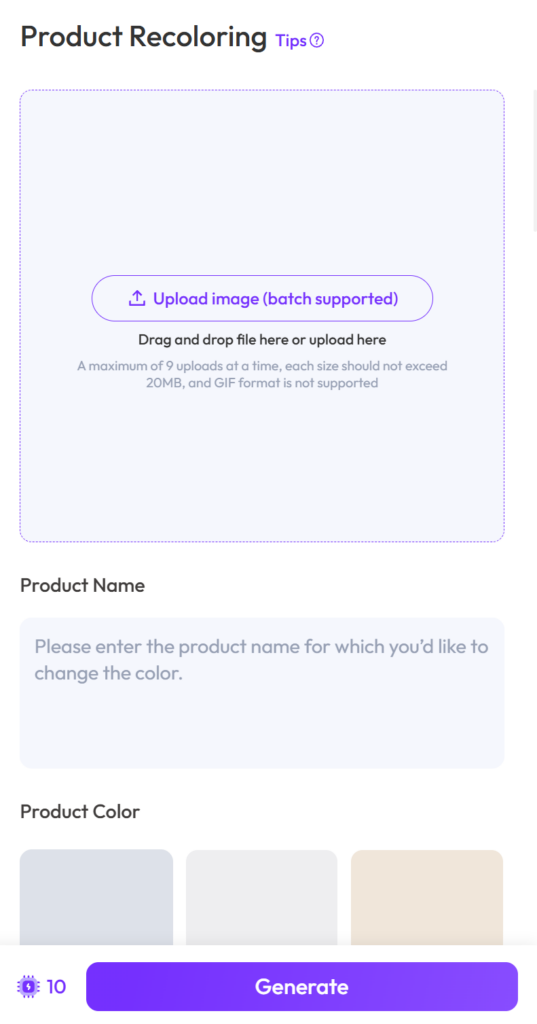
AI Photo Recolor removes a lot of that friction. The workflow is intentionally simple: upload the image, choose the object or area, pick the color, generate the result, and export it. According to WeShop AI’s own blog coverage, the tool is meant to help users change product colors online while preserving texture, lighting, and realism.
AI Photo Recolor for Fashion, E-commerce, and Creative Teams
This is where the tool becomes more than a convenience.
For fashion brands, AI Photo Recolor can help test new colorways without arranging a full reshoot every time. For e-commerce teams, it can speed up catalog refreshes and help maintain visual consistency across product pages. For social teams, it can create multiple content versions from the same base image so campaigns do not start looking repetitive.
WeShop AI’s official page even frames the tool for designers, fashion brands, salons, and marketing teams, which makes sense. Those are the people who need speed, accuracy, and polished visuals at the same time.
And that is really the magic here. AI Photo Recolor is not trying to replace good visual taste. It is trying to make good taste easier to execute.
Why realistic recoloring matters more than flashy editing
There is a big difference between a “cool effect” and a usable asset.
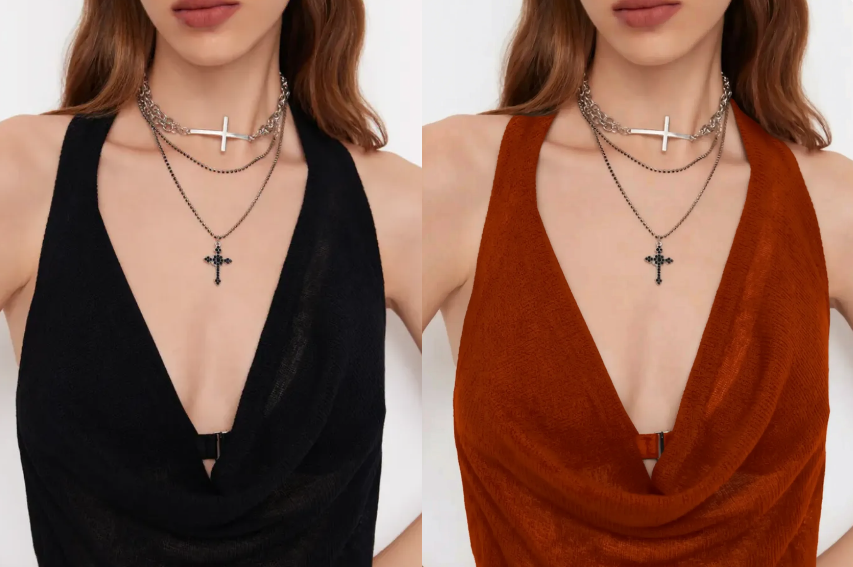
A flashy effect may look fun for a moment. A realistic recolor keeps the image usable in real campaigns. The official tool page says the system is built to keep the original details sharp and natural while transforming the image’s color. That makes it especially useful for photos where texture, shape, and product accuracy still matter.
That matters because customers do not just look at color. They look at whether the image feels believable. If the recolored version still feels like the original product, just in a new shade, it is much easier to use in a real marketing workflow.
What Makes AI Photo Recolor Different from a Basic Filter
A filter changes the vibe. AI Photo Recolor changes the actual visual direction.
That distinction is important. A filter can make an image warmer, cooler, brighter, or more cinematic. But it usually does not solve the real problem when you need a specific object recolored.
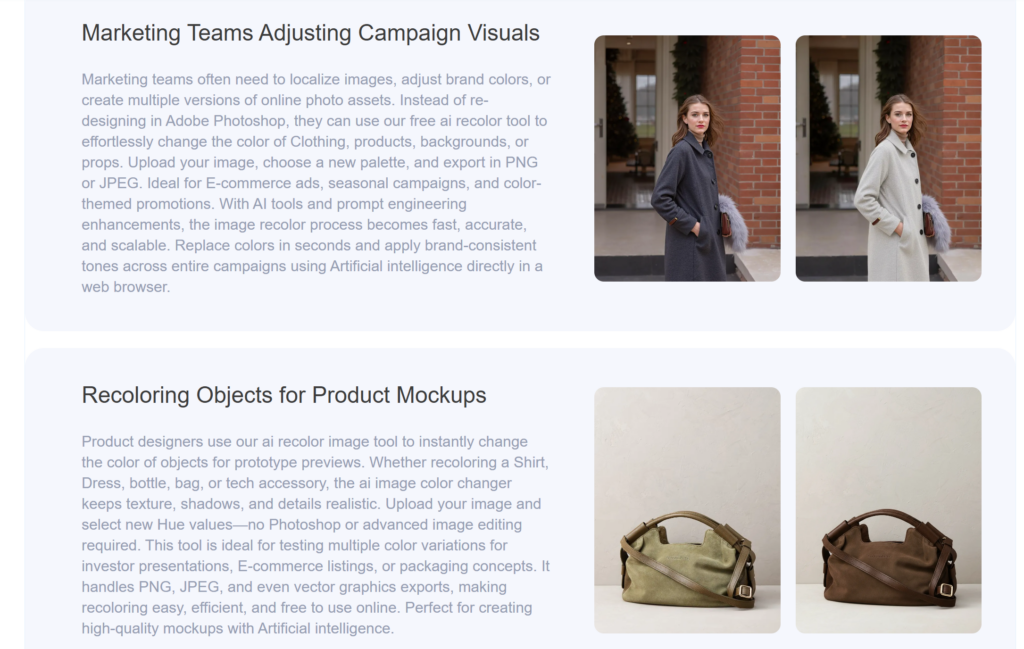
AI Photo Recolor is built for object-level changes, which means it can target the shirt, bag, background, or product area you want to update instead of tinting the whole image indiscriminately.
The result is far more practical for e-commerce and branding work. You are not just changing a mood. You are creating versions.
That is why it works so well for testing
Marketers love options. Designers love control. Buyers love clarity.
With AI Photo Recolor, a team can compare different colors before settling on the final visual direction. That means faster creative reviews and fewer “let’s try another version” cycles. WeShop AI’s blog also emphasizes that recoloring helps brands create more visual variations without extra shoots or complicated editing, which makes the tool especially efficient for scaling content.
How AI Photo Recolor Fits a Modern Content Workflow
Not every image needs a full transformation. Sometimes the smartest move is a small adjustment that makes the image more usable.
That is where AI Photo Recolor fits beautifully. It gives teams a fast way to adapt existing images to new campaigns, seasonal themes, or product launches. Instead of starting over, you work from a strong base and make targeted color changes.
Here is why that matters in practice:
You can refresh old assets without rebuilding everything from scratch. You can align a product image with a new palette. You can test multiple color stories for the same item. You can keep a visual identity consistent while still creating variation.
That kind of flexibility is valuable because content demand never really stops. Brands need speed, but they also need control. AI Photo Recolor gives both in a way that feels approachable rather than intimidating. The tool page’s “free online” positioning also lowers the barrier to trying it, which is a strong advantage for anyone exploring new workflows.
A simple tool, but with real creative leverage
The most interesting tools are often the ones that look simple on the surface.
AI Photo Recolor is a good example. It does one job, but it does that job in a way that can save time, reduce friction, and unlock more creative options. That is exactly the kind of utility modern teams look for. Not more complexity. More output with less friction.
And because the result stays visually clean, the tool is not just useful for experimentation. It is useful for actual publishing.
When Should You Use AI Photo Recolor
A lot of people think recoloring only matters when a product needs a new look. In reality, it shows up in much more everyday situations.
You might use AI Photo Recolor when a product image feels slightly off-brand. You might use it when a seasonal palette changes and older visuals need to match the new direction. You might use it when one original image needs to support several ad variations. You might use it when you want to test whether a new color version is stronger than the current one.
The official WeShop AI content repeatedly frames the tool as a way to recolor images online, keep realism intact, and generate more versions quickly. That makes it a good fit for both creative exploration and practical production work.
The real value is not just speed
Yes, speed matters. But the bigger benefit is momentum.
Once editing becomes faster, teams are more likely to experiment. Once experimentation becomes easier, the final output usually gets better. That is why a tool like AI Photo Recolor can quietly improve the whole creative process. It reduces the drag that often slows down visual work.
And in a world where attention is expensive, anything that helps an image look more relevant, more polished, and more clickable is worth keeping close.
Final Thought
AI Photo Recolor is not about making images look fake or overdone. It is about making color changes feel effortless, realistic, and ready for real use.
That is what makes it so appealing. It is free to try, easy to use, and built for people who want clean results without a complicated editing process. Whether you are working on fashion content, e-commerce visuals, or campaign assets, it gives you a faster way to turn one image into multiple possibilities.
In short, it is the kind of tool that makes a small edit feel like a smart creative move.