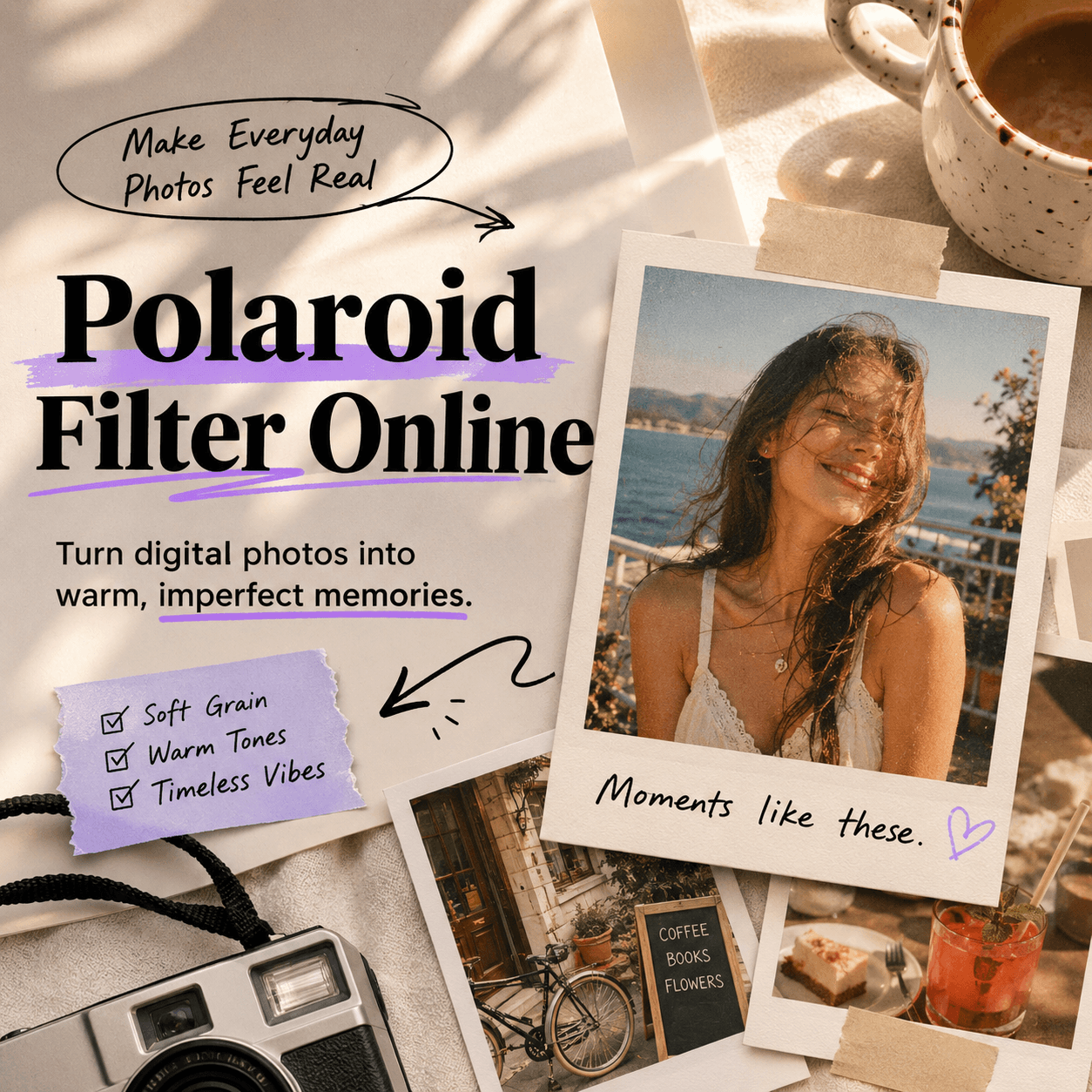
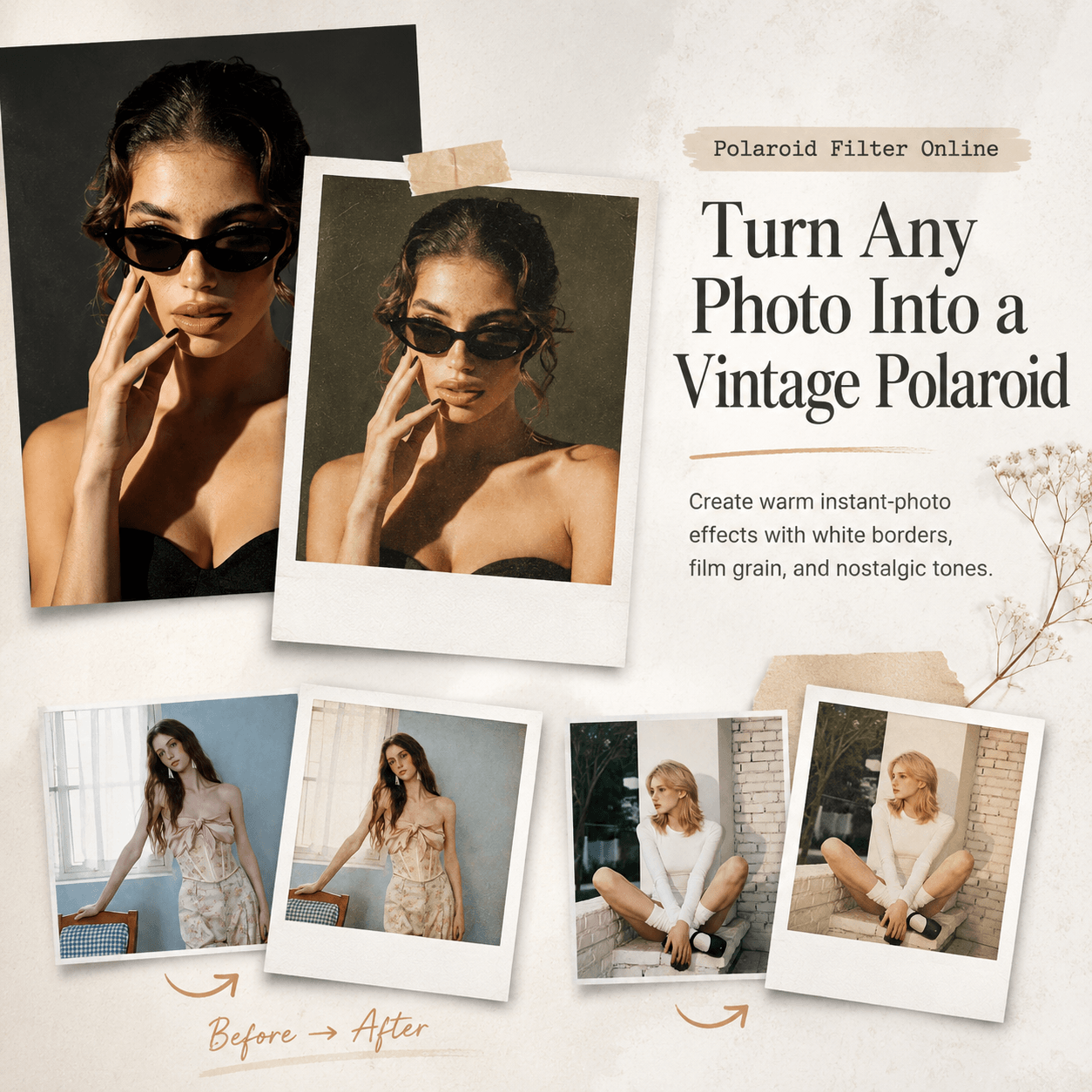
Your camera roll is full. However, not every photo feels worth keeping. Some pictures are clear, bright, and technically fine, yet they still feel a little empty. That is why Polaroid Filter Online is becoming popular again. It turns ordinary digital photos into soft, grainy, white-framed images that feel more personal and less over-edited.
In other words, the Polaroid look is not only a retro effect. Instead, it gives a photo a sense of time, mood, and story. A little blur, a warm tone, and a classic white border can make a simple selfie, travel shot, or couple photo feel like something saved from a real moment.
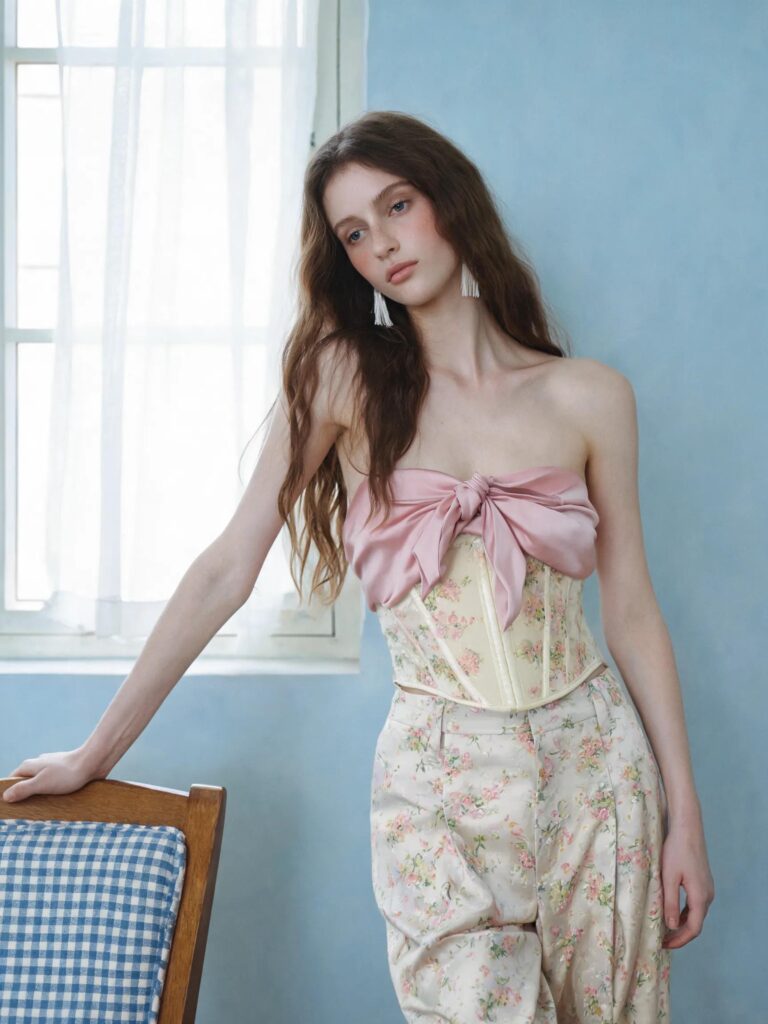
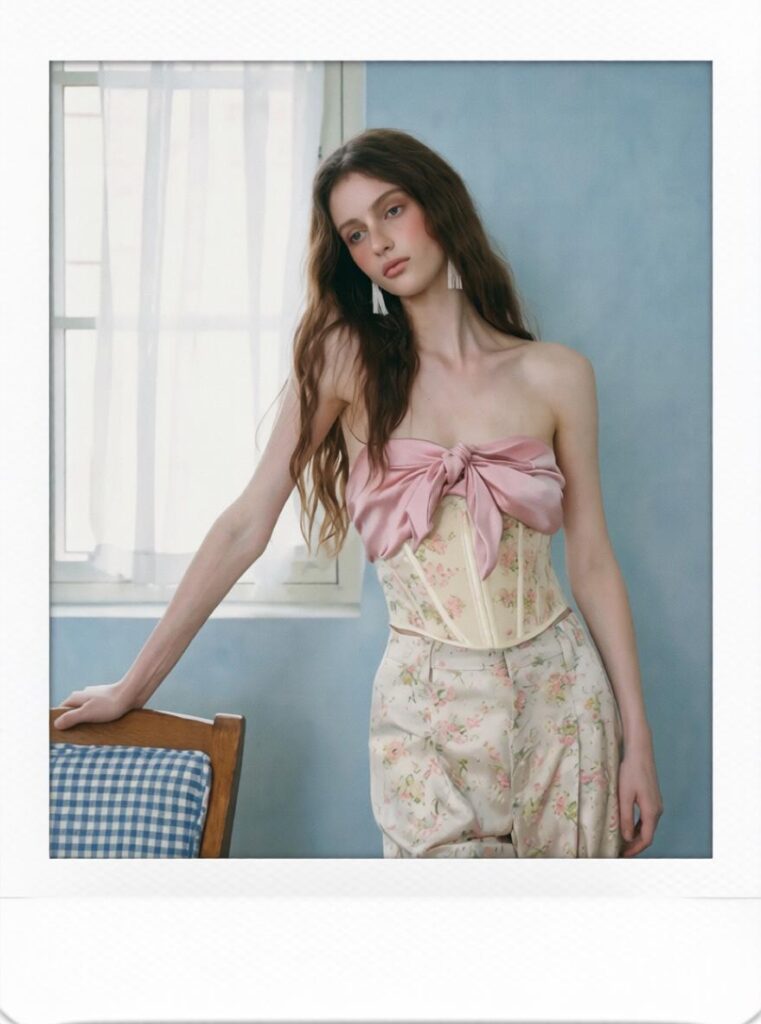
Why Polaroid-Style Photos Are Popular Again
Perfect photos are everywhere now. However, that is exactly why imperfect photos stand out.
Polaroid-style photos feel casual, warm, and slightly unplanned. Therefore, they fit today’s photo dump culture very well. Instead of posting one flawless image, people now share travel recaps, birthday moments, café snapshots, mirror selfies, and small everyday details.
Also, the Polaroid look works because it does not try too hard. It gives photos a nostalgic mood without making them feel overly designed. As a result, even a simple picture can feel more shareable.
The Appeal of Imperfection
A normal editing app often removes flaws. However, a Polaroid-style effect keeps some texture. The light may be soft. The colors may be faded. The image may not be perfectly sharp. Yet, these tiny imperfections make the photo feel more natural.
That is why Polaroid Filter Online works well for people who want photos with mood, not just polish.
What Is Polaroid Filter Online?
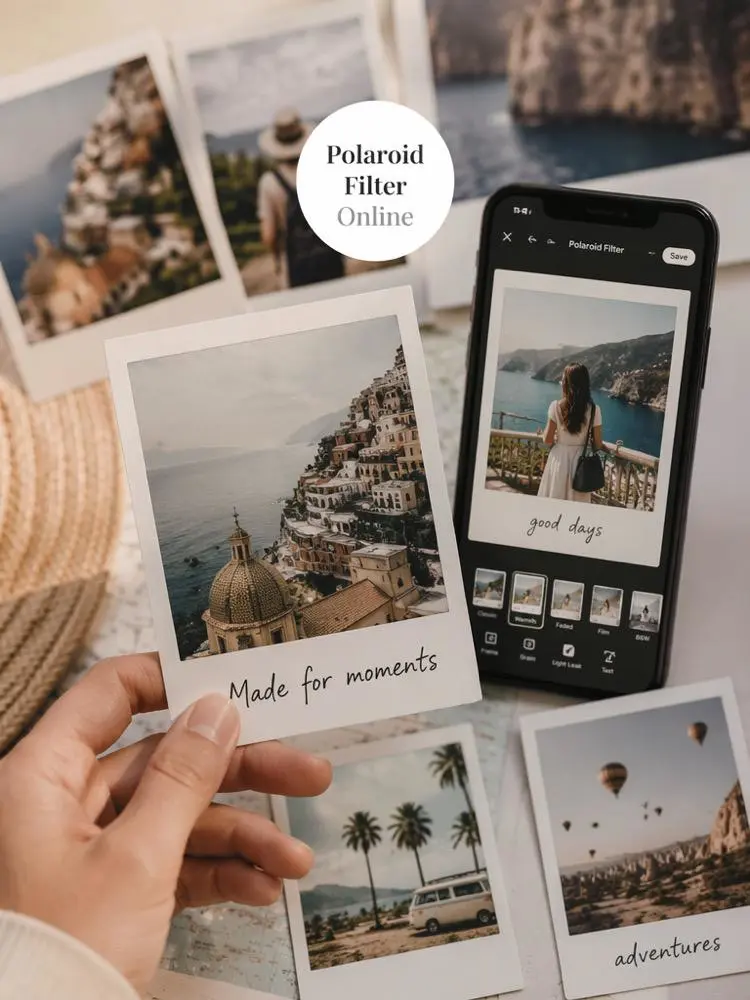
Polaroid Filter Online is an online tool that turns regular photos into Polaroid-style images. You can upload a photo and create an instant-camera effect without using a real Polaroid camera.
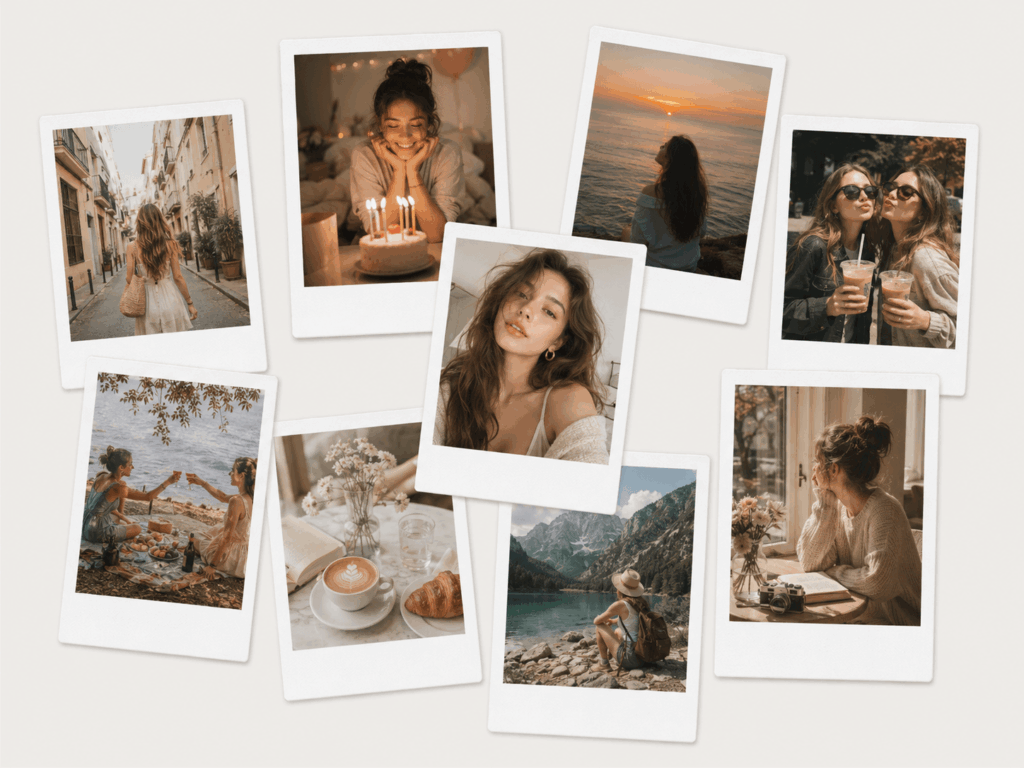
The final image can include a white frame, a wider bottom border, soft grain, warm tones, gentle blur, and a faded film-like finish. Therefore, it is useful for selfies, couple photos, travel pictures, family memories, event recaps, social posts, and brand mood boards.
Why Use Polaroid Filter Online Instead of a Basic Vintage Filter?
A basic vintage filter usually changes only the color. By contrast, Polaroid Filter Online changes the whole photo style. It adds the frame, texture, tone, and instant-photo layout in one effect.
Because of that, the result feels more complete. It does not look like a normal phone photo with a warm preset. Instead, it looks like a designed photo card that can be shared, saved, or printed.
What Makes the Polaroid Effect Different?
The white border is the most recognizable detail. It gives the photo a physical shape. Meanwhile, the grain and soft contrast make the image feel less digital. Also, the wider bottom space leaves room for a short date, place, or note.
Together, these details make the Polaroid photo effect stronger than a simple color filter.
How to Use Polaroid Filter Online Step by Step
Using Polaroid Filter Online is simple. Still, a few small choices can make the final image look better.
Step 1: Upload a Clear Photo
First, choose a photo with a clear subject. It can be a selfie, a couple photo, a travel shot, or a lifestyle image. However, avoid photos that are too dark or too blurry.
Step 2: Apply the Polaroid Effect
Next, add the Polaroid-style effect. This usually creates the white frame, warm tone, soft contrast, and instant-photo feeling.
At this point, the photo may look less sharp than before. However, that softness is part of the style.
Step 3: Adjust the Mood
Then, make small adjustments if needed. You can make the image warmer, brighter, softer, or more faded. However, do not over-edit it. A natural Polaroid-style image should feel effortless.
Step 4: Keep the Face Natural
After that, check the face and skin tone. The filter should change the atmosphere, not the person. Therefore, avoid effects that make the subject look too smooth or too different.
Step 5: Export and Share
Finally, export the image for Instagram, TikTok, Pinterest, blogs, digital scrapbooks, or printed collages. Since the Polaroid format already looks designed, you do not need many extra stickers or fonts.
Best Ideas for Polaroid Filter Online
A Polaroid Filter Online works best when the photo already has a small story. Here are some strong use cases.
Couple Polaroid Photos
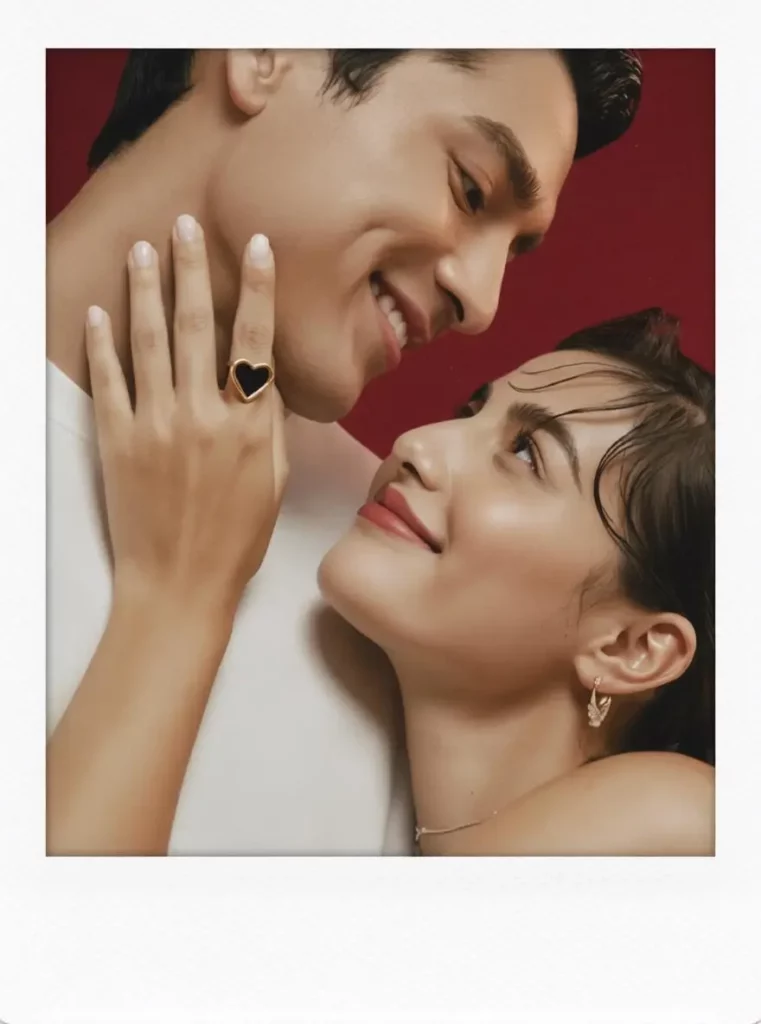
Couple photos match the Polaroid look very naturally. The style feels soft, private, and a little nostalgic. Therefore, it works well for anniversaries, date nights, wedding memories, and “us lately” posts.
Caption ideas:
“Still my favorite frame.”
“Soft flash, loud memories.”
“Found this in our little timeline.”
Travel Photo Dumps
Travel photos do not always need to look perfect. In fact, the Polaroid style can make them feel more relaxed. Use it for beach trips, city walks, hotel mirrors, street cafés, train windows, and sunset shots.
Caption ideas:
“Postcards from a softer day.”
“Tiny moments, big trip.”
“Wish this stayed a little longer.”
Birthday and Party Recaps
Birthday photos and party snapshots often have mixed lighting. However, a Polaroid-style effect can make that lighting feel intentional. The white frame also makes each image look like a keepsake.
Caption ideas:
“Proof that the night happened.”
“Blurred but unforgettable.”
“Another year, softer memories.”
Family Memory Boards
Family photos often feel more touching when they look printed. Therefore, this style works well for childhood photos, holiday gatherings, parent-child pictures, and everyday home scenes.
Caption ideas:
“Kept for later.”
“Small home moments.”
“This one feels like a memory.”
Brand Mood Boards
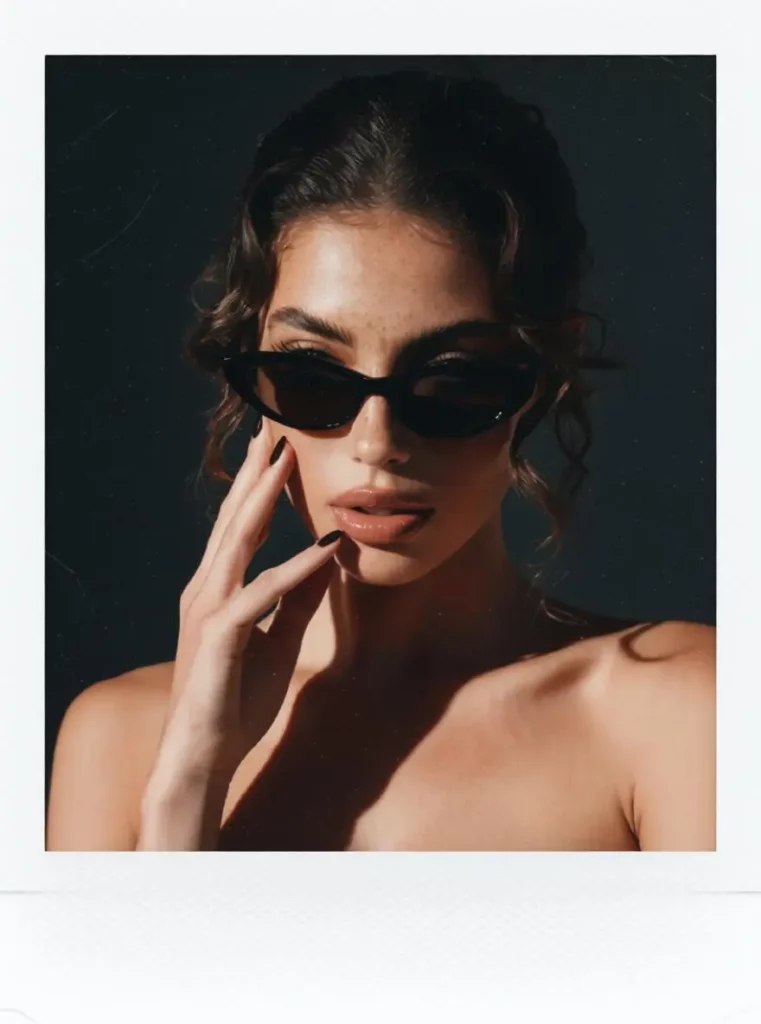
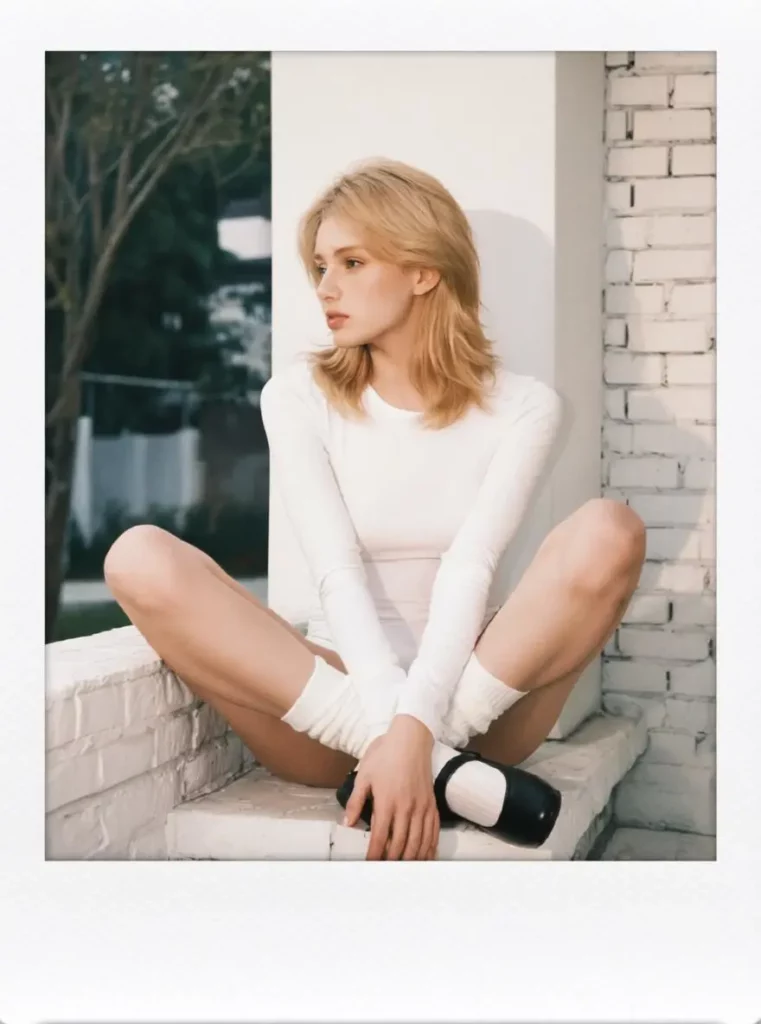
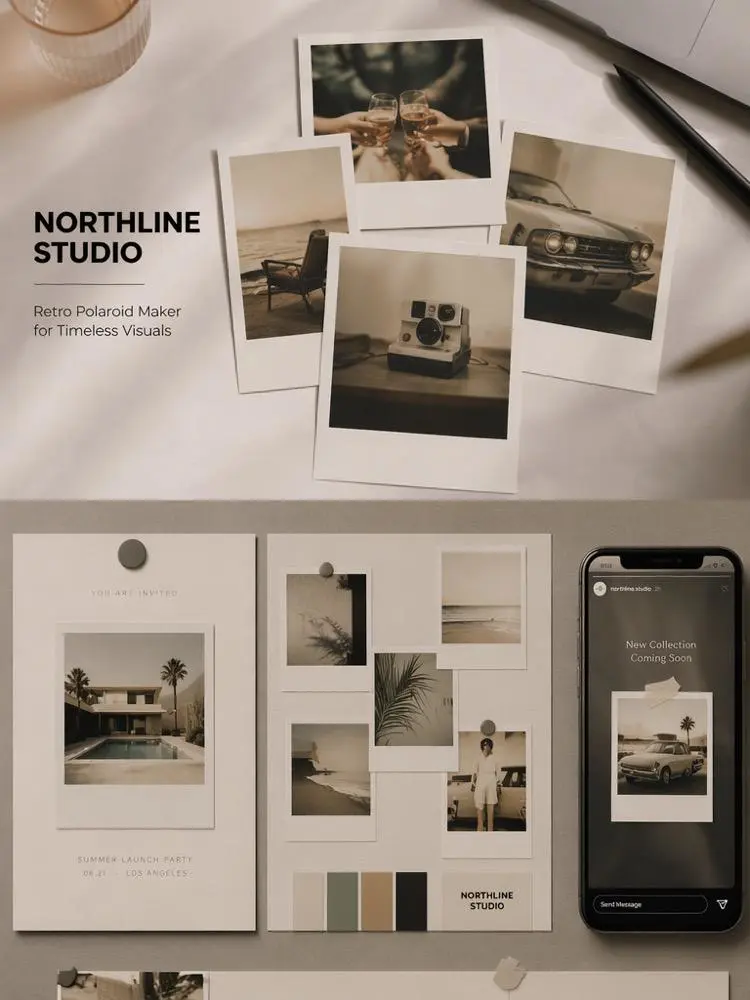
Polaroid-style photos can also work for lifestyle brands, fashion shops, handmade products, beauty content, cafés, travel brands, and event campaigns. Instead of looking like a plain catalog, the visuals feel warmer and more personal.
Caption and Text Ideas for Polaroid Photos
Short text works best with Polaroid-style images. Therefore, avoid long quotes or crowded layouts.
Short Caption Ideas
“Not perfect. Just real.”
“Saved from another timeline.”
“Soft light, softer memory.”
“Wish this moment lasted longer.”
“Little proof of a good day.”
“Too warm to delete.”
“More memory than photo.”
Small Text Ideas for the White Border
“summer, again”
“after the rain”
“us, lately”
“found moment”
“slow afternoon”
“weekend proof”
“soft chaos”
Tips to Make Polaroid Photos Look More Real
A good Polaroid-style photo should feel natural. Therefore, the goal is not to make the image perfect. The goal is to make it feel believable.
Use Relaxed Photos
Candid photos usually work better than stiff poses. A small smile, a casual glance, or a natural movement can make the final image feel more real.
Keep Some Texture
Do not smooth the face too much. Although clean skin may look polished, too much smoothing can remove the natural feeling of the photo.
Choose Warm Light
Warm indoor light, sunset light, café light, and soft window light all work well. Meanwhile, harsh white light may make the image feel colder.
Keep the Text Minimal
The white border gives you space for a note. However, one short word, date, or phrase is enough.
Polaroid Filter Online for Social Media
Polaroid Filter Online is useful for social media because it gives random photos a consistent style. Also, it makes a group of images feel more connected.
For Instagram, you can use it for carousels, photo dumps, Stories, and profile posts. For TikTok, it can work as a soft cover image for memory videos, day-in-my-life clips, travel edits, and relationship content. For Pinterest, it fits mood boards, outfit ideas, lifestyle inspiration, and scrapbook-style visuals.
In addition, bloggers and small brands can use Polaroid-style images to make pages feel warmer and less generic.
Common Mistakes to Avoid
A Polaroid effect is easy to apply. However, the final image can look fake if the edit is too heavy.
Making the Photo Too Yellow
Warm tones are good. However, too much yellow can make the image look muddy. Keep the warmth soft and balanced.
Adding Too Much Grain
Grain adds texture. Still, too much grain can hide details. Use enough to create mood, but not enough to damage the photo.
Starting with an Over-Edited Selfie
If the original image already has heavy beauty filters, the Polaroid effect may look less natural. Therefore, start with a clean photo when possible.
Adding Too Many Stickers or Fonts
Polaroid-style photos look best with space to breathe. So, keep extra design elements minimal.
Who Should Try Polaroid Filter Online?
Polaroid Filter Online is a good choice for creators, couples, travelers, students, lifestyle bloggers, small brands, and anyone who loves retro photo aesthetics.
It is also useful if you want the Polaroid look without buying instant film, scanning prints, or learning a complicated editing app. Instead, you can create the effect online and use it right away.
FAQ About Polaroid Filter Online
What is Polaroid Filter Online?
Polaroid Filter Online is a tool that turns digital photos into Polaroid-style images with a white border, soft grain, warm tones, and an instant-photo effect.
Can I make a photo look like a real Polaroid?
Yes. For a more realistic result, use a photo with natural light, relaxed expression, and simple colors.
What photos work best with Polaroid Filter Online?
Selfies, couple photos, travel shots, birthday pictures, family moments, café photos, sunset images, and casual daily-life photos work especially well.
Can I use Polaroid-style photos on Instagram?
Yes. They work well for Instagram carousels, Stories, photo dumps, and profile posts. Also, the white border makes the layout look cleaner.
Is Polaroid Filter Online useful for brand photos?
Yes. It can help lifestyle, fashion, beauty, handmade, coffee, and travel brands create warmer and more personal visuals.
Final Thoughts
A perfect photo may look clean. However, it does not always feel personal. That is why the Polaroid style still works.
With Polaroid Filter Online, you can turn simple phone photos into soft, nostalgic instant-photo images. Moreover, you do not need a real Polaroid camera or advanced editing skills. Just upload a photo, apply the effect, and turn an ordinary moment into something worth saving.
Go to WeShop AI For Exploration: