

Some photos are not bad. However, they still feel too plain to post.
Maybe the lighting is fine. Maybe the pose is natural. Also, maybe the moment is actually meaningful. However, when you look at the photo, it still feels like something is missing. It needs a little more mood, a little more warmth, and a little more story.
That is where Polaroid Filter Online comes in.
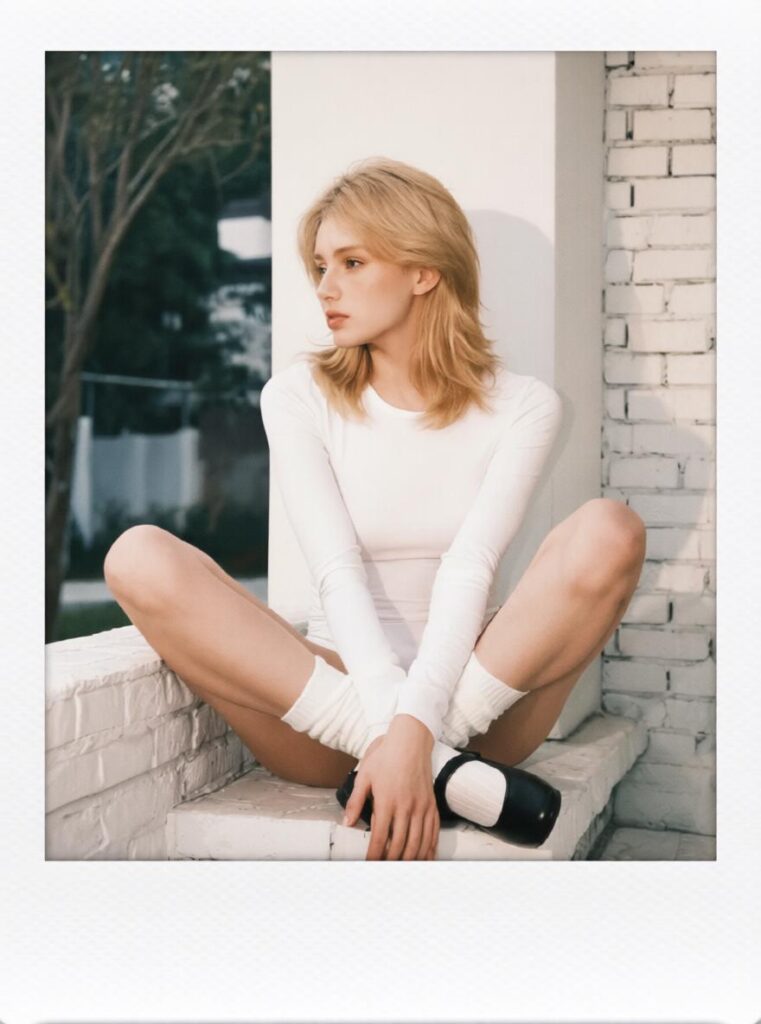
Polaroid Filter Online is an online AI photo tool that turns ordinary images into vintage instant-camera style photos. With just one upload, you can create a Polaroid-style image with a clean white border, a thicker bottom frame, soft lighting, subtle film grain, warm tones, and a nostalgic photo-paper feel.
In other words, it helps turn a simple phone photo into something that feels more personal, more shareable, and more worth saving.
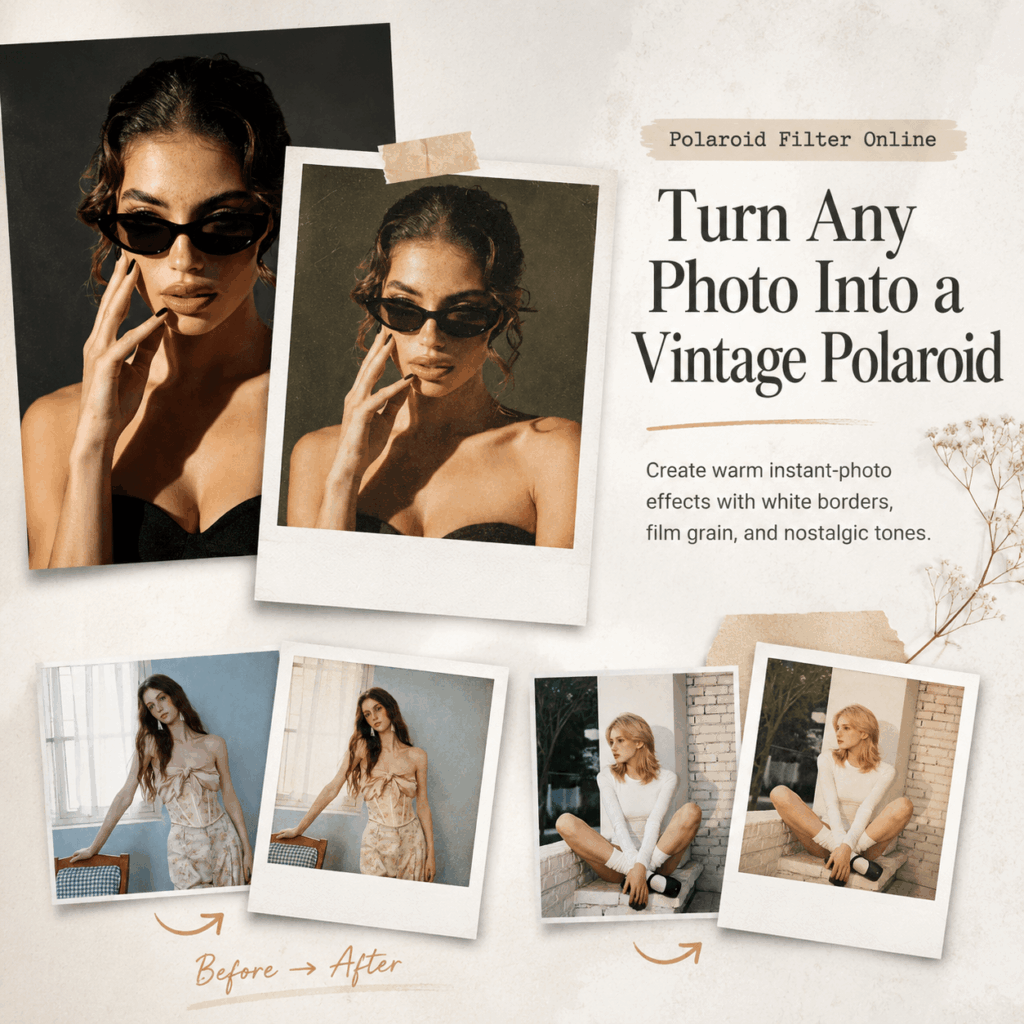
What Is Polaroid Filter Online?
Polaroid Filter Online is a browser-based AI photo editor made for creating vintage Polaroid-style images. You can upload selfies, portraits, couple photos, travel shots, family pictures, event images, lifestyle photos, or product photos. Then, the tool transforms them into instant-film style visuals.
Unlike a basic white-frame editor, Polaroid Filter Online adds more than just a border. Instead, it creates the full Polaroid feeling through a realistic white frame, extra bottom space, soft neutral light, gentle desaturation, subtle film grain, and smooth photo-paper texture.
Therefore, the result does not look like a random filter. It looks more like a printed memory.
Why Use a Polaroid Filter?
Today, most phone photos are clear. However, clear does not always mean memorable.
A Polaroid-style photo feels different because it adds emotion. First, the white border makes the image look like a real keepsake. Next, the warm tones make it feel softer. Meanwhile, the film grain and faded contrast give it a vintage mood.
As a result, a normal selfie, couple photo, travel image, or product shot can become more eye-catching for Instagram, TikTok, Pinterest, WeChat Moments, or a personal scrapbook.
Key Features of Polaroid Filter Online
Create Polaroid-Style Photos from Any Image
The main feature of Polaroid Filter Online is simple: upload an image and turn it into a vintage instant photo.
It works well for portraits, selfies, couple photos, group pictures, travel photos, event shots, pet images, and product photos. Therefore, you can use it for both personal memories and social media content.
Add a Realistic White Polaroid Border
The white frame is the most recognizable part of a Polaroid photo. However, the frame needs the right spacing to feel real.
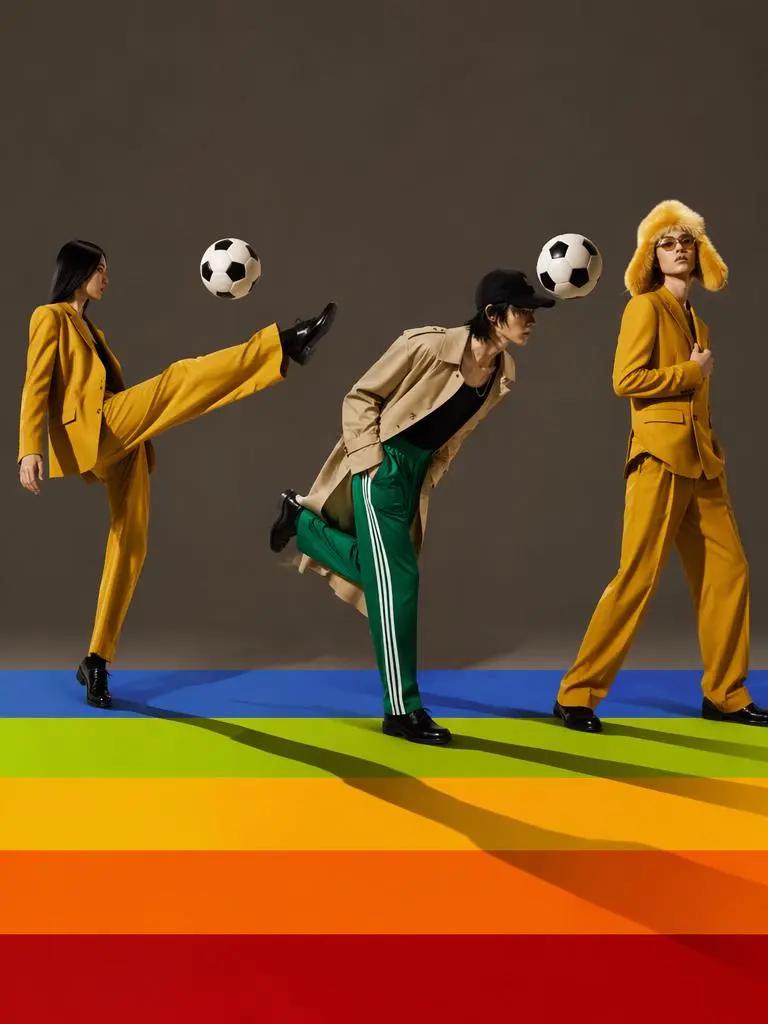
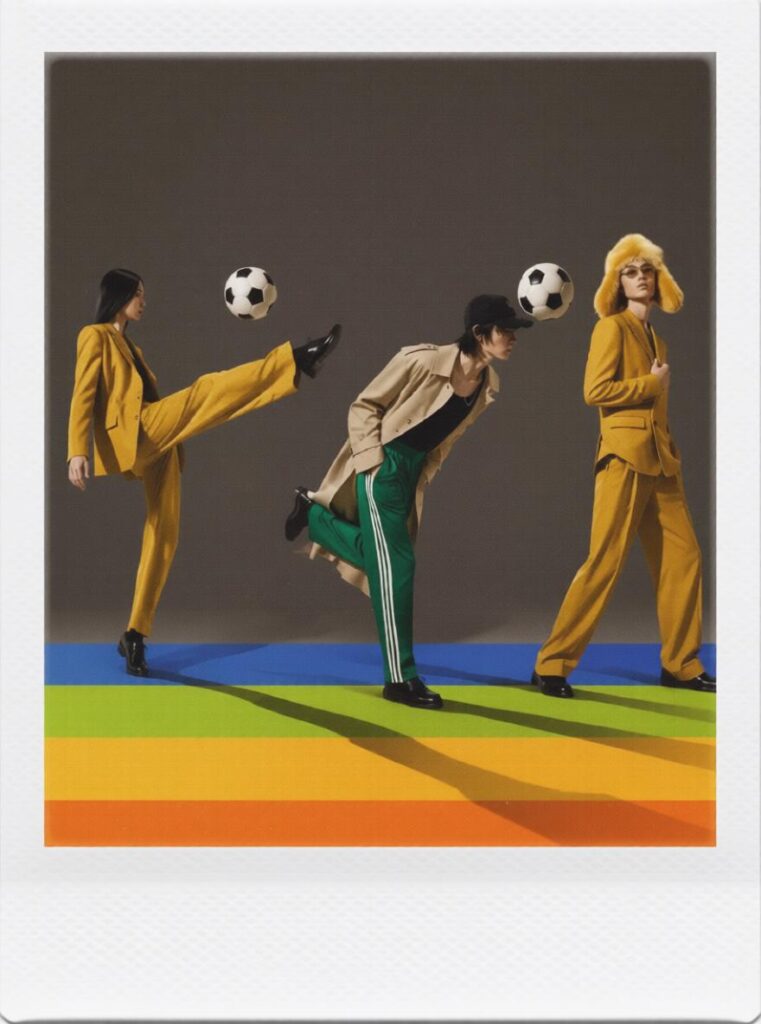
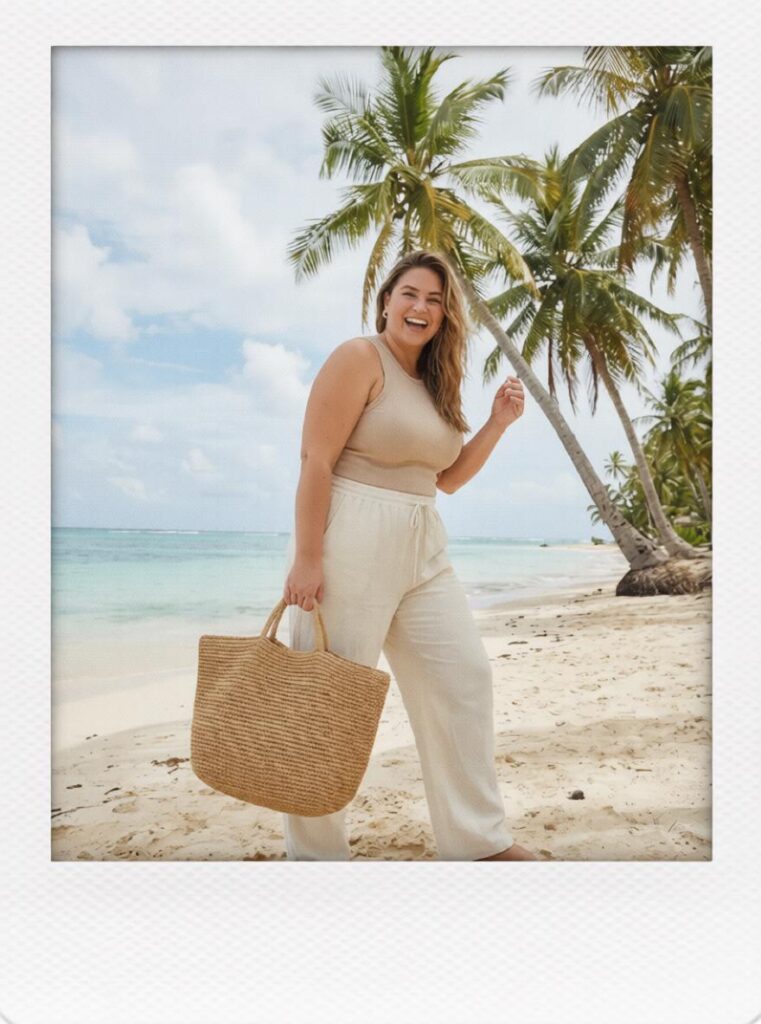
Polaroid Filter Online creates a clean white border with a thicker bottom margin. Because of this, the final image looks closer to a real instant-camera print. Also, the bottom space is perfect for adding a date, location, short quote, or handwritten-style note.

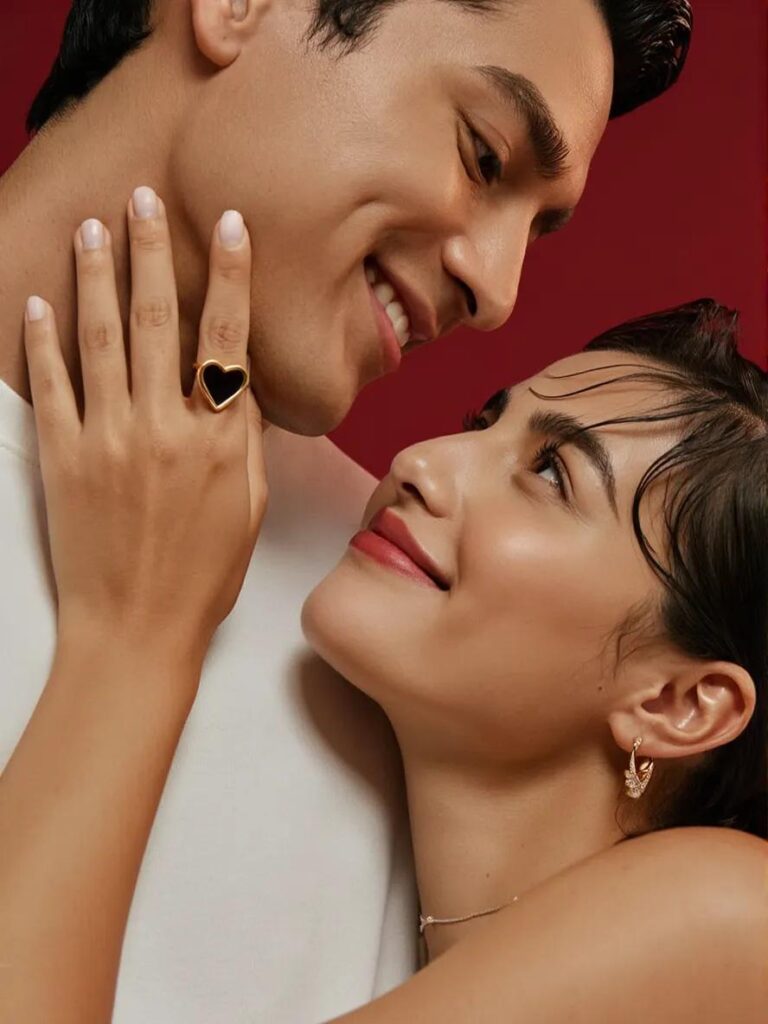
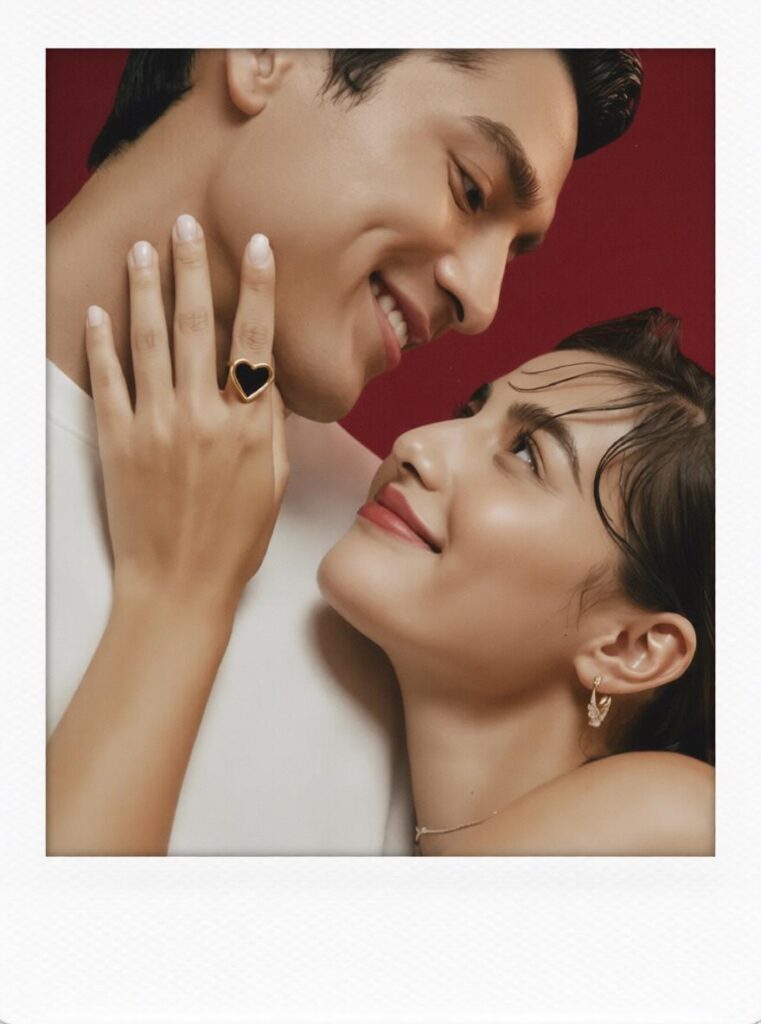
Apply Film Grain and Warm Vintage Tones
A good Polaroid effect should feel soft, warm, and slightly imperfect.
With Polaroid Filter Online, your photo can gain subtle film grain, gentle blur, warm color grading, faded contrast, and a smoother printed-photo texture. As a result, the image feels less digital and more nostalgic.
How to Use Polaroid Filter Online
Step 1: Upload Your Photo
First, choose a clear photo with a strong subject. It can be a selfie, portrait, couple image, travel shot, family photo, product photo, or lifestyle picture.
For better results, use photos with natural light and a clean background. Also, make sure the main subject is easy to see. This way, the final Polaroid-style image will look cleaner and more intentional.
Step 2: Enter a Polaroid-Style Prompt
Next, use a prompt that describes the look you want. For example:
Use the uploaded image as the subject and transform it into a clean instant-film print with a realistic white Polaroid border, thicker bottom margin, soft neutral lighting, subtle film grain, gentle desaturation, smooth photo-paper texture, and a crisp nostalgic mood with balanced contrast.
This prompt helps Polaroid Filter Online keep the main subject while adding the key instant-photo details.
Step 3: Click Generate
After that, click Generate and wait for the result.
If you want a stronger retro look, add words like “warmer vintage tones,” “90s instant camera look,” or “more visible film grain.” However, if you prefer a cleaner result, try “minimal,” “soft modern nostalgic style,” or “clean white border.”
Step 4: Save and Share
Finally, save your Polaroid-style image and use it wherever you want. You can post it on Instagram, TikTok, Pinterest, WeChat Moments, or use it as a profile picture, story cover, scrapbook image, invitation design, or product visual.
Best Ways to Use Polaroid Filter Online
Turn Travel Photos into Memory Postcards
Travel photos are perfect for this style. Beaches, city streets, cafes, hotel windows, sunsets, and train stations all look more personal with a Polaroid frame.
You can also add a city name or date to the bottom space. For example: “Tokyo Weekend” or “Summer 2026.”
Make Couple Photos Feel More Romantic
Couple photos do not always need heavy retouching. Sometimes, a soft vintage look feels more intimate.
With Polaroid Filter Online, date photos, anniversary pictures, wedding memories, and Valentine images can become warm keepsakes.
Create Aesthetic Profile Pictures
If you want a profile picture that looks stylish but not over-edited, try a Polaroid-style portrait.
The effect adds mood through framing, lighting, and color. Therefore, it works well for Instagram profiles, creator bios, personal websites, and social avatars.
Build Scrapbook-Style Social Posts
Instead of editing just one photo, you can create a set of Polaroid-style images. Then, arrange them into a collage, carousel, or memory board.
This works well for birthdays, graduation, friend trips, family albums, and weekend recaps.
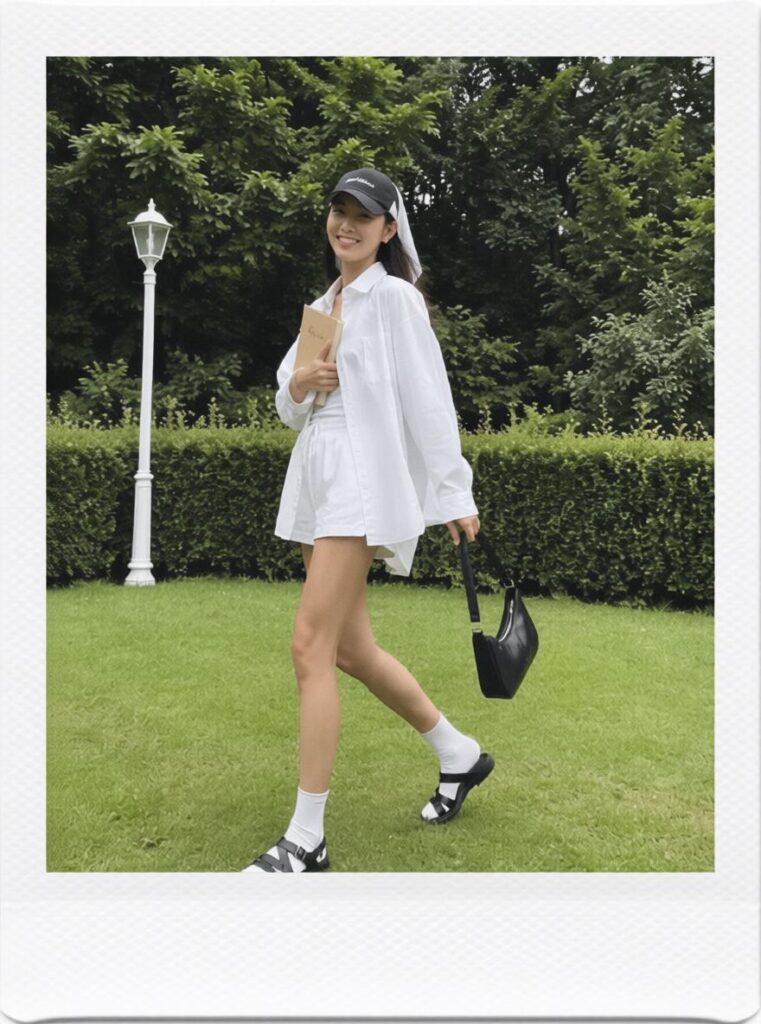
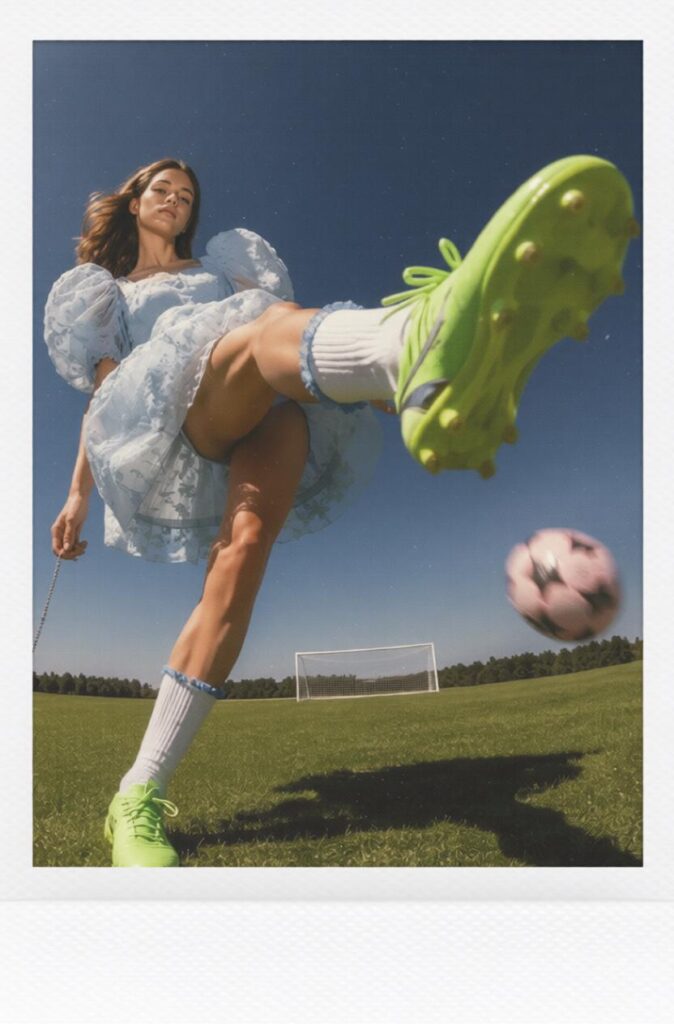
Make Product Photos Feel More Lifestyle-Driven
Polaroid Filter Online can also help small brands and online shops. Jewelry, perfume, handmade goods, coffee cups, stationery, beauty products, and fashion accessories can look warmer with a vintage instant-photo effect.
As a result, product images feel less like catalog photos and more like lifestyle content for Instagram, Pinterest, or brand mood boards.
Prompt Ideas for Better Results
Classic Polaroid Prompt
Use the uploaded image as the subject and transform it into a realistic instant-film photo with a clean white Polaroid border, thicker bottom margin, soft natural lighting, subtle film grain, warm vintage tones, gentle fade, and smooth photo-paper texture.
Romantic Couple Prompt
Turn this couple photo into a warm nostalgic Polaroid-style image with soft sunlight, creamy tones, subtle film grain, a clean white instant-film border, and a romantic memory-book feeling.
Travel Postcard Prompt
Transform this travel photo into a vintage instant-camera print with warm color grading, soft shadows, gentle film grain, a realistic white Polaroid frame, and a dreamy vacation memory mood.
Product Lifestyle Prompt
Transform this product image into a vintage lifestyle Polaroid-style photo with a clean white instant-film border, soft natural light, subtle film texture, warm tones, and an editorial mood suitable for social media.
FAQ About Polaroid Filter Online
What is Polaroid Filter Online?
Polaroid Filter Online is an online AI photo editing tool that turns uploaded images into Polaroid-style instant photos with a white border, vintage tones, film grain, soft blur, and a nostalgic camera look.
Can I turn any photo into a Polaroid online?
Yes. You can upload portraits, selfies, couple photos, travel images, family pictures, event photos, lifestyle shots, or product images.
Is Polaroid Filter Online free to use?
The tool page presents Polaroid Filter Online as a free online Polaroid filter. However, advanced options, high-resolution exports, watermark-free downloads, or premium features may depend on the current platform plan.
Do I need to download software?
No. Polaroid Filter Online works directly in a browser, so you do not need to install Photoshop or other editing software.
What makes a photo look like a Polaroid?
A Polaroid-style photo usually includes a white instant-film border, extra bottom space, soft focus, subtle film grain, warm tones, faded contrast, slight blur, and photo-paper texture.
Can I use Polaroid-style images for Instagram or TikTok?
Yes. These images work well for Instagram posts, TikTok covers, story graphics, Pinterest boards, profile pictures, and aesthetic carousel posts.
Can I use Polaroid-style images commercially?
Commercial use depends on the tool’s terms, uploaded image rights, template license, and export policy. Therefore, make sure you own or have permission to use the original images before using them in ads, products, or paid campaigns.
Conclusion
A normal photo can be easy to forget. However, with the right border, color, texture, and mood, it can become something people want to save, share, and ask about.
That is the charm of Polaroid Filter Online.
It helps you turn everyday images into vintage instant photos without complicated editing. Just upload a photo, enter a simple prompt, and let AI create a warm Polaroid-style result.
So, the next time you do not know what to post, open your camera roll. Choose one ordinary photo. Then, try turning it into a nostalgic image with Polaroid Filter Online.
Sometimes, one small vintage frame is all a photo needs.
Go to WeShop AI For Exploration:


