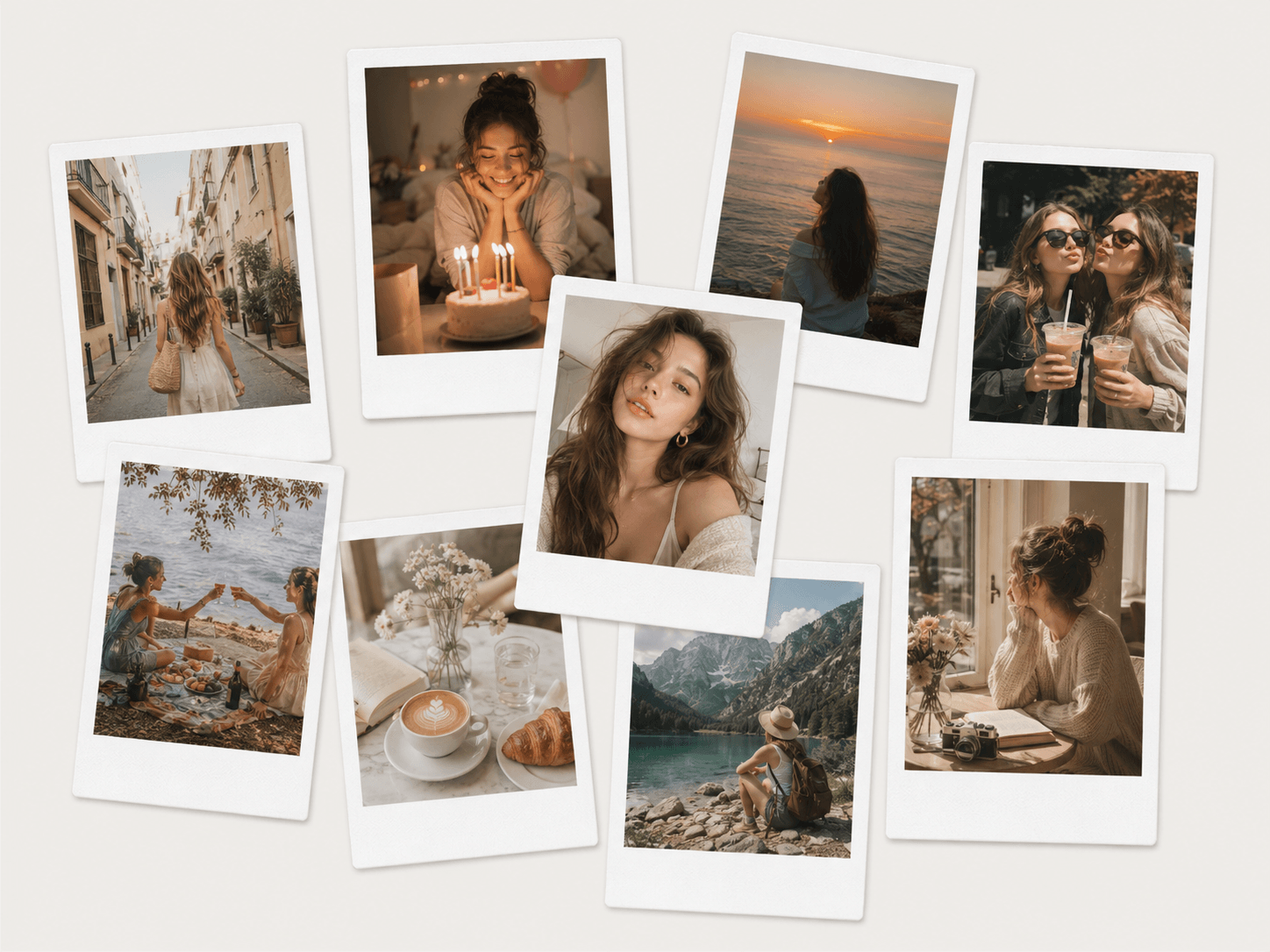
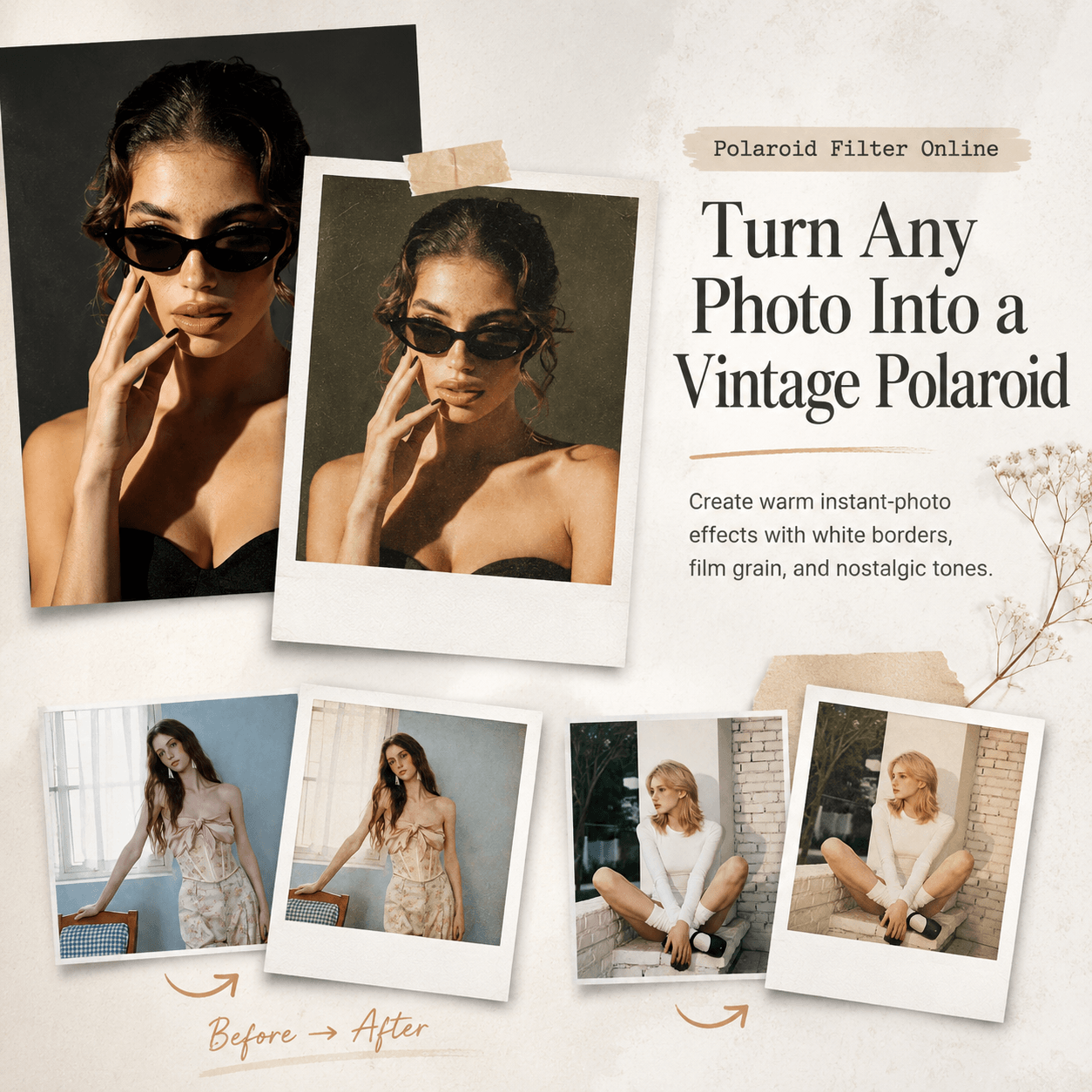
Polaroid Filter Online can turn a clean digital photo into something warmer, softer, and more personal. Instead of making every detail look perfect, the style adds the small flaws people connect with real memories. A little grain, bright flash, faded color, and a simple white frame can change the mood at once.
Today, most phone photos are sharp and polished. However, that perfection can make them easy to scroll past. An instant-photo look feels different because it suggests a moment that happened only once. As a result, an ordinary selfie, dinner photo, or travel shot can suddenly feel worth keeping.
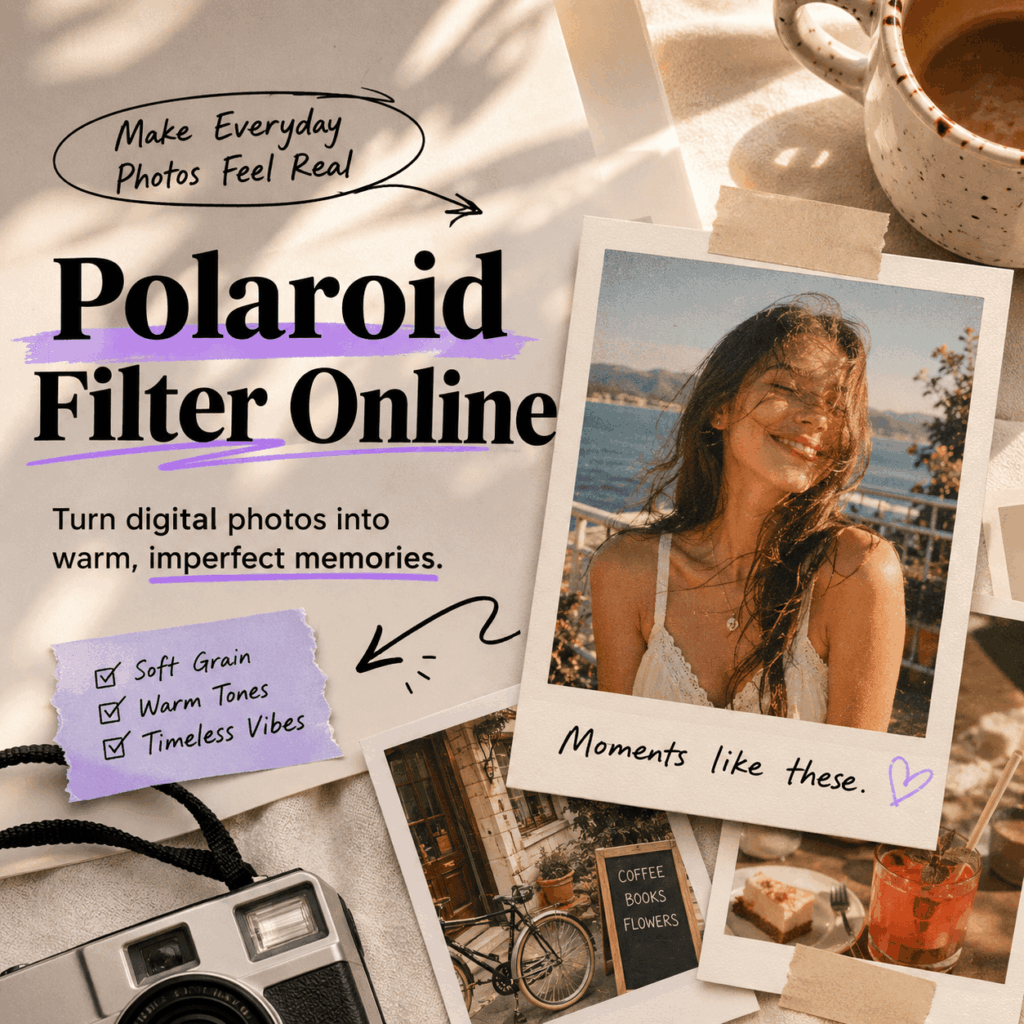
📸 Why Polaroid Filter Online Works in a Perfect Feed
Social feeds are full of smooth skin, strong contrast, and carefully planned color. In contrast, a Polaroid-style image feels less controlled. It looks like someone pressed the shutter before the moment disappeared.
That difference matters. The viewer is not only looking at a picture. Instead, they are imagining the seconds around it. Who took it? What happened next? Why was this moment saved?
Polaroid Filter Online Uses Controlled Imperfection
The best retro edit does not simply make a photo look old. Instead, it gives the image a believable physical feeling. Soft grain adds texture, while slightly faded shadows reduce the digital look. Meanwhile, warm tones make skin, food, streets, and indoor light feel more familiar.
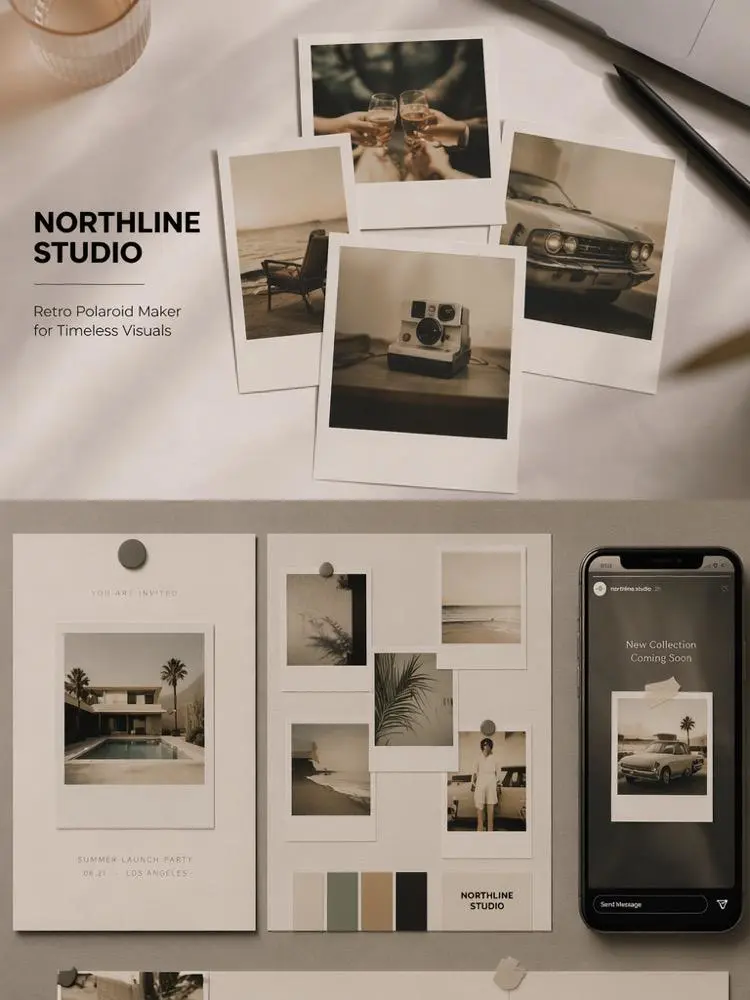
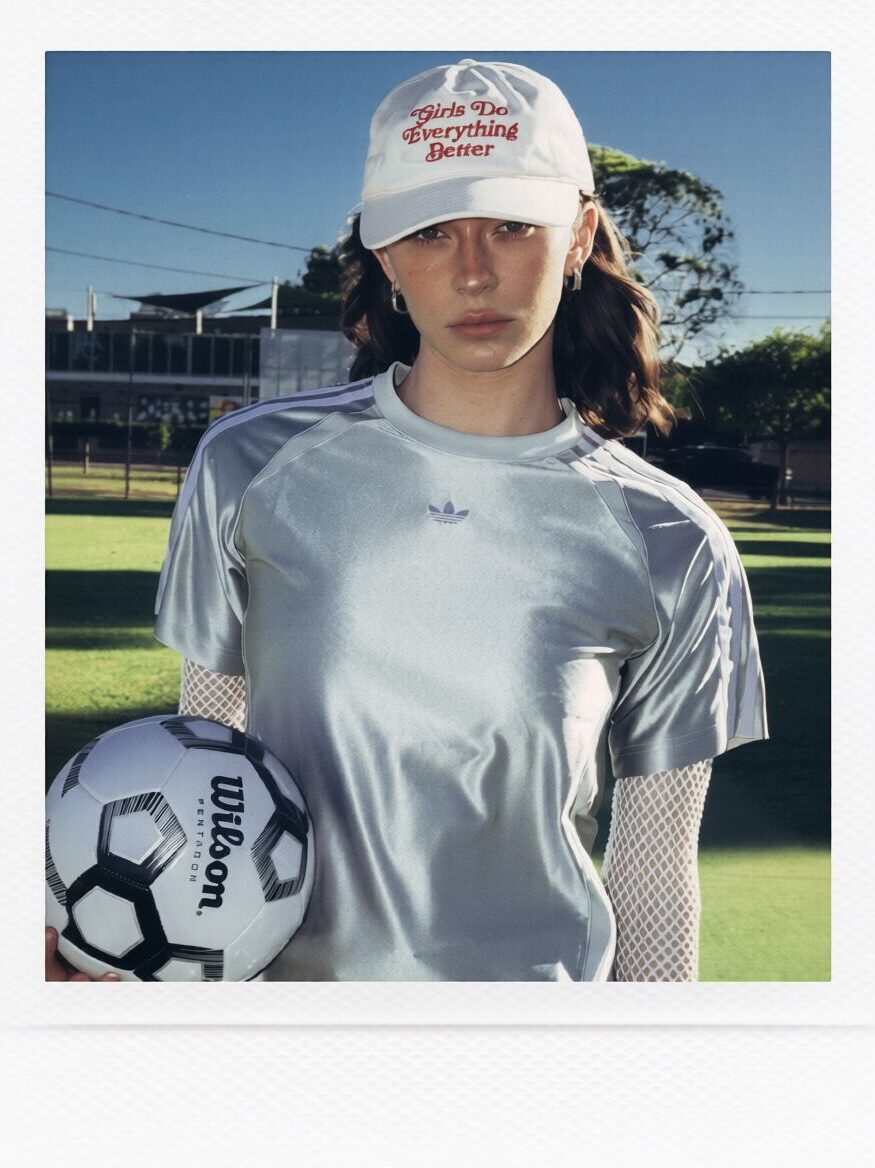
The white frame also changes how the image is read. Because it creates space around the photo, the result feels like an object rather than another file on a screen. Therefore, the style works well for social posts, digital scrapbooks, mood boards, and keepsakes.
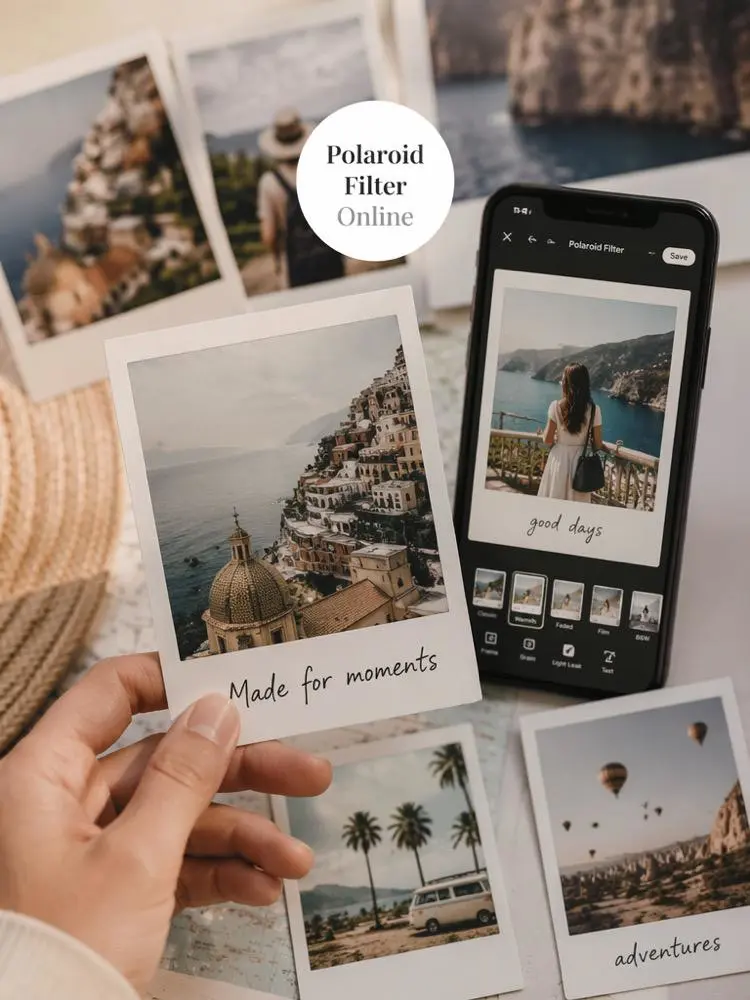
✨ How to Use Polaroid Filter Online in Four Steps
The process should stay simple. After all, the goal is not to build a complex design. The goal is to make one real moment feel more memorable.
Step 1: Choose a Photo with a Clear Feeling
First, choose a photo that already has emotional value. It could show a friend laughing, a late-night meal, a quiet street, or a quick mirror selfie. Although polished studio images can work, casual photos often fit the instant-camera style better.
Also, look for one clear subject. Busy backgrounds can become harder to read after grain and soft color are added. For that reason, a simple composition is usually the safest choice.
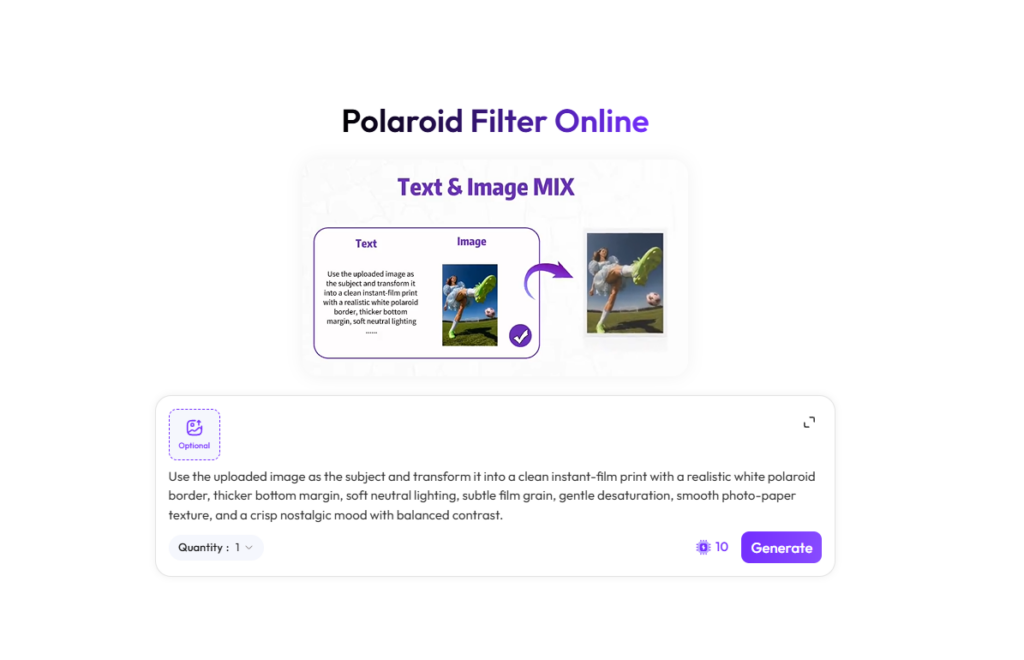
Step 2: Upload It to Polaroid Filter Online
Next, upload the image to Polaroid Filter Online. A bright, clear source gives the edit more room to work. However, the photo does not need to be professionally shot.
Natural expressions often create the best mood. Likewise, direct flash, a tilted pose, or an off-center crop can make the result feel less staged. In other words, do not reject a photo just because it is slightly imperfect.
Step 3: Check the Mood, Not Only the Filter
Then, review the full feeling of the result. Does the image look warm without becoming orange? Is the grain visible without hiding the face? Does the white frame support the photo instead of taking over?
At the same time, check the brightest areas. Flash-style lighting should feel lively, but skin and clothing still need detail. Similarly, faded shadows should feel soft, not flat or gray.
Step 4: Export the Strongest Version
Finally, compare the original and edited image before exporting. The filtered version should add emotion while keeping the subject easy to recognize. If it only looks darker or blurrier, the effect is probably too strong.
Most importantly, keep the full frame visible. Cropping away the thicker lower border can remove one of the most familiar parts of the instant-photo look.
🎞️ Build a Story with Polaroid Filter Online
One filtered photo can look good. However, a short sequence can tell a stronger story. Instead of posting several unrelated images, build a mini memory with a beginning, a main moment, and a quiet ending.
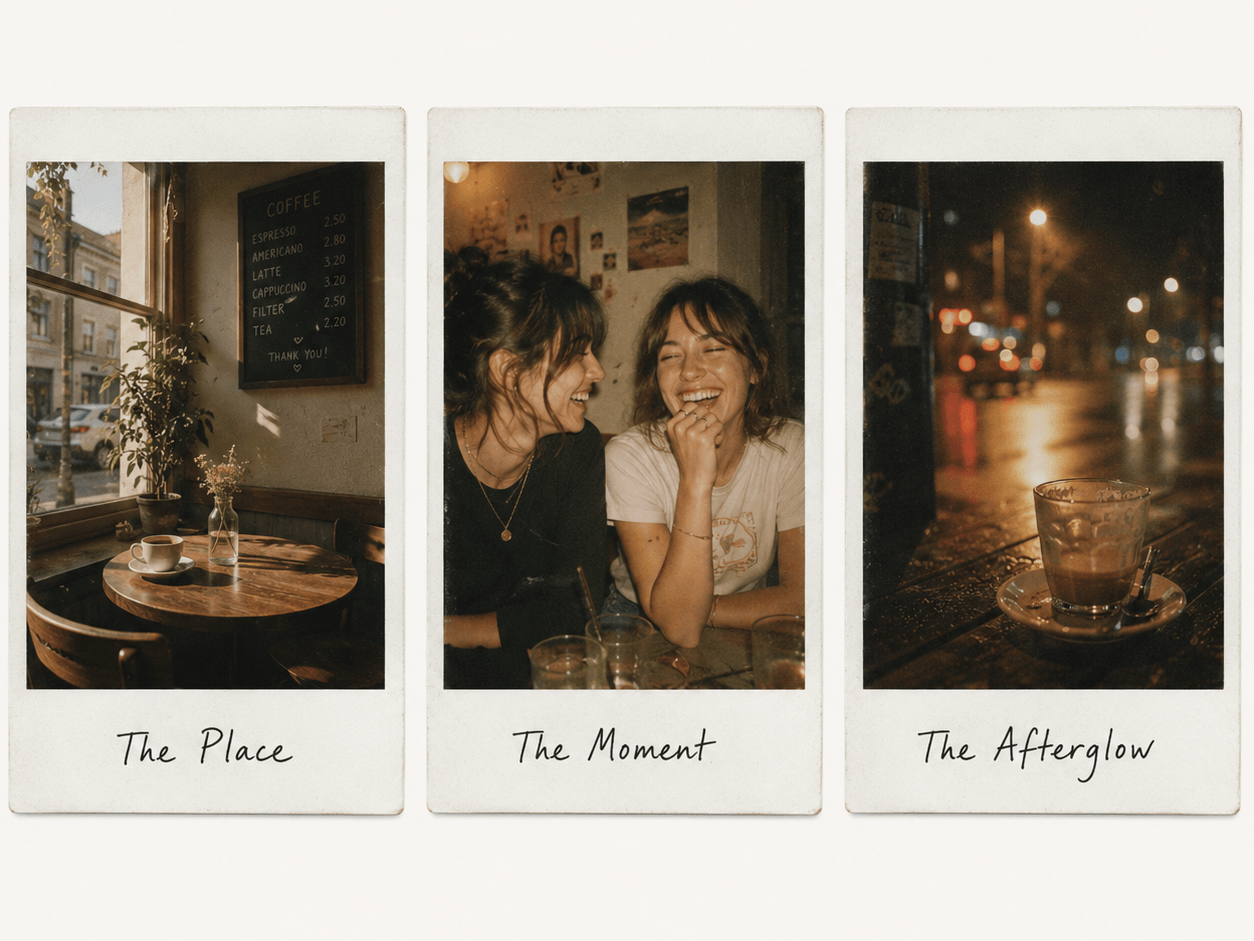
Frame One: Set the Scene
Start with a place or small detail. For example, show a train window, café table, concert wristband, or shop entrance. This frame introduces the mood without explaining everything.
Frame Two: Show the Main Moment
Next, use the strongest portrait or action photo. It might be a hug, a laugh, or a meal arriving at the table. Because the first image already created context, this frame becomes the center of the memory.
Frame Three: Leave a Soft Ending
Finally, choose a calmer detail. A half-finished drink, blurry streetlight, empty chair, or shoes beside the door can work well. As a result, the sequence feels like a real evening rather than a planned shoot.
Moreover, repeated borders and similar color treatment can connect photos taken on different devices. This makes the method useful for social carousels, travel recaps, and digital journals.
👍 Best Photos for Polaroid Filter Online
Some images naturally match this look better than others. Still, the subject does not need to be dramatic.
Everyday Moments
Try kitchen photos, study breaks, outfit checks, bookstore visits, or rainy windows. These scenes often feel more personal after a retro edit. Besides, they help a feed feel lived-in rather than overly produced.
Friendship and Couple Photos
Candid relationship photos are another strong choice. For example, use a quick laugh, a hand on a shoulder, or a slightly messy group picture. Because the Polaroid look suggests closeness, simple body language can carry the story.
Travel Details
Travel edits do not always need famous landmarks. Instead, use tickets, signs, snacks, hotel rooms, and street corners. These small details are often the parts people remember later.
💡 More Ways to Use Polaroid Filter Online
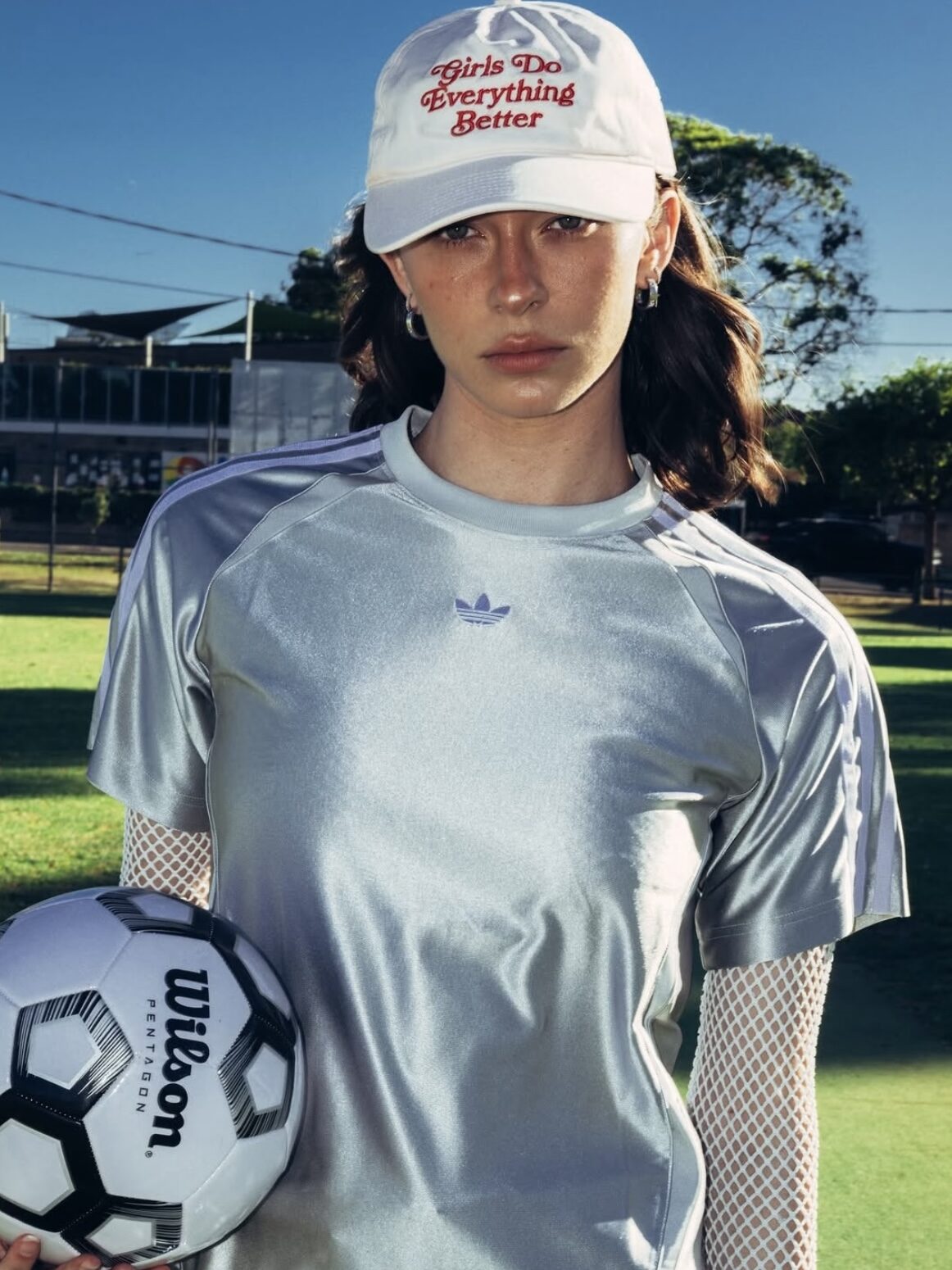
The finished image can do more than fill one post. For instance, several frames can become a birthday collage, trip recap, playlist cover, journal page, or digital memory wall.
Meanwhile, creators and small brands can mix portraits, close-ups, and location shots to make a visual story feel more human. For a personal touch, add one short line to each frame. A place name, private joke, or two words about the moment will usually feel stronger than a long quote.
❓ Polaroid Filter Online FAQ
Can Polaroid Filter Online Work with Phone Photos?
Yes. A clear phone photo is usually enough. However, better lighting and a visible subject will make the final result easier to read.
Which Photos Should I Avoid?
Very dark images, heavily blurred faces, and crowded scenes can be harder to edit. Still, a little motion blur can look natural when the main subject remains clear.
Should Every Polaroid Photo Have a White Border?
The white border is the most familiar choice. Nevertheless, the mood also comes from grain, flash, softness, and faded color. Therefore, even a borderless crop can keep part of the instant-camera feeling.

🌟 Make a Photo Feel Like Something You Remember
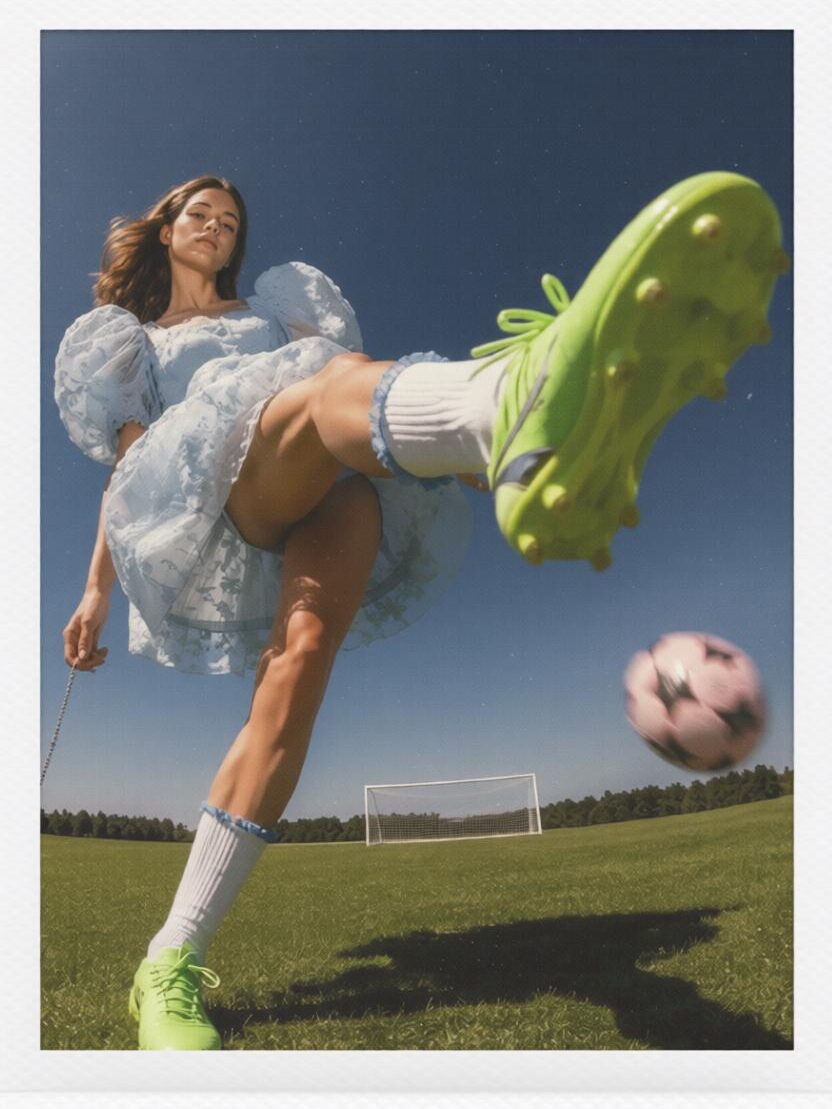
Polaroid Filter Online is useful because it changes more than the color of an image. It changes the way the moment feels. Instead of looking perfectly edited, the photo can feel touched, saved, and carried through time.
So, begin with one ordinary image. Choose a moment that already means something, then let the soft texture and instant-style frame bring that feeling forward. In the end, the best result should not look like a trendy filter. It should look like a memory you almost forgot.
Go to WeShop AI For Exploration: