







Amazon AI Product Video: Create Better Product Videos for Amazon Listings and Ads
Learn how to create high-converting Amazon AI product videos using WeShop AI. This guide covers removing backgrounds, virtual try-on, generating video from images, and enhancing final output for Amazon listings, Sponsored Brands ads, and social media campaigns.
Amazon AI Product Video: Create Better Product Videos for Amazon Listings and Ads
An amazon ai product video helps sellers turn simple product images into short, high-converting visual assets for Amazon listings, Sponsored Brands video ads, Shopify pages, TikTok ads, and Instagram campaigns. For Amazon sellers, ecommerce owners, photographers, and ad teams, the biggest challenge is no longer just taking a clean product photo. The real challenge is creating enough video content to test different hooks, models, backgrounds, and shopping scenarios without booking a new shoot every time.
With WeShop AI, an amazon ai product video can start from a single product image. You can remove the original background, place the product on a model with Virtual Try-On, then animate the final model image into a product video. This workflow is especially useful for fashion, apparel, accessories, and wearable products, because shoppers often want to see how the item looks in context before they buy.
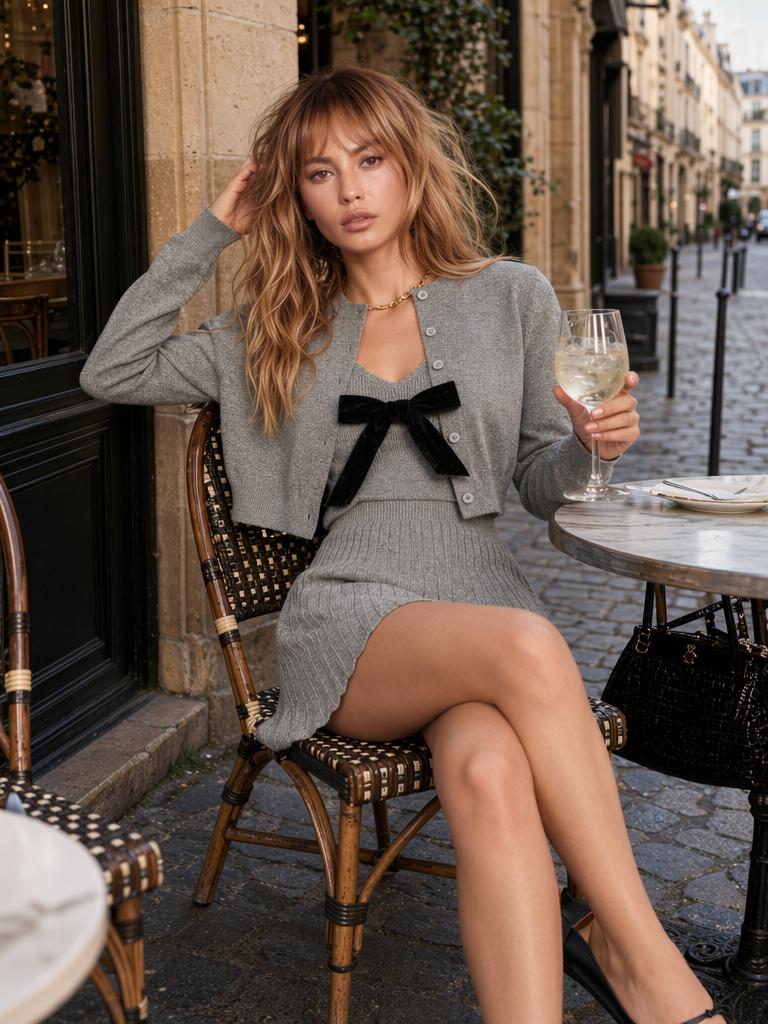
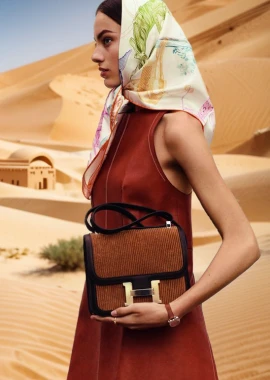
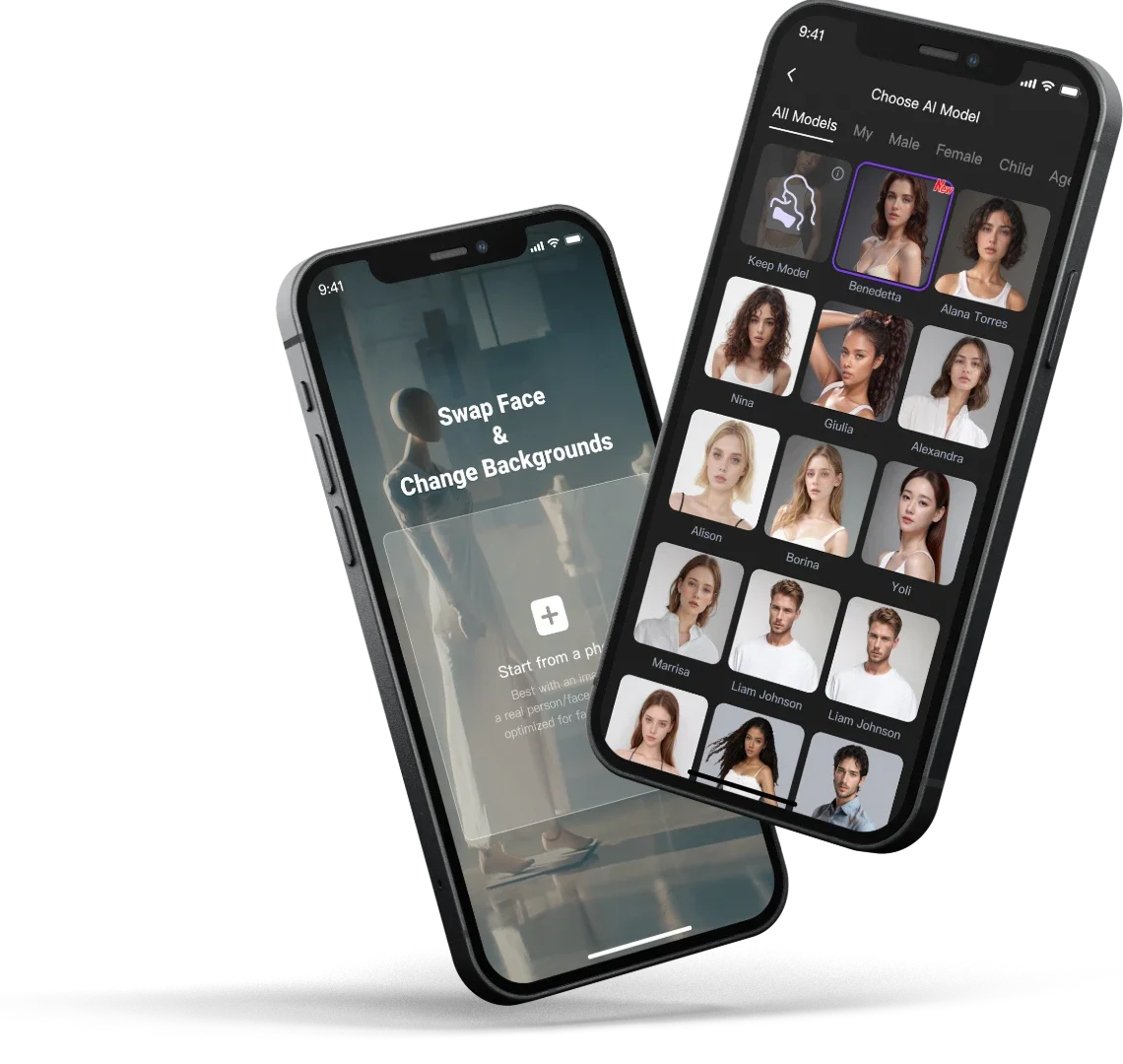
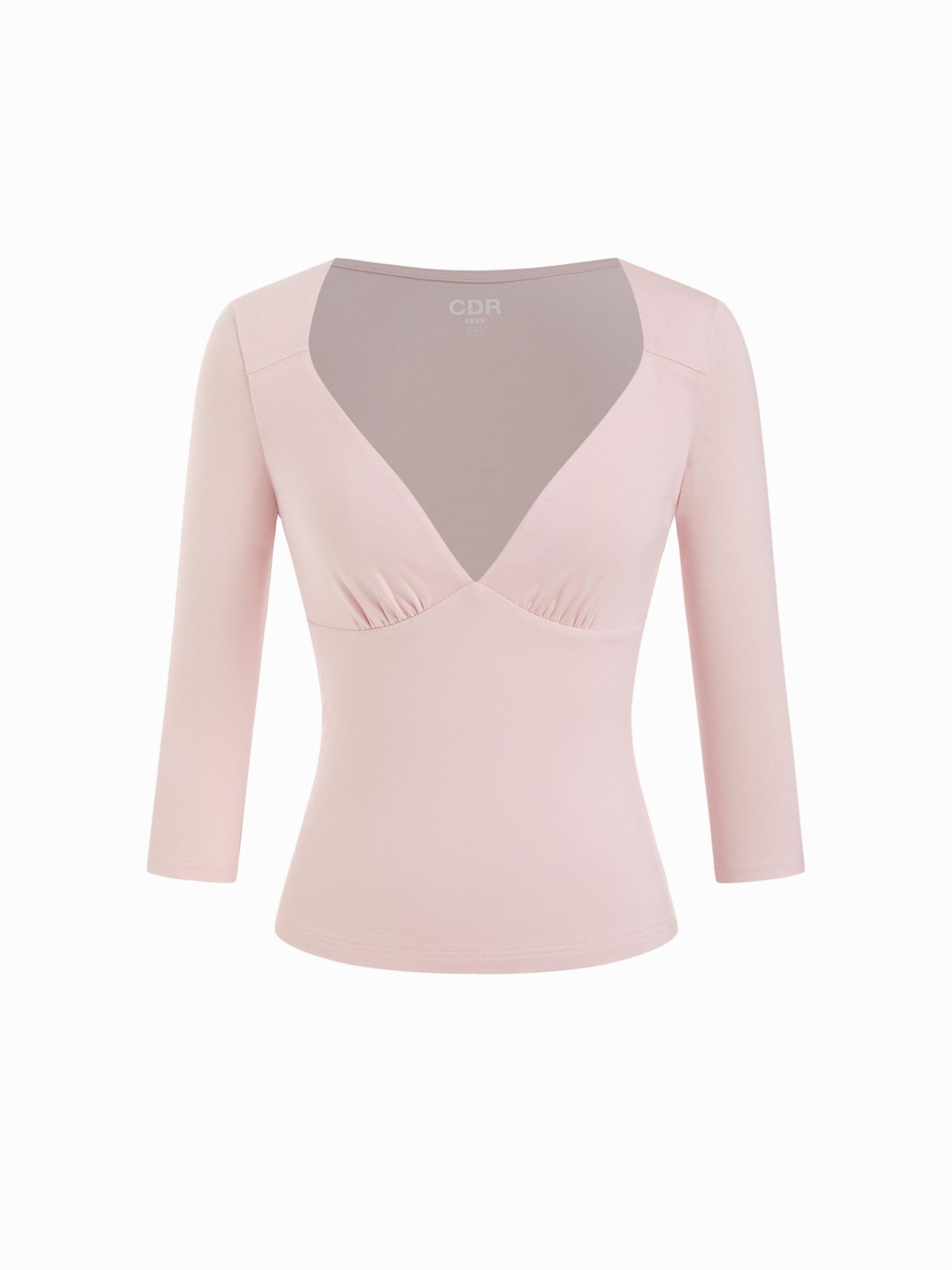
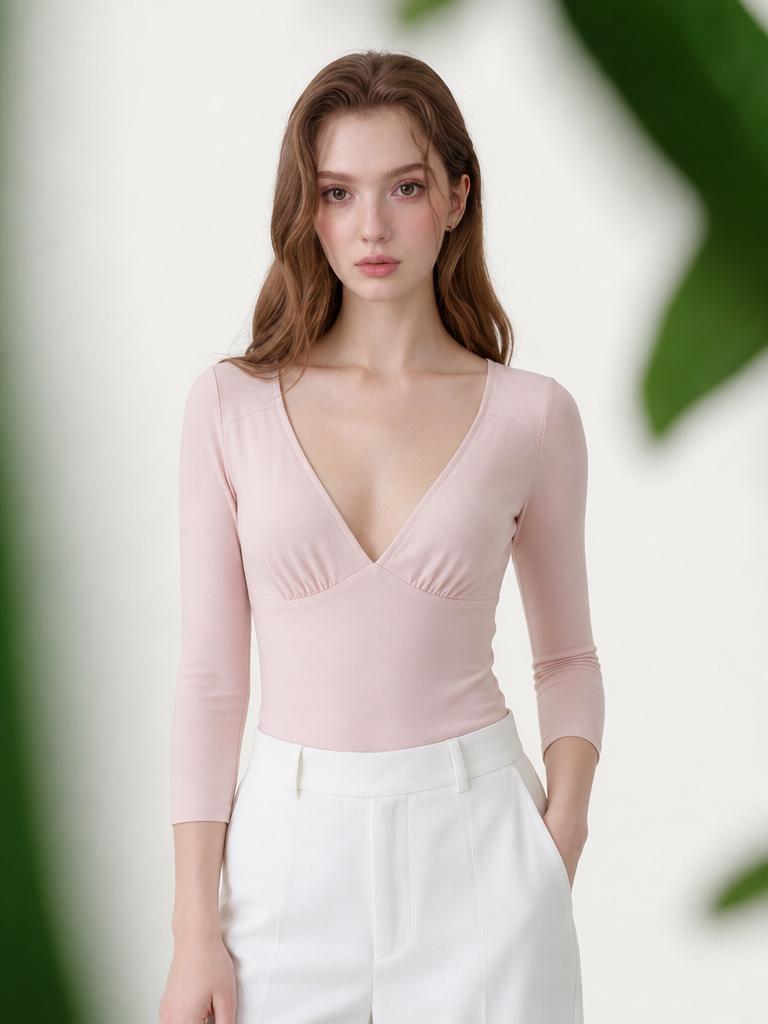
In this case, we will use the product image assets below as the starting point for the full workflow. The goal is to turn static ecommerce visuals into a cleaner, model-based product image and then into an amazon ai product video that can support Amazon listing content, ads, and social media campaigns.
|
|
Amazon shoppers make decisions quickly. A static product photo can show color and shape, but an amazon ai product video can show movement, fit, styling, texture, and lifestyle value in a few seconds. For sellers managing many SKUs, this means faster creative production, more ad variations, and stronger product storytelling.
Amazon AI Product Video for Ecommerce Sellers Who Need More Creative Assets
An amazon ai product video is useful when your product already has a clean image, but your listing or ad campaign needs more energy. Instead of using only a front-facing photo, you can create a video that shows the product on a model, introduces light camera movement, and presents the item in a more realistic shopping context.
This is valuable for Amazon sellers because video assets can support multiple parts of the customer journey. The same amazon ai product video can be adapted for an Amazon product detail page, a Sponsored Brands video ad, a Shopify product page, a TikTok ad, or an Instagram Reel. A creative team can test one version with a studio background, another with a lifestyle model, and another with closer product detail.
The key is to keep the workflow product-first. A strong amazon ai product video should not feel like random AI animation. It should preserve the product’s shape, color, material, and selling points. The video should help shoppers understand the product faster and feel more confident before clicking Add to Cart.
How to Create an Amazon AI Product Video with WeShop AI
Before you generate an amazon ai product video, prepare a simple workflow. For the product images in this case, the recommended WeShop AI process is:
| Step | WeShop AI Tool | What to Do | Output |
|---|---|---|---|
| 1 | Background Remover | Remove the original background from the product image. | A clean product cutout ready for model placement. |
| 2 | Virtual Try-On | Put the product on the model style you want. | A model-worn product image for ecommerce display. |
| 3 | Image to Video AI Generator | Animate the model/product image with controlled motion. | A short product video for Amazon, Shopify, TikTok, or Instagram. |
| 4 | AI Video Enhancer or AI Photo Enhancer | Improve sharpness, lighting, and final quality. | A polished export-ready video asset. |
This step-by-step process gives Amazon sellers more control. You are not asking AI to guess everything at once. You are building the amazon ai product video in stages, which makes the result easier to review and improve.
Step 1: Prepare the Amazon AI Product Video Source Image with Background Remover
Start with the product image you want to turn into an amazon ai product video. In this case, upload one of the provided product images into WeShop AI Background Remover first. If the original image has a busy background, inconsistent lighting, or extra objects, removing the background creates a cleaner starting asset.
- Upload the product image from the case.
- Remove the original background so the product becomes a clean cutout.
- Check the edges around fabric, straps, sleeves, product outlines, or small details.
- Export the cleaned product image for the next step.
This matters because the quality of an amazon ai product video depends heavily on the input image. A clean product cutout gives Virtual Try-On and video generation a clearer subject to work with. It also helps prevent background noise from becoming strange motion in the final video.
Step 2: Use Virtual Try-On to Place the Product on a Model
After the product background is removed, move to WeShop AI Virtual Try-On. This step is important for fashion, apparel, accessories, and wearable ecommerce products. Instead of showing the item alone, Virtual Try-On helps create a model-worn product image that feels closer to a real shopping experience.
- Upload the cleaned product image.
- Choose or define the model style that matches your target customer.
- Select a pose, body type, or visual direction that fits the product category.
- Generate a model-worn image and review product fit, color, and proportions.
For Amazon sellers, this can make an amazon ai product video more persuasive. A product on a model gives shoppers more context than a flat product photo. They can imagine scale, styling, and use case faster. For ad teams, it also creates a stronger first frame for video ads, because the creative immediately shows the product in a human-centered scene.
Step 3: Turn the Try-On Image into an Amazon AI Product Video
Once you have the model-worn product image, open WeShop AI Image to Video AI Generator or AI Video Generator. This is where the still image becomes an amazon ai product video with motion.
Use a prompt that describes simple, commercial movement. For Amazon, avoid overcomplicated motion. The product should stay recognizable and believable.
Good motion directions include:
- Slow camera push-in on the model and product.
- Gentle product-focused movement with natural lighting.
- Clean studio motion for an Amazon listing video.
- Lifestyle movement for TikTok, Instagram, or retargeting ads.
- Subtle fabric movement if the product is apparel.
A useful prompt might be:
Create a clean ecommerce product video from this model-worn image. Use a slow camera push-in, natural studio lighting, and smooth motion. Keep the product shape, color, and details accurate. Make it suitable for an Amazon product video ad.
This gives the amazon ai product video a clear purpose. The result should feel like a product selling asset, not just an animation effect.
Step 4: Review and Enhance the Amazon AI Product Video
After generating the amazon ai product video, review it carefully before using it in a listing or ad campaign.
Check these details:
- Does the product keep the correct shape and color?
- Does the model pose make the item look natural?
- Is the first second strong enough for an Amazon or social ad?
- Are there any distorted hands, fabric edges, or background artifacts?
- Does the video still look clear on mobile?
If the video needs improvement, use AI Video Enhancer for final polish. If the source image needs fixing, go back to AI Photo Enhancer, Magic Eraser, or Background Remover before regenerating. This staged workflow makes the amazon ai product video easier to control because each tool solves one specific part of the creative process.
Best Practices for Amazon AI Product Video Ads
A strong amazon ai product video should be short, clear, and product-centered. Amazon shoppers are not looking for a film; they are looking for confidence. Show the product quickly, keep the background clean, and make sure the motion supports the buying decision.
For Amazon listing videos, use a clean studio or lifestyle setting that does not distract from the product. For Sponsored Brands video ads, put the product in the first frame and use motion that catches attention immediately. For TikTok and Instagram, you can create a more dynamic version with stronger lifestyle energy, but the product should still remain the hero.
Creative teams can also use WeShop AI to make several amazon ai product video variations from the same source image. One version can focus on fit, one on lifestyle, and one on premium studio presentation. This gives Amazon sellers more creative options for A/B testing without starting a new shoot.