To begin with, for many e-commerce sellers and content creators, taking product photos of pets is a total nightmare. But, unfortunately, our furry friends rarely cooperate, and hiring professional photographers often costs a fortune. Because of this, if you are currently obsessed with finding a better way, this tutorial will open a new world for you. Now, you will learn how to create stunning pet commercial images with AI Pet Photography. Furthermore, you can do this in just 5 minutes without any expensive equipment!
📸 Step 1: Prepare Your Assets for AI Pet Photography
Before you start, make sure you have these three simple components ready. This is the solid foundation of your AI Pet Photography project:
- The Main Tool: WeShop AI (GPT-Image)
- The Three Essentials:
- Subject Reference (Image 1 ): Used to capture the pet’s unique facial features and identity (e.g., the black cat from this tutorial).
- Product Reference (Image 2 ): Used to extract the specific design and details of the outfit to be promoted (e.g., the green dinosaur hoodie).
- Pose & Environment (Image 3): Used to define the final composition, pet’s action, and background setting (e.g., the elegant sitting pose against a vintage white wall).
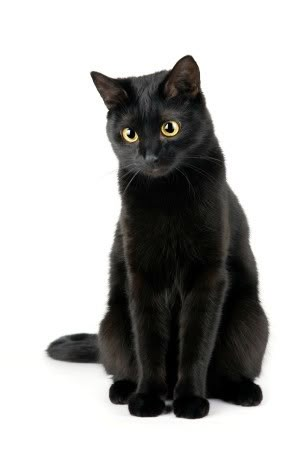
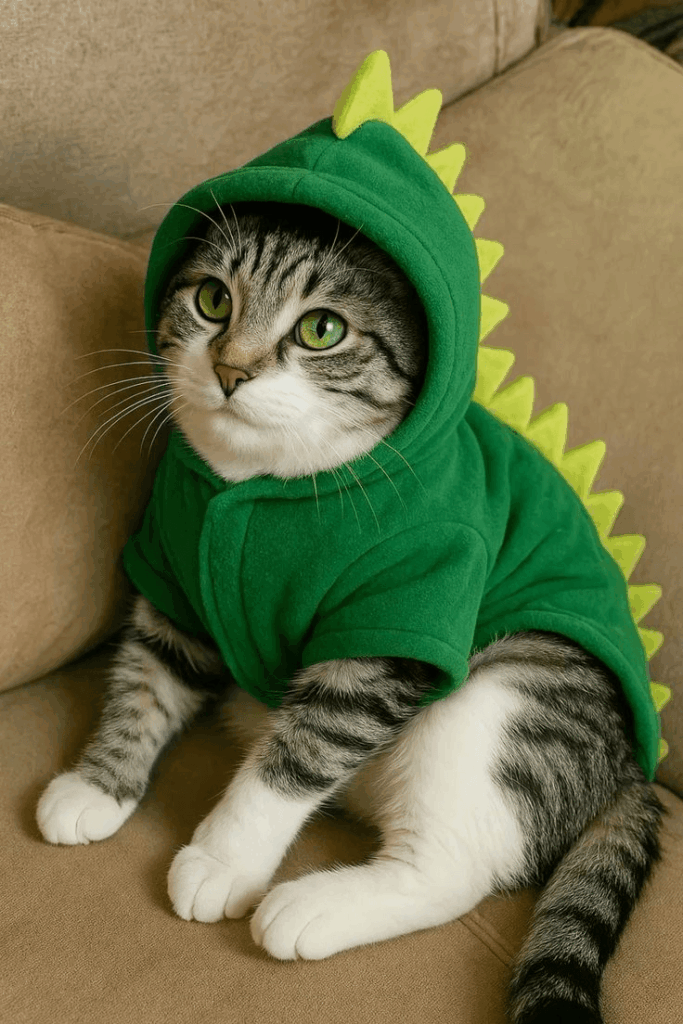
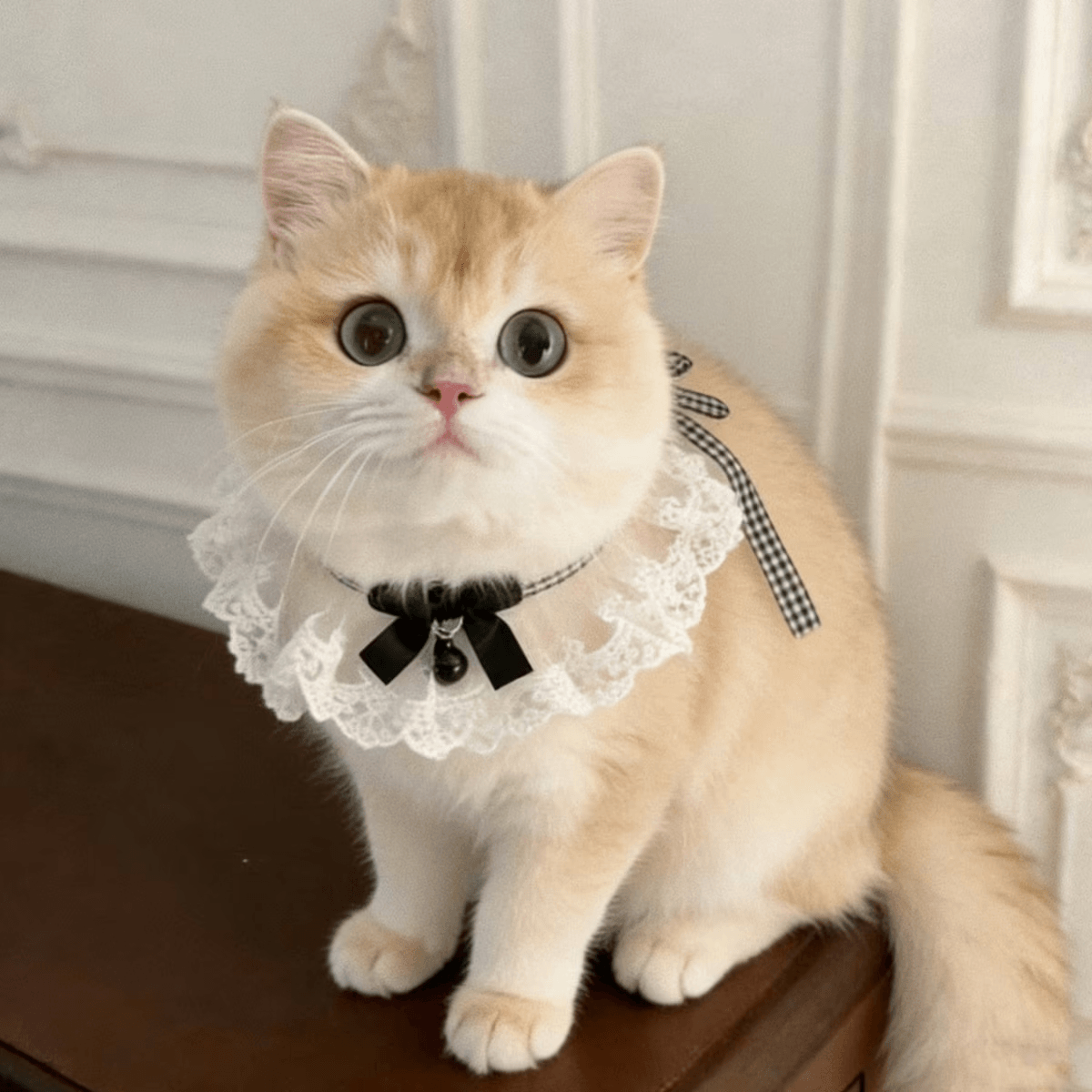
💡 Pro Tip: Specifically , to help the AI recognize your intent, think of these as: Image 1 is the “Face,” Image 2 is the “Outfit,” and Image 3 is the “Vibe.”
⚙️ Step 2: Input Your Optimized Prompt
Now, this is the most critical step to achieve professional results. In fact, while simple descriptions might work, using structured English commands helps the AI understand your vision perfectly.
While casual descriptions might work, using structured English commands helps the AI understand your vision perfectly.
Simply copy and paste this optimized prompt into the text box:
Generate an image of the pet exactly like the one in Image 1.
Place the pet in the exact same background setting as Image 3, and make the pet mimic the exact sitting pose and upward-looking expression of the pet in Image 4 (which is Image 3 in our case).
High quality, photorealistic, commercial product photography, 8k resolution, natural lighting.
🛠️ Step 3: Refine and Generate Your AI Pet Photography Masterpiece
- Check Your Order: To begin with, nsure your images match the “Image 1, Image 2, Image 3” sequence in your prompt.
- Hit Generate: Click the bright “Generate” button below.
- Watch the Magic: As a result , in just seconds, the AI will perfectly blend your pet’s features with the outfit and background. It creates a seamless, studio-quality image that looks incredibly real!
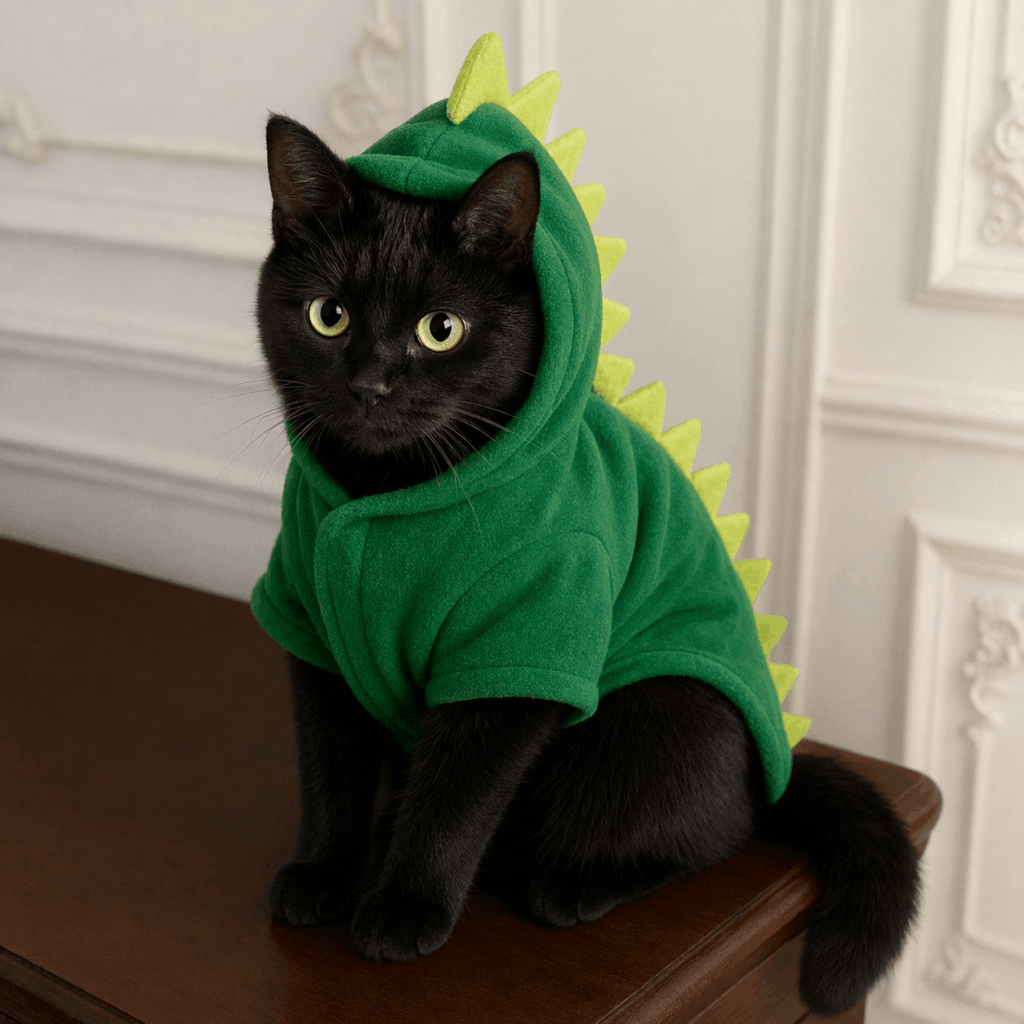
🌟 Advanced Tips: Solve Common AI Pet Photography Issues
In order to make your AI Pet Photography look even more flawless, try these expert hacks::
- Q: What if the outfit color or pattern changes?
- A: Strengthen your description. For example, add: “keeping the fabric texture and details intact.” This forces the AI to respect your original product design.
- Q: Does the lighting look weird or fake?
- A: In fact, this is a classic AI issue. Simply add this “spell” to the end of your prompt: “Consistent lighting, global illumination, and realistic shadow blending.”
- Q: Did the pet’s breed or face shape change?
- A: Finally, always use a clean, head-on photo with no accessories for Image 1. Clear input leads to a stunning output!
To sum up with the power of AI Pet Photography, you can now save time and money while creating amazing content. It is fast, efficient, and honestly quite addictive.
Ready to start? Click WeShop AI and create your first masterpiece today! Finally, if you love the result, please share your work in the comments below! 👇
Go to WeShop AI For Exploration: