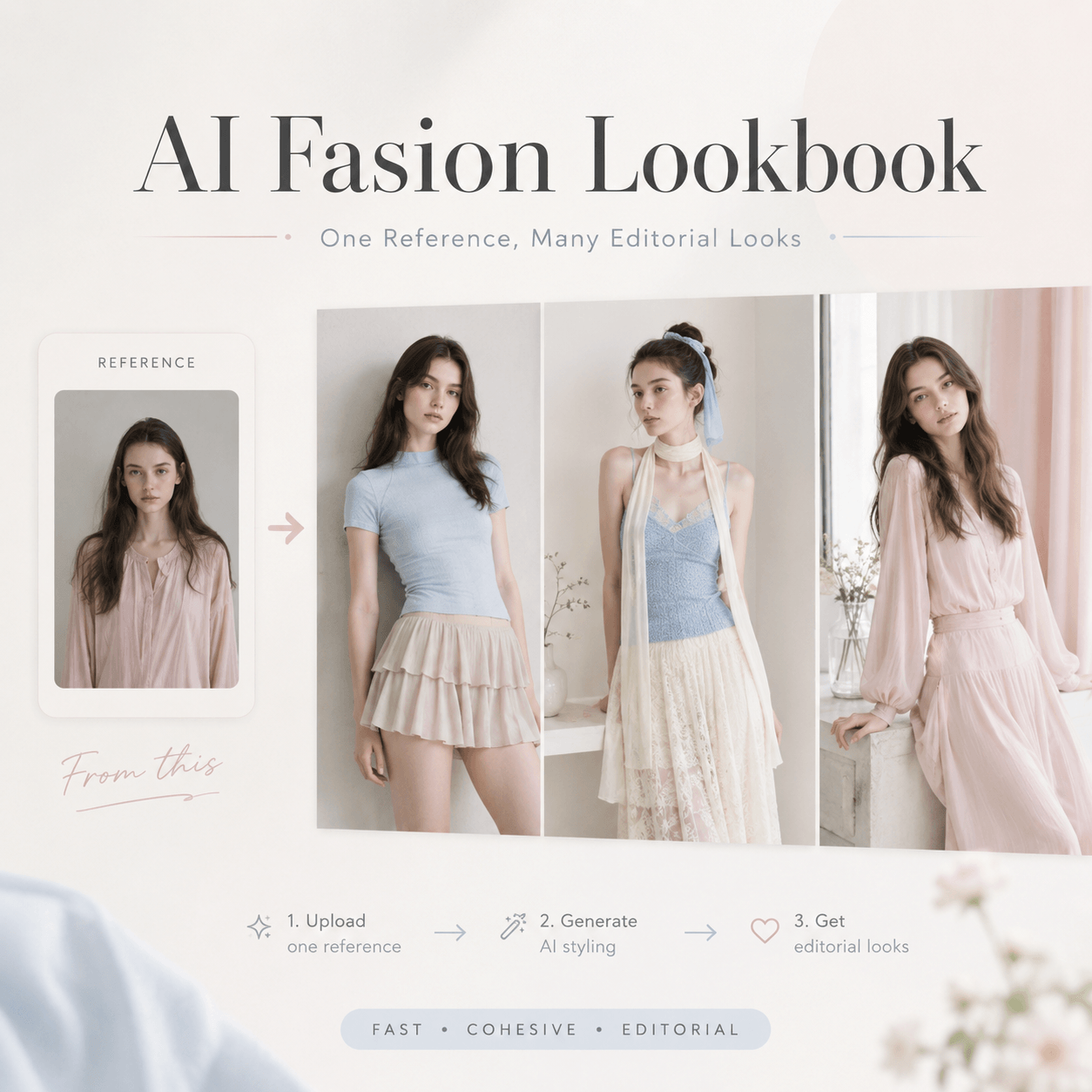
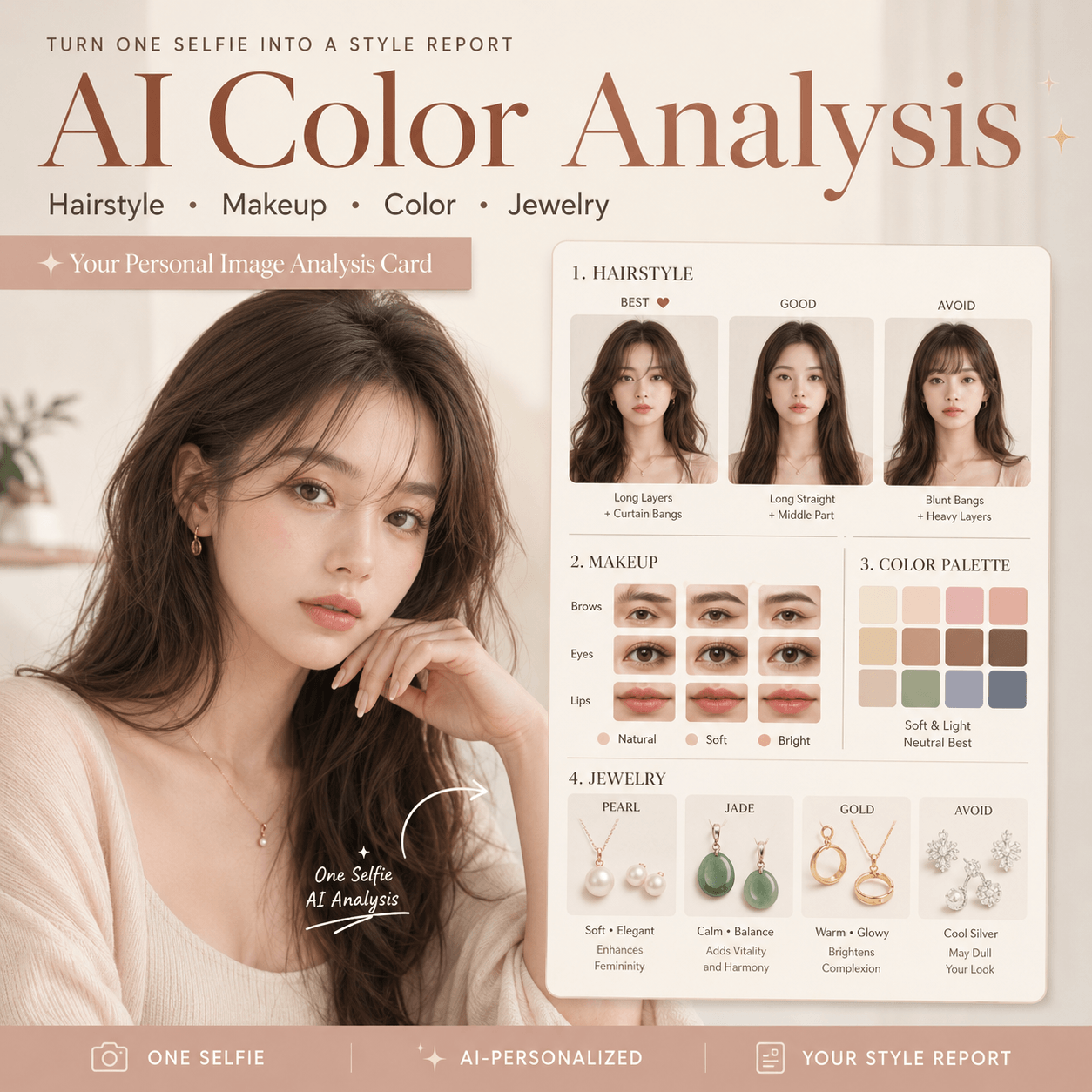
Finding the perfect haircut is harder than most people expect. A hairstyle that looks amazing on someone else may completely change your facial proportions, overall aura, or personal style. That’s why AI hairstyle analysis tools are becoming incredibly popular online. Instead of guessing which haircut suits you best, you can now use AI hairstyle analysis to test different hairstyles, compare face-framing effects, and generate a professional hairstyle analysis chart from just one selfie. Whether you are considering short hair, long curls, bangs, or a complete style transformation, this AI hairstyle analysis workflow helps you quickly discover the most flattering hairstyle for your face shape before stepping into a salon.
Every time you go to the hair salon and want to change your hairstyle, but always worry about “failure”? Instead of listening to Tony’s description out of thin air, it’s better to do a precise “hairstyle test” yourself! Nowadays, with the help of powerful AI image tools, you only need to take a selfie with your face, and you can generate a “hairstyle analysis chart” with just one click, just like a professional styling consultant.
This tutorial will teach you step by step how to use professional AI tools to intuitively compare the effects of 12 different hairstyles, such as long hair, short hair, curly hair, etc., on yourself while preserving your real facial features and face shape, helping you instantly find the “most flattering” signature hairstyle! Whether you want to change your style or need a reference before going to the salon, this comprehensive tutorial can perfectly address your pain points.
Preparation / Required Tools
Before you begin, please ensure you have the following two essential items ready:
- AI Image Generation Tool: This tutorial will use WeShop AI (an advanced AI tool supporting image-to-image generation).
- 🌐 Access Link: WeShop AI – GPT Image Tool
- A high-quality front-facing personal photo :
- Well-lit : No obvious shadows on the face.
- Facial features should be clear : It is best to face the camera head-on, without wearing sunglasses or overly large hats.
- Hair Gathering (Bonus): If the original hair can be tied up or tucked behind the ears to reveal the complete facial contour, the fusion effect of the AI-generated new hairstyle will be more natural.
Detailed Step-by-Step Guide
Step 1: Enter the WeShop AI platform and upload a photo
- Open the browser, click the link to enter the WeShop AI GPT-Image Workbench.
- Locate the image upload area (usually with an “Upload Image” or photo album icon).
- Select a clear front-facing photo you’ve prepared in advance and upload it. Wait for the image to finish loading.
Step 2: Enter the core magic instruction (Prompt)
Original Chinese descriptions sometimes tend to be ambiguous in AI tools. To ensure the highest quality of generated results and perfect character consistency, we have translated your requirements intoprecise English instructions.
Please directly copy the following English instruction and paste it into the text input box (Prompt area) of the tool:
Copy & Paste (copy the following English instruction):
“Please create a high-quality personal hairstyle analysis infographic based on the portrait photo I uploaded. Retain the subject’s original facial features, face shape, and authentic characteristics exactly. Use a grid layout to show the effects of different hairstyles applied to the subject. Clearly categorize the hairstyles into ‘Most Suitable’, ‘Average’, and ‘Not Recommended’, allowing viewers to see at a glance which hairstyles best frame the face and elevate the overall aura.
Requirements:
- Character Consistency: All hairstyles must be based on the exact same face. Do not alter the facial features; only change the hairstyle, hair volume, length, and styling method.
- Hairstyle Variety: Generate a high-end magazine-style infographic featuring 12 distinctly different real hairstyles (not just minor tweaks). This must include: long hair, mid-length, short hair, curly, straight, updo, ponytail, and bangs variations.
- Distinct Styles: Each of the 12 styles must have a clear stylistic distinction (e.g., French, Professional, Sweet, Elegant, Capable).
- Layout: Clean, stylish, resembling a professional styling consultant’s report. Focus primarily on visual presentation with short text labels only. High resolution, no long paragraphs of text.”
💡 Tips / Pitfall Avoidance Guide :
- If you have a specific hairstyle you’d like to test (such as “wolf cut mullet” or “bob”), you can add the corresponding English word to the second requirement of the instruction yourself.
Step 3: Adjust Parameters and One-Click Generation
- Check the similarity/redraw amplitude parameters (such as Image Weight / Denoising strength) on the tool panel. It is recommended to keep the similarity at a relatively high level (around 0.7 – 0.8), which can lock in your real facial features to the greatest extent while changing your hair.
- After confirming that everything is correct, click the “Generate” button.
- Please wait a moment. AI will render a multi-grid hairstyle comparison chart with excellent texture for you.
Step 4: View Report and Save/Share
Once the Progress Bar finishes running, your exclusive high-end customized hairstyle test report will be out! You can clearly see the visual performance of 12 different hairstyles (such as sleek short hair, French big waves, straight work hair, etc.) on your face.
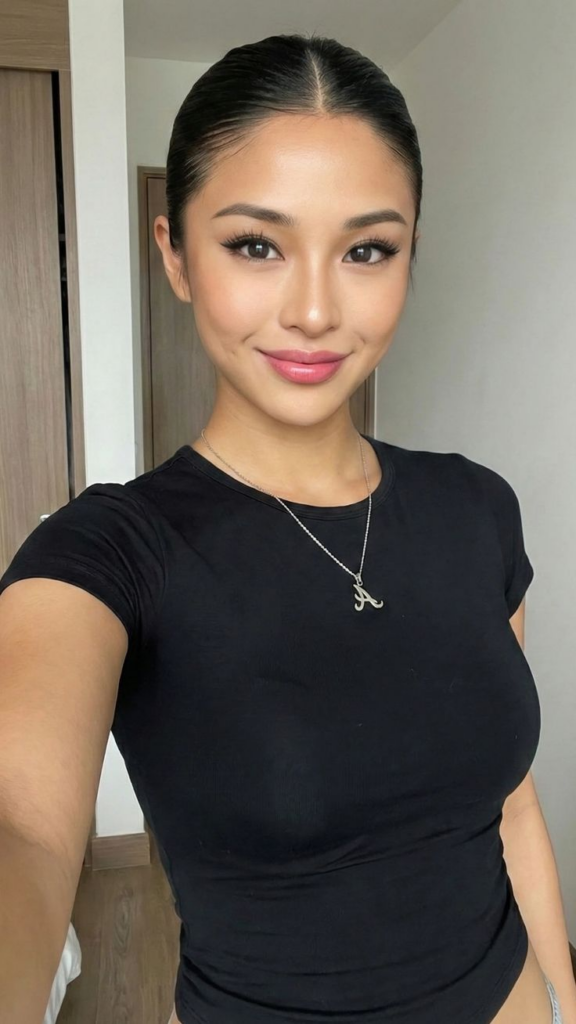
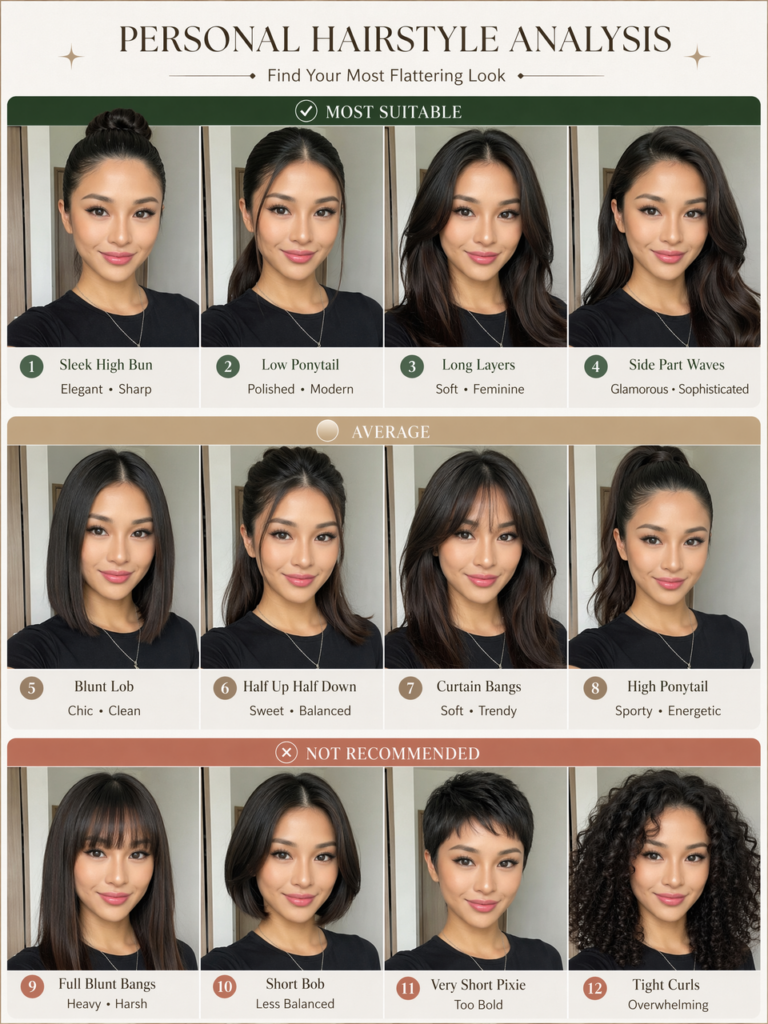
You can click to download and save the high-resolution image. Not only can you post it on Rednote or Moments to discuss with friends, but also when you go to the barbershop next time, simply show this image to the hairstylist, and the communication efficiency will definitely double!
Advanced Techniques / Frequently Asked Questions (FAQ)
Q1: Why do the generated photos no longer look like me?
A: When AI generates hair, it sometimes fine-tunes the edges of the face. You can try: 1. Uploading the original image with a higher resolution; 2. Increasing the “Image Weight” in WeShop; 3. Ensuring that the face in your original image is not covered by large areas of bangs.
Q2: Can I test different hair colors by the way?
A: Sure! You just need to add color-related vocabulary to the previous English instruction. For example, after curly, straight, updo, add: include different hair colors such as warm brown, ash blonde, and burgundy (including different hair colors such as warm brown, ash blonde, and burgundy).
Q3: What should I do if the text labels on the image are garbled?
A: Currently, most image generation AIs occasionally produce spelling mistakes or garbled characters when processing typeset text. Our core objective is to assess the visual effect of hairstyles . If you pursue perfection, you can import the generated image into Meitu Xiuxiu or Canva, use the eraser to remove the text generated by AI, and then add clean Chinese labels yourself (such as “Recommended” or “Avoid”).
Try it now! If you encounter any issues during the operation, such as not knowing how to modify the prompt or where to find a function, feel free to leave a message in the comment section below. I will respond to you promptly! If you successfully generate a hairstyle image card that satisfies you, don’t forget to share your “wonderful transformation” in the comment section!
Go to WeShop AI For Exploration: