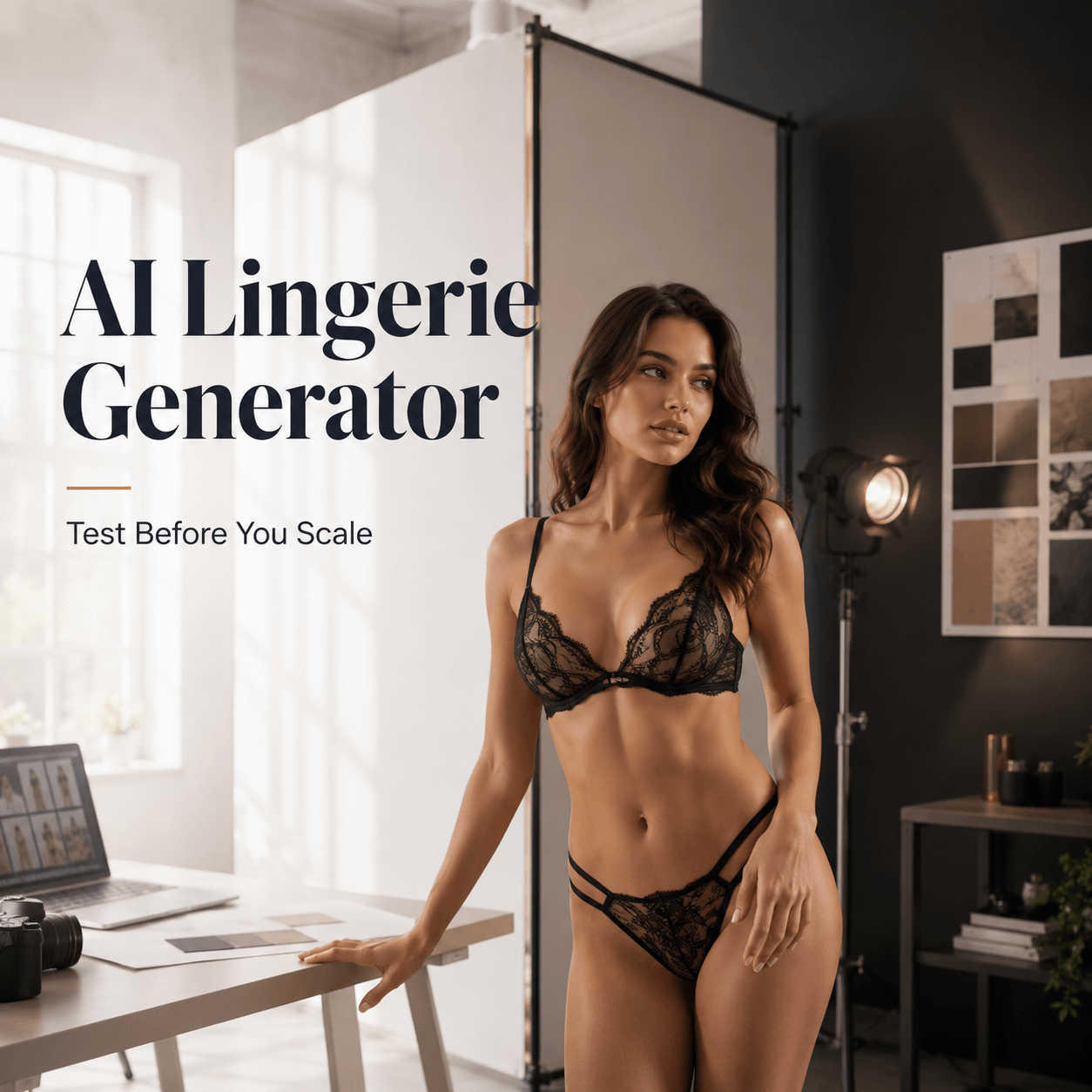
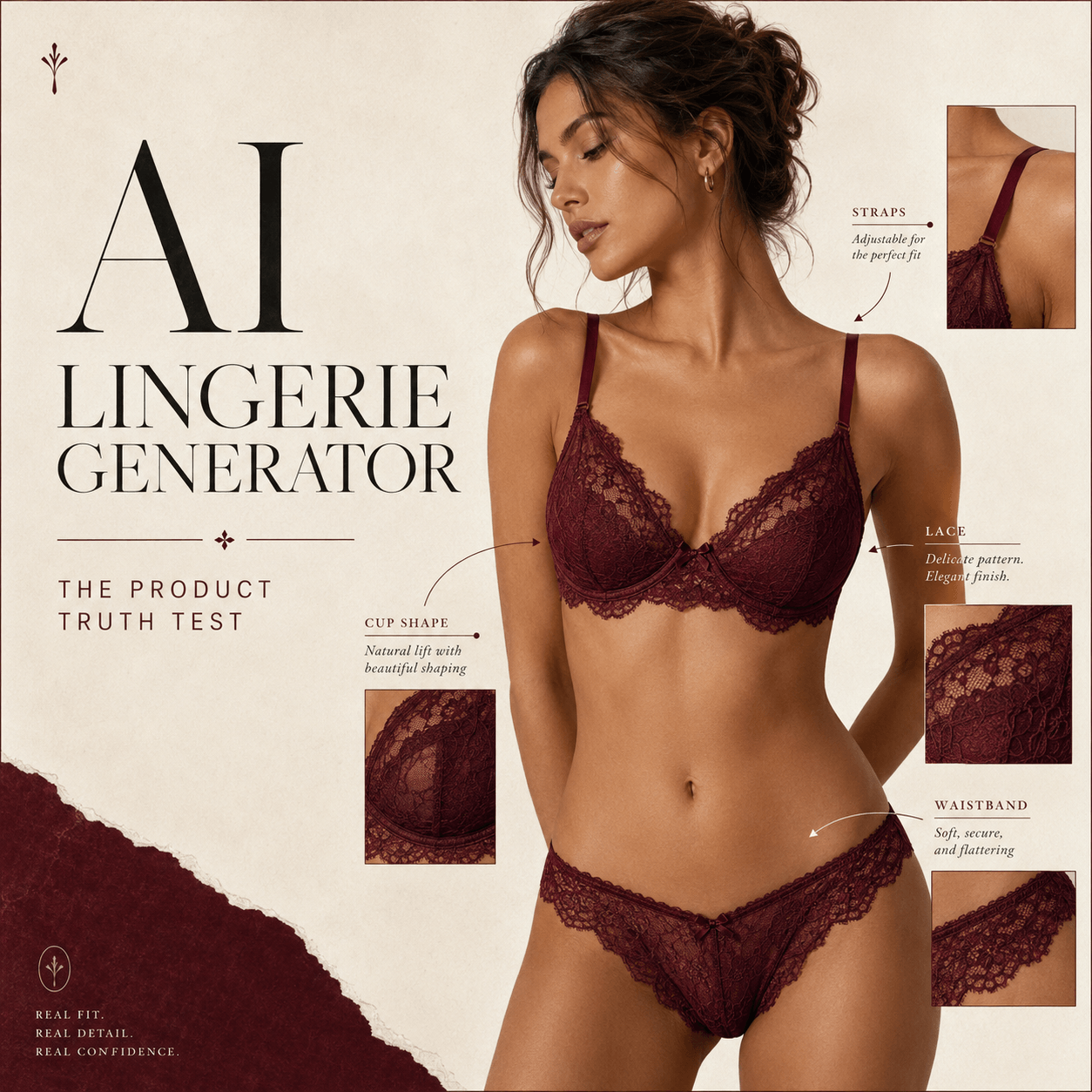
An AI Lingerie Generator can do more than create one attractive model image. With a clear plan, it can turn one product idea into a connected set of ecommerce and campaign visuals. That matters because lingerie content has several jobs. It must show shape, fabric, fit, and mood while still feeling tasteful and true to the brand.
However, the goal is not to generate the largest number of images. The better goal is to build a small visual system. Each image should support a real channel, from a product page to a social launch. In addition, every result should keep the lingerie design easy to recognize.
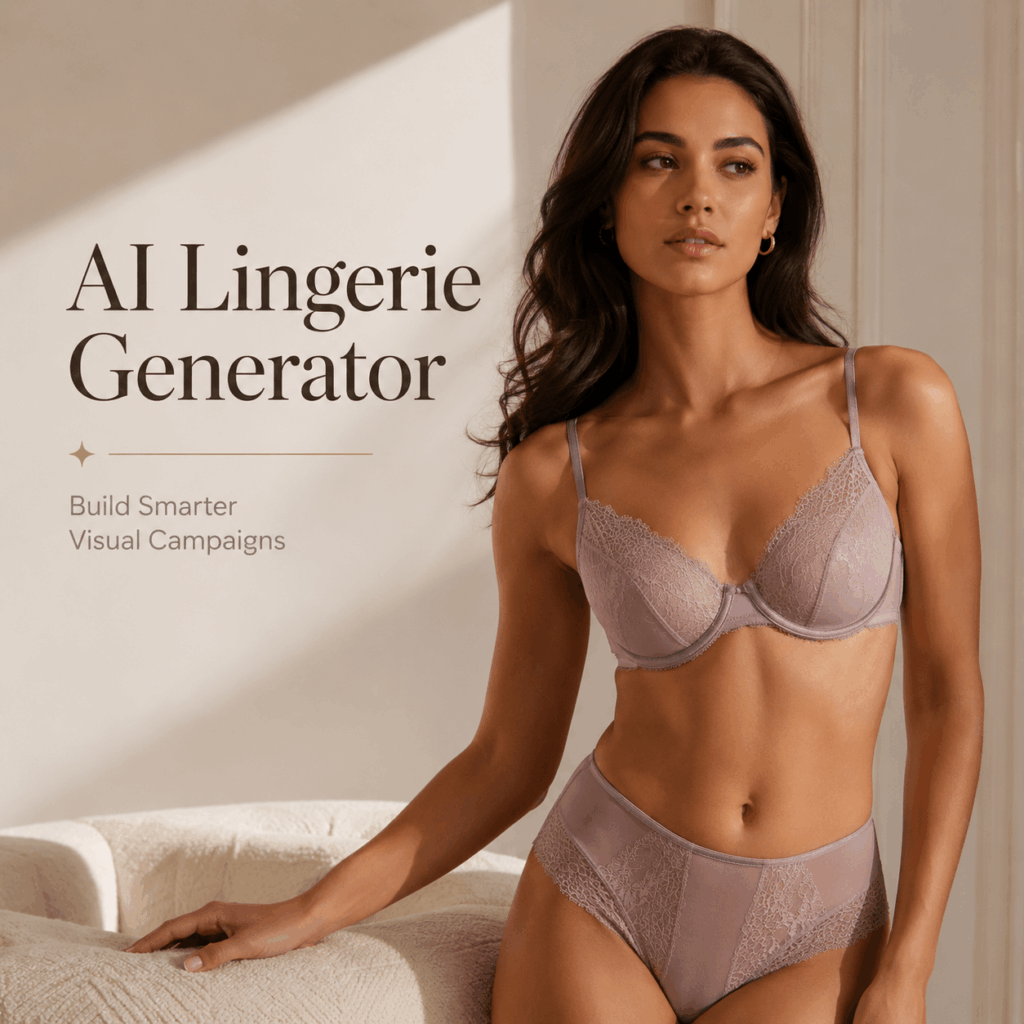
Why an AI Lingerie Generator Needs a Content Plan
Traditional lingerie photography can involve samples, models, styling, lighting, retouching, and many final crops. As a result, even a small collection may need a long production list.
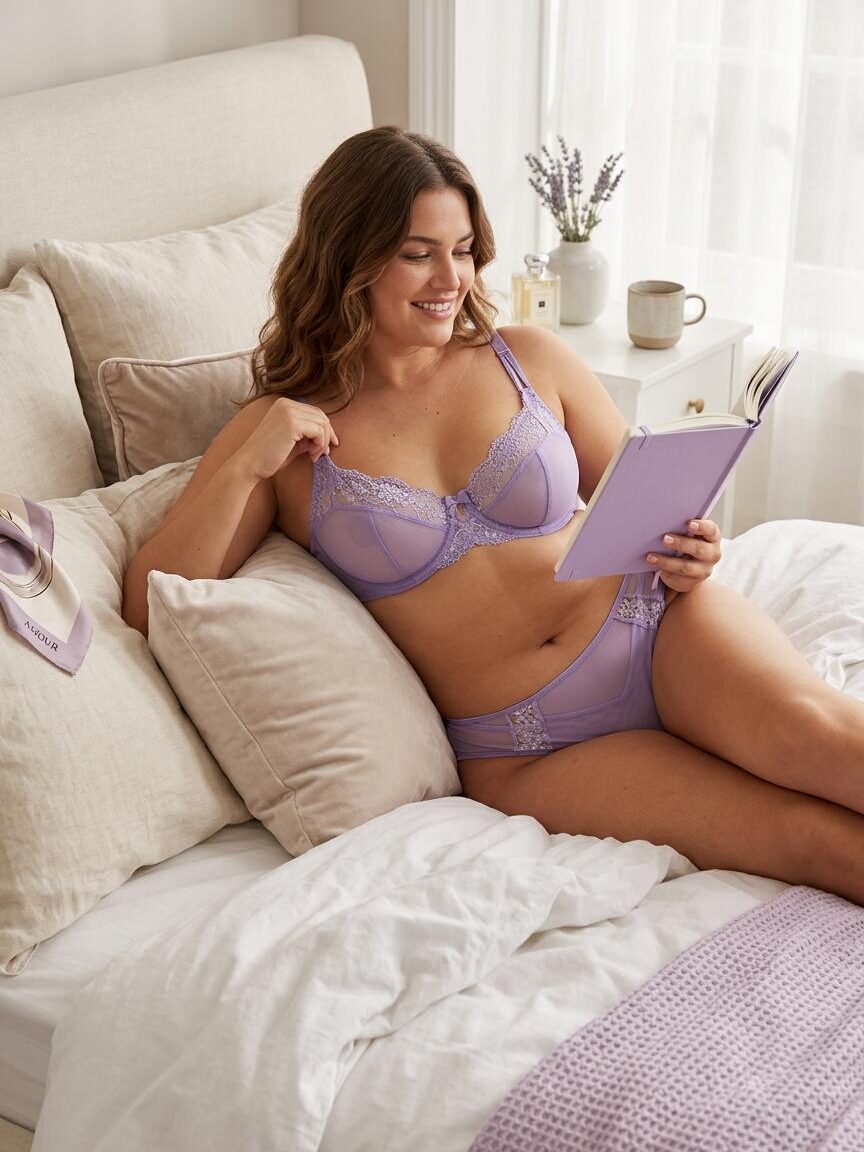
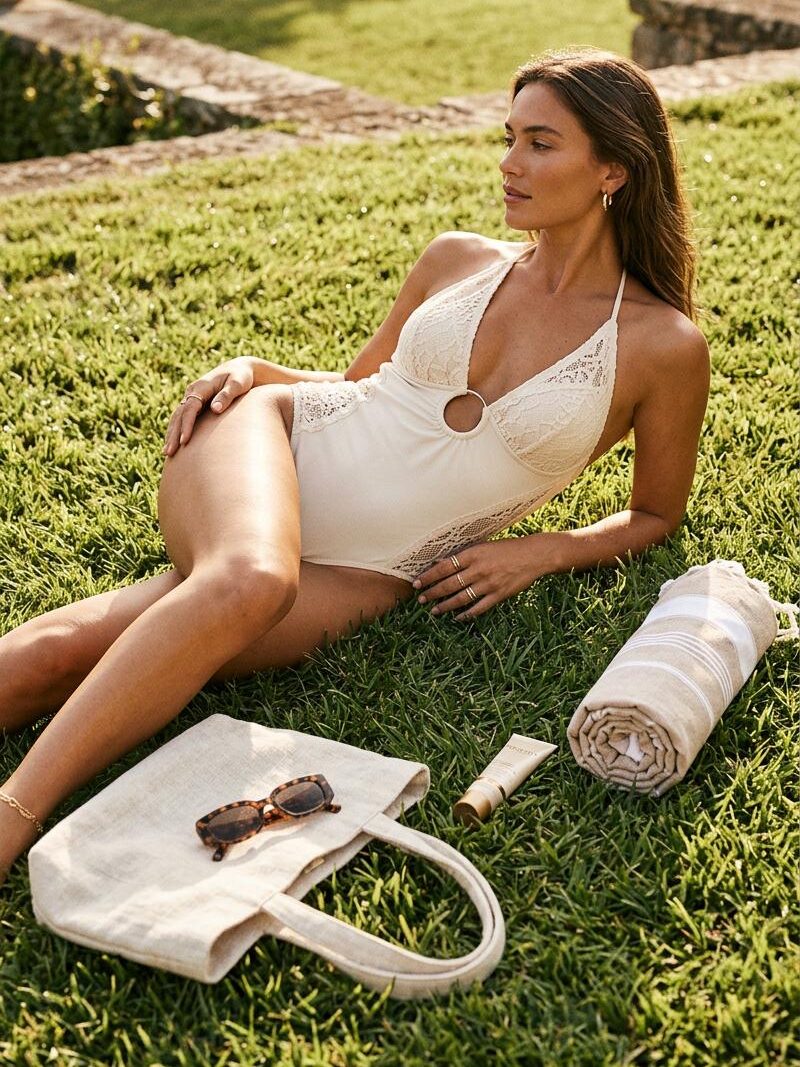
An AI Lingerie Generator changes the order of that work. Instead of choosing one final direction at the start, a brand can compare ideas first. For example, the same satin set can appear in a clean studio, a warm hotel room, and a bold editorial scene. Then, the strongest direction can guide the wider campaign.
One Product Has Four Visual Jobs
A product page needs clarity. A social post needs personality. Meanwhile, a paid ad needs a fast visual hook. A lookbook needs atmosphere and flow.
Therefore, one image rarely works everywhere. The smarter approach is to create a family of images around the same product. Each image can have a different purpose, while the garment color, cut, trim, and identity stay consistent.
Consistency Beats Endless Variation
More images do not always create a better campaign. If the model, garment details, light, and background change too much, the collection can feel random.
Instead, choose a few visual anchors before generating. These may include one model type, one lighting style, two background families, and a fixed product color. Because of this, every new result will feel like part of the same brand story.
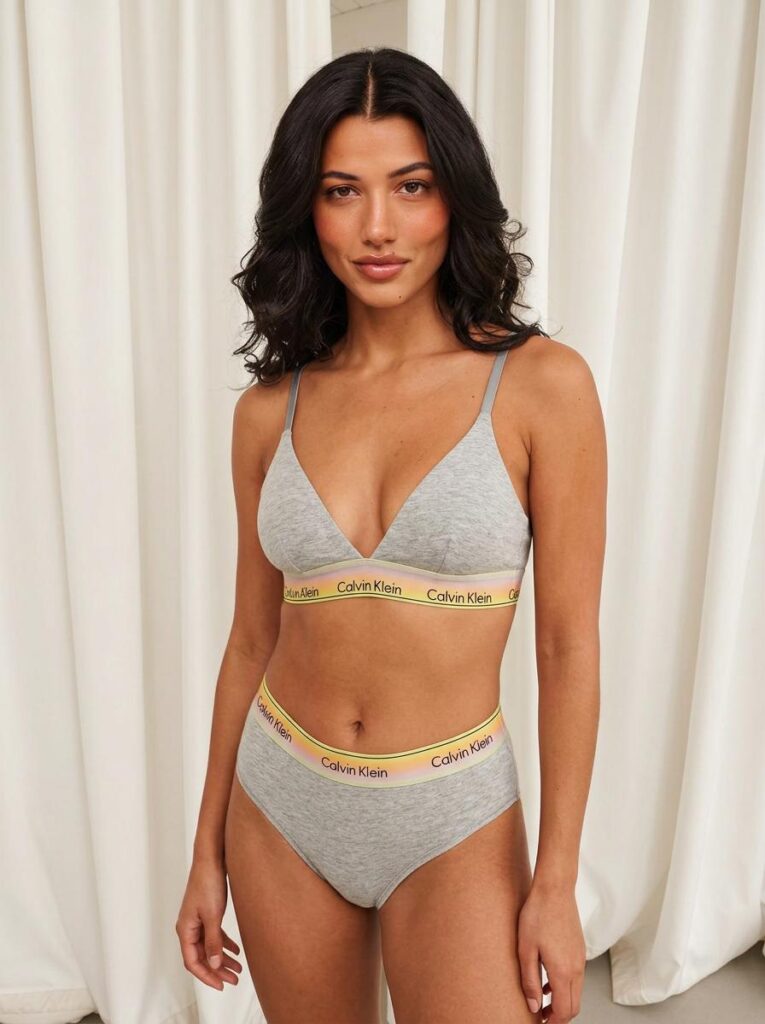
Build Your AI Lingerie Generator Content Map
Before writing prompts, decide what the final image set should include. A simple content map saves time and makes review easier.
Start With the Product Page Foundation
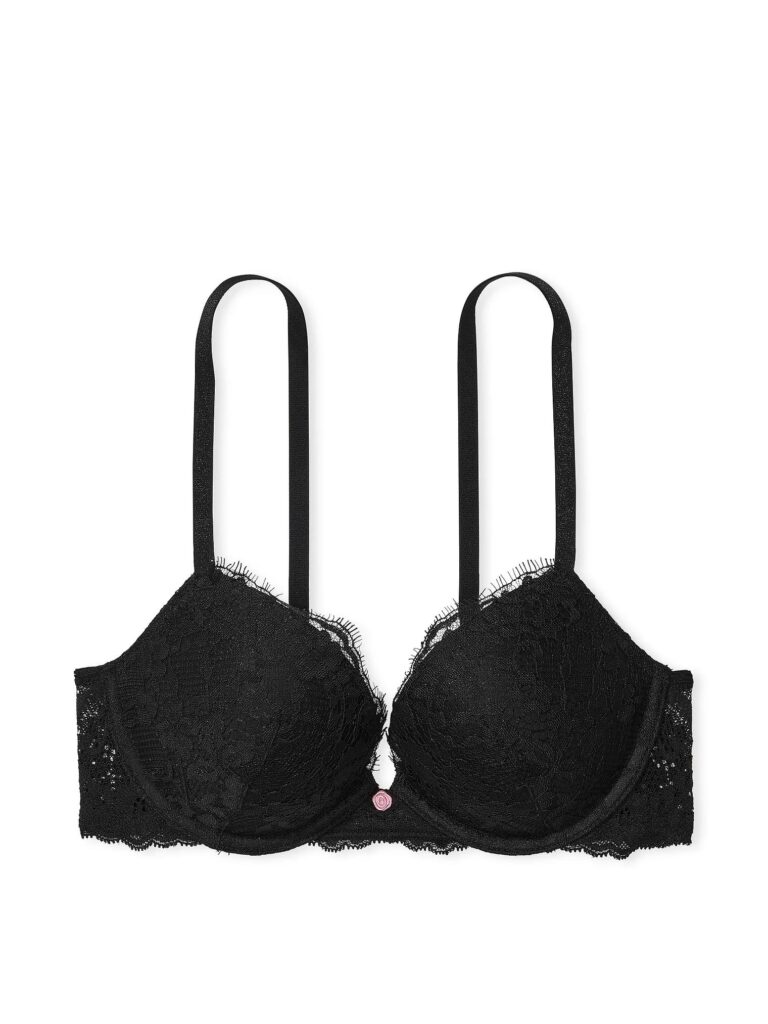
First, create the clearest version of the product. Use a simple pose, balanced light, and a quiet background. The image should show the straps, lace, seams, waistband, and full silhouette.
Next, create one closer view for texture and construction. However, avoid too many props. The product should remain the main subject.
Add a Campaign Layer
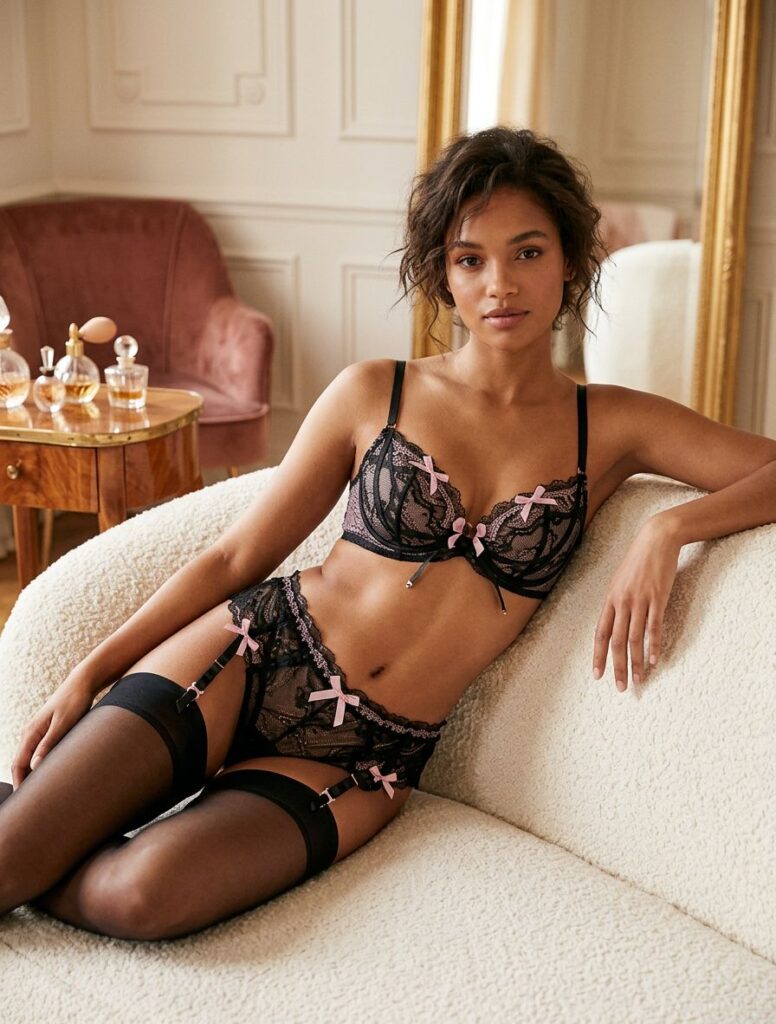
Once the product is clear, move into storytelling. For example, a romantic collection may use soft morning light and cream interiors. A modern collection may use sharper shadows, polished stone, and cooler tones.
At the same time, keep the styling controlled. A new setting should change the mood, not the garment. Therefore, the shape and key details should remain easy to compare with the main catalog image.
Create Channel-Specific Crops
Finally, adapt the visual for different placements. A square image can support a social feed. A vertical image can work for stories and mobile ads. A wide crop can fit a website banner or email header.
In addition, leave negative space when text may be added later. This small choice makes the image easier to reuse.
How to Use an AI Lingerie Generator in Four Steps
A strong workflow should reduce uncertainty with each step.
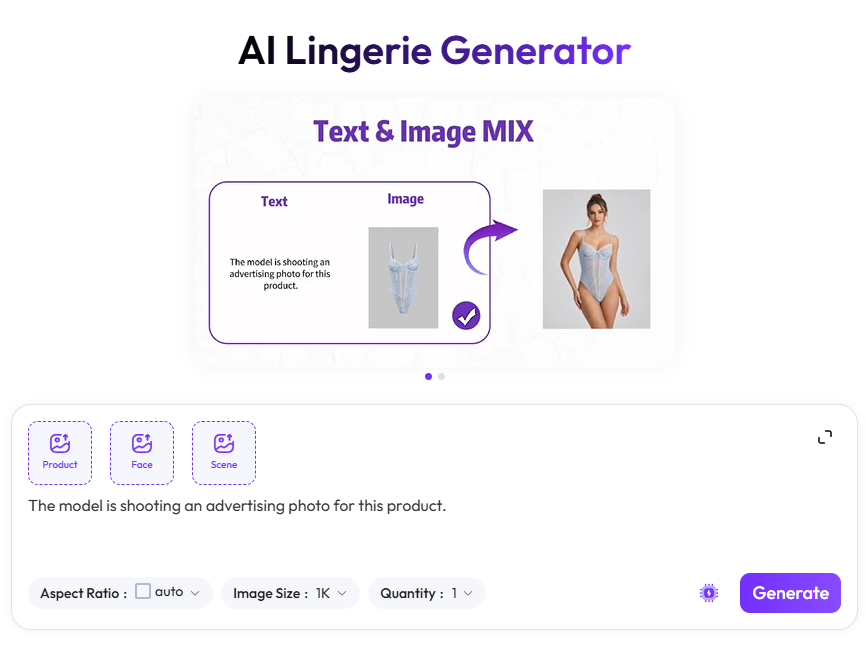
Step 1: Choose a Clear Reference
Start with a clean garment image, flat lay, model photo, or detailed text description. If you upload a reference, make sure the lace, straps, edges, and colors are visible.
Also, use only adult images that you own or have permission to use. Consent is not an extra detail. It is part of a responsible creative process.
Step 2: Lock the Visual Anchors
Before changing scenes, decide what must stay the same. This may include the garment design, model appearance, body proportions, camera angle, and color palette.
For example, keep the same model and product while changing only the background. Alternatively, keep the same lighting and pose while testing three product colors. One controlled change makes the results easier to compare.
Step 3: Generate Three Scene Families
Create a clean scene, a lifestyle scene, and a campaign scene. The clean scene supports product detail. The lifestyle scene adds warmth and context. Meanwhile, the campaign scene creates a stronger hook.
Because each scene has a clear job, the final selection will be more useful. You will also avoid making ten similar images that add little value.
Step 4: Check Product Truth
Zoom in before choosing the final result. Check strap placement, lace patterns, fabric folds, shadows, hands, body edges, and product symmetry.
Most importantly, compare the image with the original product reference. An attractive image is not enough if it changes the garment. Therefore, product truth should come before visual drama.
Write Better AI Lingerie Generator Prompts
Long prompts are not always better. Clear prompts usually work best because every phrase has a purpose.
Use this simple formula:
Product + Model + Pose + Scene + Lighting + Finish
Example prompt:
Ivory satin bralette and high-waist brief set, adult fashion model, relaxed standing pose, warm minimalist hotel room, soft morning side light, realistic fabric texture, tasteful luxury ecommerce photography.
However, do not change the product, pose, lighting, model, and camera direction in one test. Instead, create one base prompt and adjust one element at a time. This makes it easier to see which change improved the result.
Where the AI Lingerie Generator Fits in a Campaign
An AI Lingerie Generator can support a product launch at several stages. Before launch, it can help a team compare moods, locations, and styling directions. During production, it can expand a visual set with new crops and formats. After launch, it can support fresh social posts or seasonal creative tests.
Use It to Make Decisions
The strongest use may happen before the final campaign is approved. For instance, a team can compare black-and-gold luxury styling with soft daylight minimalism before choosing a direction.
As a result, feedback becomes more specific. Instead of discussing vague mood words, the team can react to visible options. This can make creative reviews faster and more focused.
Give Every Image a Destination
Before generating, name the channel. Is the image for a product page, an email banner, a paid social ad, or a lookbook?
Then, build the composition around that destination. A product page needs detail. In contrast, an ad may need stronger contrast and more empty space for a headline. This simple rule keeps the output practical.
Common AI Lingerie Generator Mistakes
The first mistake is changing too much at once. When every part of the image changes, it becomes hard to protect the product identity.
The second mistake is choosing mood over accuracy. Dramatic light can look beautiful, but it should not hide lace, straps, or fit. Therefore, keep at least one clean reference image in the final set.
The third mistake is making the visual more suggestive than the brand needs. Lingerie content can feel elegant, confident, sporty, minimal, or editorial without becoming explicit. Moreover, tasteful direction is often easier to use across ecommerce and paid media.
Finally, do not ignore permission. Use adult, consent-based, authorized images only. Never edit another person into intimate apparel without clear consent.
Final Thoughts
An AI Lingerie Generator gives brands, sellers, designers, and creators a faster way to explore intimate apparel visuals. Still, the tool works best when the creative plan comes first.
Begin with product truth. Next, lock the visual anchors. Then, create only the scenes and formats that the campaign needs. With this approach, one product reference can become a product page set, a social story, a launch concept, and a polished campaign direction.
Create your first visual system with WeShop AI and turn one lingerie idea into content that is ready to work.
Go to WeShop AI For Exploration: