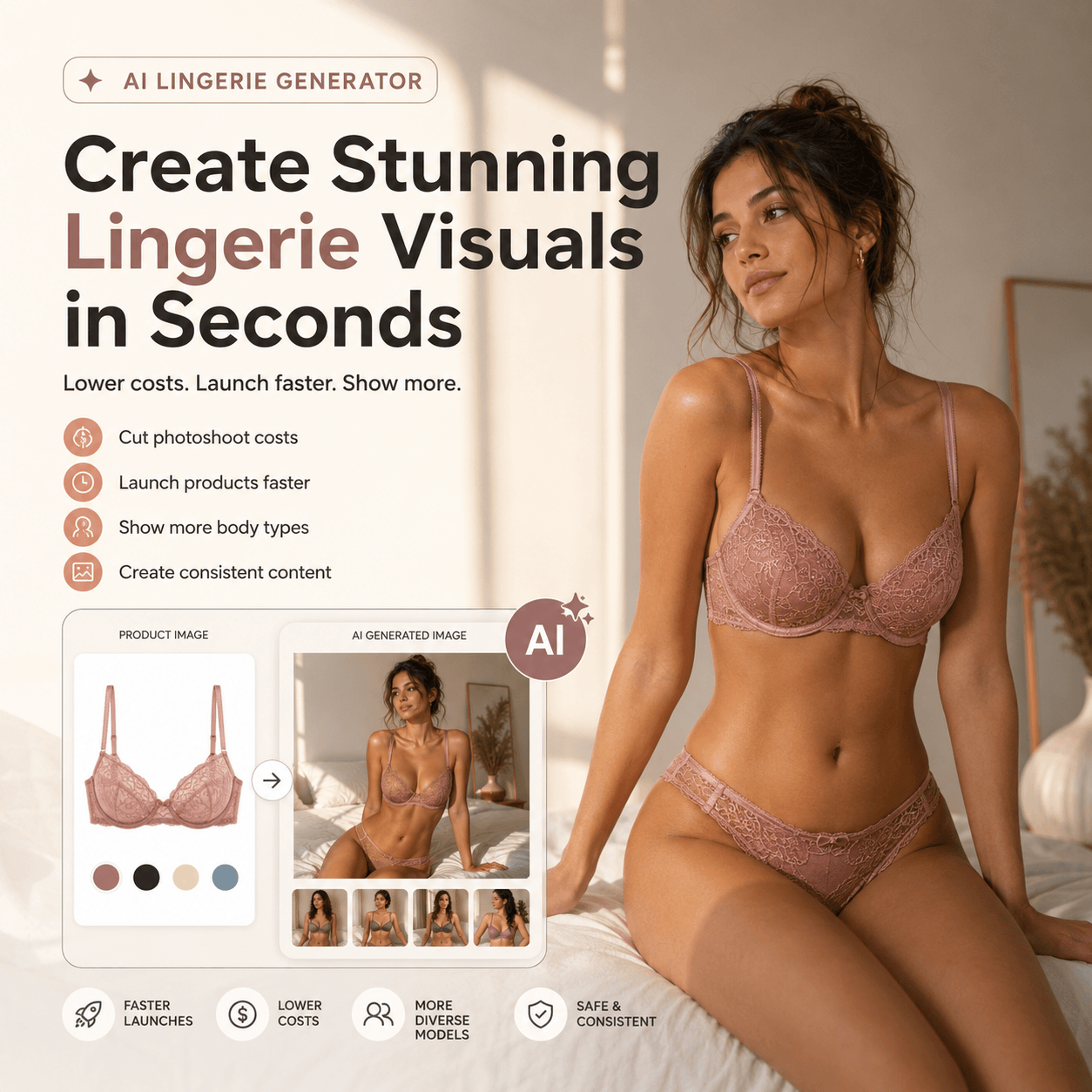
An AI Lingerie Generator can create polished fashion images within minutes. However, a beautiful result is not always an accurate one. Small changes may affect what shoppers think they are buying.
For example, a strap may become thinner. A lace pattern may also change. In addition, the waistband may appear higher than it is in real life.
Therefore, lingerie brands need more than attractive results. They also need a clear way to protect product truth.
This guide introduces the Product Truth Line. In simple terms, it separates safe creative changes from product details that must stay accurate.
Why AI Lingerie Generator Accuracy Matters
Lingerie contains many small design details. As a result, even a minor error can change the product.
A basic T-shirt may still look correct after one fold changes. By contrast, lingerie depends on exact lines and shapes. Straps, cups, seams, lace, and closures all define the design.
Moreover, lingerie images often suggest fit and support. Shoppers may study the image before they read the full product page. Therefore, the visual can shape their first idea of the item.
For instance, a higher waistband may suggest more coverage. A wider strap may also suggest more support. Yet the real product may offer neither.
For this reason, brands should ask one clear question:
Does the final image still show the real product?
If the answer is unclear, the image should not become the main product photo.
The Product Truth Line for AI Lingerie Generator Images
In practice, the Product Truth Line divides an image into two parts.
First, the garment must stay accurate. Meanwhile, the world around it can change.
A brand may change the background, pose, crop, or lighting. However, it should not quietly change the lingerie itself.
A useful rule is:
Change the story around the product, but keep the product true.
As a result, creative teams gain more freedom without creating the wrong product idea.
What an AI Lingerie Generator Must Preserve
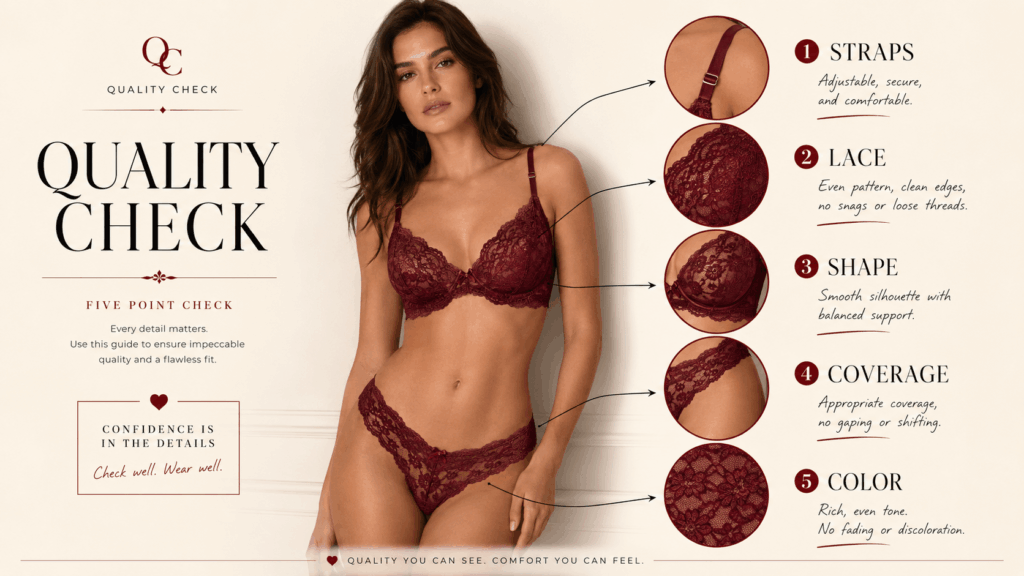
Before approving an image, compare it with the original product reference.
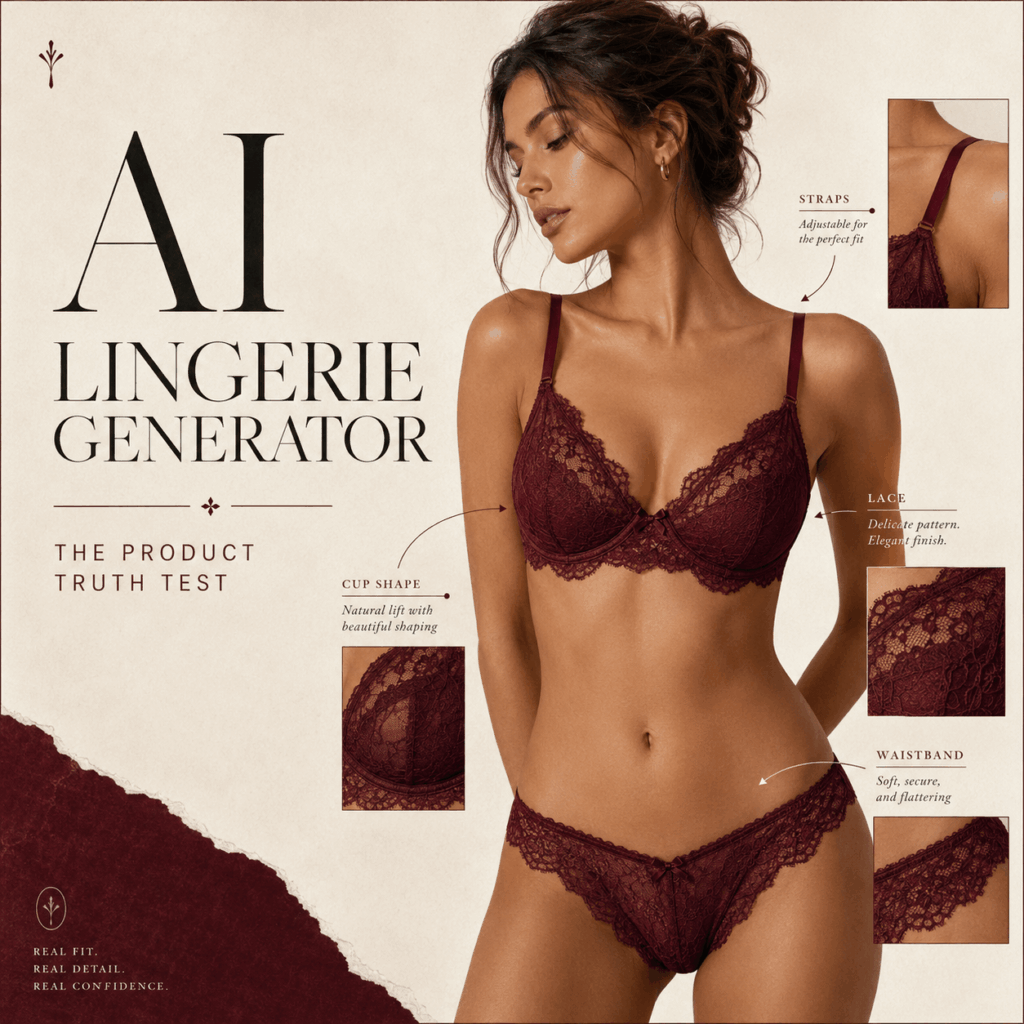
Strap Position and Width
First, count the straps.
Their width, color, and connection points should remain the same. Also, check the small rings and sliders.
A missing strap can change the full design. Likewise, a wider strap may suggest more support than the real product offers.
Therefore, every strap should match the source image.
Cup and Panel Shape
Next, inspect the main structure.
Cup outlines, underwire curves, center panels, and side sections should match the real item. In addition, both sides should remain balanced.
Sometimes, generated images smooth these areas too much. As a result, the item may look softer or more shaped than it really is.
Always compare the result with the source.
Lace and Embroidery
Lace is not only a surface texture. Instead, it is often a main product feature.
The flower pattern, border, and clear areas should stay consistent. Embroidery should also appear in the correct place.
For example, a floral lace cup should not become a random mesh pattern. Similarly, a scalloped edge should not turn into a straight line.
If the pattern changes fully, the image may show a new design.
Seams, Closures, and Hardware
In addition, small parts matter.
Check the seams, hooks, rings, sliders, bows, and other details. Make sure the tool has not removed or added anything.
These parts may seem minor. However, they help shoppers understand how the item is made.
Therefore, every visible part should have a clear match in the real product.
Color and Fabric Finish
Above all, color should stay close to the real garment.
Warm light may make burgundy look bright red. Similarly, dark lace may lose its clear quality.
Satin can also become too shiny. Meanwhile, mesh may look flat or solid.
For this reason, compare the generated image with the source photo. Check both the color and the fabric finish.
Coverage and Proportions
Finally, review the amount of coverage.
The waistband should not move higher or lower. The cup should not become larger. In addition, the brief should not appear narrower than the real item.
These changes may create the wrong fit idea. Therefore, the final shape should stay close to the real design.
What Brands Can Change Creatively
However, accuracy does not mean every image must look plain.
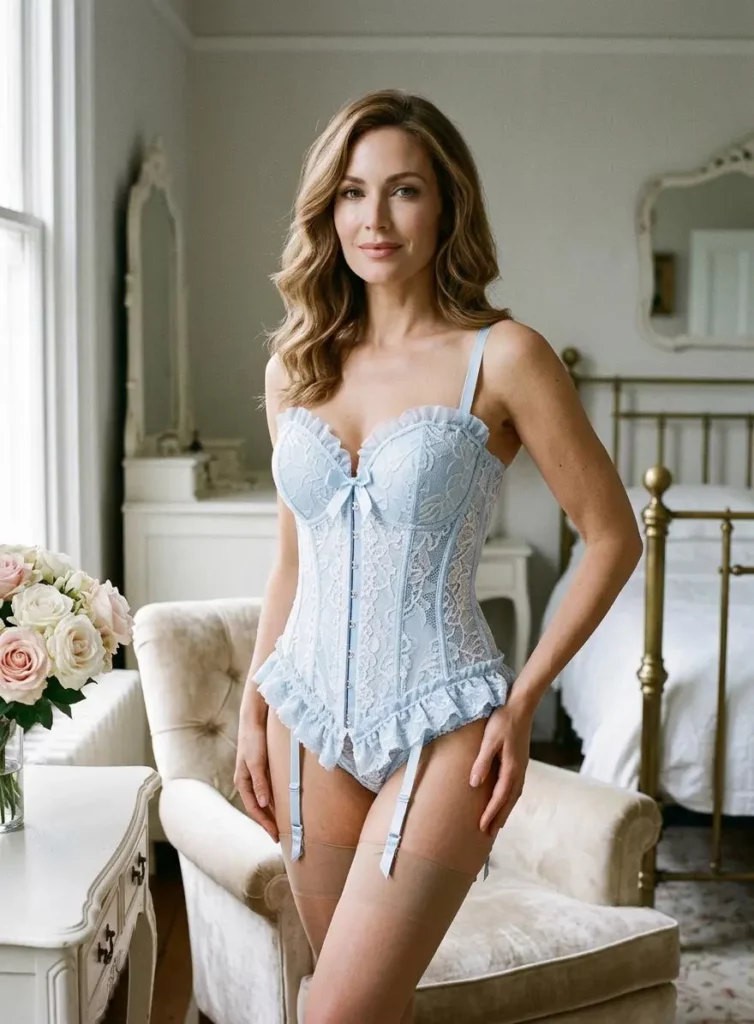
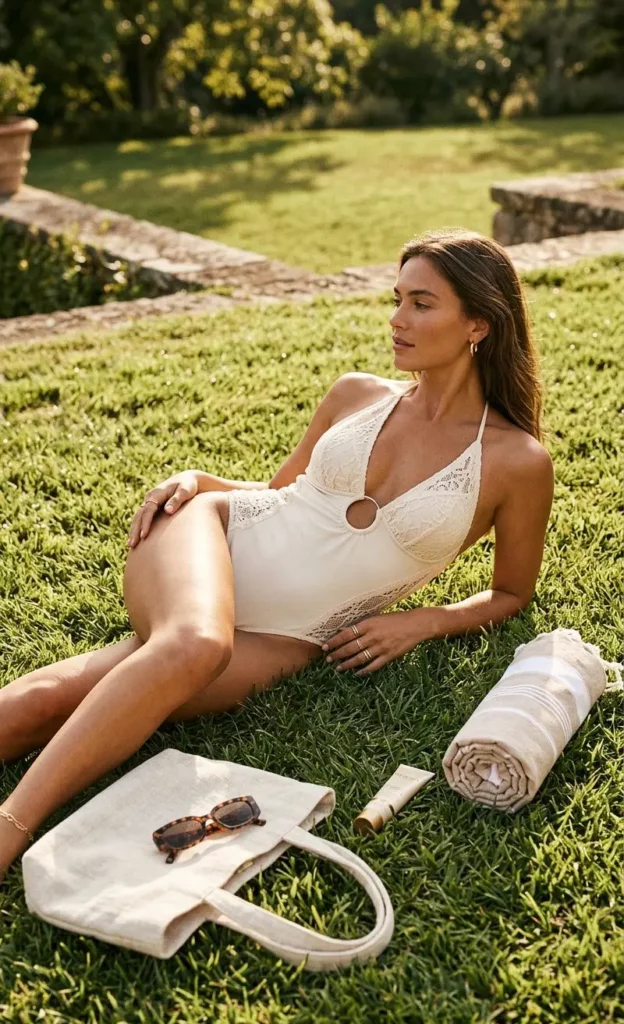
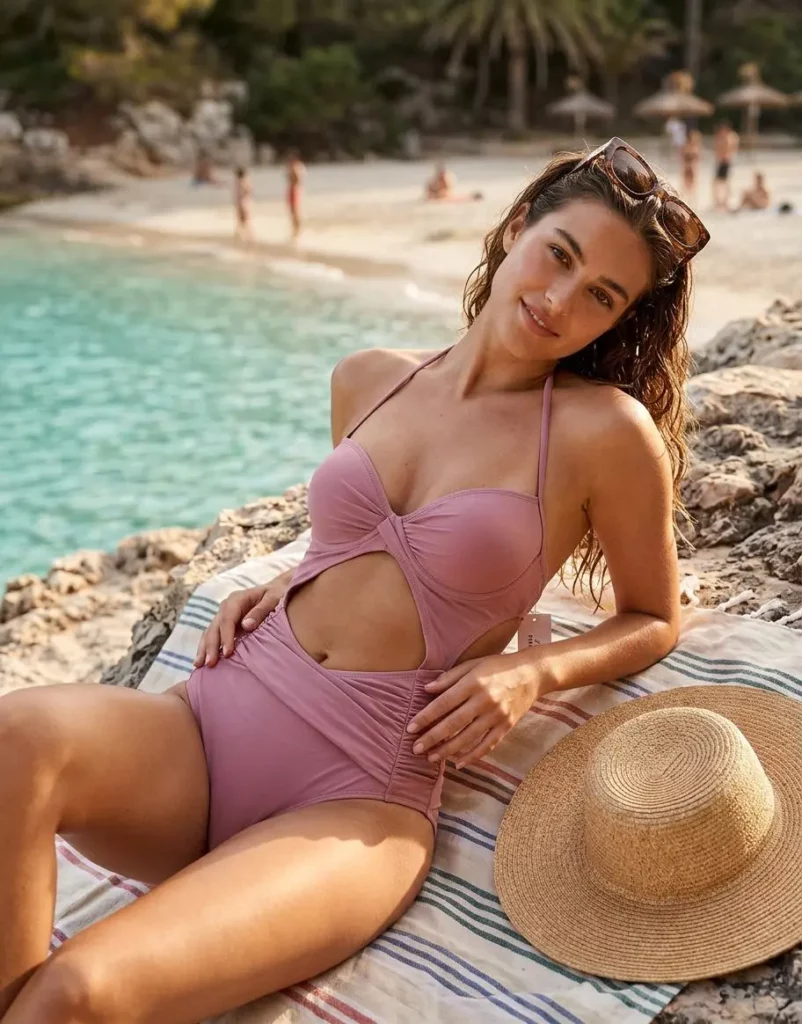
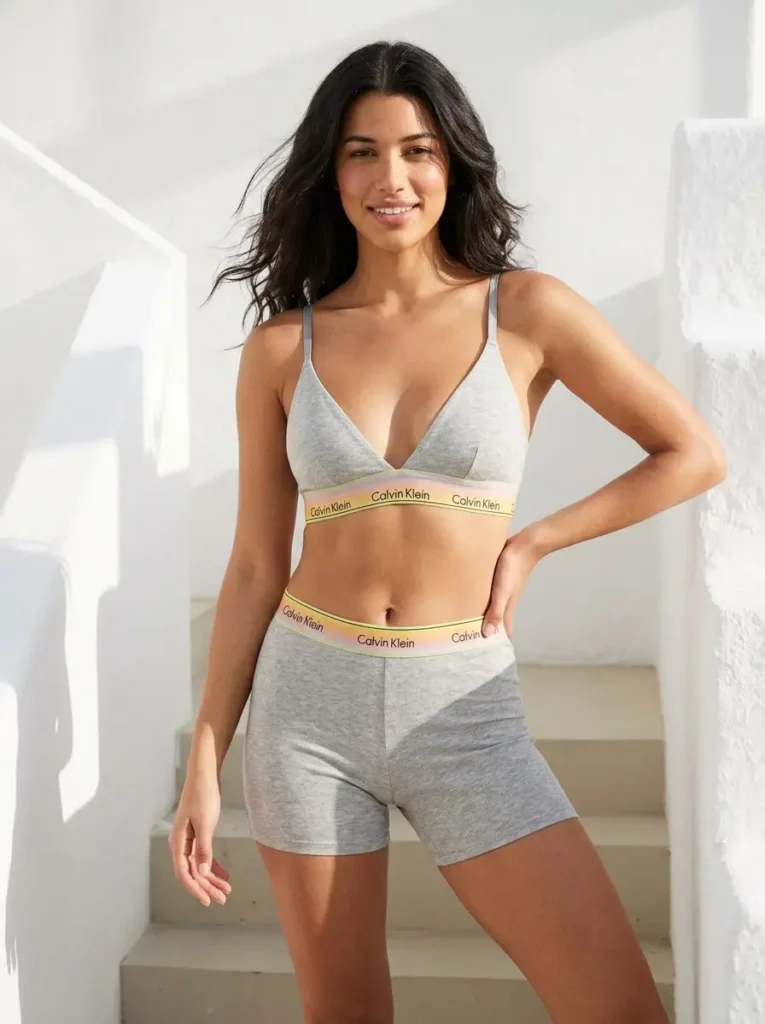
Instead, brands can change many creative elements around the garment. For example, a clean studio image can become a warm hotel campaign. A simple standing pose can also become a relaxed lifestyle scene.
Brands can usually change:
- Move the product into a new background.
- Adjust the light and shadow.
- Select a different adult model pose.
- Create a closer or wider crop.
- Add suitable props or furniture.
- Build a seasonal mood.
- Adapt the image for a new format.
- Explore a fresh campaign style.
Still, every change should have a clear purpose.
A clean background may suit a product page. Meanwhile, strong shadows may work better in an advertisement. In addition, a vertical crop may fit Stories or Pinterest.
Therefore, the goal is not to reduce creativity. The goal is to direct it toward the right elements.
One AI Lingerie Image Should Not Do Every Job
Even so, one attractive image cannot serve every channel equally well.
Instead, each visual should have a clear role.
1. Product Evidence
First, product evidence should show the item clearly.
The image needs simple light and few distractions. It should help shoppers see the real color, straps, seams, and shape.
Therefore, these images need the strictest review.
A clean front view may work well here. In addition, brands can include back views and close detail shots.
2. Fit Preview
Next, a fit image can show the general outline.
For example, it may show waist position, coverage, or styling direction. However, it cannot prove exact comfort, lift, pressure, or support.
In other words, it is a visual preview. It is not a real fitting session.
Therefore, brands should still provide clear size charts and product details.
3. Campaign Story
Meanwhile, campaign visuals can be more expressive.
They may use stronger poses, styled rooms, emotional light, or close crops. Moreover, they can focus on mood rather than technical detail.
Still, the product should remain easy to recognize.
If the garment no longer matches the source, the image becomes a concept rather than product proof.
4. Concept Test
Finally, concept images help teams compare ideas.
For instance, a brand may test warm light against cool light. It may also compare a clean studio with a romantic room.
These images work well in moodboards and internal plans. In addition, they can help teams prepare a photo brief.
Because of this, concept images may allow more creative change.
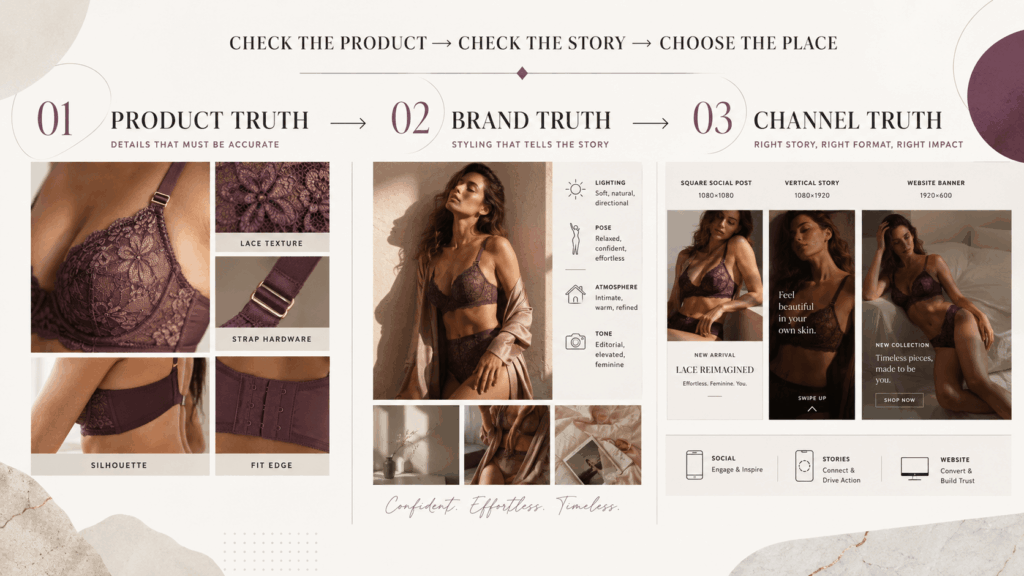
The Three-Step AI Lingerie Generator Review
Therefore, a simple review process can prevent many publishing mistakes.
Step 1: Check Product Truth
Start with the real product image.
Then, compare the straps, lace, shape, color, closures, and coverage. Also, zoom in on clear fabric and small hardware.
If several details have changed, do not use the result as product evidence.
Instead, use it as a campaign idea or create another version.
Step 2: Check Brand Truth
Next, review the brand style.
Does the pose match the brand? Does the light feel right? In addition, does the model fit the rest of the campaign?
A beautiful image may still feel wrong for the brand. Therefore, visual consistency matters.
For example, a comfort-led brand may prefer soft daylight. By contrast, a bold fashion label may use harder light.
Step 3: Check Channel Truth
Finally, choose the right place for the image.
A dramatic visual may work well in a social advertisement. However, it may be too unclear for the first product photo.
Meanwhile, a simple catalog image may explain the product well. Yet it may feel too quiet for a campaign.
Therefore, assign the image only after deciding its role.
Possible channels include:
- Product detail page
- Additional product gallery
- Online catalog
- Landing page
- Social media
- Paid advertisement
- Email campaign
- Internal moodboard
A Better AI Lingerie Generator Workflow
In fact, better results often begin before generation.
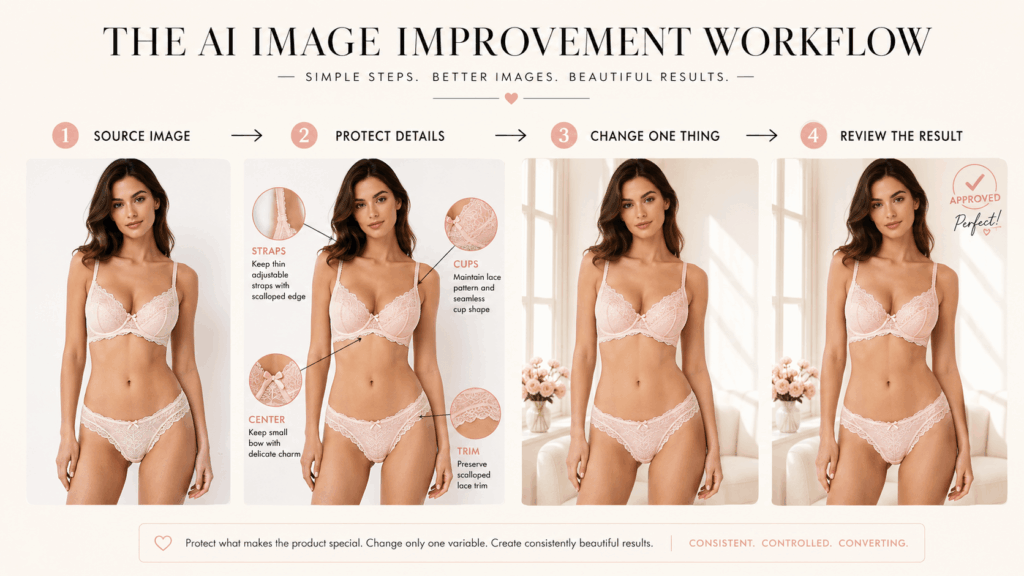
Step 1: Use a Clear Source Image
Begin with a clean and well-lit product photo.
The full garment should be visible. Also, the background should not hide lace edges, straps, or clear panels.
As a result, the tool receives more useful visual information.
Step 2: List the Details That Must Stay
Before writing the creative prompt, make a short protection list.
For example:
- Preserve the original floral lace.
- Retain the double-strap design.
- Leave the high-waist shape unchanged.
- Match the original gold rings.
- Maintain the same burgundy color.
As a result, the final image becomes easier to review. The team can quickly see whether the product still matches the source.
Step 3: Change One Main Element
Next, choose one main creative change.
You may adjust the setting, pose, light, or crop. However, avoid changing everything at once.
Because of this, you can see which instruction helped the image.
Step 4: Create Several Versions
Do not depend on the first result.
Instead, create a few versions with the same direction. Then, compare product accuracy, body realism, composition, and brand fit.
The most dramatic version may not be the best one. Therefore, judge each result by its final purpose.
Step 5: Inspect Small Details
Afterward, zoom in before exporting.
Pay close attention to lace borders, straps, fingers, hooks, clear panels, and body edges. These areas often reveal errors first.
In addition, compare both sides of the garment. Small errors may appear on only one side.
Step 6: Give the Image a Role
Finally, label the image within your team.
It may be:
- Product-ready
- Campaign-ready
- Social-ready
- Concept-only
This label does not need to appear in public. However, it can prevent a concept image from becoming product proof by mistake.
Transparency Makes AI Fashion Stronger
Moreover, trust is part of image quality.
Therefore, brands should be clear about how each visual is used. A generated image should not pretend to prove an exact fit or physical result.
In addition, teams should keep at least one clear product photo. This gives shoppers a factual reference.
Brands should also:
- Preserve any required image data.
- Choose authorized adult model photos.
- Review commercial usage rights.
- Avoid false size or support claims.
- Separate product images from concepts.
- Add a clear note when needed.
Transparency does not make a campaign weaker. Instead, it gives every image an honest purpose.
AI Lingerie Generator FAQ
Can AI lingerie images appear on product pages?
Yes. However, brands should review every product detail first.
Straps, lace, color, seams, shape, and coverage must match the real item. If major details change, use the image for a campaign or concept instead.
Can an AI Lingerie Generator show exact fit?
It can show a general outline or styling idea. However, it cannot prove exact comfort, lift, pressure, or support.
Therefore, brands should still provide real size charts and clear product details.
Which source images work best?
Clear and well-lit images usually work best.
The full garment should be visible. In addition, avoid backgrounds that hide lace, straps, hardware, or clear fabric.
Should brands disclose AI-generated images?
Disclosure needs may vary by channel. However, brands should never mislead shoppers.
Clear labels and accurate product references can help protect trust.
Final Thoughts
Overall, an AI Lingerie Generator can give brands more creative options. It can support new settings, poses, formats, and campaign ideas.
However, speed should not replace judgment.
First, keep the garment accurate. Next, build the visual story around it. Finally, place the image in the right channel.
The strongest result is not simply the most beautiful one. Instead, it should look good while keeping the product true.
Go to WeShop AI For Exploration: