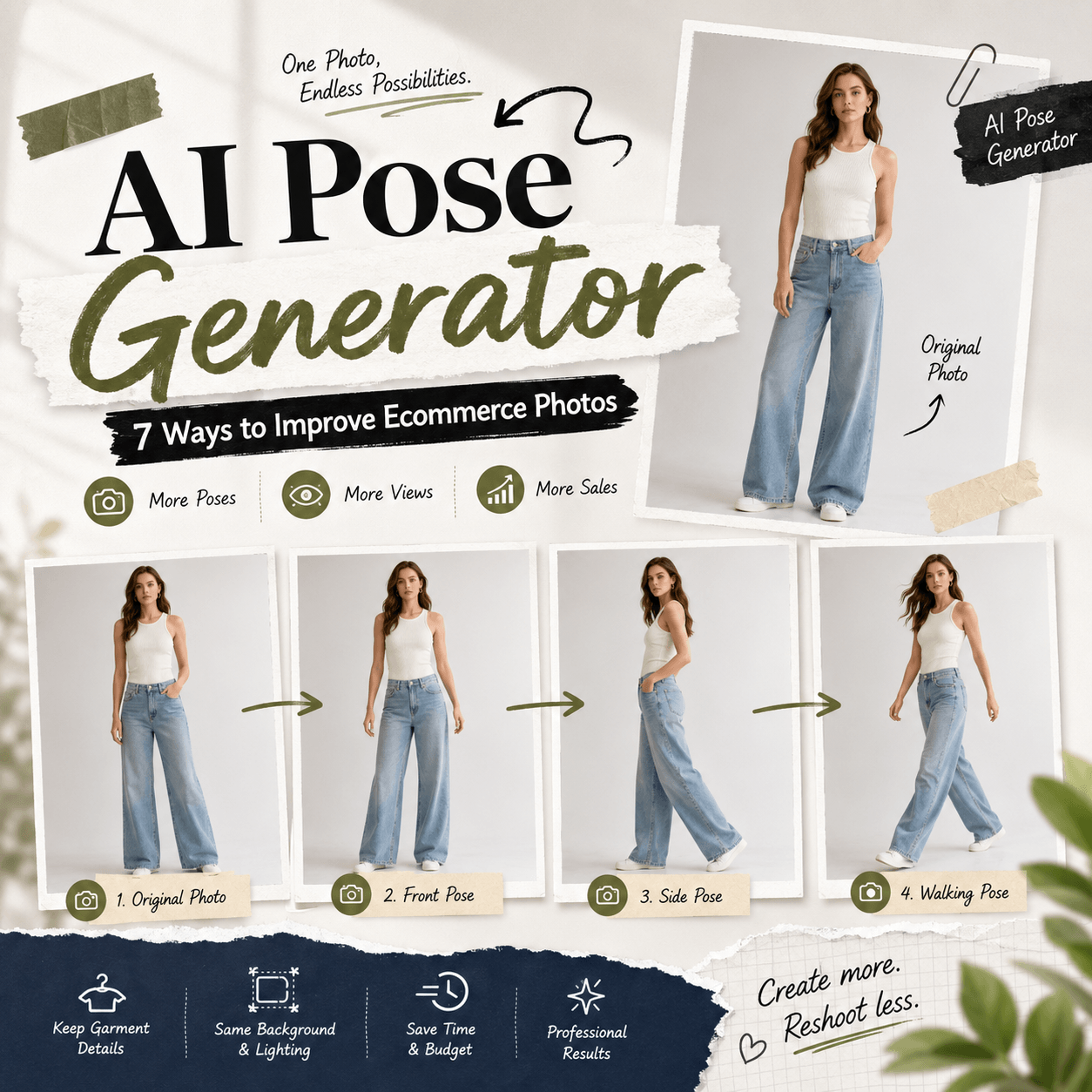
An AI Pose Generator can turn one useful photo into a complete set of fresh images. Instead of planning another shoot, you can create standing, sitting, walking, leaning, or action poses from the photo you already have. Therefore, one simple image can support a social post, fashion story, profile update, or creative campaign.
Taking a good photo is not always easy. You may like the outfit, lighting, and background but dislike the body position. In the past, you would need to take the photo again. However, an AI Pose Generator offers a faster way to explore new poses without rebuilding the whole scene.
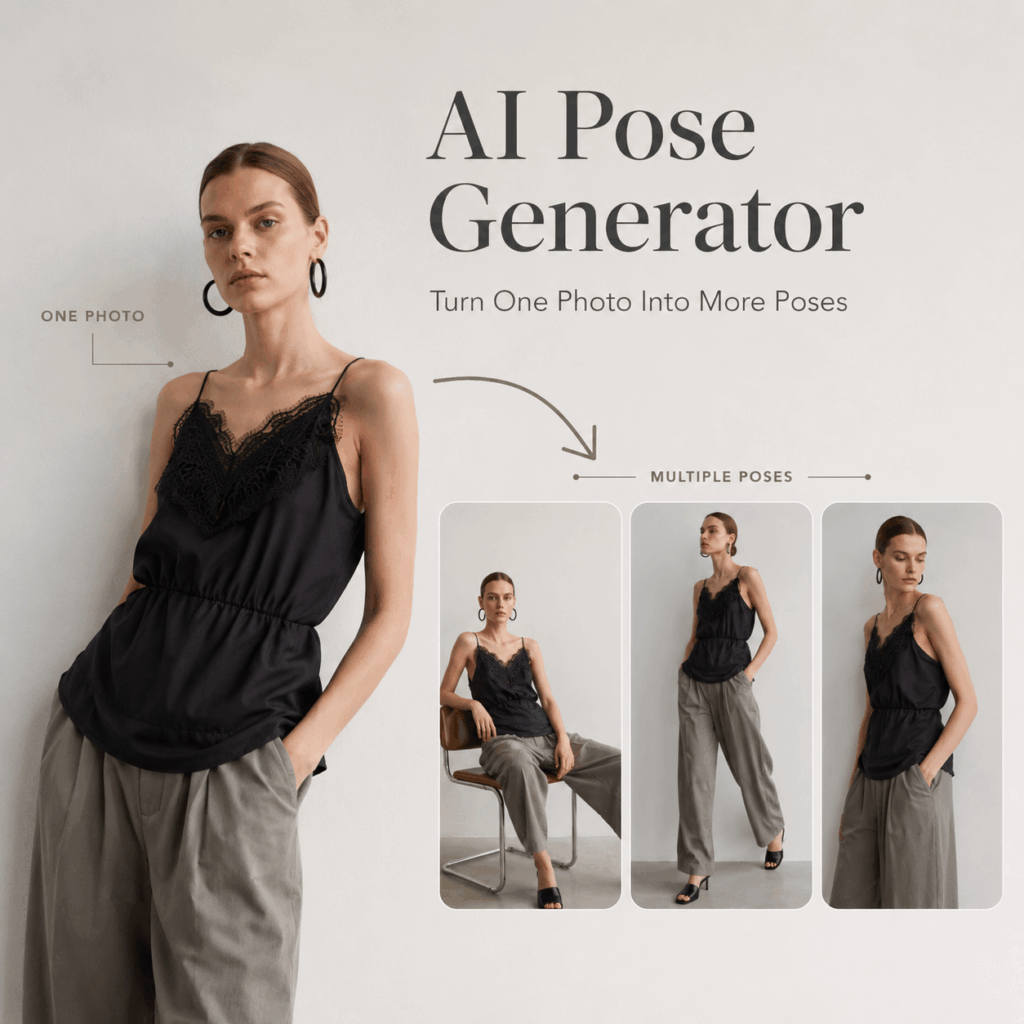
✨ Why an AI Pose Generator Makes Photo Editing Easier
A pose can completely change the feeling of an image. For example, a straight standing pose may look calm and professional. Meanwhile, a walking pose can add energy. A seated pose may feel softer and more personal.
Because of this, changing the pose is often more useful than adding another filter. The subject feels different, even when the clothing and setting remain familiar.
How an AI Pose Generator Creates More Content From One Photo
Most creators do not need hundreds of unrelated images. Instead, they need a small group of photos that feel connected.
An AI Pose Generator helps create those variations. For example, one portrait can become:
- A relaxed standing image
- A casual seated photo
- A confident walking shot
- A side-facing fashion pose
- A more dynamic action image
As a result, the final set feels like a planned photoshoot rather than a group of random edits.
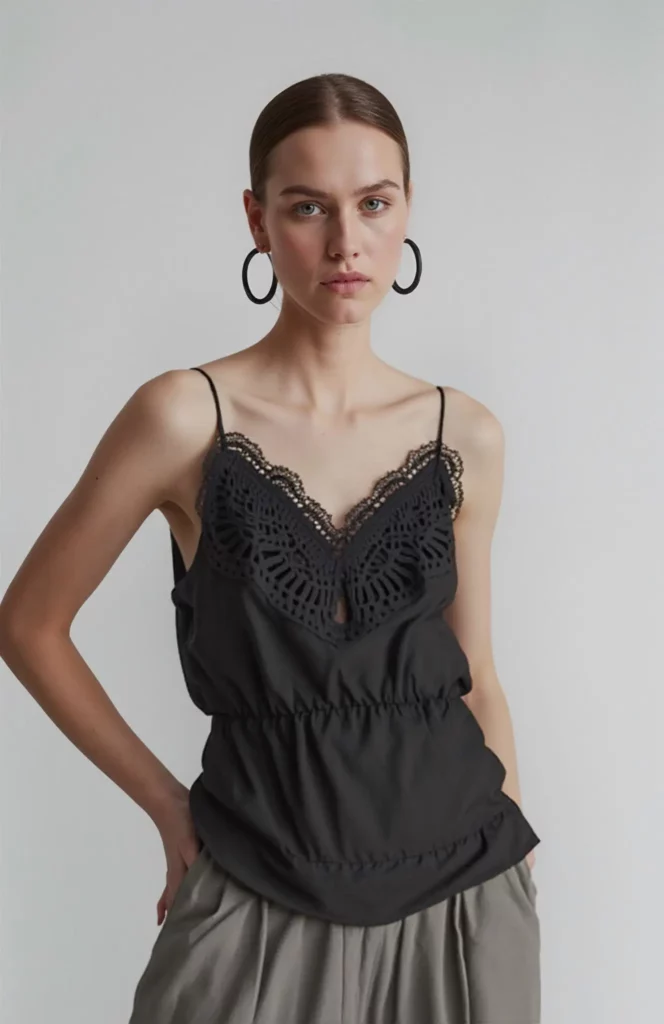
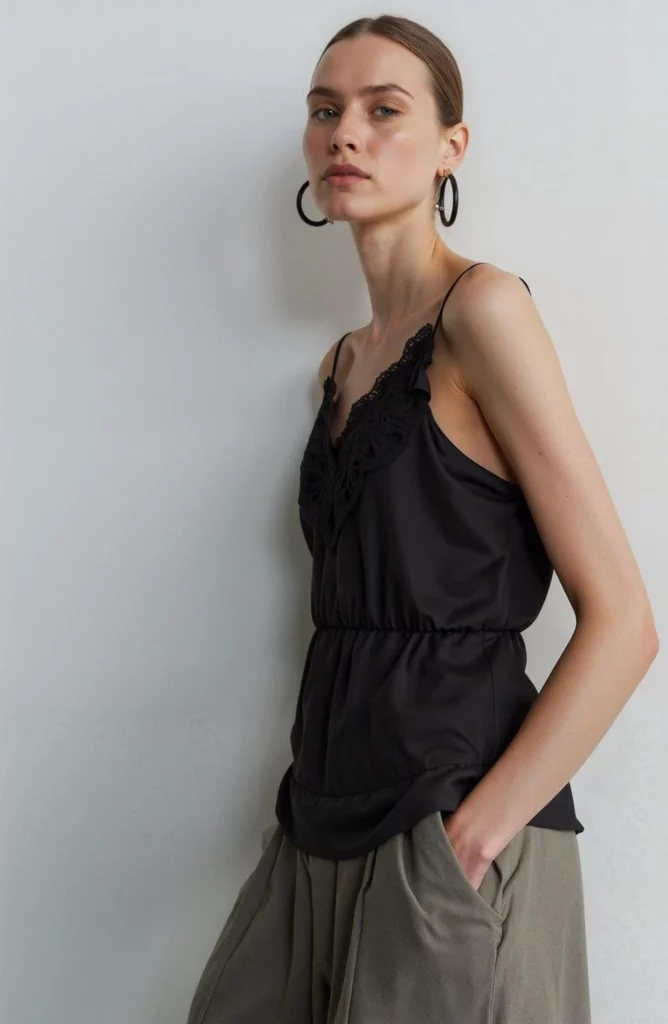
Test Different AI Poses Before You Post
Sometimes a pose looks good in your head but feels strange in the final photo. Therefore, testing several options is helpful.
You might discover that a quiet pose works better for a personal post. On the other hand, a stronger pose may perform better as a thumbnail or campaign image. Since the process is quick, you can compare both directions before choosing.
📸 How to Use an AI Pose Generator in Four Steps
You do not need advanced photo editing skills. Instead, focus on choosing a strong source image and giving the tool a clear pose direction.
Step 1: Choose a Clear Photo for the AI Pose Generator
First, choose a photo with a visible subject. A full-body image usually gives the tool more information. However, a clear half-body portrait can also work for simple upper-body changes.
The lighting should not be too dark or overexposed. In addition, try to avoid a subject hidden behind large objects.
A simple source image gives the AI Pose Generator a better starting point. Therefore, check the face, outfit, arms, and legs before uploading.
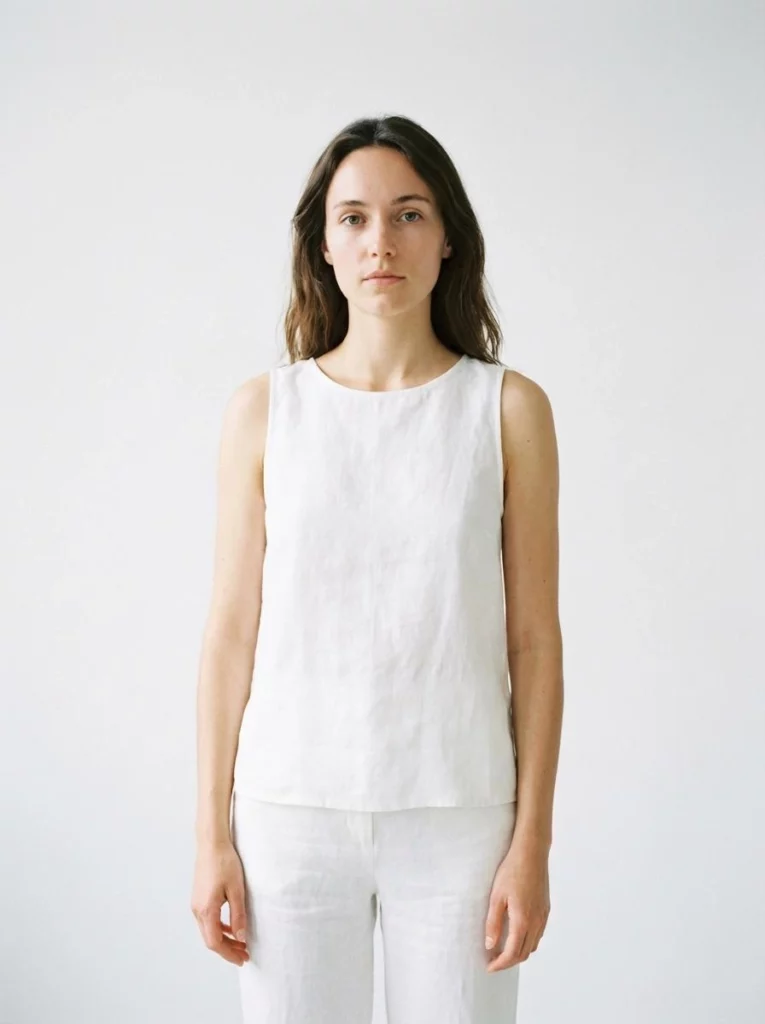
Step 2: Choose or Describe the New Pose
Next, decide how you want the subject to move.
You can choose a standing, sitting, walking, leaning, or dynamic fashion pose. Alternatively, you can describe a more specific idea. For example:
“Relaxed standing pose with one hand in the pocket.”
“Natural walking pose with the body turned slightly sideways.”
“Confident editorial pose with one leg forward.”
“Casual seated pose with relaxed shoulders.”
Keep the direction simple at first. Although detailed prompts can help, too many instructions may create an unnatural result.
Step 3: Generate Several Pose Variations
Then, generate more than one version. The first result may look good, but another option might fit the image better.
Compare the body proportions, face, clothing, hands, and feet. In addition, check whether the new pose works with the original background.
The best image should feel natural at first glance. Therefore, do not choose a result only because the pose looks dramatic.
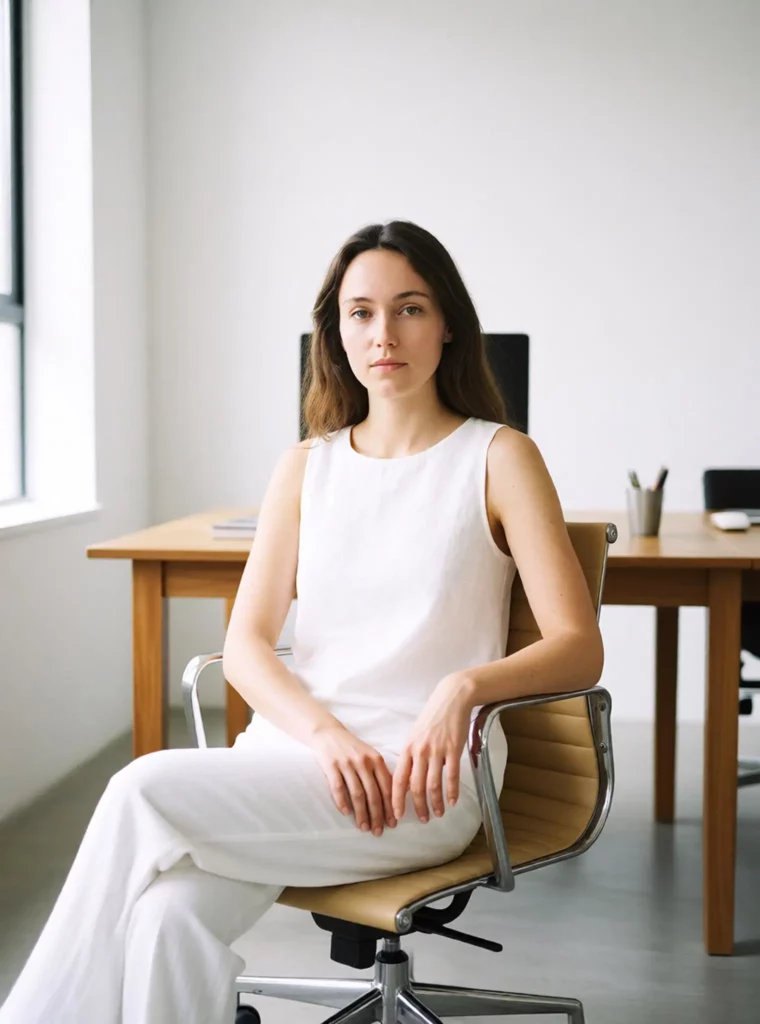
🔥 AI Pose Generator Ideas for Different Content Styles
The best pose depends on what the image needs to communicate. Therefore, choose a direction before generating.
Casual Social Media Poses
For lifestyle content, natural movement usually works best. Try a relaxed walk, a slight turn, or a simple seated pose.
In addition, avoid perfectly straight arms and stiff shoulders. Small body angles often make the image feel more candid.
Fashion and Editorial Poses
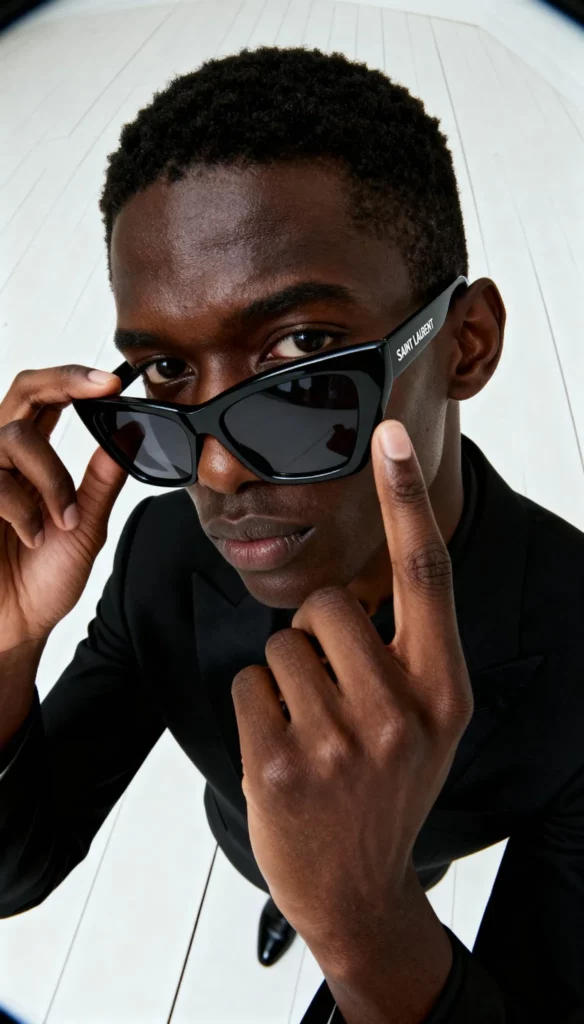
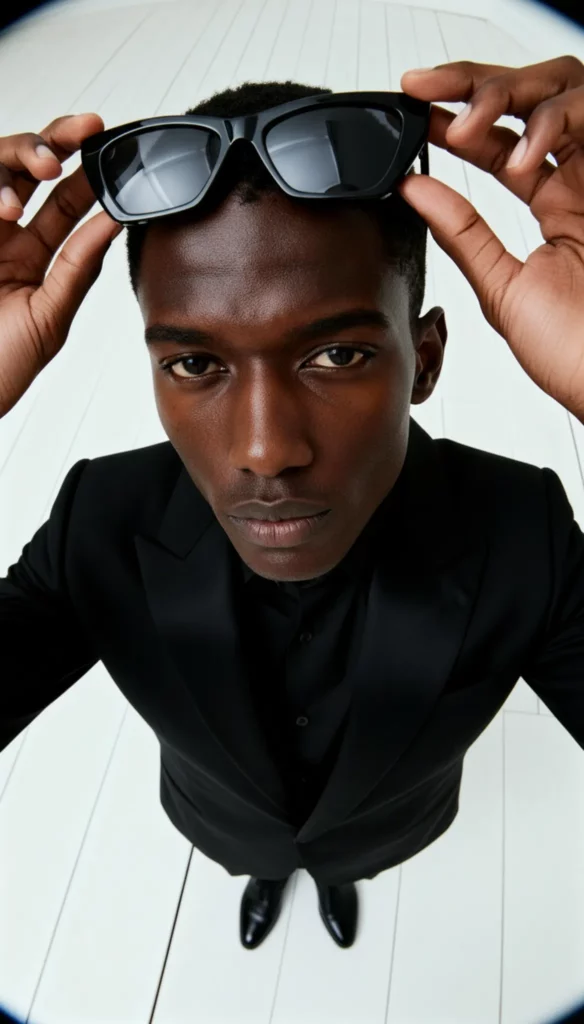
Fashion images can handle stronger shapes. For example, try a wide stance, an angled shoulder, or one hand placed near the waist.
However, the pose should still support the outfit. If the arms cover an important design detail, the image becomes less useful.
Fitness and Action Poses
An action pose should show clear movement. Therefore, you can try running, stretching, dancing, or a controlled athletic stance.
Still, start with realistic movement. Extreme jumps or twisted positions may be harder to generate naturally.
Professional Portrait Poses
For business portraits, use calm and open body language. A straight posture, relaxed arms, and a slight turn can look polished.
Meanwhile, avoid poses that feel too dramatic. The goal is confidence, not a fashion runway moment.
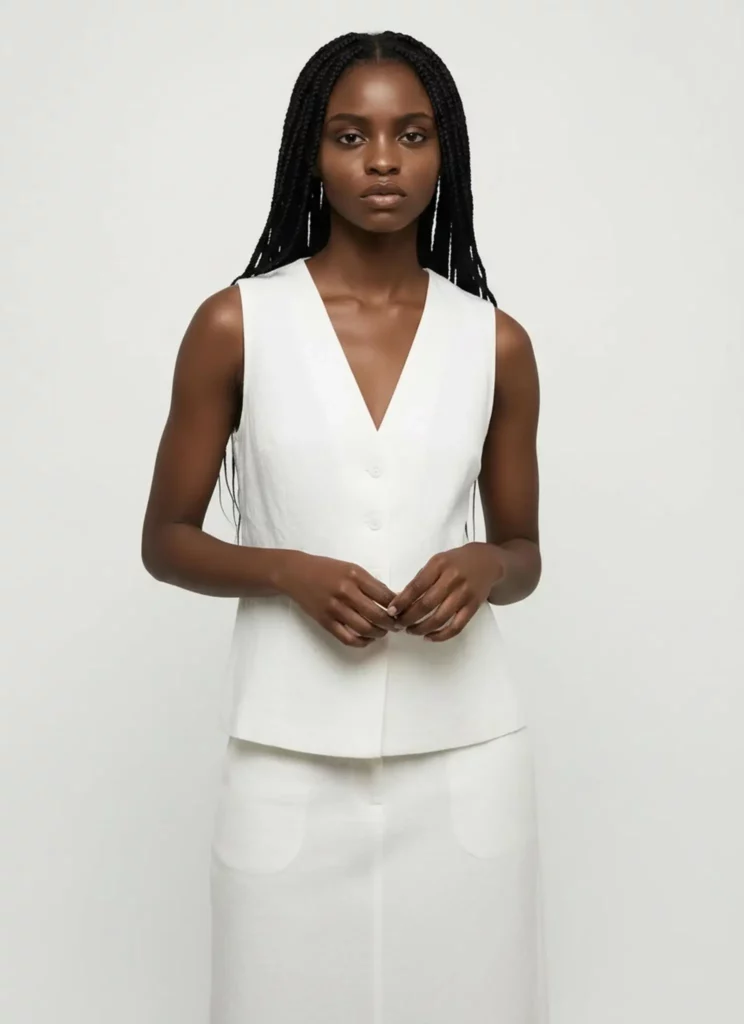
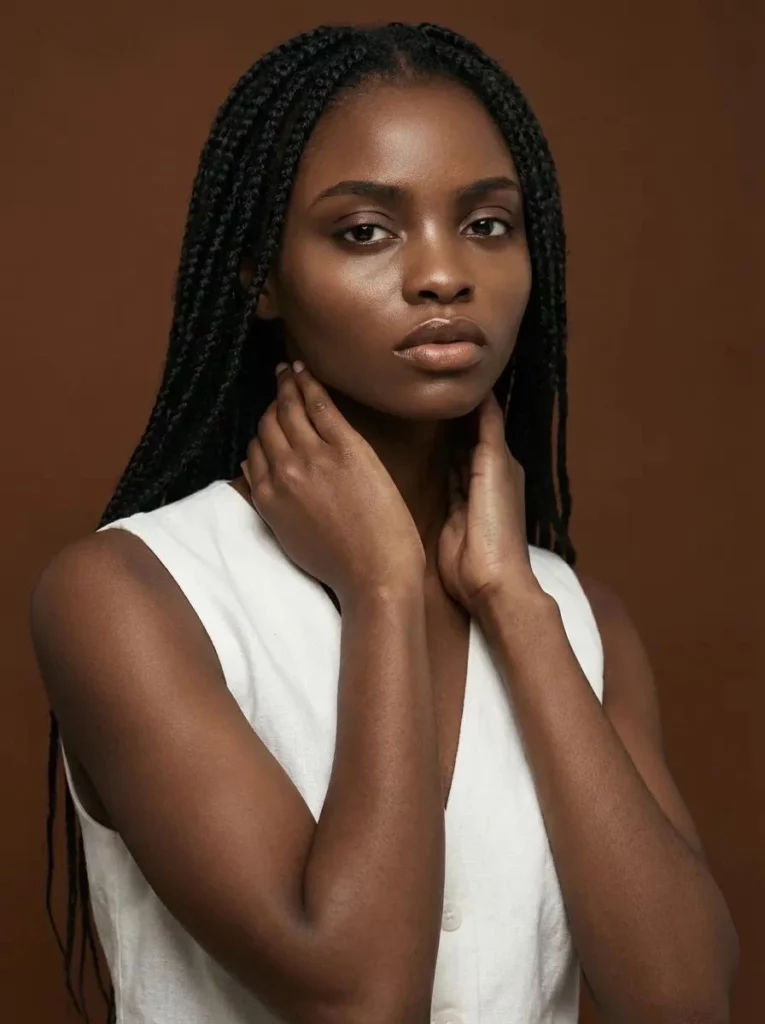
✅ How to Get Natural AI Pose Generator Results
A better prompt helps, but the source photo matters just as much. Therefore, use the following checks before creating your final pose set.
Keep the New Pose Physically Realistic
The body should move in a believable way. For example, a walking pose needs a natural balance between the arms and legs.
Although creative poses can be fun, realism should come first. A simpler pose with correct balance often looks better than a complicated pose with awkward joints.
Protect Important Clothing Details
Before generating, identify the main feature of the outfit. It could be a printed T-shirt, a fitted waist, a long coat, or a special sleeve shape.
Then, choose a pose that keeps that detail visible. For example, avoid crossed arms when the front print is important. Likewise, avoid a seated pose when the full length of a dress needs to be shown.
Check Hands, Feet, and Fabric
Hands and feet can reveal generation problems quickly. Therefore, zoom in before exporting.
Also, look at how the fabric reacts to the new pose. A skirt should fold naturally. A jacket should follow the shoulders. Meanwhile, shadows should match the changed body position.
Match the Pose to the Original Scene
A new pose should make sense in the original environment.
For example, a relaxed standing pose fits a café or studio scene. However, a running pose may feel strange in a small indoor room. Therefore, think about the location as well as the body.
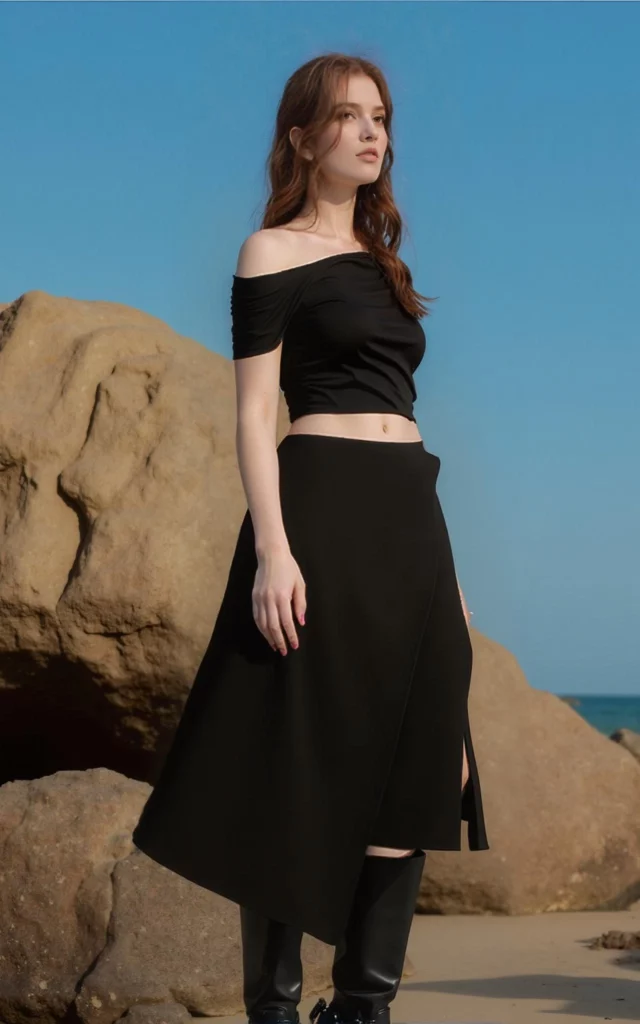
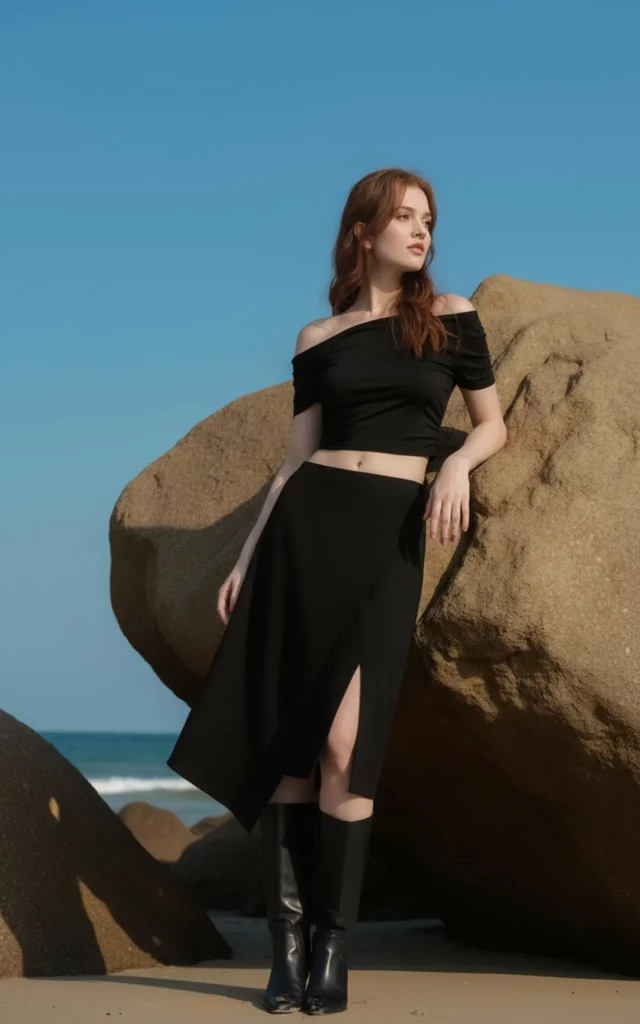
⚠️ Common AI Pose Generator Mistakes
A pose changer can save time, but only when the input and direction are clear.
Choosing a Pose That Is Too Extreme
A complex pose may look exciting in a reference image. However, it may not match the angle of your source photo.
Instead, change one main element at a time. You could adjust the arms first or create a simple walking position. After that, you can test a stronger pose.
Ignoring the Original Camera Angle
The camera angle affects how the whole body looks. Therefore, a low-angle source photo may not suit a pose designed for a straight camera view.
Choose poses that work with the original perspective. As a result, the final image will feel more believable.
Generating Only One Version
One result is rarely enough for a fair comparison. Instead, create several variations with small differences.
For example, test a relaxed pose, a confident pose, and a moving pose. Then, choose the version that best supports your message.
🚀 Create More From the Photo You Already Have
A new pose can make an old image feel completely different. More importantly, you do not need to rebuild the lighting, outfit, and background every time.
With an AI Pose Generator, you can test new body positions, compare different moods, and create a connected photo set from one upload. Therefore, your next piece of content may already be sitting in your camera roll.
Go to WeShop AI For Exploration: