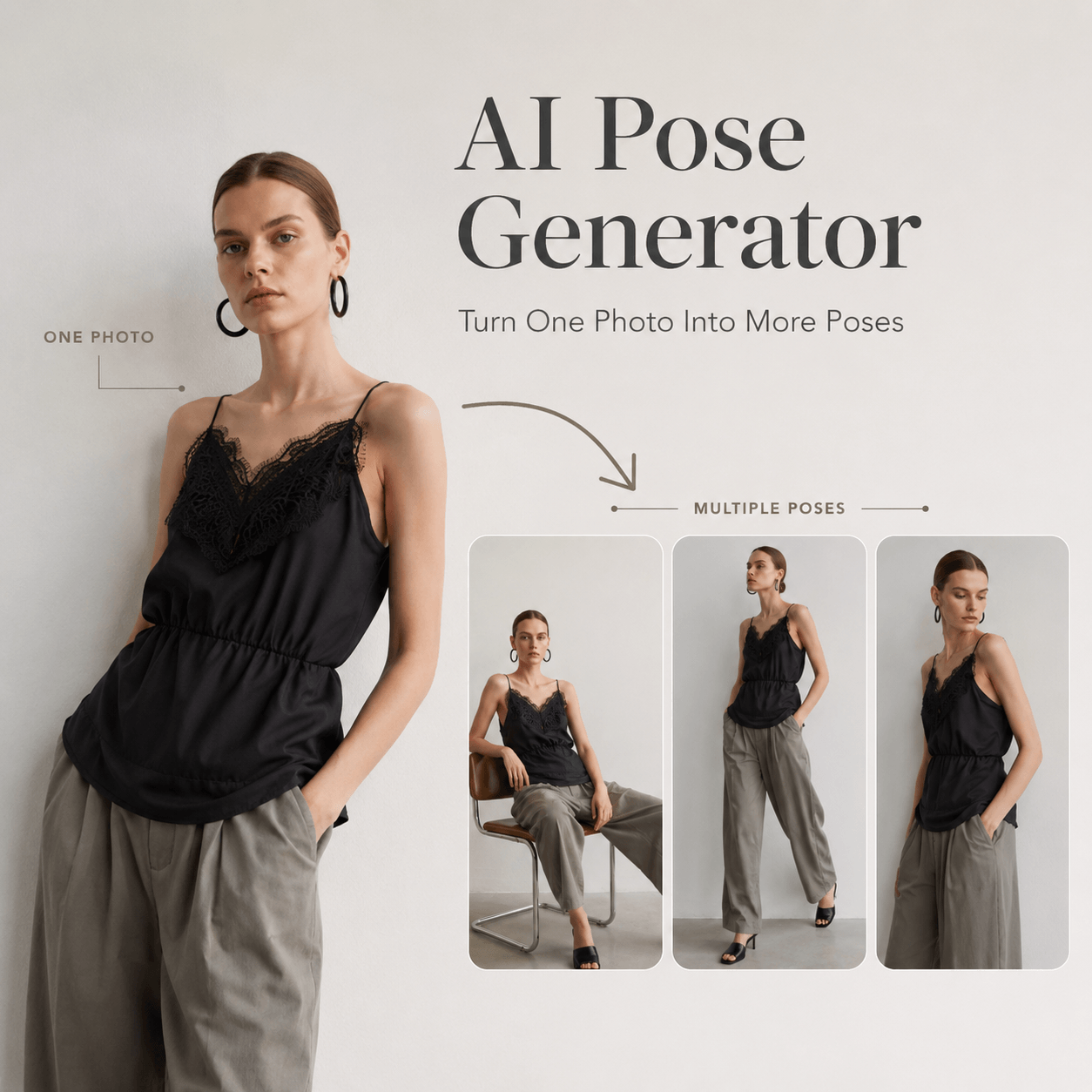
An AI Pose Generator for Ecommerce helps brands create more model images from the photos they already have. Instead of booking a new shoot for every pose, sellers can explore standing, walking, sitting, and detail-focused positions from one base image. Therefore, a small photo set can support more product pages, ads, lookbooks, and social posts.
Online shoppers cannot touch or try on a product through the screen. As a result, photography must answer their questions. They need to see the shape, length, fit, movement, and styling of the item.
However, many stores have only one or two model images for each product. An AI Pose Generator for Ecommerce can help fill that visual gap while keeping the campaign more consistent.
🛍️ Why an AI Pose Generator for Ecommerce Matters
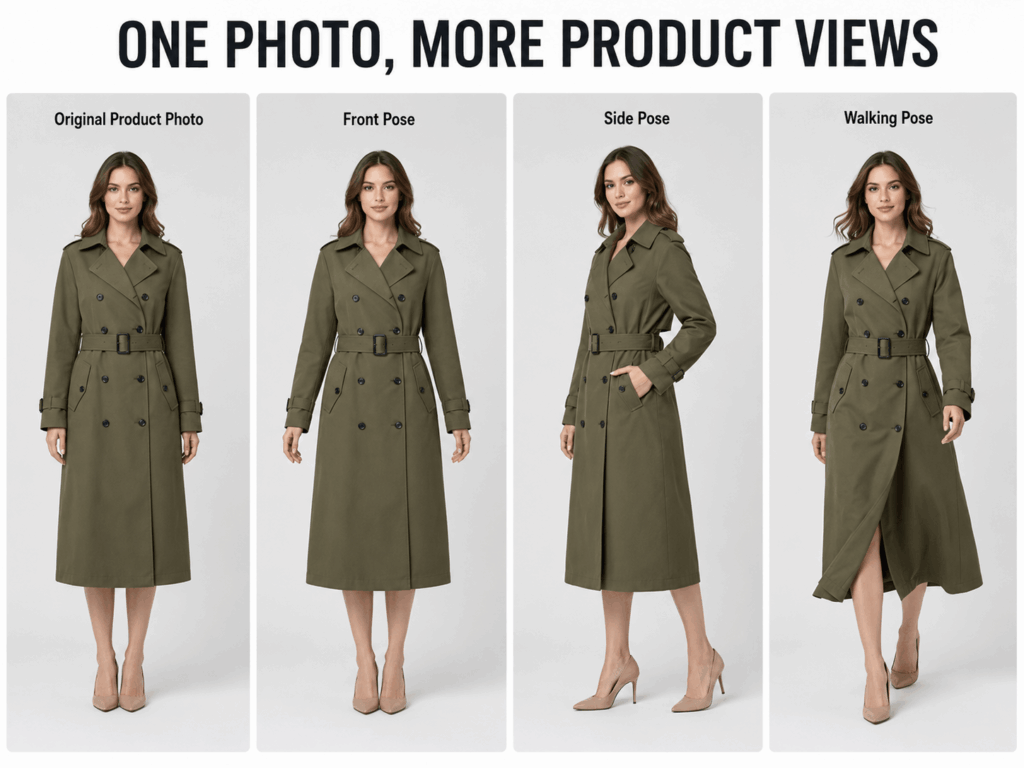
One model photo can look polished, but it may not show enough information. For example, a straight front pose may show the overall outfit. However, it might hide the side shape or natural movement of the fabric.
More pose variety gives shoppers more visual context. In addition, it makes a product page feel complete.
More Poses Can Answer More Product Questions
Each pose can serve a different purpose.
A front-facing pose shows the full design. Meanwhile, a side pose can reveal the fit around the waist or hips. A walking pose can show fabric movement. A seated pose may also help shoppers understand comfort and flexibility.
Therefore, pose variety should not be added only for decoration. It should make the product easier to understand.
Consistent Images Strengthen the Store
A product page can feel messy when every photo uses a different background, light, and editing style.
An AI Pose Generator for Ecommerce starts with the same base image. Therefore, the generated pose variations can feel more connected than images taken across several separate shoots.
As a result, your store may look cleaner and more professional.
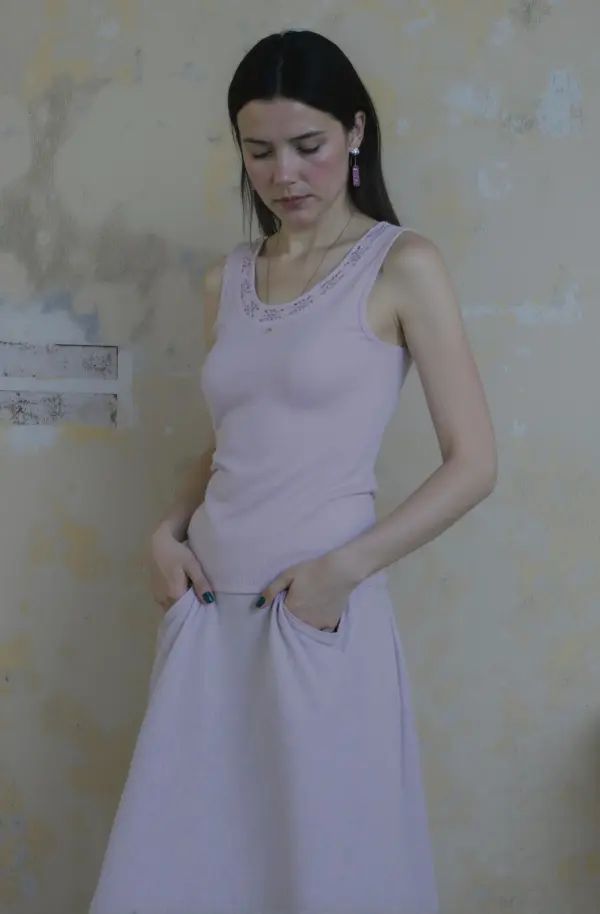
📷 How to Use an AI Pose Generator for Ecommerce
A useful workflow starts with a strong product image. After that, every new pose should have a clear role.
Step 1: Choose a Product Image With Clear Details
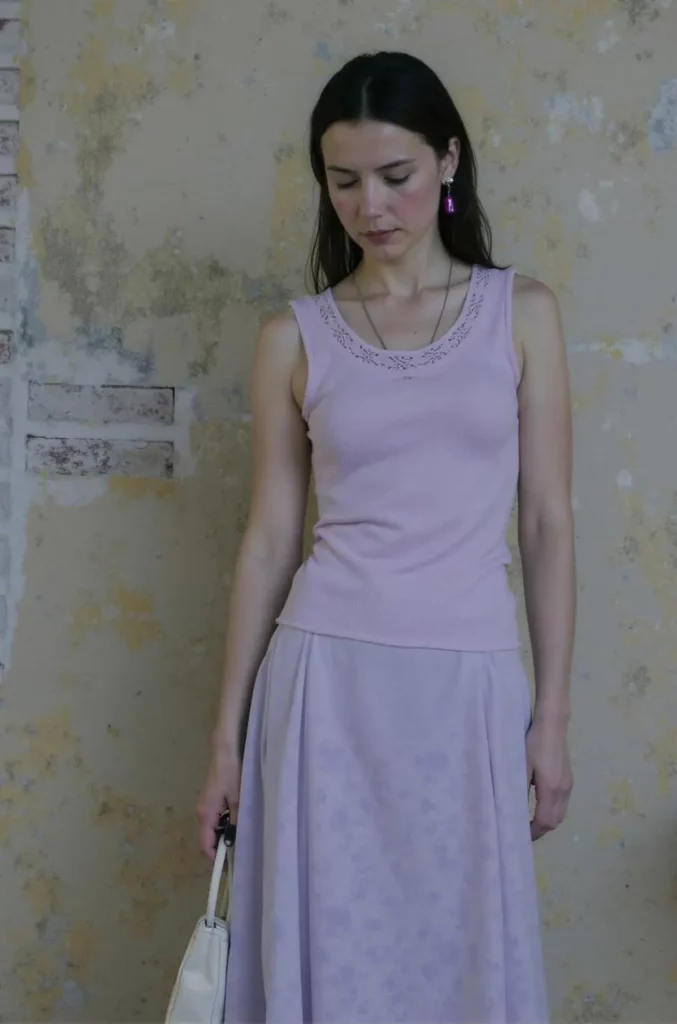
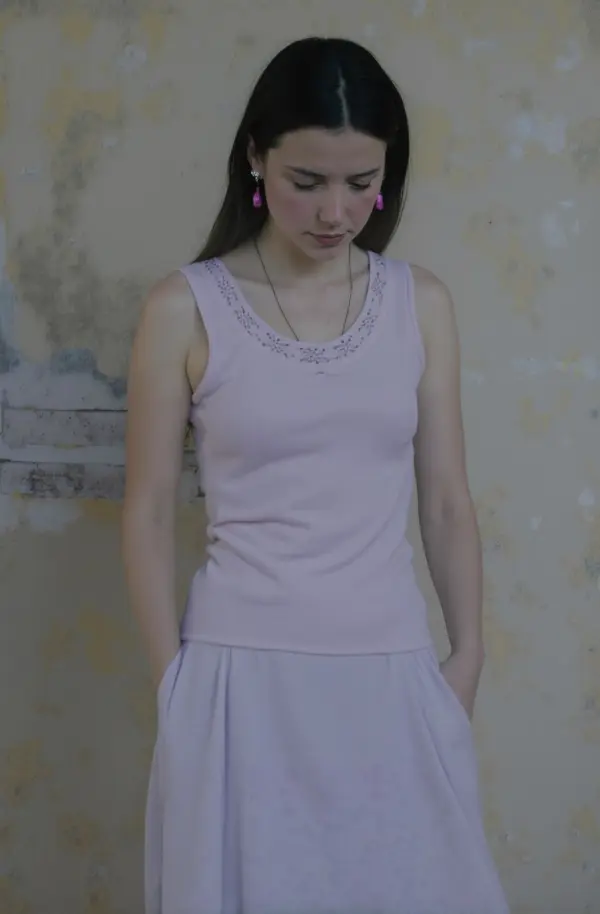
First, upload a model photo that shows the garment clearly.
The clothing should not be hidden behind a bag, chair, or crossed arms. In addition, the image should have balanced light and enough resolution to show texture.
A full-body image works well for dresses, coats, trousers, and complete outfits. Meanwhile, a half-body image may suit tops, jackets, or accessories.
Step 2: Build a Simple Pose Plan
Next, decide which product details are missing from the current listing.
For example, your pose plan might include:
- A clean front pose
- A slight side angle
- A natural walking pose
- A close, relaxed upper-body pose
- A seated lifestyle pose
However, you do not need every pose for every product. A structured coat may need strong standing angles. On the other hand, a flowing skirt may benefit more from movement.
Step 3: Generate the Pose Variations
Then, use the AI Pose Generator for Ecommerce to create several options from the same source image.
Keep each direction clear. For example:
“Natural walking pose that keeps the front of the dress visible.”
“Relaxed side pose with one arm slightly away from the body.”
“Confident standing pose with the jacket fully visible.”
“Casual seated pose without covering the trousers.”
Because the product is the priority, mention any detail that must remain visible.
Step 4: Review the Product, Not Only the Model
A stylish pose is not automatically a useful ecommerce image. Therefore, inspect the clothing carefully.
Check the neckline, sleeves, buttons, pockets, print, hem, and fabric folds. In addition, compare the product with the original image.
If an important design detail has changed, generate another variation. The final image should support the real product rather than create a different one.
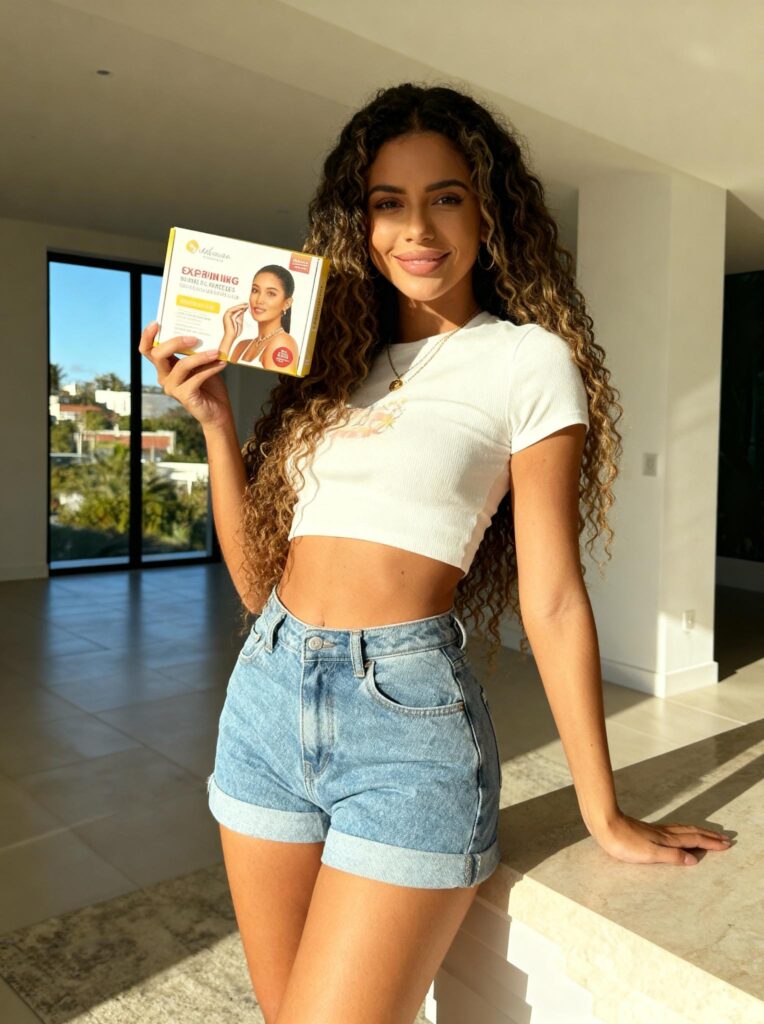
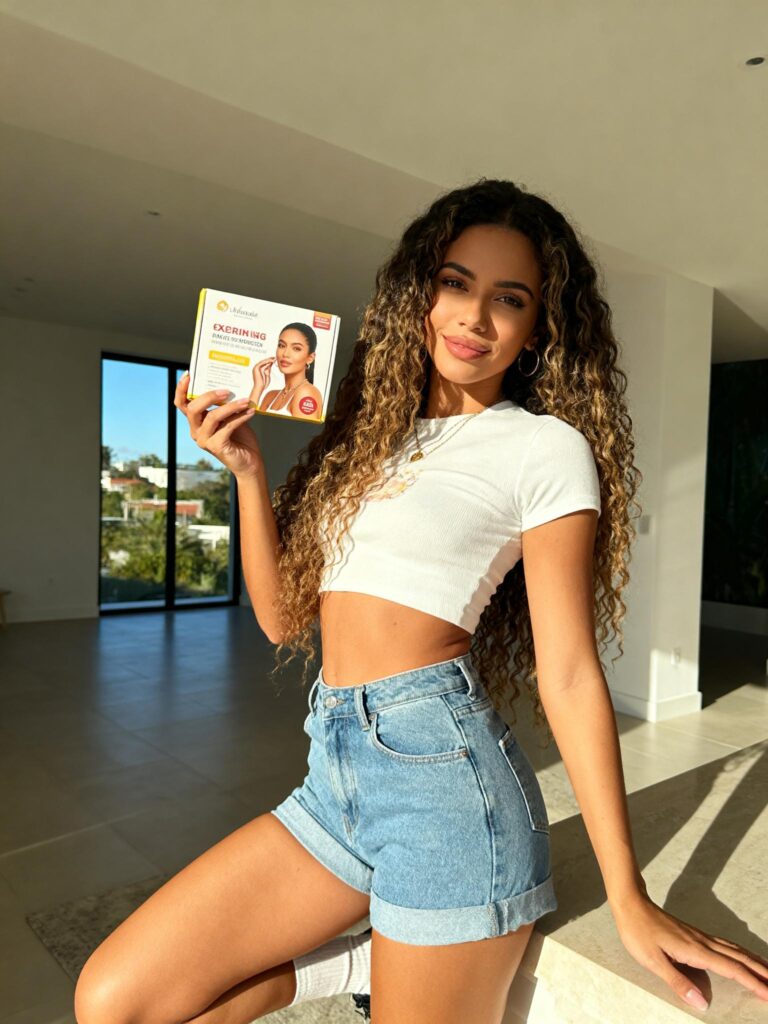
👗 Best AI Pose Generator for Ecommerce Image Types
Different parts of the customer journey need different visual styles. Therefore, build a balanced image set instead of repeating one type of pose.
Product Page Hero Image
The main image should be easy to understand. Usually, a clear standing pose works well.
Keep the model centered and make the garment visible. Meanwhile, avoid poses that twist the body too much.
A hero image should attract attention without hiding product information.
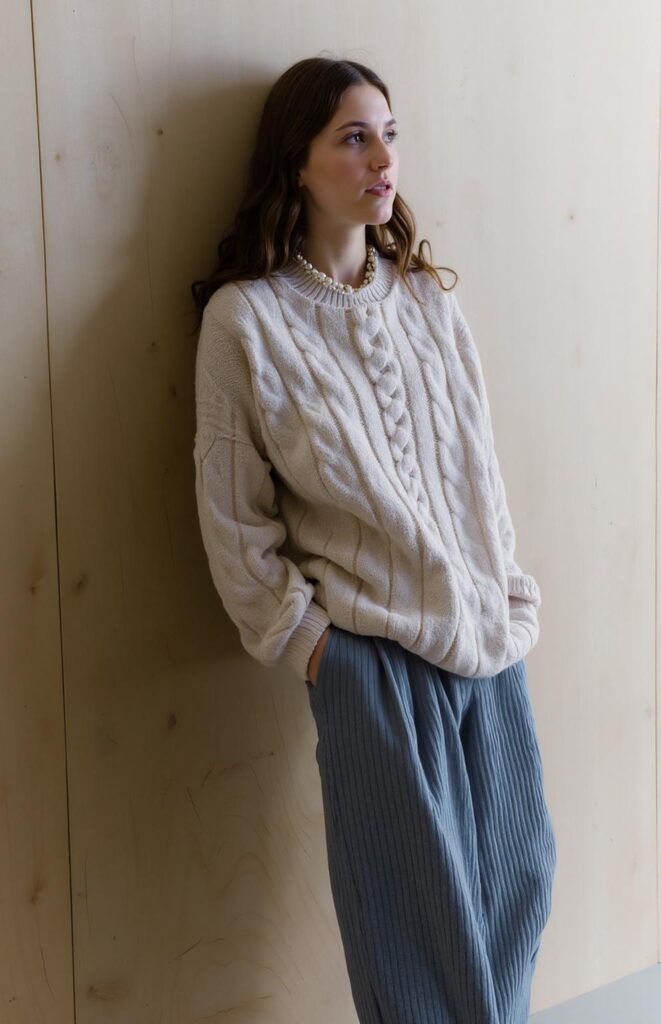
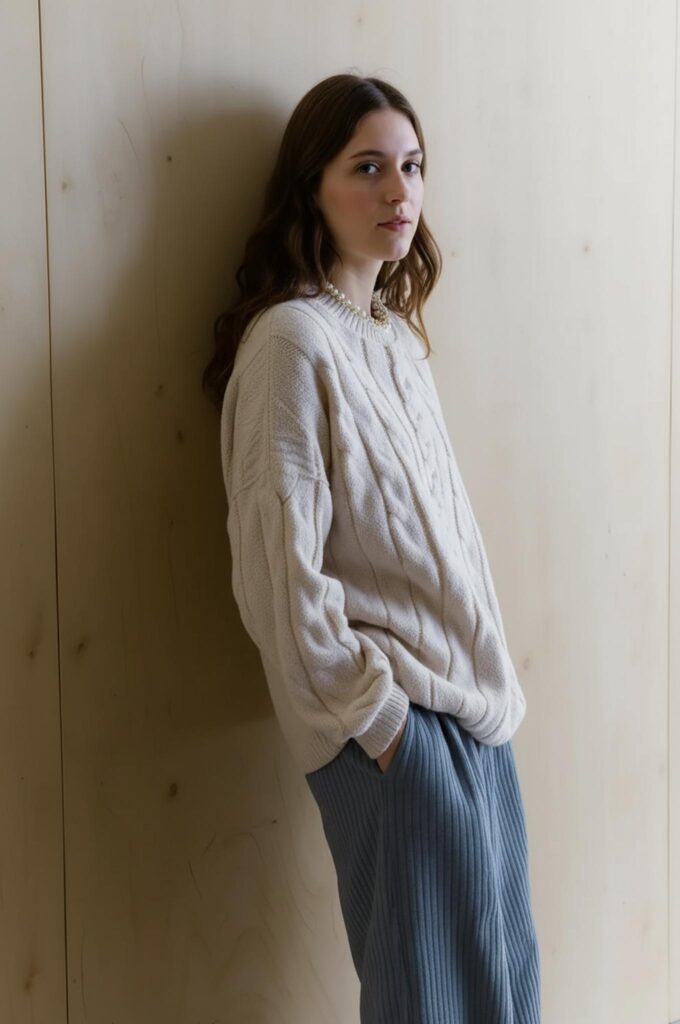
Fit and Shape Image
Next, use a side-facing or slightly turned pose.
This image can show the waist, shoulder shape, garment length, or side profile. Therefore, it helps customers understand how the item sits on the body.
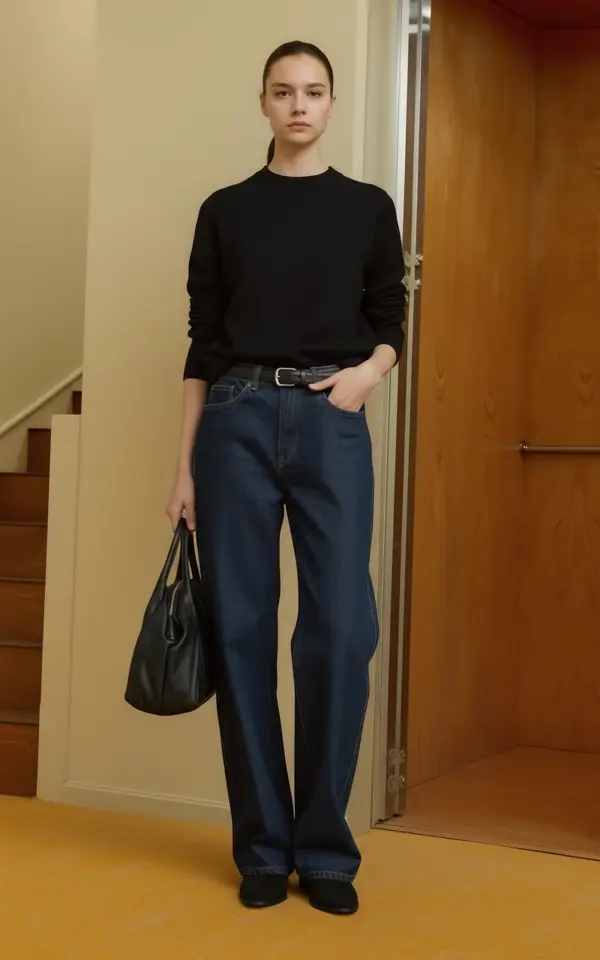
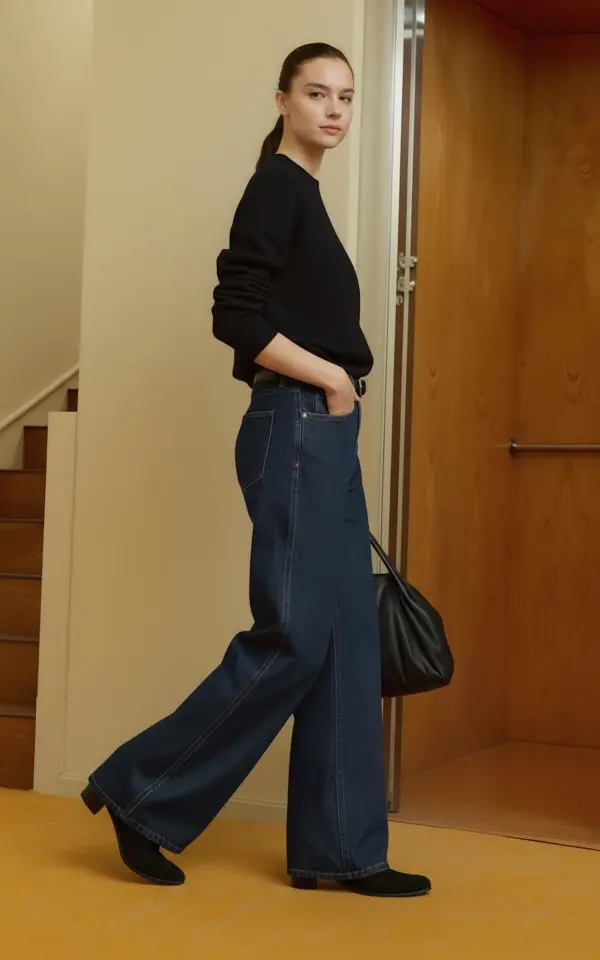
Movement Image
A walking pose can show how fabric moves.
For example, it can add life to a long dress, loose trousers, or lightweight jacket. However, the motion should not blur or cover the main design.
Detail-Focused Pose
A closer pose can highlight a collar, bag, necklace, sleeve, or fabric texture.
In addition, the model’s arms should guide attention rather than block the product. A relaxed hand position often works better than crossed arms.
Social Media Campaign Image
Social images can use more personality. Therefore, try a stronger stance, a casual seated pose, or a more expressive walking image.
Still, the product should remain the visual focus. The pose should support the item, not compete with it.
📈 Building a Complete Ecommerce Content Set
An AI Pose Generator for Ecommerce becomes more useful when every output has a planned destination.
Create a Three-Image Product Story
Start with three clear images:
- The Introduction: A clean standing pose
- The Main Detail: A side or closer pose
- The Lifestyle Moment: A walking or seated pose
Together, these images create a simple visual story. First, the shopper sees the full product. Next, they understand its details. Finally, they imagine wearing it.
Adapt the Pose for Each Platform
A product page usually needs clear and centered images. Meanwhile, a social post can use a more expressive pose.
For a vertical story, leave visual space above and below the subject. For a square post, keep the model near the center. In contrast, a website banner may work better with the model placed on one side.
Therefore, generate poses with the final layout in mind.
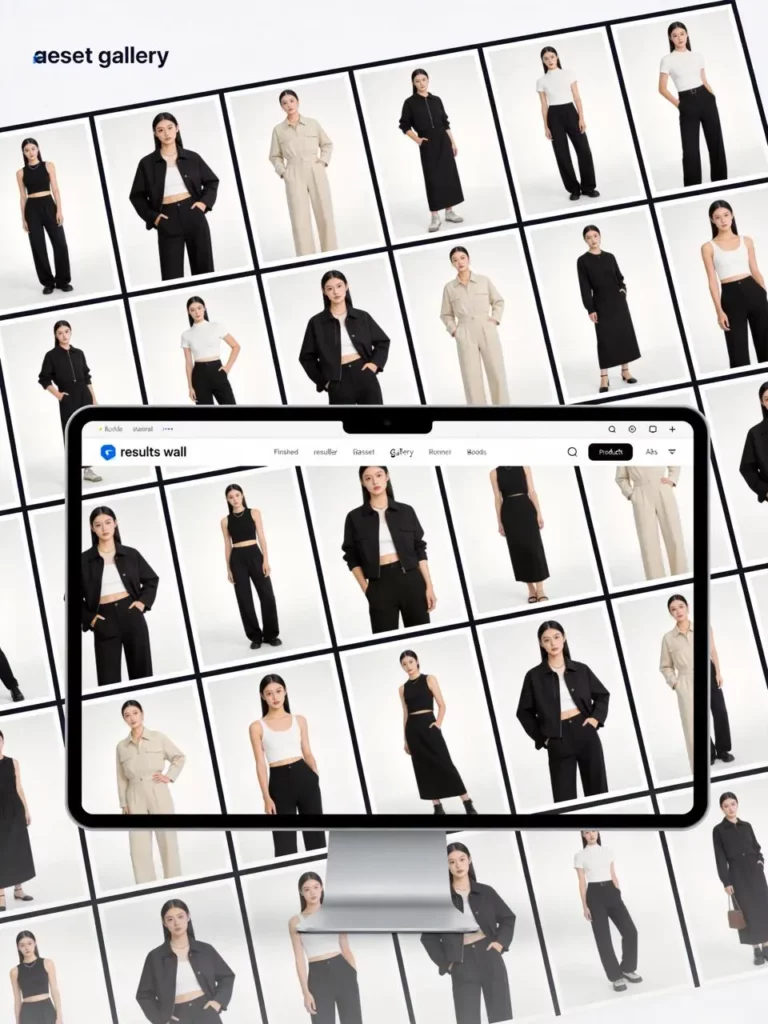
Keep a Consistent Pose Library
Over time, save the pose directions that work best for your brand.
For example, a minimalist label may prefer calm and balanced poses. A streetwear store may use wider stances and more movement. Meanwhile, a sports brand may need stretches, running positions, and strong action poses.
As a result, your pose library becomes part of the brand’s visual style.
❓ AI Pose Generator FAQ for Ecommerce
Can an AI Pose Generator Create Several Product Poses?
Yes. You can use one base image to explore different body positions. Therefore, it is useful for product pages, ads, and lookbooks that need more visual variety.
Does an AI Pose Generator Keep Clothing Details?
The tool is designed to retain important product details. However, every result should still be compared with the original before publishing.
Which Product Photos Work Best With an AI Pose Generator?
Clear clothing photos with visible shapes and balanced lighting usually work well. In addition, products with simple outlines may be easier to preserve than items hidden by heavy accessories or complex poses.
Can Small Stores Use an AI Pose Generator?
Yes. In fact, smaller stores may gain the most value because they often have limited photoshoot budgets and fewer existing assets.
🚀 Create More Ecommerce Content With an AI Pose Generator
A single model image should not limit your whole launch.
With an AI Pose Generator for Ecommerce, you can build product-page variations, campaign images, social posts, and lookbook scenes from one strong starting photo. Therefore, your team can test more ideas while keeping the visual direction connected.
The goal is not to generate endless poses. Instead, create a small set in which every image has a clear job.
Go to WeShop AI For Exploration: