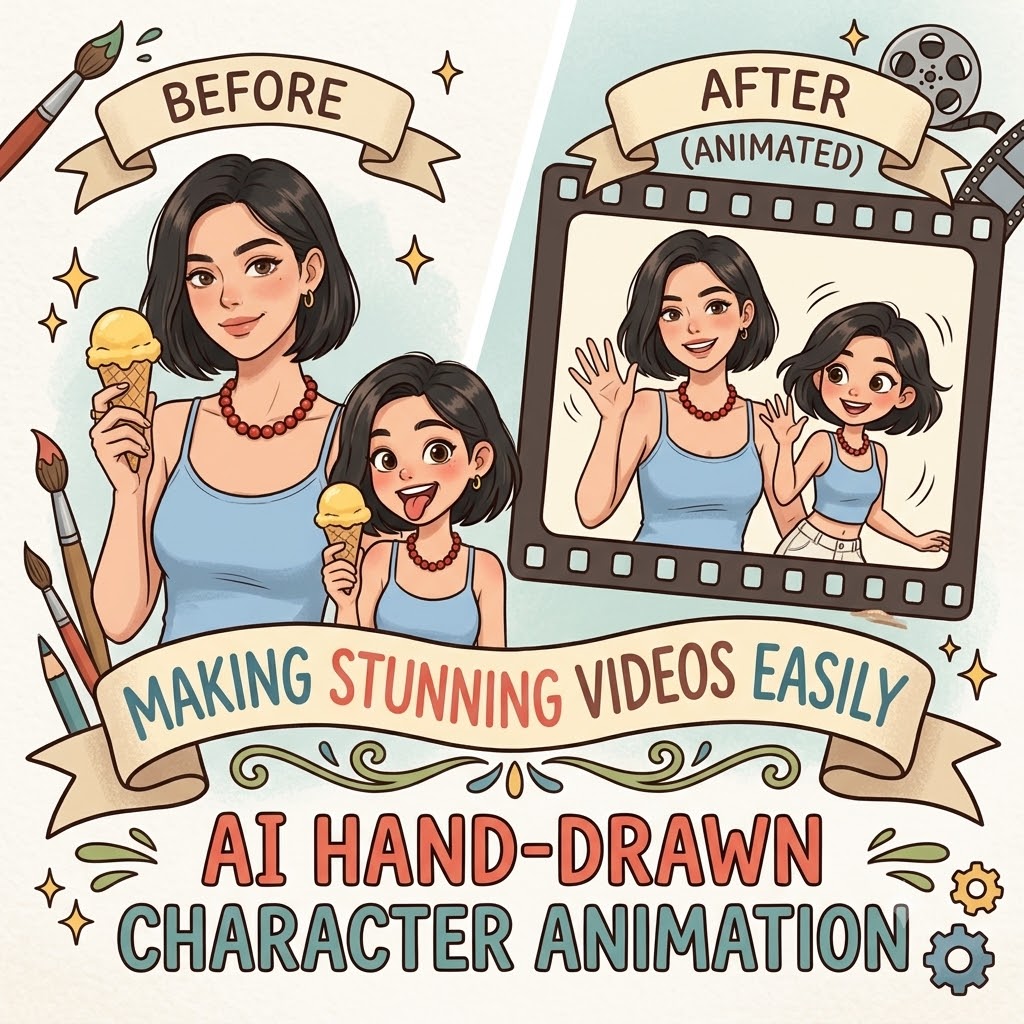
Creating a unique hand-drawn character animation used to require drawing skills, animation software, and countless hours of frame-by-frame work. But with modern AI tools, anyone can now generate hand-drawn character animation for videos using just a simple text prompt and a selfie. From virtual vlog avatars to animated cartoon hosts, AI hand-drawn animation workflows are becoming incredibly popular among content creators because they make videos feel more personal, memorable, and visually distinctive — without needing professional illustration experience.
Can do it even if you can’t draw: AI generates hand-drawn character animations to add some “soul” to videos.
Want to add your own hand-drawn style animated characters to the video, but have no drawing foundation and no time to draw frame by frame? Don’t worry. AI can make this as simple as typing. Today, I will share a universal and convenient method that can add unique character animations to the video without using a brush.
Why is “hand-drawn character animation” suddenly so popular?
When you open social media, you will find that more and more video bloggers are starting to use hand-drawn style character animations – it could be a little figure at the beginning of the video, or a “virtual avatar” that runs throughout the entire video. The advantages of this style are obvious:
- Differentiation: In the ocean of live-action and PPT-style explanations, hand-drawn animations are eye-catching
- Affinity: Hand-drawing comes with warmth, making it easier to get closer than real faces
- Privacy protection: Don’t want real people to appear on camera? Hand-drawn animation is the best alternative
- Memory point: A unique little person is easier to remember than a real face
The problem is that the vast majority of video creators cannot draw.
Preparation / Required Tools
| Tool | Usage | Is it mandatory |
| WeShop AI (weshop.ai) | Generate hand-drawn style character images using GPT Image 2 | ✅ Must |
| Kling 3.0(https://www.weshop.ai/tools/kling) | Convert static images into dynamic animations (keyframes, rigging) | ✅ Must |
| 1 paragraph text description | The character image you want (style, hairstyle, clothing, expression) | ✅ Must |
| (Optional) Reference Diagram | Screenshots of the hand-drawn style you like | Recommended |
💡 core idea: AI is responsible for “drawing”, and editing software is responsible for “moving”. You hand over the drawing part to AI and the moving part to Jianying – no drawing skills are needed.
Detailed Step-by-Step Guide
Step 1: Use AI to generate your “hand-drawn character”
Open WeShop AI’s GPT Image 2 ( https://www.weshop.ai/tools/gpt-image ) and enter instructions in the following format.
General instruction template (can be directly copied and modified):
text
Please help me create a hand-drawn character image for video animation. Character description: [Your identity, e.g., a girl/boy in their 20s] Hair style: [e.g., shoulder-length hair, bun, shaggy haircut] Clothing: [e.g., white T-shirt, hoodie, shirt] Expression: [e.g., smiling, goofy, serious] Pose: [e.g., hands on hips, making a heart shape, waving] Style requirements: 2D hand-drawn illustration style, with simple and smooth lines, clean and bright colors. Similar to the “virtual blogger” image commonly seen in daily Vlogs. The character has a moderate proportion (not Q-style big head), and can be full body or half body.Background transparent or pure white. Frame size ratio: 1:1 or 16:9 (depending on your video needs).
Actual Case (Input):
Transform the subject from the uploaded image into a character in the style of Charlie and Lola (children’s cartoon). Match the official cartoon look — thin sketchy outlines, flat colors, childlike proportions, playful hand-drawn charm, and simple textures. Retain the subject’s original clothing, hairstyle, facial features, accessories, skin tone, pose, and expression – but reinterpret them as if they belong in the Charlie and Lola world.Clothing should be simplified into flat shapes and bright colors, while keeping the overall outfit recognizable. Background: plain white or transparent to keep the focus on the character.» Negative Prompt: «No realistic shading, no detailed rendering, no anime or manga style, no 3D modeling, no photographic textures.
After generation: You will receive 2-4 hand-drawn character images with different postures. Choose the most satisfactory one.
💡 Tip: If you want multiple different poses (such as waving, walking, sitting), you can use WeShop AI’s change pose [ https://www.weshop.ai/tools/ai-pose-generator ] function after one generation to modify the pose description and regenerate it. The face and content style will remain consistent.
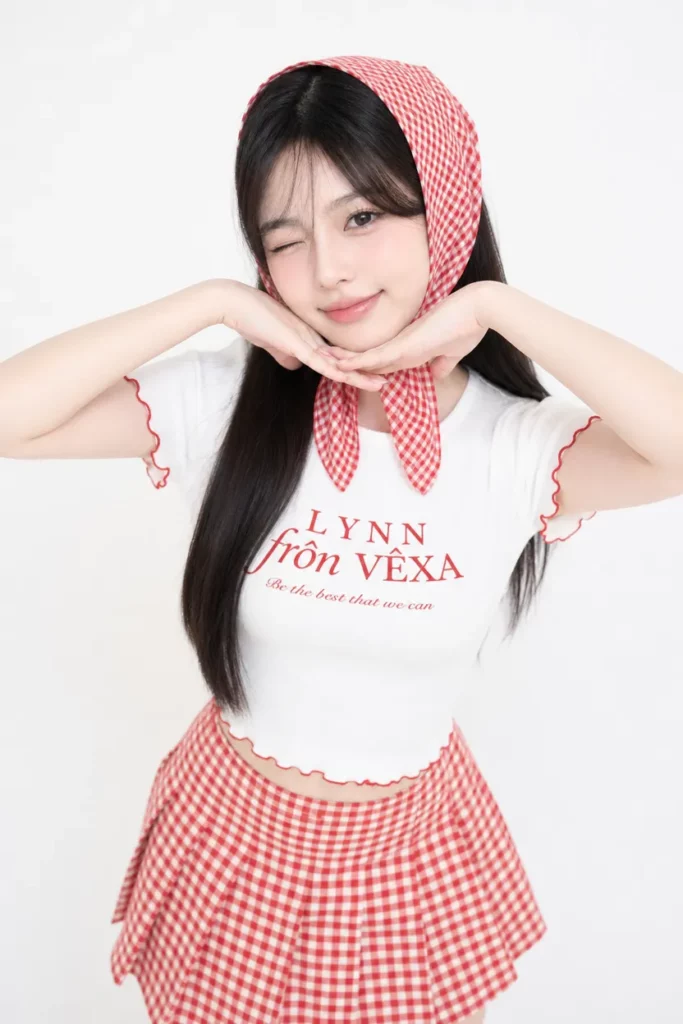
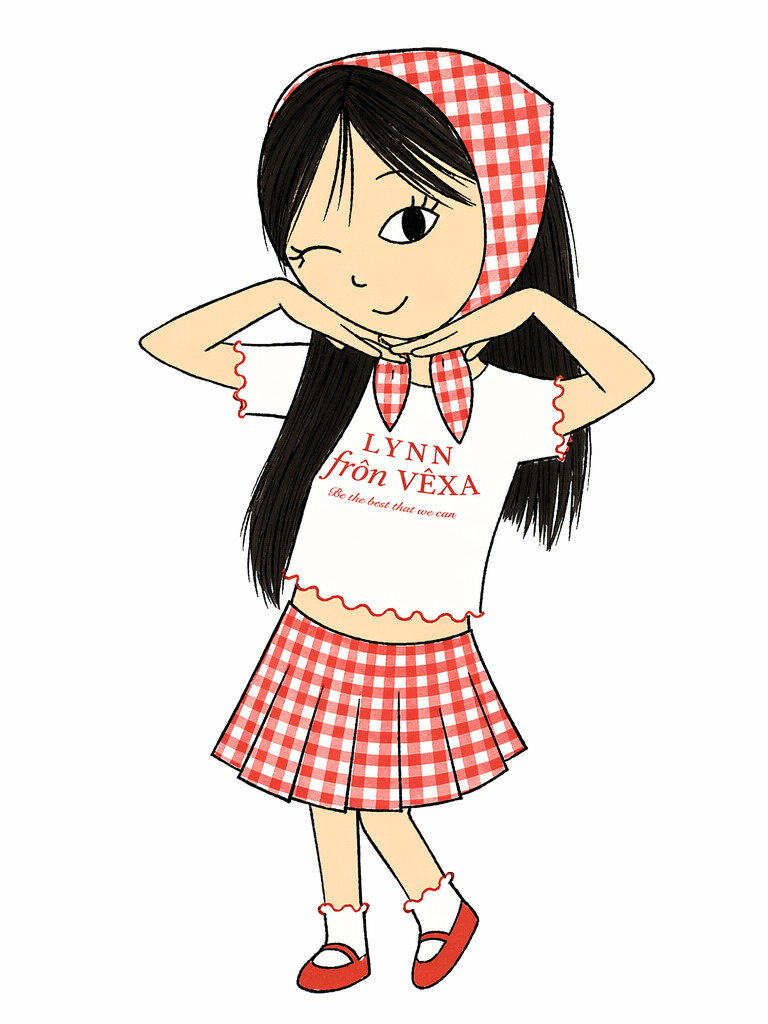
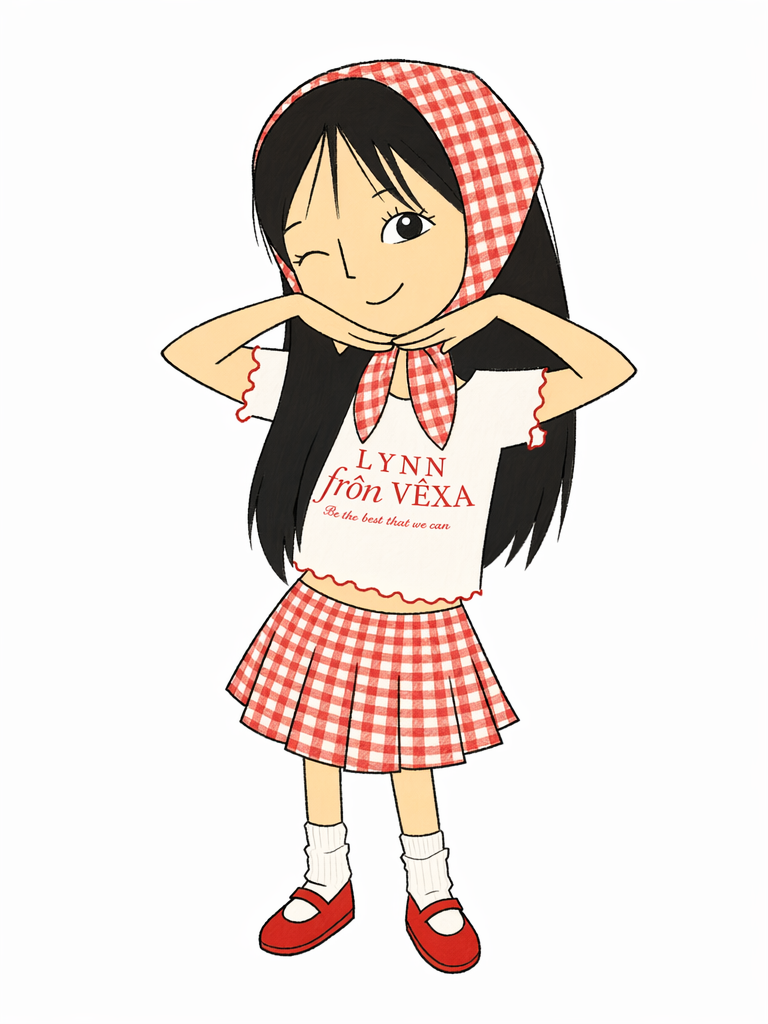
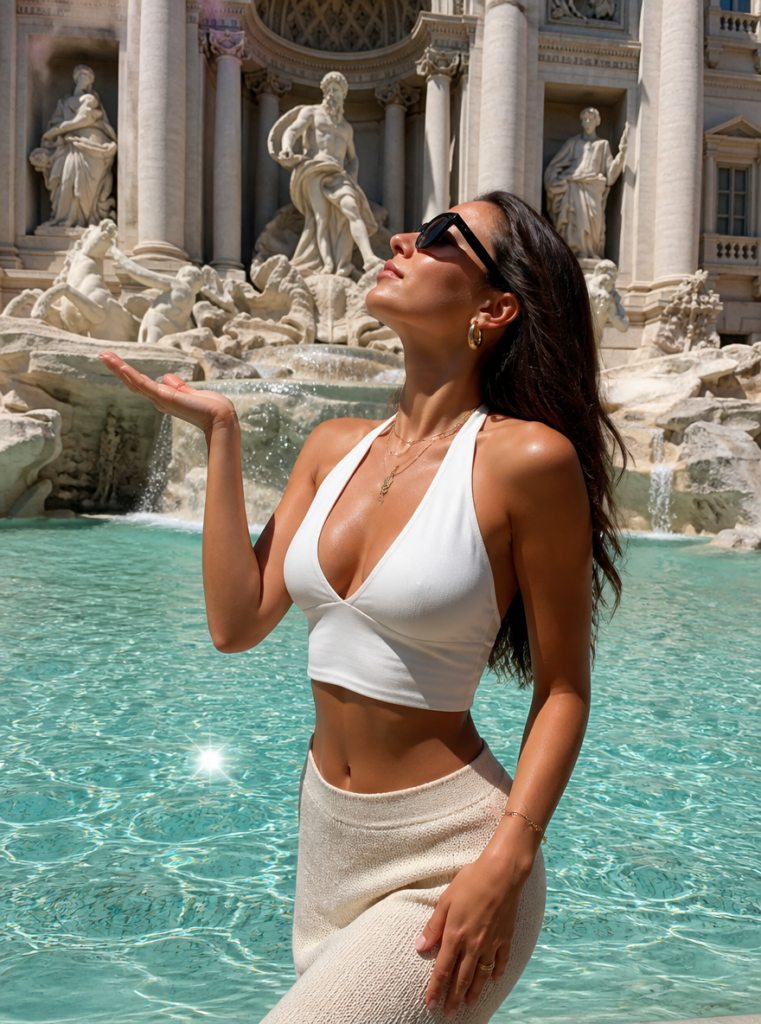
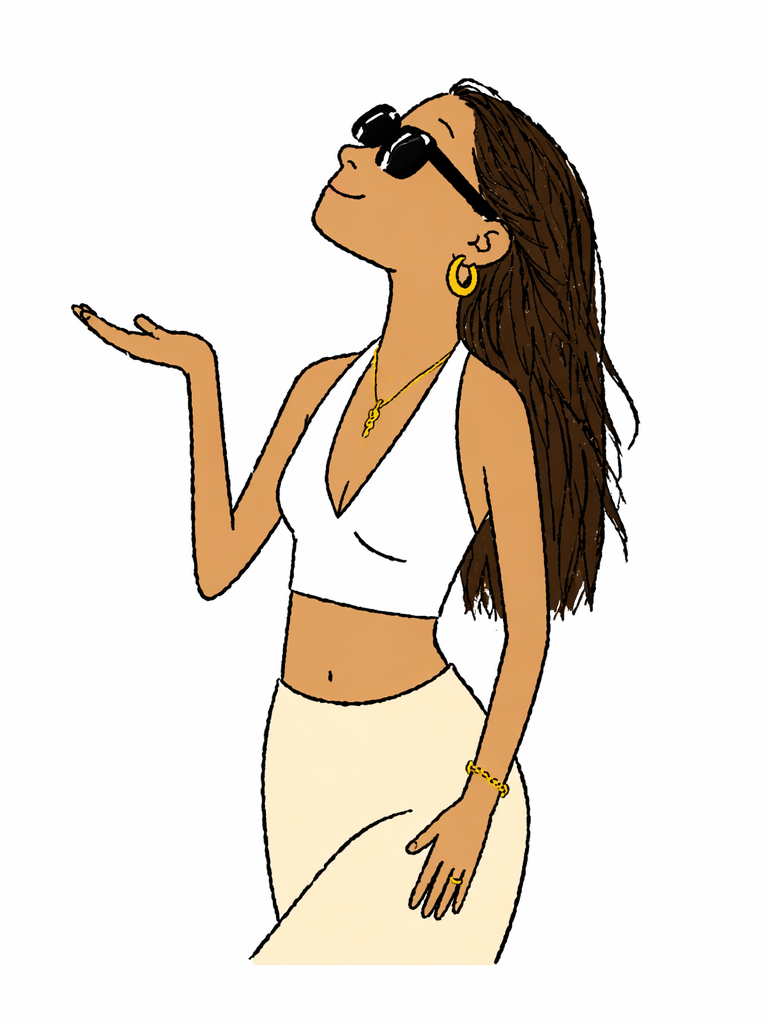
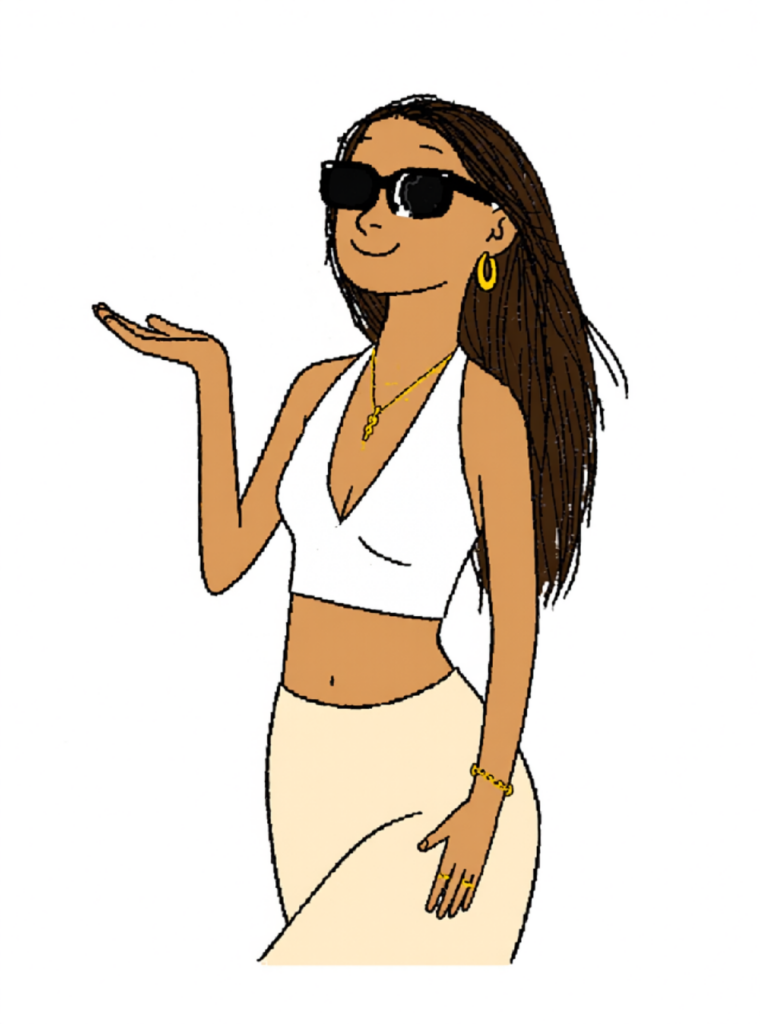
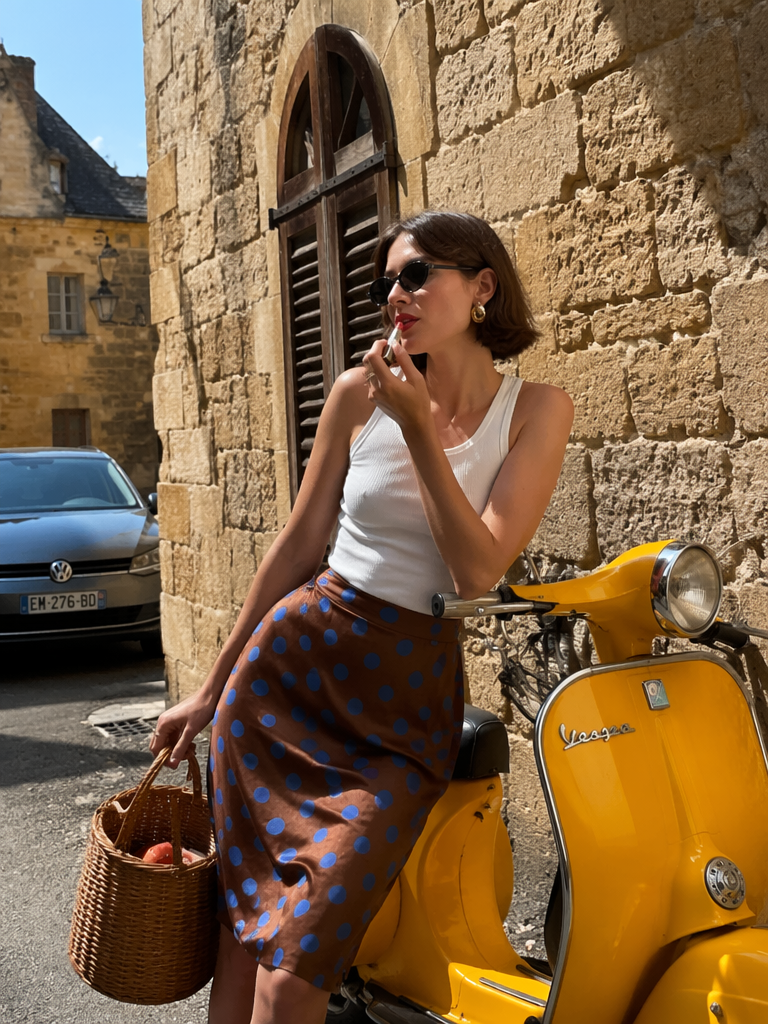
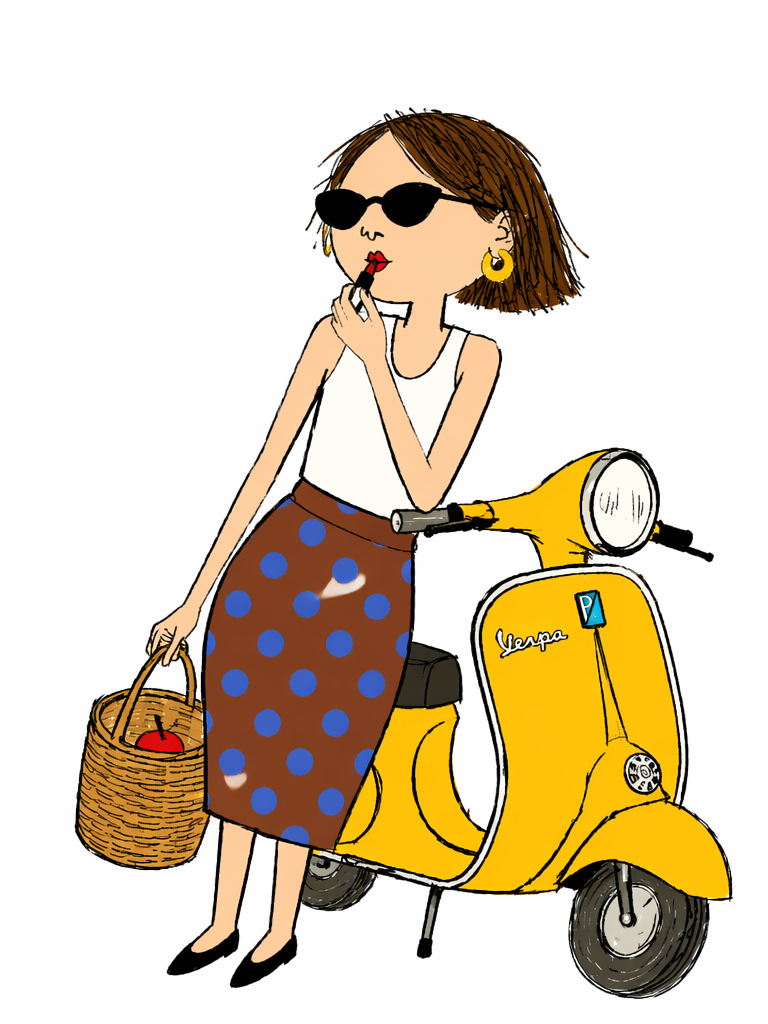
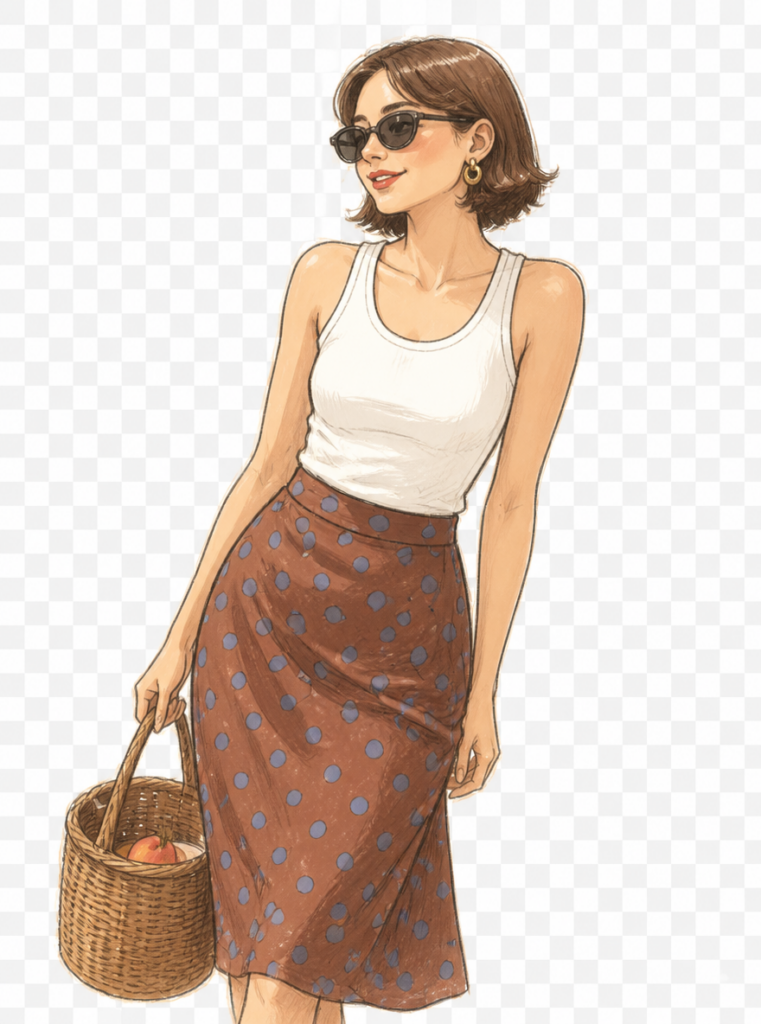
Step 2: Put the illustration and the original image into the same scene
Tips: If you want a stronger sense of interaction, you can skip this step directly. Jump directly to [Step 3] and achieve it through storyboards
Step 2: Make “characters” move in WeShop
Open: Kling 3.0
- Introduction: Characters walk in from outside the screen, wave and say “Hello everyone”.
- Transition: The character blocks the screen with their body, then moves away, switching to the next segment
- Emotional expression: At key information points, characters make exaggerated expressions or actions (shock, like, confusion).
Preview of the final effect:
Conclusion & CTA
The inability to draw used to be an insurmountable wall for video creators when they wanted to make hand-drawn animations. Now, AI has torn down this wall.
Act Now:
- Open the weshop.ai and use the command template in this article to generate your first hand-drawn character
- Open Kling 3.0 to bring the screen to life
Interaction in the comment section: What kind of hand-drawn avatar would you design for your videos? A glasses-wearing otaku blogger or a suit-wearing career expert? Welcome to leave a message to describe it, and I can help you write a customized generation instruction. ✏️
Go to WeShop AI For Exploration: