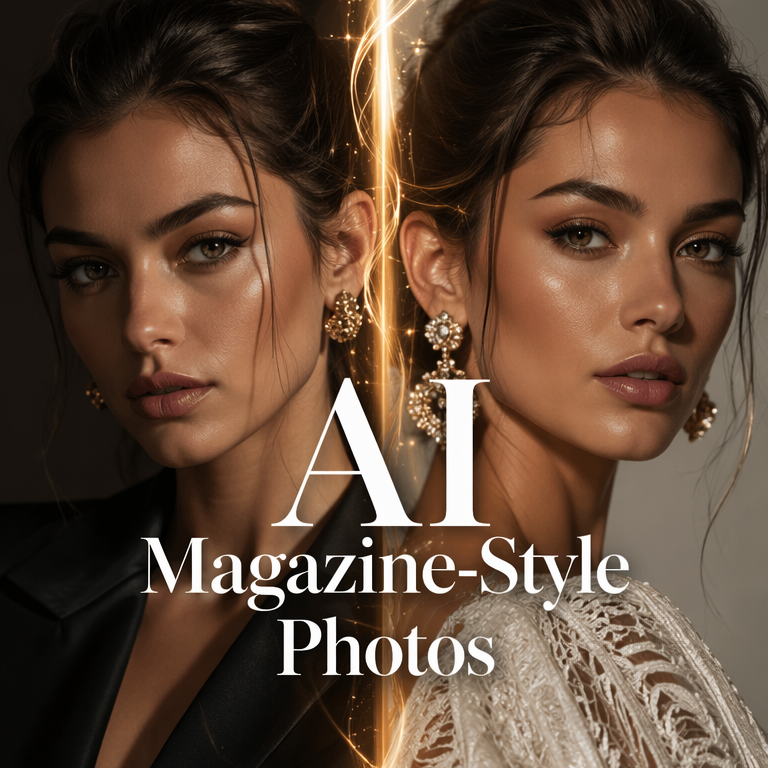
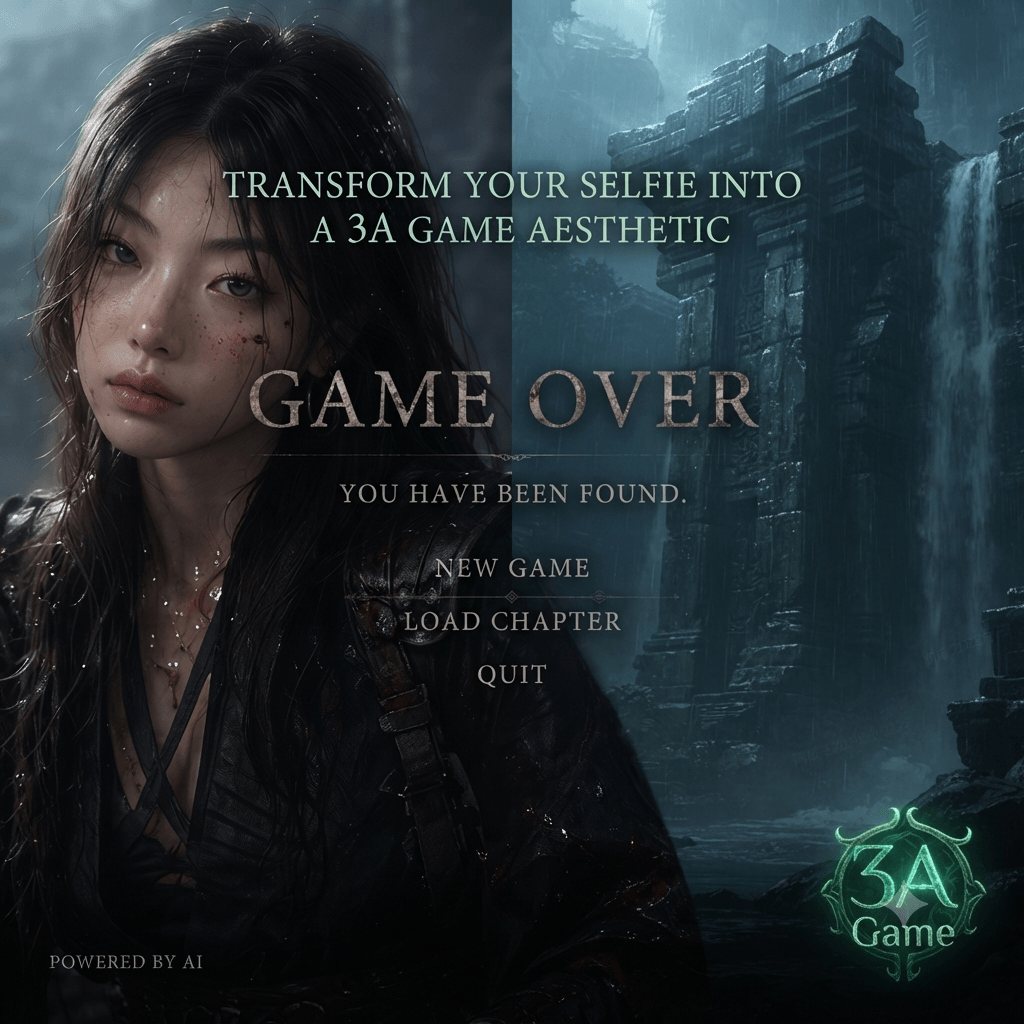
In the ever-evolving landscape of digital aesthetics, the boundary between professional artistry and AI-driven convenience is blurring. We have moved past the era of generic “beauty filters” that wash out features and distort reality. Today, the conversation has shifted toward precision-driven style transfer.
Whether you are a beauty enthusiast, a professional content creator, or someone simply looking to experiment with a new aesthetic, the “makeup transfer” capability powered by GPT Image 2 within the WeShop ecosystem represents a significant leap forward. It’s not just about adding color; it’s about the intelligent mapping of texture, depth, and style.
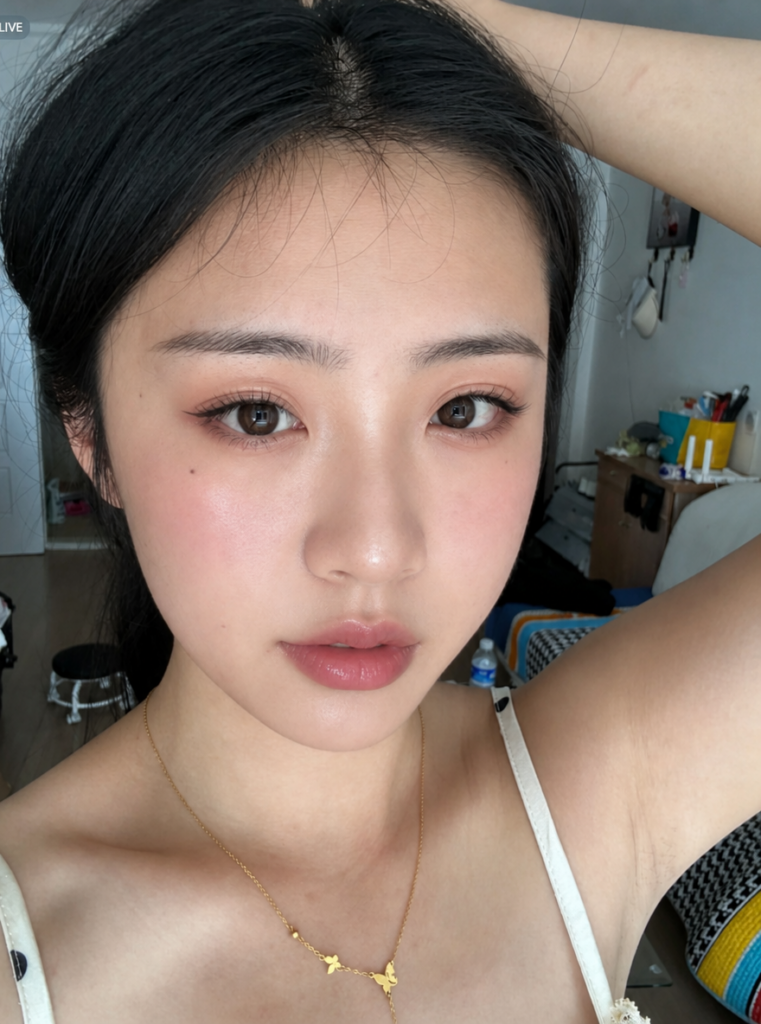
The Modern Dilemma: The Gap Between Inspiration and Execution
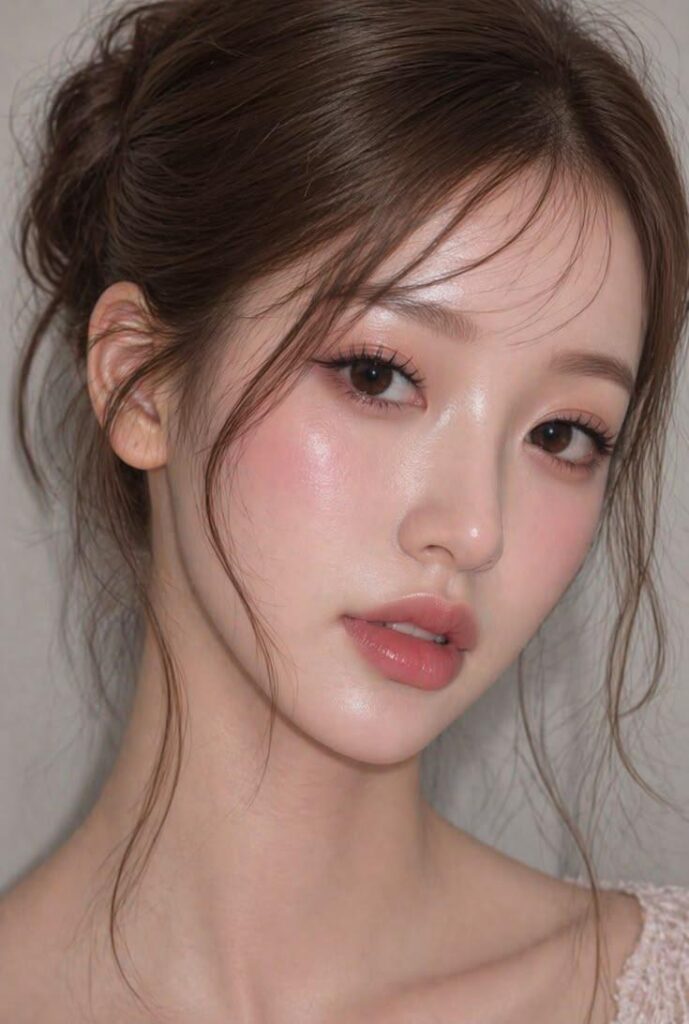
We’ve all experienced the “tutorial fatigue.” You find a breathtaking makeup look on Pinterest or TikTok—perhaps a glossy Korean idol shimmer or a sharp, Douyin-inspired “cool girl” aesthetic. However, the path to recreating that look is often paved with expensive product hauls, hours of trial and error, and the inevitable frustration when the look doesn’t quite translate to your specific facial structure.
This is where AI intervention becomes transformative. Instead of physically applying products, users can now use AI as a high-fidelity “preview engine” to test how specific palettes and techniques interact with their unique features before even touching a brush.
The Engine Behind the Magic: Why GPT Image 2?
Unlike traditional augmented reality (AR) overlays found in social media apps, GPT Image 2 utilizes advanced diffusion models to understand the semantics of makeup.
- Texture Retention: It doesn’t just “paint” over the skin; it blends the pigment into the skin’s natural texture, maintaining a realistic “skin finish.”
- Anatomical Awareness: The model recognizes the delicate contours of the eyelids, the precise line of the cheekbones, and the varying fullness of the lips, ensuring the transfer feels organic rather than “pasted on.”
- Lighting Synchronicity: One of the most significant upgrades is how it adapts the reference makeup to the lighting conditions of your original selfie, preventing the “uncanny valley” effect.
A Practical Guide: Achieving the Perfect “One-Click” Transfer
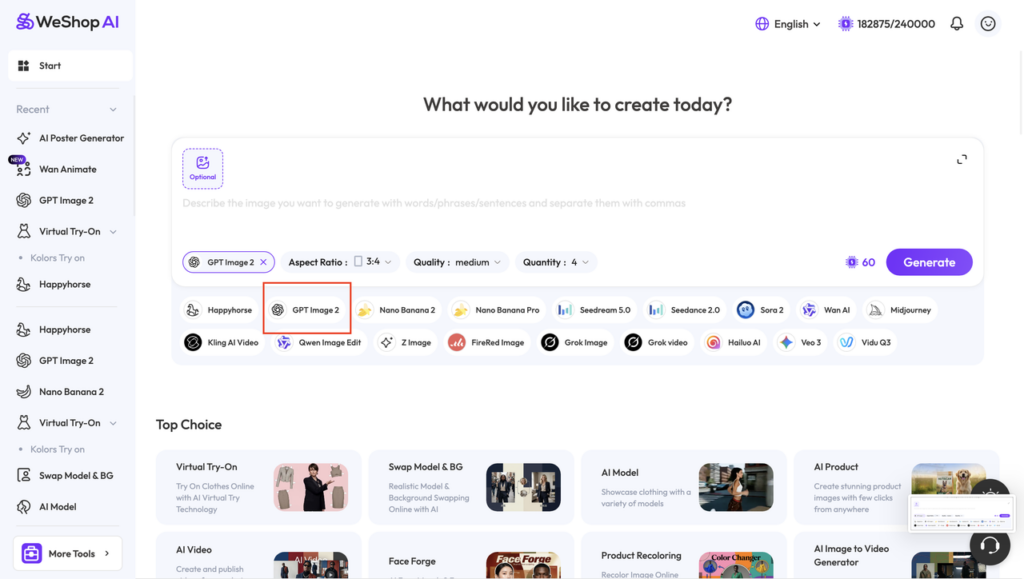
To achieve professional-grade results in WeShop, the process requires a blend of quality input and precise instruction. Here is the optimized workflow:
1. Curating High-Quality Inputs
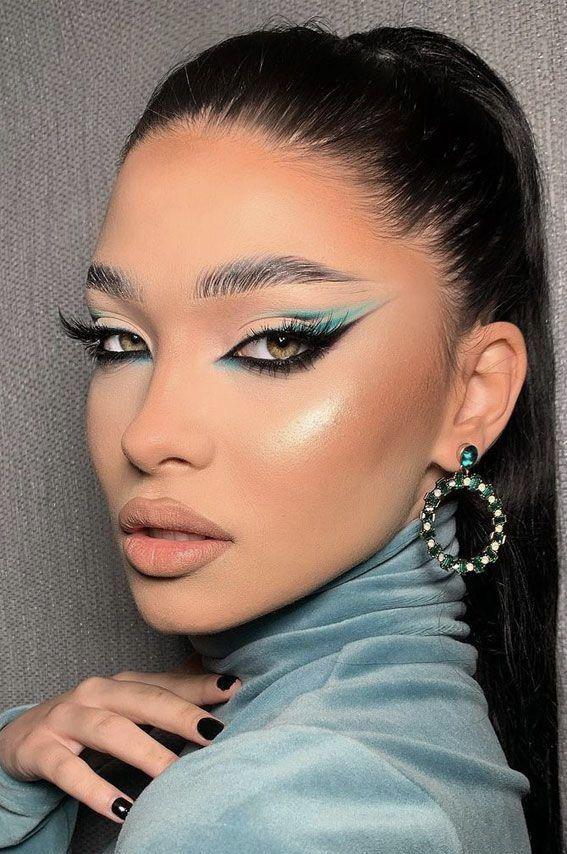
Your results are only as good as your reference. When selecting an inspiration image from platforms like Xiaohongshu or Instagram, prioritize photos with clear lighting where the details of the eyeliner, the gradient of the eyeshadow, and the placement of the blush are distinctly visible.
2. Setting the Workspace
Within the WeShop platform, navigate to the image generation interface. The critical step here is selecting GPT Image 2 from the model library. This specific model is optimized for high-detail facial synthesis and maintaining identity consistency.
3. The Power of “Constraint-Based” Prompting
The most common mistake users make is being too vague. To ensure the AI acts as a digital makeup artist rather than a full-image editor, you must provide clear boundaries.
Instead of a simple “apply this makeup,” use a structured instruction that defines what to change and what to preserve. A highly effective prompt structure would look like this:
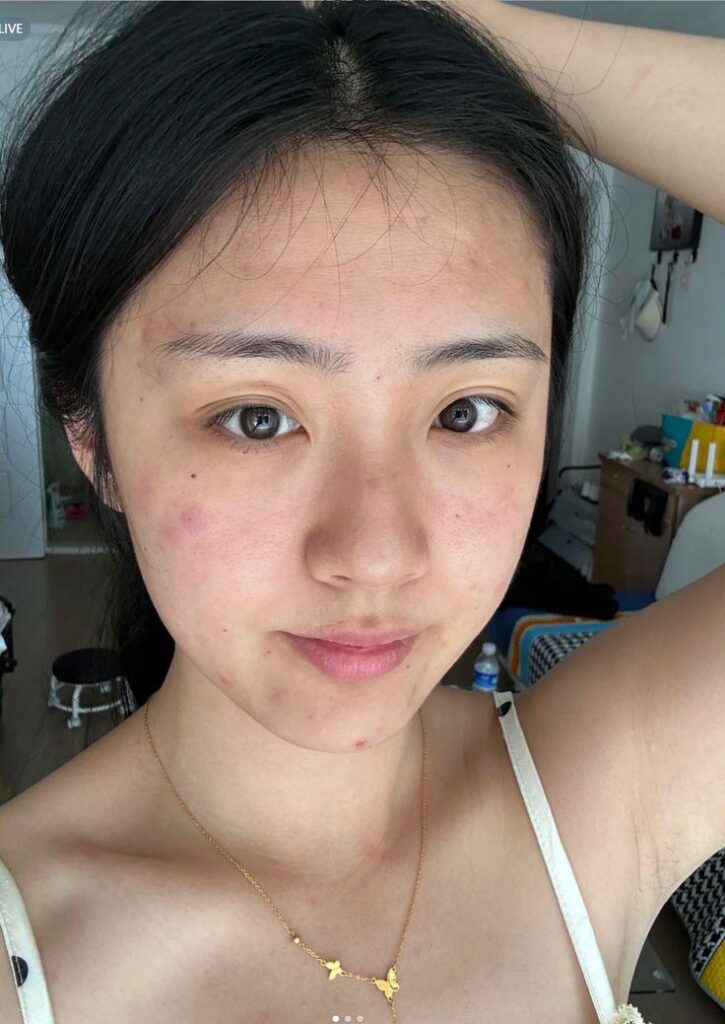
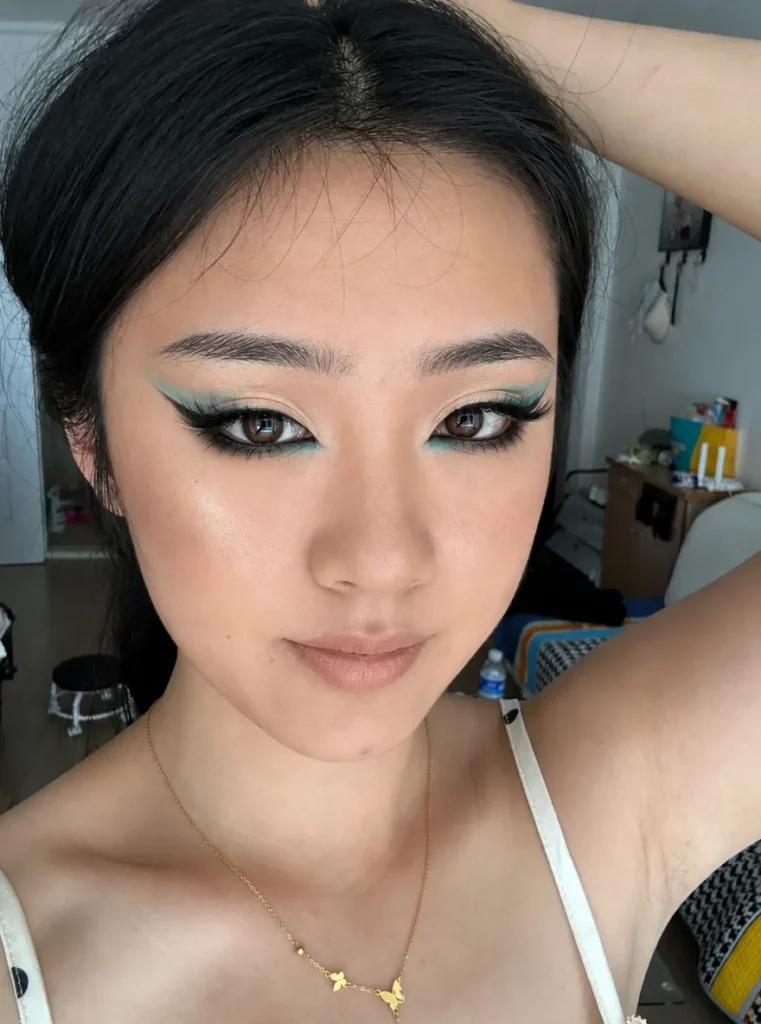
“Transfer the comprehensive makeup style from the reference image to the subject in my selfie. Focus specifically on replicating the eyeshadow gradient, eyeliner precision, lash density, blush placement, facial contouring, and lip color. It is vital to keep all other elements—including the subject’s original facial features, unique identity, hairstyle, clothing, and background—entirely unchanged. Ensure the lighting of the makeup matches the original photo’s environment for a seamless finish.”
By integrating these specific parameters directly into your request, you guide the AI to focus its creative power solely on the cosmetic layer.
See Make up Transfer on WeShop:
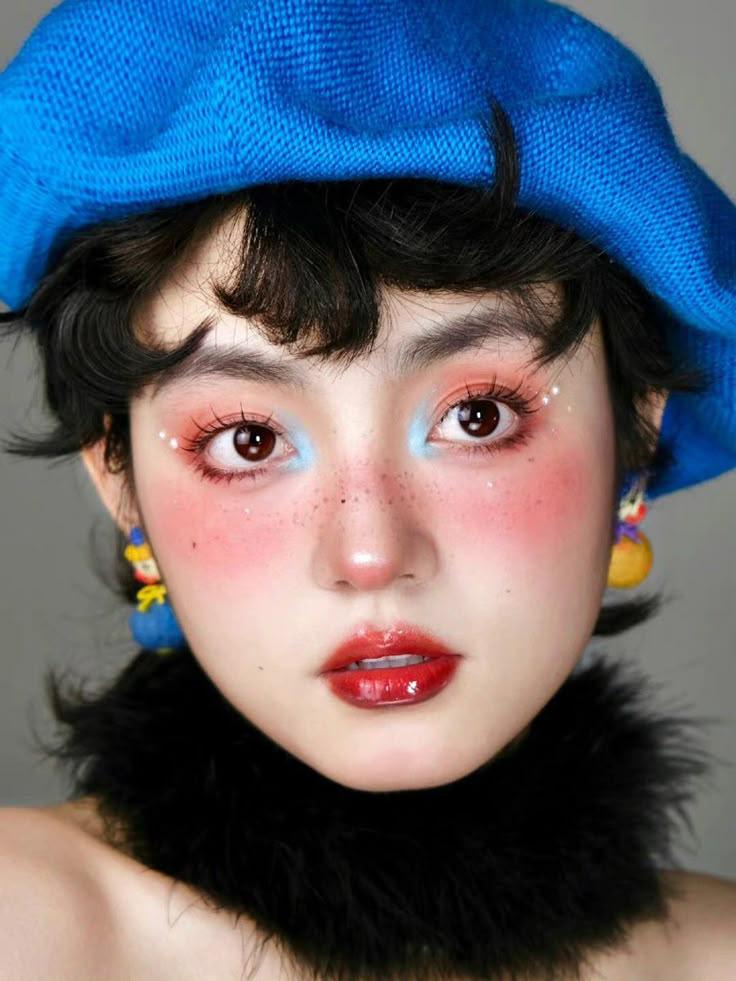
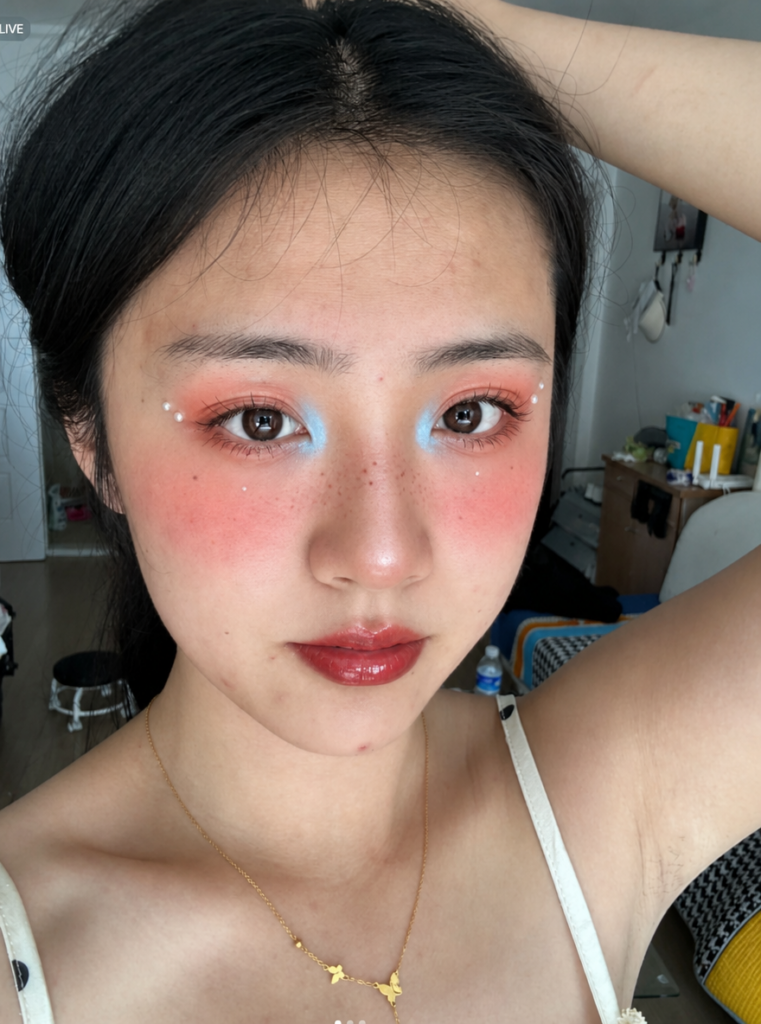
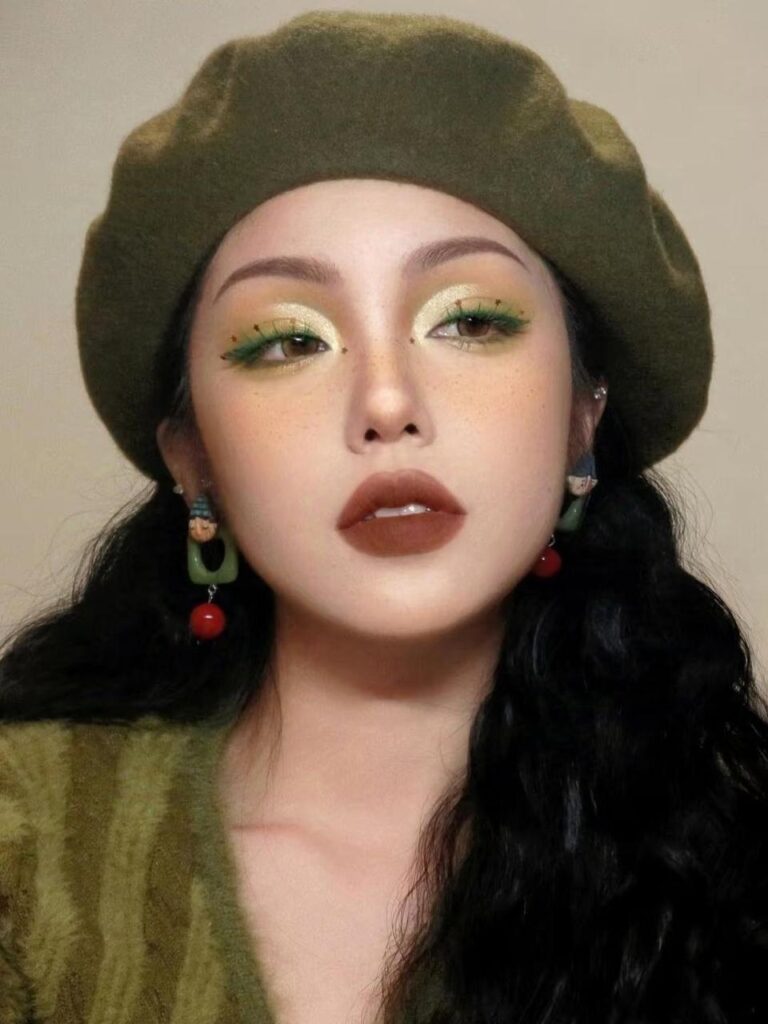
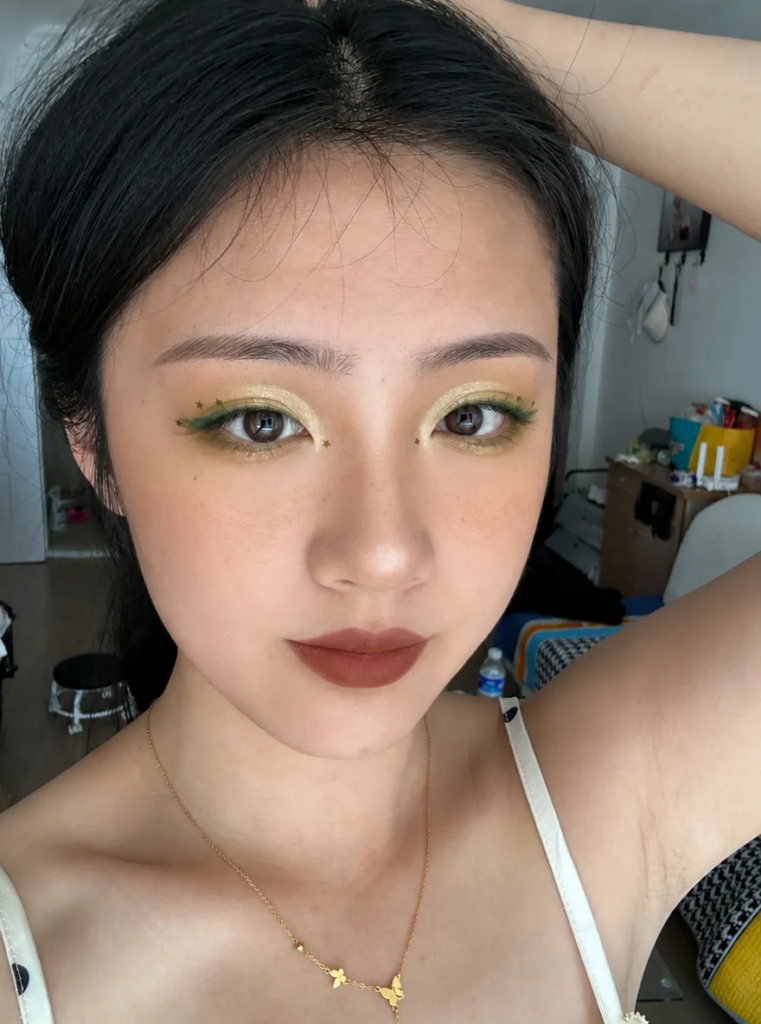
From Personal Use to Professional Content Creation
The applications for this technology extend far beyond personal curiosity.
- For Influencers: Quickly test dozens of looks to see which fits a specific theme or outfit before a photoshoot.
- For Beauty Brands: Create high-volume visual assets showcasing how different products look on various skin tones and face shapes without the overhead of multiple models and makeup artists.
- For E-commerce: Streamline the production of lifestyle portraits by digitally updating the “vibe” of a model to suit different seasonal campaigns.
Conclusion: The Future of Personalized Aesthetics
The integration of GPT Image 2 into accessible platforms like WeShop signifies a broader trend: the democratization of high-end visual production. We are entering an era where the “cost of experimentation” is virtually zero.
As AI models continue to refine their understanding of human aesthetics, the synergy between technology and beauty will only grow. We are no longer limited by our physical makeup skills or the products in our vanity. With a single image and a well-crafted prompt, the only limit to our digital transformation is the extent of our inspiration.
Go to WeShop AI For Exploration: