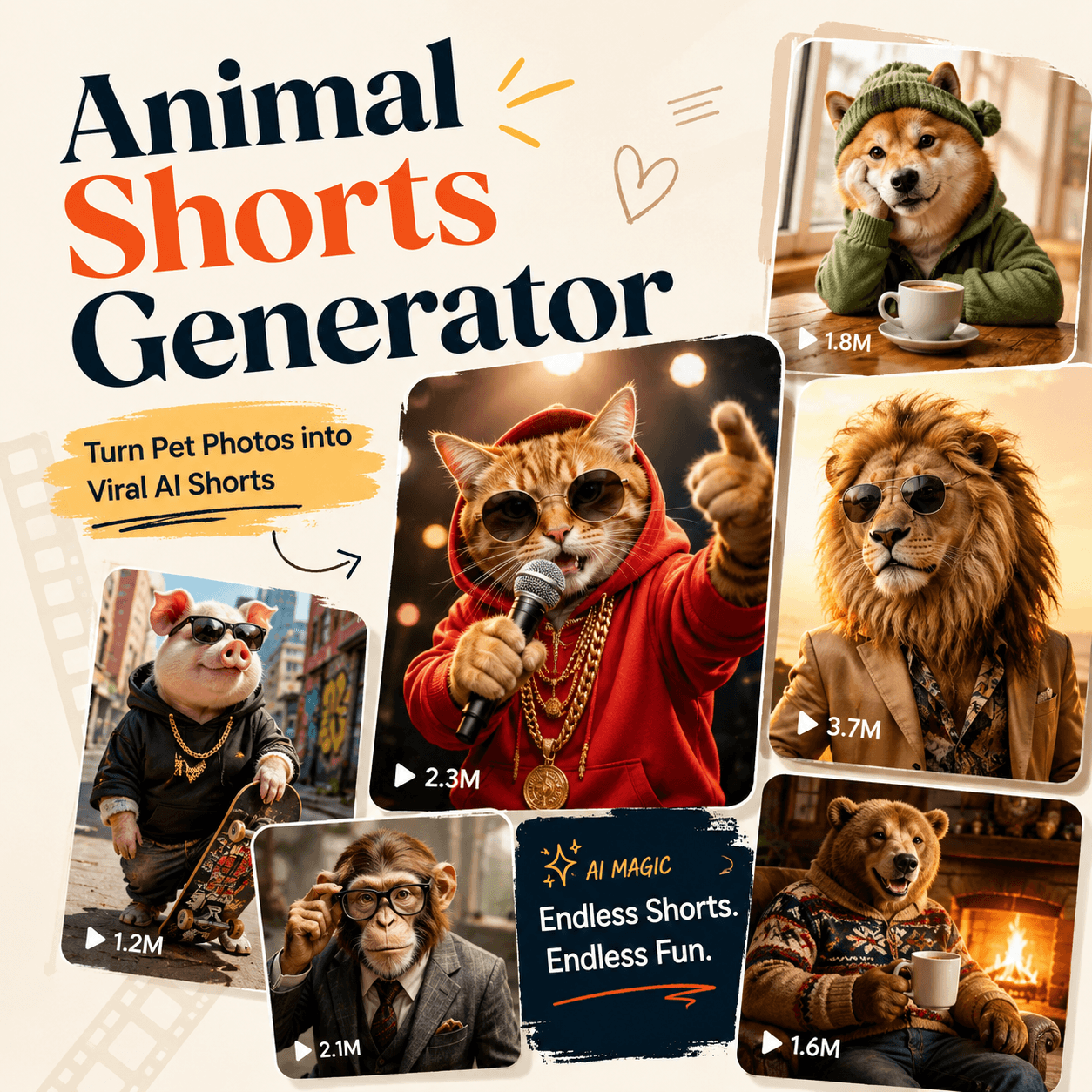
Animal videos can grab attention in seconds. A curious cat, a dramatic hamster, or a tiny dog acting like a movie hero already feels easy to watch. However, filming the right moment is not always simple. Pets move fast, wildlife is hard to record, and editing takes time. An Animal Shorts Generator offers a faster path. It can turn a text idea or animal image into a short social video.
With the WeShop Animal Shorts Generator, creators can make cute pet clips, funny animal scenes, animated stories, and wildlife-style videos without planning a full shoot. In addition, each short idea is easy to test, change, and publish.
🎬 What Is an Animal Shorts Generator?
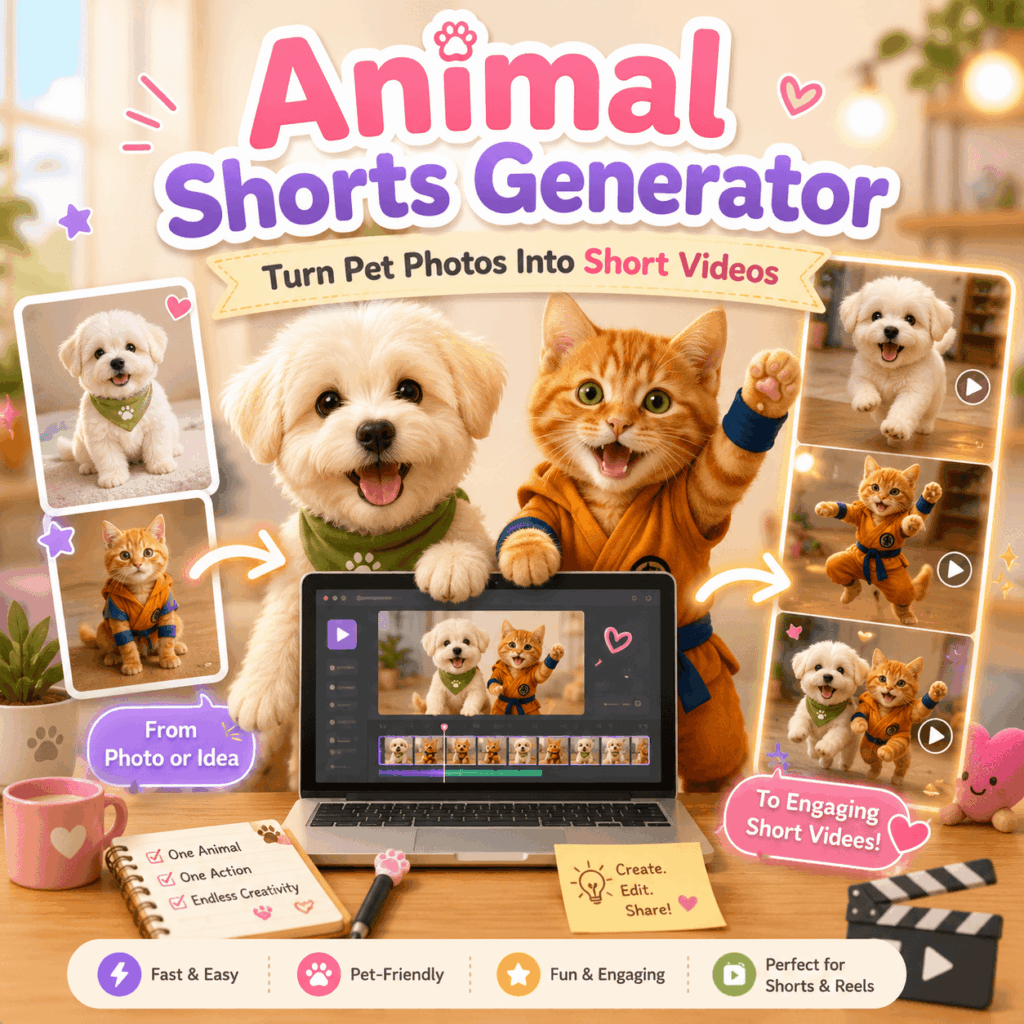
An Animal Shorts Generator is a tool for making short animal videos with AI. Instead of recording every scene, you describe the animal, action, setting, mood, and camera style. Then, the tool turns those details into a moving clip.
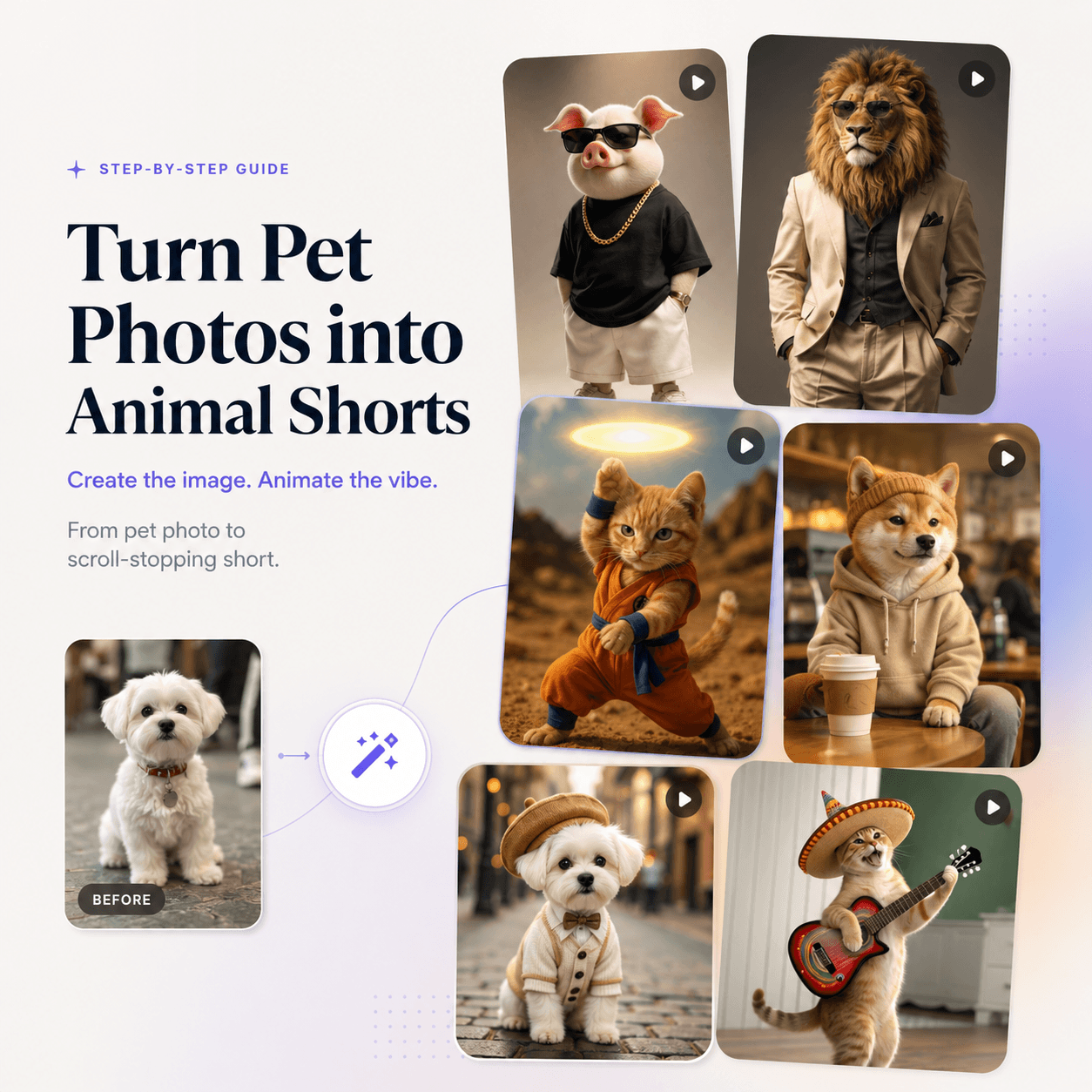
You can also start with an image. For example, a sleepy cat photo can become a scene where the cat wakes up, looks at the camera, and stretches. Likewise, a dog portrait can become a playful running scene or a funny reaction video.
Because the process is simple, it works for beginners and regular creators. Moreover, it can support styles ranging from realistic pet moments to cartoon adventures.
🚀 Why Animal Shorts Generator Content Works
Short animal videos are easy to understand. Usually, viewers do not need a long introduction. They see the animal, notice the action, and understand the joke or story almost at once.
Animal Shorts Generator Videos Create Fast Hooks
Animals can feel cute, funny, surprising, or comforting within a few seconds. Therefore, they are useful for strong opening shots. A rabbit wearing a raincoat creates instant curiosity. Meanwhile, a serious cat sitting in an office chair can set up a joke before any text appears.
However, the animal still needs a clear action. Instead of asking for “a cute puppy,” describe “a tiny puppy carrying a large newspaper through a sunny kitchen.” As a result, the video begins with a much stronger visual idea.
Animal Shorts Generator Clips Suit Vertical Platforms
TikTok, Instagram Reels, and YouTube Shorts are built around quick visual stories. Therefore, one animal, one action, and one simple setting often work better than a crowded scene.
In addition, short clips are easier to loop. A bird dropping a snack and looking shocked can return smoothly to the first frame. Consequently, the video may feel more natural when viewers watch it again.
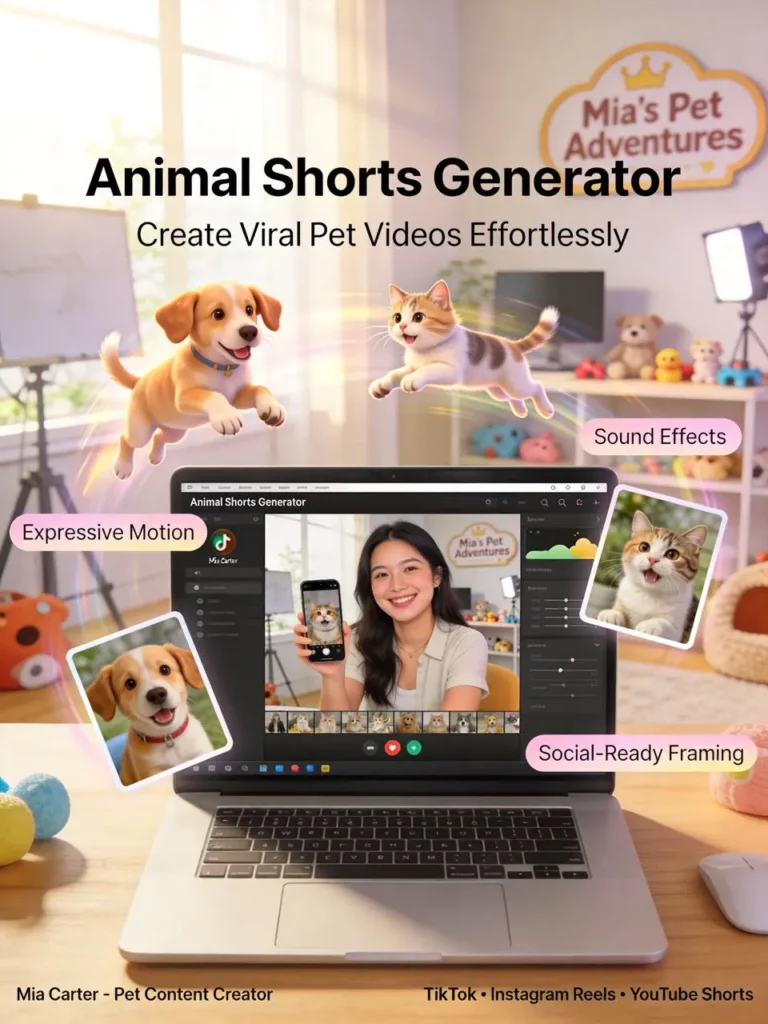
✨ What Can You Create With an Animal Shorts Generator?
Although pet comedy is a popular choice, the format can support several content goals.
Cute and Funny Pet Shorts
First, you can create simple pet moments for entertainment pages. Cats can react to strange sounds. Dogs can dance in a kitchen. Hamsters can act like busy office workers.
These ideas are clear and easy to follow. Therefore, they work well with short captions, funny voiceovers, and popular sounds.
Mini Animal Stories
Next, you can build a short story with a beginning, action, and ending. For instance, a small fox may find a glowing key and open a hidden door.
However, keep the plot simple. One strong event is usually enough for a short video. Otherwise, the story may feel rushed or confusing.
Wildlife, Mascot, and Brand Videos
Meanwhile, the Animal Shorts Generator can create nature-style scenes with wolves, dolphins, elephants, birds, or fantasy animals.
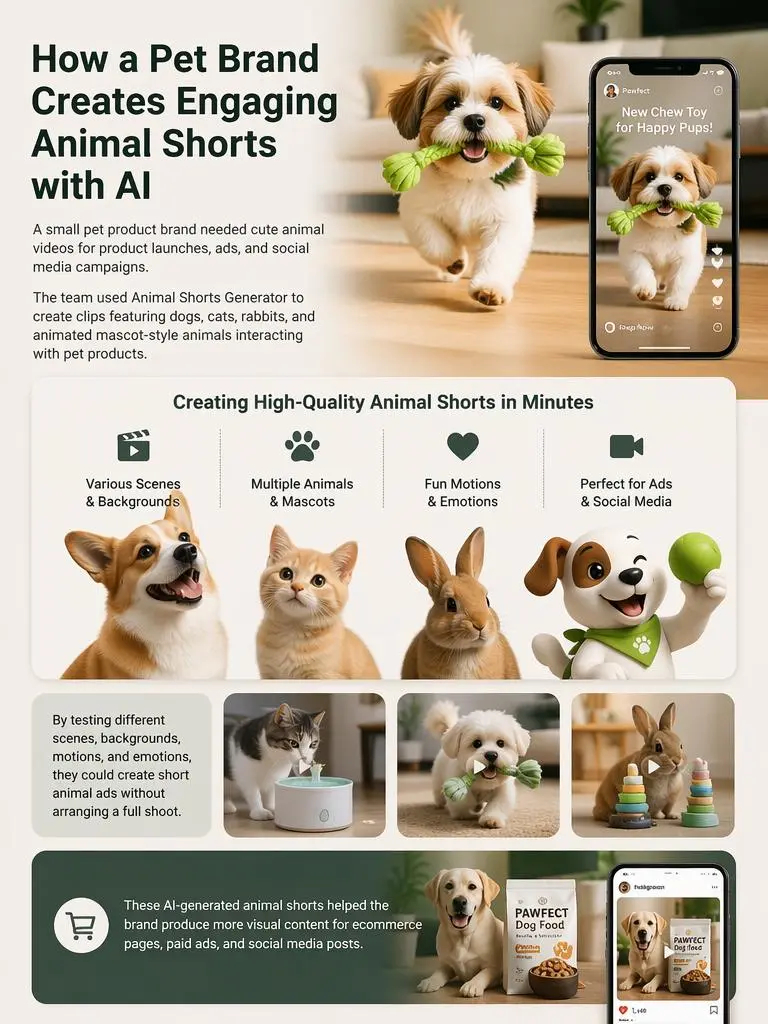
Brands can also build a repeatable animal mascot. For example, a cheerful corgi may introduce a product in a weekly content series. As a result, the brand gains a familiar character without filming a new campaign each time.
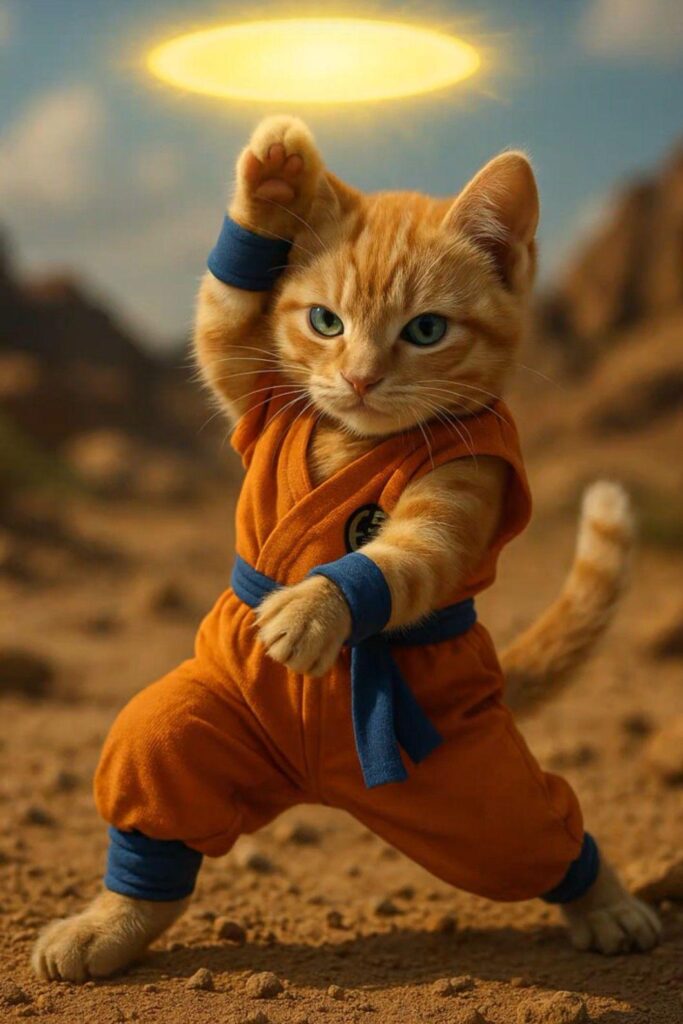
🛠️ How to Use the Animal Shorts Generator in Four Steps
The workflow is simple. However, better input usually leads to a clearer result.
Step 1: Upload the Animal Photo You Want to Animate
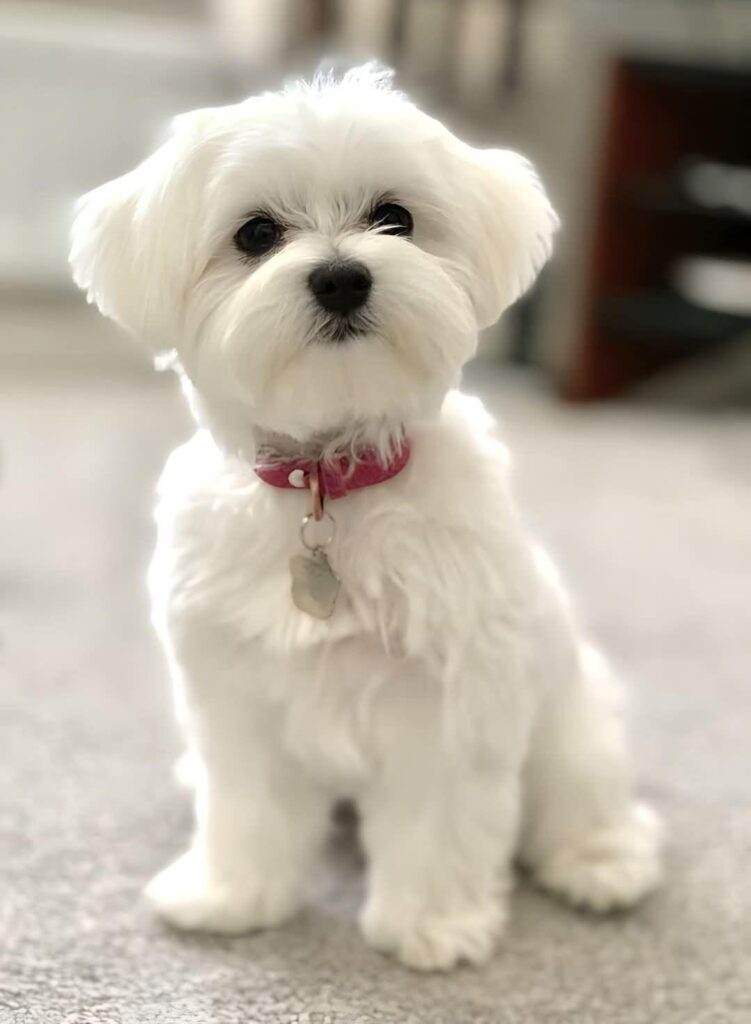
Start by uploading a clear photo of the animal you want to turn into a video. It can be a pet portrait, a wildlife image, or an illustrated animal character.
For better results, choose a photo with good lighting and a visible subject. In addition, make sure the animal is not blocked by objects or placed in a crowded background. As a result, the Animal Shorts Generator can recognize the body, face, and key details more accurately.
A simple image of one animal usually works best. Therefore, avoid uploading photos with too many animals unless you want them all to appear in the final clip.
Step 2: Add the Setting and Mood
Next, describe where the action happens and how it should feel. You might choose a warm bedroom, a rainy street, a bright supermarket, or a quiet forest.
Also, add a mood such as playful, cinematic, cozy, emotional, or dramatic. As a result, the Animal Shorts Generator has a clearer creative direction.
Step 3: Guide the Motion and Camera
Then, explain how the animal moves. Use simple phrases such as “walks slowly,” “turns toward the camera,” or “jumps with excitement.”
In addition, guide the shot with terms like close-up, low angle, wide shot, or smooth tracking shot. However, avoid adding too many camera moves in one prompt.
Step 4: Generate, Review, and Improve
Finally, create the clip and check the face, paws, body motion, background, and timing. If one part feels strange, adjust only that detail.
For example, you can change “running quickly” to “walking slowly toward the camera.” Therefore, you can improve the result without changing the entire idea.
💡 Animal Shorts Generator Prompt Tips
A useful prompt should be clear but not overloaded. Usually, five parts are enough:
Animal + Action + Setting + Mood + Camera
For example:
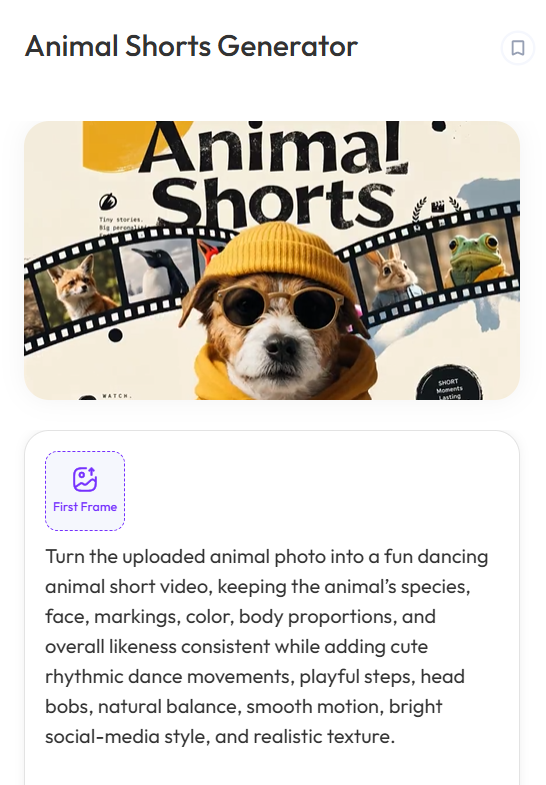
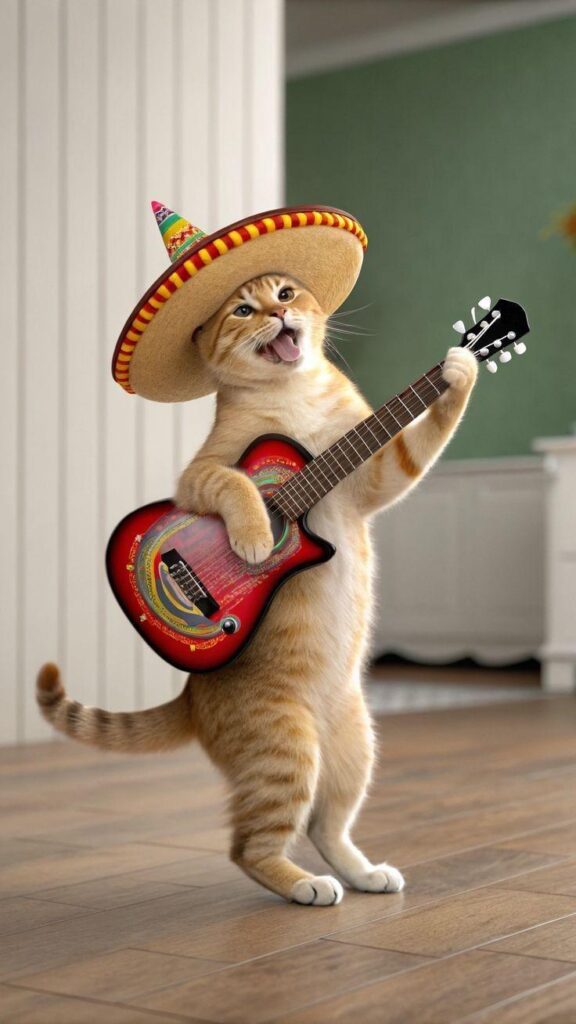
Turn the uploaded animal photo into a fun dancing animal short video, keeping the animal’s species, face, markings, color, body proportions, and overall likeness consistent while adding cute rhythmic dance movements, playful steps, head bobs, natural balance, smooth motion, bright social-media style, and realistic texture.
Also, use action words that are easy to picture. Words such as “runs,” “blinks,” “looks back,” and “waves” are clearer than broad phrases like “acts adorable.”
Likewise, describe one main camera move at a time. Too many directions may make the final clip feel busy.
❓ Animal Shorts Generator FAQ
Do I Need to Film a Real Animal?
No. You can begin with a written idea or use an animal image as a reference. Therefore, you do not need to wait for a pet to perform the perfect action.
Can Beginners Use an Animal Shorts Generator?
Yes. The process mainly involves choosing an idea, writing a prompt, generating the clip, and reviewing the result. However, clear prompts still make a big difference.
What Animal Short Should I Try First?
Start with a simple reaction or everyday action. For example, create a surprised cat, a dancing dog, or a rabbit opening a gift. These scenes are easy to understand and improve.
🌟 Final Thoughts
An Animal Shorts Generator makes animal video creation faster and more flexible. Instead of arranging a full shoot, you can move from a simple idea to a short visual story in only a few steps.
Moreover, you can test different animals, moods, settings, and jokes without starting from zero. This makes the format useful for pet creators, entertainment accounts, educators, marketers, and brands.
The strongest videos still begin with a clear concept. Therefore, focus on one animal, one action, and one memorable feeling. Then, use the Animal Shorts Generator to turn that small idea into a short video people may want to watch again.