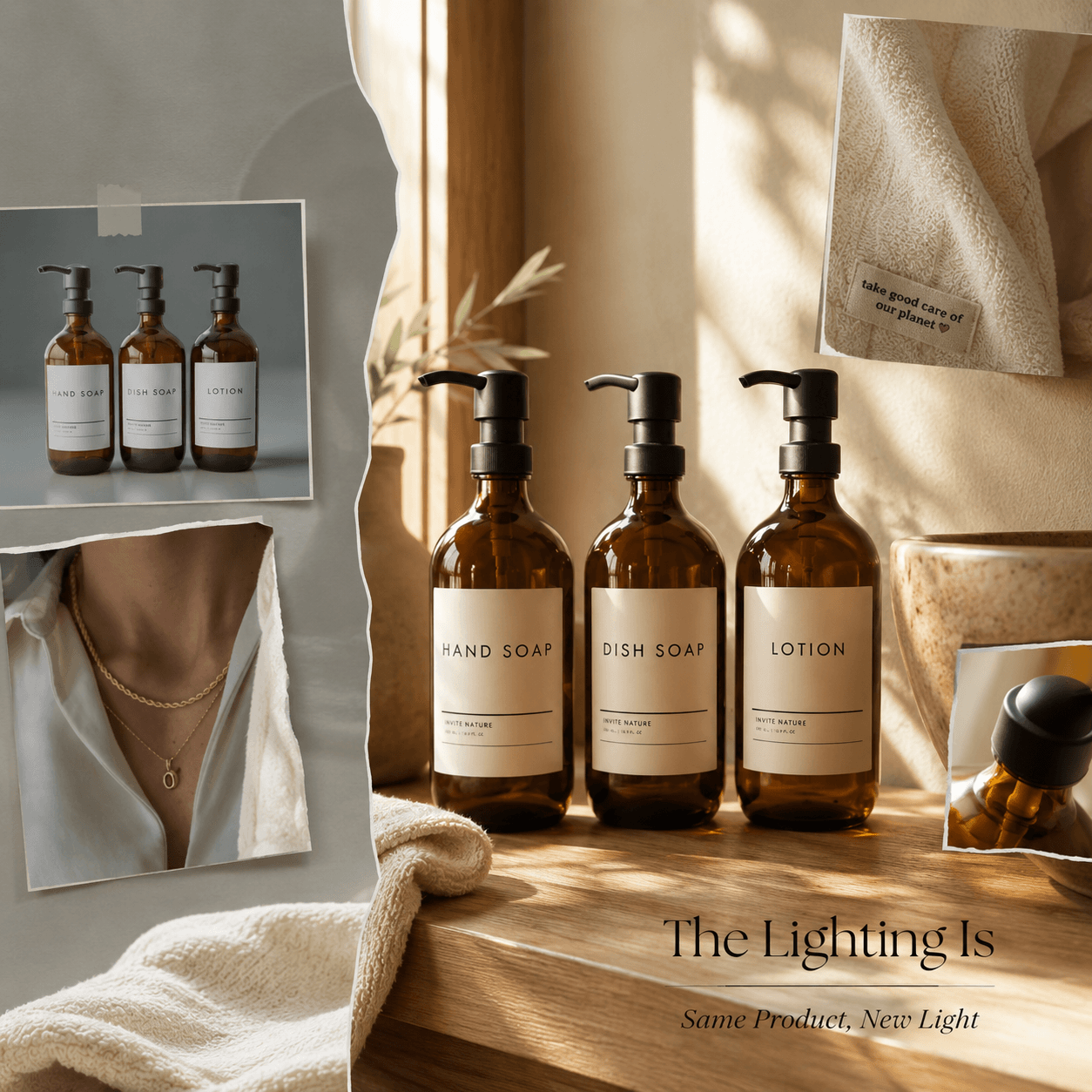
A product photo can be sharp, correctly framed, and technically clean while still feeling wrong. In many cases, the product is not the problem. The lighting is. AI Relight helps brands and creators adjust the visual mood of an existing image without rebuilding the scene or organizing another photoshoot.
Lighting changes more than brightness. It guides the customer’s attention, reveals surface texture, and influences how a brand feels.
For example, soft window light can make skincare look calm and natural. Strong directional light can make a portable speaker feel energetic. Meanwhile, a warm glow can turn a simple home product into a seasonal campaign image.
Therefore, relighting should not be treated only as a final correction. Instead, it can become an important part of creative direction.
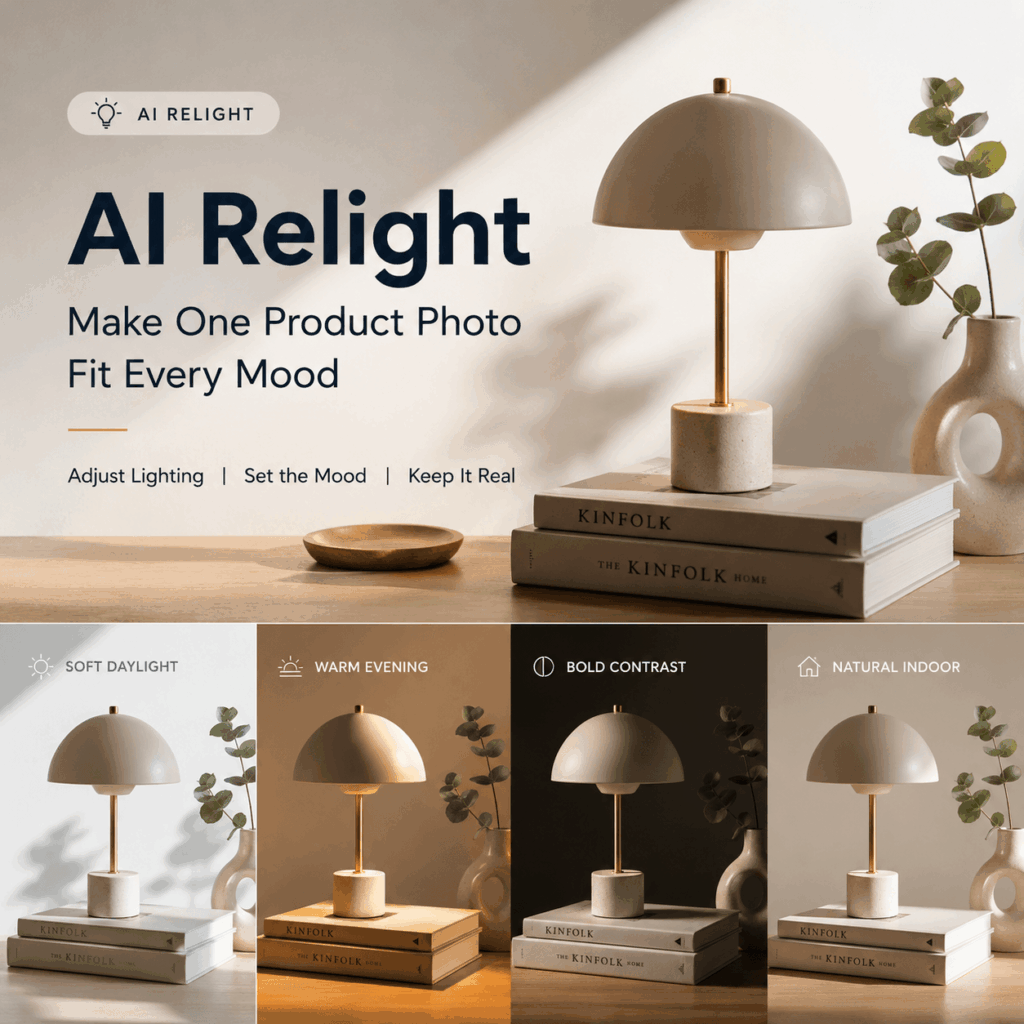
What Can AI Relight Change in a Product Photo?
AI Relight changes how light appears to fall across a product and its surrounding scene. As a result, it can influence highlights, shadows, depth, contrast, and visual focus.
However, the purpose is not simply to make every image brighter.
A bright image can still look flat. Likewise, a darker image can still feel premium when the highlights are carefully placed.
Before editing, ask one clear question:
What should the customer notice first?
Lighting Creates a Clear Product Hierarchy
A product image usually contains several competing details.
For example, a perfume bottle may include:
- The bottle shape
- The brand label
- The liquid color
- The reflective cap
- Decorative packaging details
If every element receives the same amount of light, the image may feel visually weak. Instead, the most important feature should receive the clearest highlight.
Supporting details can remain softer. Therefore, the customer immediately understands where to look.
Lighting Changes How Materials Feel
Different materials respond to light in different ways.
Glossy packaging needs controlled reflections. Fabric needs enough side light to reveal its texture. Metal often benefits from sharper highlights, while matte surfaces usually look better with softer light transitions.
Therefore, before using AI Relight, identify the material detail that must remain visible.
A leather handbag may need light that reveals its grain. Meanwhile, a glass skincare bottle may need carefully controlled reflections around the edges.
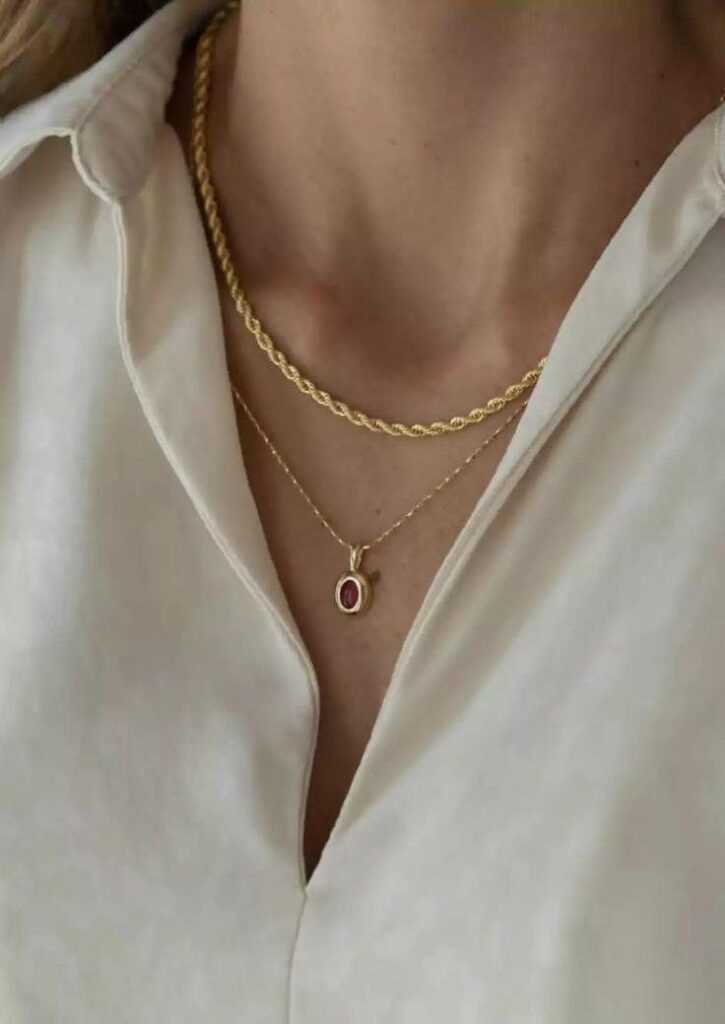
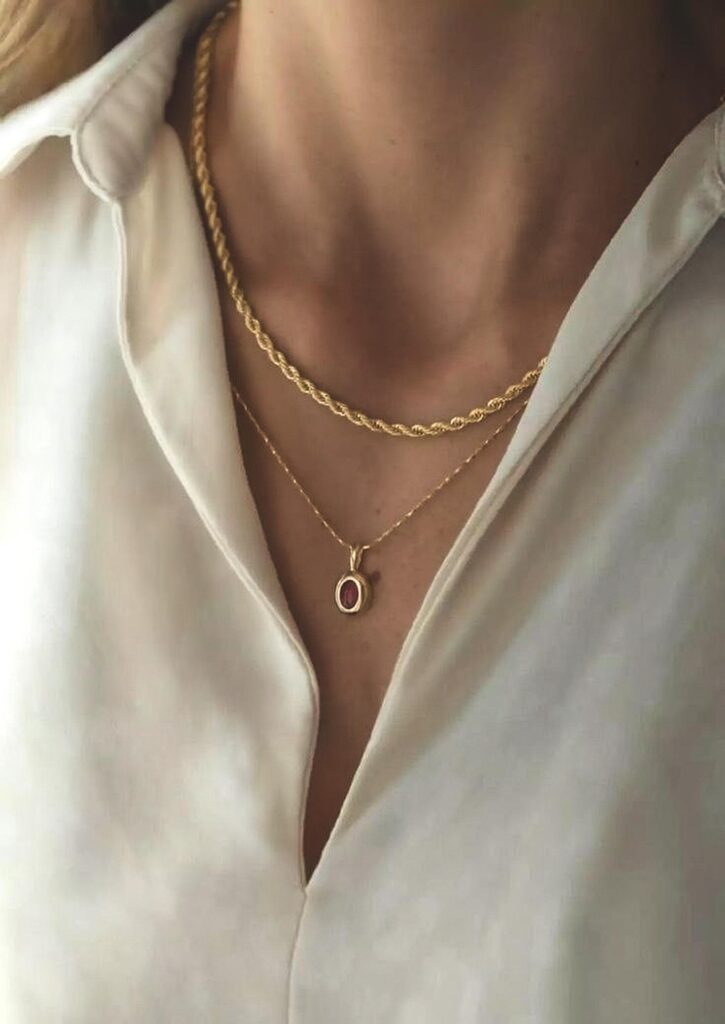
Use AI Relight to Build a Product Mood Library
One product photo does not need to support only one campaign.
Instead, it can become the foundation for several visual directions. The product remains consistent, while the lighting changes according to the message, platform, or season.
Clean Lighting for Product Pages
Product pages usually need clarity before drama.
Therefore, choose balanced lighting with visible labels, accurate colors, and controlled shadows. Customers should be able to understand what the product looks like without guessing.
A strong product-page image should clearly show:
- Product shape
- Packaging color
- Material texture
- Label information
- Important functional details
Although the image can still feel polished, avoid hiding key product information inside deep shadows.
Warm Lighting for Lifestyle Campaigns
Warm light can make beauty, food, home, wellness, and travel products feel more inviting.
For example, a portable coffee maker can move from a plain catalog image into a calm morning campaign without changing the product itself.
Meanwhile, warm directional light can suggest a specific time of day. It may feel like early morning sunlight, late-afternoon warmth, or a comfortable indoor evening.
As a result, the image feels less like a product record and more like a real-life moment.
High-Contrast Lighting for Product Launches
High-contrast lighting works well when a campaign needs more energy.
Therefore, it can support product launches, technology campaigns, event promotions, and bold social media content.
A strong highlight can define the product shape, while a darker background creates visual tension. However, contrast should not destroy important details.
Always check whether:
- The logo remains readable
- Dark materials remain visible
- Product edges look natural
- Reflections follow the product shape
- Shadows remain believable
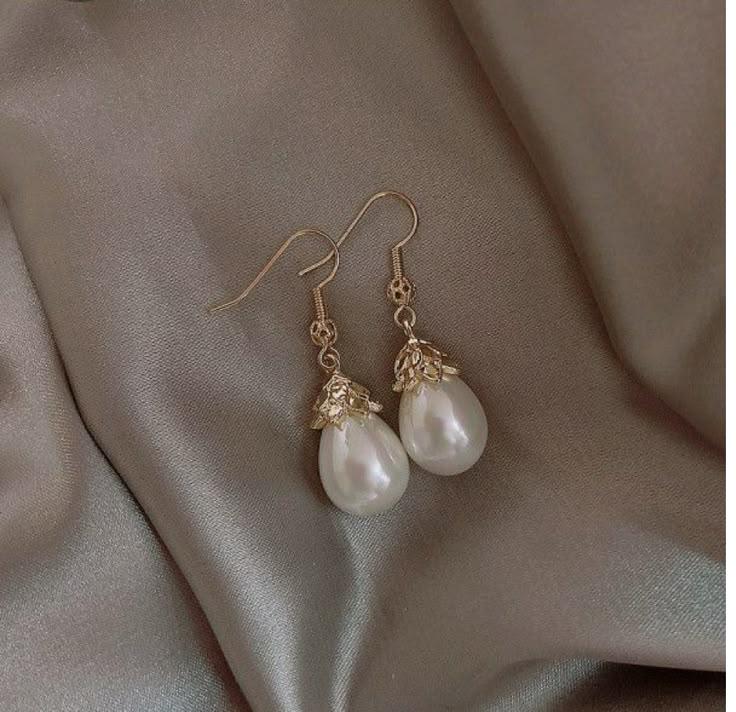
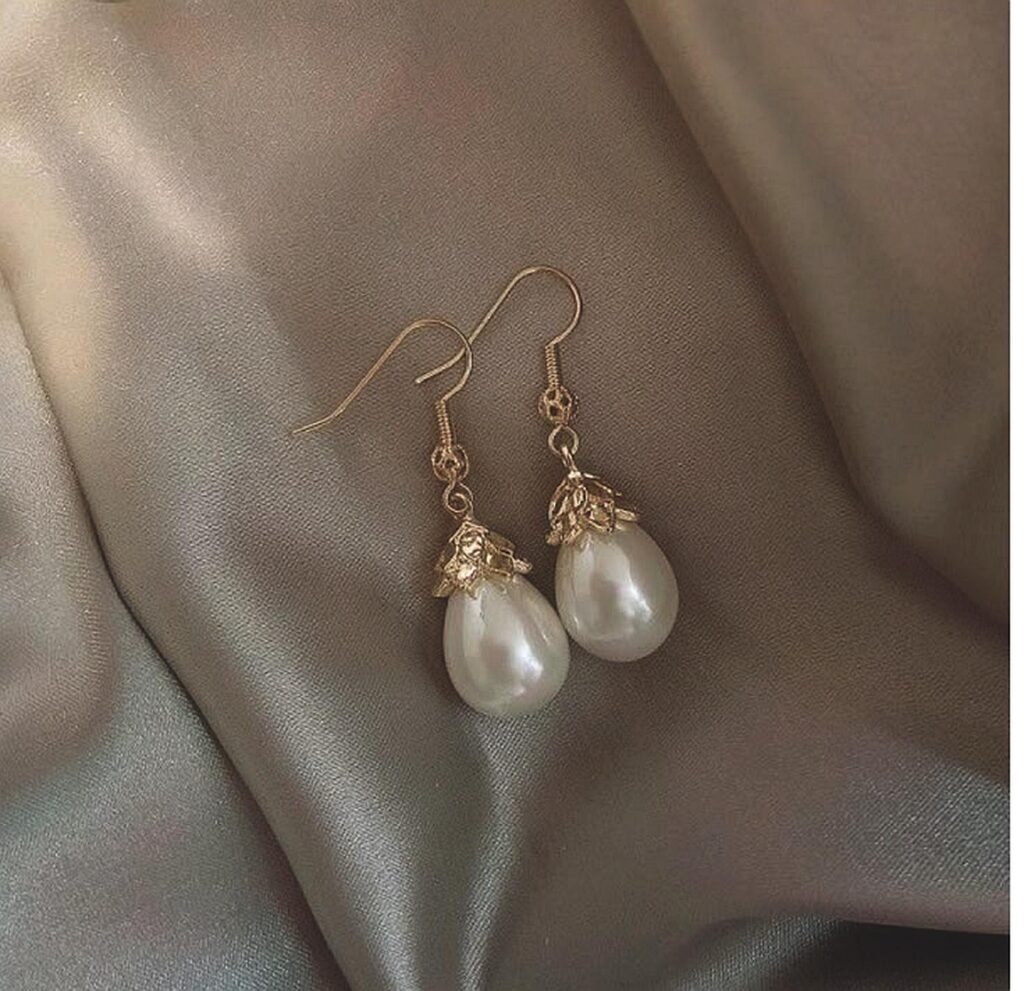
A Simple AI Relight Workflow
A strong result begins before any lighting adjustments are made.
Therefore, instead of testing a large number of effects at random, start with a clear review process.
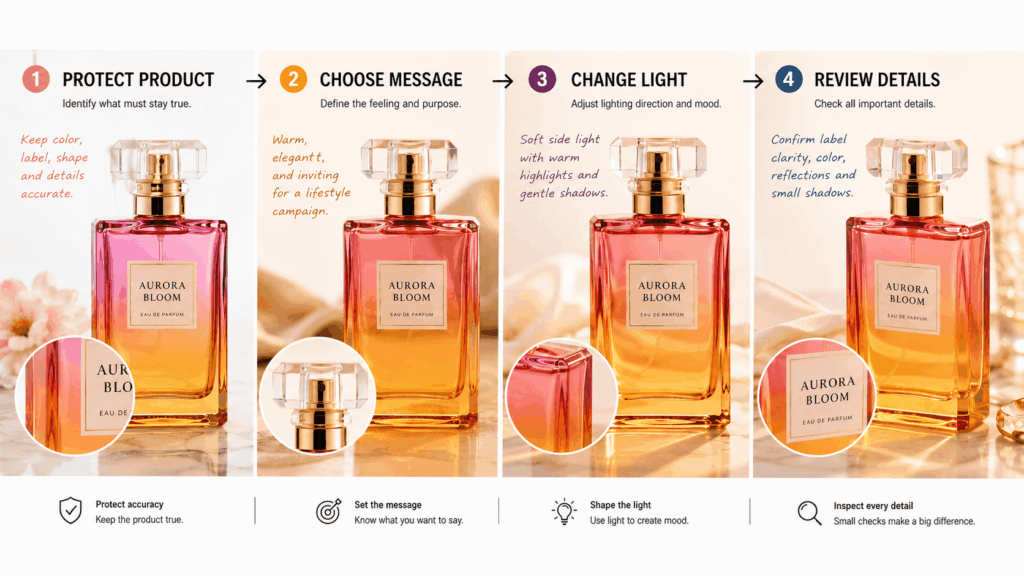
Step 1: Protect Product Truth
First, identify the product details that must not change.
These may include:
- Product color
- Packaging text
- Logo position
- Surface texture
- Shape and proportions
- Hardware details
- Printed patterns
AI Relight should support these elements rather than hide or distort them.
Keep the original product photo nearby so that you can compare the edited result with the verified reference.
Step 2: Choose One Communication Goal
Next, describe the purpose of the image in one simple sentence.
For example:
“Create a fresh and lightweight feeling around the product.”
“Highlight the reflective metal surface and its polished finish.”
“Build the atmosphere of a quiet evening routine.”
“Give the product a bold, energetic visual presence.”
A clear goal makes the lighting decision easier. In contrast, vague directions such as “make it premium” can lead to random visual changes.
Step 3: Change One Lighting Direction at a Time
Do not change brightness, color temperature, contrast, and shadow direction at the same time.
Instead, test one major difference first.
For example, compare:
- Soft front light
- Side window light
- Warm backlight
- Strong overhead light
- Focused spotlight
- Diffused studio light
As a result, you can identify which lighting choice actually improves the image.
Step 4: Review the Small Details
Finally, zoom in before publishing.
Check:
- Labels
- Product edges
- Reflections
- Contact shadows
- Fabric folds
- Skin tones
- Metallic details
- Transparent materials
In addition, compare the final image with the original product reference. A visually attractive result is not useful if it changes important product information.
Common AI Relight Mistakes
AI Relight can improve a strong image quickly. However, poor creative decisions can still produce an unusable result.
Making Every Image Too Dramatic
Dramatic lighting may look impressive when viewed alone. However, it may not work on a product page or marketplace listing.
For example, deep shadows may hide a dark handbag’s shape. Strong highlights may also make glossy packaging difficult to read.
Therefore, always match the lighting style to the channel.
Clean product pages usually need clarity. Meanwhile, campaign images can support more expressive shadows and highlights.
Using Light to Fix the Wrong Problem
Relighting cannot solve every image issue.
For example, an incorrect label, damaged product edge, poor composition, heavily blurred image, or missing product detail may require a different editing tool.
First, identify the actual problem. Then choose the correct workflow.
AI Relight is most useful when the subject is already accurate but the lighting does not support the intended mood.
Changing the Product Color
Colored lighting can influence how customers perceive the product.
A warm light may make white packaging look yellow. Likewise, blue lighting may change the appearance of silver, transparent, or pale products.
Therefore, compare the final image with the original reference. Product colors should remain recognizable and believable.
Creating an Inconsistent Product Series
One relit image may look beautiful. However, the full product collection can feel messy when every SKU uses a different shadow direction, brightness level, or color temperature.
Instead, create a simple lighting rule for each content type.
For example:
- Product-page images use balanced neutral light
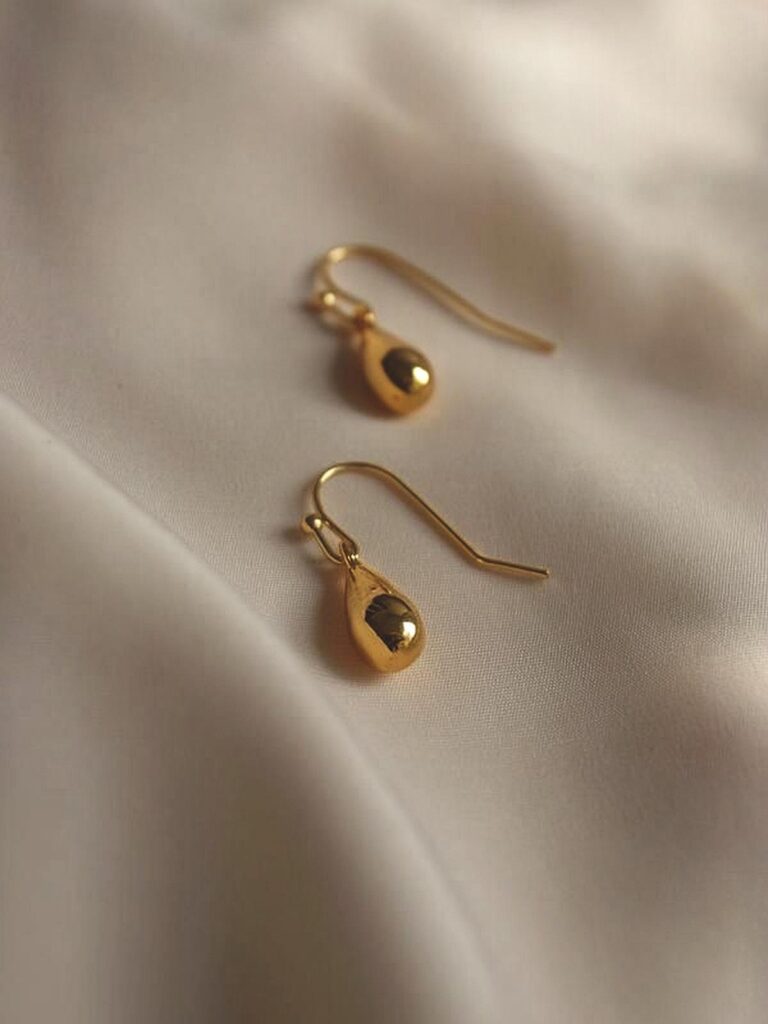
- Lifestyle images use soft warm lighalt text 和 image tittle
- Launch visuals use stronger contrast
- Seasonal images use one approved color temperature
As a result, each image remains creative without damaging catalog consistency.
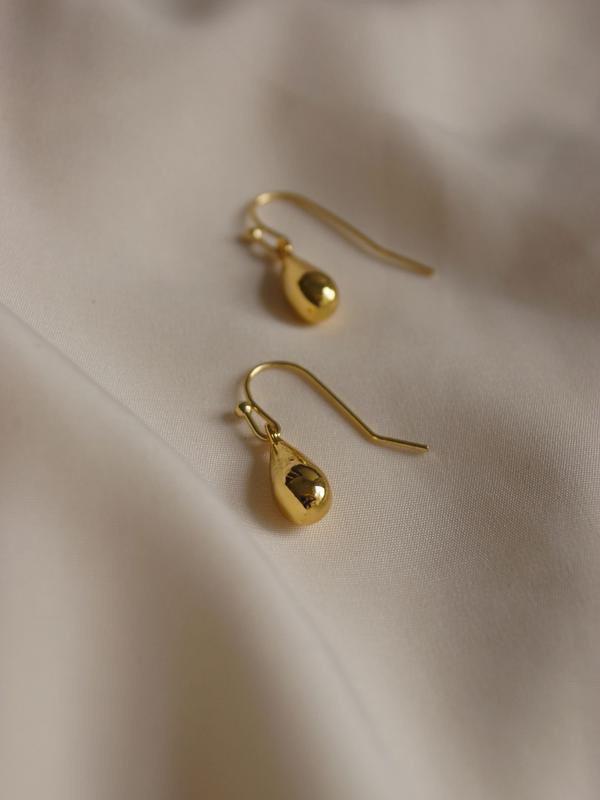
Where AI Relight Fits in a Content System
AI Relight is especially useful when a team already has a strong product image but needs more visual flexibility.
It can help adapt existing photography for:
- Product detail pages
- Seasonal campaigns
- Social media posts
- Product launches
- Website banners
- Email marketing
- Editorial content
- Marketplace promotions
- Creative direction tests
Moreover, teams can use AI Relight to compare several visual directions before approving a larger campaign.
For example, a beauty brand can test soft daylight, warm hotel lighting, and high-contrast studio lighting using the same verified bottle image.
The team can then decide which direction best matches the campaign before investing in additional production.
AI Relight for Different Product Categories
The best lighting direction depends on the product itself.
Beauty and Skincare
Beauty products often benefit from soft highlights and controlled reflections.
Transparent bottles, glossy caps, and liquid textures need enough light to remain visible. However, overly strong reflections may hide the label.
Therefore, use soft directional light and review packaging details closely.
Fashion Accessories
Bags, shoes, watches, and jewelry need lighting that reveals materials and construction.
Side light can show leather texture, while sharper highlights can define polished metal. Meanwhile, soft shadows can help the product feel three-dimensional.
Electronics
Electronics often use clean highlights and stronger contrast.
However, screens, buttons, ports, and logos should remain accurate. Avoid lighting that makes the product shape look distorted or hides functional details.
Food and Beverage
Warm lighting can make food and beverage products feel more inviting.
Nevertheless, packaging colors and label text must remain accurate. In addition, reflections on cans, bottles, and glass containers should follow the real object.
Home and Lifestyle Products
Home products can benefit from lighting that suggests a real environment.
Soft morning light may suit bedding or coffee products. Meanwhile, warm evening light may work well for lamps, candles, and home décor.
The lighting should help customers imagine the product in their own space.
Frequently Asked Questions About AI Relight
Can AI Relight Replace a Full Photoshoot?
AI Relight can reduce the need to reshoot an image only because the lighting mood feels unsuitable.
However, brands should still use accurate photography when an image needs to prove product size, material, color, fit, or performance.
The tool works best as an adaptation method, not as a replacement for verified product information.
Should AI Relight Always Create Dramatic Lighting?
No.
Clean and balanced lighting is usually more useful for product pages. Dramatic lighting works better when the goal is emotional storytelling, campaign impact, or social media attention.
The channel should guide the lighting choice.
Can AI Relight Create Several Campaign Styles?
Yes.
Start with one accurate master image. Then create several controlled lighting directions while keeping the product shape, label, colors, and proportions consistent.
This approach can help teams build seasonal or channel-specific content without losing product identity.
What Should I Check After Using AI Relight?
Before publishing, check:
- Product color
- Label accuracy
- Logo visibility
- Material texture
- Edge quality
- Shadow direction
- Reflections
- Background consistency
- Visual consistency across the campaign
Which Source Images Work Best for AI Relight?
A clear, high-resolution product image usually provides the best starting point.
The product should have visible edges, accurate details, and enough separation from the background. In addition, avoid heavily blurred or compressed source images when possible.
Final Thoughts on AI Relight
The strongest product image may already be in your content library. It may simply be telling the wrong lighting story.
With AI Relight, you can turn one accurate photo into a cleaner product-page visual, a warmer lifestyle image, or a stronger campaign asset. More importantly, you can explore these directions without changing the product itself.
Therefore, do not ask only whether the image is bright enough.
Ask whether the light is communicating the right message.
Go to WeShop AI For Exploration: