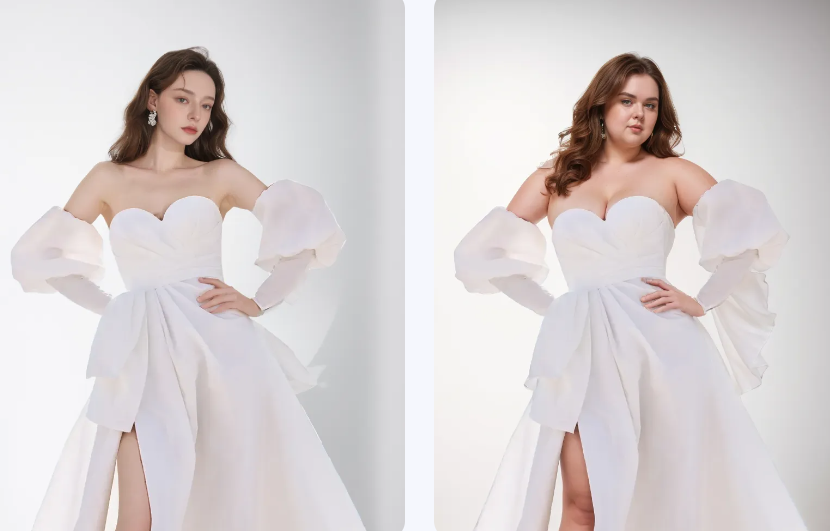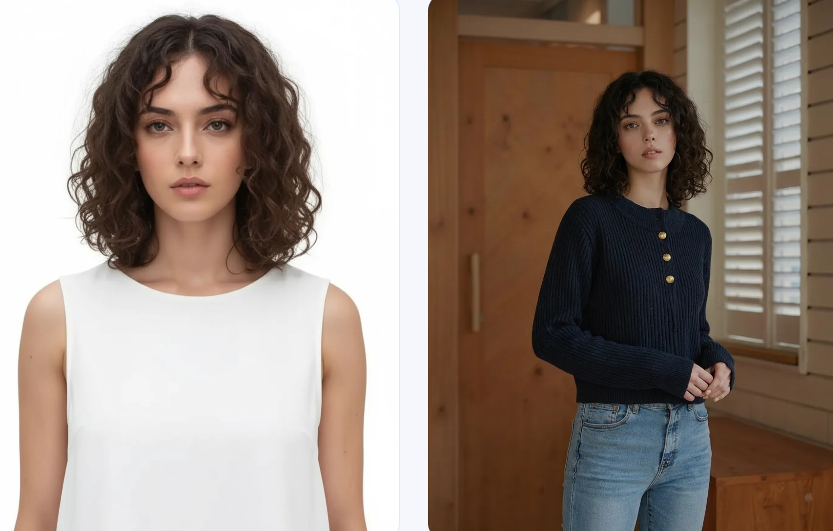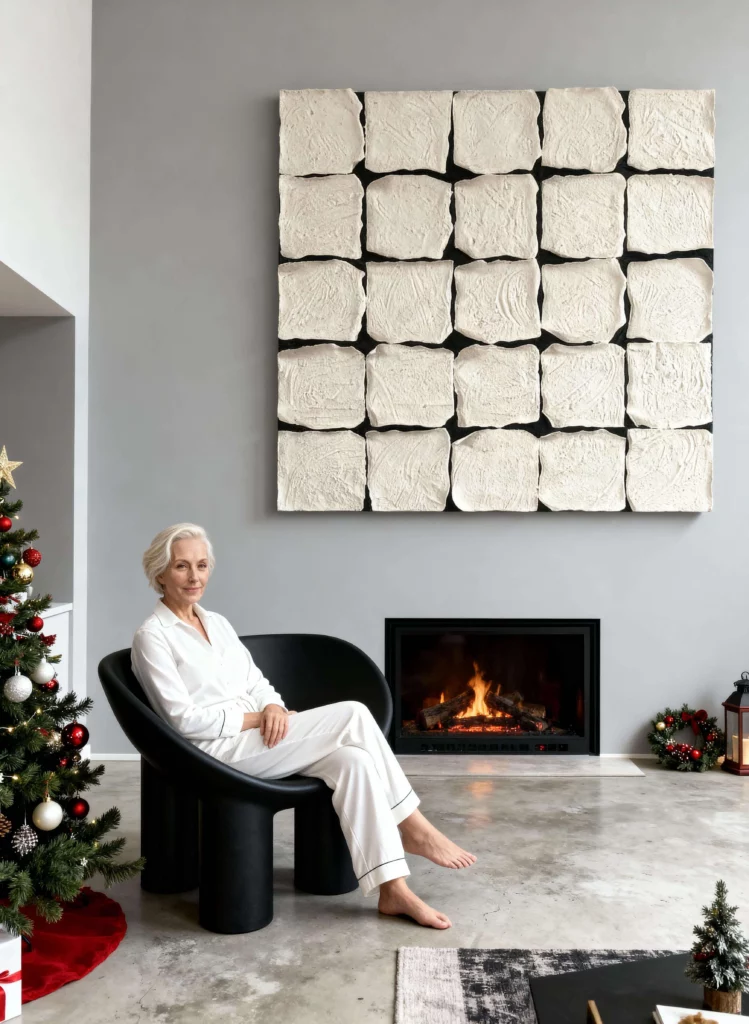
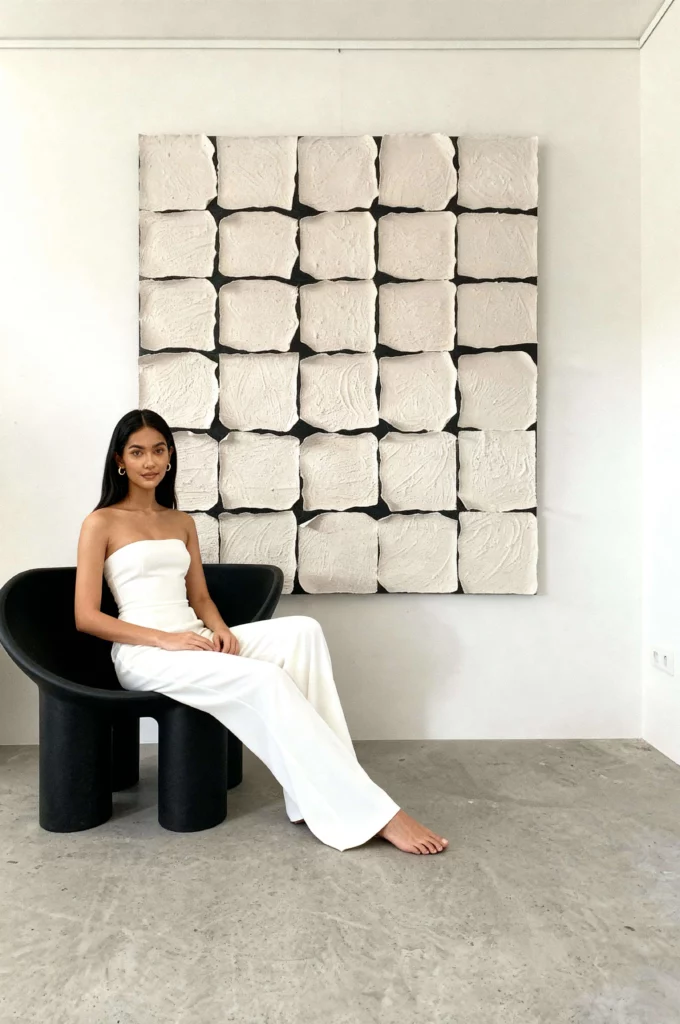
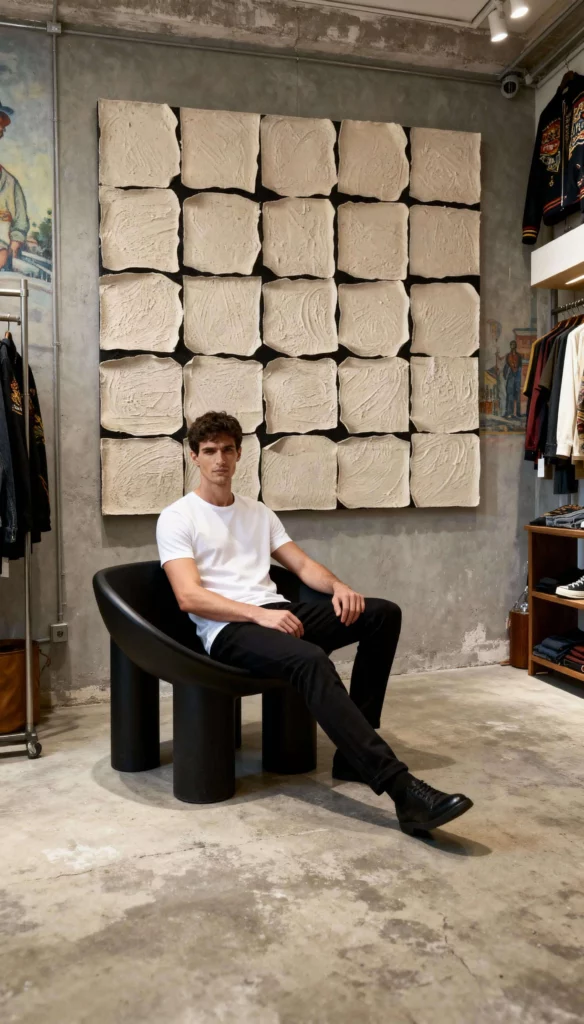
This is a AI product image guide! If you run a fashion store online, you know how important it is to keep your product page clean, consistent, and professional. Buyers want to see the same model, the same lighting, and the same vibe across all your photos. It builds trust. It builds your brand.
But here’s the problem:
Doing a full photoshoot for every angle, color, and style is expensive. You need to book models, find locations, and hire photographers. Then you have to edit everything. That takes time and money.
What if you could skip all that?
With WeShop AI, now you can.
And the best part? You only need one good photo to start.
In this guide, I’ll show you how to use Weshop AI to create a full set of product images with the same model and scene—in just a few clicks.
Why Consistency Matters for Product
Before we jump into the steps, let’s talk about why this matters.
When shoppers visit your store, they want to feel like they’re in a real boutique. They want to see:
- The same face wearing your clothes
- The same lighting and vibe
- A clean, professional look
If every photo looks different, it feels messy. It feels fake.
But when your photos look like they came from the same shoot, it feels real. It feels premium.
That’s how you build trust.
That’s how you get more clicks.
That’s how you get more sales.
Step-by-Step: How to Build a Consistent Product Page with WeShop AI
You don’t need a photo studio.
You don’t need to book the same model over and over.
With WeShop AI, you can build a full product page that looks like it came from one high-end shoot — even if you’re selling 50 items.
Here’s how to do it, step by step.
Step 1: Pick One AI Model and Stick With It
Open WeShop AI and go to the AI Model tab.
Upload your product image — flat lay, mannequin, or raw photo all work.
Now comes the key part:
Click “Model Shop” inside the AI Model panel.
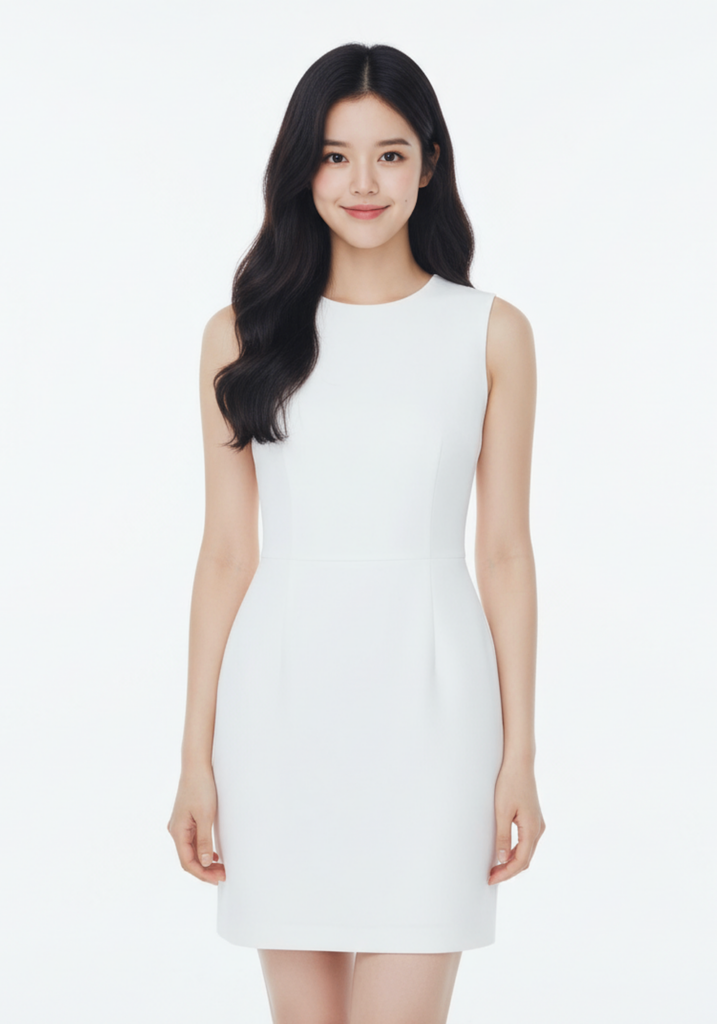
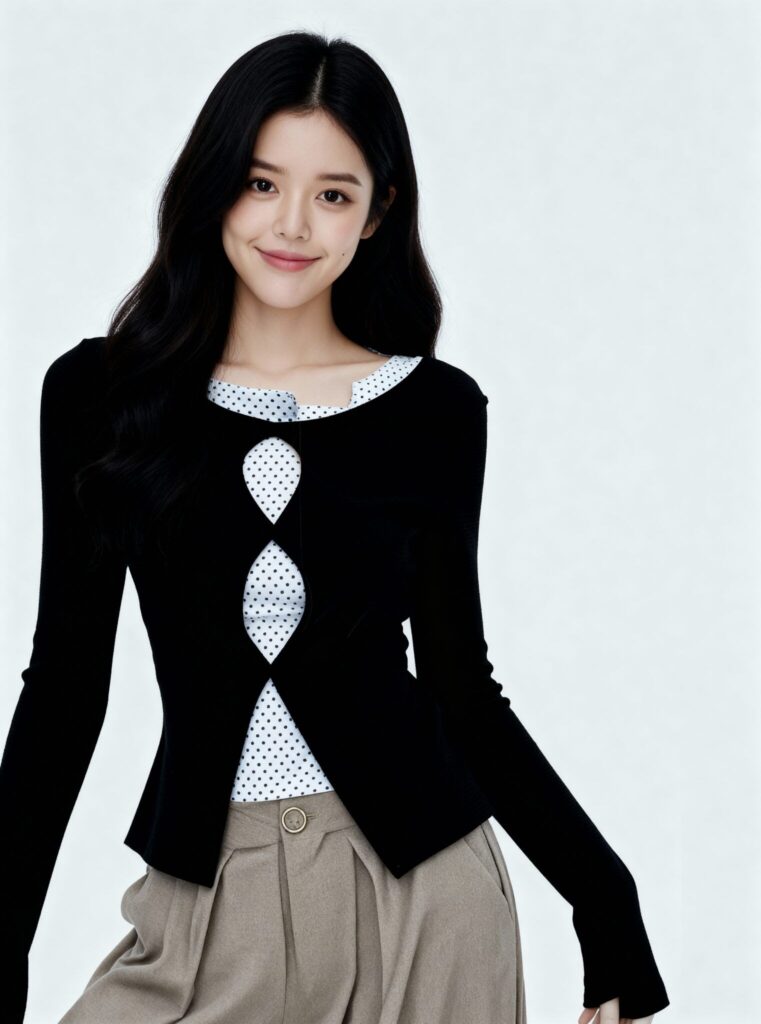
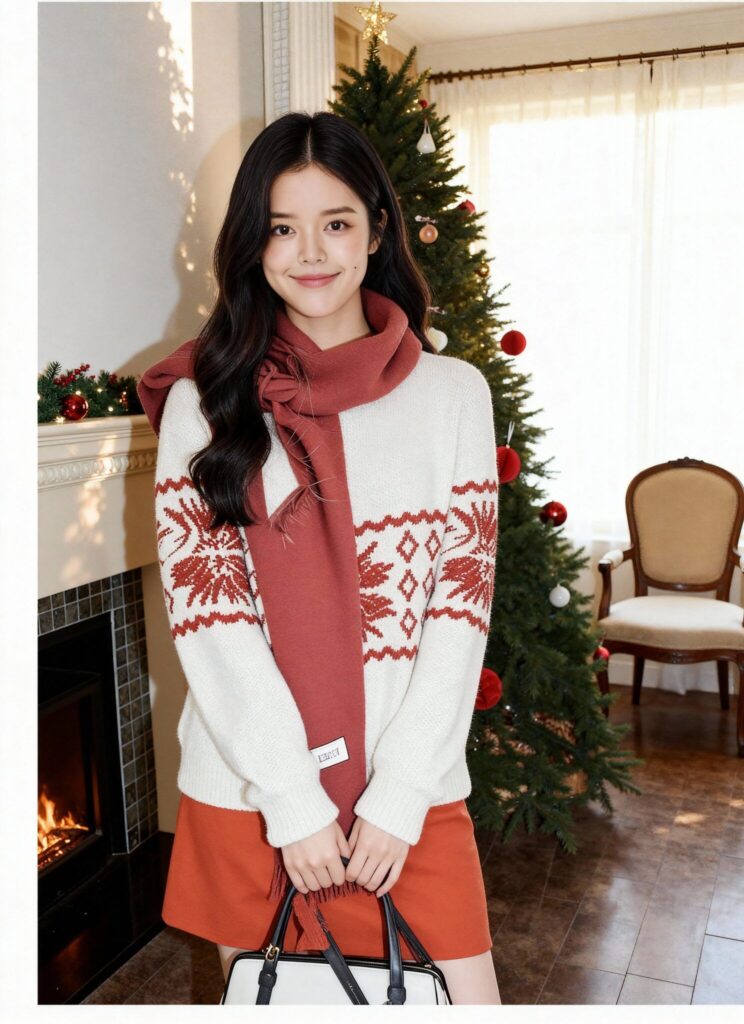
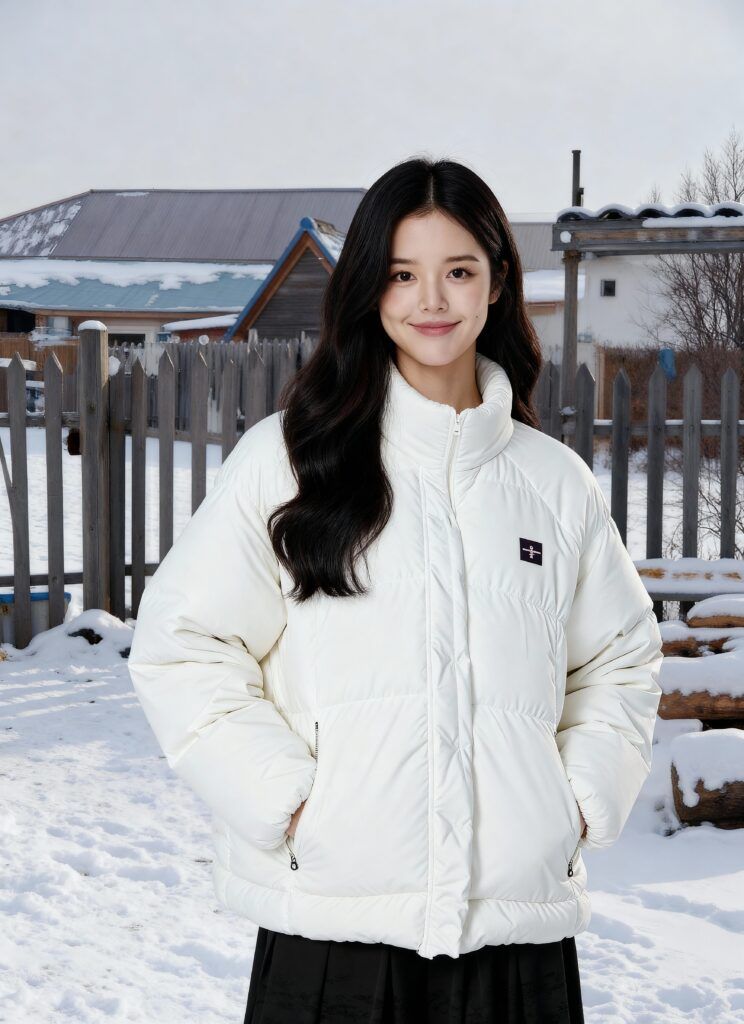
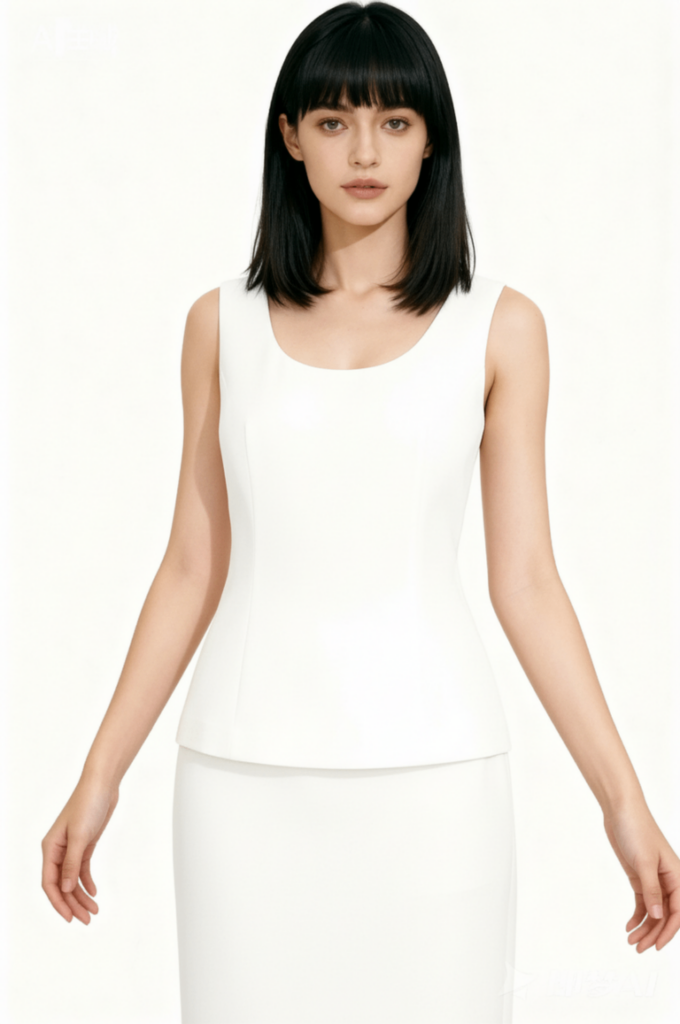
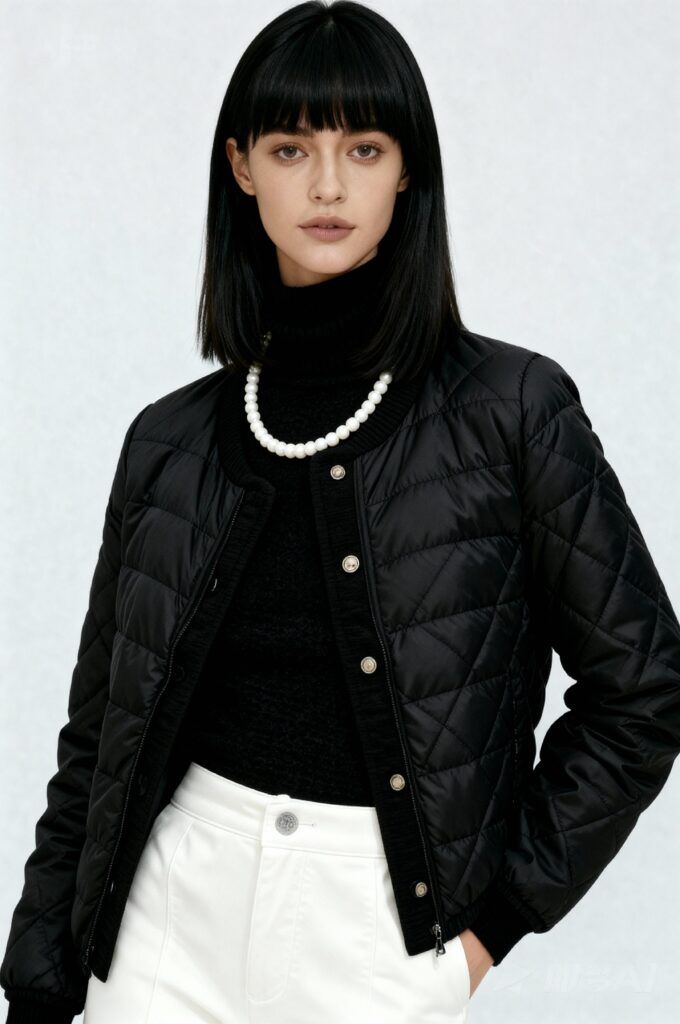
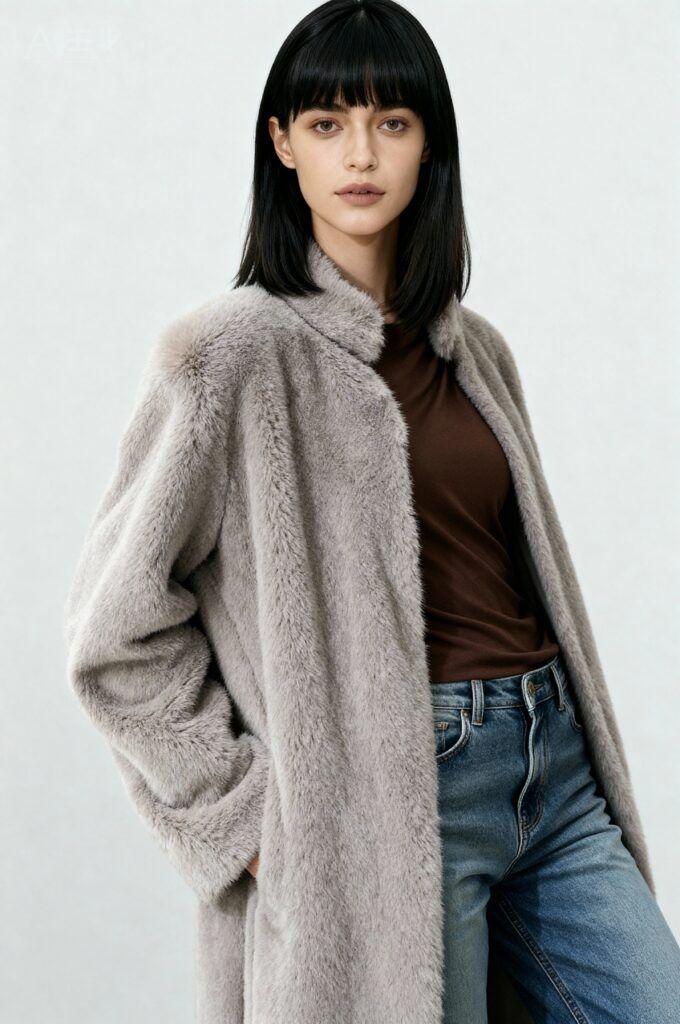
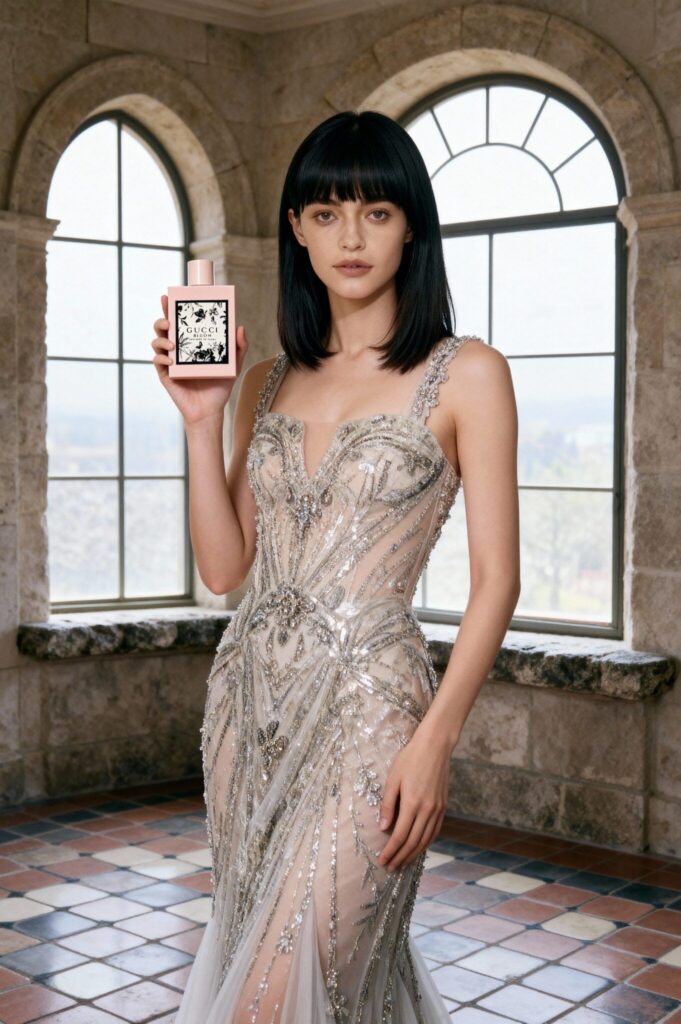
Here you’ll see a grid of brand-ready models — each with a unique face, body type, and style vibe.
Pick ONE that fits your brand.
This will be your Brand Model, the face shoppers see across your entire store.
Below are a few of our most-used models.
Step 2: Use the Same AI Location for Every Product
Now let’s keep the scene the same.
In the AI Location menu, pick one background that fits your brand.
- Want a clean campus look? Pick “University.”
- Want beach vibes? Pick “Santa Monica.”
- Want office-chic? Pick “Downtown Loft.”
Once you pick it, use it every time.
Upload your next product.
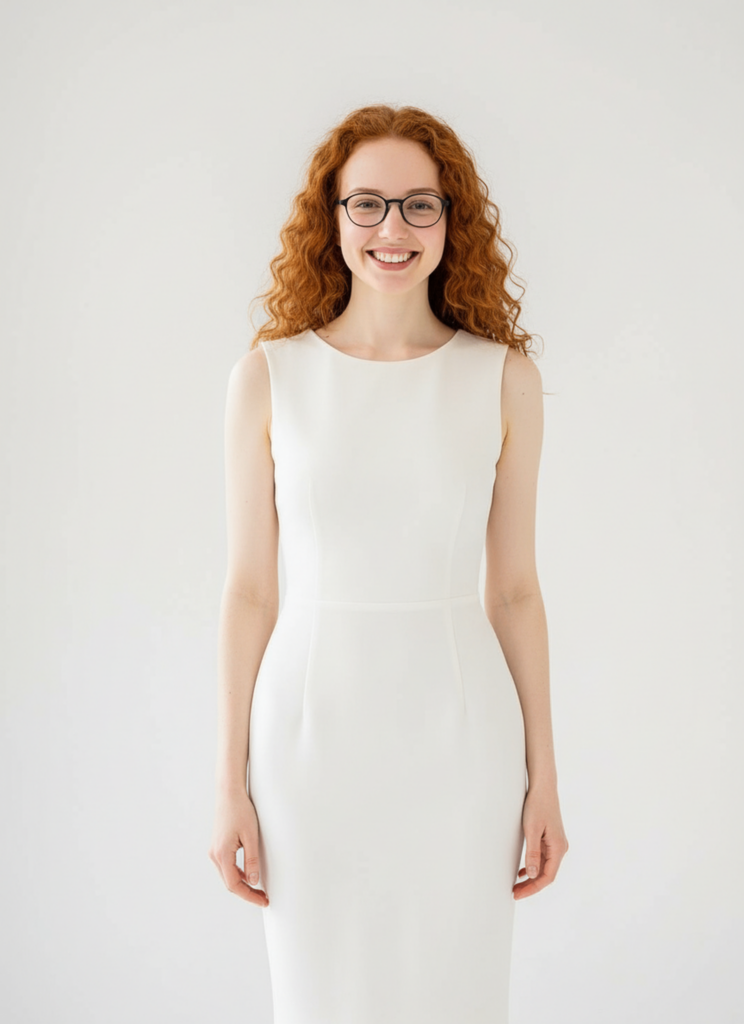
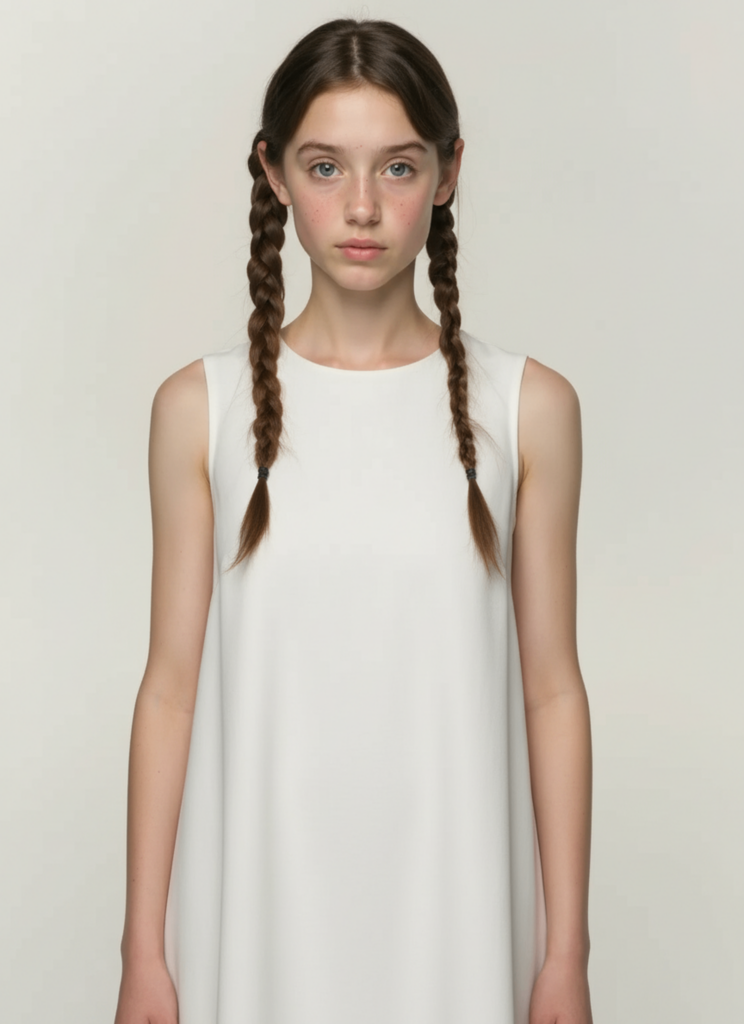
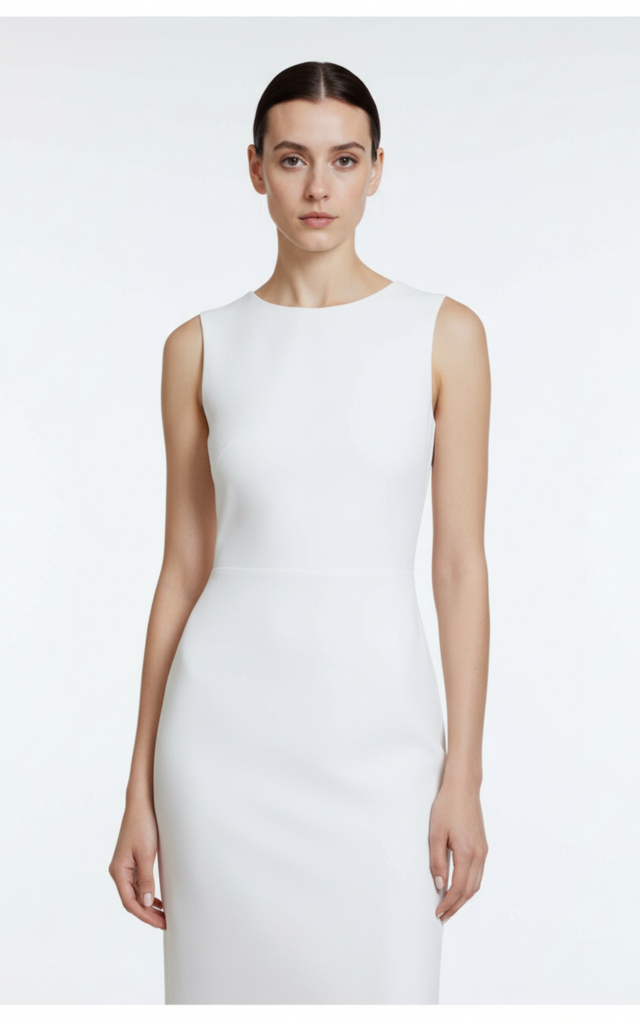
Use the same model + same location.
Click Generate.
Now you have:
- Same face
- Same lighting
- Same vibe
- Different outfit
Repeat for every item in your store.
Step 3: Turn Your Model Photos into AI Videos
Want to go further?
Use AI Video to make short clips.
- Go to AI Video in WeShop AI.
- Pick the model images you just made.
- Choose a simple motion: walk, turn, or pose.
- Click Generate.
Now you have:
- A 10-second video
- Same model
- Same scene
- Different outfit
Use these videos for:
- TikTok ads
- Instagram Reels
- Amazon short videos
- Shopify product pages
Quick Checklist
✅ Pick one AI model
✅ Pick one AI location
✅ Use both for every product
✅ Make AI videos for extra content
✅ Post everywhere — shop, ads, social
You don’t need 10 models.
You don’t need 10 locations.
You just need one good setup — and WeShop AI does the rest.
Ready to build your brand look?
Start with AI Model, lock in your AI Location, and scale with AI Video.
Your store. Your model. Your vibe.
All in one place.
Conclusion
Building a consistent product page no longer needs expensive shoots or endless planning. With WeShop AI, one Brand Model, one AI Location, and a few clicks give you a full set of matching photos and videos—fast, cheap, and on-brand. Lock your look today and let every new listing feel like part of the same high-end collection.