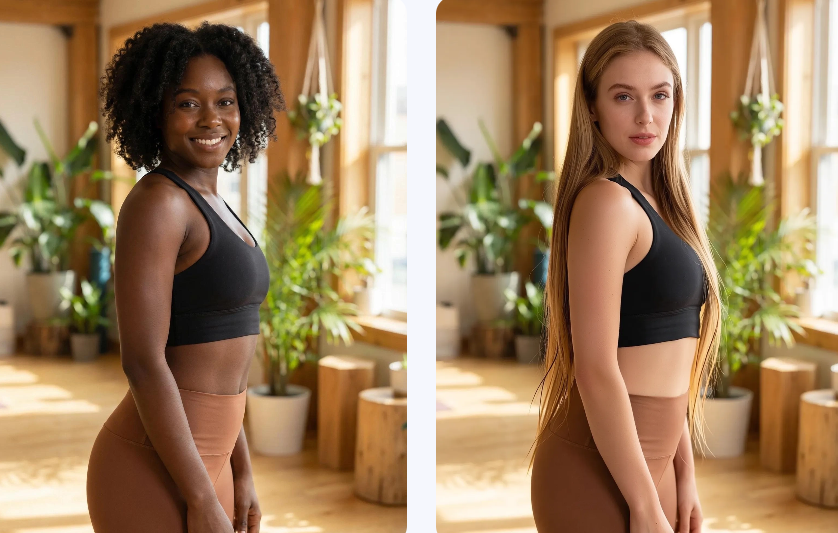
A realistic AI Face Swap can still feel wrong. The face may blend well, yet the person may not fit the scene, mood, or campaign. Therefore, the real challenge is not simply replacing one face with another. It is creating a believable identity that stays consistent across every image.
This changes how creators should approach the tool. Instead of treating face swapping as a quick visual trick, you can use it like a digital casting system. First, choose the right person for the story. Then, protect their key features. Finally, check whether the new face supports the full visual.
Weshop’s browser-based tool supports face swapping for photos, GIFs, videos, and multi-face scenarios. As a result, it can support both simple experiments and wider content workflows.
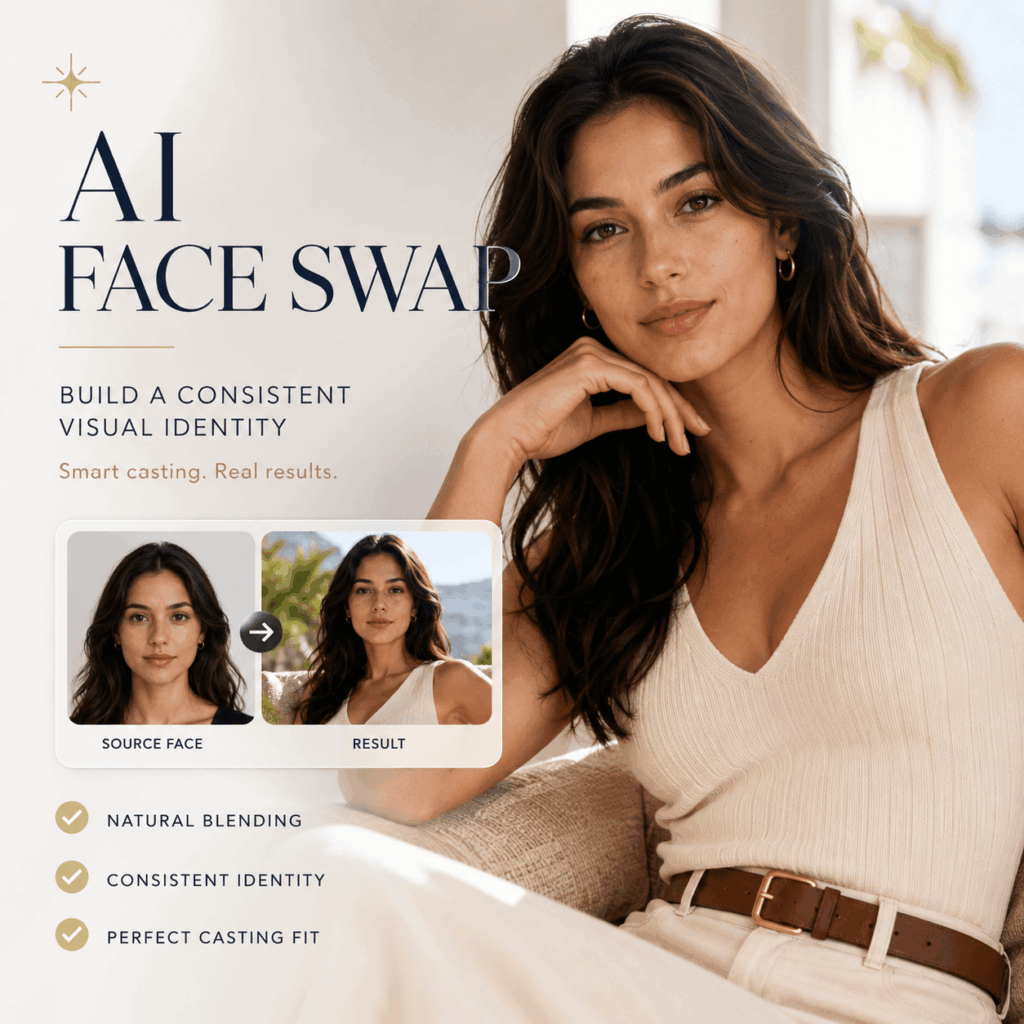
🎭 Use AI Face Swap Like a Casting Tool
Traditional casting is not only about finding a good-looking person. Instead, it is about finding someone who fits the role.
The same idea applies to AI Face Swap.
Before generating anything, define the person’s role in the image. Are they a friendly guide, a confident athlete, a relaxed traveler, or a polished fashion model?
Once the role is clear, the visual choices become easier.
Define the Character Before Choosing the Face
Start with a short character note.
For example:
“Confident creative professional in a bright studio.”
Or:
“Relaxed outdoor traveler enjoying a quiet morning.”
These descriptions are simple. However, they help you judge whether the source face fits the target scene.
Next, identify three visual traits. You might choose:
- Natural smile
- Direct eye contact
- Minimal makeup
Alternatively, you might choose:
- Serious expression
- Strong cheekbones
- Editorial styling
As a result, you stop choosing faces at random.
Build a Small AI Face Swap Reference Set
One source image may work for a single result. However, a small reference set is more useful for repeated content.
Choose three to five clear images of the same authorized person. Ideally, include:
- A front-facing image
- A slight left angle
- A slight right angle
- A neutral expression
- A natural smile
This gives you more options when target images use different camera angles.
Moreover, the reference images should look consistent. Large changes in makeup, hairstyle, or age can weaken identity continuity.
🧩 A Five-Step AI Face Swap Workflow
A clear process helps you avoid random results. In addition, it makes each revision easier to understand.
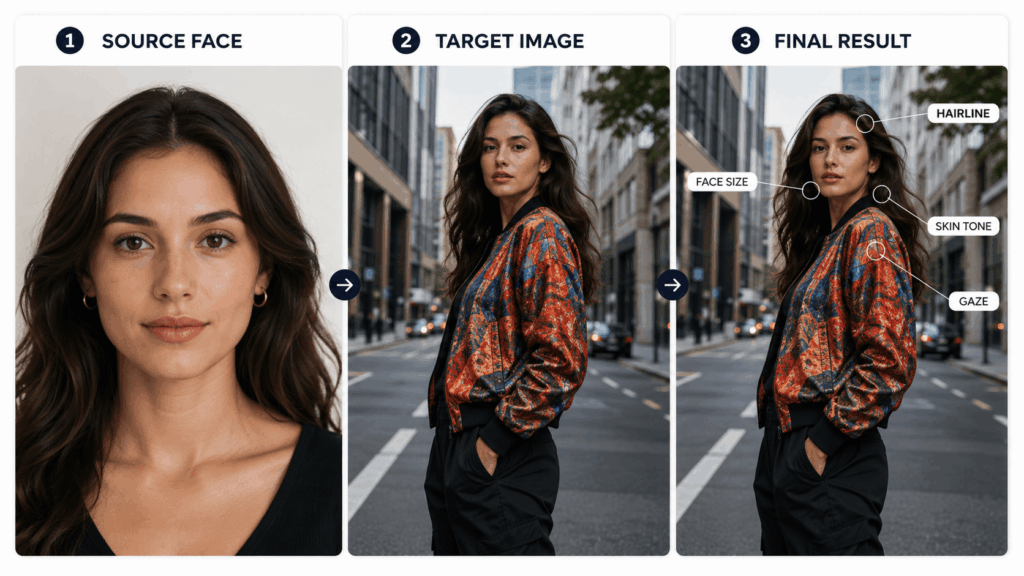
Step 1: Choose the Target Image First
The target image defines the pose, lighting, camera, and story. Therefore, begin there.
Ask:
- What is the person doing?
- Where are they looking?
- Where does the light come from?
- How much of the face is visible?
- What mood does the image create?
Once you understand the target, you can select a source face that fits it.
Step 2: Match Angle and Expression
A front-facing source face may not work well with a strong side profile. Likewise, a wide smile may not fit a neutral target expression.
Therefore, choose the closest possible match before generating.
You do not need two identical photos. However, the main facial direction should be similar.
For example, match:
- Front view with front view
- Slight turn with slight turn
- Smile with smile
- Neutral mouth with neutral mouth
Clear, well-lit, unobstructed faces generally give the tool stronger visual information. The WeShop tool page also recommends clear images with minimal blur, heavy shadow, or extreme angles.
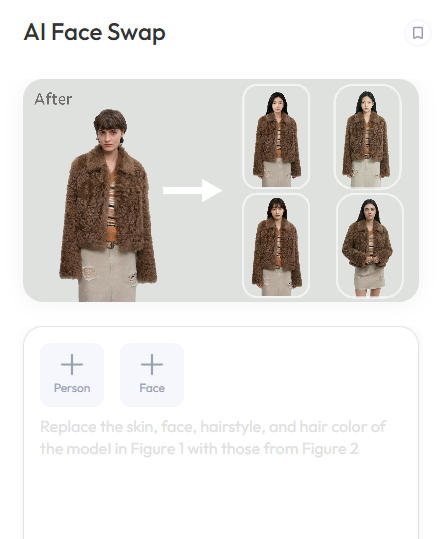
Step 3: Protect the Important Identity Details
Before reviewing the result, decide which details must stay recognizable.
These may include:
- Eye shape
- Eyebrow form
- Nose shape
- Lip shape
- Face width
- Skin texture
- Natural expression
However, do not expect every tiny feature to remain perfect in the first result. Instead, focus on the details that make the person immediately recognizable.
Step 4: Test One Scene Before Building a Series
Do not begin with twenty campaign images.
First, test one simple target image. Then, review the result carefully. If it works, try a second image with a slightly different pose.
This controlled process shows whether the face can remain consistent across a set.
As a result, you can fix problems before producing a full campaign.
Step 5: Review the Whole Person
Finally, stop zooming in on the face.
Look at the complete image and ask:
- Is the head proportionate to the body?
- Does the hairstyle suit the face and pose?
- Check whether the skin tone matches the neck.
- Make sure the expression supports the body language.
- Ask whether the person feels natural in the scene.
A face can look accurate at 200% zoom and still feel wrong in the full composition. Therefore, always review both close-up and full-size views.
🔍 Three Levels of AI Face Swap Quality
Not every clean swap is ready for use. In practice, quality has several levels.
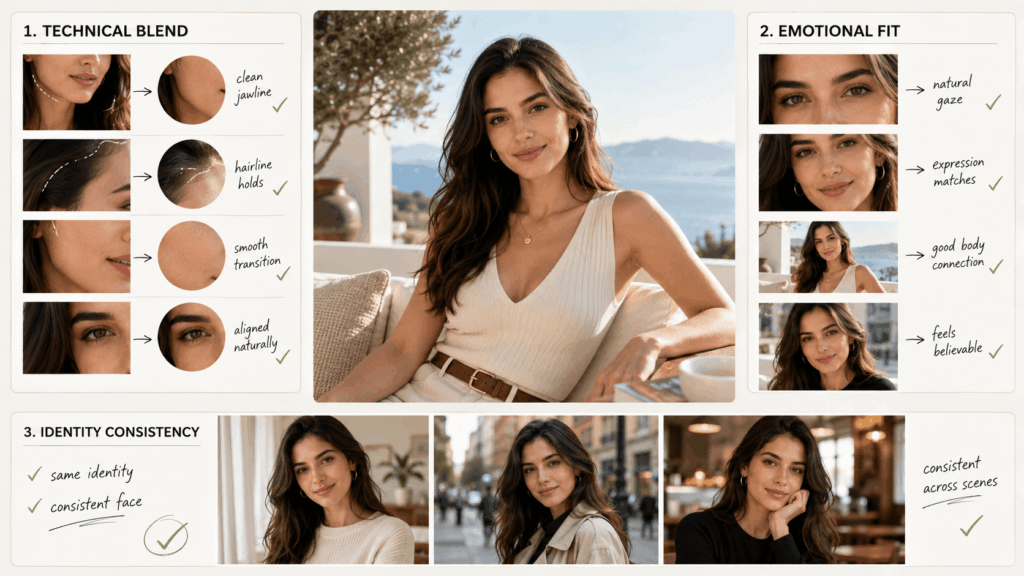
Level One: Technical Blending
At this level, the face sits correctly on the head. The main features are aligned, and the edges are clean.
This is the basic requirement. However, it does not guarantee a convincing image.
Check:
- Face position
- Jaw alignment
- Skin transition
- Eye direction
- Edge quality
Level Two: Emotional Fit
Next, check whether the new face matches the moment.
For example, does the expression support the body language? Does the gaze make sense? Does the face feel relaxed or tense in the right way?
This level matters because viewers react to emotion before they study technical details.
Level Three: AI Face Swap Consistency
The highest level is consistency across several images.
One result may look excellent. However, a campaign can still fail if the person looks different in every frame.
Therefore, compare the results side by side. Look for changes in:
- Face width
- Eye size
- Nose shape
- Apparent age
- Makeup
- Skin tone
- Overall personality
A strong series should feel like the same person on the same day.
📸 How to Choose Better Source Images
Better source material usually leads to fewer corrections. Therefore, spend a little more time choosing the face before you begin.
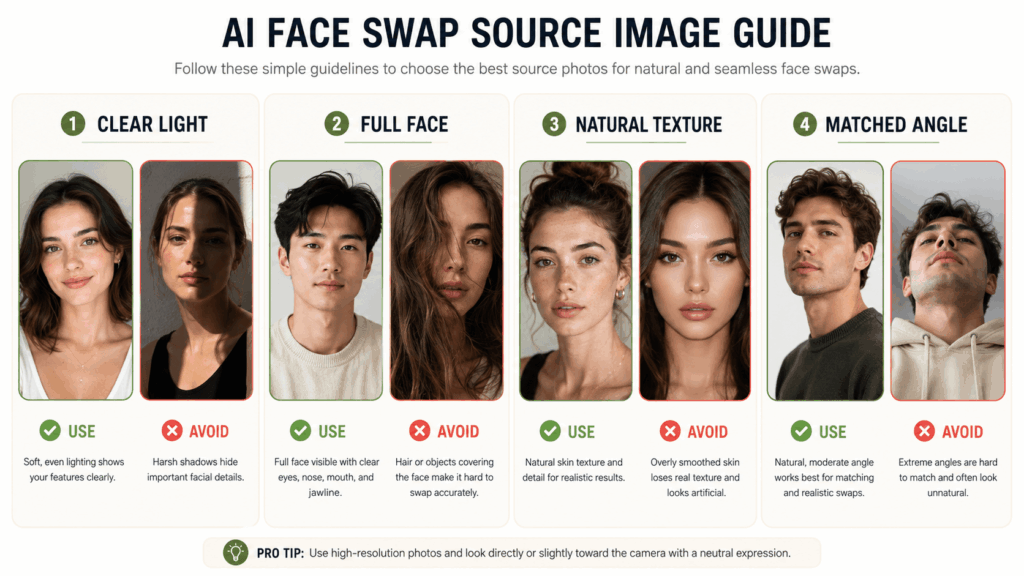
Use Clear and Natural Lighting
Soft, even lighting makes facial details easier to read.
In contrast, very dark shadows may hide the eyes or change the apparent face shape. Strong colored lights can also affect skin tone.
Therefore, choose a clear portrait whenever possible.
Keep the Full Face Visible
Hair, sunglasses, hands, masks, and deep shadows can block important details.
A small amount of hair across the face may be fine. However, heavy obstruction can make the identity less stable.
In addition, avoid images where the face is extremely small.
Choose Natural Skin Texture
An over-filtered source image can create a plastic result. Therefore, use a portrait with visible but flattering skin texture.
This is especially important for realistic lifestyle, beauty, and fashion images.
Match the Camera Height
Camera height changes how a face looks.
For example, a low camera can make the jaw appear stronger. Meanwhile, a high camera can make the eyes appear larger.
Therefore, source and target images with similar camera heights usually feel more natural together.
🧠 AI Face Swap Is Not Only About Similarity
A common mistake is asking, “Does this look like the source person?”
That question matters. However, it is not enough.
A better question is:
“Does this person make sense in this image?”
The best result balances identity and context.
The Target Scene Still Controls the Story
The source face provides identity. Meanwhile, the target image provides action, styling, and environment.
Therefore, the new face should adapt naturally to the scene without losing its key features.
For example, an outdoor running image may require a focused expression and slightly flushed skin. In contrast, a studio headshot may require calm eyes and controlled lighting.
The same face can appear in both scenes. Still, the presentation should fit each context.
Do Not Force One Face Into Every Image
Some target images are simply poor matches.
For instance, a straight portrait may not work with a hidden side profile. Similarly, a calm source image may not support an extreme laughing expression.
Instead of forcing the swap, choose a better source angle or a different target image.
This often saves more time than repeated generation.
🛍️ Practical AI Face Swap Uses for Content Teams
Face swapping is often linked with jokes and viral posts. However, it can also support structured visual work.
AI Face Swap for Pre-Production Casting
Before arranging a full shoot, teams can test how different authorized faces fit a visual direction.
For example, you can compare a friendly look, a premium editorial look, and a sporty look in the same target scene.
As a result, stakeholders can discuss the casting direction with real visual references.
The test does not need to become the final campaign. Instead, it helps the team make an earlier decision.

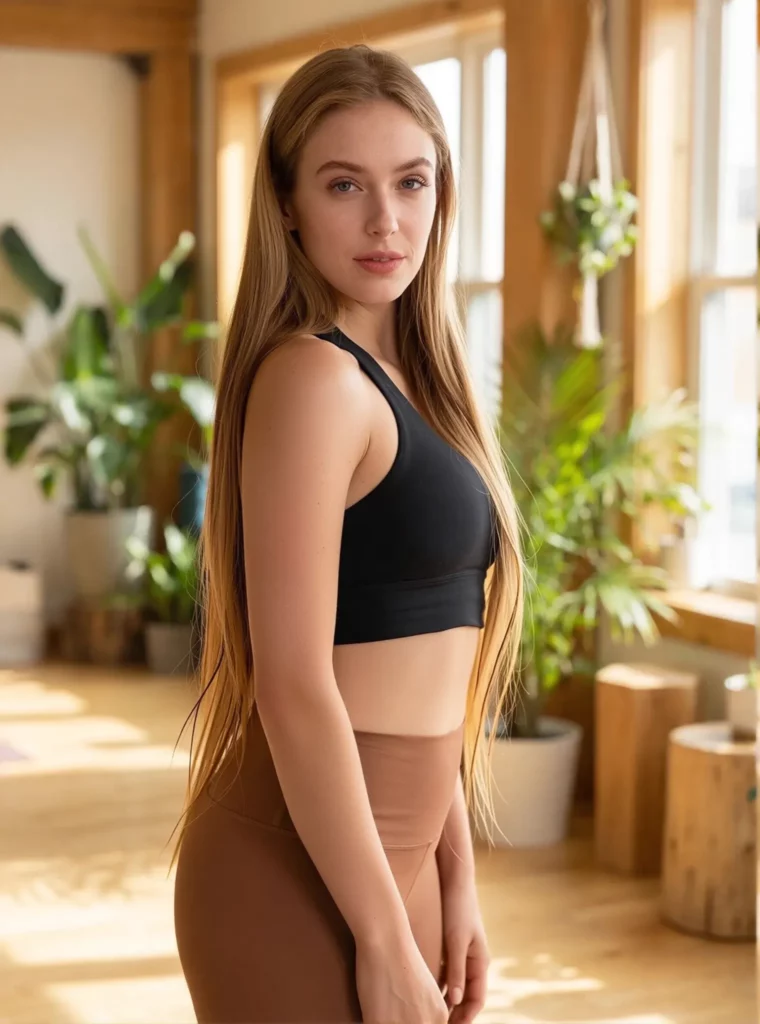
Build a Consistent Social Content Series
A creator may have several strong lifestyle images. However, the model identity may change too often.
With a controlled AI Face Swap workflow, the creator can test a more consistent on-camera identity across a visual series.
Still, the face is not the only element that should remain stable. Lighting, color, styling, and editing should also support the same identity.
Refresh Existing Creative Concepts
Sometimes, the composition, clothing, and background already work. Only the casting direction needs to change.
In that case, face swapping can help teams explore a new concept without rebuilding every visual element.
However, always use faces with permission. In addition, check the platform terms before using generated results in paid campaigns or commercial projects. The WeShop page also advises users to avoid unauthorized images and review usage rights.
AI Face Swap for Group Visuals
Group images create a harder challenge because each face must remain clear and consistent.
Therefore, review every person separately before approving the full image.
The WeShop tool page lists multi-face swapping for group photos, campaign assets, and team visuals among its supported use cases.
✅ An AI Face Swap Quality Checklist
Before publishing, check the following areas.
Face Shape
Does the jaw, forehead, and cheek structure remain recognizable?
Eyes and Gaze
Do the eyes look natural? Moreover, are they looking in a direction that fits the pose?
Expression
Does the mouth match the eyes and body language?
Skin and Lighting
Do the face, neck, and body share the same light and color?
Hairline and Edges
Are the forehead, temples, ears, and jaw clean?
Scale
Is the head the right size for the body?
Identity Consistency
Does the person still look the same across other campaign images?
Story Fit
Finally, does the person feel right for the setting, product, and message?
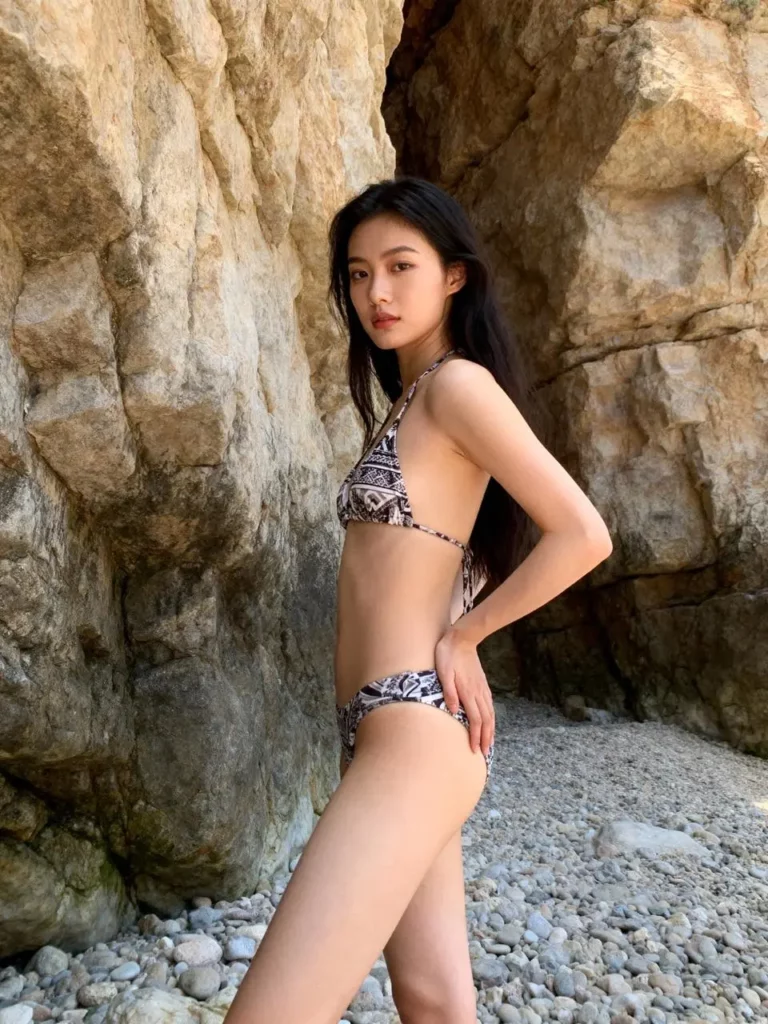
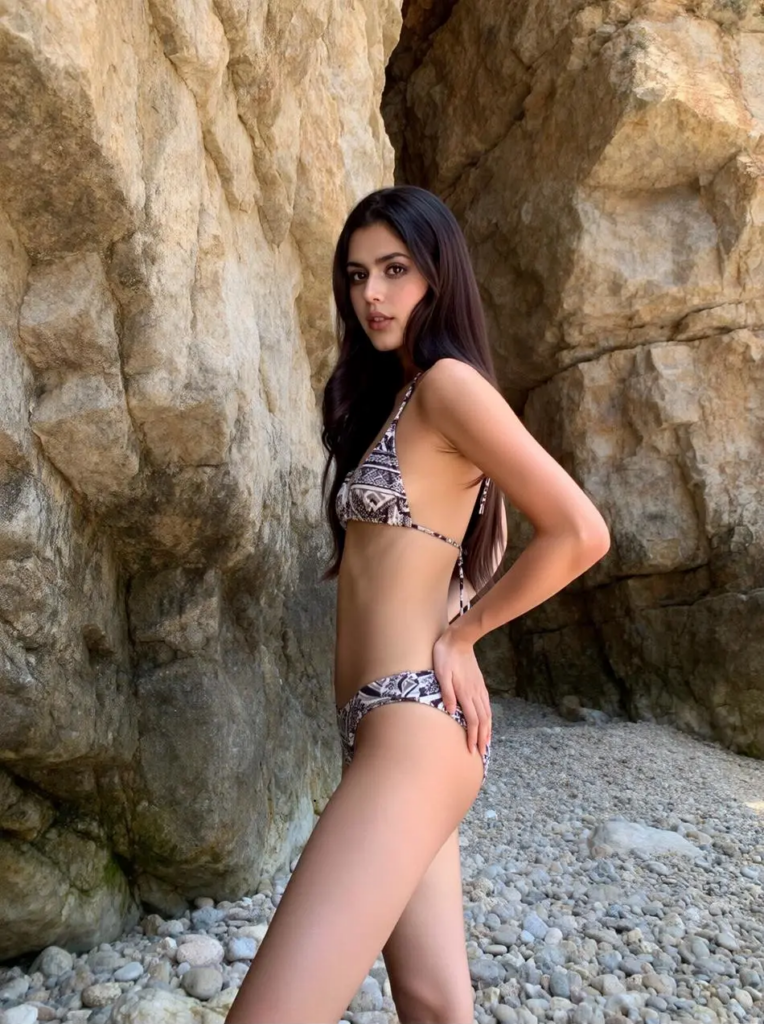
⚠️ Use AI Face Swap With Consent and Clarity
Realistic face editing creates responsibility.
First, only use a person’s face when you have clear permission. In addition, avoid using face swaps to impersonate someone, mislead viewers, or create false endorsements.
For branded work, confirm that you have the right to use the source face, target image, and final result. Commercial permissions may depend on the tool, plan, and original assets.
Moreover, consider disclosure when a realistic edited image could confuse viewers. A simple label can protect trust without weakening the creative idea.
The strongest content is not only visually convincing. It is also honest about how it was made.
❓ AI Face Swap FAQ
What Is the Best Photo for AI Face Swap?
Use a clear image with visible facial features, natural lighting, and minimal blur. In addition, choose an angle and expression that are close to the target image.
Can AI Face Swap Keep the Same Person Across Many Images?
It can help create a consistent identity. However, results may vary with camera angle, lighting, expression, and image quality. Therefore, use a stable reference set and compare every output side by side.
Why Does My AI Face Swap Look Unnatural?
The source and target may have different angles, expressions, lighting, or face proportions. In addition, the hairstyle, neck, or body language may not match the new face.
Can AI Face Swap Work With Group Photos?
Yes, some workflows support several faces in one image. However, group images need a more careful review because each face may have different lighting, scale, and visibility.
Should the Source and Target Have the Same Expression?
They do not need to be identical. Still, similar expressions usually create a more natural result. For example, a gentle smile works better with another gentle smile than with a wide laugh.
Can I Use AI Face Swap for Commercial Content?
That depends on the source images, consent, platform plan, and usage terms. Therefore, confirm all permissions and review the tool’s license before publishing paid ads or client work.
Final Thoughts
A strong AI Face Swap should do more than place a recognizable face into a new image. It should preserve identity, support the emotion, and fit the full visual story.
Therefore, begin with the role rather than the technology. Choose a suitable source face. Match the angle and expression. Protect the important details. Then, review the whole person instead of checking only the face.
Most importantly, compare results as a set. When the same person remains believable across different scenes, face swapping stops feeling like a one-time effect. Instead, it becomes a useful system for consistent visual storytelling.
Go to WeShop AI For Exploration: