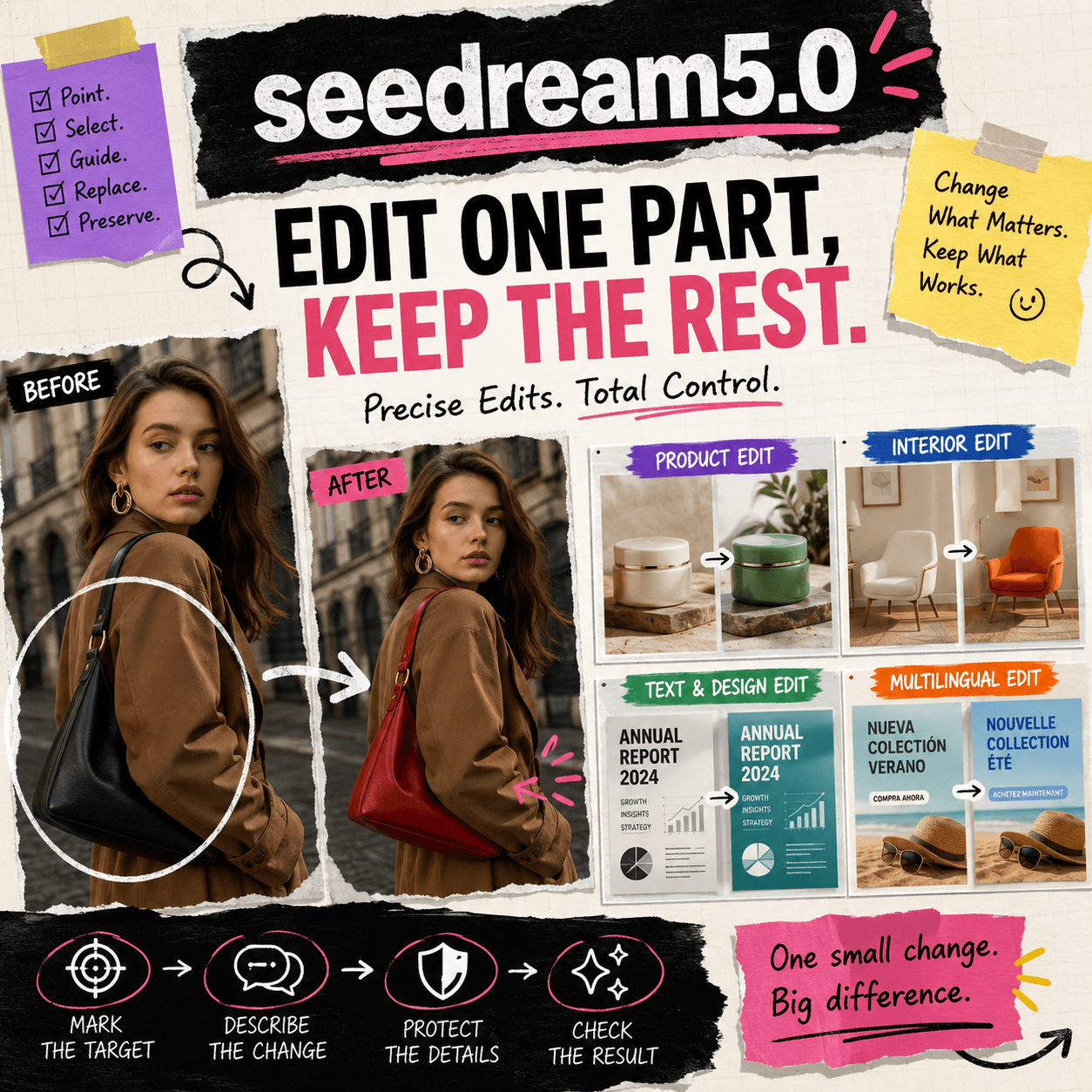
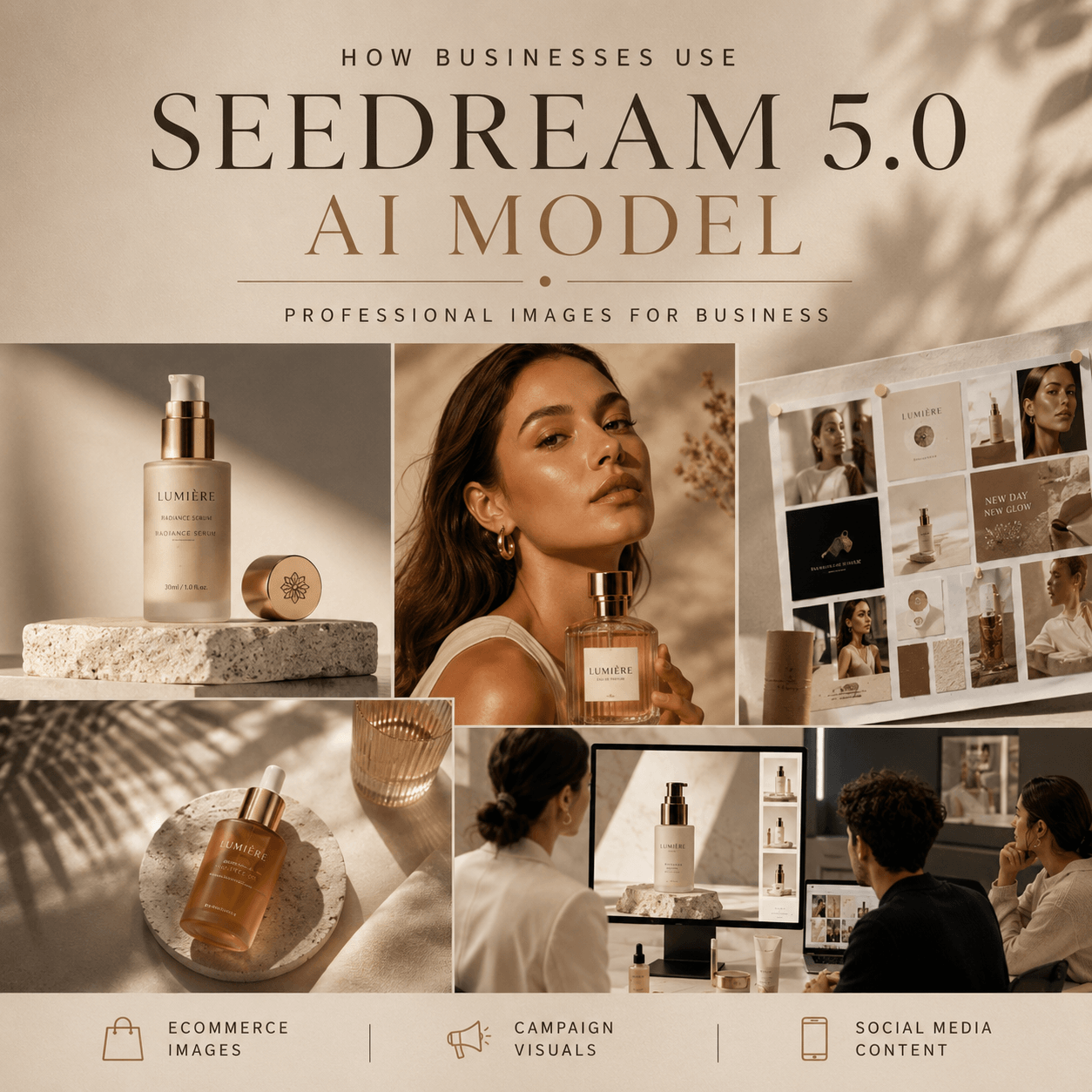
Seedream 5.0 Pro helps brands and creators create professional AI images with realistic details, better visual quality, and more creative flexibility.
Today, visual content plays an important role in digital marketing. For example, brands need images for websites, ads, social media, and product campaigns.
However, creating professional images is not always simple. Traditional production often requires photographers, designers, locations, and long editing processes.
Therefore, many creators and businesses are exploring AI image tools. With these tools, they can turn ideas into professional images faster.
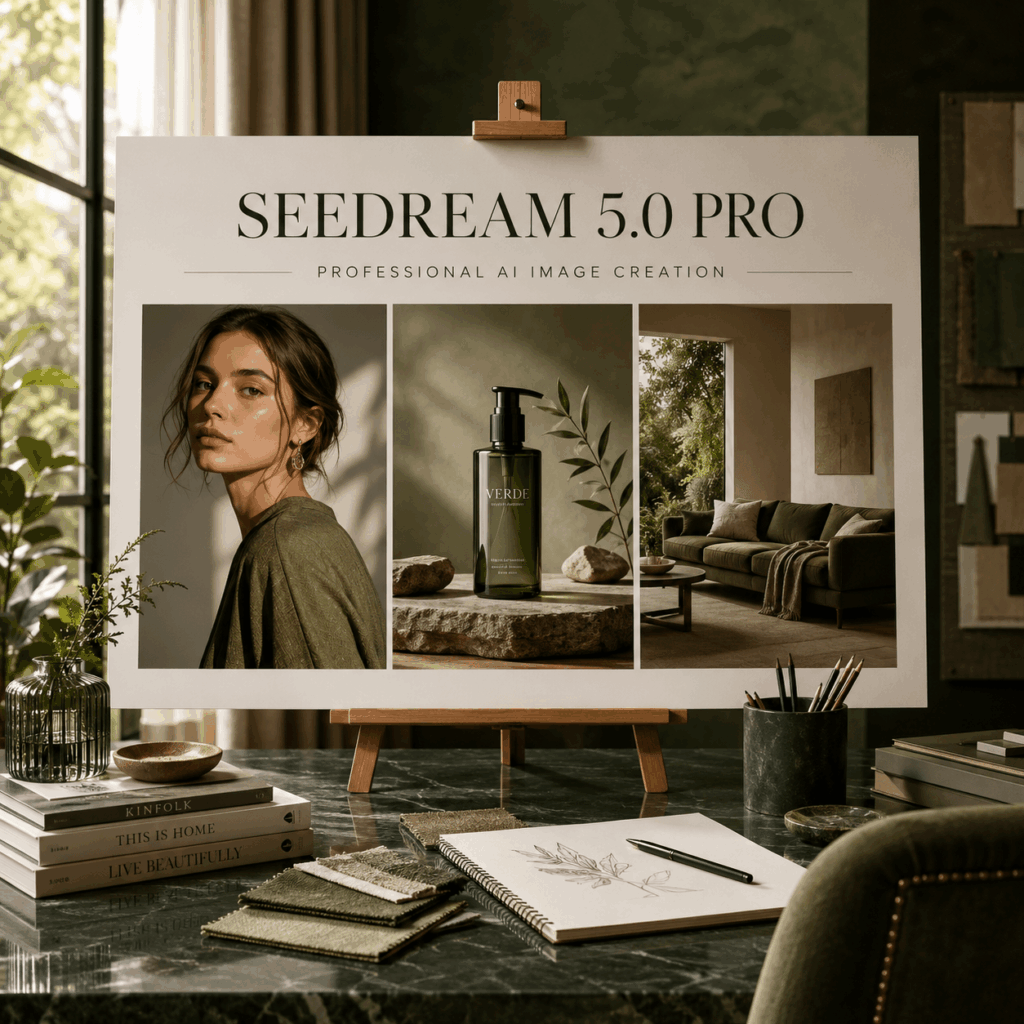
Why Creators and Brands Need Better AI Image Tools
Visual content helps brands communicate with customers.
A strong image can help a business:
- Show product details
- Build brand awareness
- Create emotional connections
- Improve customer attention
However, creating enough good images can still be difficult
For example, a fashion brand may need different visuals for:
- Website banners
- Product pages
- Social media posts
- Seasonal campaigns
Previously, every new idea needed more time and money.
Now, AI image tools provide a simpler solution. In addition, creators can test new ideas without starting from zero.
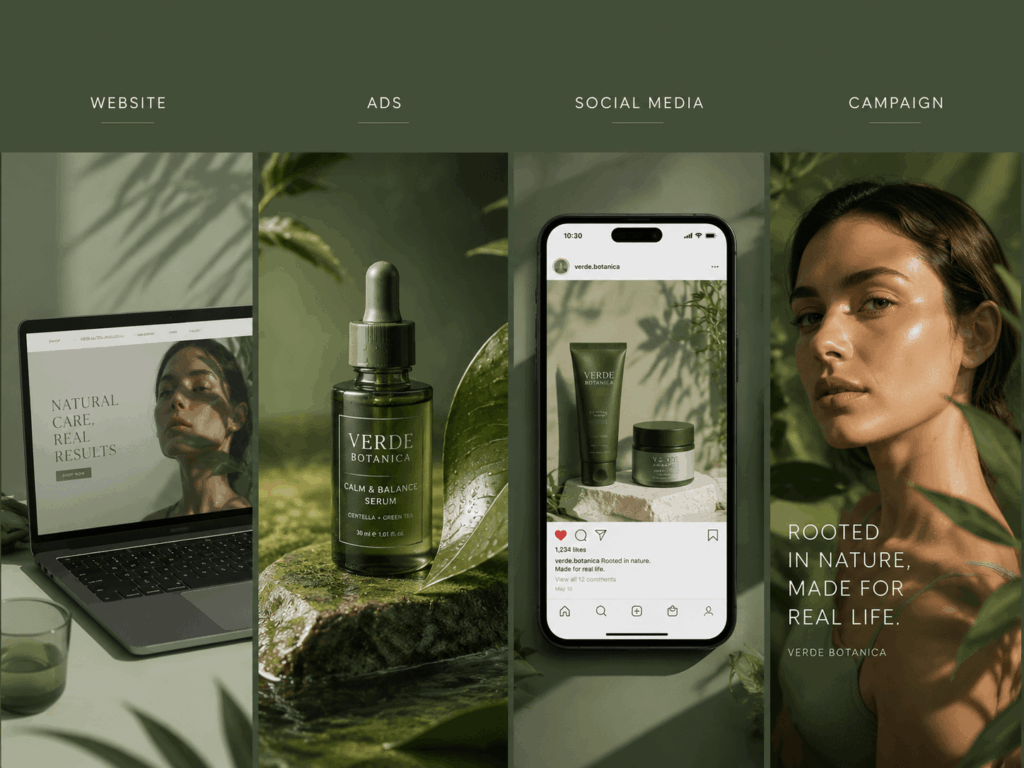
How This AI Image Model Improves Image Creation
Generate More Creative Visual Ideas
Great images usually start with a clear creative idea.
However, turning an idea into an image can take time.
With Seedream 5.0 Pro, creators can explore different styles and concepts more easily.
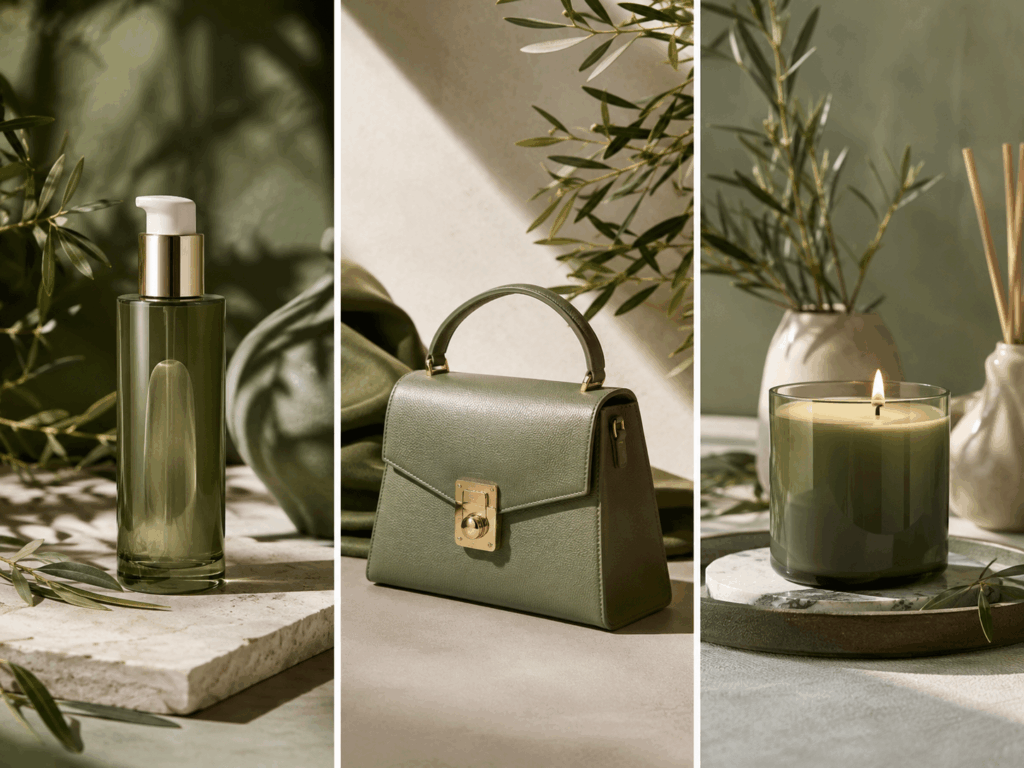
For example, the same product can be shown in:
- A luxury campaign style
- A clean studio scene
- A lifestyle environment
- A creative advertising visual
Therefore, teams can test more ideas before making a final choice.
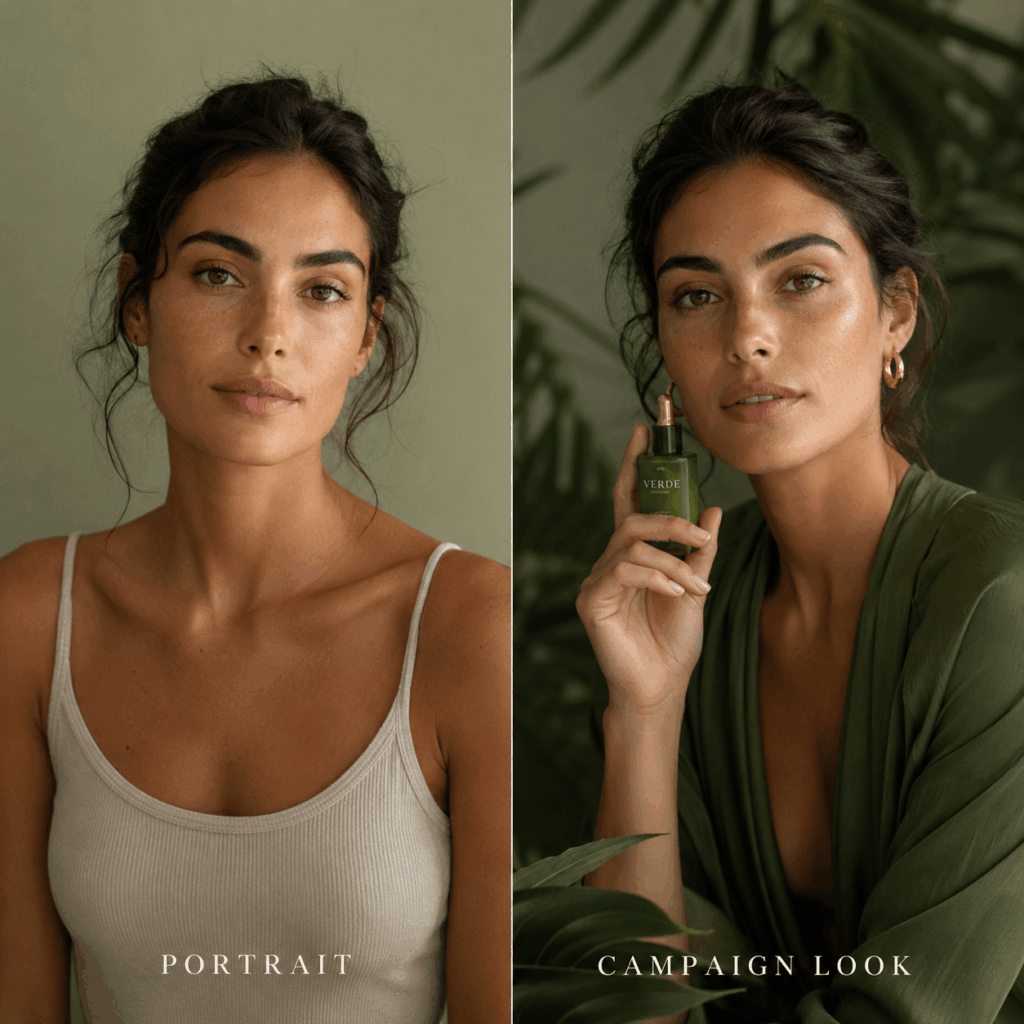
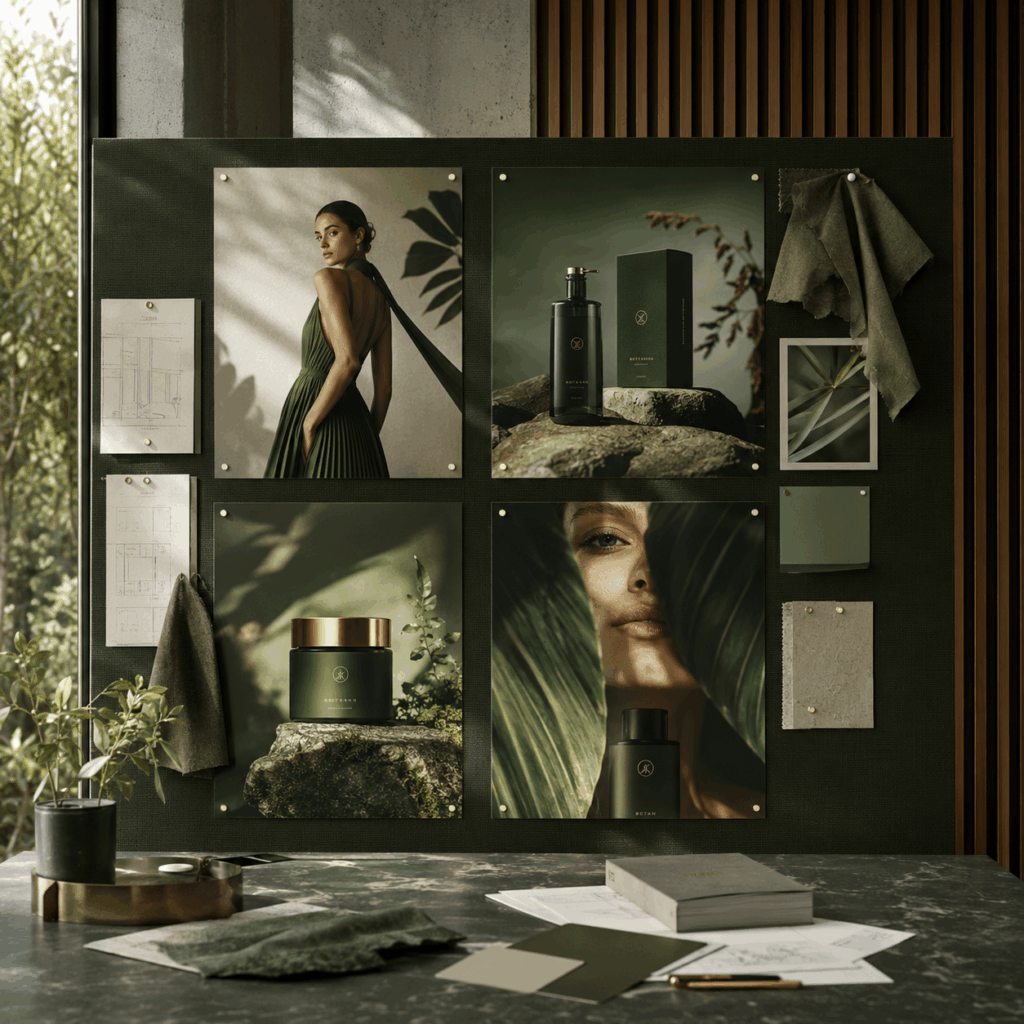
Create More Realistic AI Images
Realistic details are important for professional images.
Seedream 5.0 Pro helps create visuals with:
- Natural lighting
- Detailed textures
- Balanced composition
- Realistic environments
As a result, the images can look closer to real photography.
Moreover, realistic details help brands show products better. This is especially important because customers often discover products through images first.
Build More Consistent Visual Styles
A clear brand style helps customers remember a business.
However, maintaining the same style across different projects can be difficult.
Different photoshoots may create different:
- Lighting effects
- Colors
- Backgrounds
- Visual moods
This tool helps creators keep a clear visual direction.
As a result, brands can create images that feel more connected across different channels.
How Brands Use AI Image Models for Professional Images
Seedream 5.0 Pro for Product Marketing
Product images are important for ecommerce success.
Customers often judge a product by the first image they see.
Therefore, brands need visuals that are clear, attractive, and professional.
Seedream 5.0 Pro can help businesses create:
- Product showcase images
- Lifestyle product scenes
- Advertising visuals
For example, a beauty brand can create different campaign styles for the same product without preparing multiple photoshoots.
Seedream 5.0 Pro for Brand Campaigns
Campaign images need strong storytelling.
However, traditional campaign production can require a large budget and long preparation time.
With AI image creation, brands can explore more creative ideas before starting a complete production.
For example, a fashion campaign can test different:
- Locations
- Moods
- Visual styles
Then, teams can choose the direction that best matches their brand.
Seedream 5.0 Pro for Social Media Content
Social media requires fresh content regularly.
Therefore, creators need faster ways to produce new visuals.
Seedream 5.0 Pro helps teams create more image variations for:
- Social media posts
- Online promotions
- Content marketing
As a result, brands can keep their channels active with more creative content.
How To Create Better Images With Seedream 5.0 Pro
Creating professional AI images does not need a complicated process.
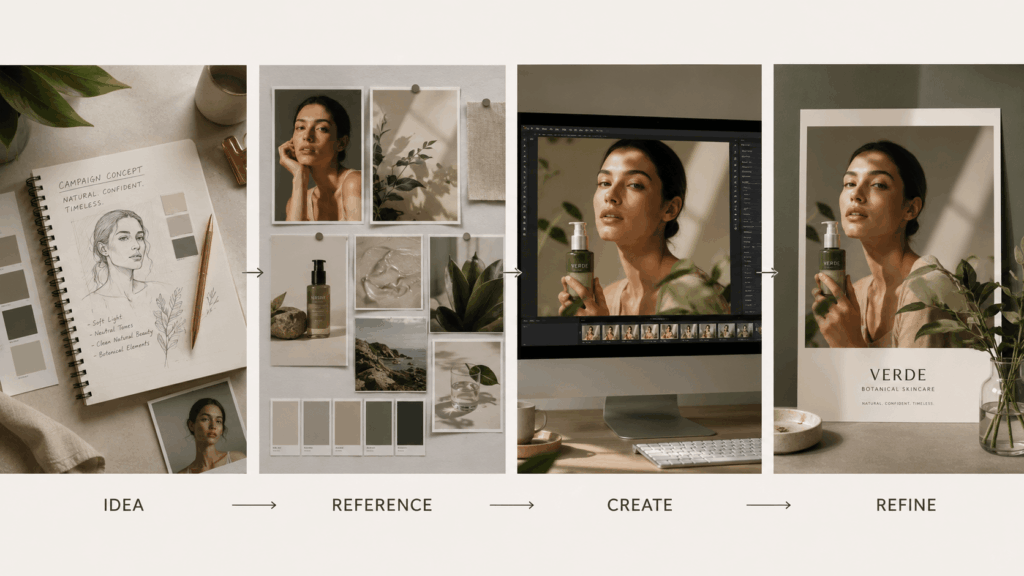
Step 1: Start With a Clear Idea
First, decide what type of image you want to create.
For example:
- Product image
- Brand campaign visual
- Lifestyle scene
- Social media content
A clear goal helps create better results.
Step 2: Prepare Useful References
Next, prepare visual references that match your idea.
These can include:
- Product images
- Style examples
- Color directions
- Composition references
In addition, clear references help maintain important details.
Step 3: Review and Improve Results
Then, review the generated images carefully.
Pay attention to:
- Product details
- Lighting
- Composition
- Overall style
Small changes can improve the final result.
Tips for Better Seedream 5.0 Pro Results
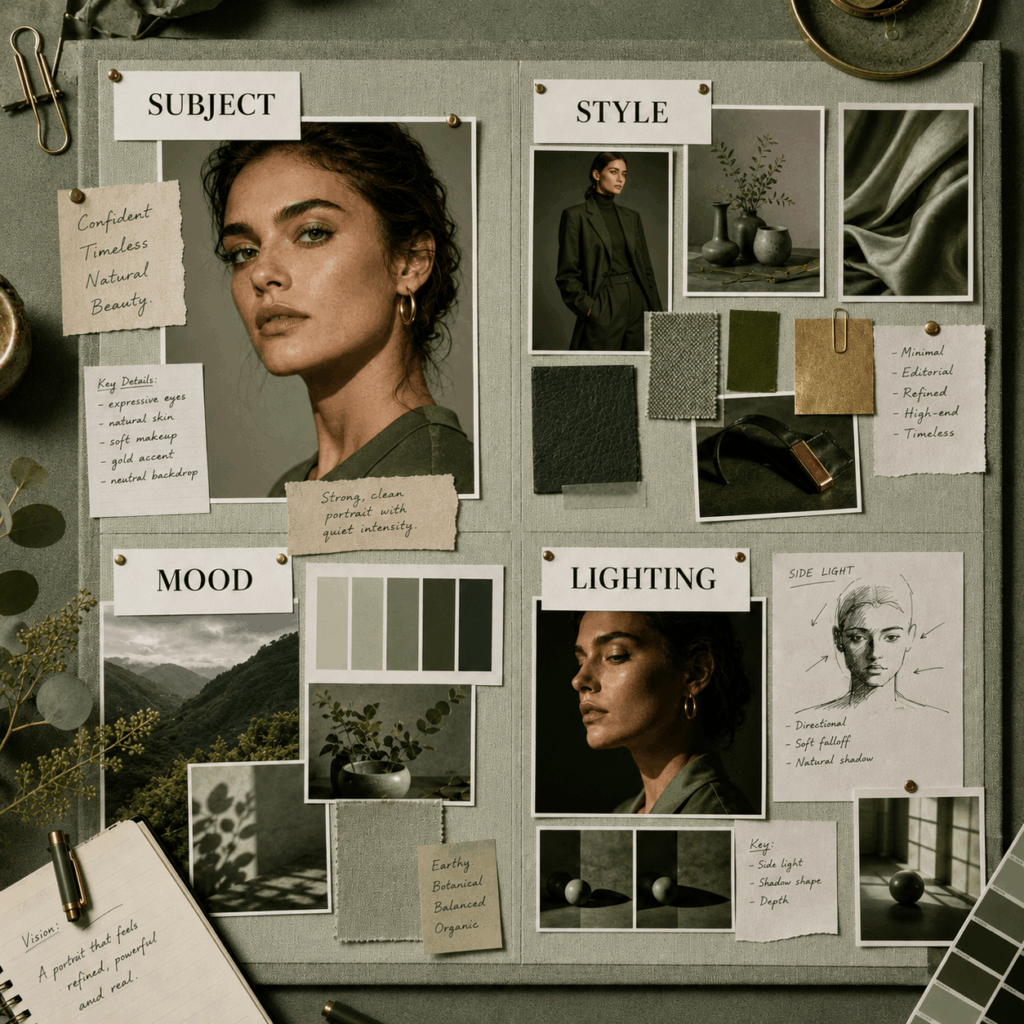
Use Specific Creative Directions
Clear instructions usually create better results.
Instead of using general ideas, describe:
- Main subject
- Visual style
- Mood
- Lighting
Therefore, creators can get results that match their ideas better.
Keep Your Brand Style Clear
Moreover, a consistent style helps build stronger brand recognition.
Choose a clear direction and keep it across different images.
This makes your content look more professional and connected.
Focus on One Main Idea
Too many ideas in one image can reduce clarity.
Therefore, focus on one main subject and one creative goal.
A simple direction often creates stronger results.
Who Can Use Seedream 5.0 Pro?
Seedream 5.0 Pro can support many creative users, including:
- Brand teams
- Ecommerce sellers
- Designers
- Content creators
- Marketing professionals
Whether you need product visuals, campaign images, or social media content, AI image tools can help you create more possibilities.
FAQ About Seedream 5.0 Pro
What is Seedream 5.0 Pro used for?
It helps users create professional images for products, campaigns, and creative projects.
Can Seedream 5.0 Pro create realistic images?
Yes. Seedream 5.0 Pro focuses on realistic details, natural scenes, and professional visual quality.
Are AI Image Tools Useful for Businesses?
Yes. Businesses can use it to explore creative ideas and create more visual content faster.
Create Professional Images With Seedream 5.0 Pro
Today, brands and creators need more images than before.
However, creating every image from scratch can take too much time and effort.
Seedream 5.0 Pro provides a faster way to turn creative ideas into professional AI images.
By combining clear ideas with advanced image creation, creators and brands can build better visuals for products, campaigns, and digital content.
Go to WeShop AI For Exploration: