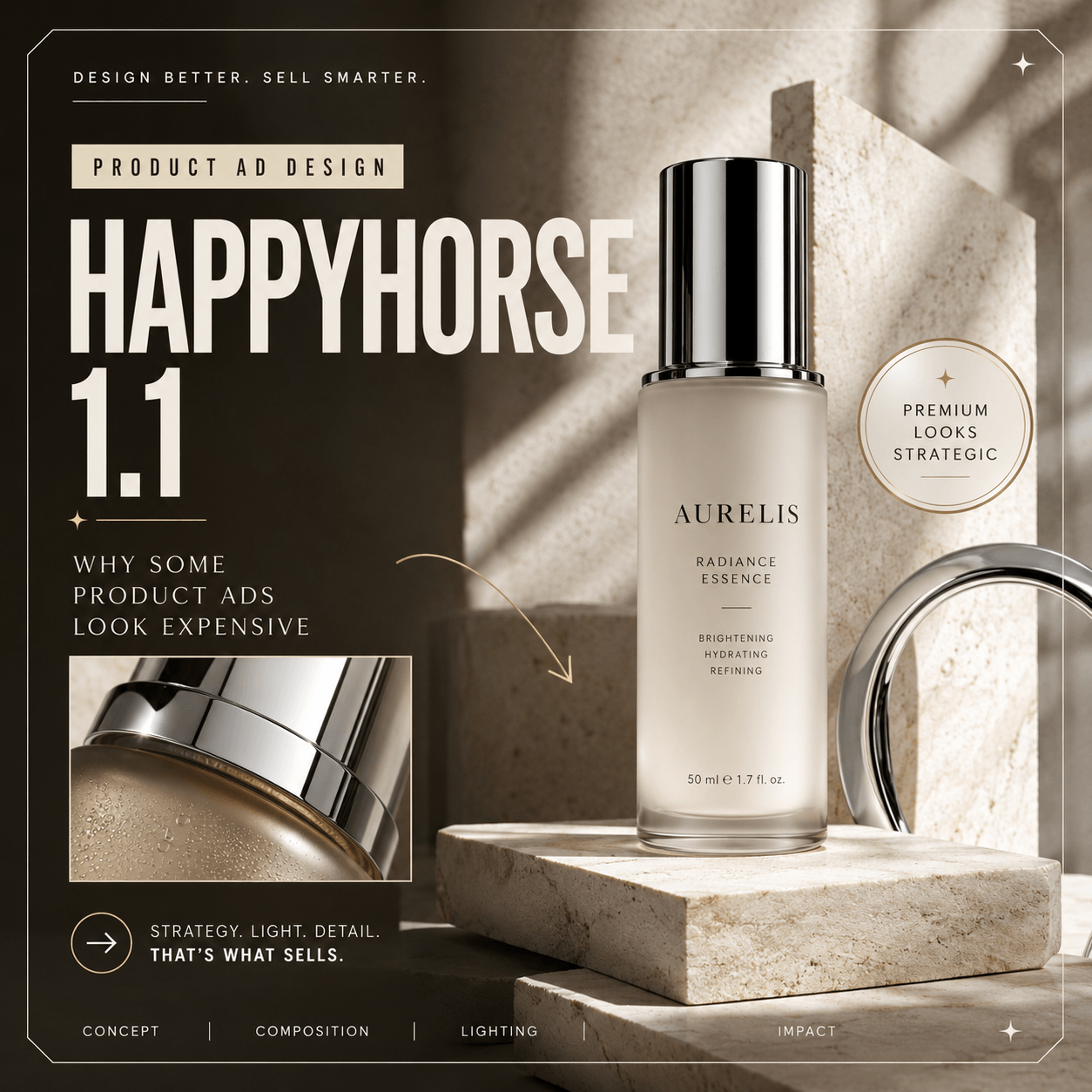
A polished product image can hide many flaws. Hands stay still. Labels face the camera. Lighting never shifts. However, motion changes the test. Once the image moves, weak details become easy to spot. That is why the HappyHorse 1.1 AI Video Generator is worth testing. It does more than turn a still image into a clip. More importantly, it shows whether the original creative idea can survive motion.
On WeShop, creators can start with a prompt, a first frame, or visual references. They can also guide the action, camera movement, mood, and sound. At the same time, a long feature list does not answer the most important question:
Can the final video actually be used?
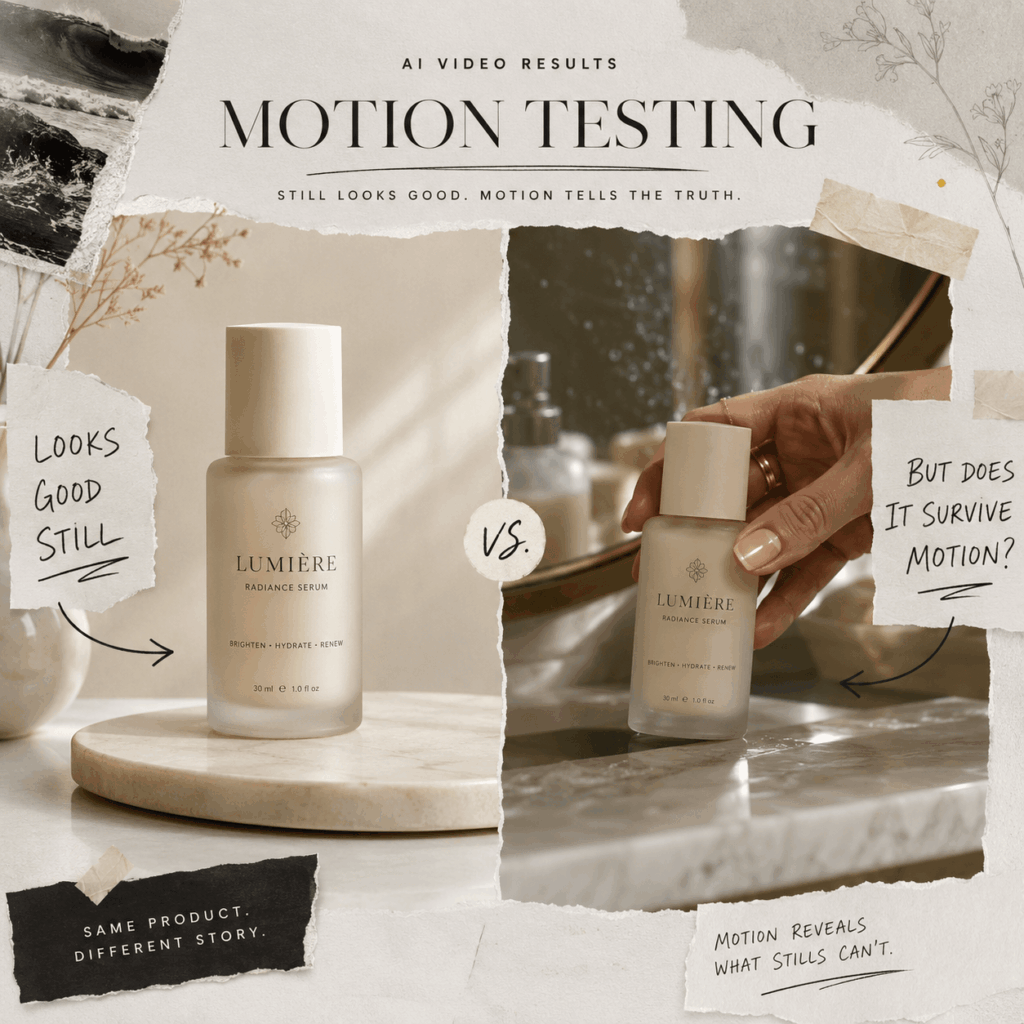
Build One Campaign Before You Generate
The fastest way to lose control is to test ten unrelated ideas.
Instead, choose one product and build a small campaign around it. By doing this, every result becomes easier to compare.
For example, imagine a skincare bottle.
The first scene could show it beside a bathroom mirror. The second could place it in a bright studio. The third could move it into a night-time lifestyle setting.
The locations can change. However, the product identity should remain connected.
The bottle shape, label, color, and overall mood should still feel like the same brand.
This approach helps you understand whether the HappyHorse 1.1 AI Video Generator can support a visual system, rather than creating only one lucky result.
Before generating, prepare a simple creative brief:
Product: one clear hero item
Audience: one specific viewer
Mood: three descriptive words
Action: one main movement
Camera: one clear direction
Ending: one final campaign frame

A Cleaner HappyHorse 1.1 Prompt Formula
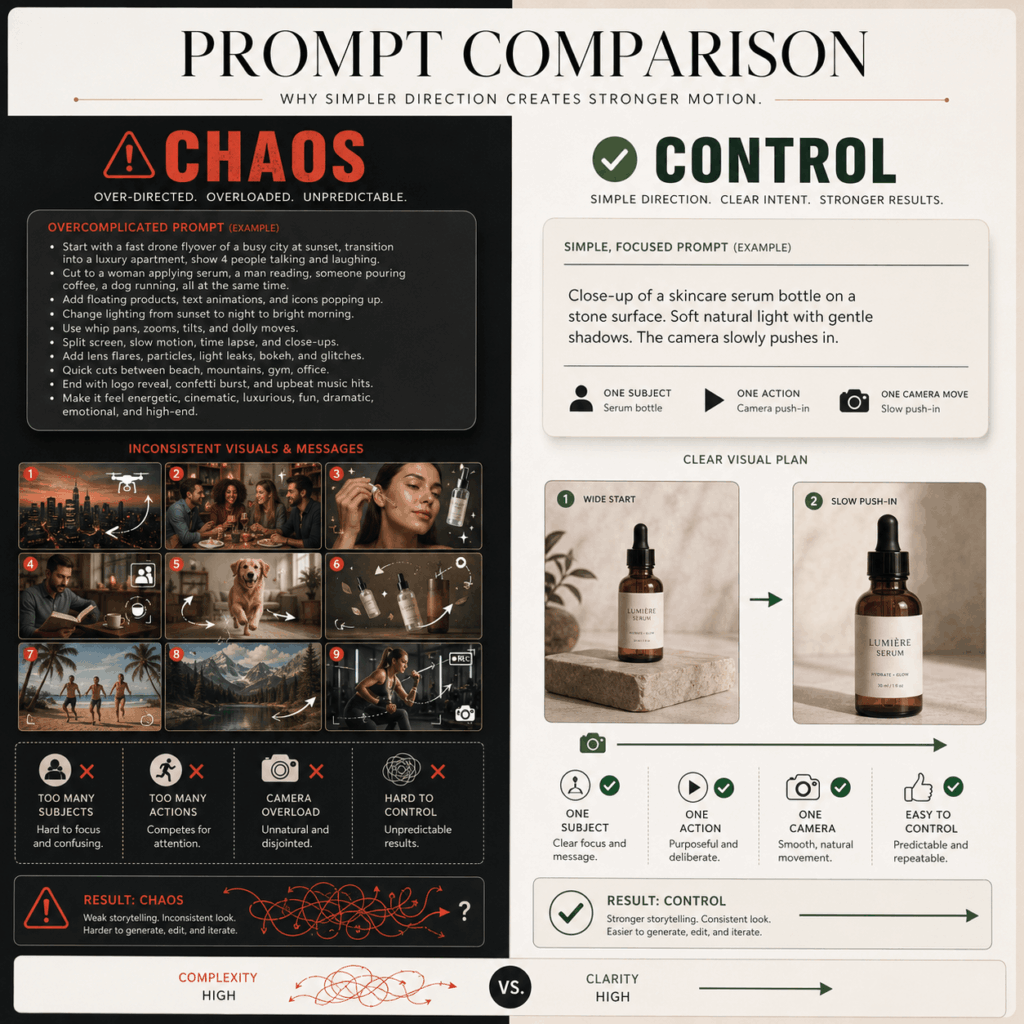
Long prompts are not always better.
In fact, a prompt becomes weaker when every sentence asks for a different effect. Instead, use a simple structure:
Preserve + Move + Direct + Finish
For example:
Preserve the exact bottle shape, label, cream cap, and soft glass texture. A woman places the bottle beside a bathroom mirror. The camera moves forward slowly. Morning light crosses the glass. Keep the hand movement soft and natural. End on a clean close-up with space for campaign text.
This prompt has four clear jobs.
First, it protects important details.
Next, it adds one simple action.
Then, it guides the camera direction.
Finally, it creates a clear ending.
That final step matters. Without an ending, the clip may feel unfinished.
Four Details That Must Survive Motion
1. Product Identity
Packaging is often the first thing that changes after motion begins.
Therefore, always check the outline, material, label, cap, and logo area carefully.
Small text errors may be acceptable during early experiments. However, a commercial advertisement requires a much closer review.
A beautiful camera movement cannot fix an incorrect product.
2. Character Identity
People also need careful checking.
Look closely at faces during turns, smiles, and lighting changes. In addition, check fingers, hair, accessories, and clothing edges.
Reference images can help guide the person, outfit, product, and scene. However, every HappyHorse 1.1 AI Video Generator result still needs human review.
3. Camera Logic
Camera movement should always have a reason.
A slow push-in can create focus. A side movement can reveal a product shape. Meanwhile, a controlled rotation can make the scene feel more cinematic.
However, adding too many movements at once usually creates problems.
A zoom, orbit, handheld shake, and sudden close-up may sound exciting. In practice, the result can become confusing.
Instead, choose one main camera idea. Then build the rest of the scene around it.
4. Sound With a Purpose
Sound can make a generated video feel more complete. However, it should support the scene instead of becoming the main attraction.
For example, a soft bottle click, fabric movement, room atmosphere, or distant street sound can add realism.
On the other hand, too many effects can make a short video feel artificial.
Therefore, keep the audio simple. A small detail often creates a stronger impression than a crowded sound design.
A Four-Step HappyHorse 1.1 AI Video Generator Workflow
A strong result usually does not come from one random generation.
Instead, it comes from a simple testing process.
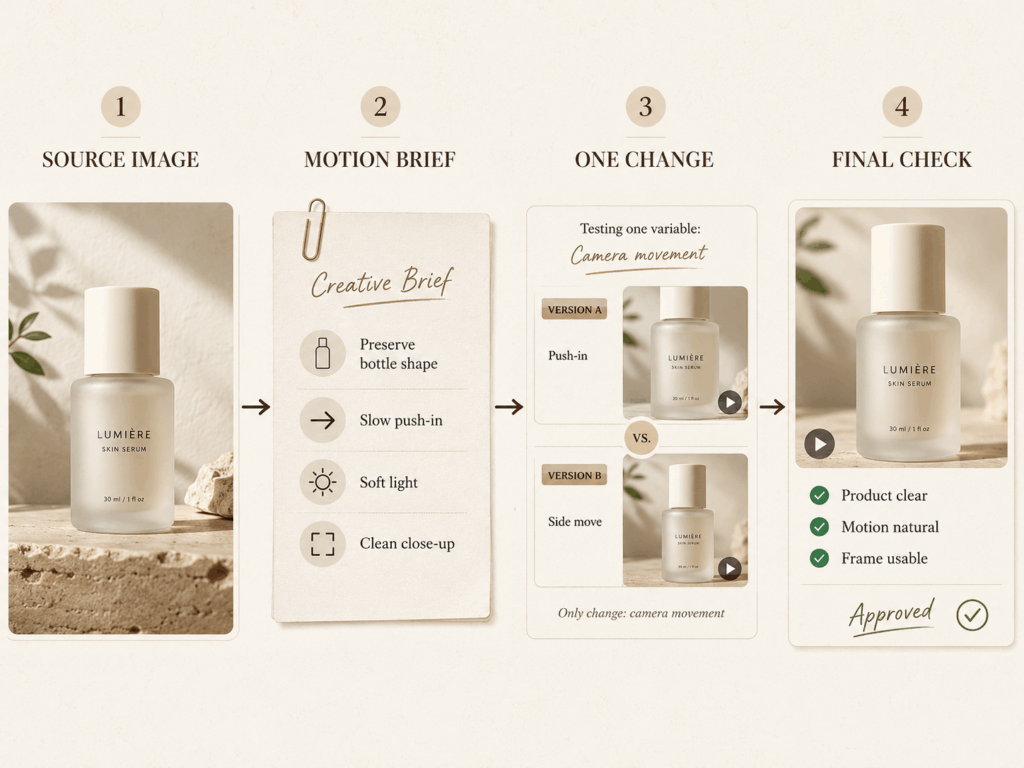
Step 1: Choose a Clear Source Image
Start with a strong image.
The subject should be easy to recognize. The lighting should feel natural. There should also be enough space for movement.
Avoid tiny products, hidden hands, and crowded backgrounds. These details can make motion harder to control.
Step 2: Write the Motion Brief
Before generating, decide what should move and what should stay.
First, describe the details that cannot change.
Next, add the action, camera direction, atmosphere, sound, and final frame.
By doing this, the model has a clearer creative goal.
Step 3: Change One Thing at a Time
Testing every possible change at once makes results difficult to understand.
Instead, start with one camera move.
First, try a slow push-in.
Next, test a side movement.
After that, adjust the speed or atmosphere.
This method helps you discover what actually improves the video.
Step 4: Review It Like an Editor
A creator should not only watch the video once.
First, watch for the overall feeling.
Then, check the product details.
Finally, mute the sound and focus only on movement.
In many cases, this slower review teaches you more than creating several extra versions.
What HappyHorse 1.1 Should Not Do First
Not every idea needs maximum complexity.
A crowded street with many characters, flying objects, fast camera movement, and multiple transitions may sound cinematic. However, it is also one of the hardest situations to control.
Instead, begin with one hero subject and one clear action.
For example:
A model slowly turning toward the camera.
A product rotating under soft light.
A person walking through a simple environment.
Once the basic movement works, you can add more layers.
Simple does not mean boring. It means the viewer understands the story faster.
Where HappyHorse 1.1 Fits in a Real Campaign
The HappyHorse 1.1 AI Video Generator is most useful during the creative exploration stage.
A brand can animate an existing product image. A social media team can test different opening scenes. An editor can create a moving storyboard before production starts.
At the same time, the tool does not need to replace every traditional filming process.
Instead, it can help teams decide which ideas deserve more time, budget, and attention.
One strong image can become:
- A landing page loop
- A short social media teaser
- A product detail video
- A campaign concept
- A creator brief
Therefore, the biggest value is not only generating a video.
It is helping creators discover better directions faster.
Final Verdict: Motion Is the Real Filter
A successful AI video is not always the one with the biggest movement.
Instead, the strongest result is usually the one that keeps three things stable:
The product stays believable.
The person stays recognizable.
The campaign idea stays clear.
With the HappyHorse 1.1 AI Video Generator, creators can explore motion through prompts, first frames, and references.
Nevertheless, the final decision still belongs to the creator.
You decide what should stay.
You decide what should move.
You decide which version deserves another attempt.
A still image only needs to look good once.
A video needs to earn attention frame by frame.
Quick HappyHorse 1.1 FAQ
Can HappyHorse 1.1 Animate a Product Image?
Yes.
You can start with a product image or first frame. Then, describe the movement, camera direction, atmosphere, and final shot.
A clear source image usually creates a stronger foundation for the video.
How Can I Keep My Product Consistent?
Focus on the details that cannot change.
For example, mention the product shape, color, material, packaging, label position, and scale.
Also, keep the first movement simple. A clear action is usually easier to control.
Should I Publish the First Generated Video?
Usually, no.
First, check the complete clip.
Look for product changes, unstable faces, unnatural hands, unrealistic movement, or details that affect trust.
After that, compare several controlled versions and choose the strongest one.
Create Better Motion From Your Best Images
A good image is only the beginning.
The real challenge starts when it moves.
With the right source image, a focused prompt, and careful review, the HappyHorse 1.1 AI Video Generator can help turn simple visuals into more engaging campaign content.
Go to WeShop AI For Exploration: