

An AI YouTube Intro Maker can turn a simple idea into a polished opening. You do not need to build each animation by hand. Instead, describe your style, add your channel name, and generate an intro that fits your content.
For new creators, this makes video production easier. It also helps established channels refresh their look without starting again.
A good YouTube intro does not need to be long. In fact, short intros often work better. Use clear text, one visual style, and simple sound. The goal is to introduce your channel fast. Then, move viewers into the main video.
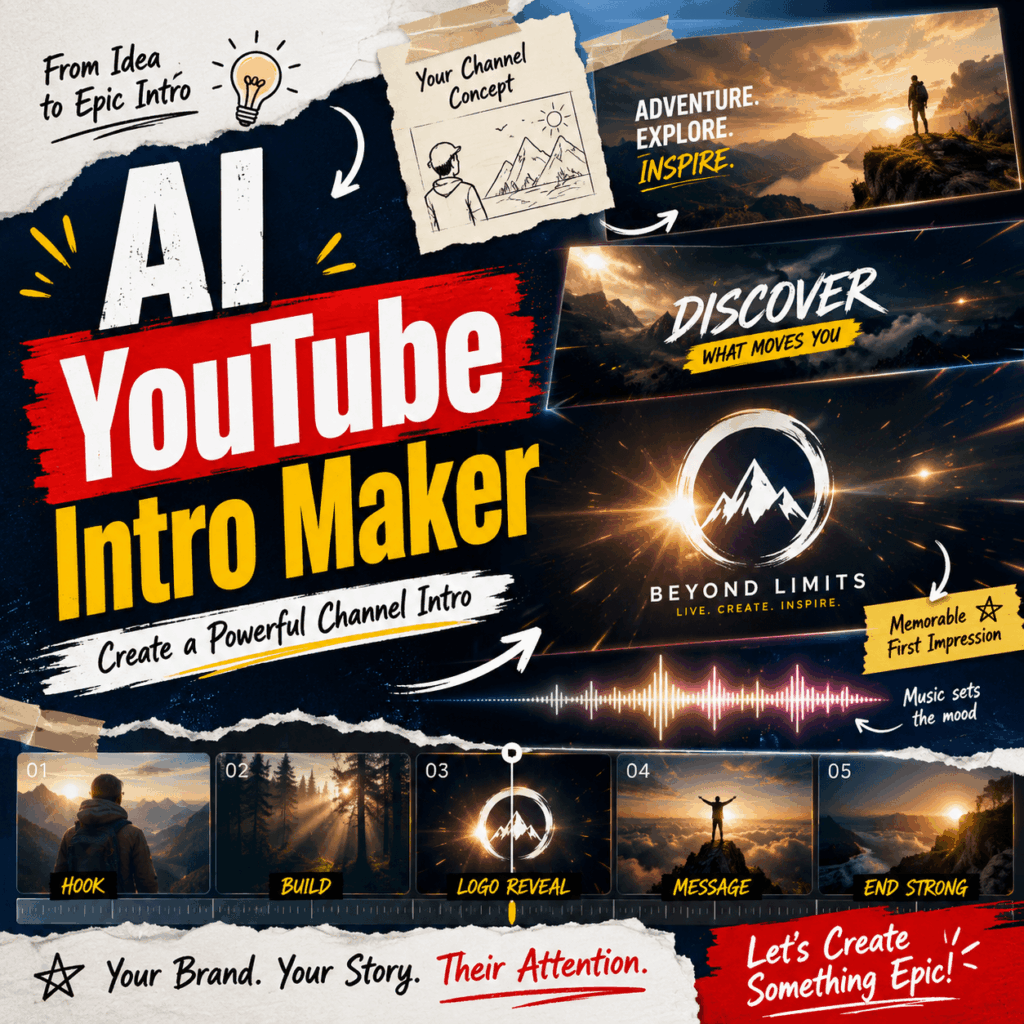
🎬 Why an AI YouTube Intro Maker Is Useful
Creating a traditional animated intro can take time. First, you need a concept. Then, you need motion graphics, music, transitions, typography, and editing software.
However, an AI YouTube Intro Maker brings these steps into one simpler workflow. You can start with a prompt, select a visual direction, add your branding, and generate an opening video without advanced animation skills.
The WeShop AI tool supports features such as prompt-based video creation, intro templates, logo reveal effects, background music, sound effects, subtitles, voiceovers, brand colors, custom fonts, and platform-ready exports. As a result, creators can build different styles of intros without working through a complex editing timeline.
This is useful for more than saving time. It also helps you test ideas. For example, you can compare a clean minimal intro with a fast gaming-style version before choosing the final look.
✨ What Can You Create With an AI YouTube Intro Maker?
Different channels need different openings. Therefore, your intro should match the videos people will see after it.
AI YouTube Intro Maker Ideas for Gaming Channels
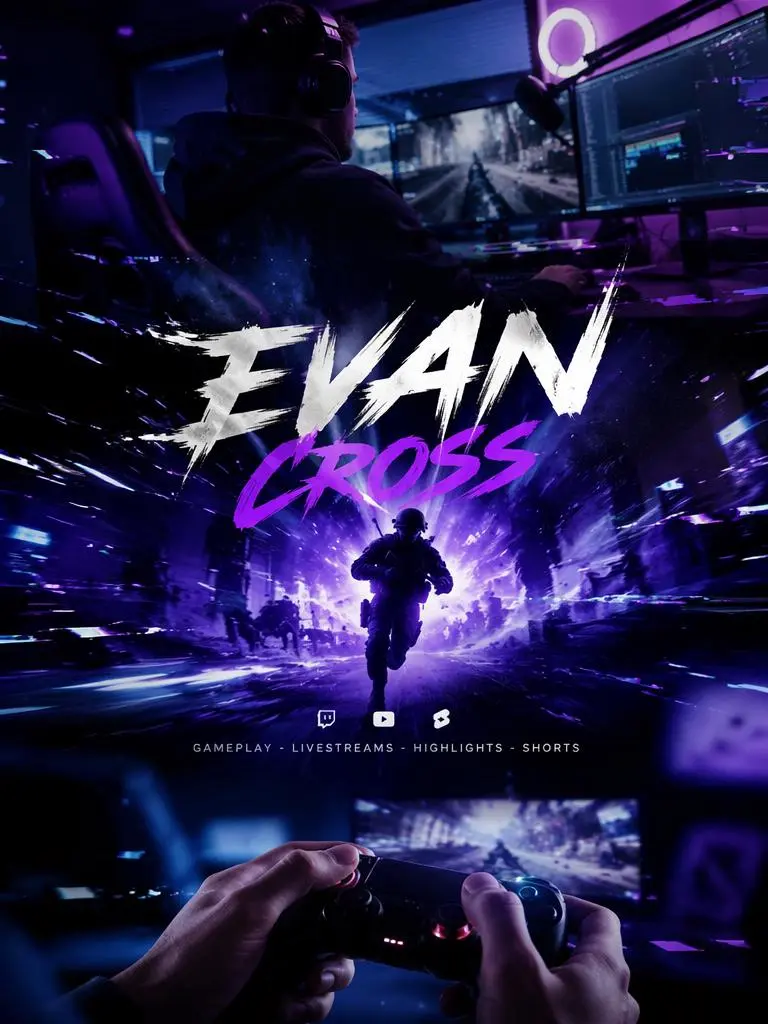
Gaming channels often need a fast and energetic style. For instance, you might use strong title text, quick camera movement, neon lighting, glitch effects, and dramatic sound design.
However, avoid adding every effect at once. A clear channel name and one strong visual idea will usually feel more professional than a screen full of flashing elements.
YouTube Intro Ideas for Vlogs and Lifestyle Channels
A vlog intro usually needs a softer tone. Therefore, warm colors, smooth transitions, personal photos, and simple typography may work better.
For example, a travel creator could use short clips of city streets, beaches, luggage, and local food. Meanwhile, a beauty or fashion channel could focus on close-up details, soft lighting, and elegant text.
AI YouTube Intro Maker Logo Reveals
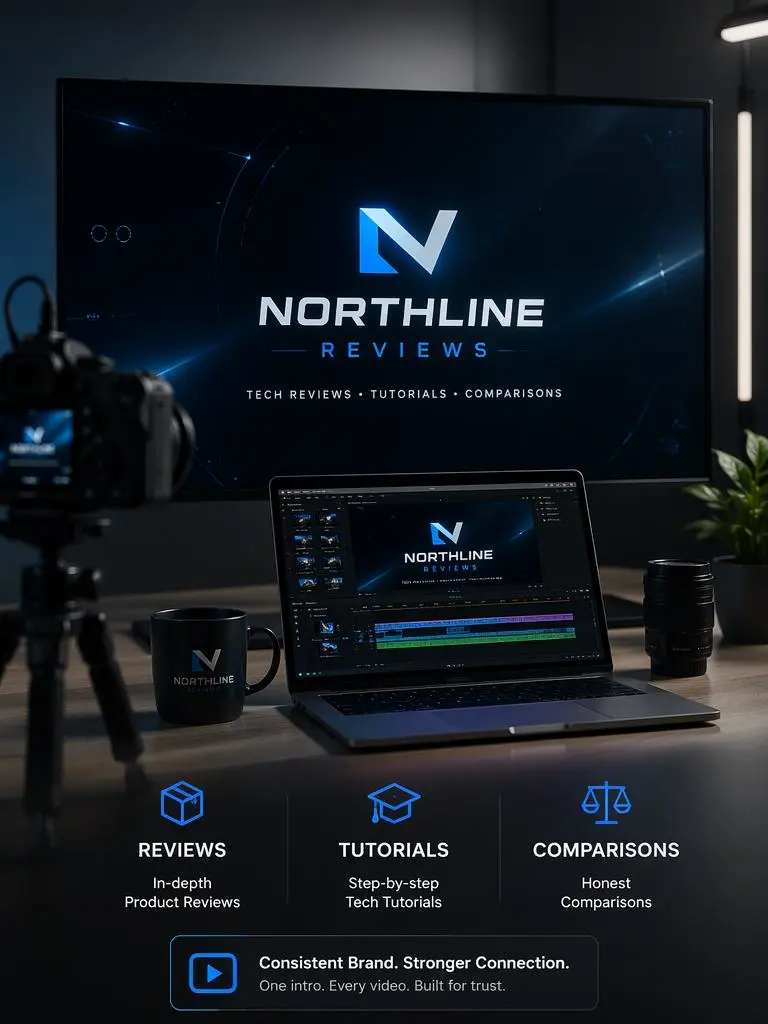
A logo reveal is useful for product reviews, company channels, tutorials, and branded content. Instead of creating a long sequence, you can animate the logo, add a short tagline, and finish with a simple sound effect.
As a result, the opening feels consistent without taking attention away from the main video.
YouTube Intros for Podcasts and Educational Videos
Educational videos and video podcasts often need a clean introduction. Therefore, the intro should clearly show the channel name, topic, and host identity.
In addition, a short voiceover or subtitle can help explain the subject. Still, the message should remain easy to read within a few seconds.
🛠️ How to Use an AI YouTube Intro Maker
The process does not need to be complicated. In most cases, four clear steps are enough.
Step 1: Define Your Channel Identity
First, decide what your channel should feel like.
Ask yourself a few simple questions. Is the content playful, calm, dramatic, educational, luxurious, or energetic? Which colors already appear in your thumbnails? Do you have a logo, slogan, or fixed font?
Once these details are clear, your AI YouTube Intro Maker prompt becomes much easier to write.
Step 2: Write a Focused Intro Prompt
Next, describe the intro in one clear paragraph.
Include the channel name, video niche, visual mood, colors, animation style, and sound direction. Also, mention whether you want a logo reveal, title animation, voiceover, or background music.
For example:
Create a short YouTube intro for a travel channel called “Weekend Elsewhere.” Use warm film colors, airport and city visuals, smooth camera movement, clean white text, and light upbeat music. End with a simple channel logo reveal.
This prompt is specific enough to guide the visual direction. At the same time, it leaves room for creative results.
Step 3: Check the Important Details
After generating the first version, watch it as a viewer.
First, check whether the channel name is easy to read. Then, review the timing, logo placement, music volume, transitions, and overall mood.
In addition, make sure the opening matches the rest of your content. A dark cinematic intro may look impressive, but it could feel disconnected from a bright home-cooking channel.
Step 4: Export and Test the Intro
Finally, export the version that best matches your channel.
However, do not treat the first result as permanent. Try the intro on several videos. Then, check whether it still feels smooth after repeated use.
You can also create shorter versions for social clips, vertical videos, presentations, or branded posts. The tool page notes that intro content can be prepared for YouTube, YouTube Shorts, social media, websites, presentations, and campaigns.
🚀 How to Get Better AI YouTube Intro Maker Results
A strong prompt helps. However, good judgment is still important after the video is generated.
Match the Intro to Your Video Niche
Every visual choice should support the channel topic.
For example, fast cuts and glitch effects may fit a gaming channel. Meanwhile, soft motion and natural light may work better for wellness, travel, food, or lifestyle content.
Because of this, avoid choosing a style only because it looks impressive in isolation.
Use Simple On-Screen Text
Viewers need to understand the text immediately. Therefore, use a short channel name, tagline, or topic line.
Also, avoid placing several messages on screen at the same time. One strong phrase is easier to remember than five small lines competing for attention.
Create More Than One Version
One intro may not suit every upload.
For example, you could create a full branded intro for long videos and a very short version for Shorts. Similarly, seasonal campaigns or special series may need a different color palette or title.
As a result, your branding stays recognizable without becoming repetitive.
❓ AI YouTube Intro Maker FAQ
Can Beginners Use an AI YouTube Intro Maker?
Yes. The workflow is designed to reduce manual editing. Therefore, beginners can start with a prompt or template, adjust the text and style, preview the result, and export the final intro.
What Should I Include in My YouTube Intro?
Include your channel name, logo, main visual style, and one clear mood. In addition, you can add a short tagline, background music, or sound effect.
However, every element should have a purpose. If something makes the intro harder to understand, remove it.
Can I Make Different Intros for Different Videos?
Yes. In fact, this can make your channel feel more organized.
For example, you could create one intro for tutorials, another for product reviews, and a shorter version for YouTube Shorts. Meanwhile, the same colors, logo, or font can keep the branding consistent.
Can I Add My Own Logo and Brand Colors?
The WeShop AI tool page describes logo reveal animation, brand colors, and custom fonts as part of its intro creation options. Therefore, you can build the opening around an existing visual identity instead of using a completely unrelated style.
🌟 Create an Intro That Feels Like Your Channel
An AI YouTube Intro Maker makes professional-looking intros more accessible. More importantly, it gives you space to test different ideas before choosing a final channel style.
Start with a clear identity. Then, write a focused prompt, check the small details, and keep the final opening simple.
Ultimately, a good intro should not distract viewers from your content. Instead, it should introduce your channel, support your brand, and move smoothly into the video they came to watch.
Go to WeShop AI For Exploration:


