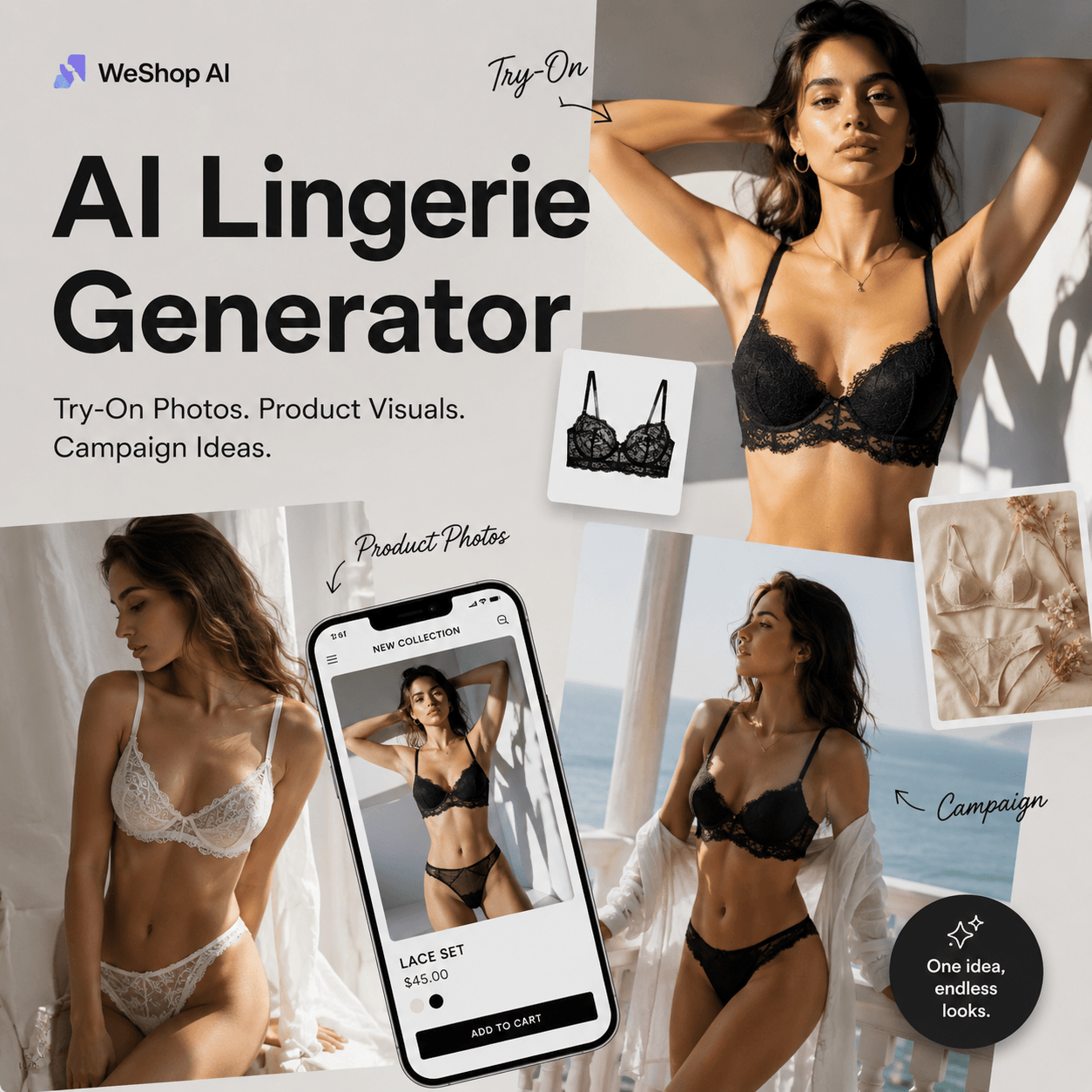
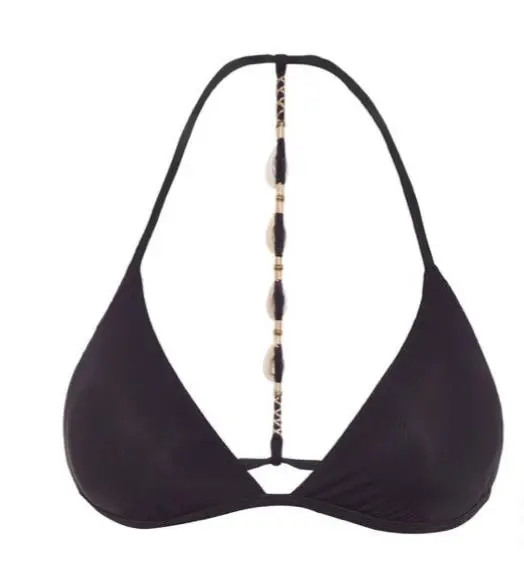
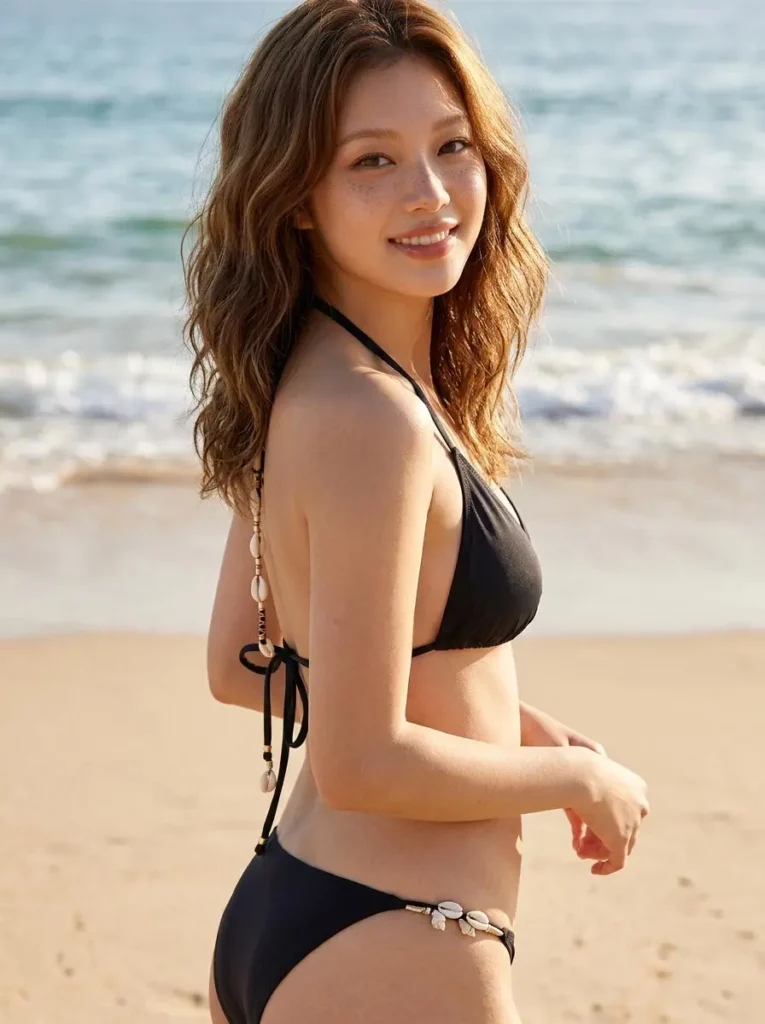
A flat lingerie product photo can show the item. However, it rarely shows the fit, texture, mood, or “would this look good on me?” feeling. AI Lingerie Generator helps turn one lingerie product image into try-on previews, ecommerce photos, social media visuals, and campaign-ready fashion content.
For lingerie sellers, this is more than a nice visual trick. A single product may need a clean catalog image, a model preview, an Instagram post, a Pinterest-style moodboard, and a seasonal campaign visual. Meanwhile, traditional shoots take time, budget, and planning.
Therefore, AI Lingerie Generator works best as a fast visual workflow. Instead of starting from zero for every product, users can upload a product image, add a prompt, and create multiple visual directions in minutes.
What Is AI Lingerie Generator?
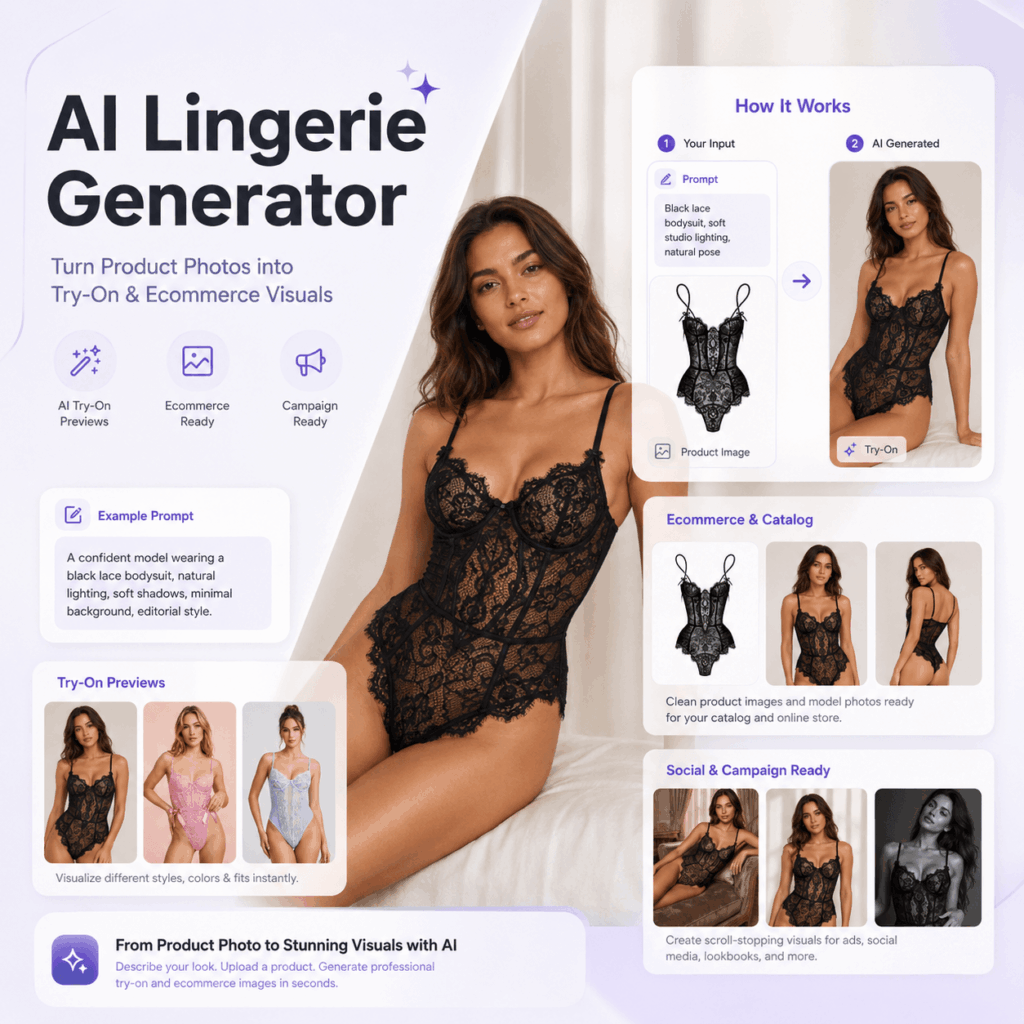
AI Lingerie Generator is an AI fashion photo tool for creating lingerie model images, virtual try-on previews, ecommerce product visuals, boudoir-style concepts, and campaign-ready content. Users can work from prompts, product images, templates, or authorized adult photos.
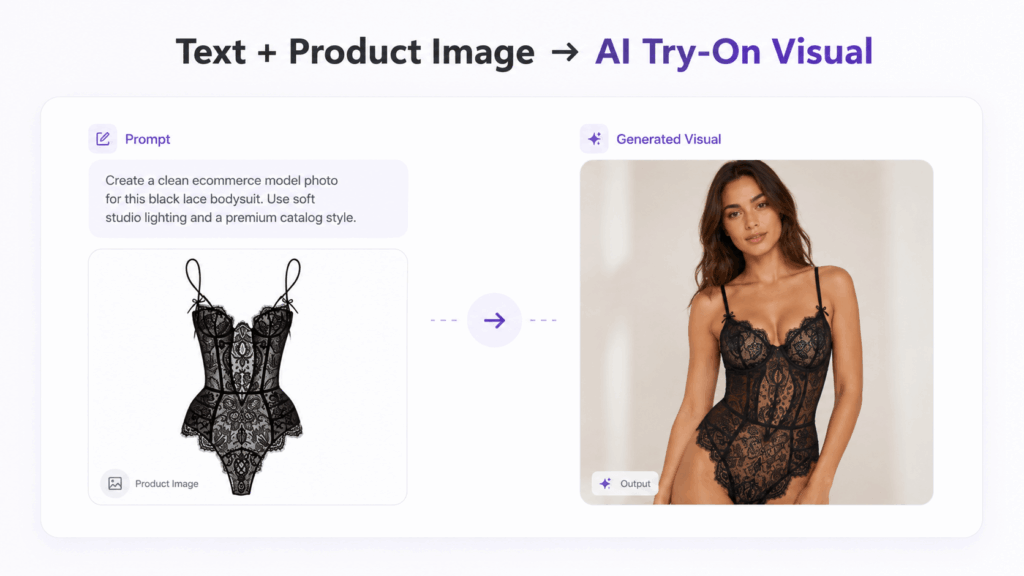
Its key feature is the Text + Image Mix workflow. In other words, users can upload a lingerie product image, then describe the model, lighting, scene, style, and purpose. Because of that, the result can stay closer to the actual product instead of becoming a random AI fashion image.
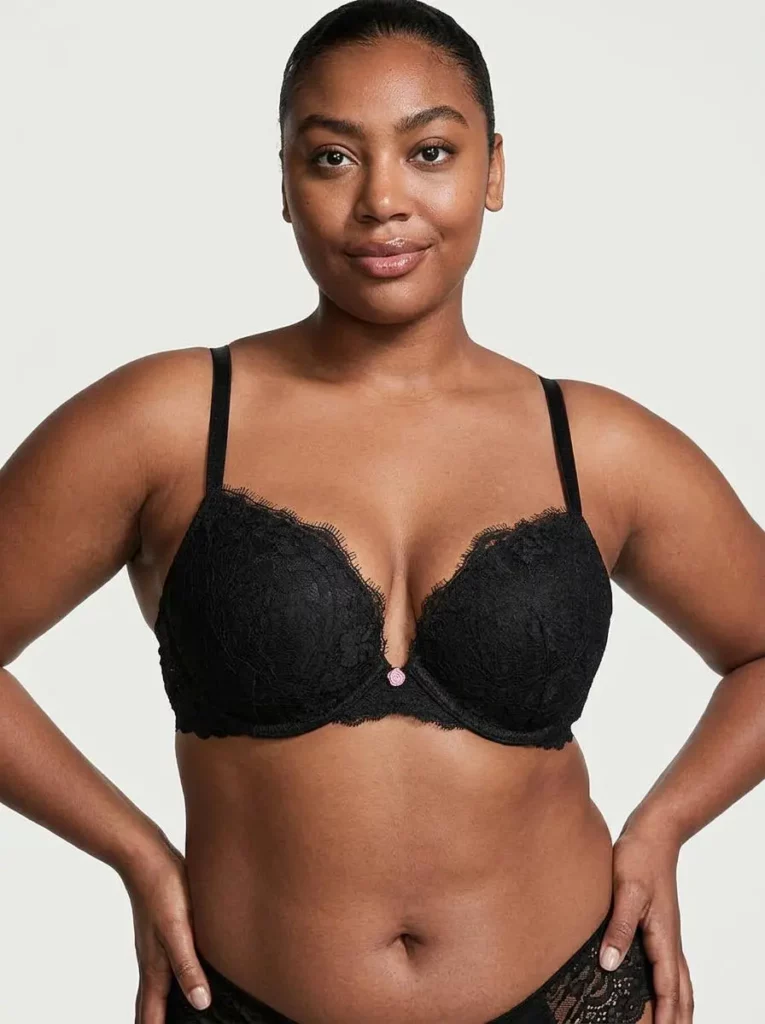
For example, a black lace bralette can become a clean studio catalog image. A pink corset bodysuit can turn into a soft Valentine’s campaign visual. Meanwhile, a satin sleepwear set can become a cozy Pinterest-style moodboard.
Who Should Use AI Lingerie Generator?
Lingerie Brands and Independent Designers
Lingerie brands can use AI Lingerie Generator to test product visuals before a full shoot. For example, a team can compare clean studio lighting, soft bedroom scenes, Valentine’s moods, minimal luxury layouts, and vintage boudoir concepts.
This is useful for new collections, seasonal drops, bridal lingerie, sleepwear lines, and limited campaigns. Also, independent designers can use it to build moodboards, test product presentation, and explore campaign ideas before spending money on production.
Ecommerce Sellers and Online Store Teams
Shopify sellers, TikTok Shop operators, Amazon sellers, Etsy shops, and independent store owners often need more than one image per product. However, creating enough visuals can be difficult.
AI Lingerie Generator can help expand a product page with model previews, lifestyle images, catalog shots, and campaign visuals. As a result, the product page feels more complete, more visual, and easier to trust.
Social Media Managers and Fashion Creators
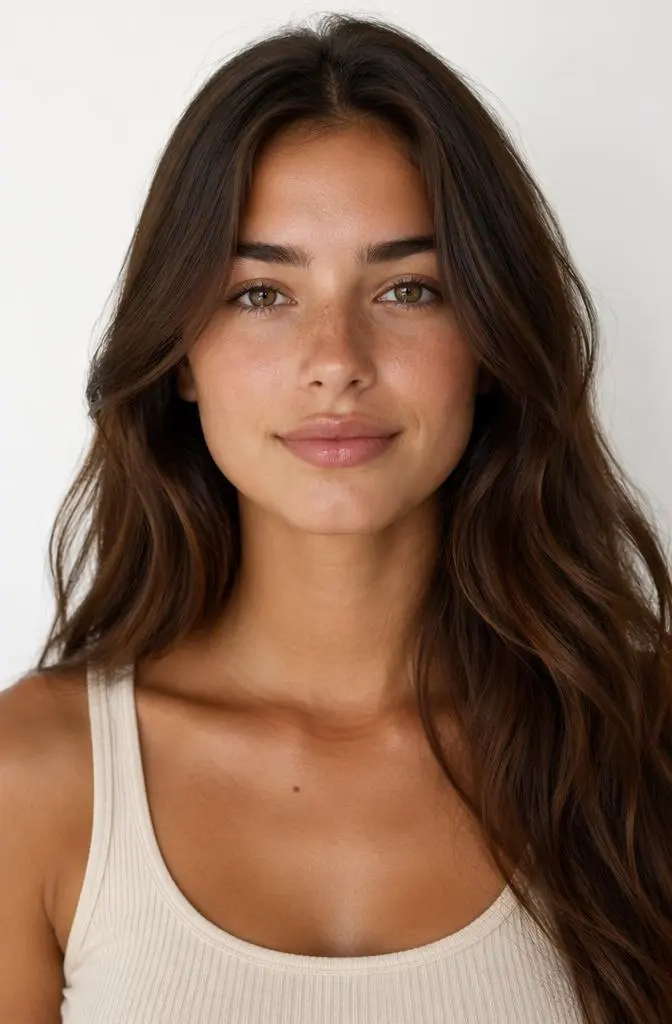
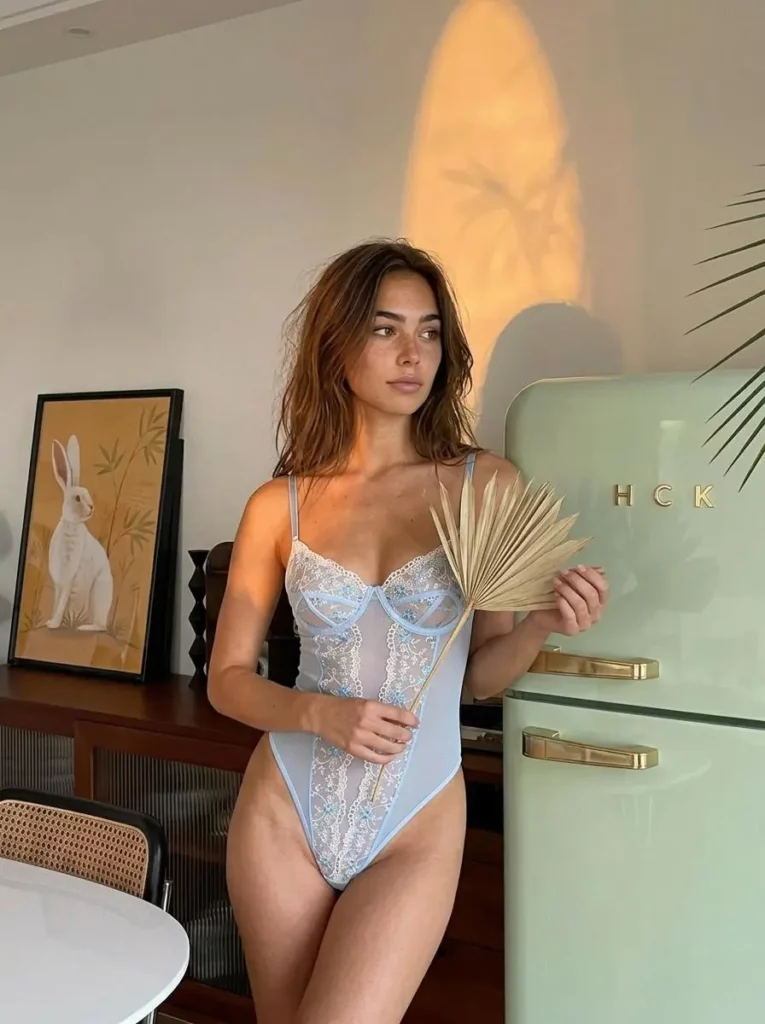
Social media teams need fresh content all the time. Meanwhile, lingerie visuals must feel tasteful, polished, and brand-safe.
With clear prompts, creators can use AI Lingerie Generator to make Instagram visuals, Pinterest moodboards, TikTok Shop images, wish list posts, and seasonal content ideas. Instead of repeating the same product photo, they can build different stories around one item.
Campaign Planners and Creative Teams
Campaign teams can use the tool before a real shoot. For instance, they can test a soft bedroom mood, a clean studio look, a summer resort scene, or a refined Valentine’s concept.
Therefore, the team can make faster creative decisions. They can see the direction first, then decide what deserves a real production budget.
Personal Styling Users
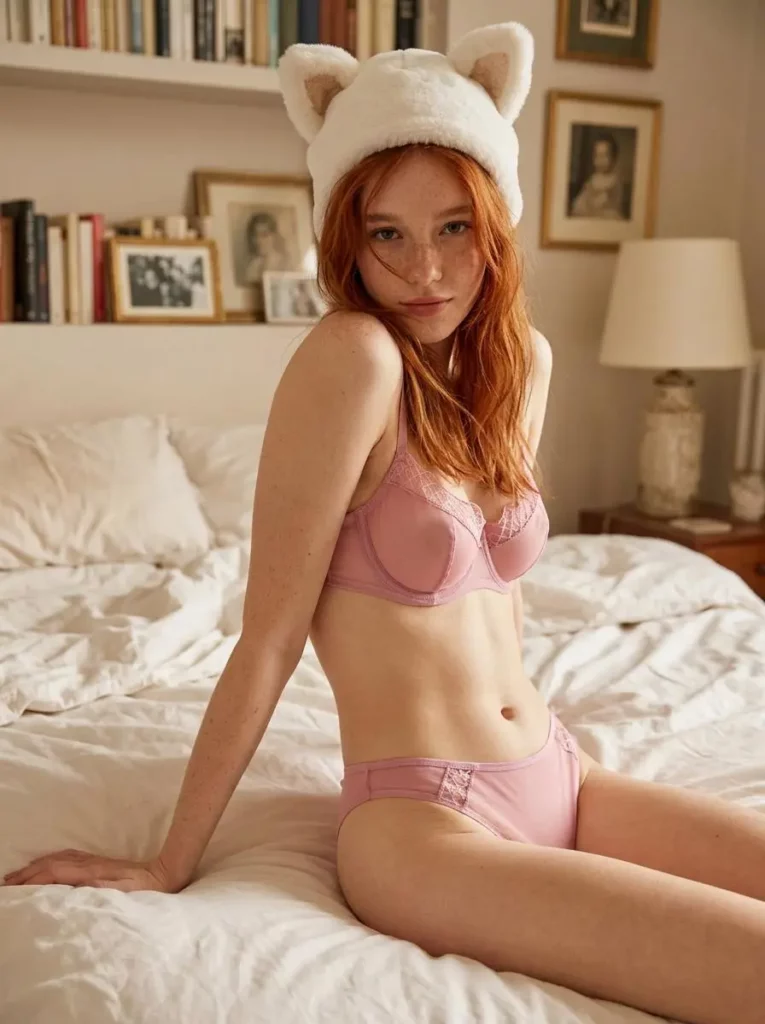
Adult personal users can also use the tool for style previews or private visual concepts. However, consent matters. Users should only upload photos they own or have permission to use. They should never upload someone else’s private image, a celebrity image, or any minor’s image.
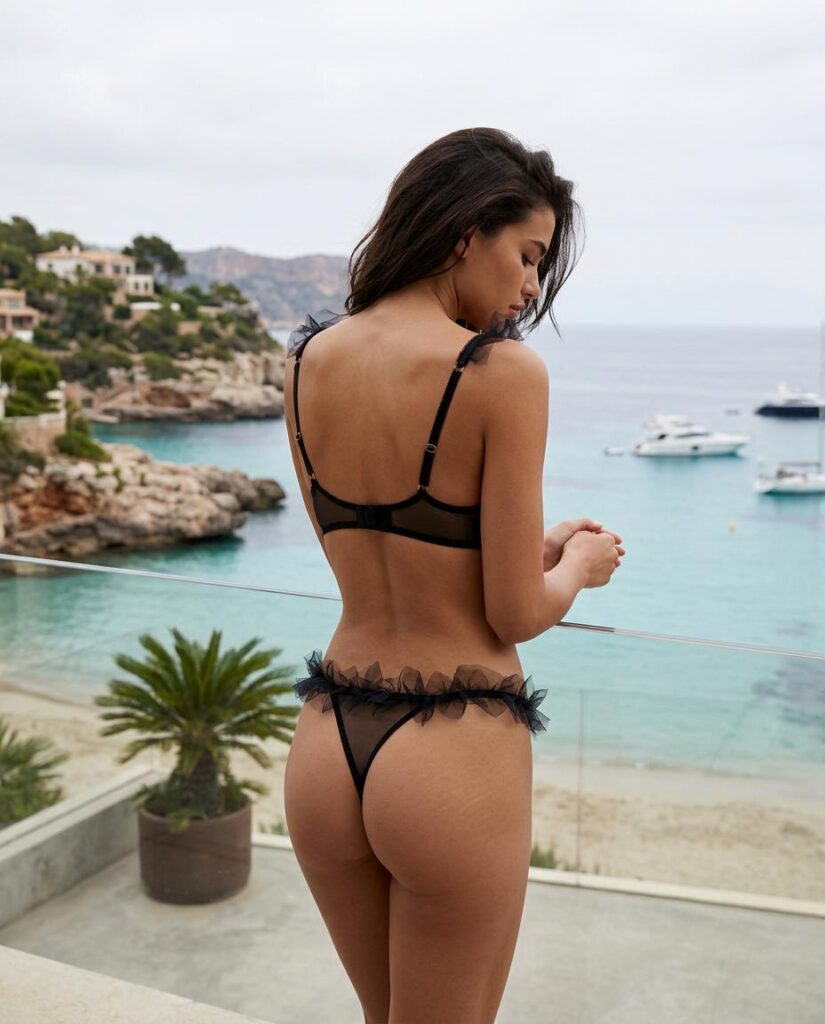
Why Lingerie Ecommerce Needs Better Visuals
Shoppers Want More Than a Product Photo
Lingerie is personal. So, shoppers do not only look at color and price. They also care about cut, fabric, support, lace details, strap placement, and body fit.
A simple product photo can show the shape. However, it cannot always show how the piece feels in real life. That is why model images, try-on previews, and lifestyle scenes can make a product easier to understand.
Social Commerce Needs More Visual Versions
In 2026, the same lingerie item may need a clean ecommerce photo, an Instagram carousel image, a Pinterest moodboard, a TikTok Shop visual, a campaign image, and a landing page banner.
However, creating all of these through traditional shoots can be slow and expensive. Therefore, AI Lingerie Generator helps sellers test more styles before choosing what to publish, promote, or refine.
How to Use AI Lingerie Generator
Step 1: Upload a Product Image or Choose a Template
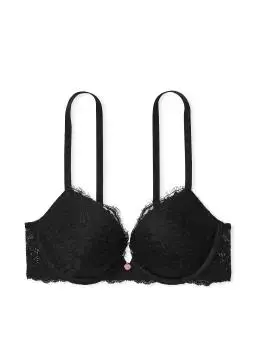
Start with a clear product image if you are creating ecommerce content. A clean photo helps the AI understand the garment’s color, structure, fabric, and cut.
You can use product images of bras, bralettes, corsets, bodysuits, lace sets, satin sets, sleepwear, or minimalist underwear styles. If you do not have a product image, you can also work from a template or a detailed prompt.
Step 2: Decide the Visual Goal
Before writing the prompt, decide what you need.
Do you want a product page image? A try-on preview? A Pinterest moodboard? A Valentine’s campaign visual? A social media post? A clean catalog photo?
This step matters because vague prompts often create vague results. However, a clear goal gives the AI a better direction.
Step 3: Describe Product, Mood, Lighting, and Scene
A useful prompt should include the product type, visual purpose, lighting, background, and style.
Prompt example:
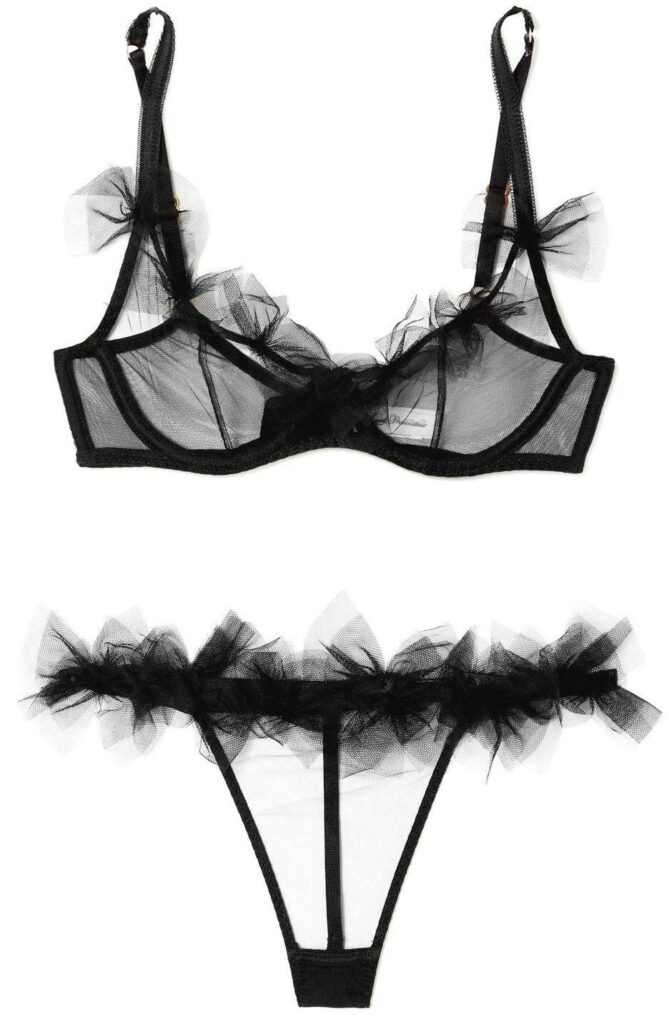
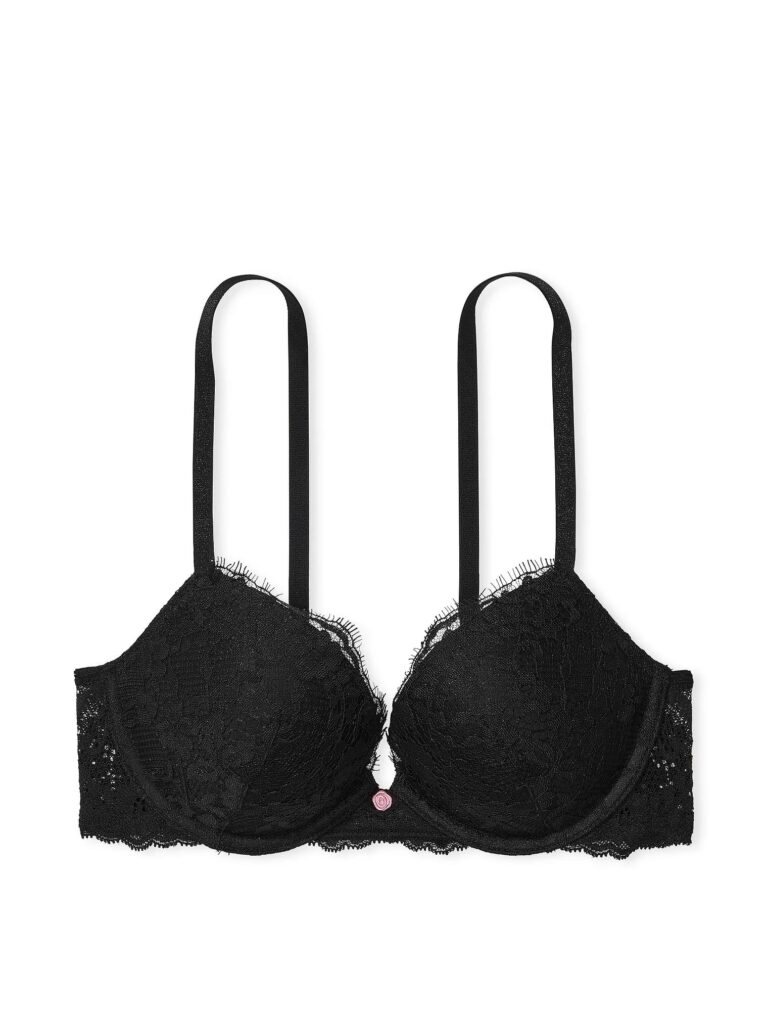
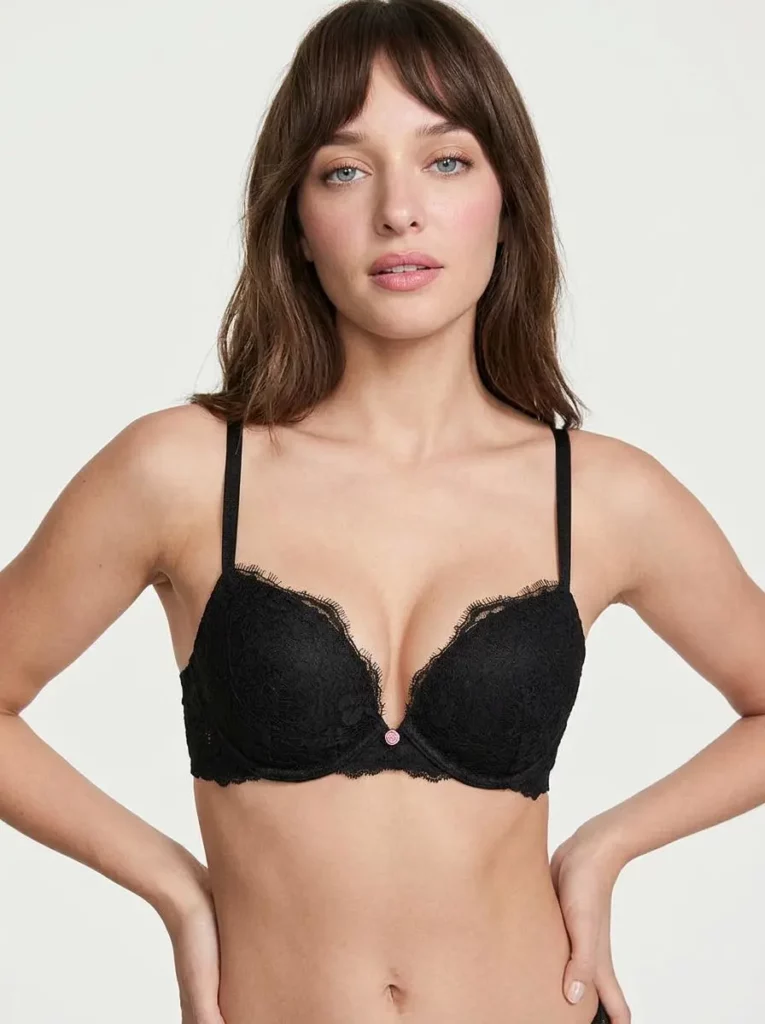
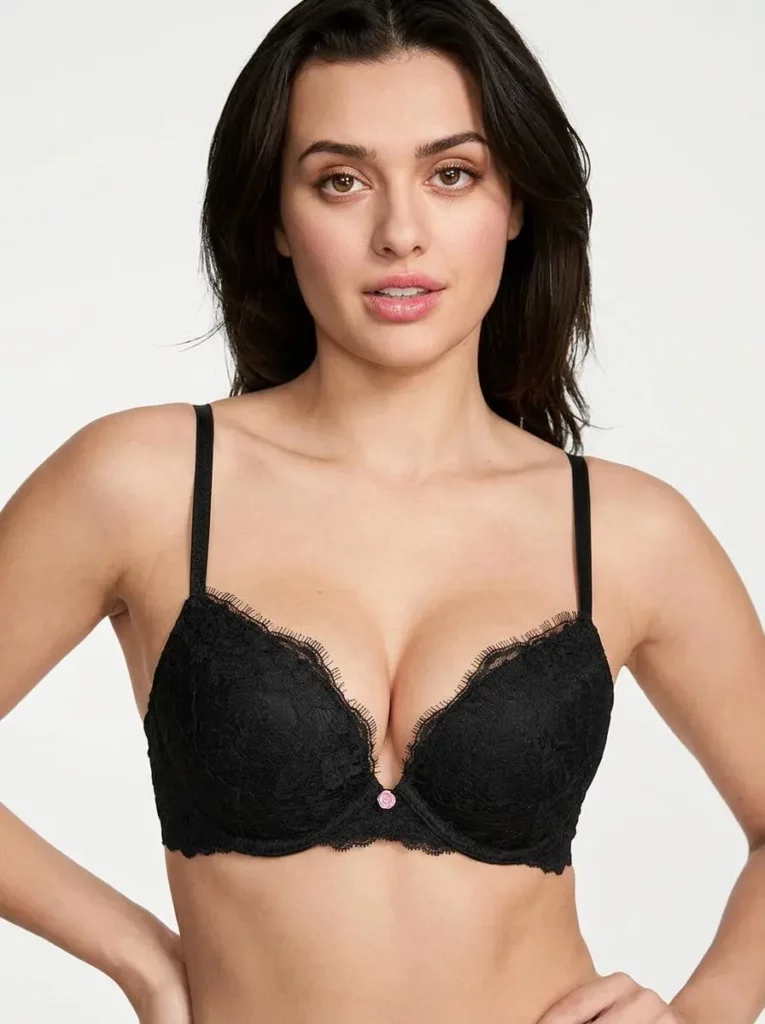
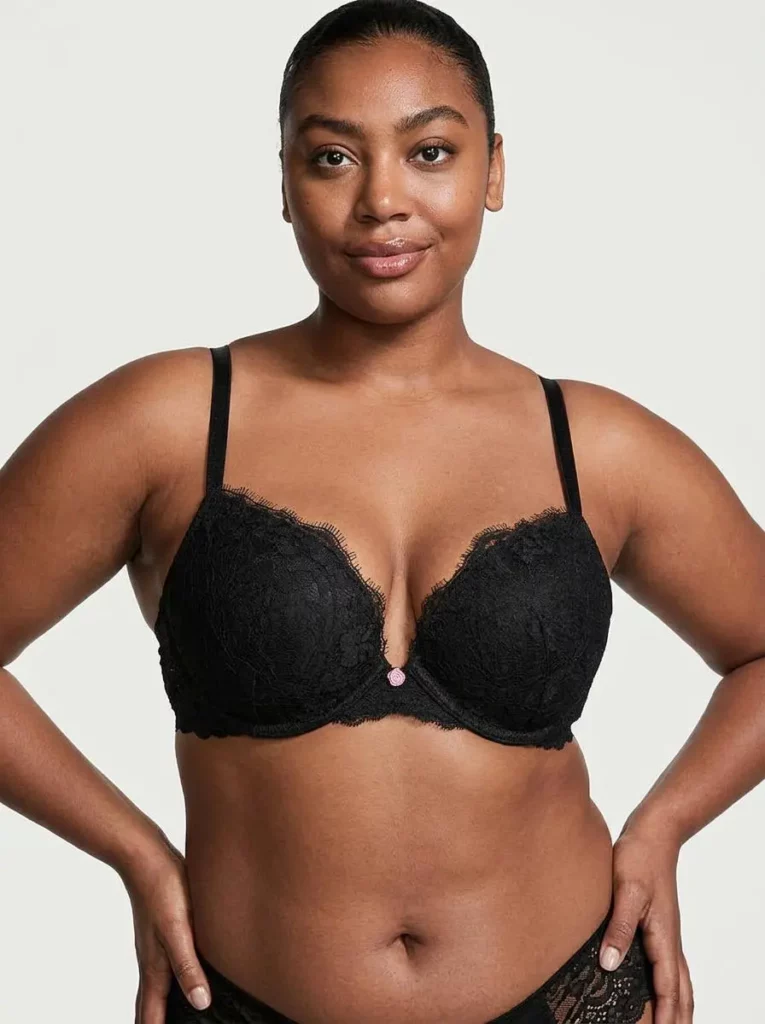
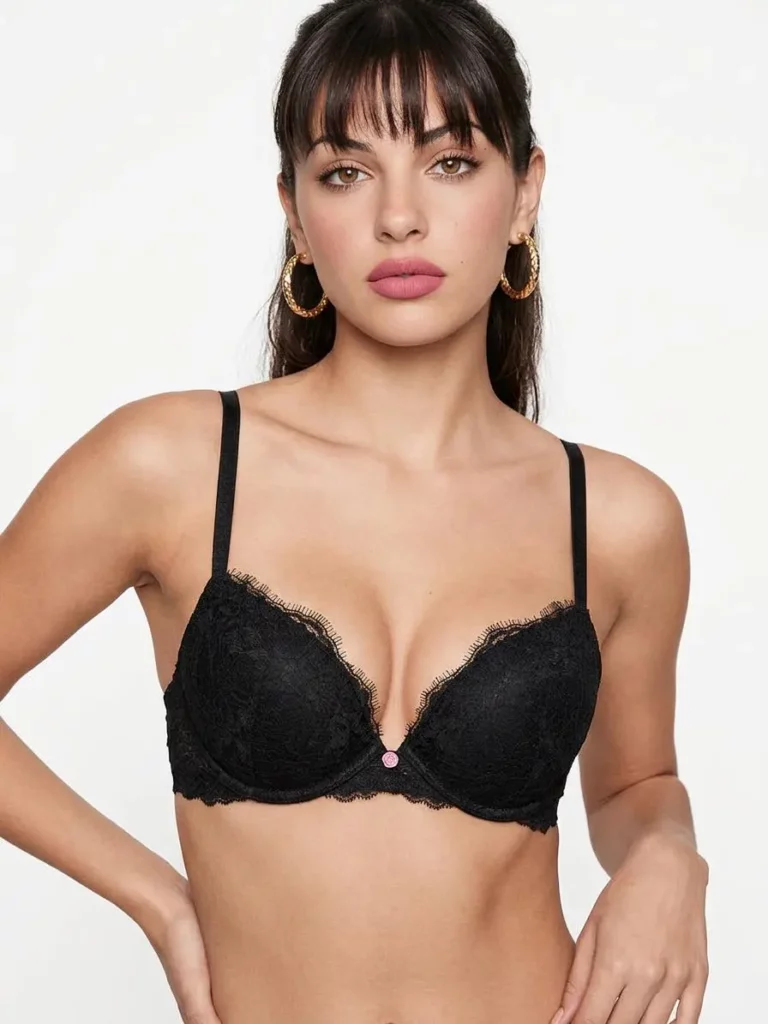
Create a realistic ecommerce model photo for this black lace bralette. Use soft studio lighting, a clean neutral background, natural body proportions, visible lace texture, accurate strap placement, and a polished catalog style.
Another example:
Generate a tasteful Valentine campaign visual for this pink corset bodysuit. Use warm soft lighting, an elegant bedroom background, refined styling, realistic satin texture, and a premium fashion editorial mood.
For social content, try:
Create a Pinterest-style lingerie moodboard image for this satin sleepwear set. Use cozy natural light, a minimal interior background, soft shadows, realistic fabric details, and a relaxed lifestyle pose.
Step 4: Generate Several Versions
Do not stop at one image. Instead, create a few different directions.
For the same product, you can generate:
Clean ecommerce catalog photo
Soft lifestyle image
Instagram-ready visual
Seasonal campaign concept
Pinterest-style moodboard
Then, compare the results. If one version feels close, refine the prompt. For example, you can ask for a cleaner background, softer lighting, more realistic lace texture, or a more premium catalog style.
Step 5: Check Details Before Publishing
Before using the final image, check the small details. This is especially important for lingerie visuals.
Look at the straps, lace, hands, fabric texture, body proportions, shadows, and background. Also, make sure the image follows your platform’s rules and your brand’s visual standards.
If the image is for commercial use, review product rights, model likeness rules, tool license, and platform policies.
Best Uses for AI Lingerie Generator
Create Lingerie Try-On Previews
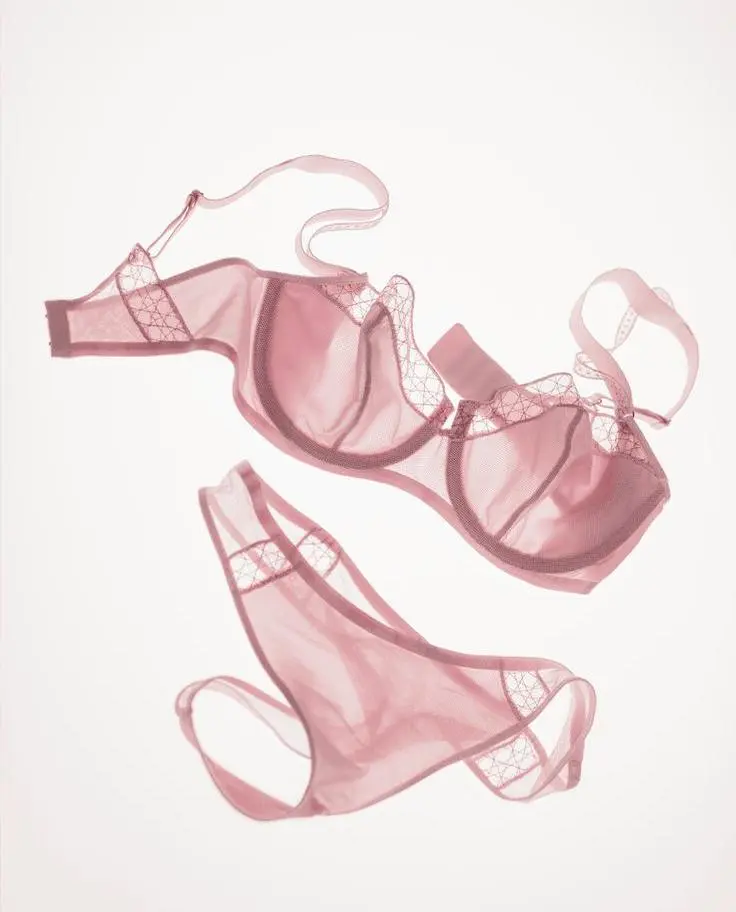
AI Lingerie Generator can help users preview different styles before shopping or styling. For example, a shopper or brand can compare lace, satin, mesh, corset, bralette, and bodysuit styles.
However, this works best as a style preview. It should not be treated as a perfect size-fitting result. Still, it gives users a better idea of mood, shape, and overall look.
Build Ecommerce Catalog Images Faster
Online sellers can use the tool to create catalog-style images without planning a full shoot for every product version.
For example, one black lace bra can become a clean white-background image, a soft studio model image, and a lifestyle product page visual. Therefore, the store page looks richer and more convincing.
Test Campaign Concepts Before a Photoshoot
Campaign ideas can be expensive to test in real life. However, AI visuals make early testing easier.
A team can try different themes first. These may include Valentine’s romance, bridal softness, summer resort energy, minimal luxury, or vintage boudoir styling. Then, the best direction can move into real production.
Make Social Media Fashion Content
For Instagram, Pinterest, TikTok Shop, and email campaigns, AI Lingerie Generator can help create more content from the same product.
For example, one satin set can become a cozy bedroom visual, a soft editorial image, a gift-guide graphic, and a Pinterest-style inspiration post. As a result, the content calendar feels more varied.
Compare Cuts, Colors, and Fabrics
This tool is also useful for comparing product directions. Brands can test how different fabrics and cuts look in similar scenes.
For example, lace may feel more romantic. Satin may feel more elegant. Meanwhile, mesh may look more modern, and a corset shape may feel more campaign-ready.
Prompt Tips for Better AI Lingerie Photos
Use Specific Product Words
Specific product words help the AI understand the item better.
Instead of saying “lingerie,” try words like:
Lace bralette
Satin corset
Mesh bodysuit
Wire-free bra
Silk sleepwear set
Minimal underwear set
This makes the output more accurate.
Define the Content Purpose
The same product can look different depending on the goal. So, mention the purpose in the prompt.
Useful phrases include:
For ecommerce catalog
For Instagram campaign
For Pinterest moodboard
For product launch banner
For virtual try-on preview
For Valentine’s Day campaign
As a result, the image will feel more useful and less random.
Control the Mood
Mood words can change the whole visual direction.
Try:
Clean studio
Soft romantic
Minimal luxury
Cozy bedroom
Vintage boudoir
Modern editorial
Summer resort
However, keep the mood tasteful and platform-safe, especially if the image will be used for ads or ecommerce.
Ask for Realistic Details
Better details usually come from better prompts. Therefore, add words that guide the final image.
For example:
Realistic lace texture
Accurate strap placement
Natural body proportions
Soft shadows
Clean background
Premium catalog style
Refined styling
Natural skin texture
These details help the image feel more polished.
Avoid Empty Prompts
Weak prompt:
Make a sexy lingerie model.
Better prompt:
Create a tasteful ecommerce model photo for a black lace bra, with soft studio lighting, realistic lace texture, accurate strap placement, a natural pose, a clean background, and premium catalog styling.
The second prompt is clearer. Also, it sounds more suitable for brand content.
Why AI Lingerie Generator Stands Out
It Starts from Real Product References
Many AI image tools create beautiful images. However, the product may not match.
AI Lingerie Generator is more useful for ecommerce because it can work with product references. Therefore, the output can stay closer to the real garment’s color, shape, and style.
It Turns One Product into Many Assets
A single lingerie product can become a full content set.
It can become a product page image, a catalog shot, a social post, a campaign concept, a lookbook image, and a try-on preview. As a result, teams get more value from one product reference.
It Helps Teams Move Faster
Traditional photoshoots take time. Meanwhile, product launches and social calendars move quickly.
AI Lingerie Generator helps teams test visuals before committing to a shoot. So, it can reduce guesswork and make creative planning faster.
It Makes Small Brands Look More Prepared
Small team, big campaign energy.
That is the real advantage. The tool gives small brands more visual options before deadlines get messy. Instead of waiting for the perfect shoot, they can start with AI concepts and refine the best ideas.
FAQ About AI Lingerie Generator
What is AI Lingerie Generator?
AI Lingerie Generator is an AI fashion photo tool. It creates lingerie model images, virtual try-on previews, ecommerce product photos, social visuals, and campaign-ready content from prompts, product images, templates, or authorized adult photos.
Can I use AI Lingerie Generator for ecommerce?
Yes. You can use it for product pages, catalog images, lookbook concepts, ads, landing page visuals, and social media content. However, commercial use depends on product rights, model rights, tool license, and platform policies.
Can I upload my own photo?
Yes, but only upload adult photos that you own or have permission to use. Do not upload someone else’s private image, a celebrity image, or a minor’s image.
What kind of product images work best?
Clear product photos work best. The image should show the color, fabric, cut, straps, and structure. For complex lace, sheer fabric, or unusual cuts, generate several versions and check details carefully.
Can AI Lingerie Generator create realistic fabric and fit?
Yes, it can create realistic lace, satin, mesh, shadows, straps, and lighting. However, results may vary depending on product image quality, prompt detail, garment complexity, and pose.
Is AI Lingerie Generator only for lingerie brands?
No. It is also useful for ecommerce sellers, independent designers, social media managers, ad teams, fashion creators, and adult personal styling users.
Can it create boudoir-style visuals?
Yes, it can create soft and tasteful boudoir-style visuals. However, the content should be adult-only, consent-based, respectful, and aligned with platform rules.
Can I use AI lingerie images commercially?
Commercial use depends on the generator’s license, uploaded image rights, model likeness rights, and platform terms. Therefore, brands should review usage rules before publishing AI visuals in ads, stores, or paid content.
Final Thoughts
Lingerie ecommerce needs more than clear product photos. It needs visuals that show fit, texture, mood, and styling potential.
AI Lingerie Generator helps turn one product image into try-on previews, ecommerce photos, social posts, and campaign concepts. Therefore, it is useful before a launch, before a shoot, before an ad test, or before a content calendar runs dry.
In 2026, one lingerie product should not stay as one image.
It can become a full visual system.
Go to WeShop AI For Exploration: