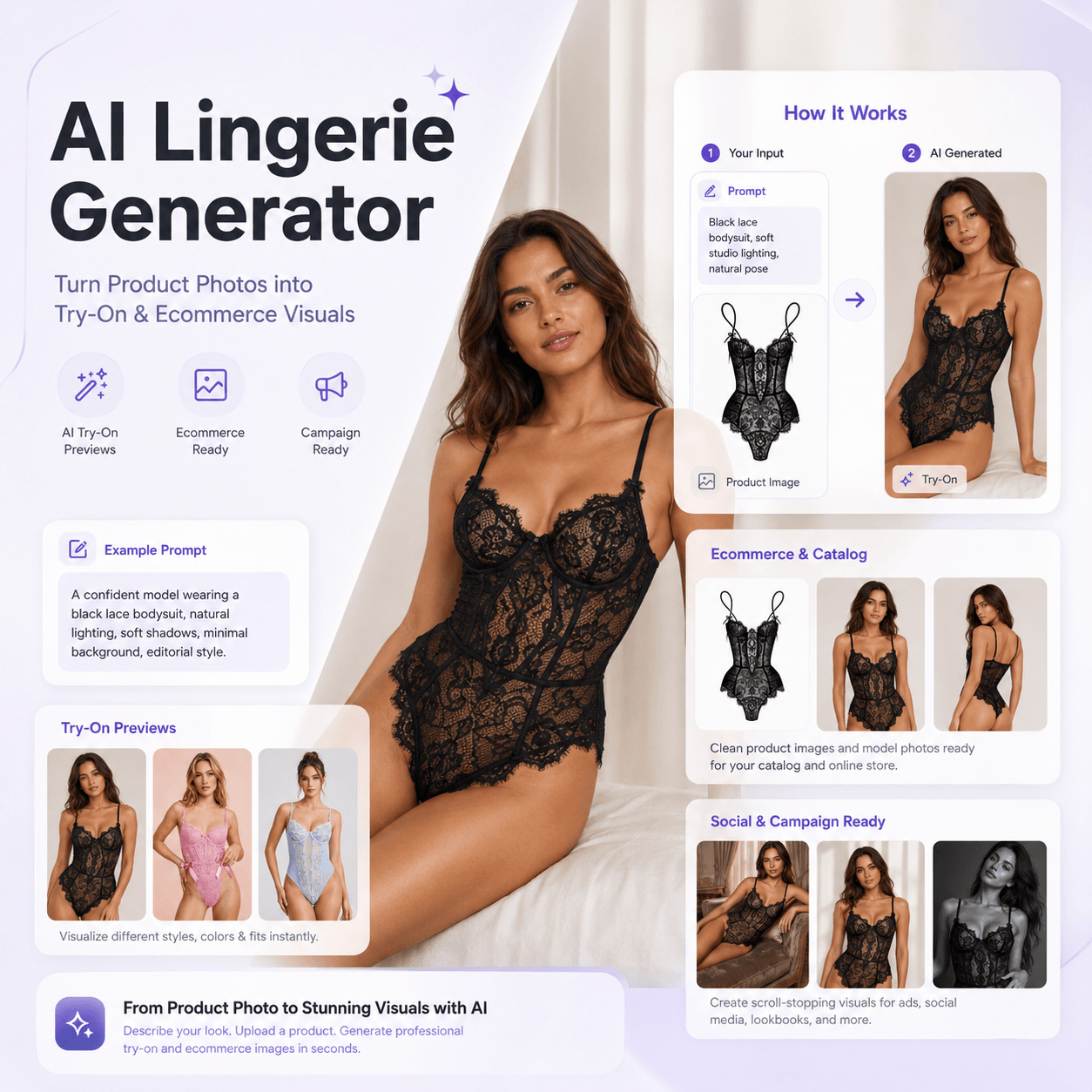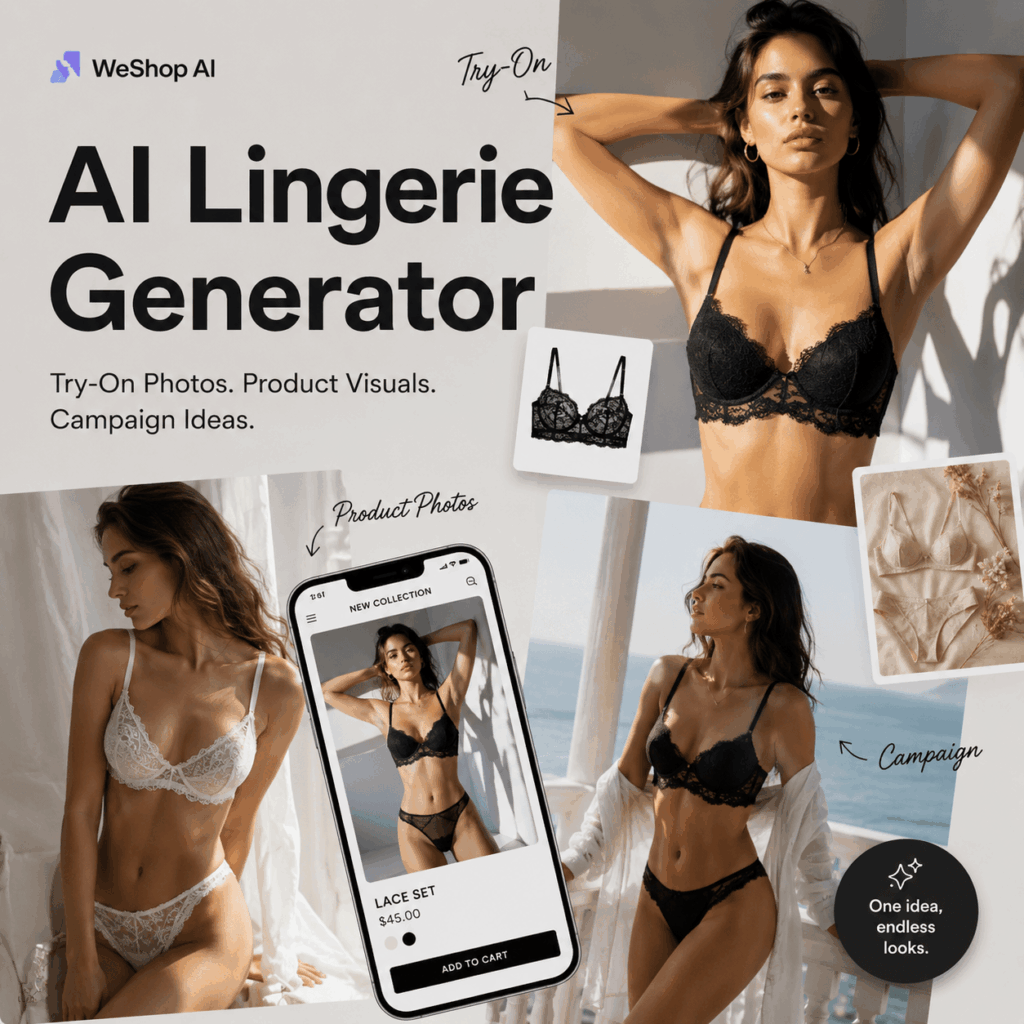
Let’s be honest: lingerie photos are hard to create. A flat product image may show the item, but it often misses the fit, fabric, and mood. A full photoshoot, however, can be expensive and slow. Therefore, an AI Lingerie Generator feels useful right now. It helps you turn a product idea, a reference image, or a simple prompt into try-on previews, AI lingerie model photos, ecommerce visuals, and campaign-ready images.
More importantly, this is not just about making a pretty picture. Instead, it is about testing the whole visual direction before you spend the real budget.
For lingerie brands, online sellers, fashion creators, and even shoppers, that is a big deal. After all, lingerie is not only about color or size. It is also about comfort, texture, confidence, and styling.
💡 Why Lingerie Visuals Are So Hard to Get Right
Lingerie product photos are secretly one of the hardest types of fashion visuals to make.
The fabric has to look real. The lace needs detail. The satin should catch light softly. The pose must feel natural. Also, the final image has to look tasteful, not stiff or overly edited.
However, many product pages still rely on flatlays or basic catalog photos. As a result, shoppers see the product, but they may not feel the texture, fit, or vibe.
Meanwhile, a real photoshoot takes time. You may need a model, a studio, lighting, styling, retouching, and several rounds of edits. For a small brand, that can feel heavy. For a fast-moving ecommerce store, it can also slow down every new launch.
That is why an AI Lingerie Generator can be a smarter first step. It allows you to test visual ideas before committing to a full shoot.
👙 What Makes an AI Lingerie Generator Useful in 2026?
An AI Lingerie Generator is not just a “generate one image” tool. Instead, it works more like a visual testing system.
You can use it to explore different lingerie styles, model looks, lighting moods, product colors, and campaign directions. In addition, you can create visuals for product pages, social posts, lookbooks, landing pages, and ads.
This matters because lingerie marketing has changed. Today, brands are not only selling “sexy” images. Instead, they are selling comfort, confidence, soft styling, body-aware design, and personal expression.
In other words, a good lingerie visual should answer several questions at once:
How does the fabric feel?
How does the cut look on a body?
What mood does this set create?
Would this image work on a product page, Instagram post, or campaign banner?
With an AI Lingerie Generator, you can test those answers much faster.
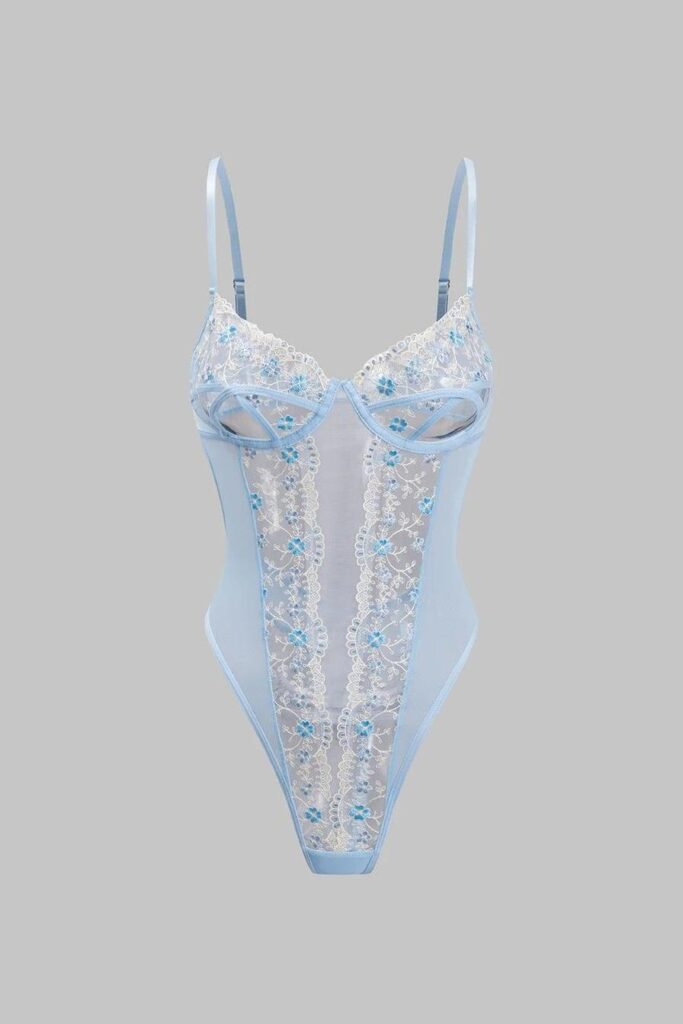
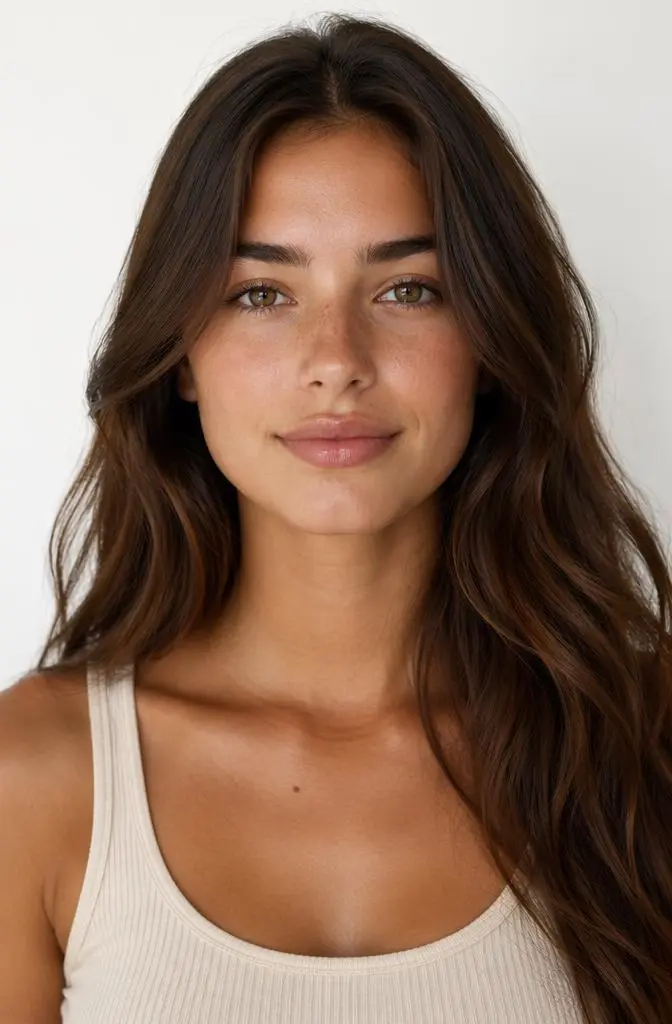
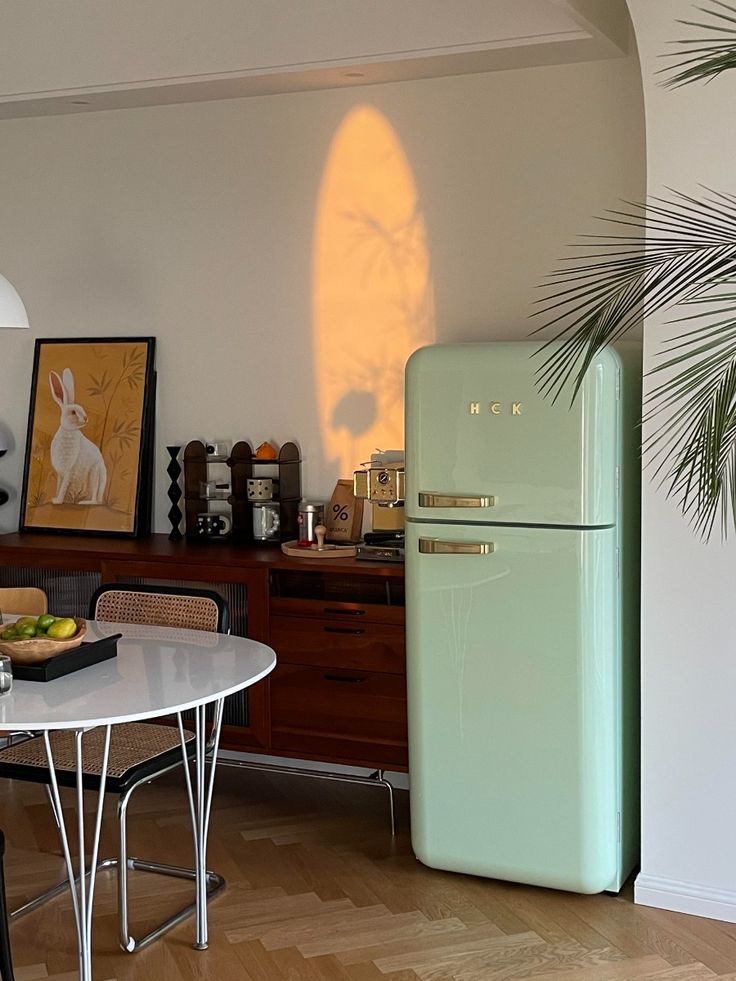
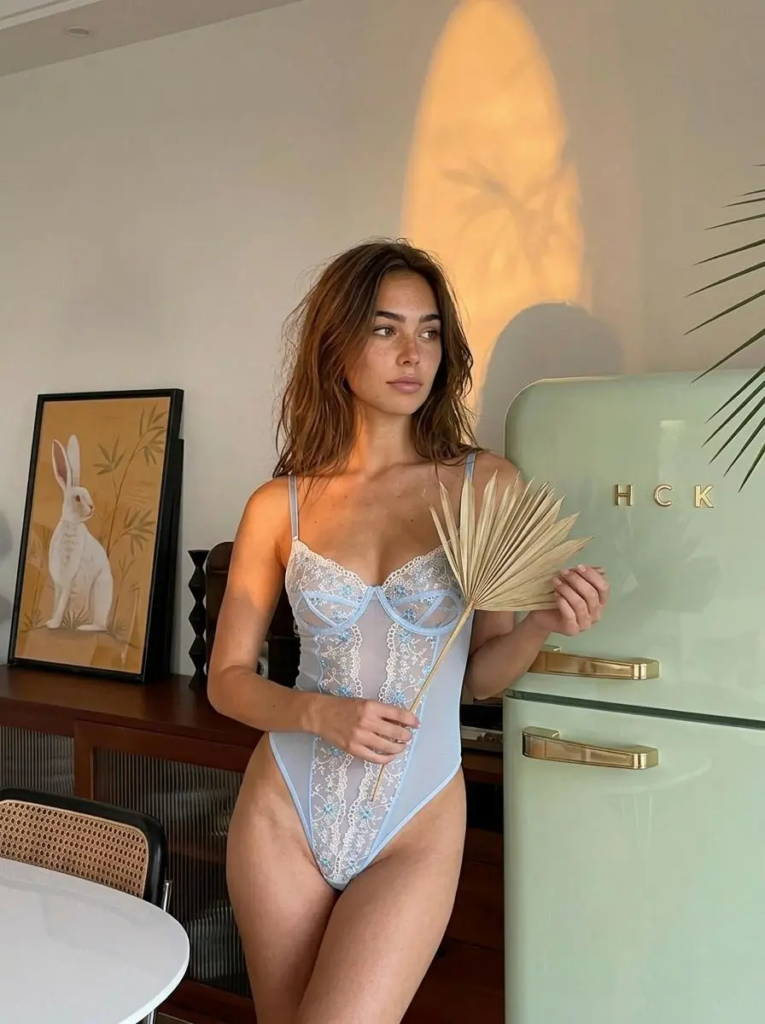
🛍️ How AI Lingerie Generator Helps Brands and Creators
Create AI Lingerie Generator Model Photos from Prompts
One of the easiest ways to use an AI Lingerie Generator is through prompts.
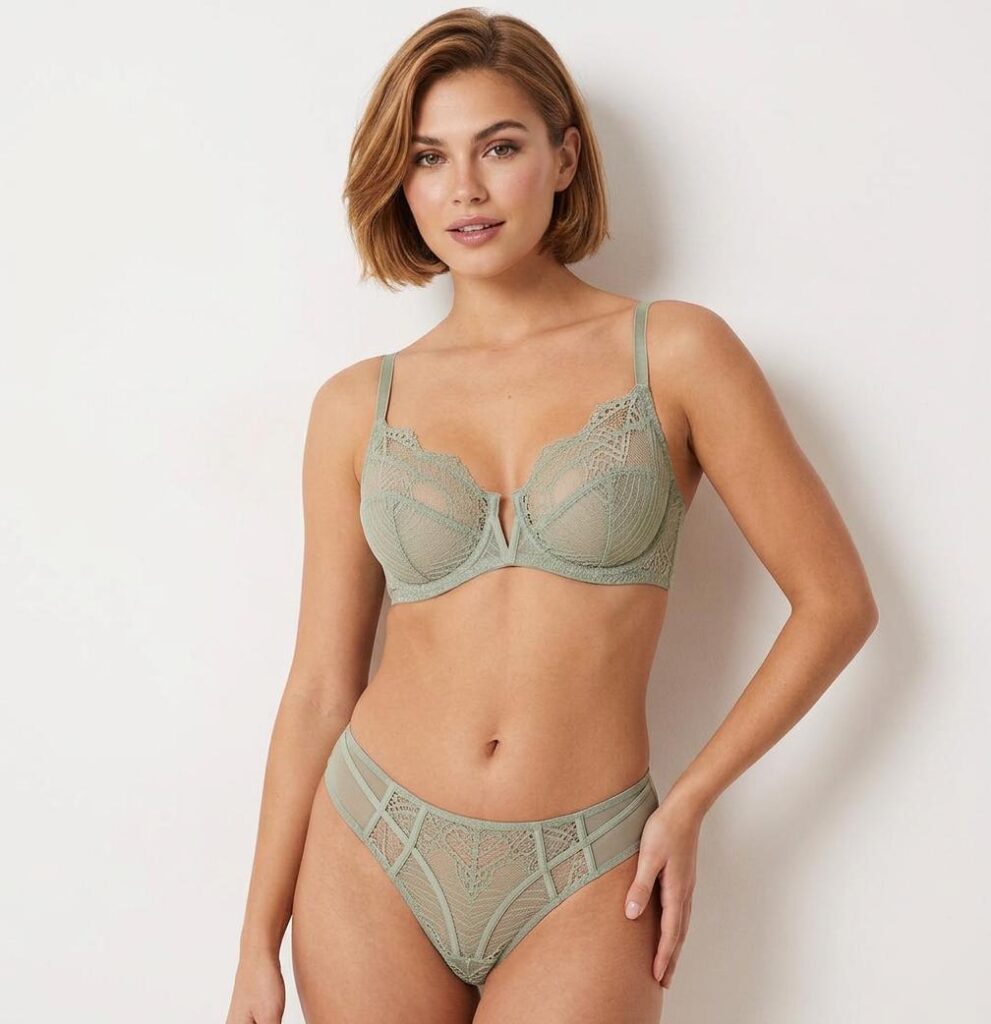
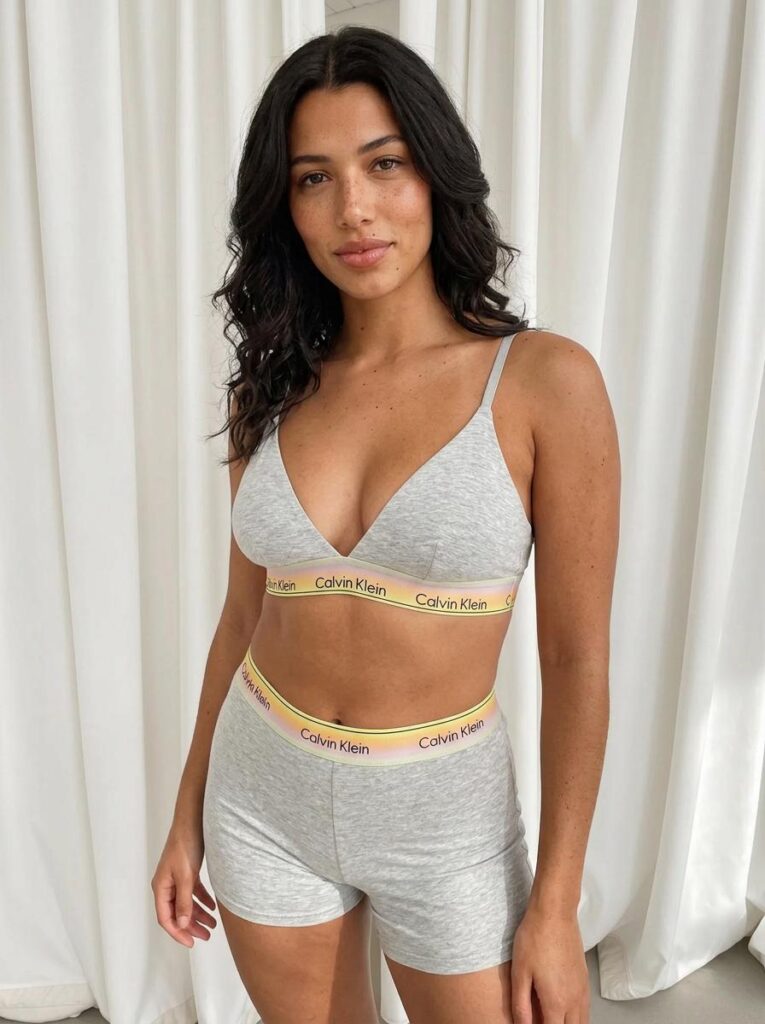
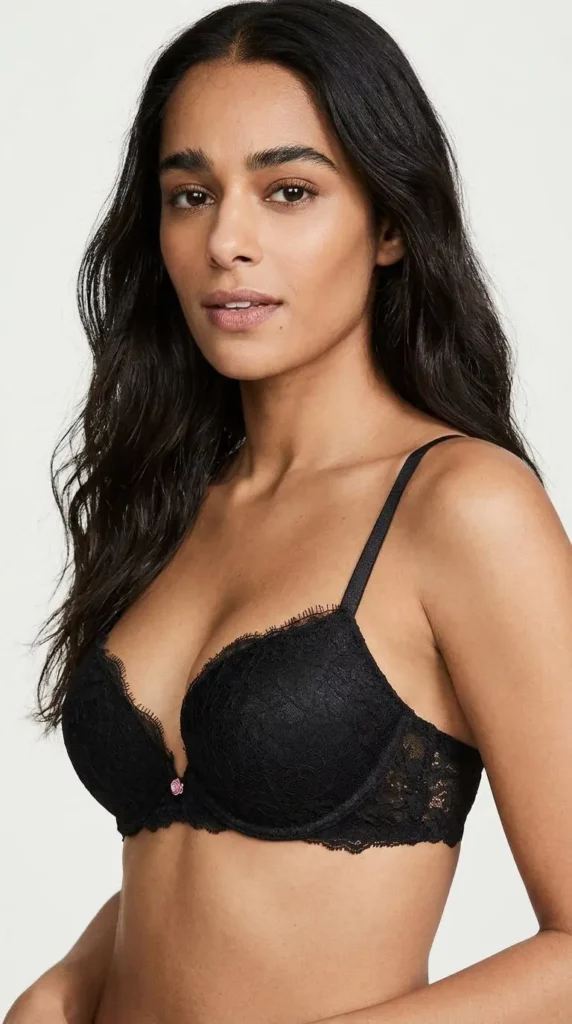
You can describe the lingerie style, fabric, model pose, lighting, background, and overall mood. For example, you can ask for a lace bralette set in soft studio light, a satin corset with an editorial pose, or a minimal bodysuit on a clean catalog background.
Therefore, you do not need to start from a blank page. You can turn a rough idea into a clear visual direction in minutes.
This is especially helpful for early concept testing. Before you book a photographer or prepare samples, you can already see which style feels stronger.
Preview Lingerie Styles Before Shopping
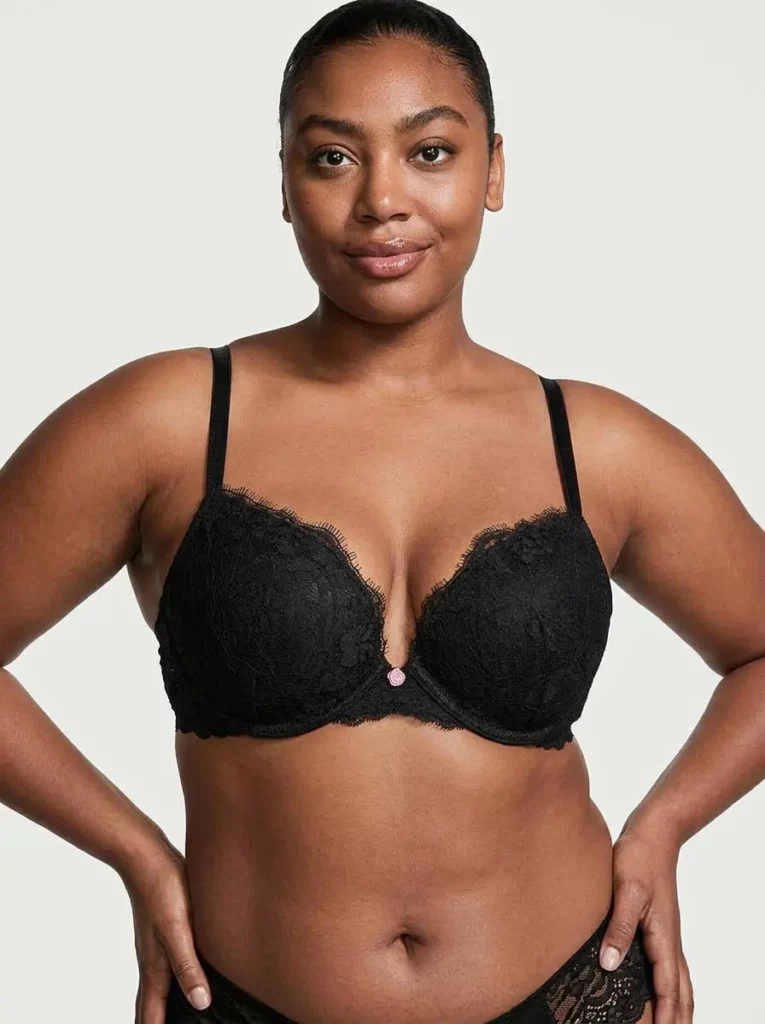
For shoppers, an AI Lingerie Generator can also work as a style preview tool.
Instead of only looking at a flat product photo, users can compare how different cuts, colors, and fabrics may look in a realistic visual scene. For example, they can test lace, satin, bodysuits, corsets, sleepwear, or minimalist sets.
Of course, AI images should not replace real sizing information. However, they can help users imagine the mood and style more clearly.
As a result, shoppers may feel more confident before choosing a product.
Generate Ecommerce Product Photos Faster
For online stores, product visuals are never just one image.
A new lingerie set may need a product page image, a model photo, a color variation, a banner, a social post, and an ad creative. Additionally, each platform may need a different format.
This is where an AI Lingerie Generator becomes very practical. It can help brands create more visual options without planning a new shoot for every single idea.
For example, one ivory lace set can become:
A clean ecommerce catalog photo
A soft bedroom-style visual
A Valentine campaign image
A Pinterest moodboard image
A landing page banner concept
A social media teaser post
Because of that, the tool is not only useful for image generation. It also helps with content planning.
Build Campaign-Ready Visual Ideas
Campaign visuals need more than a nice product shot. They need a mood.
For instance, a Valentine campaign may need warm light, soft pink tones, and romantic styling. A summer collection may need fresh colors, clean skin tones, and a lighter background. A premium collection, meanwhile, may need deep shadows, satin texture, and a more editorial pose.
With an AI Lingerie Generator, you can test these styles quickly. Then, you can choose the strongest direction before making final creative decisions.
🧾 How to Use an AI Lingerie Generator
Step 1: Upload a Product Image or Authorized Photo
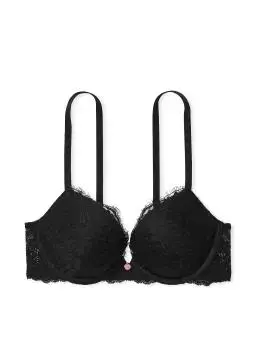
First, start with a clear product reference, a base model image, or an authorized adult photo.
This step matters. Since lingerie visuals involve the body, you should only use images you own or have permission to use. Also, avoid using celebrity photos, private images, or anyone’s photo without consent.
For brands, a product photo works well. For creators, a reference image can guide the style. For shoppers, an authorized personal photo may help with visual planning.
Step 2: Describe the Lingerie Style Clearly
Next, write a simple but detailed prompt.
A strong prompt should include the lingerie type, fabric, color, lighting, pose, background, and style. However, do not overload it with too many ideas. Otherwise, the image may look messy.
Here are a few prompt examples:
Prompt 1: Ecommerce Catalog Style
Create a realistic ecommerce lingerie model photo featuring a black satin bralette set, clean studio lighting, neutral beige background, natural standing pose, realistic fabric texture, elegant catalog style.
Prompt 2: Soft Boudoir Style
Create a tasteful boudoir-style lingerie photo with soft window light, ivory lace bodysuit, natural pose, warm beige bedroom background, elegant composition, realistic fabric details.
Prompt 3: Social Campaign Style
Create a stylish lingerie campaign image featuring a pastel satin corset set, editorial pose, soft pink background, gentle studio lighting, premium fashion magazine mood.
Prompt 4: Minimal Product Page Style
Create a clean lingerie product visual featuring a nude seamless underwear set, soft studio light, simple white background, relaxed pose, realistic fit, modern ecommerce look.
Step 3: Generate Several Versions
After that, generate a few different versions.
Try changing one detail at a time. For example, switch the color from black to ivory. Change the fabric from lace to satin. Adjust the background from studio to bedroom. Or, test a catalog pose against a softer editorial pose.
This way, you can compare ideas clearly. Also, you can avoid guessing which visual direction works best.
Step 4: Pick the Best Image for Each Channel
Finally, match the image to the platform.
A product page needs clarity. Therefore, use clean lighting and a simple background. A social post needs scroll-stopping mood. So, use stronger styling and a more expressive composition. A campaign banner needs space for text. Because of that, leave enough negative space in the image.
In short, one AI lingerie photo should not do every job. Instead, each image should serve one clear purpose.
🔥 Best Use Cases for AI Lingerie Generator
AI Lingerie Generator for Online Stores
Online stores need visual speed.
When a new collection drops, sellers often need product images, model previews, color variants, thumbnails, banners, and ad creatives. However, creating all of them through traditional shoots can take too long.
An AI Lingerie Generator helps stores build these visuals faster. Moreover, it can help keep the product page more consistent.
For example, a store can test the same lingerie set across several body poses, lighting styles, and backgrounds. Then, the team can choose the version that feels most on-brand.
AI Lingerie Generator for Small Brands
Small lingerie brands often have strong taste but limited production budgets.
Because of that, they need a smarter way to test creative ideas. An AI Lingerie Generator can help them build moodboards, lookbook concepts, launch visuals, and early campaign directions before a full shoot.
This does not mean real photography is no longer needed. Instead, AI can help brands arrive at the shoot with a clearer plan.
AI Lingerie Generator for Fashion Creators
Fashion creators can use the tool for styling ideas, social content, wishlist visuals, and moodboard posts.
For example, a creator can explore how a satin corset might look in a vintage bedroom scene, a minimalist studio setup, or a soft pink campaign layout.
As a result, content feels more polished without needing a full production team.
AI Lingerie Generator for Personal Style Planning
Shoppers can also use an AI Lingerie Generator to compare style ideas.
For instance, they can preview different colors, fabrics, and moods before making a purchase. Additionally, they can explore whether they prefer lace, seamless designs, bodysuits, corsets, or sleepwear.
Still, it is important to remember that AI try-on previews are visual references, not exact size guarantees. Therefore, always check size charts and product details before buying.
✍️ Prompt Tips for Better AI Lingerie Photos
A good AI lingerie image starts with a good prompt.
To get better results, keep your prompt clear and focused. Mention the fabric, because lace, mesh, satin, cotton, and seamless materials all behave differently. Also, describe the lighting, since soft window light feels very different from clean studio lighting.
In addition, choose one mood at a time. Do not mix “luxury editorial,” “cute pastel,” “dark cinematic,” and “minimal catalog” in one prompt. That usually creates a confused image.
Here is a simple formula:
Lingerie type + fabric + color + pose + lighting + background + final style
For example:
“Black lace bralette set, realistic model photo, natural standing pose, soft studio lighting, neutral beige background, elegant ecommerce catalog style.”
This prompt is short, but it gives the AI enough direction.
⚠️ What to Avoid When Using AI Lingerie Tools
AI lingerie visuals can be useful. However, they should be created responsibly.
Do not upload photos of people without permission.
Do not use celebrity images or private photos.
Do not create or edit images involving minors.
Do not present AI-generated try-on images as guaranteed real fit results.
Do not ignore image rights, product rights, or commercial usage rules.
Also, keep the styling tasteful. Lingerie visuals can feel premium, soft, romantic, minimal, playful, or editorial. However, they should not feel forced or uncomfortable.
In the long run, trust matters more than one viral image.
✅ Final Thoughts: Test the Mood Before the Shoot
An AI Lingerie Generator is not just a shortcut for making lingerie pictures.
Instead, it is a faster way to test fit, fabric, lighting, mood, and campaign direction. For brands, it can speed up product visuals. For creators, it can make styling content easier. For shoppers, it can make lingerie choices feel more visual and less abstract.
Most importantly, it helps you move from “I have a product” to “I have a whole visual direction.”
So, before planning a full studio shoot, test the fantasy first. The right AI-generated visual may show you which product story is worth building.
Go to WeShop AI For Exploration: