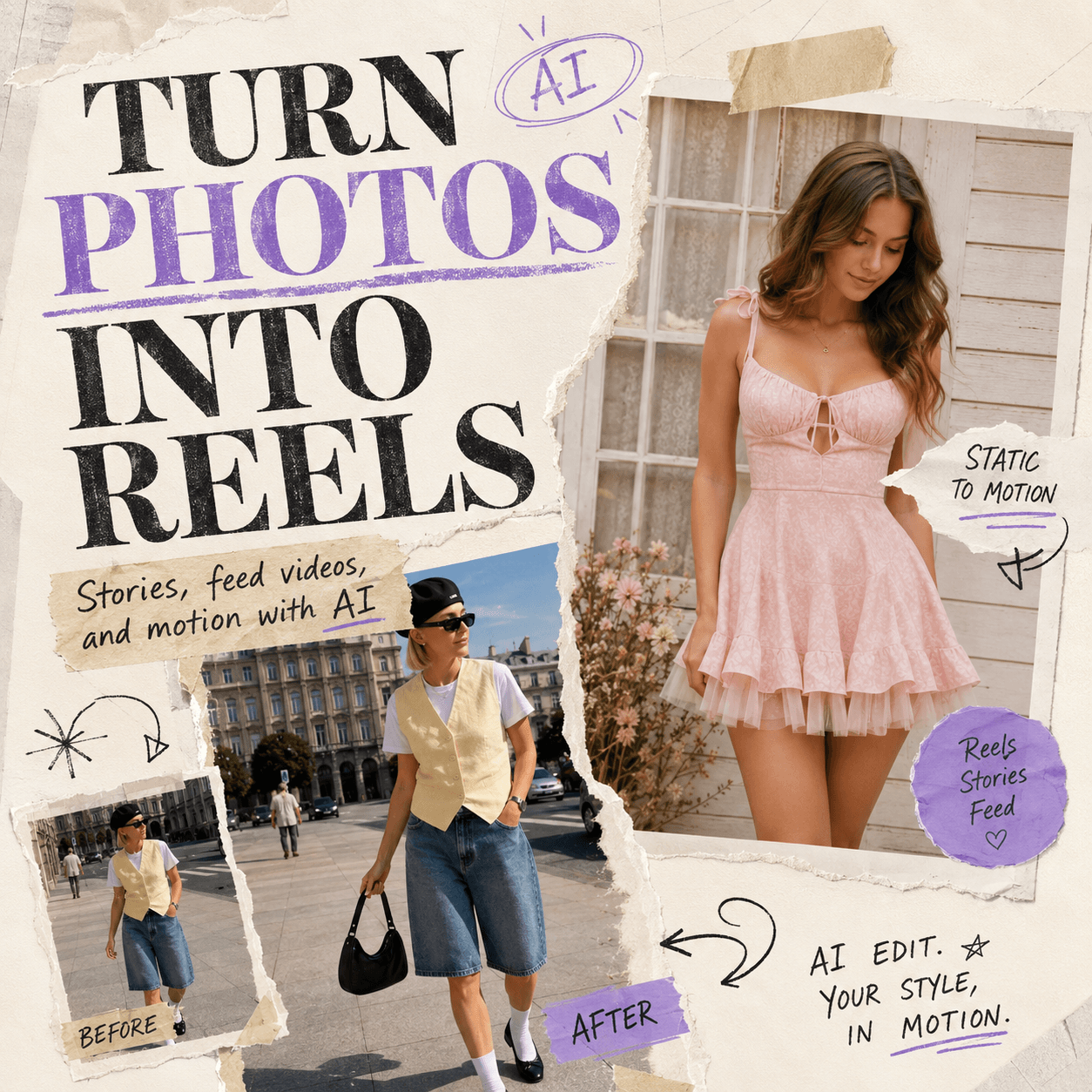
Your camera roll is full. However, your content calendar still looks empty. That is exactly where an Instagram Video Editor becomes useful. Instead of letting outfit photos, product shots, travel clips, event footage, and random “I’ll edit this later” videos sit in a folder forever, you can turn them into Instagram Reels, Stories, Feed videos, and ads with a much faster workflow.
Most creators and brands do not really lack content. Instead, they lack the time, format sense, and editing energy to make that content feel ready for Instagram. A good Instagram Video Editor solves that gap. It helps you choose a visual style, upload your own media, add a simple instruction, set the right format, and create a video that looks much closer to something people would actually stop scrolling for.
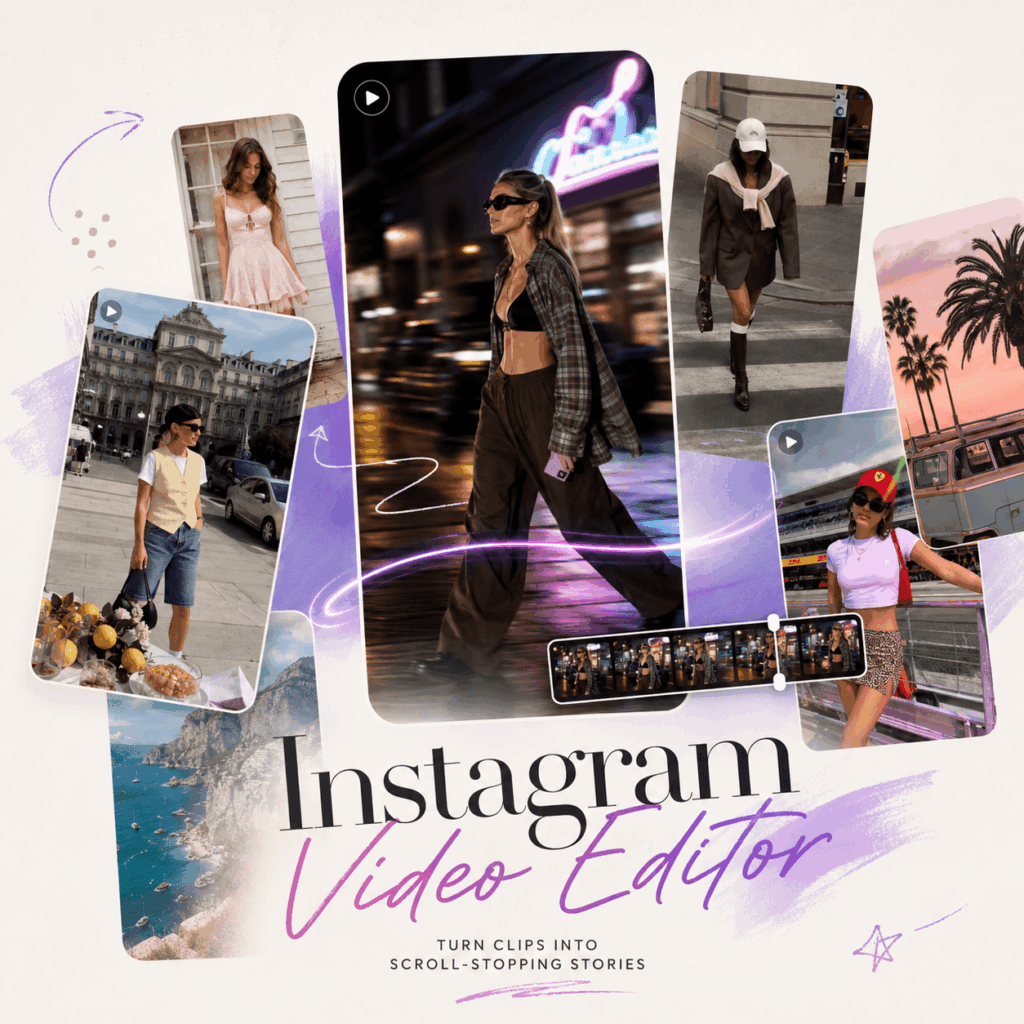
Why This Instagram Video Editor Feels Different
A lot of video tools start with a blank timeline. Meanwhile, this Instagram Video Editor starts with a much more social-media-friendly idea: choose a look, then make it yours.
That matters because many people do not know what kind of Reel they want until they see one. For example, you may not know how to describe a street-style product video. However, once you see a fashion Reel with the right pacing, camera movement, and mood, it becomes much easier to say, “I want my product to feel like that.”
Therefore, the tool is not just helping you “edit a video.” More importantly, it helps you turn scattered assets into Instagram-native content.
Instagram Video Editor Starts with a Reference Look
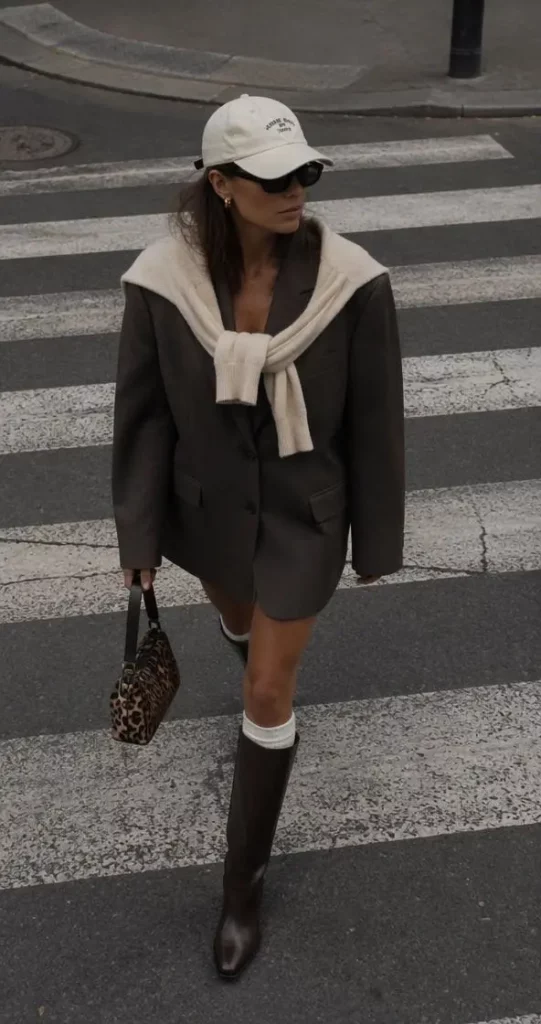
The “Steal the Look” section is one of the strongest hooks of this tool. Instead of guessing from zero, you can browse existing video styles and pick a look that fits your product, outfit, campaign, or lifestyle content.
For creators, this means less overthinking. For brands, it means faster visual testing. Also, for social media managers, it means you can create content that already feels close to Instagram culture instead of building another stiff promo video.
Instagram Video Editor Turns Raw Assets into Video Content
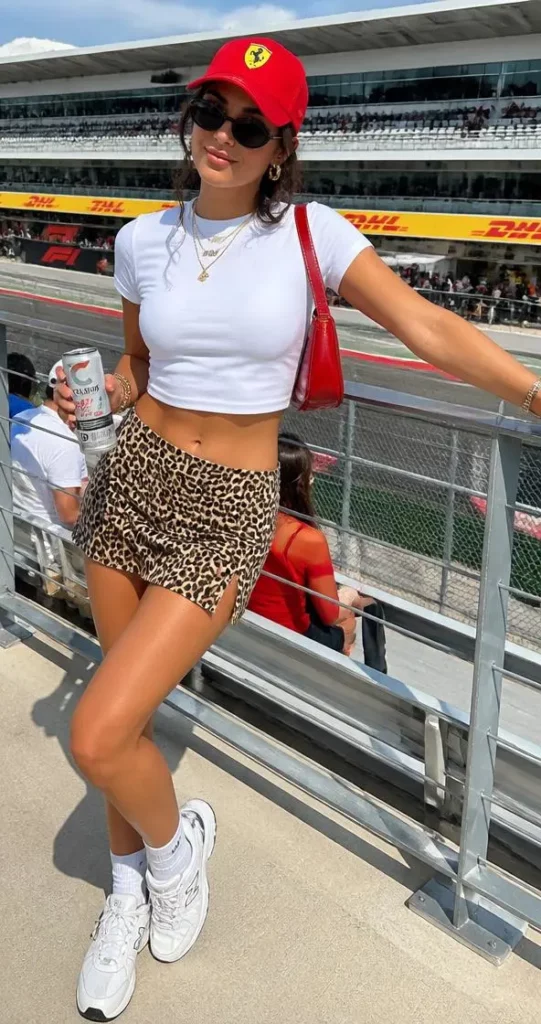
You do not need a full polished video before you start. In fact, photos, product images, short clips, logos, campaign text, captions, and lifestyle shots can all become part of the final video.
As a result, one product photo can become a Reel. A set of event images can become a Story. A few travel clips can become a lifestyle post. Even better, the same asset pack can be reused for different Instagram formats.
Instagram Video Editor Keeps the Content Platform-Ready
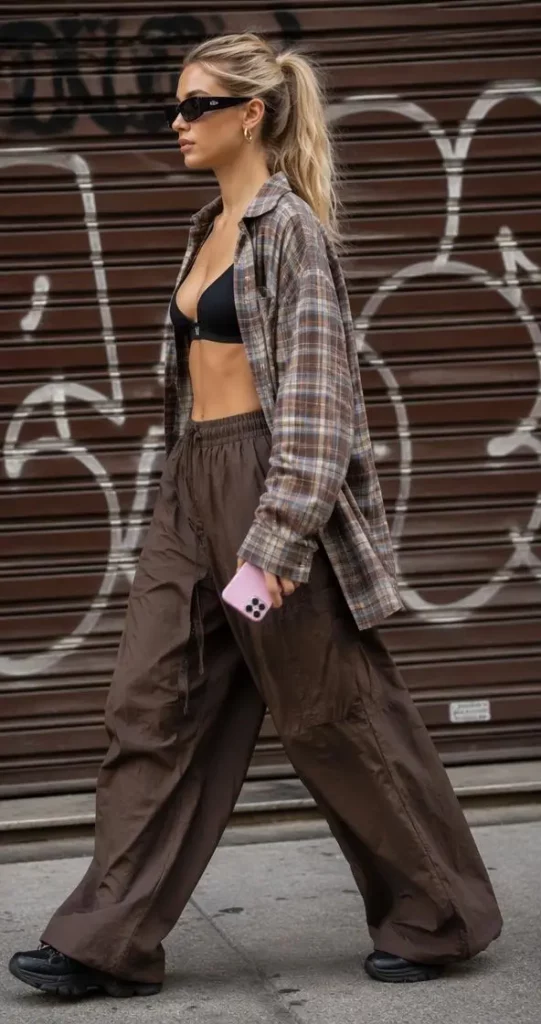
Instagram content has its own rhythm. It needs quick pacing, readable captions, strong opening frames, mobile-friendly framing, and a clear visual point. Therefore, a tool made for Instagram should not only export a video. It should help users think in Reels, Stories, Feed posts, and ad placements.
This is where the tool becomes useful for people who do not want to fight with complex editing software. Instead, they can focus on the message, the visuals, and the final style.
Who Should Use an Instagram Video Editor?
This tool is not only for “people who edit videos.” More accurately, it is for people who already have content but need a faster way to make it worth posting.
Instagram Video Editor for Fashion and Lifestyle Creators
Fashion, beauty, travel, and lifestyle creators often have tons of visuals. However, not every photo becomes a post. Not every clip becomes a Reel. Sometimes, the problem is not the content. It is the editing gap.
With an Instagram Video Editor, creators can turn OOTD shots, street-style clips, travel photos, café moments, beauty close-ups, and daily footage into short videos with movement, captions, music, and a clear mood.
For example, one outfit can become a quick lookbook Reel. Meanwhile, the same footage can also become a Story teaser or a Feed video.
Instagram Video Editor for Ecommerce Brands
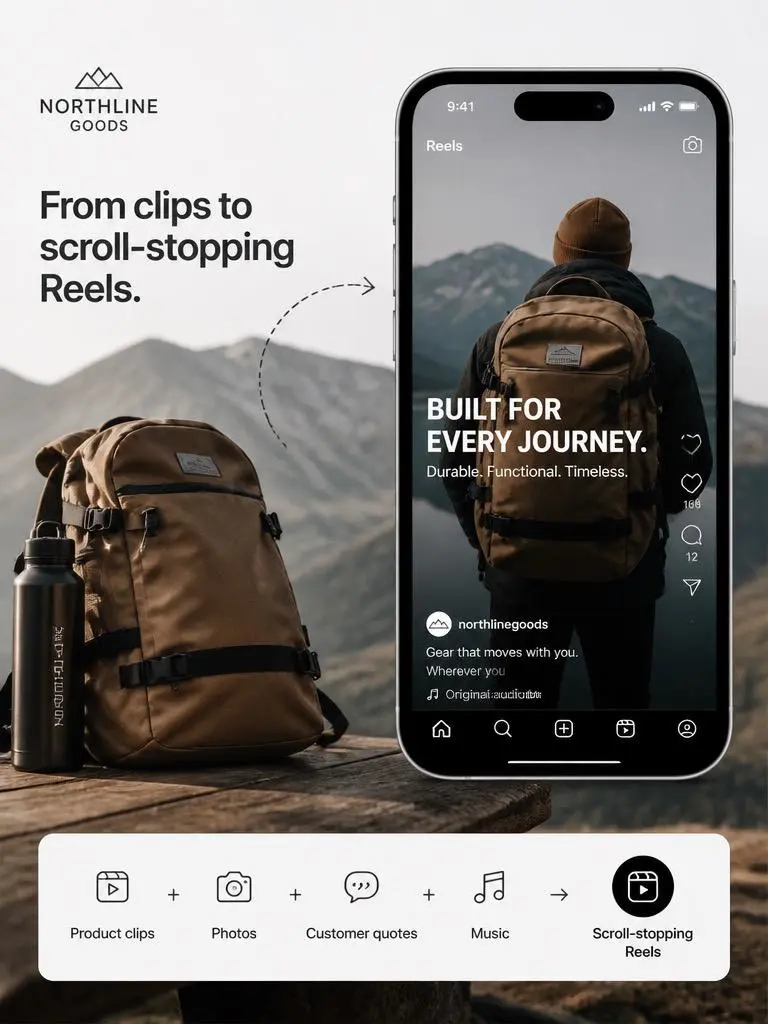
Small brands usually have product photos, model shots, customer images, campaign copy, and sale messages. However, they may not have a full video team.
That is why this tool fits ecommerce so well. A brand can upload product assets, choose a reference style, add captions and calls to action, then create Instagram videos for launches, promotions, seasonal campaigns, and ads.
Instead of booking another shoot, the brand can make better use of what it already has.
Instagram Video Editor for Social Media Managers
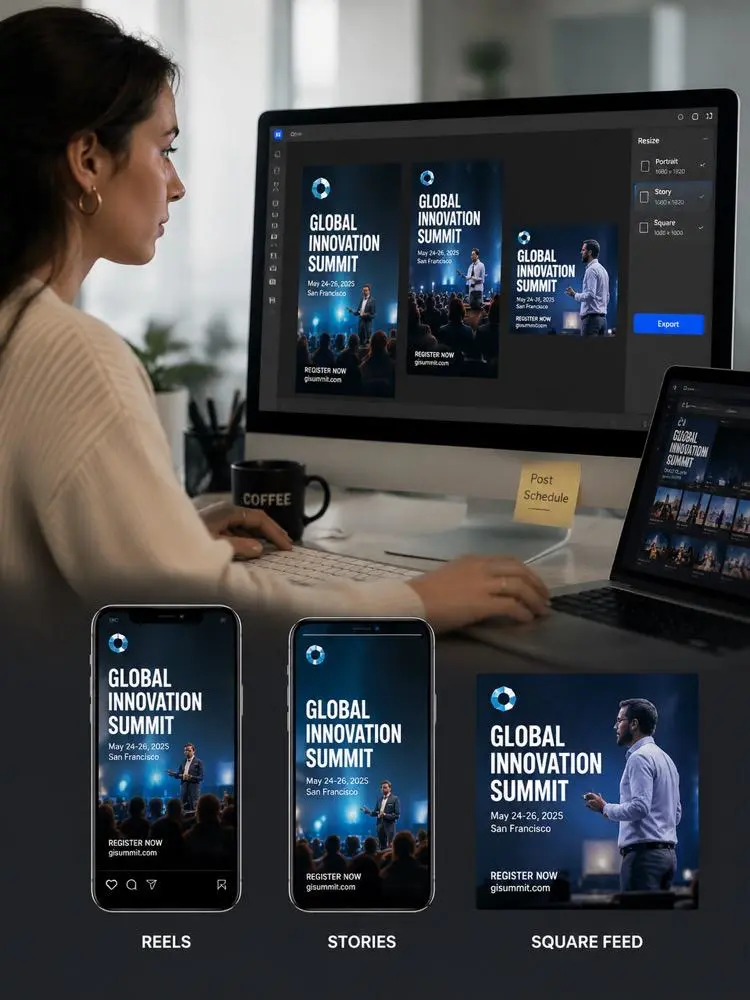
Social media managers often deal with the same painful task: one campaign, too many formats.
A launch may need a Reel, a Story, a square Feed video, and an ad variation. However, rebuilding every version manually wastes time. With an Instagram Video Editor, the same campaign materials can be adapted into several Instagram-ready outputs.
Therefore, this tool is especially useful for teams that need speed, consistency, and fewer repetitive edits.
Instagram Video Editor for UGC Creators and Ad Makers
UGC-style videos need to feel natural, quick, and easy to watch. However, they still need structure. They need a hook, a product moment, a benefit, captions, and a clear ending.
This tool can help UGC creators turn product photos, demo clips, testimonials, and lifestyle footage into short-form ads. Also, because it supports different styles and formats, it can help users test multiple versions without starting from scratch each time.
How to Use the Instagram Video Editor
The workflow is simple, but it works best when you know what each step is doing.
Step 1: Choose a Look You Want to Replicate
Start by browsing the reference videos. Pick a look that matches your goal. For example, choose a street-style look for fashion content, a clean product look for ecommerce, or a lifestyle look for travel and personal content.
However, do not choose only because the reference is pretty. Instead, ask yourself: does this style fit my product, my audience, and the post I want to create?
Step 2: Upload Your Photos, Clips, or Product Assets
Next, upload the materials you already have. These can include product photos, short video clips, outfit images, travel shots, campaign graphics, logos, or written hooks.
Keep the asset pack focused. For example, if you are making a product Reel, upload the product hero image, one lifestyle image, one detail shot, and one short clip if you have it. Too many unrelated visuals can make the video feel messy.
Step 3: Write a Clear Instagram Video Prompt
After that, tell the tool what you want. A short, clear prompt works better than a vague one.
You can write something like:
“Create a stylish Instagram Reel from these product photos. Add smooth transitions, short captions, soft music, and a clean call to action.”
Or, for a fashion post:
“Turn this outfit video into a street-style Instagram Reel with quick cuts, subtle effects, and trendy caption text.”
For an event post, try:
“Make a vertical Instagram Story for this event. Highlight the date, location, speaker photos, and a simple reminder text.”
The point is simple. Tell the tool the format, mood, content type, and goal.
Step 4: Choose the Ratio and Video Length
Then, select the right settings. For Reels and Stories, 9:16 is usually the safest choice because it fills the mobile screen. For Feed content, you may want a square or portrait version depending on the layout.
Also, choose a short length if you want the video to feel fast and social. A five-second product teaser, for example, can work well for a quick scroll-stopping moment. Meanwhile, a longer tutorial or event recap may need more time.
Step 5: Generate and Review the Video
Once the settings are ready, generate the result. Afterward, review the video before using it.
Check the first frame first. Does it grab attention? Then, check the captions. Are they readable on mobile? Also, look at the crop. Are the face, product, logo, and text still visible?
If something feels off, adjust your prompt, upload cleaner assets, or choose a better reference look.
Step 6: Reuse the Same Assets for More Instagram Formats
Finally, do not stop at one video. This is where the tool becomes more useful.
A product Reel can become a Story ad. A campaign video can become a square Feed post. A travel Reel can become a short teaser. Also, an event announcement can become a reminder video one day later.
In other words, the same assets can work harder.
What You Can Create with an Instagram Video Editor
The best way to understand this tool is not to ask, “Can it edit videos?” Instead, ask, “What can I turn my existing content into?”
Create Instagram Reels from Product Photos
If you sell products, your product photos should not stay still forever. You can upload product images, add animated text, include a benefit-driven caption, and create a short Instagram Reel.
For example, a bag brand can turn three product photos into a “day-to-night styling” Reel. Meanwhile, a skincare brand can turn texture shots and review quotes into a simple product promo.
This is especially helpful when you need more video content but do not want to shoot new footage every week.
Make Instagram Stories for Launches and Events
Stories are great for fast updates. Therefore, this tool works well for product launches, event reminders, flash sales, workshops, and countdowns.
You can upload event photos, dates, product images, short clips, and promotional text. Then, the tool can help shape those pieces into a full-screen vertical video.
Keep the message simple. One Story should not explain your entire brand history. Instead, it should tell people what is happening, why it matters, and what to do next.
Build Fashion and Lifestyle Reels
Fashion and lifestyle content depends heavily on mood. Therefore, the right pacing, music, text, and crop can make a big difference.
With an Instagram Video Editor, creators can turn outfit photos, street clips, beauty shots, café photos, or travel moments into polished Reels. Also, brands can use the same style to make their products feel more natural and less like hard ads.
Turn One Campaign into Multiple Posts
A campaign should not live in only one post. Instead, it can become a content set.
For example, a new product launch can become:
A teaser Reel
A launch-day Story
A Feed video
A paid ad version
A behind-the-scenes recap
This is one of the strongest reasons to use an Instagram Video Editor. It helps you stretch one idea across several placements without rebuilding everything from the beginning.
Create UGC-Style Instagram Ads
UGC ads work because they feel closer to real content. However, they still need a clear structure.
You can upload a product clip, a lifestyle shot, a customer quote, and a short hook. Then, add captions, motion, music, and a call to action. As a result, the final video can feel more native to Instagram while still serving a marketing goal.
Best Practices for Better Results
A tool can help, but your input still matters. Therefore, use these simple rules before generating.
Start with One Clear Goal
Before uploading everything, decide what the video should do. Should it sell a product? Announce an event? Show an outfit? Build trust? Drive clicks?
Once the goal is clear, the video becomes easier to structure.
Use a Strong First Frame
The first frame matters because people decide quickly. So, start with the best visual. Use the strongest product shot, the most stylish outfit frame, or the clearest event message.
A weak opening makes the whole video work harder than it should.
Keep Captions Short and Readable
Captions should help people understand the video even with the sound off. However, long text blocks can kill the rhythm.
Use short lines. Keep the message direct. Also, make sure the text stays inside the safe area.
Do Not Overload the Video
One video should have one main idea. If you try to include every feature, every discount, every angle, and every brand message, the result may feel crowded.
Instead, make several short videos. One can introduce the product. Another can show the benefit. A third can push the offer.
Reuse, but Do Not Repeat Blindly
Repurposing is smart. However, every format needs small adjustments.
A Reel may need a stronger hook. A Story may need clearer text. A Feed video may need better composition. Therefore, reuse the assets, but adjust the layout and message for each placement.
Why This Instagram Video Editor Works for Modern Content
Instagram content moves fast. However, production still takes time. That mismatch is exactly why AI-assisted tools are becoming useful for creators and brands.
This Instagram Video Editor helps users move from “I have assets” to “I have a post.” It also makes content feel more flexible. One image can become part of a Reel. One campaign can become several formats. One product shoot can support more than one launch moment.
Most importantly, it lowers the pressure to create from scratch every time.
Your content folder is not a graveyard. It is raw material.
FAQ About Instagram Video Editor
What is an Instagram Video Editor?
An Instagram Video Editor is an online tool that helps users create videos for Instagram Reels, Stories, Feed posts, and ads. It can combine photos, clips, product images, captions, music, logos, and animated text into one social-ready video.
Who is this Instagram Video Editor best for?
This Instagram Video Editor is best for creators, ecommerce brands, UGC makers, marketers, and social media teams. It is especially useful for people who already have content assets but need faster Instagram-ready videos.
Can I create Instagram Reels from photos?
Yes. You can upload photos, product images, lifestyle shots, or short clips, then turn them into a Reel with motion, captions, music, transitions, and text.
Can I use the Instagram Video Editor for Stories?
Yes. You can create vertical Story videos for product launches, event reminders, sale announcements, tutorials, and lifestyle updates.
Can brands use it for Instagram ads?
Yes. Brands can use product photos, campaign copy, logos, short clips, and calls to action to create Instagram ad videos. However, they should use assets they own or have permission to publish.
Do I need video editing experience?
No. The tool is designed for users who want a simpler workflow than traditional editing software. You can start with a reference look, upload assets, write a short prompt, choose settings, and generate a video.
What kind of content works best?
Product photos, outfit images, travel clips, event materials, customer quotes, demo videos, campaign graphics, and lifestyle footage work especially well.
Can I make more than one version from the same assets?
Yes. That is one of the best use cases. You can reuse the same photos, clips, and campaign materials to create Reels, Stories, Feed videos, and ad variations.
Conclusion: Stop Letting Good Content Sit in a Folder
In the end, an Instagram Video Editor is not just about editing faster. It is about wasting less of the content you already have.
If you are a creator, it can turn your everyday visuals into polished Reels. If you are a brand, it can turn product assets into ads and launch videos. Also, if you manage social content, it can help one campaign become several Instagram-ready formats.
So, instead of waiting for the perfect shoot, start with what is already in your folder. Choose a look, upload your assets, write a clear prompt, and let the Instagram Video Editor help turn that content into something worth posting.
Go to WeShop AI For Exploration: