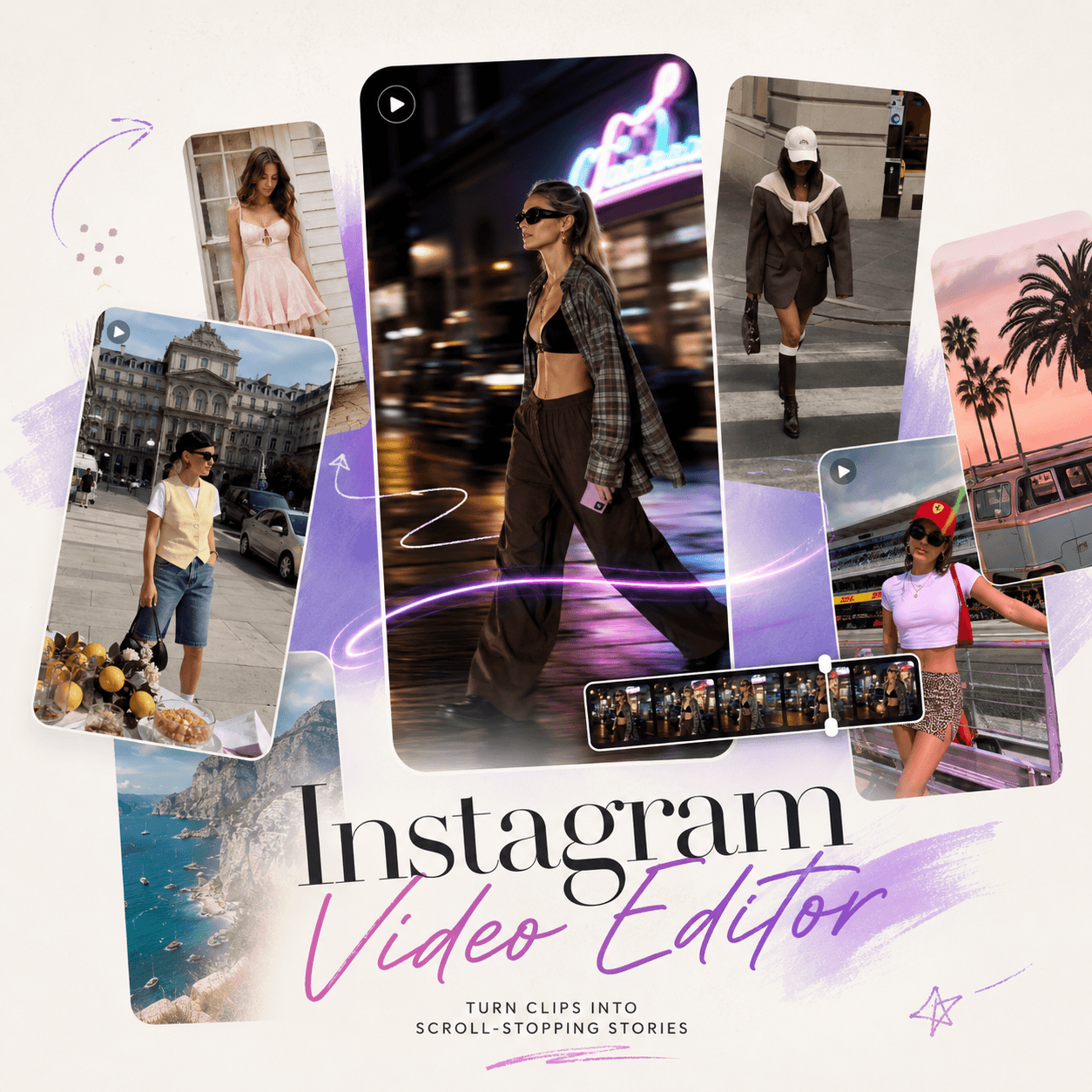
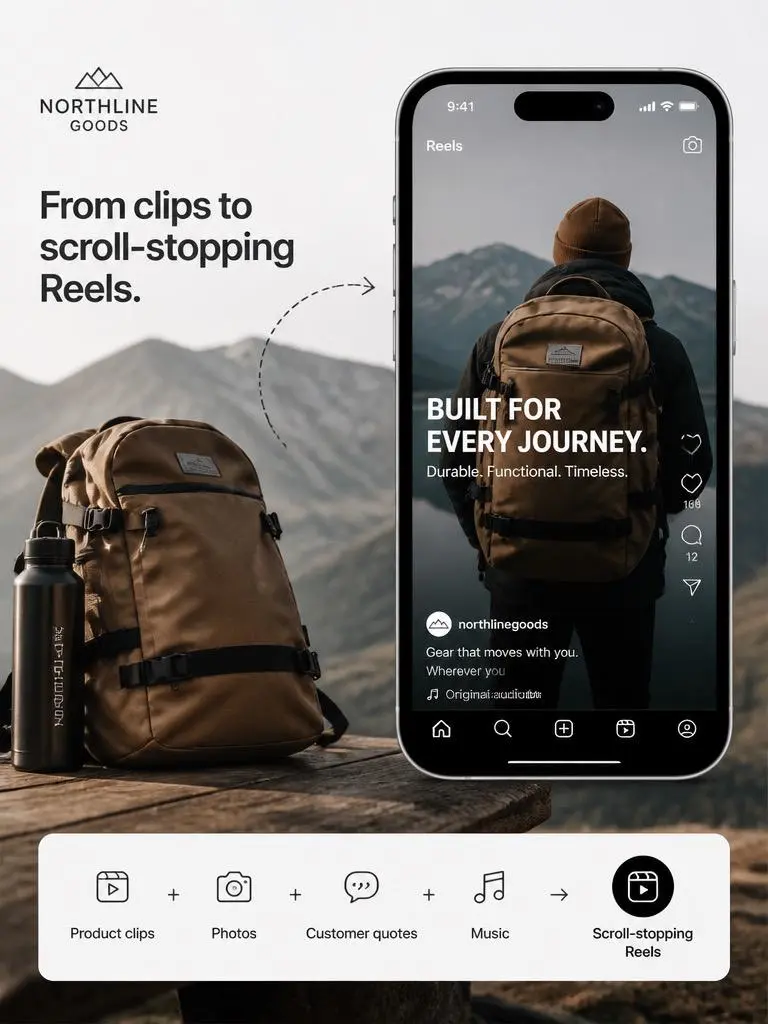
An AI Instagram Video Editor can turn one product photo into your next Instagram Reel, Story, or feed video. Maybe it is a product shot, an outfit photo, a travel snap, or a campaign poster. It already looks good. However, on Instagram, a still image can get buried fast. People scroll quickly, and you only have a few seconds to make them stop.
That is why an AI Instagram Video Editor is useful. It helps you turn photos, short clips, text, logos, captions, and product visuals into ready-to-post Instagram videos. Instead of starting from a blank timeline, you can start with what you already have.
In other words, your content is not dead. It just needs motion.
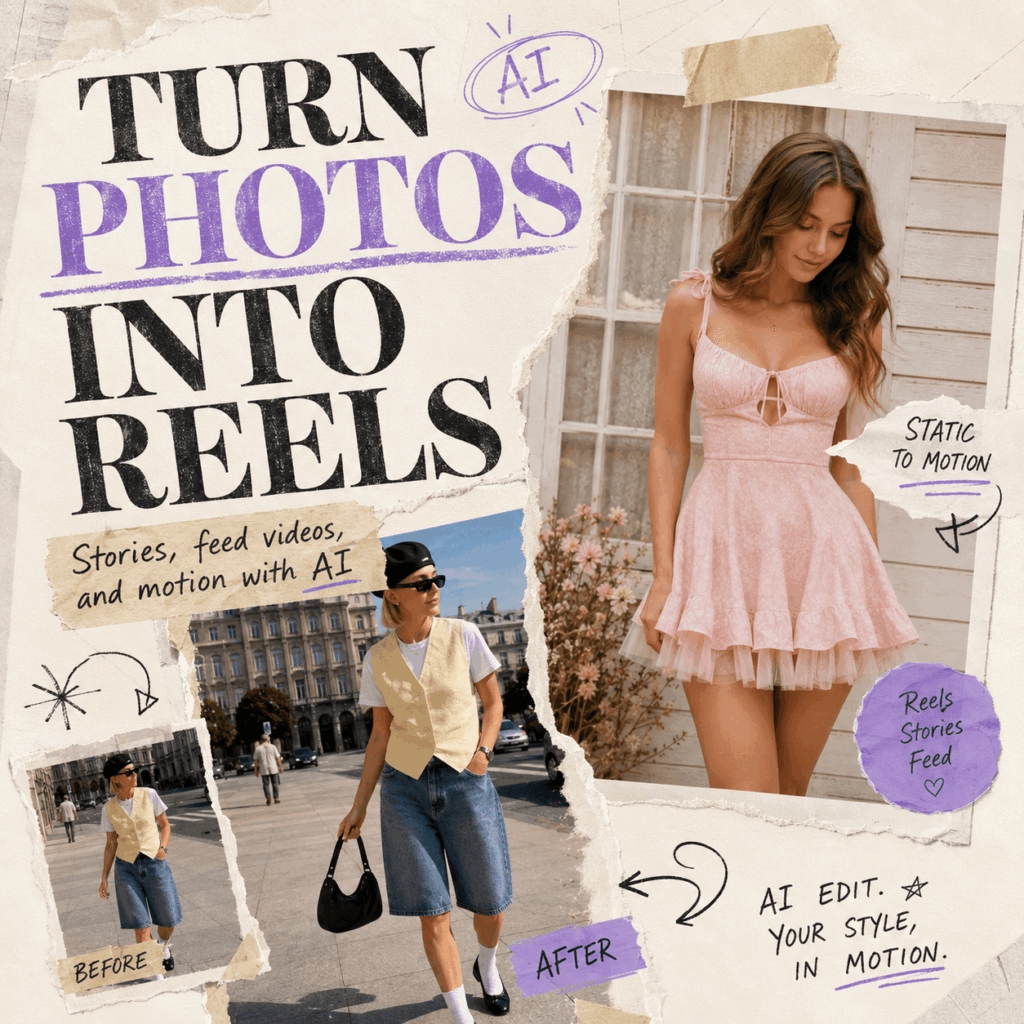
Why an AI Instagram Video Editor Gives Product Photos a Second Life
A product photo can show color, shape, texture, and style. However, video adds mood, movement, and context.
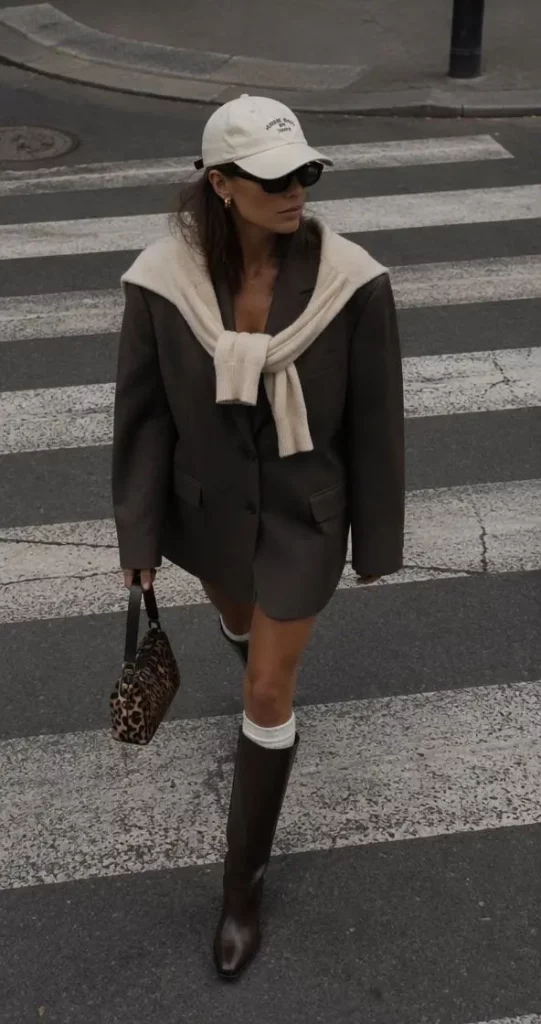
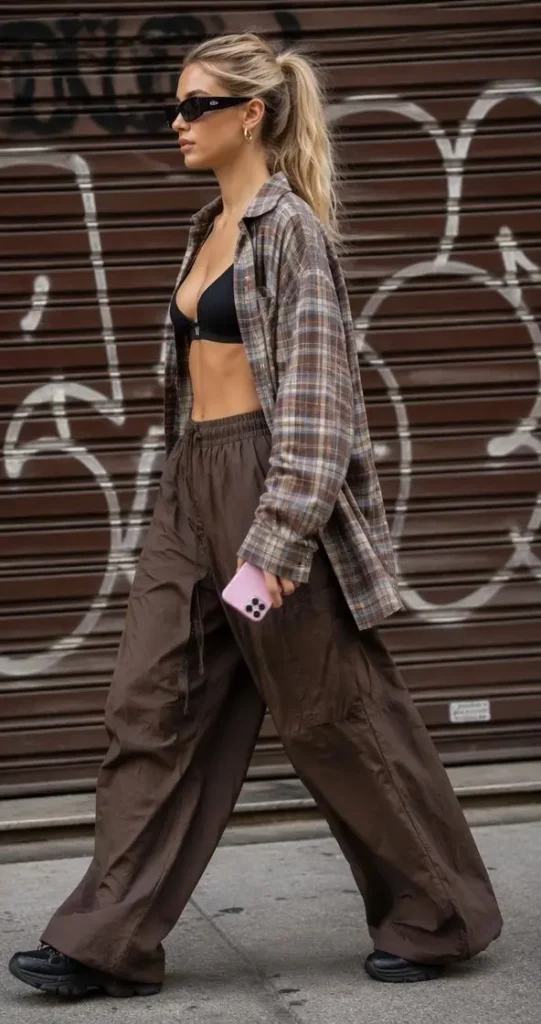
For example, a handbag photo can become a “what fits in my bag” Reel. A skincare image can become a clean routine video. A fashion look can become a street-style edit. Also, a campaign poster can become an animated Story announcement.
With an AI Instagram Video Editor, one static image can become several pieces of content. As a result, you get more value from every photo, product shoot, and campaign asset.
What Is an AI Instagram Video Editor?
An AI Instagram Video Editor is an online tool for creating Instagram Reels, Stories, feed videos, and product promos from photos, clips, text, music, captions, logos, and templates.
It helps organize your assets into a polished video. Also, it can support smart cropping, animated text, captions, music, brand styling, and format resizing.
More importantly, it makes video creation feel easier. You do not need advanced editing skills. You can upload your visuals, choose a style, adjust the details, and export a video for Instagram.
Why an AI Instagram Video Editor Solves a Real Content Problem
Most brands and creators already have content. They have product photos, customer images, event posters, old campaign visuals, screenshots, logos, and short clips.
However, these assets often sit in folders. So, the problem is not always creating more content. Instead, it is turning existing content into something more engaging.
An AI Instagram Video Editor helps with that. It can turn one product photo into a Reel, Story, feed video, or short ad. Therefore, it is especially useful for small teams, solo creators, ecommerce sellers, and social media managers who need more videos without more production work.
How an AI Instagram Video Editor Turns One Photo Into a Story
You do not need a full video shoot to begin. You can start with one strong image.
For example, imagine you sell sunglasses. Upload the product photo, add a line like “Your summer outfit starts here,” choose a street-style template, add music, and create a short Reel with motion and text.
Suddenly, one photo feels like a campaign.
Similarly, a dress photo can become a “date night outfit” Story. A coffee product image can become a morning routine Reel. A phone case photo can become a “3 reasons you need this” feed video.
The image is still the hero. However, video gives it rhythm, context, and a reason to watch.
Use an AI Instagram Video Editor to “Steal the Look”
Starting from zero can feel hard. Therefore, style references are a big help.
With a “steal the look” or “click to replicate” workflow, you can choose a video style you like and apply a similar visual direction to your own product. This is useful when you know the vibe you want but do not want to build the entire edit manually.
For fashion brands, creators, and ecommerce sellers, this makes content creation faster. You can pick a street-style, lifestyle, or product-focused reference, then customize it with your own photos, text, and brand details.
How to Use an AI Instagram Video Editor
Using an AI Instagram Video Editor should feel simple. The goal is not to make editing more complicated. Instead, the goal is to help you create more usable Instagram content with less effort.
Step 1: Upload Your Product Photo or Visual Assets
First, upload the content you already have. This could be a product image, short video clip, logo, campaign poster, lifestyle photo, or customer image.
If you are creating a product Reel, choose visuals that clearly show what you sell. Also, include close-up shots if you have them. Details help the video feel more real.
Step 2: Choose Your Instagram Video Format
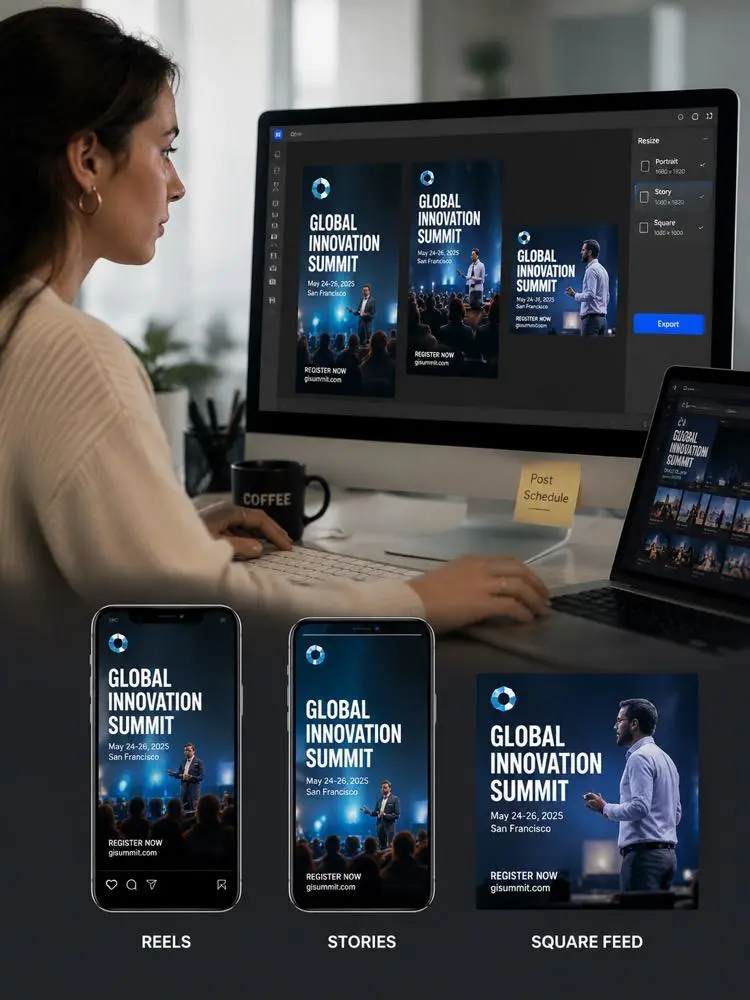
Next, choose the Instagram format you want to create. For example, you may want a vertical Reel, a full-screen Story, or a square feed video.
This step matters because each format has a different viewing experience. Reels need quick hooks. Stories need clear information. Feed videos need strong visuals that still look good inside the grid.
Step 3: Pick an AI Instagram Video Editor Template
Then, choose a template or reference look. This helps you avoid the blank-page problem.
For example, a fashion product may work well with a street-style template. A beauty product may look better with a clean routine-style layout. Meanwhile, an event poster may need a bold text-first design.
Step 4: Add Text, Music, and Captions
After that, add the elements that make the video easier to understand. Use short captions, simple headings, music, and animated text.
However, keep the text clear. Instagram users do not want to read a paragraph inside a video. So, use short lines like:
“New drop just landed”
“3 ways to style it”
“Before your next trip”
“Turn one photo into a Reel”
Step 5: Apply Brand Style
Next, add your brand logo, colors, fonts, or caption style. This is useful because Instagram content should not feel random. Even when every video looks fresh, the brand should still feel recognizable.
An AI Instagram Video Editor can help keep that style consistent across Reels, Stories, feed posts, and campaign videos.
Step 6: Resize and Export
Finally, resize your video for different placements. One idea can become a Reel, a Story, and a feed video.
As a result, you do not need to rebuild the same content three times. You can create once, adjust the format, and publish across multiple Instagram surfaces.
Best Use Cases for an AI Instagram Video Editor
An AI Instagram Video Editor is not only for brands with polished campaigns. It can also work for creators, students, small shops, event teams, and personal users.
Product Launch Reels
If you are launching a new product, use your product photo as the opening shot. Then, add motion, text, and a clear call to action.
For example:
“New arrival”
“Meet your new everyday tote”
“Glow starts here”
“Limited drop”
This works well for fashion, beauty, accessories, home goods, digital products, and lifestyle brands.
Instagram Stories for Sales and Promotions
Stories are perfect for quick updates. Therefore, you can turn a static sale banner into a moving Story with animated text, music, and product images.
This makes the promotion feel more alive. Also, it gives you room to add a clear message, such as “48-hour sale” or “Tap to shop.”
Feed Videos for Brand Storytelling
Feed videos can help you show more context than a single image. For example, you can use them to explain what a product does, show different angles, or tell a short brand story.
A square or portrait feed video is also useful when you want content that looks polished on your profile grid.
Fashion and Outfit Videos
For fashion creators and clothing brands, the tool can turn outfit photos into short editorial-style videos.
You can create “one outfit, three moods,” “how to style,” “street look of the day,” or “capsule wardrobe” videos. Moreover, you can use music and motion effects to make still images feel like a mini lookbook.
Travel and Lifestyle Reels
You can also turn travel photos into mini vlogs. For instance, a few city shots, food photos, and street clips can become a “48 hours in Paris” Reel.
This is useful for travel creators, lifestyle bloggers, hotels, cafes, and personal accounts that want more dynamic content.
Event Announcements
If you have an event poster, speaker image, logo, and date, you already have enough to make a short video.
An AI Instagram Video Editor can help turn those static assets into a Story, Reel, or feed post. This works well for workshops, webinars, brand pop-ups, student events, and conferences.
Student Projects and Portfolio Showcases
Students and young creators can use the tool in a more personal way. For example, they can turn assignment slides, design work, project screenshots, or posters into short showcase videos.
This is useful for portfolios, class presentations, club recruitment, and social media updates.
In short, the tool is not just for selling products. It is also for making ideas easier to share.
A Simple Reel Formula You Can Try
If you do not know where to start, use this simple five-part formula.
1. Start With the Result
Show the product, final look, or main visual first. This gives people a reason to stop scrolling.
2. Add Motion
Use zoom, pan, transition, or scene movement. Even subtle motion can make a photo feel more alive.
3. Add One Clear Message
Do not explain everything. Instead, choose one idea.
For example:
“Your desk setup needs this”
“One photo, three Instagram posts”
“Small bag, big energy”
“From product photo to Reel”
4. Show a Detail
Then, highlight texture, color, use case, or benefit. This helps viewers understand why the product matters.
5. End With a Call to Action
Finally, tell viewers what to do next. You can use simple lines like “Shop now,” “Save this idea,” “Try the look,” or “Create your version.”
Why AI Video Editing Feels So Useful Right Now
Instagram moves fast. Trends change. Formats change. Also, attention spans are short.
Because of this, creators and brands need a faster way to make content. Traditional editing can still be powerful, of course. However, it often takes too much time for everyday social posts.
An AI Instagram Video Editor fits the current content rhythm better. It helps users create more videos from fewer assets. It also makes repurposing easier. Most importantly, it removes the pressure of starting from zero.
That matters because many people do not need a Hollywood-level editing suite. They need a tool that helps them post better content more often.
Tips to Make Your AI-Edited Instagram Videos Look Better
AI can help with the structure, but your creative choices still matter. So, here are a few simple tips.
First, start with a strong visual. A clear product photo will usually work better than a messy one.
Next, keep text short. Viewers should understand the message in one or two seconds.
Also, match the style to the product. A luxury product may need slower pacing and clean typography. Meanwhile, a Gen Z fashion item may work better with faster cuts and bolder captions.
Then, reuse your best ideas. If one Reel style performs well, turn it into a repeatable format.
Finally, create multiple versions. One product photo can become a Reel, Story, and feed video. Therefore, do not stop at one export.
Who Benefits Most From an AI Instagram Video Editor?
An AI Instagram Video Editor is useful for many users, but it is especially helpful for people who need content often.
Small ecommerce brands can use it to make product videos without hiring a full creative team.
Creators can use it to turn photos into aesthetic Reels and lifestyle edits.
Social media managers can use it to repurpose one campaign into several formats.
Students can use it to make projects and portfolios look more dynamic.
Personal users can use it to turn everyday photos into short videos for Stories, Reels, or social posts.
In other words, it is useful whenever a static image feels too quiet.
The Big Advantage of an AI Instagram Video Editor: More Content From Fewer Assets
The biggest advantage is not just speed. It is content efficiency.
A product shoot can be expensive. A campaign can take time. A good image can be hard to create. So, once you have a strong photo, you should use it in more than one way.
With an AI Instagram Video Editor, you can turn one photo into several video assets. You can test different hooks, captions, formats, and styles. Also, you can keep your Instagram active without constantly creating everything from scratch.
That is a big win for small teams, solo creators, and brands that need to move quickly.
Final Thoughts
Your product photo is not dead. It is just waiting for a better format.
With an AI Instagram Video Editor, a single image can become a Reel, a Story, a feed video, or a short promotional clip. You can add motion, captions, music, templates, brand style, and format resizing without building every video manually.
So, before you plan another expensive shoot or abandon old campaign assets, look at what you already have.
Your next Instagram video might already be sitting in your camera roll.
FAQ
What is an AI Instagram Video Editor?
An AI Instagram Video Editor is an online tool that helps users create Instagram videos from photos, clips, text, captions, logos, music, and templates. It can be used for Reels, Stories, feed posts, product videos, and social media ads.
Can I turn a product photo into an Instagram Reel?
Yes. You can upload a product photo and turn it into a Reel with motion effects, captions, music, transitions, and animated text. This is useful for product launches, promotions, and ecommerce content.
Do I need video editing experience?
No. Most AI Instagram Video Editor tools are designed for users who do not have advanced editing skills. You can start with templates or reference styles, then customize the video with your own assets.
Can I create Instagram Stories with this tool?
Yes. You can create full-screen Stories from product photos, campaign posters, event details, logos, and short clips. You can also add text, music, and brand elements.
Can I make feed videos too?
Yes. In addition to Reels and Stories, you can create square or portrait feed videos. This is helpful when you want content that looks good on your Instagram profile grid.
Can I use the same content for different Instagram formats?
Yes. One product photo or campaign idea can be adapted into Reels, Stories, and feed videos. This helps you save time and get more content from the same assets.
Who should use an AI Instagram Video Editor?
It is useful for ecommerce brands, creators, social media managers, students, small businesses, event teams, and personal users who want to turn static visuals into Instagram-ready videos.
What type of content can I create?
You can create product Reels, sale videos, fashion edits, travel Reels, event announcements, tutorials, portfolio showcases, brand stories, feed videos, and Instagram ads.
Go to WeShop AI For Exploration: