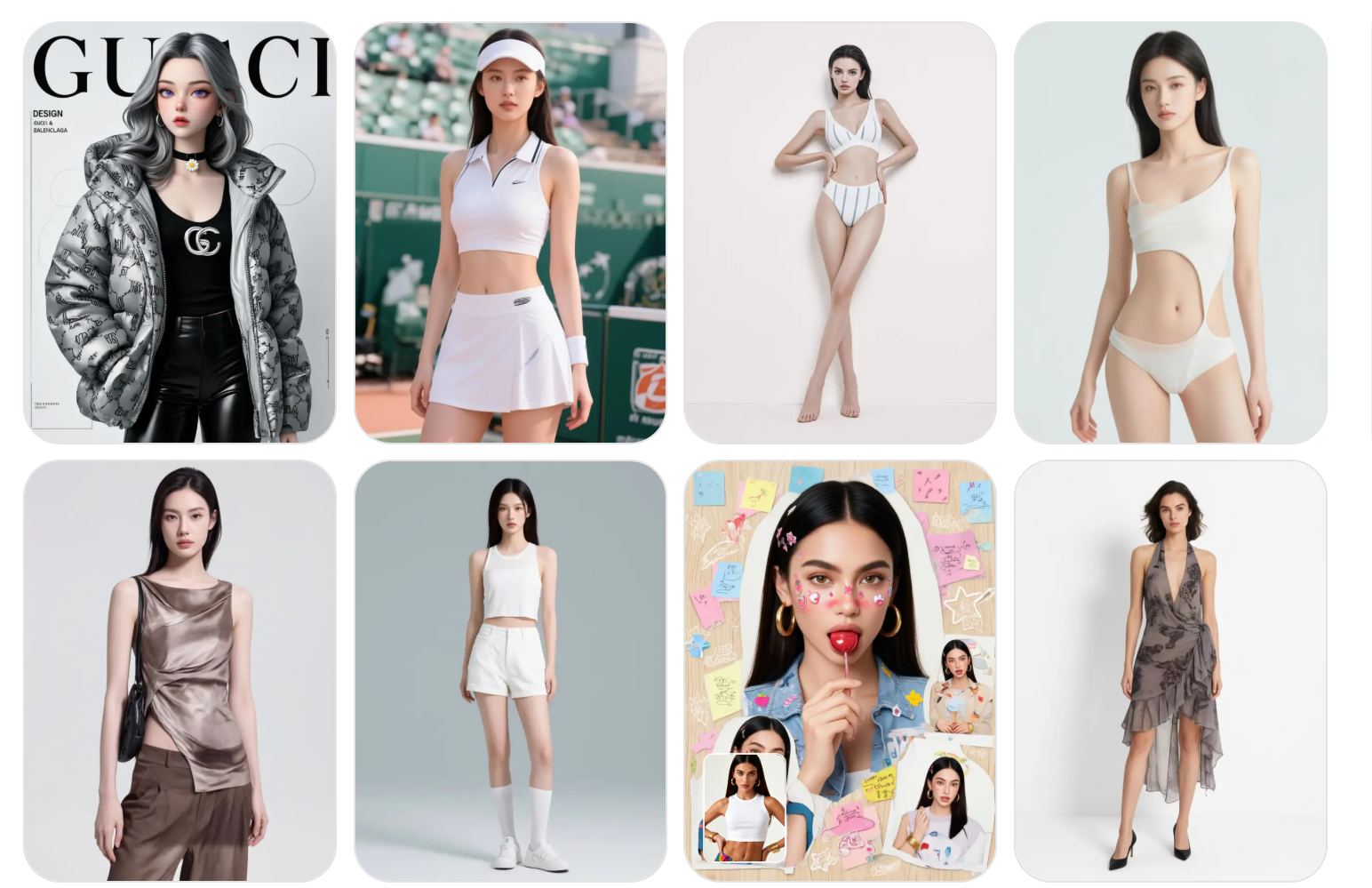
AI image editing is entering a different phase.For a long time, tools focused on transformation. They tried to impress users with visible changes. The stronger the change, the better the result looked.That mindset is fading.Today, creators care less about surprise. They care more about stability. They want edits that look real, stay consistent, and fit into actual workflows.FireRed Image Edit sits right inside this shift. It does not aim to reinvent an image. It aims to refine it without breaking it.
The real gap in most AI image tools
Most AI editors still treat images like disposable outputs.
You upload a picture. You change a prompt. You get a new version. It may look impressive, but it often loses structure.
Faces drift slightly. Text becomes unstable. Product details shift. Even small inconsistencies break trust.
This is the real gap in the market. Not generation, but preservation.
FireRed Image Edit directly targets that gap. It focuses on controlled editing. It respects the original image while applying precise modifications.
That sounds simple, but it changes everything in real production work.
Why visual continuity matters more than ever
We are producing more images than ever before.
A single product can require dozens of variations. A single model shoot can generate multiple campaign assets. A single design concept can expand into many formats.
In that environment, consistency becomes more valuable than creativity alone.
Visual continuity means three things:
The subject stays recognizable.
The structure stays stable.
The identity stays intact.
FireRed Image Edit is designed around this idea. It supports multi-image conditioning and keeps relationships between elements stable during editing.
That makes it useful for workflows where one image is not enough.
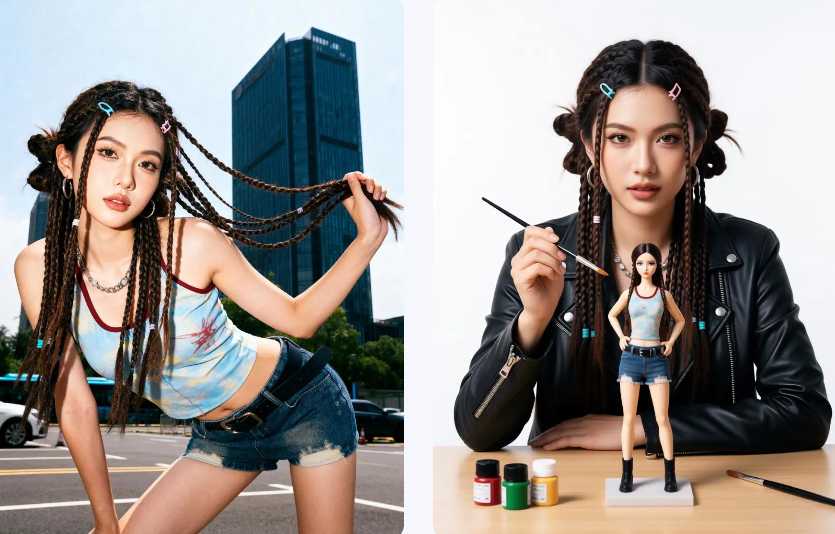
FireRed Image Edit 1.0: building controlled editing
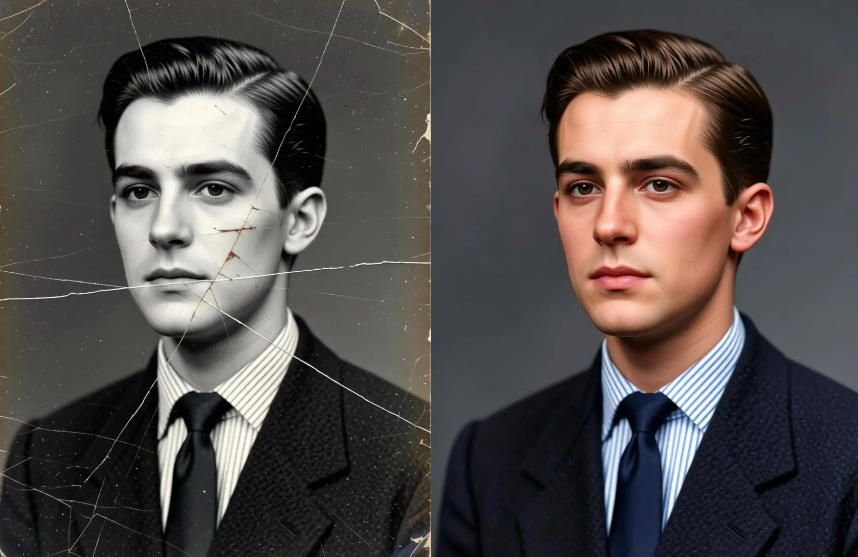
The first version of FireRed Image Edit focused on one goal: reduce distortion during editing.
It improved instruction following. It kept outputs more consistent. It reduced visual drift across edits.
This made it useful for simple but important tasks like:
Portrait enhancement
Light correction
Background refinement
Minor object edits
Instead of generating something new, it improved what already existed.
That shift seems small. But in real workflows, it matters a lot.
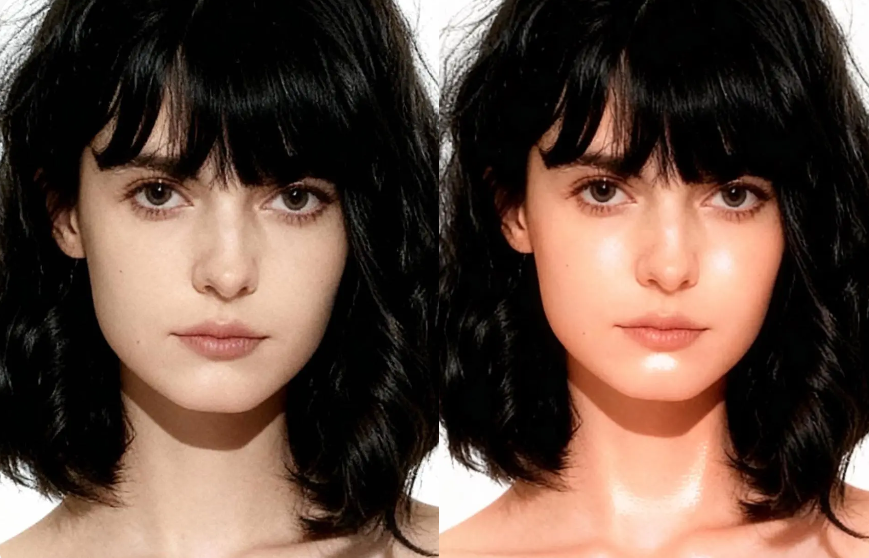
FireRed Image Edit 1.1: pushing toward real production use
Version 1.1 moves closer to professional use cases.
It improves identity consistency. It handles multiple images better. It produces fewer unstable outputs when combining references.
In practice, this reduces friction.
You do not need to retry prompts multiple times. You do not need to fix broken faces or warped objects. You get more usable results on the first attempt.
That saves time in real projects, especially in fast-paced environments like ecommerce or content production.
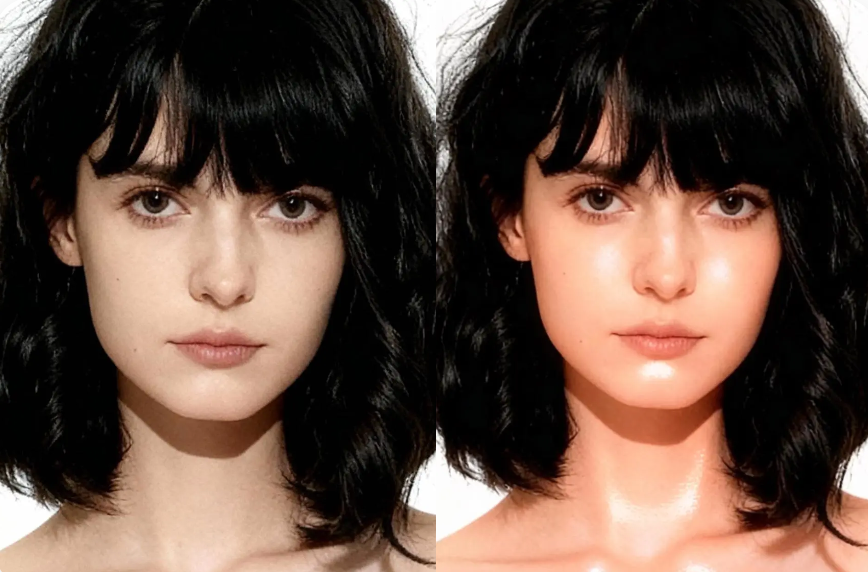
The model also improves portrait realism. Skin texture stays natural. Facial structure stays stable. Lighting transitions feel smoother.
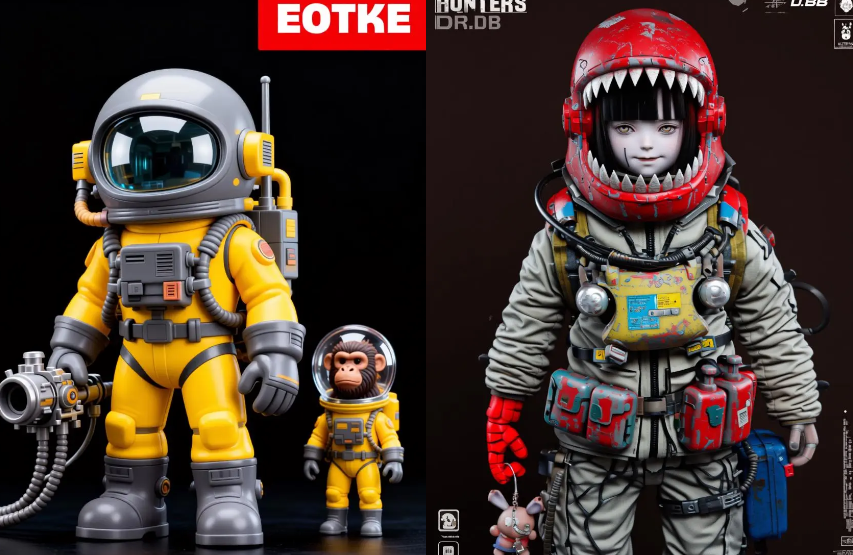
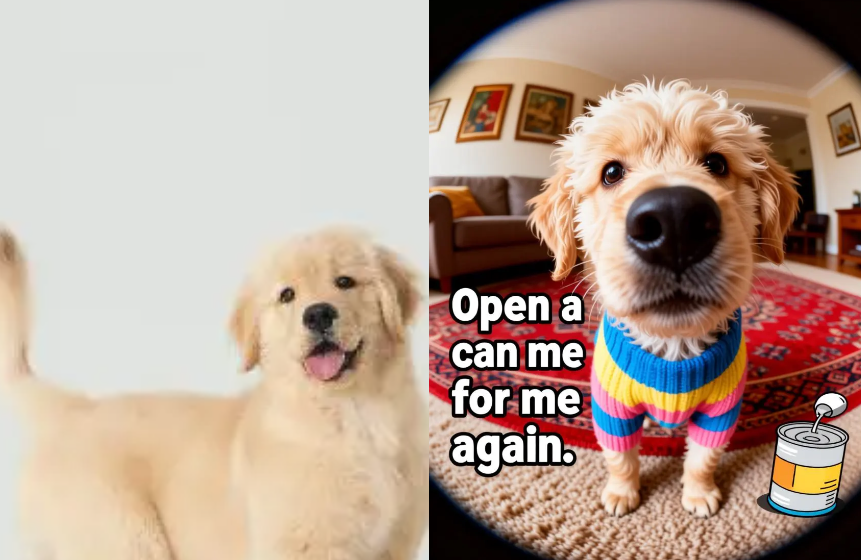
Where FireRed Image Edit actually performs well
1. Portrait editing
Portrait work is where consistency matters most.
The model enhances details without changing identity. It adjusts lighting and texture while keeping facial structure stable.
This makes it useful for profile images, influencer content, and creative portraits.
2. Product editing
Product visuals require precision.
A small distortion can make a product look wrong. FireRed Image Edit avoids that by keeping shapes and materials stable.
At the same time, it allows environment changes. You can place products into different scenes without breaking realism.
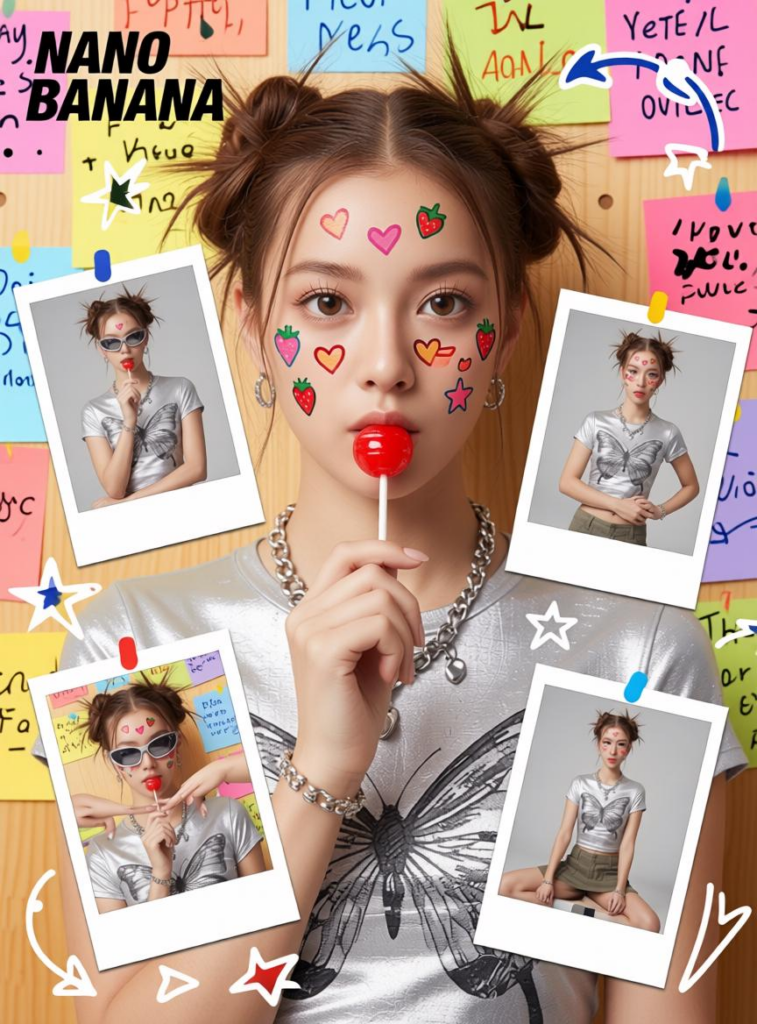
This is especially useful for ecommerce content and marketing assets.
3. Typography and design assets
Text is often where AI tools fail.
FireRed Image Edit handles typography more carefully. It preserves layout structure and keeps text readable during edits.
This makes it suitable for posters, banners, and promotional visuals where text is part of the design system.

Multi-image conditioning: the underrated feature
One of the most practical improvements is multi-image conditioning.
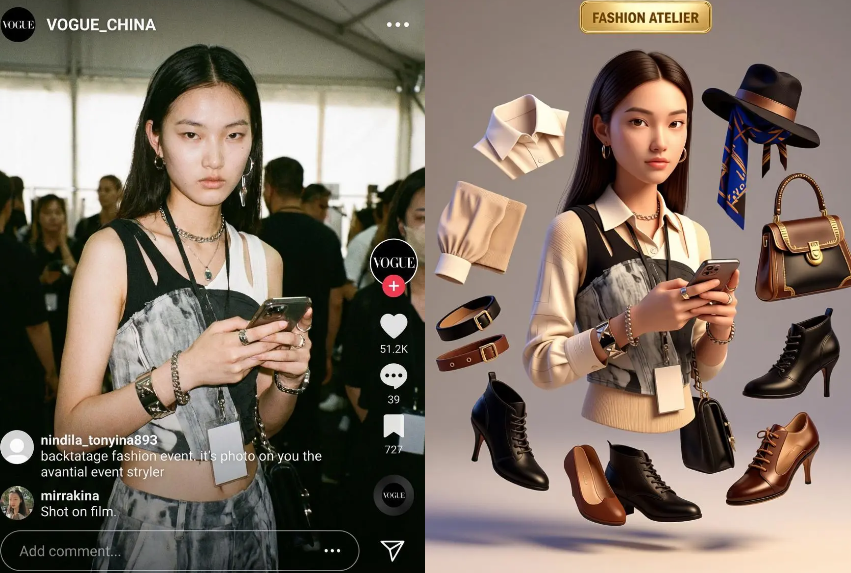
Instead of relying on a single input, the model can combine multiple references. This allows more controlled outputs.
For example:
A subject image + a clothing reference + a background style reference.
The model blends them into one coherent result.
This reduces guesswork. It also improves creative control.

Why open source changes its role
FireRed Image Edit is not locked inside a single product.
Because it is open source, developers can adapt it. Teams can integrate it. Researchers can extend it.
This turns it into infrastructure rather than just a tool.
In practice, that means it can sit inside larger workflows instead of existing as a standalone feature.
It becomes part of a system, not just an app.
Why WeShop AI makes it practical
A powerful model is not enough. It needs usability.
WeShop AI provides that layer.
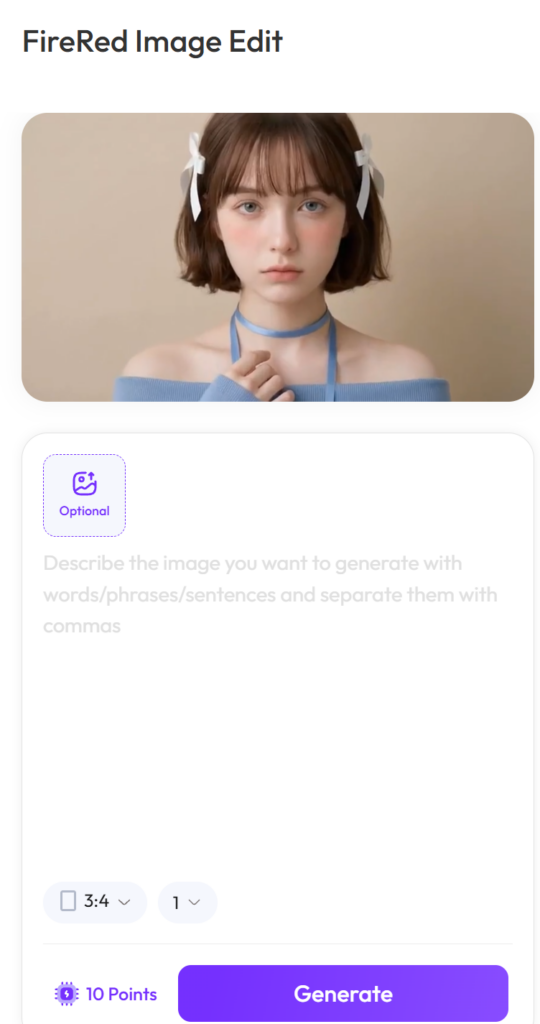
It allows users to upload images, apply prompts, and generate results without dealing with model complexity.
This makes FireRed Image Edit accessible to non-technical users while still powerful enough for advanced workflows.
The focus shifts from “how the model works” to “what you want to create.”
How to use FireRed Image Edit effectively
The model performs best when instructions are clear and constrained.
Instead of asking for full transformations, define:
What should change
What must stay the same
What context should be preserved
This reduces ambiguity. It also improves output stability.
Think of it as editing direction, not generation control.
You are not creating from scratch. You are guiding a structured change.
The bigger shift behind FireRed Image Edit
FireRed Image Edit is not built to impress in a single moment.
It is built to stay useful across repeated use.
That difference defines the next stage of AI image tools.
We are moving away from novelty-driven generation. We are moving toward reliability-driven editing.
In that landscape, tools that preserve structure, identity, and consistency will matter more than tools that only create variation.
FireRed Image Edit sits directly in that transition.
It does not try to change what images are.
It tries to make sure they stay coherent while being changed.