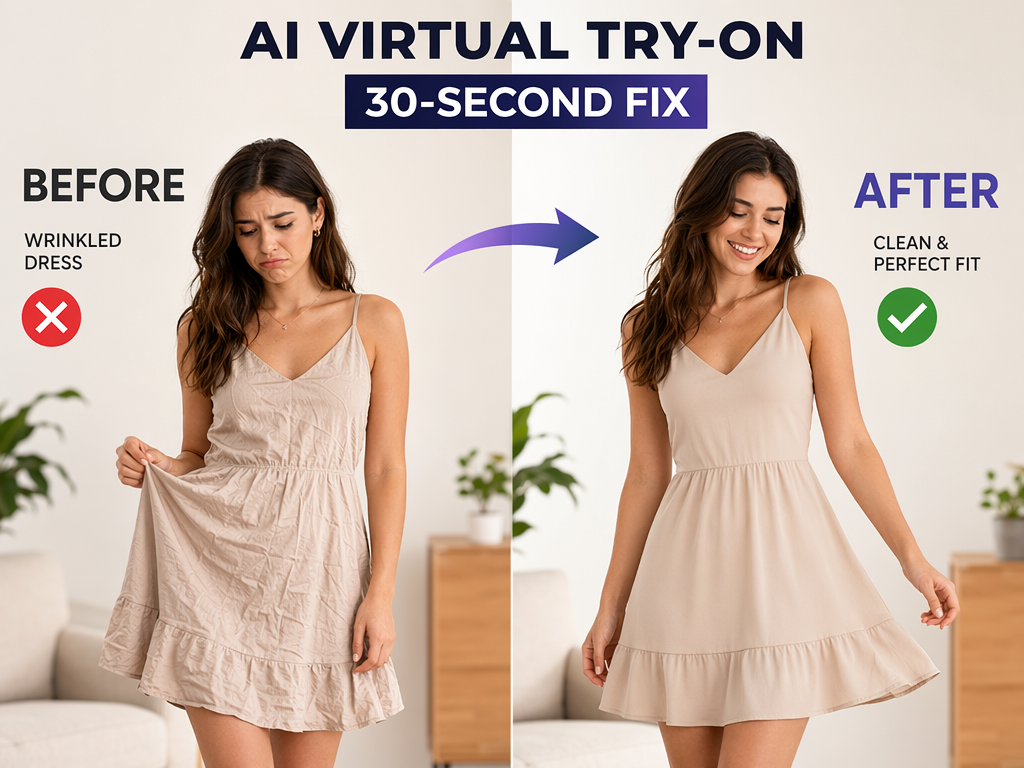
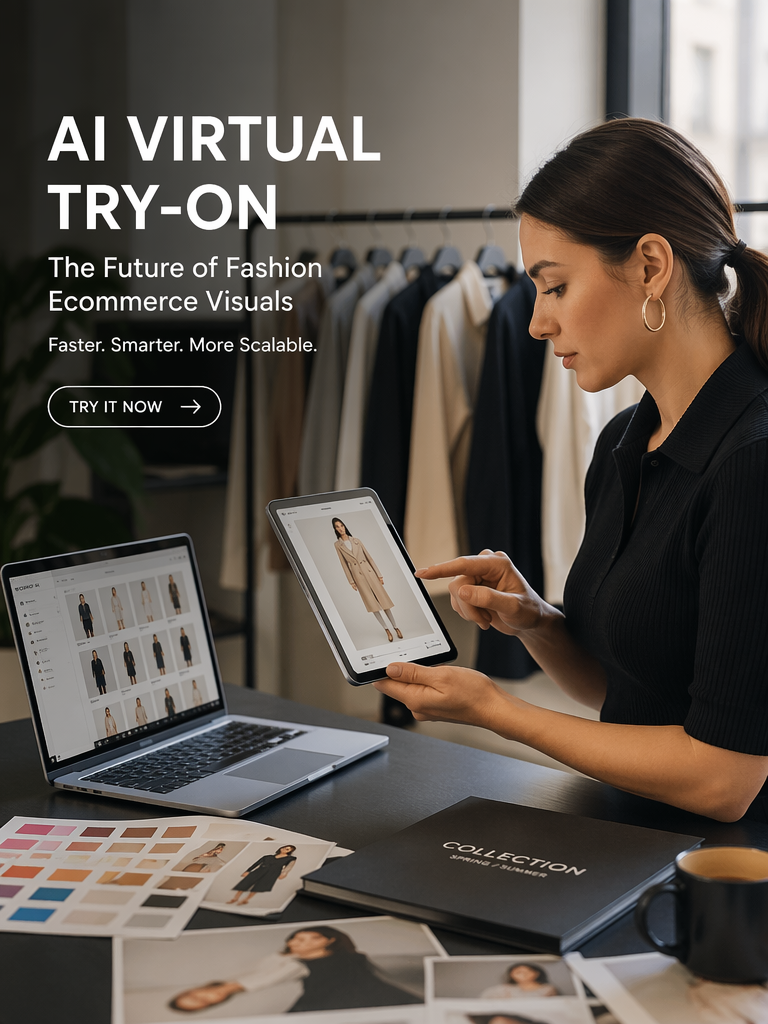
A veteran e-commerce operator posted a blunt assessment last month: “Virtual try-on doesn’t work for most clothing sellers.” After years of watching the technology evolve from academic demos to commercial products, she concluded it was a dead end. She’s half right. Traditional virtual try-on — where a consumer uploads a selfie and sees themselves in a garment — remains unreliable for production use. But there’s a parallel technology that’s quietly replacing entire photography teams, and most sellers don’t realize it’s the same underlying engine.
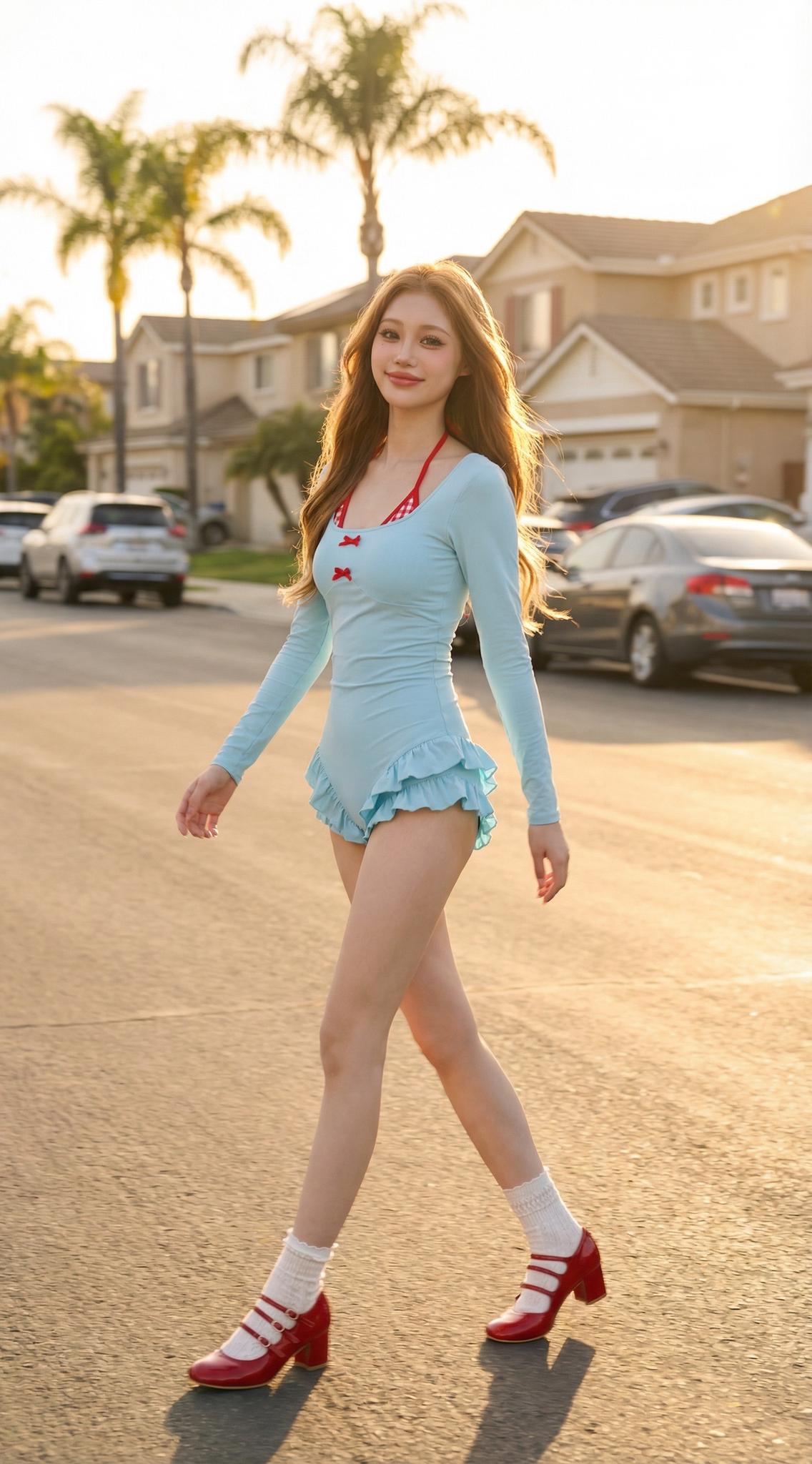
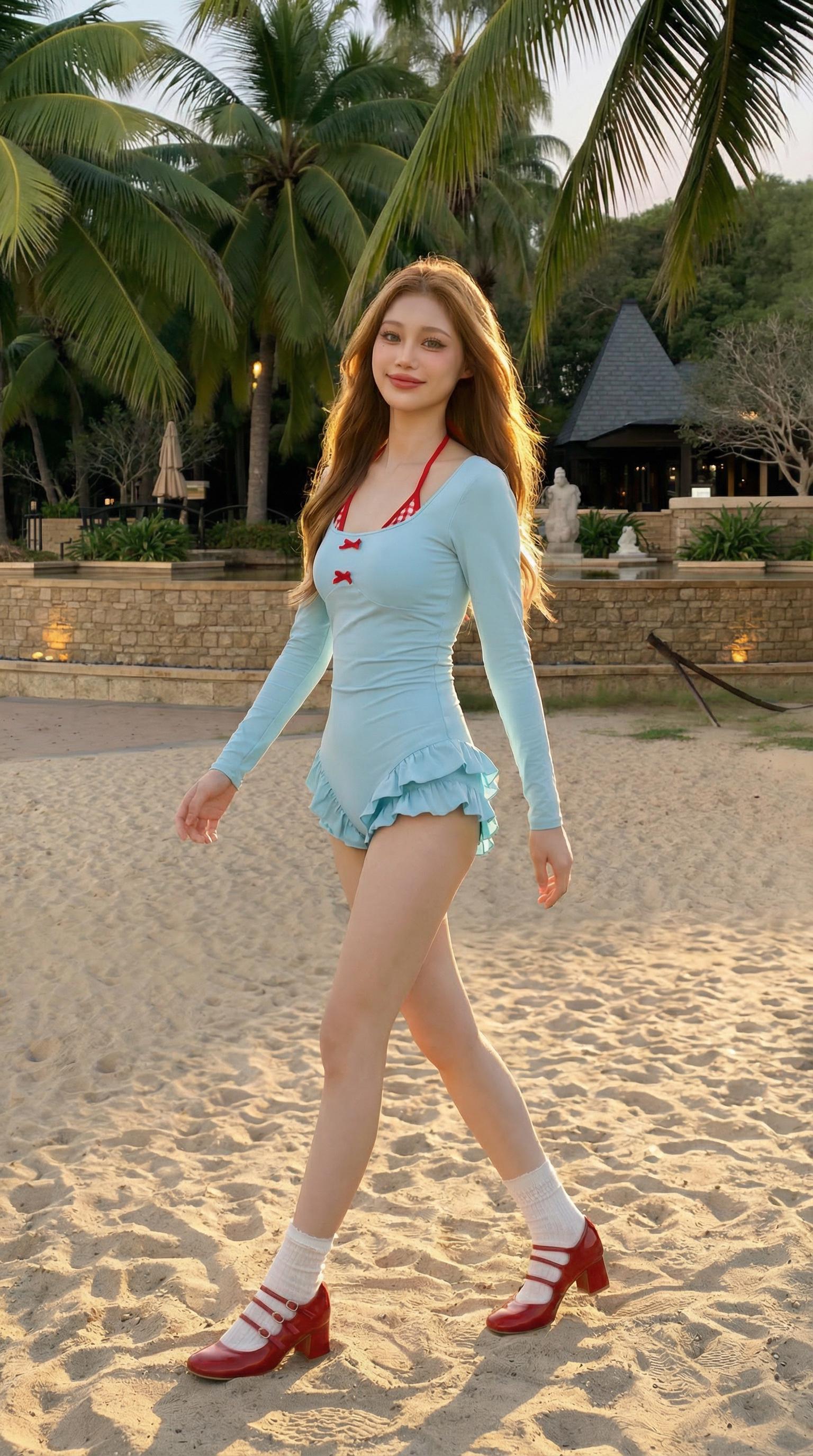
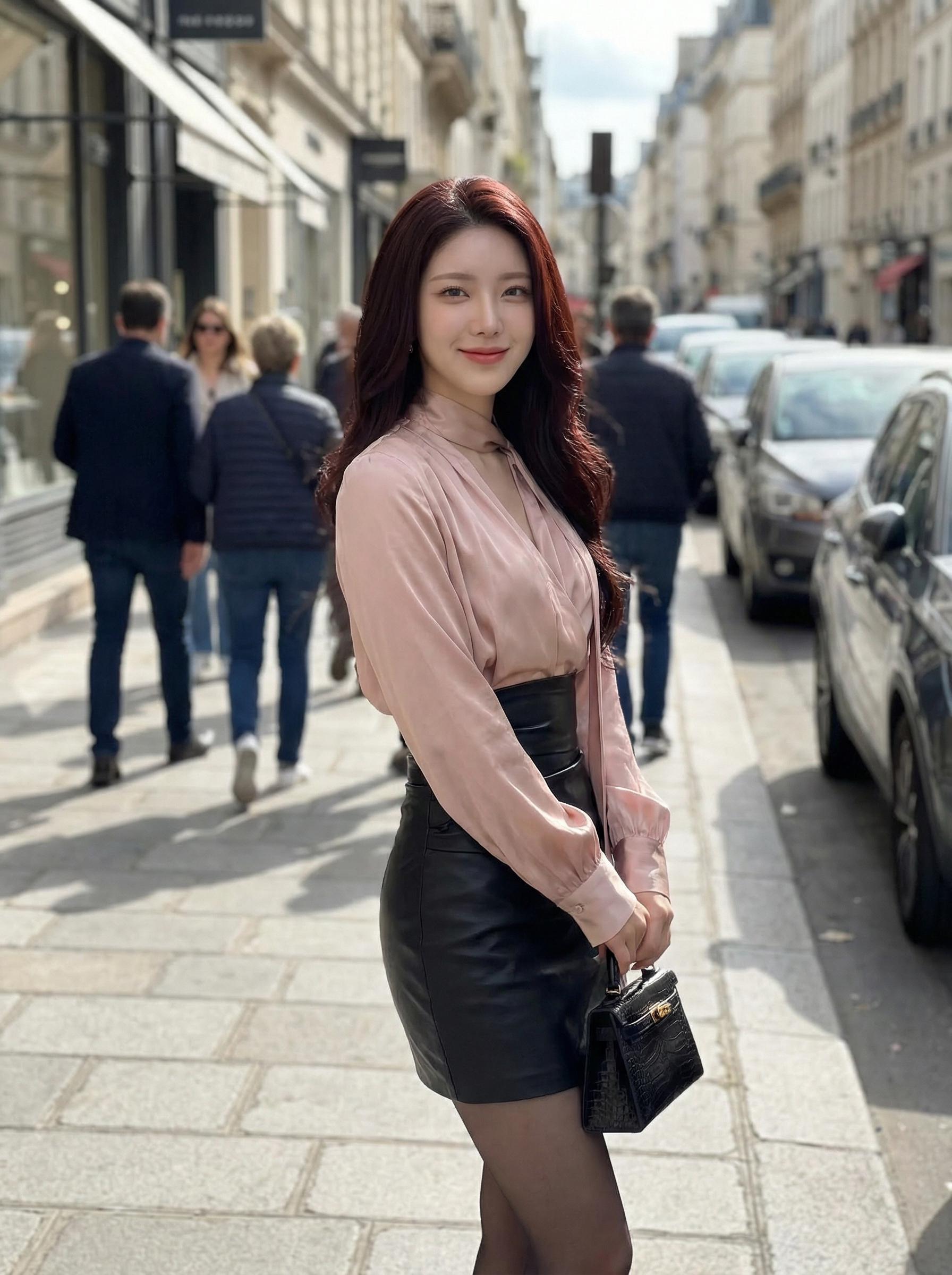
Left: Product photo | Right: AI-generated model shot — 30 seconds, zero crew
The Real Problem: Sellers Are Using the Wrong Tool for the Wrong Job
Here’s the disconnect. When most people hear “AI virtual try-on,” they picture a consumer-facing fitting room — upload your photo, see the dress on your body. That application exists, but it’s plagued by accuracy issues. Fabric consistency breaks on complex patterns. Body proportions don’t always match. The output feels uncanny.
But there’s a completely different use case that works right now: generating professional model photography from product flat-lays. Same AI engine, different application. Instead of mapping garments onto consumer selfies (messy, unpredictable, low resolution), you’re mapping garments onto studio-quality AI models (controlled, consistent, high fidelity). The technology succeeds brilliantly when the target is a professional model rather than a consumer snapshot.
A cross-border seller shipping 200 new SKUs monthly shared their numbers: photography costs dropped from ¥150,000/month to ¥8,000/month. Listing speed went from 3 days per batch to same-day. Their conversion rate stayed flat — meaning customers couldn’t tell the difference between AI and real photography.
The Science Behind the Accuracy Gap: Consumer vs. Professional Virtual Try-On
Why does the same technology produce mediocre results for consumers but commercial-grade output for sellers? Three factors explain the gap.
Input quality. Consumer selfies are shot in bathrooms with mixed lighting, cluttered backgrounds, and wildly varying poses. Professional AI model inputs are standardized: controlled pose, clean segmentation, consistent resolution. The AI has far less noise to overcome.
Tolerance threshold. A consumer wants to see exactly how a specific garment looks on their specific body. Anything less than pixel-perfect feels like a lie. A seller needs an image that’s commercially attractive and representative. The garment needs to look good — not necessarily identical to one particular physical sample under one particular lighting condition.
Feedback loop. Sellers iterate. If the first generation looks off, they adjust the input photo, tweak the prompt, or select a different model pose. Consumers expect one-shot accuracy. The technology performs vastly better with iteration.
5 Scenarios Where AI Virtual Try-On Already Outperforms Traditional Photography
1. Pre-Production Marketing (Speed: 98% Faster)
You have a sample garment but no production run yet. Traditional approach: wait for production, then schedule a shoot. AI approach: photograph the sample flat, generate model shots immediately, start pre-selling while production runs. Sellers using this workflow report capturing 15-20% more early sales per launch.
2. Multi-Ethnic Model Generation (Cost: 95% Lower)
Selling globally means showing garments on models that represent your target demographics. Hiring models of 5+ ethnicities for each SKU is financially impossible for most sellers. AI generates them in minutes from a single garment photo.
3. Size-Inclusive Imagery (Previously Impossible)
Showing the same garment on XS through 4XL bodies. No seller does this with traditional photography — the logistics of booking 6+ models per SKU are absurd. AI makes it trivial.
4. Seasonal Scene Swaps (Effort: 90% Reduction)
That summer dress needs a beach background in June and a holiday party background in December. Re-shooting is expensive. AI regenerates the scene in seconds.
5. A/B Testing Product Images (Iteration: Unlimited)
Which converts better — the model walking or standing? Urban background or studio white? AI lets you test dozens of variants at zero marginal cost.
The texture retention across the athletic fabric — notice how the mesh ventilation zones remain visible even after the garment is digitally draped onto a model in motion. This level of material fidelity is what separates current-generation virtual try-on from the blurry overlays of two years ago.
Actionable Scene Guide: Maximizing Output Quality in Under 60 Seconds
Step 1: Shoot Your Flat-Lay (15 seconds)
White background. Overhead angle. Even, diffused lighting — a cloudy day near a window works fine. Smooth out major wrinkles but don’t over-iron; natural fabric texture helps the AI render realistic draping.
Step 2: Upload and Select Model Parameters (10 seconds)
Choose ethnicity, body type, and approximate age range. For cross-border sellers: generate one version per target market. A US listing should default to diverse representation; a Japanese listing should match local aesthetic preferences.
Step 3: Set Scene and Pose (5 seconds)
Match scene to product category. Casual → urban/outdoor. Formal → studio. Active → fitness environment. Match pose to garment structure: flowing fabrics need movement; structured pieces need stillness.
Step 4: Generate, Review, Iterate (30 seconds)
First generation is usually 80% there. If the neckline looks off, re-photograph the garment with the collar more clearly visible. If colors shift, check your source photo’s white balance. Two iterations typically nail it.
Expert Consulting FAQ
Q1: My garments have complex prints. Will AI virtual try-on distort them?
Expect 70-80% pattern fidelity on florals and abstract prints. Solid colors and simple geometrics hit 95%+. Pro tip: if pattern accuracy matters, include a close-up crop of the fabric texture as a supplementary reference image — some tools use this to anchor the diffusion process.
Q2: How many SKUs can one person process per day with AI model photography?
With a practiced workflow: 80-120 SKUs per day, including flat-lay photography, AI generation, and basic quality check. Compare that to 10-15 SKUs per day with traditional photography.
Q3: Will platforms penalize AI-generated product images?
No major e-commerce platform currently penalizes AI-generated product photography. Amazon, Shopify, and Alibaba all permit it. The only requirement is that images accurately represent the product — which applies equally to traditional and AI photography.
Q4: Can I use AI virtual try-on for video content, not just still images?
Emerging tools generate short video clips (3-5 seconds) of AI models wearing garments — walking, turning, posing. Quality is approaching still-image levels but isn’t quite there yet. For product listing videos, AI-generated clips are viable; for brand campaigns, real video still wins.
Q5: What’s the minimum viable setup to start using AI virtual try-on for my store?
A smartphone with decent camera, a white backdrop (a bedsheet works), natural window light, and an AI virtual try-on tool account. Total investment: under $50. No studio, no lighting equipment, no model agency relationships needed.