

Speed wins. In the time it takes to email a photographer about availability, WeShop AI Pose Generator has already generated five pose variations, matched your brand guidelines, and queued the assets for upload. This is what zero-friction visual production looks like.
The Science Behind Instant Pose Transformation
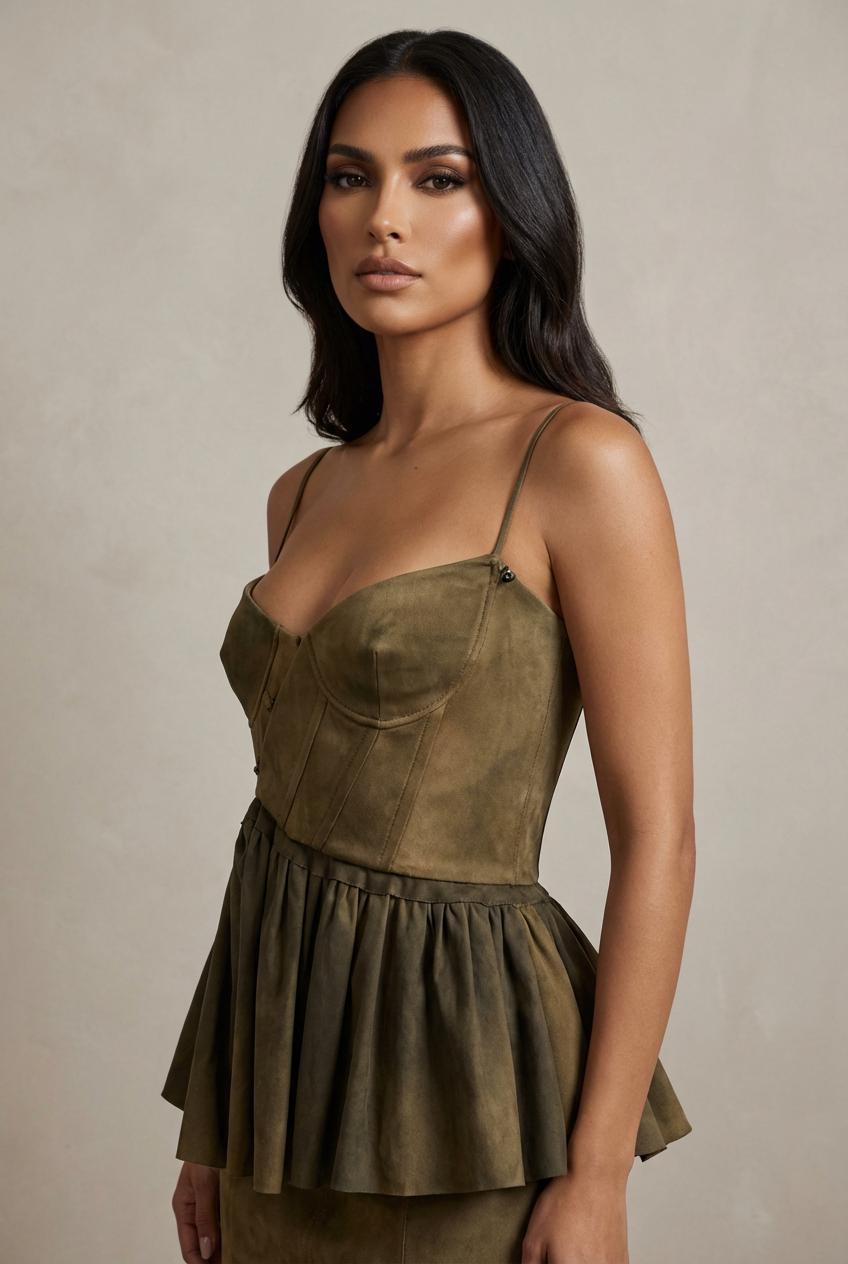
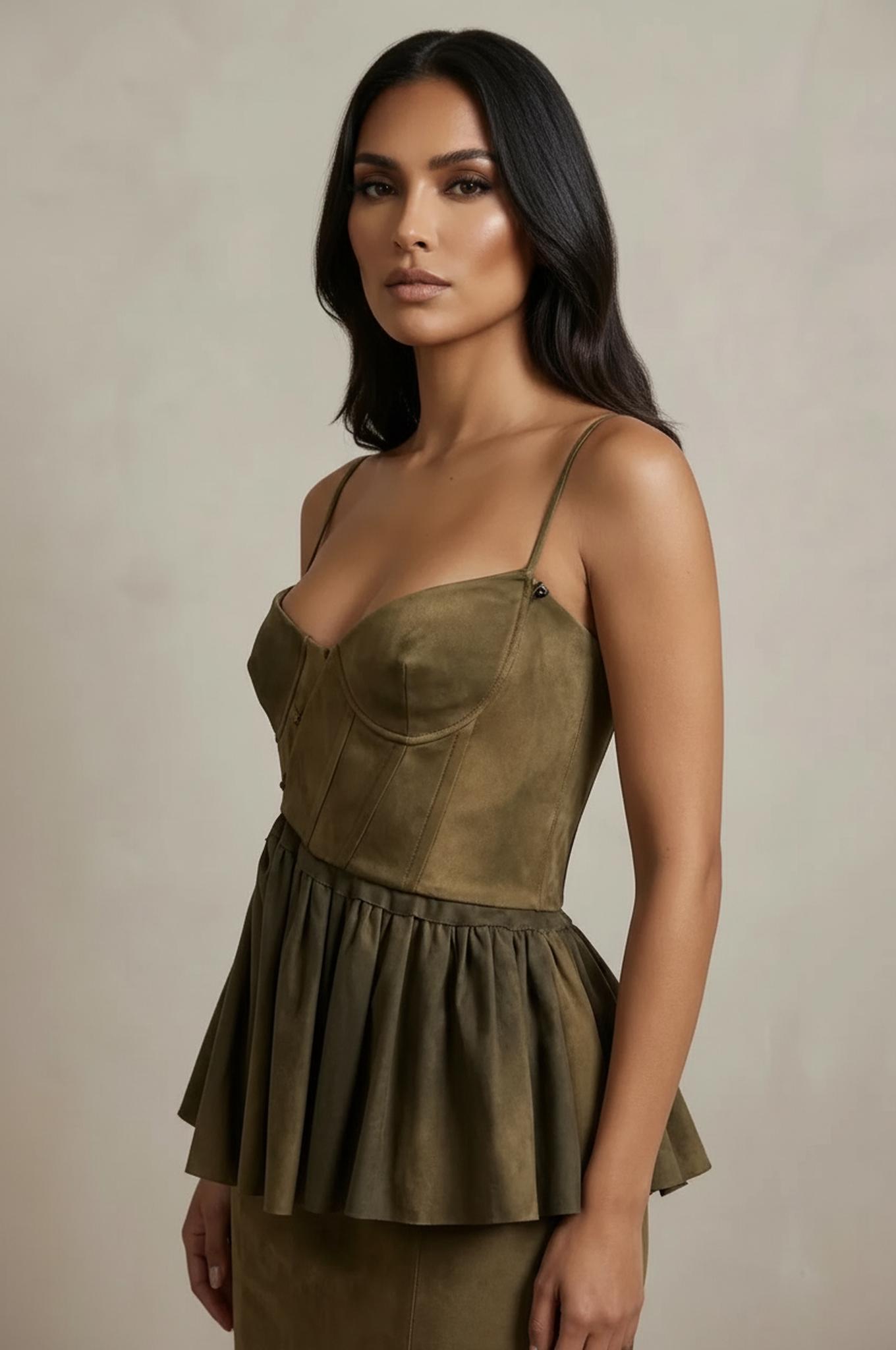
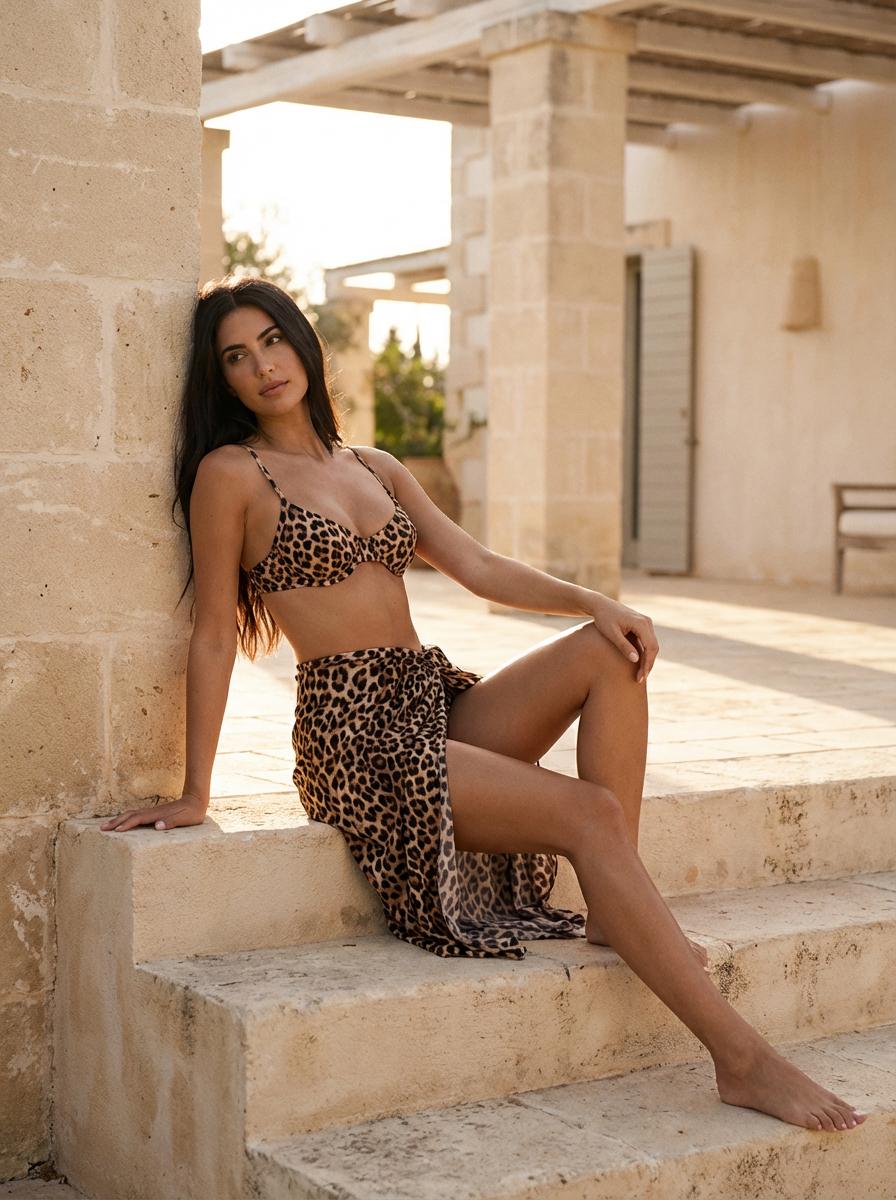
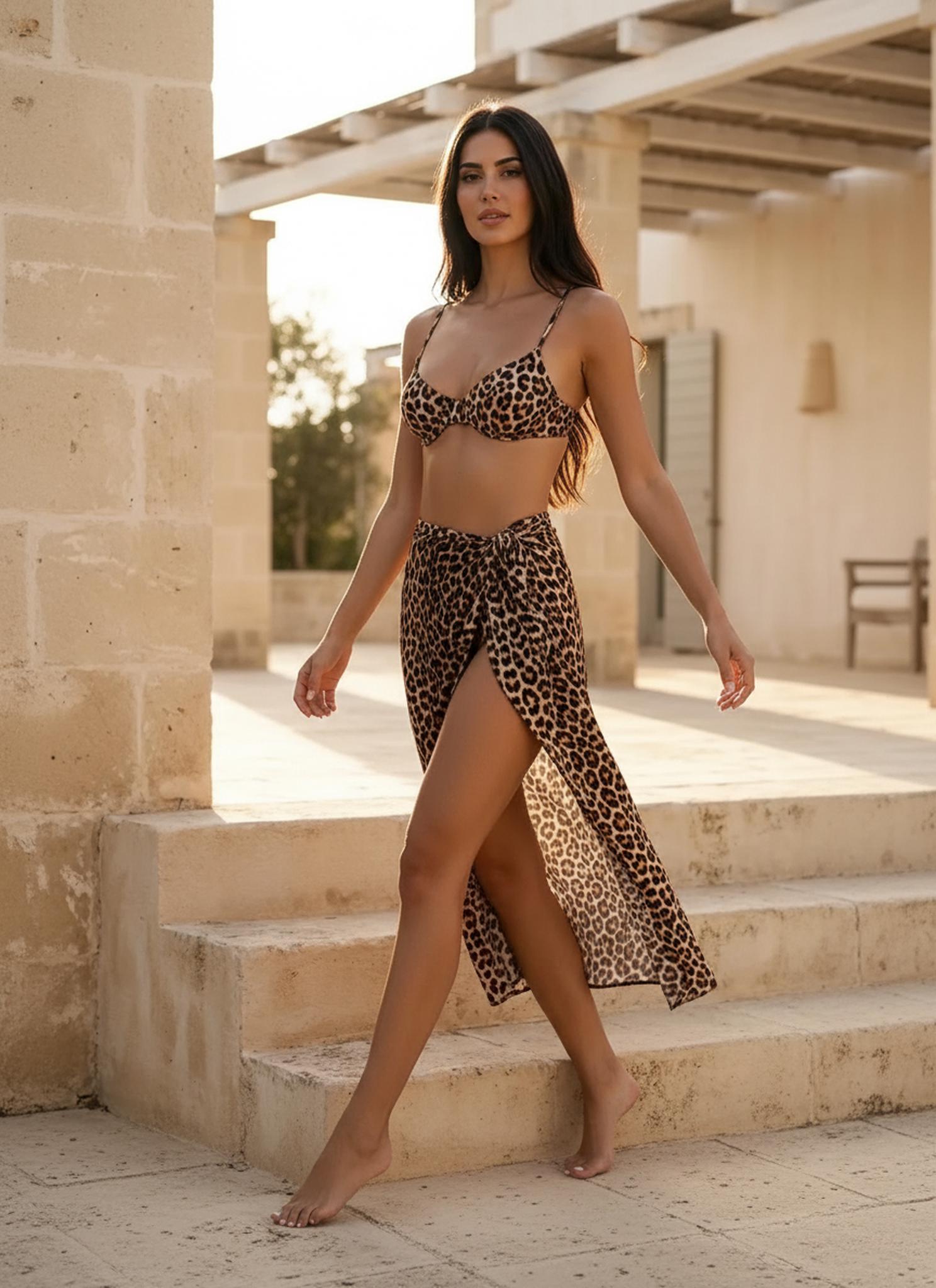
WeShop AI Pose Generator stacks two neural networks in sequence. First, a pose-estimation backbone (built on HRNet architecture) reads your uploaded image and extracts a high-resolution heatmap of every joint and limb segment. Second, a conditional diffusion model takes that skeleton plus a target pose and regenerates the human figure pixel by pixel — preserving the original face, hair, clothing texture, and lighting environment.
The entire pipeline runs in under ten seconds on cloud GPUs. No software to install, no learning curve, no minimum order.

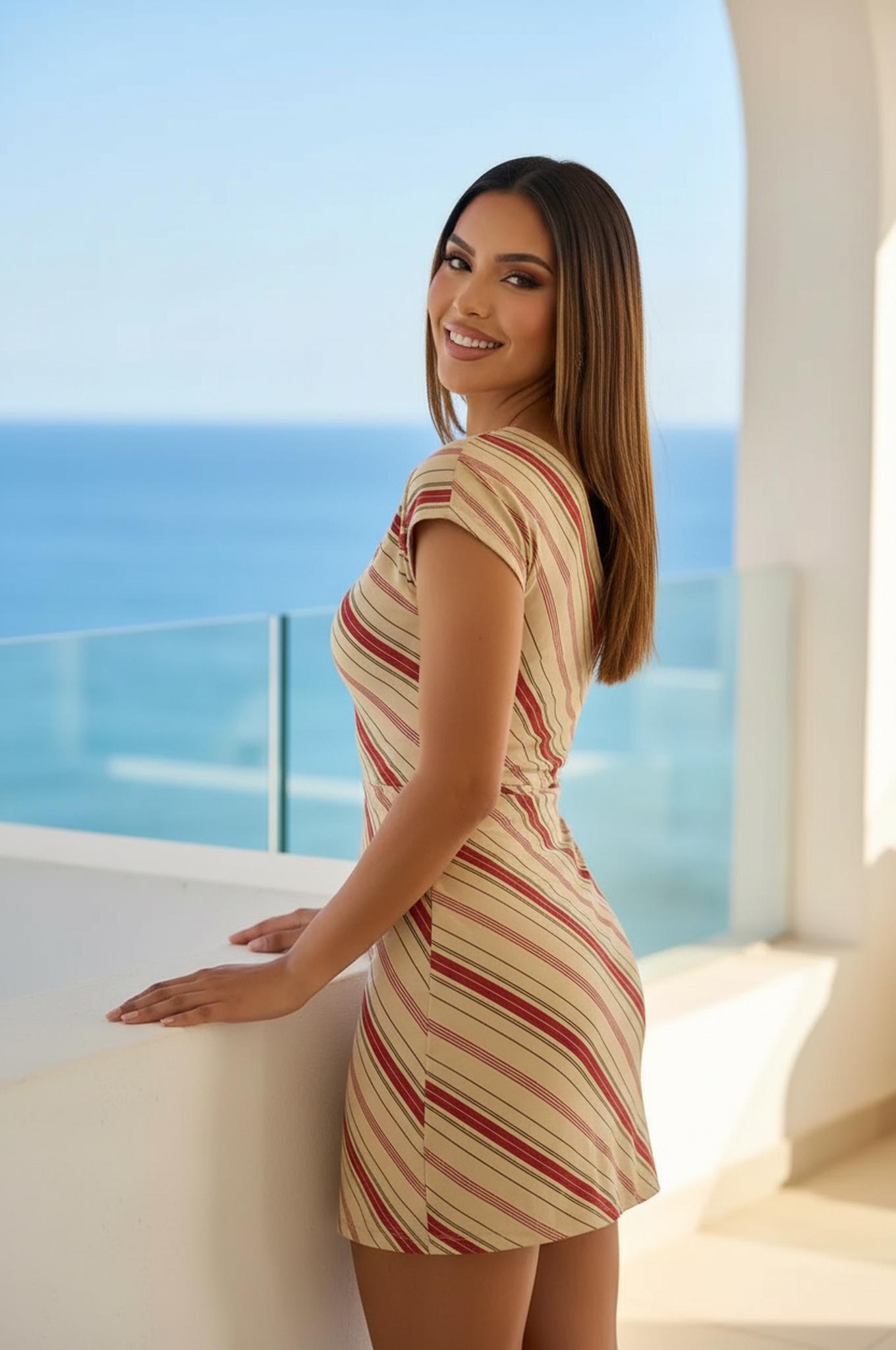
Actionable Scene Guide: From Upload to Published in 5 Minutes
Scene 1 — The Quick-Turn Product Drop
You just received samples. Snap one phone photo against a white wall, upload it, generate three dynamic poses, and your Shopify listing is live before your competitor finishes scheduling their photographer.
Scene 2 — The Social Sprint
Your social manager needs 12 assets for a Monday carousel, and it is Friday at 4 PM. One base image × four poses × three background swaps = 12 unique creatives, done in eight minutes.
Scene 3 — The Marketplace Blitz
Selling on Amazon, Etsy, and Poshmark simultaneously? Each platform favors different pose styles. Generate platform-specific variants from a single source image without re-editing anything.
Scene 4 — The Influencer Mockup
Before committing to a paid collaboration, generate AI poses wearing your garment to visualize the campaign aesthetic. Share internally for approval, then brief the influencer with concrete visual references.
Scene 5 — The Seasonal Refresh
Last season’s bestsellers deserve fresh visuals for the new campaign. Re-pose existing hero images into this season’s trending stances — no reshooting required.
Visual Transformations
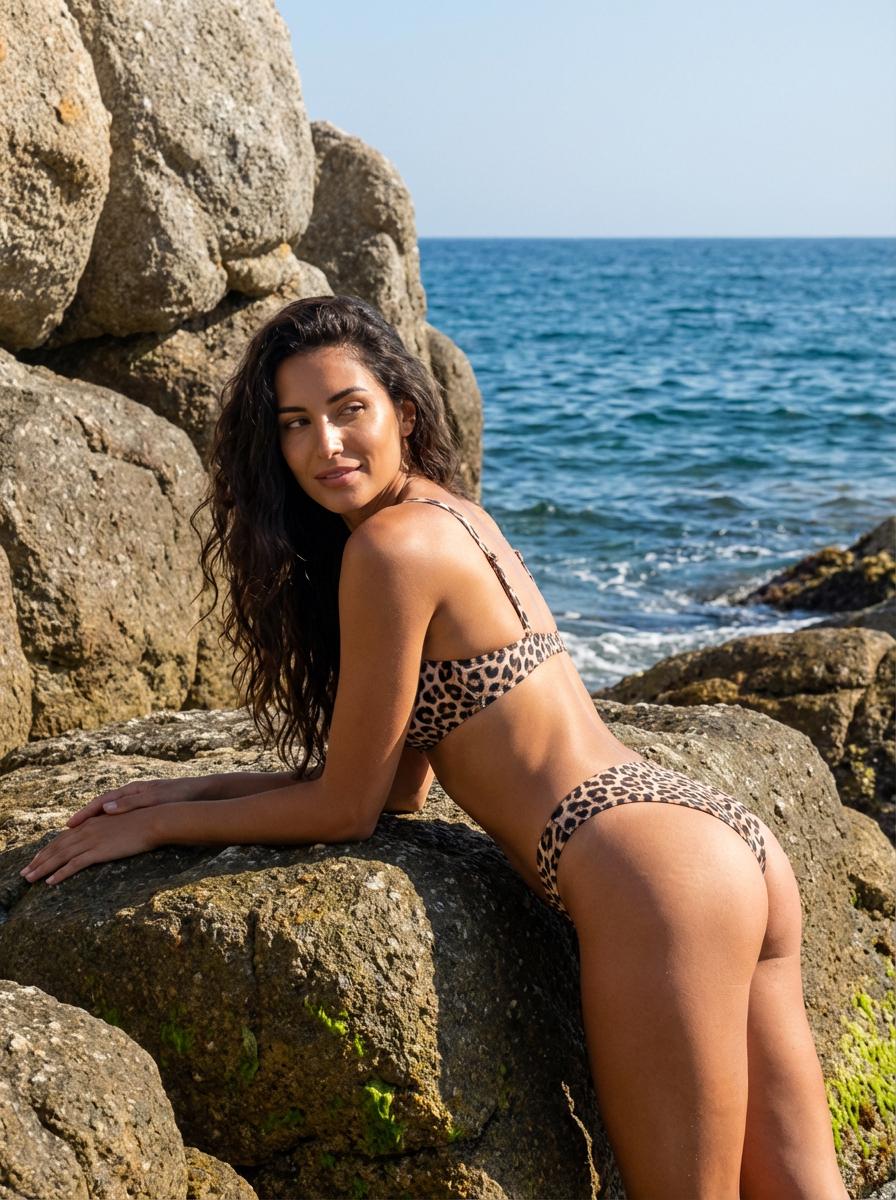
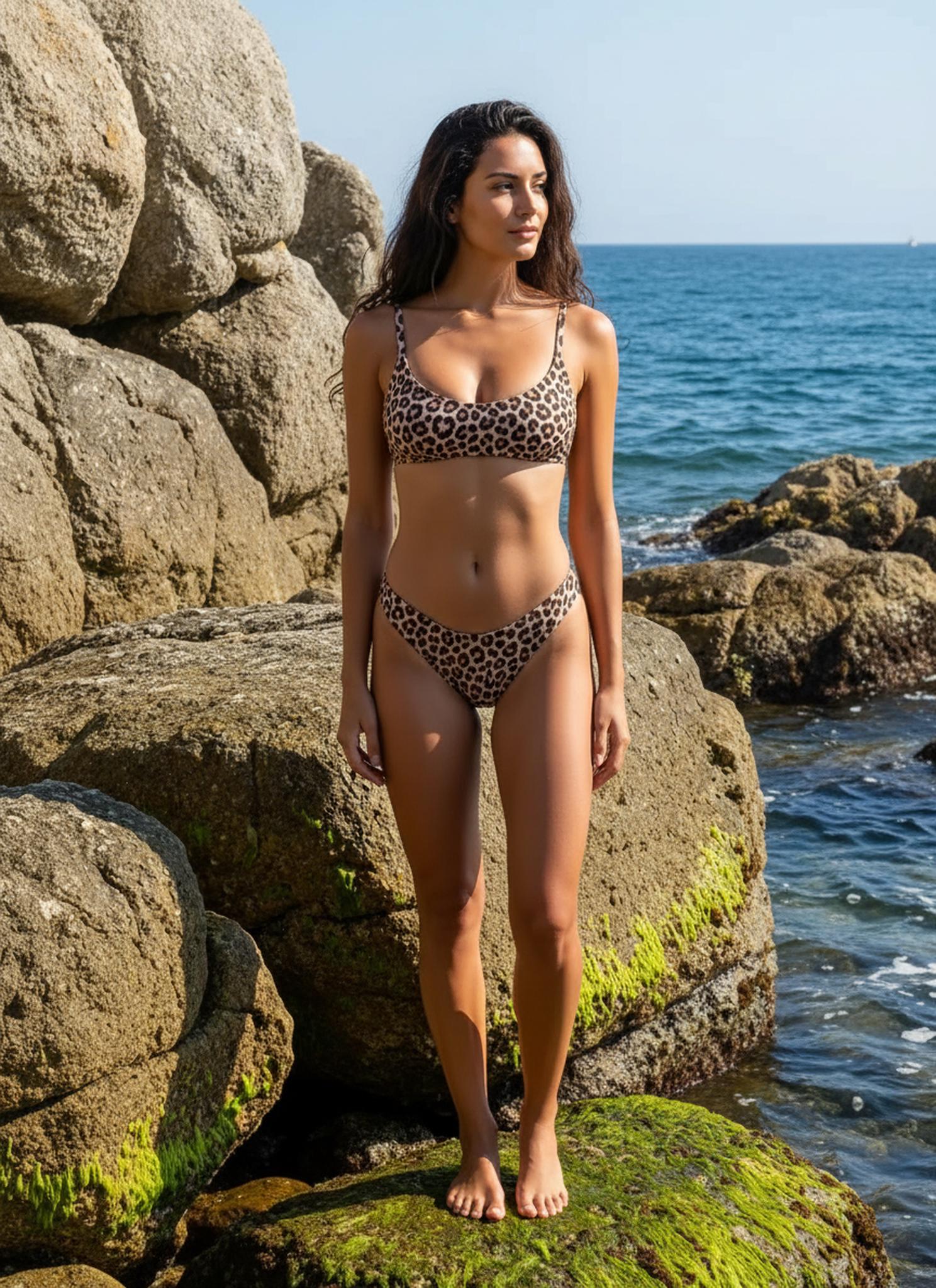
Transformation 1: Static input on the left; AI-generated dynamic pose on the right. Processing time: approximately eight seconds. Notice the natural fabric movement and consistent lighting.
Transformation 2: Static input on the left; AI-generated dynamic pose on the right. Processing time: approximately eight seconds. Notice the natural fabric movement and consistent lighting.
Transformation 3: Static input on the left; AI-generated dynamic pose on the right. Processing time: approximately eight seconds. Notice the natural fabric movement and consistent lighting.
Transformation 4: Static input on the left; AI-generated dynamic pose on the right. Processing time: approximately eight seconds. Notice the natural fabric movement and consistent lighting.
Transformation 5: Static input on the left; AI-generated dynamic pose on the right. Processing time: approximately eight seconds. Notice the natural fabric movement and consistent lighting.
Expert FAQ
Q1: Do I need any design skills to use this?
None. Upload a photo, pick a pose (or let the AI suggest one), and download. The interface is built for speed, not complexity.
Q2: How many poses can I generate per image?
Unlimited. Each generation takes roughly eight seconds. Most users produce four to six variations per source image.
Q3: Will the output work for print as well as digital?
Absolutely. Output resolution matches your input. Upload a high-res studio shot and the AI-generated pose will be print-ready at 300+ DPI.
Q4: Can I batch-process multiple products?
Yes. Queue up to 20 images and assign pose templates. The system processes them in parallel and delivers a ZIP archive.
Q5: What if the AI picks an unflattering pose?
You control the pose selection. Choose from a curated library of fashion-tested poses, or upload your own reference image to specify the exact stance you want.
© 2026 WeShop AI — Powered by intelligence, designed for creators.


