

Your IP character exists in exactly one pose. Every promotional asset, every social media graphic, every marketplace listing — frozen in the same posture you originally drew or generated. Changing that used to mean re-commissioning artwork or wrestling with rigging software for hours.
Not anymore.
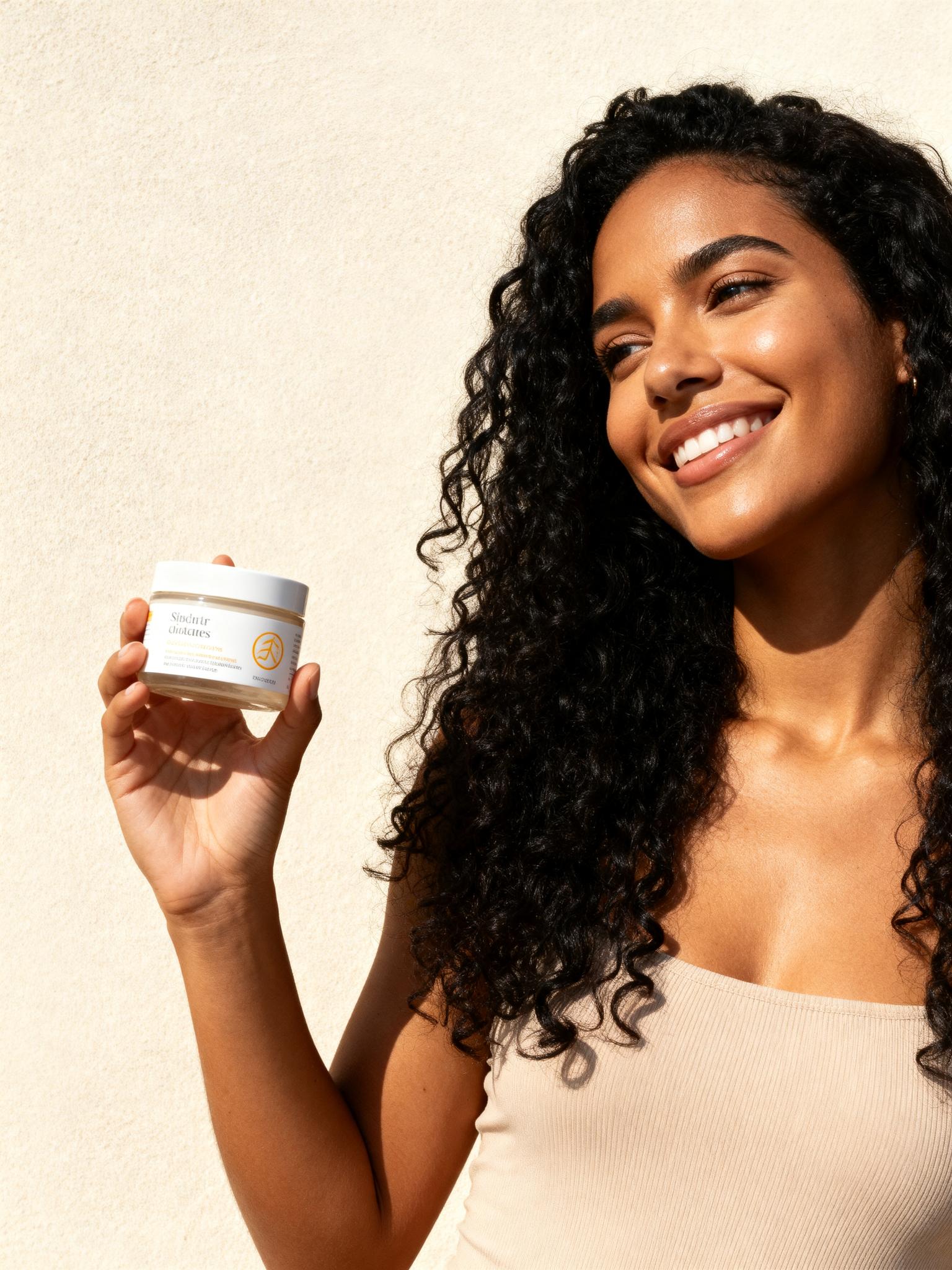
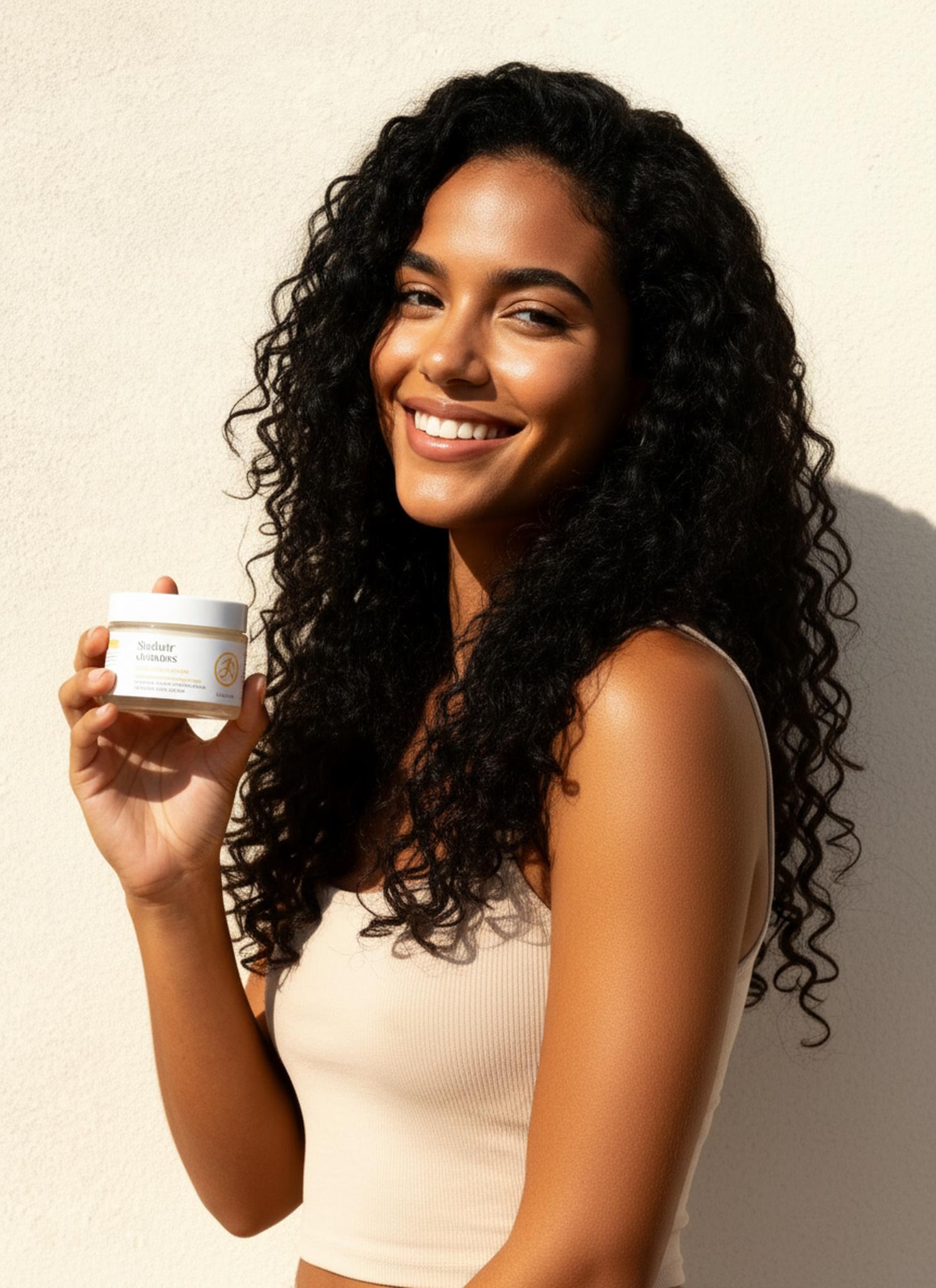
The Science Behind AI Pose Transfer: Skeleton-Aware Diffusion at Scale
The technical challenge of pose transfer isn’t simply “move the arm.” It’s a multi-layered inference problem: the system must parse skeletal topology from a 2D image (no depth data, no mesh), construct a kinematic chain, remap joint angles to a target configuration, and then re-render the figure while preserving texture, lighting coherence, and anatomical plausibility.
WeShop’s AI Pose Generator approaches this through a skeleton-aware conditional diffusion pipeline. Here’s what happens under the hood:
1. Pose Estimation via Keypoint Detection
The input image is processed through a pose estimation network (architecturally similar to OpenPose or HRNet) that extracts 18-25 body keypoints. Unlike generic pose detectors, this model has been fine-tuned on fashion and e-commerce imagery — meaning it handles occluded limbs (arms behind products), unusual cropping (waist-up shots), and stylized proportions (anime, chibi, fashion illustration) with significantly lower error rates.
2. Conditional Diffusion with Pose Guidance
The extracted skeleton becomes a conditioning signal fed into the diffusion backbone. During the denoising process, the model simultaneously:
- Reconstructs the figure in the target pose configuration
- Transfers texture and pattern information from the source
- Maintains face identity through cross-attention mechanisms
- Generates physically plausible fabric draping based on the new pose geometry
3. Garment-Aware Deformation
This is where WeShop’s system diverges from generic img2img approaches. A dedicated garment segmentation module identifies clothing boundaries, fabric types (rigid vs. flowing), and decorative elements (buttons, zippers, prints). When the pose changes, the fabric simulation layer ensures that:
- A flowing skirt fans out during a walking pose
- Structured blazers maintain their silhouette without warping
- Print patterns distort naturally along fabric tension lines
Why This Matters: The 26,857-Like Problem
A viral Xiaohongshu tutorial titled “AI教程|三秒搞定IP不同动作” (AI Tutorial: IP Character Pose Changes in 3 Seconds) amassed over 26,000 likes by demonstrating exactly this workflow. The creator showed how a single character illustration could be remixed into dozens of dynamic poses — walking, sitting, waving, striking fashion poses — without ever opening illustration software.
The resonance is obvious: character IP is the new brand asset, and static characters are a liability. Whether you’re building a mascot for a DTC brand, creating sticker packs, or generating e-commerce model shots, pose variety is no longer optional. It’s expected.
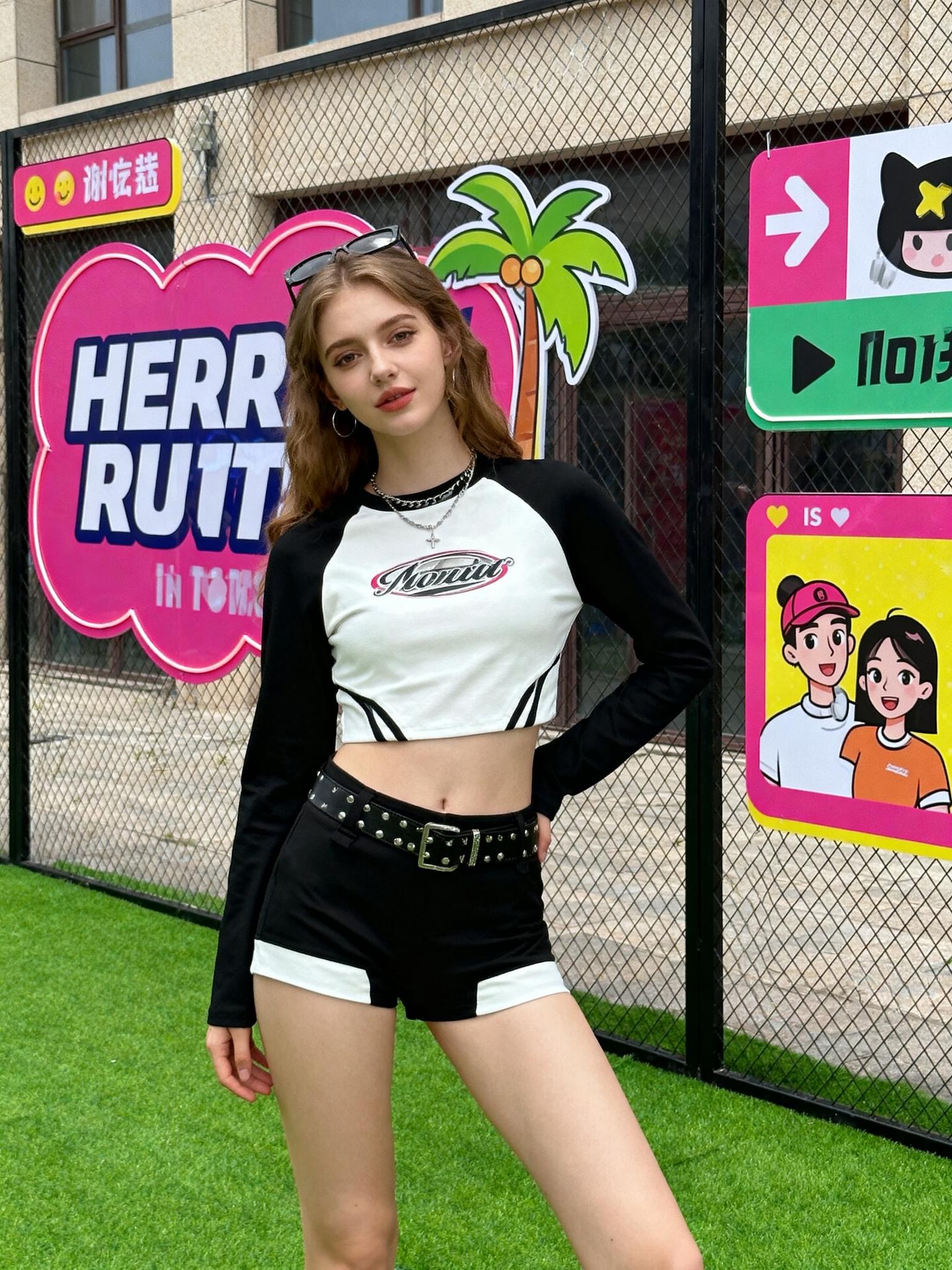
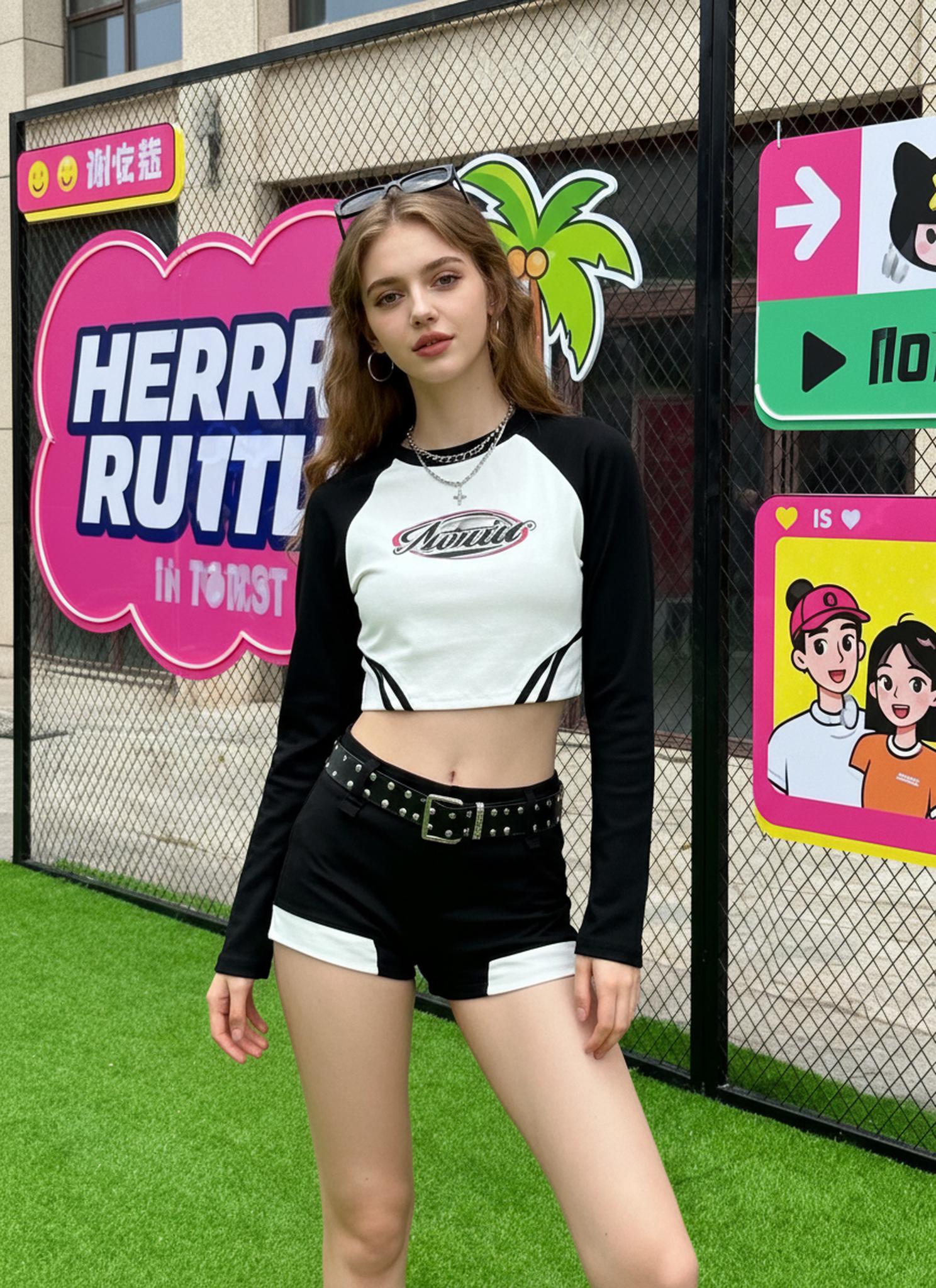
Actionable Scene Guide: Mastering AI Pose Generation
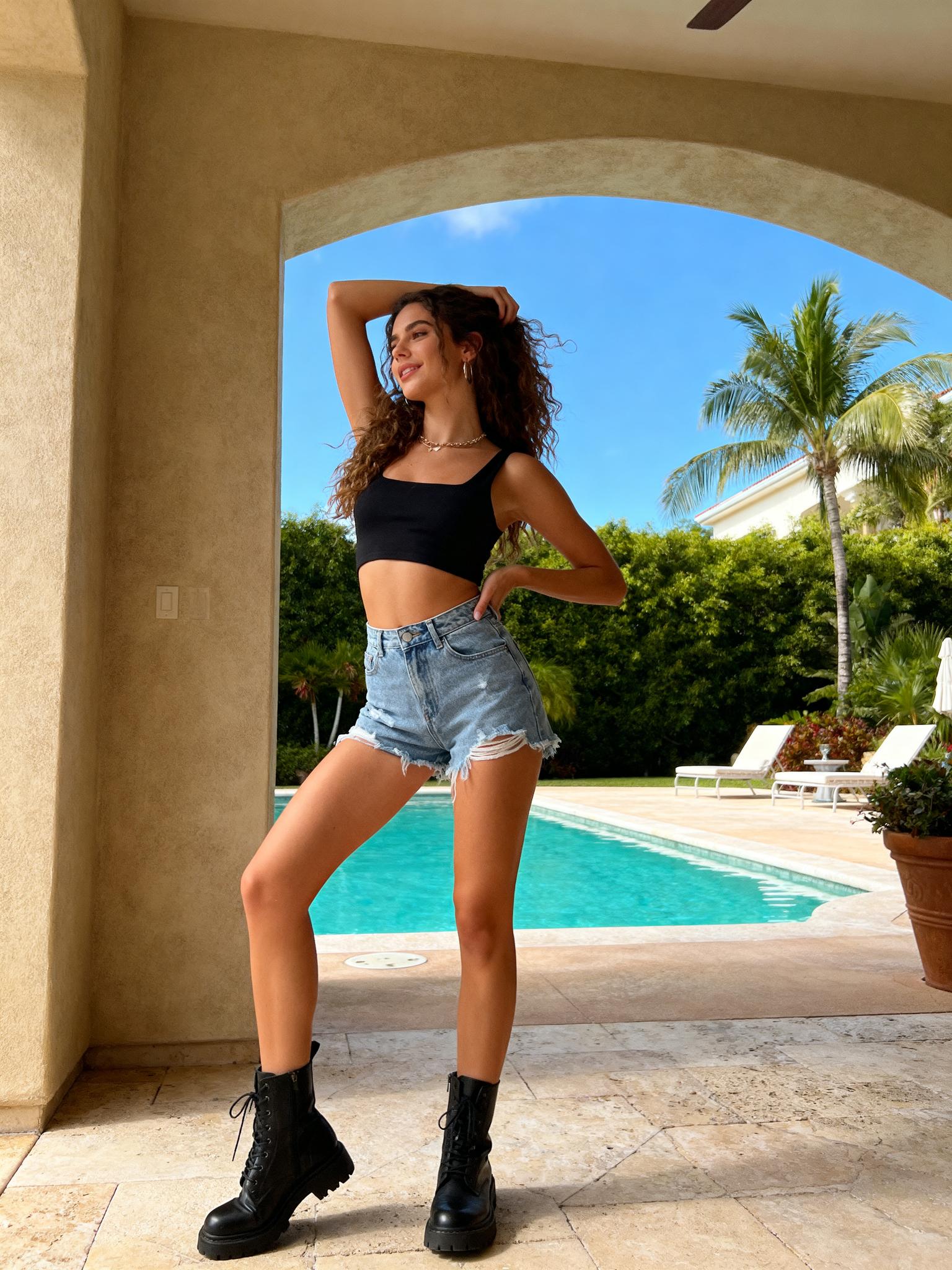
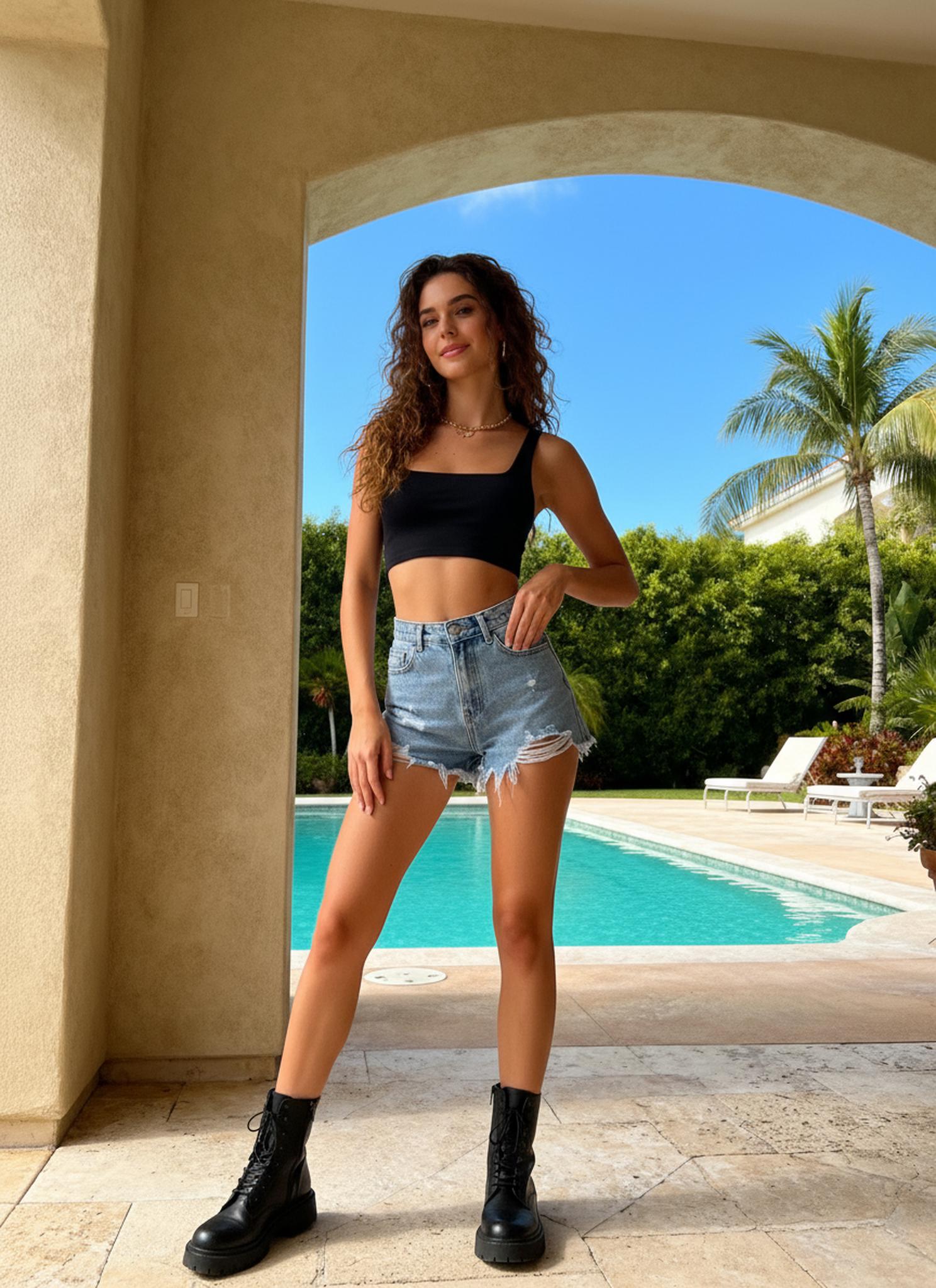
Scene 1: E-Commerce Product Listings (Fashion)
The Problem: You shot one model session. Budget gone. But your Shopify store needs 4-6 poses per SKU for carousel images.
The Workflow:
- Upload your best model shot to WeShop AI Pose Generator
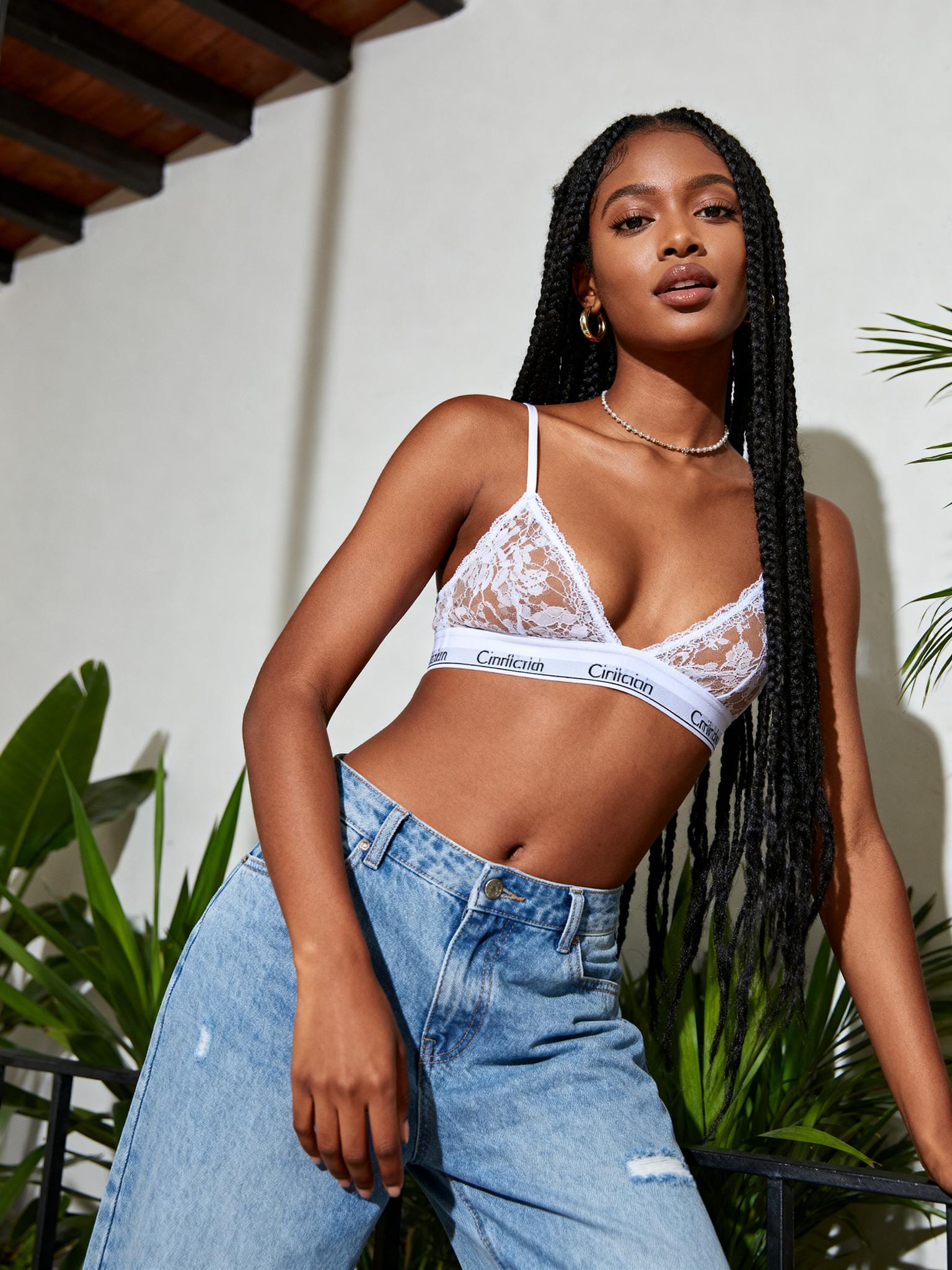
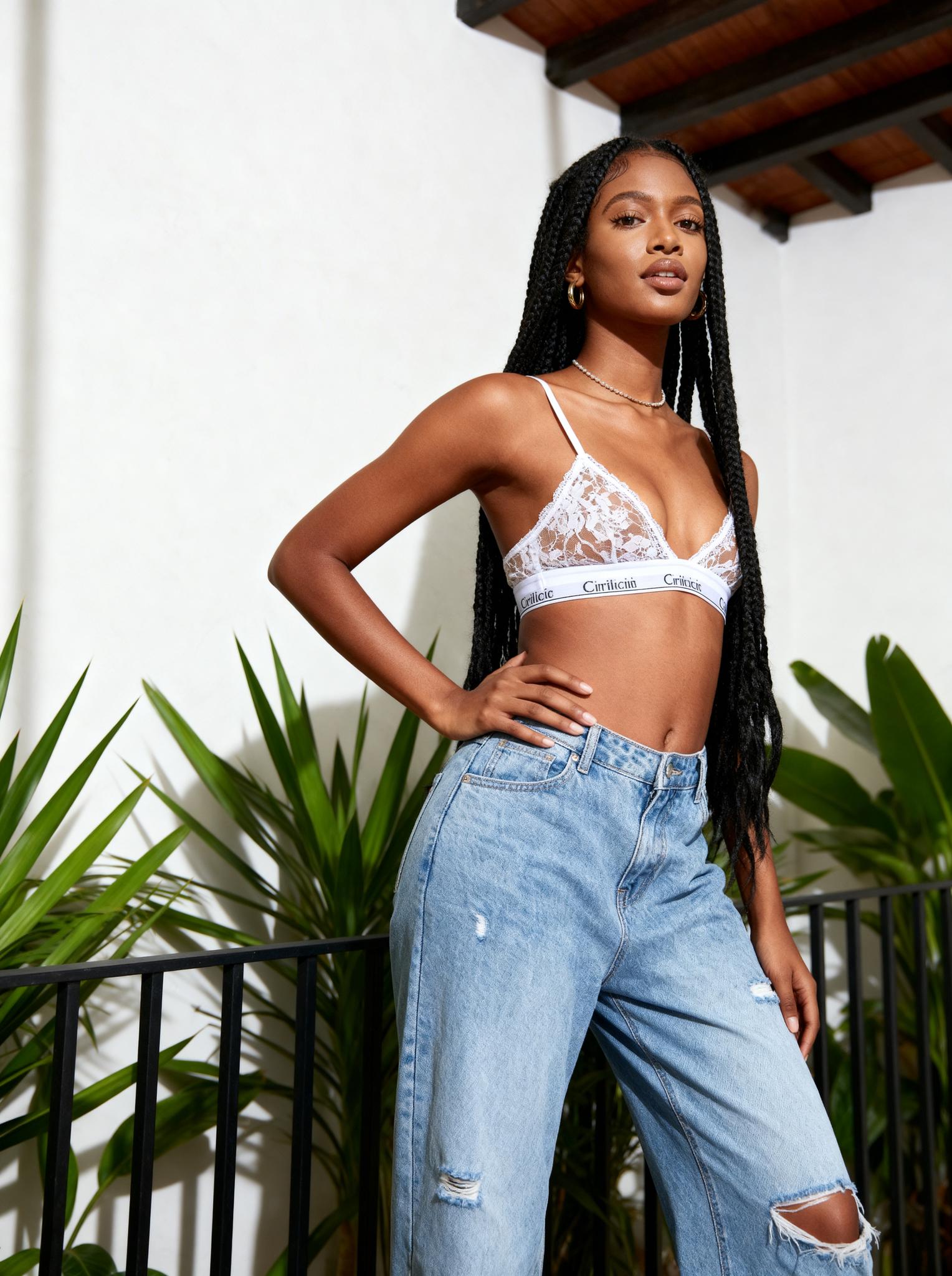
- Select a reference pose image (walking, twirling, hands-on-hair, casual lean)
- Generate in seconds
- Run the output through WeShop Image Enhancer for 4K upscaling
Pro Tips:
- Walking poses work best for outerwear — they showcase fabric movement and silhouette
- Twirling poses are ideal for dresses and skirts — they reveal fabric texture and flow
- Hands-on-hair poses emphasize elegance — perfect for accessories and jewelry
- Leaning poses create a casual, street-style vibe — great for casual wear
Scene 2: IP Character / Mascot Variations
The Problem: Your brand mascot was designed in one pose. Marketing needs 20 variations for social media templates, email headers, and packaging.
The Workflow:
- Upload the character illustration (works with anime, 3D renders, flat design)
- Use stick-figure reference poses or real photo references
- Generate a library of 20+ poses in under 10 minutes
- Use WeShop AI Change Background to place characters in different scenes
Scene 3: Social Media Content at Scale
The Problem: You’re running a fashion brand’s social media account. Each post needs unique model imagery. You can’t reshoot every day.
The Workflow:
- Batch-process your best 5-10 hero shots through AI Pose Generator
- Each input generates 3-5 unique pose variations
- Pair with seasonal backgrounds via AI Change Background
- Post daily without repeating visuals
Technical Frontier: What’s Next for Pose-Conditioned Generation
Multi-View Consistency
Current systems excel at single-view pose transfer. The frontier is multi-view coherent generation — generating the same character from multiple angles simultaneously, maintaining 3D consistency. This bridges the gap between 2D content creation and volumetric assets.
Physics-Informed Fabric Simulation
Next-generation models will incorporate learned physics priors for fabric behavior. Rather than statistically approximating how silk drapes differently from denim, future systems will embed differentiable cloth simulation directly into the generation pipeline.
Real-Time Pose Transfer for Video
Frame-by-frame pose transfer is already possible but computationally expensive. Temporal coherence models — where each frame is conditioned not just on pose but on the previous frame’s output — will enable real-time character animation from a single reference image.
The WeShop Ecosystem Advantage
AI Pose Generator doesn’t exist in isolation. It’s the kinematic layer in a full visual content pipeline:
| Workflow Stage | WeShop Tool | What It Does |
|---|---|---|
| Generate model from flat-lay | AI Model | Clothing → AI model wearing it |
| Adjust model pose | AI Pose Generator | Static → dynamic pose |
| Change scene/background | AI Change Background | Studio → outdoor/lifestyle |
| Enhance resolution | Image Enhancer | 1x → 4K output |
| Create video from image | AI Image to Video | Still → motion content |
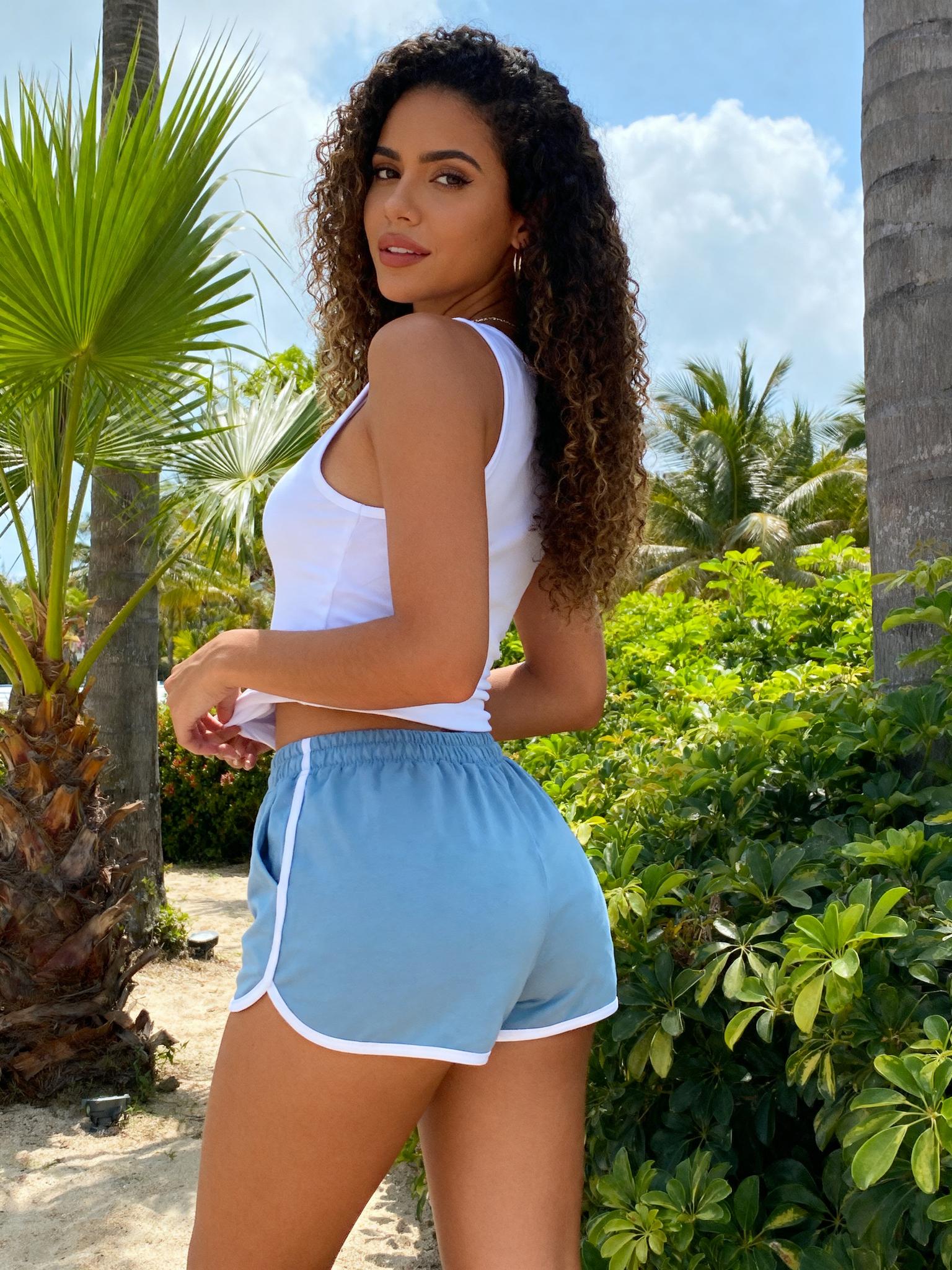
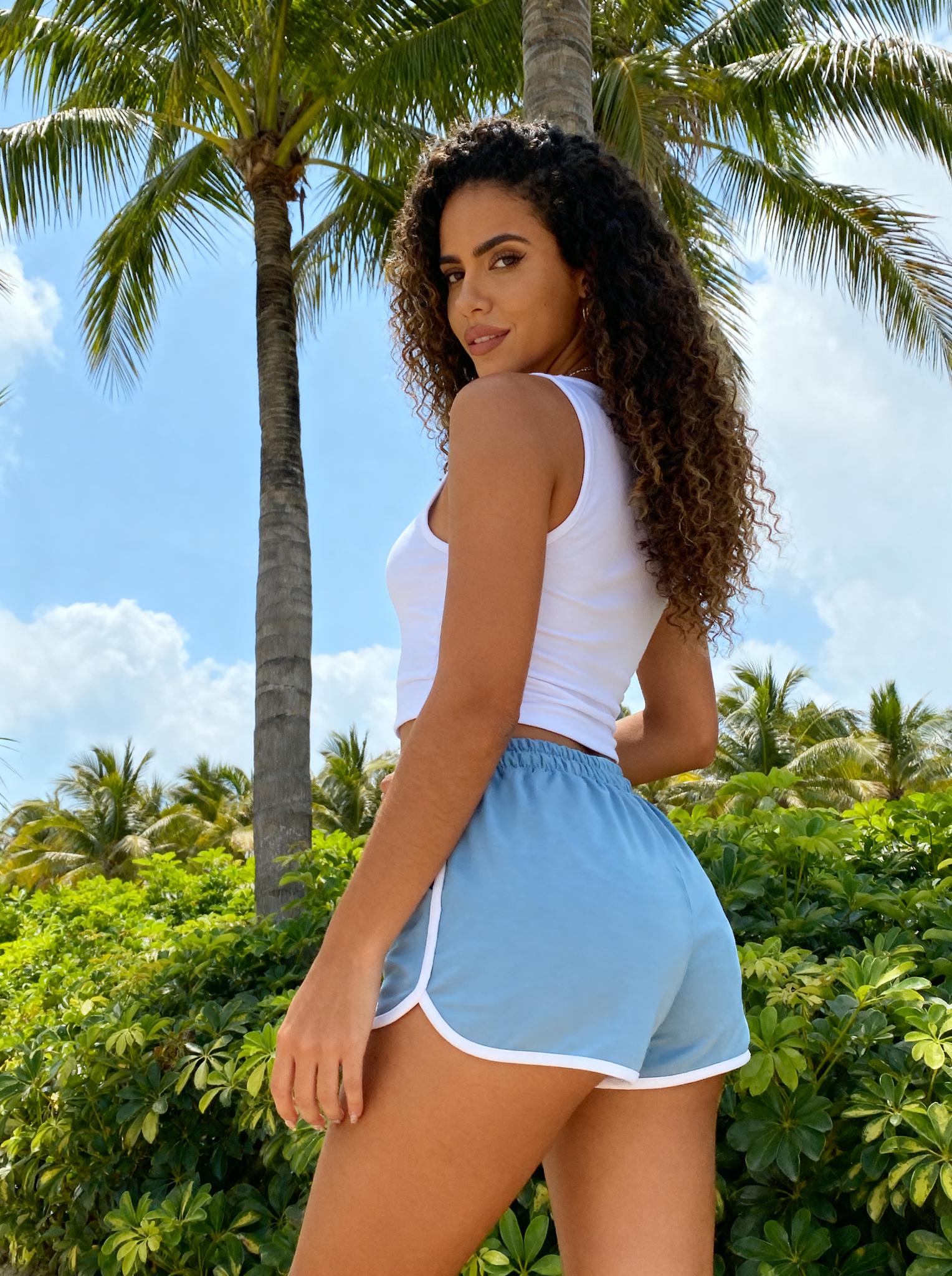
This chain means a single flat-lay product photo can become a fully-posed, scene-set, high-resolution marketing asset — and then animated into video — without a single photoshoot.
Expert FAQ
Q1: How does AI Pose Generator handle non-human characters (mascots, anime, stylized figures)?
The pose estimation module includes fine-tuned weights for stylized proportions. Characters with exaggerated heads, shortened limbs, or non-standard body ratios are mapped to a normalized skeleton before pose transfer, then re-projected with the original proportions preserved. Accuracy is highest with humanoid figures but extends to quadrupedal characters with reduced fidelity.
Q2: What happens to text or logos printed on clothing during pose transfer?
The garment segmentation module classifies decorative elements as “rigid textures.” During pose-driven deformation, these elements are treated as affine-constrained patches — they warp with the fabric surface but maintain internal consistency. For best results, ensure the original image has the text/logo clearly visible and unoccluded.
Q3: Can I use a stick figure as a pose reference instead of a real photo?
Yes. The system accepts any image containing detectable human keypoints. Hand-drawn stick figures, 3D mannequin poses, motion capture wireframes, and even rough sketches work as conditioning inputs. The keypoint detector is robust to abstraction level.
Q4: How does this compare to ControlNet-based pose transfer in Stable Diffusion?
ControlNet requires significant setup (model weights, pose preprocessors, manual parameter tuning) and produces variable results depending on checkpoint compatibility. WeShop’s pipeline is an end-to-end optimized system — pose estimation, conditioning, and generation are co-trained, which means fewer artifacts, better identity preservation, and no technical configuration required.
Q5: What resolution should my input image be for optimal results?
Input images of 1024×1024 or higher produce the best results. The system can process lower resolutions but may lose fine details (fabric texture, facial features). For production use, pair with WeShop Image Enhancer to upscale outputs to 4K after pose generation.
© 2026 WeShop AI — Powered by intelligence, designed for creators.

