
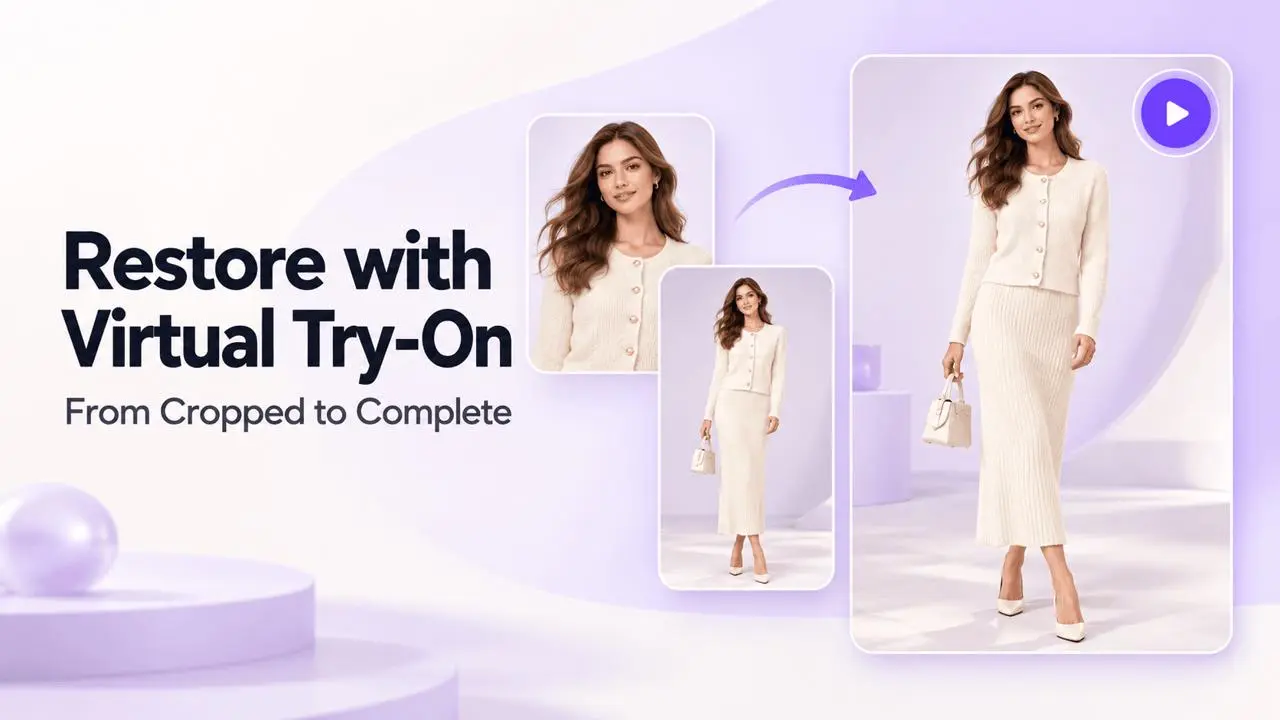
Watch the Walkthrough
This tutorial demonstrates how to complete a cropped fashion photo with AI Model and Virtual Try-On, using a full-body reference to guide the result.
Watch the Virtual Try-On restoration video (MP4)
Restore a Cropped Fashion Photo
Step 1: Upload the Image
Open AI Model and upload a mannequin or partial-body fashion image.
Step 2: Select a Full-Body Reference
Choose a full-body reference image to guide posture, proportions, and styling.
Step 3: Set the Pose Balance
The video example sets Model AI Pose to 50% to balance the original image with the reference.
Step 4: Set Photo Composition
Select Refer to the Selected Location in the photo composition options.
Step 5: Generate and Review
Click Generate. Compare the completed face, limbs, pose, and clothing with the original and reference images before saving a result.
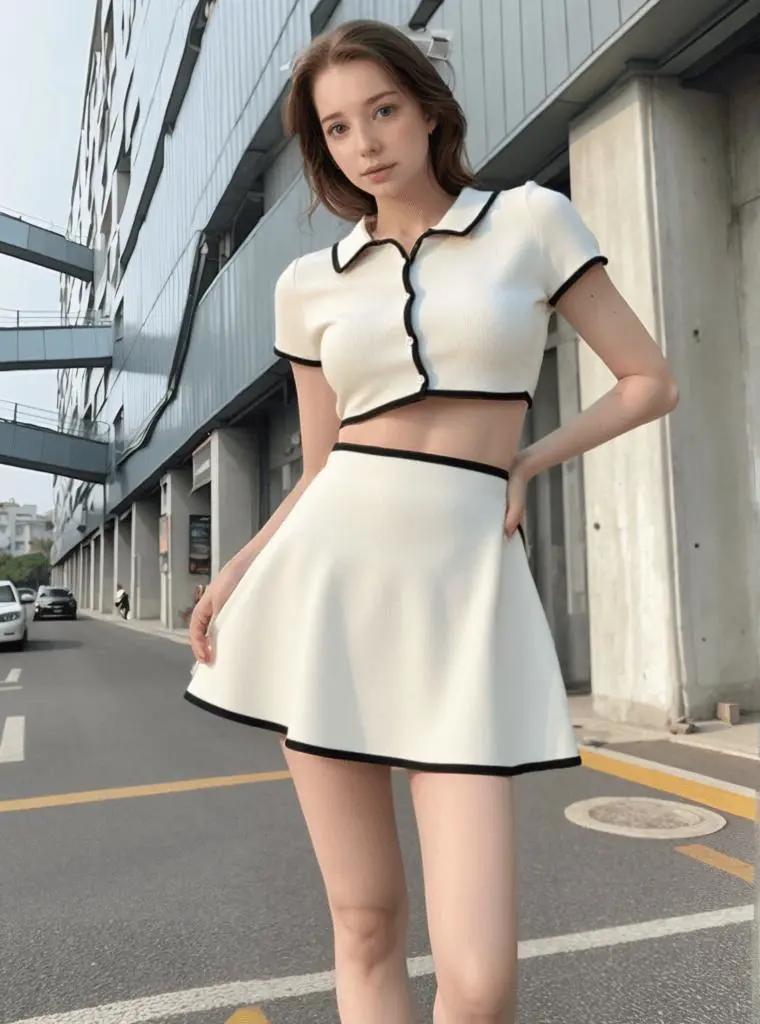
Example Results
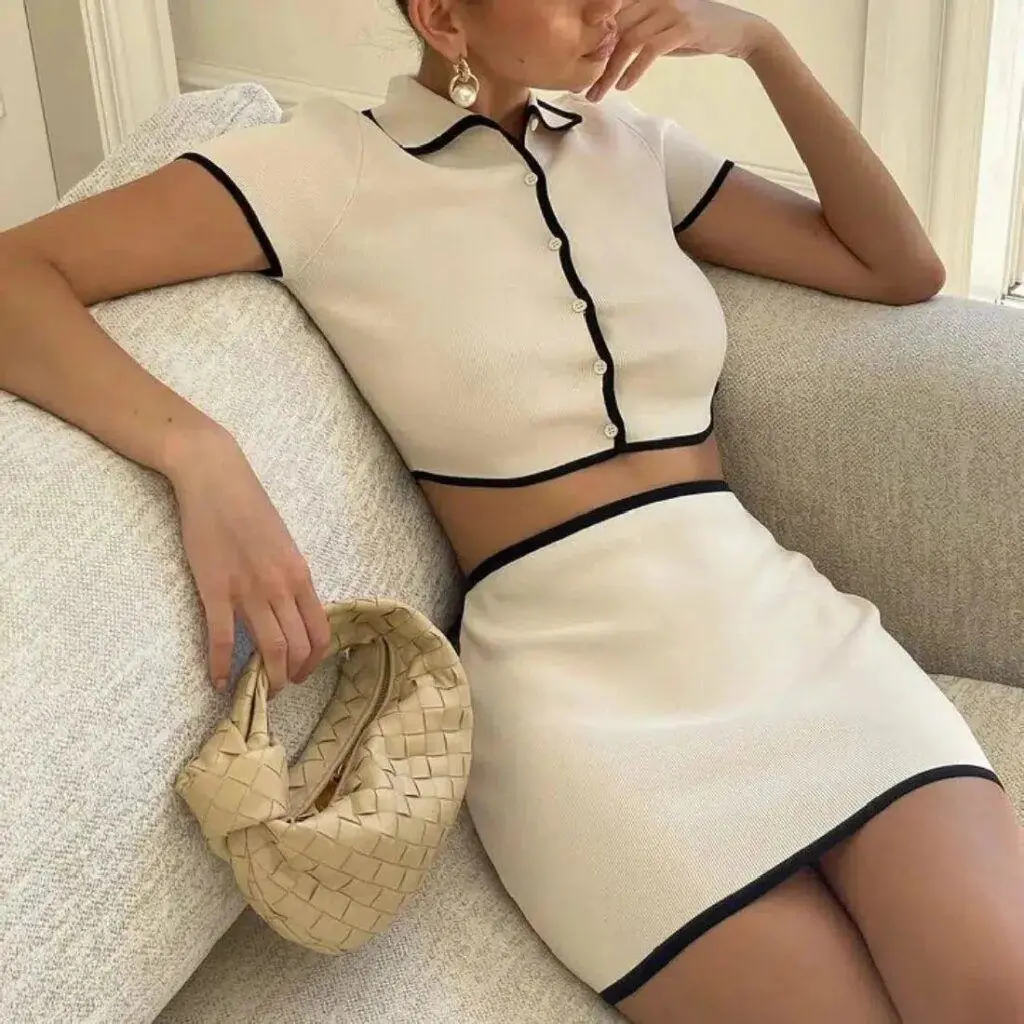
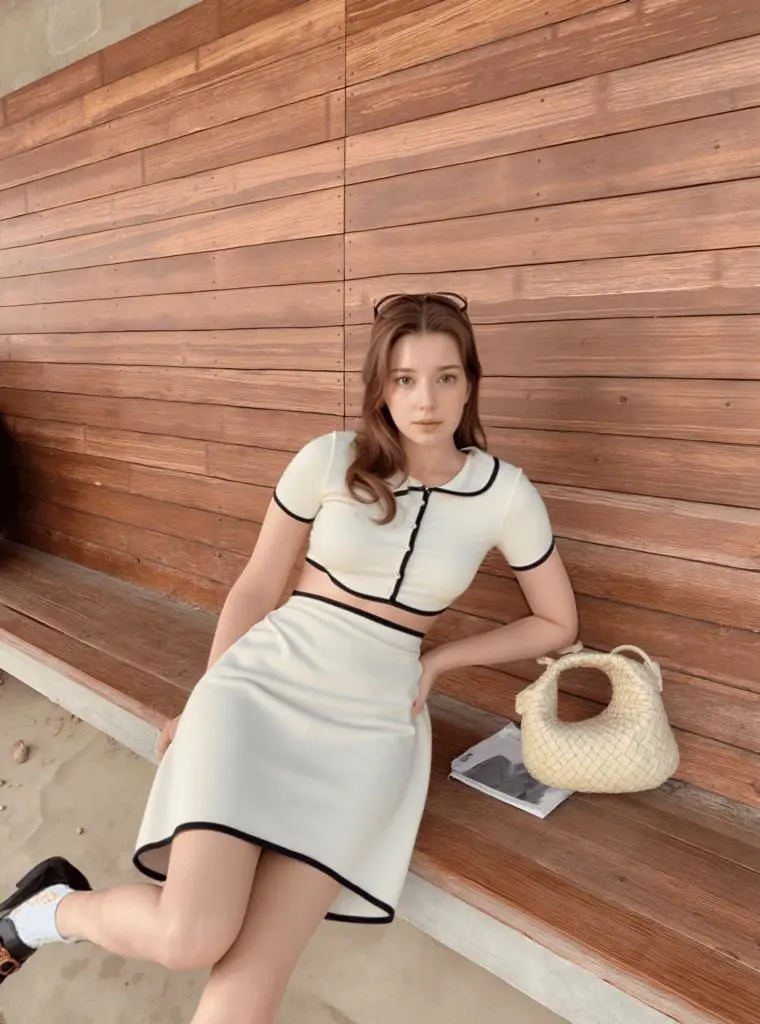
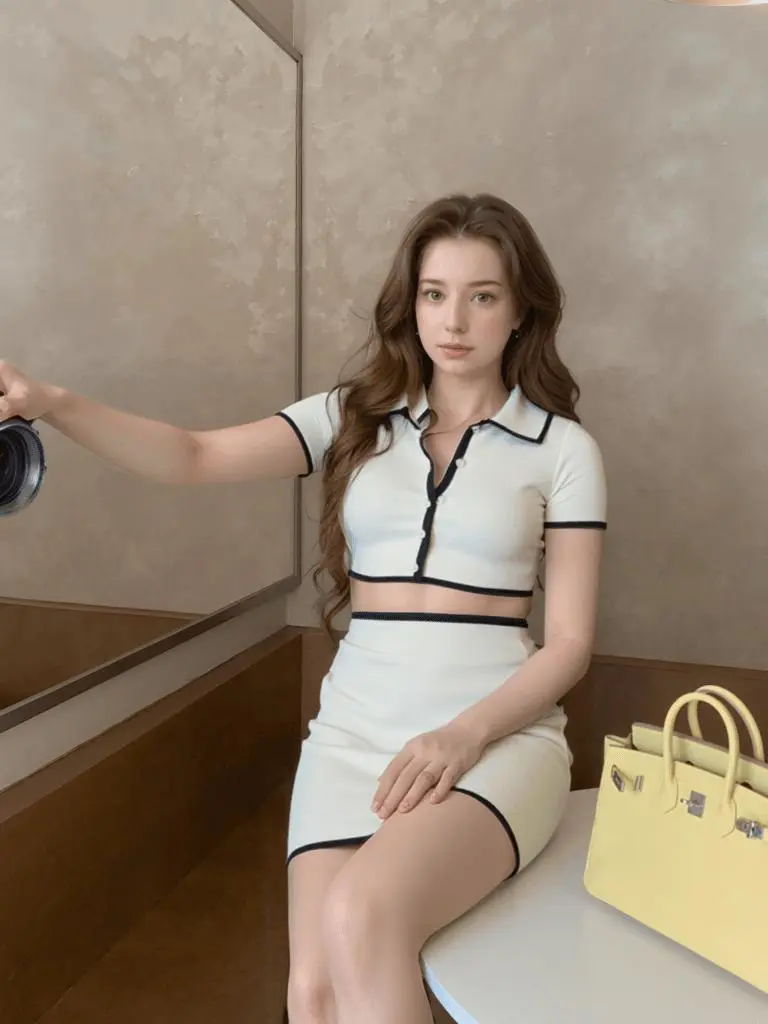
Alternative Workflow
If the source image needs more canvas space before generation, see Add a Head or Legs to an Incomplete Image.