
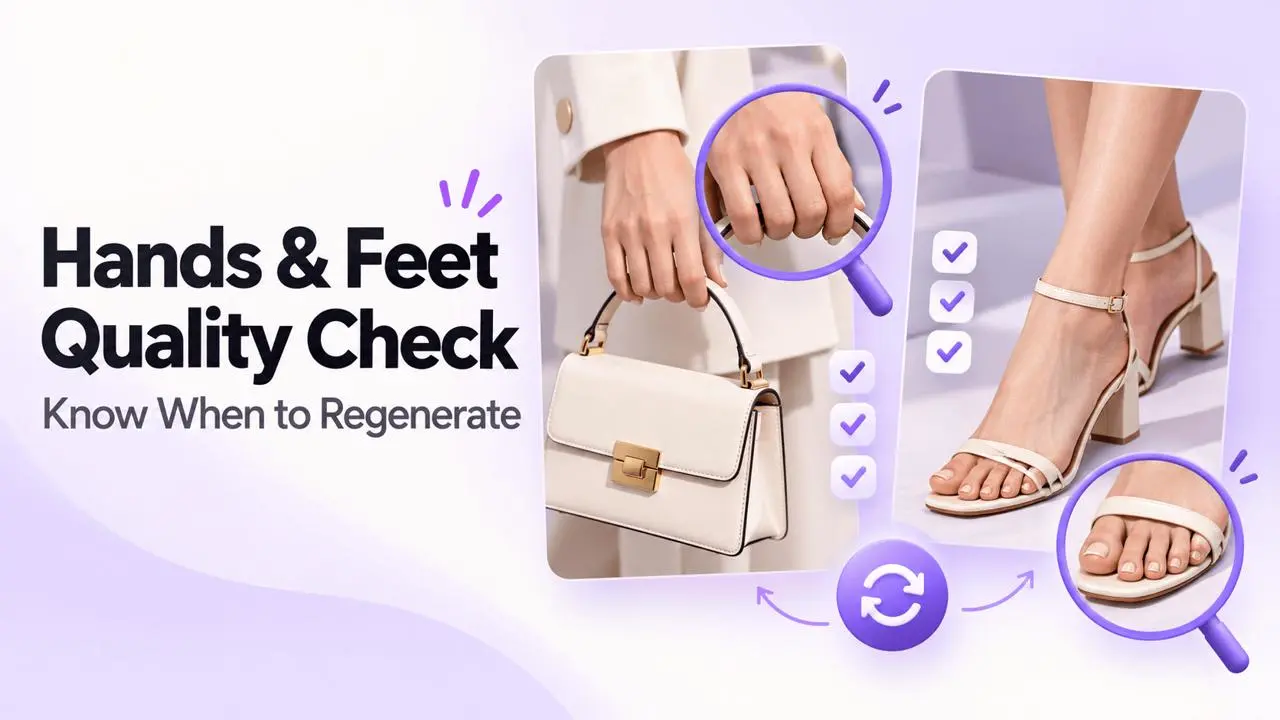
Decide Whether to Repair or Regenerate
Hands and feet repair is a local editing workflow. Its purpose is to correct a defined flaw while keeping the rest of the image stable. A natural-looking repair can still fail if it changes a shoe, ring, bag handle, or other product detail.
| Decision | Typical signal | Best response |
|---|---|---|
| Local repair | An extra digit, fused toes, a blurred joint, or a small shape error | Select only the failed area and generate a repair. |
| Repair with caution | A hand holds a bag, a foot sits in a shoe, or jewelry crosses skin | Compare product shape, contact, and branding after repair. |
| Regenerate the base | The wrist, ankle, arm, or leg points in the wrong direction | Return to generation with a simpler, more stable pose. |
| Choose another image | Hands or feet are too small, hidden, cropped, or unclear to assess | Use a base image with enough visible detail. |
Repair a Local Defect
Upload the image after checking the whole body. Mask the smallest area containing the flaw, with enough wrist, ankle, shoe, or nearby skin to rebuild a clean transition. Avoid a mask so large that it changes the product, clothing, or full pose.
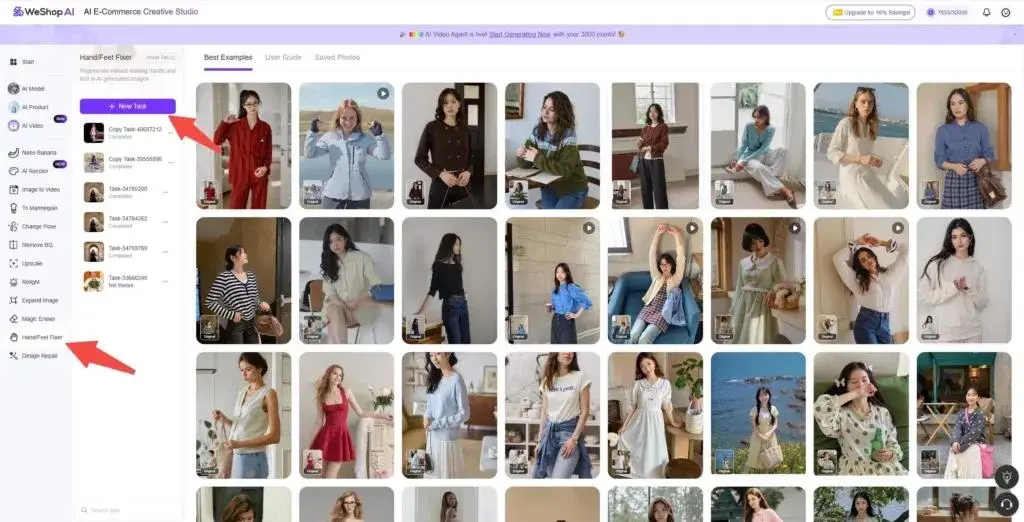
Compare three views after generating: a close-up of the repair, the full image, and the final crop your audience will see.
Run the Six-Point Quality Check
1. Count: Are the Digits Complete and Separate?
Count visible fingers or toes and inspect the spaces between them. Look for extra digits, merged toes, repeated nails, or unclear gaps. Do not force every digit to be visible when the pose naturally hides some of them.
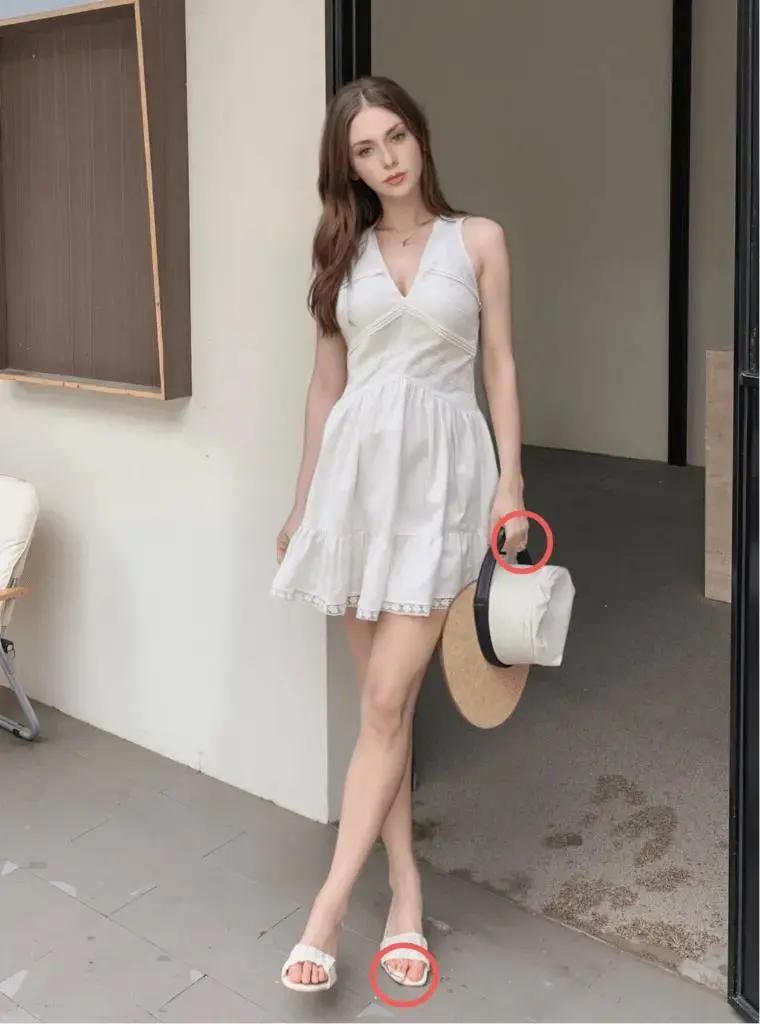

2. Joint: Does the Bend Follow the Pose?
Trace the wrist into the palm or the ankle into the foot. Check that joints bend in the same direction as the pose. Compare the scale with the opposite hand or foot when visible, then review at full-image size.
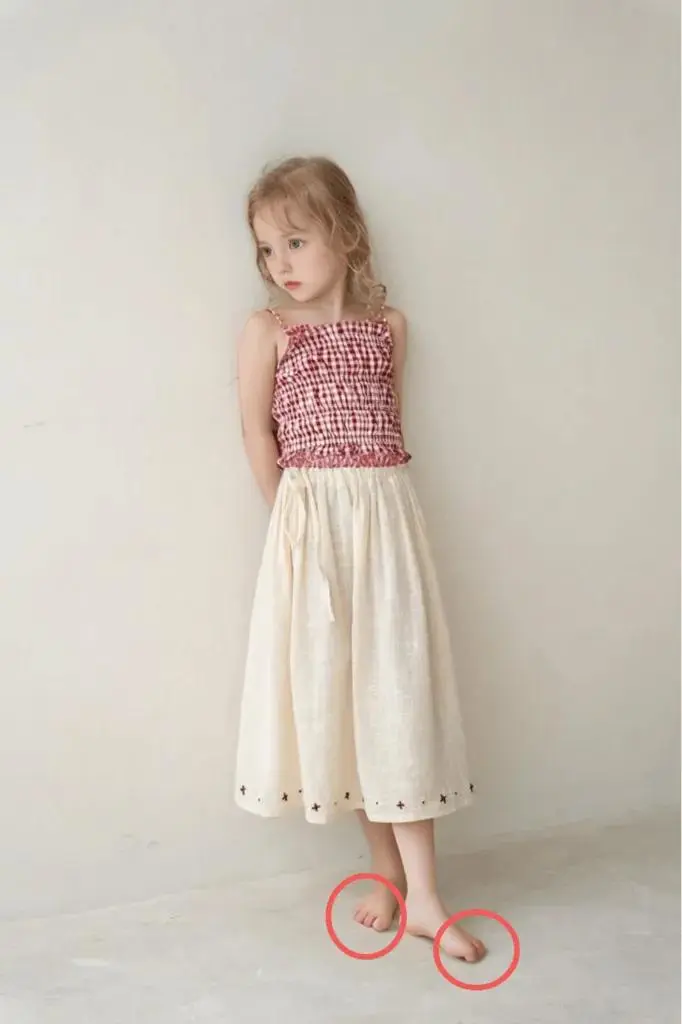
3. Contact: Did the Product Stay Correct?
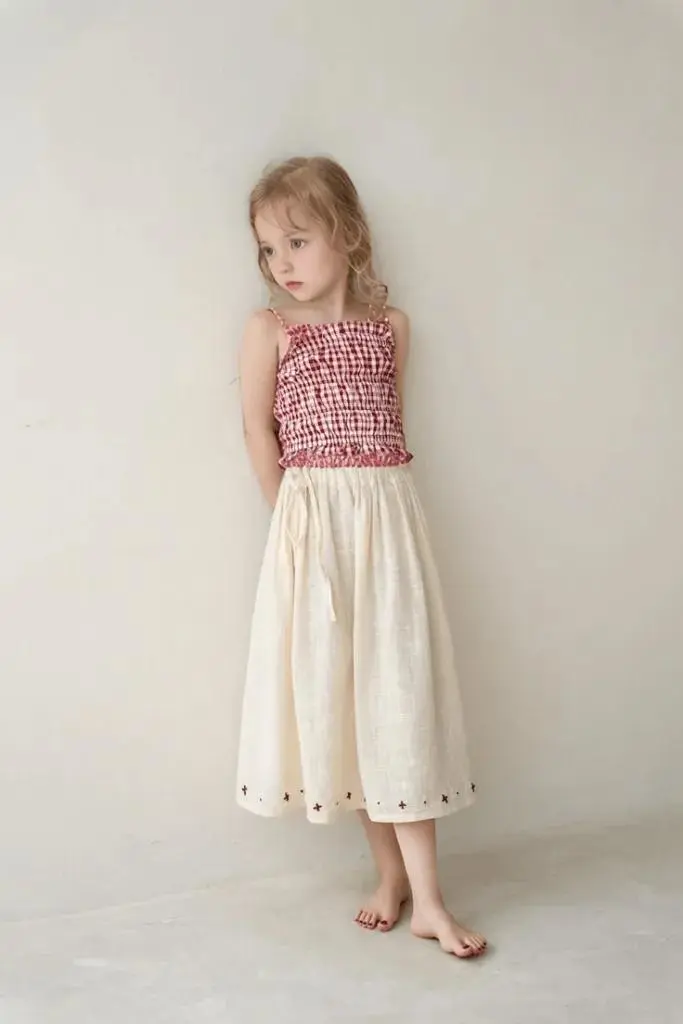
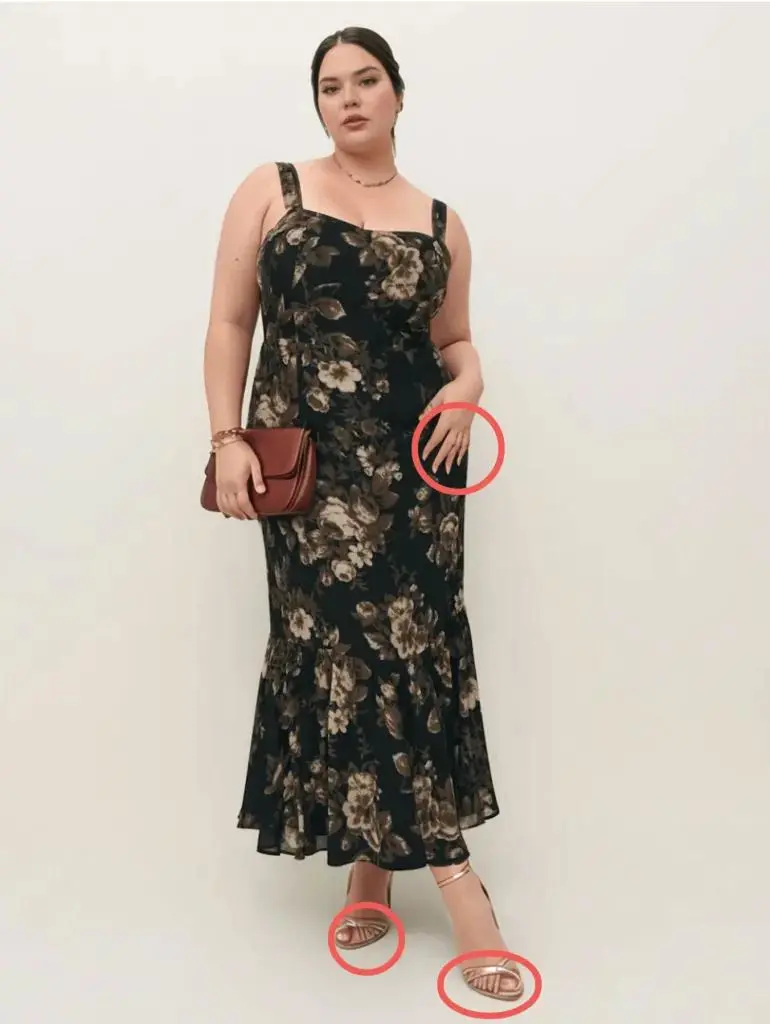
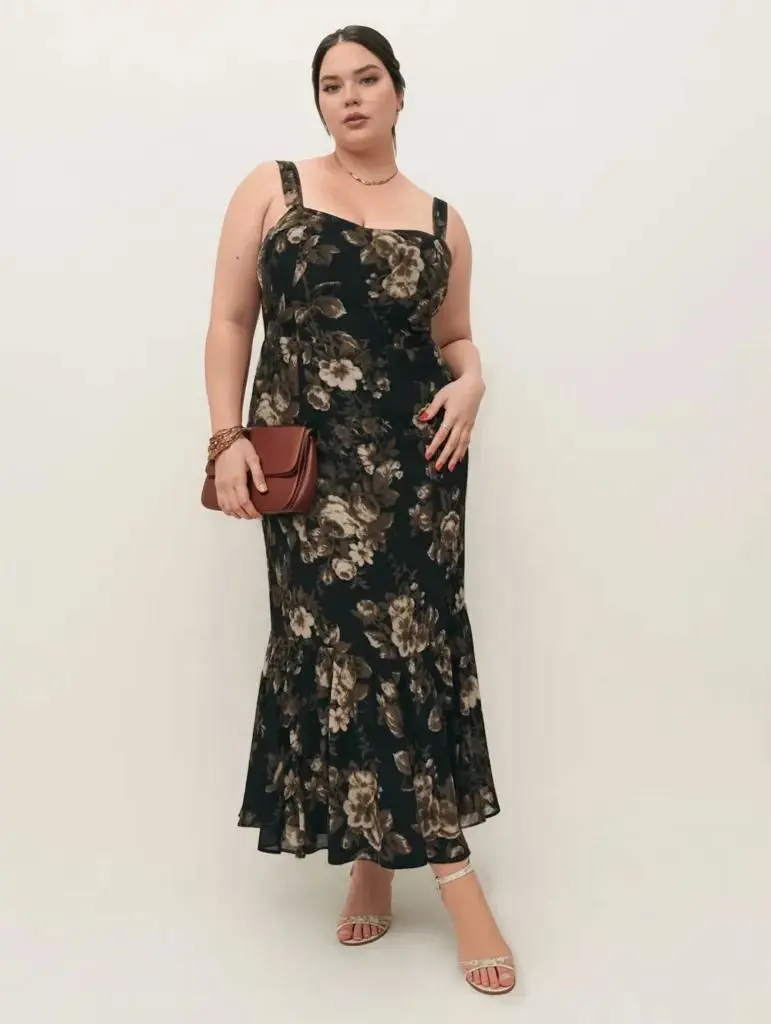
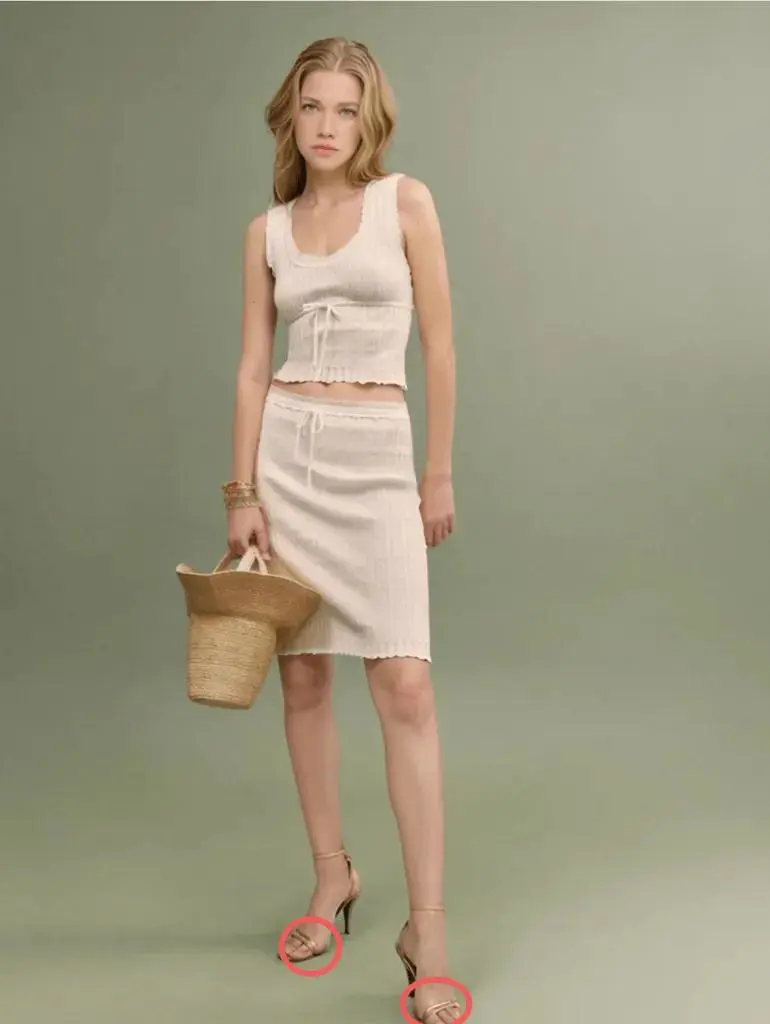
Check whether fingers pass through a ring or bag handle, a foot floats inside a sandal, or a strap merges with skin. Compare product details before and after: shoe soles, heels, straps, buckles, stitching, logos, color, jewelry settings, and bag hardware.
4. Weight: Does the Foot Belong on the Ground?
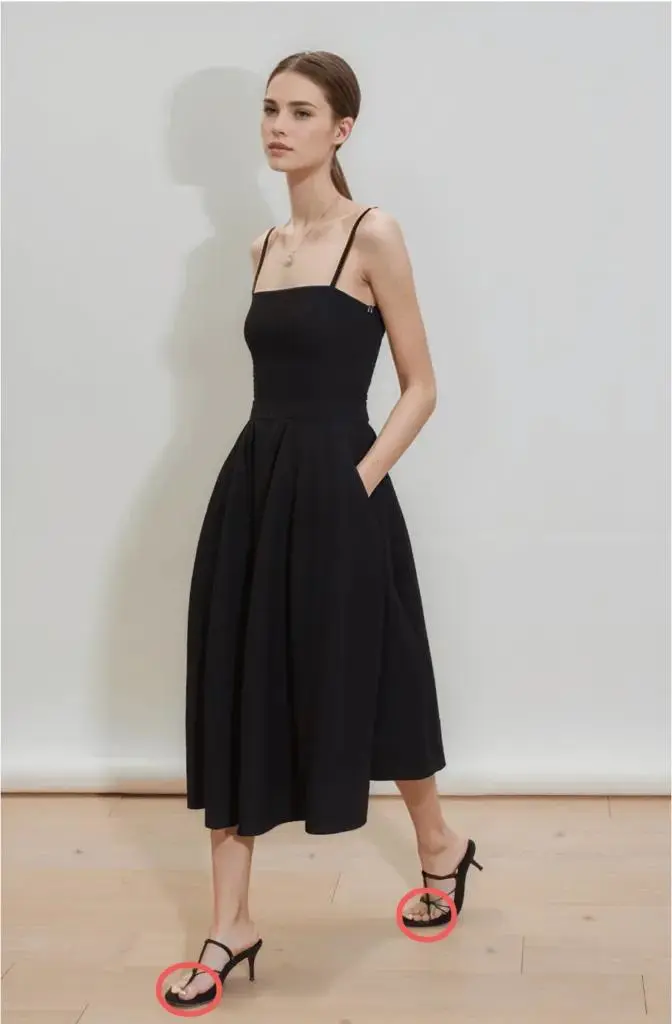
Look at where the heel, sole, or toes meet the floor. The contact shadow should follow the scene’s lighting. If the knee points one way and the repaired foot points another, regenerate a more stable base pose.
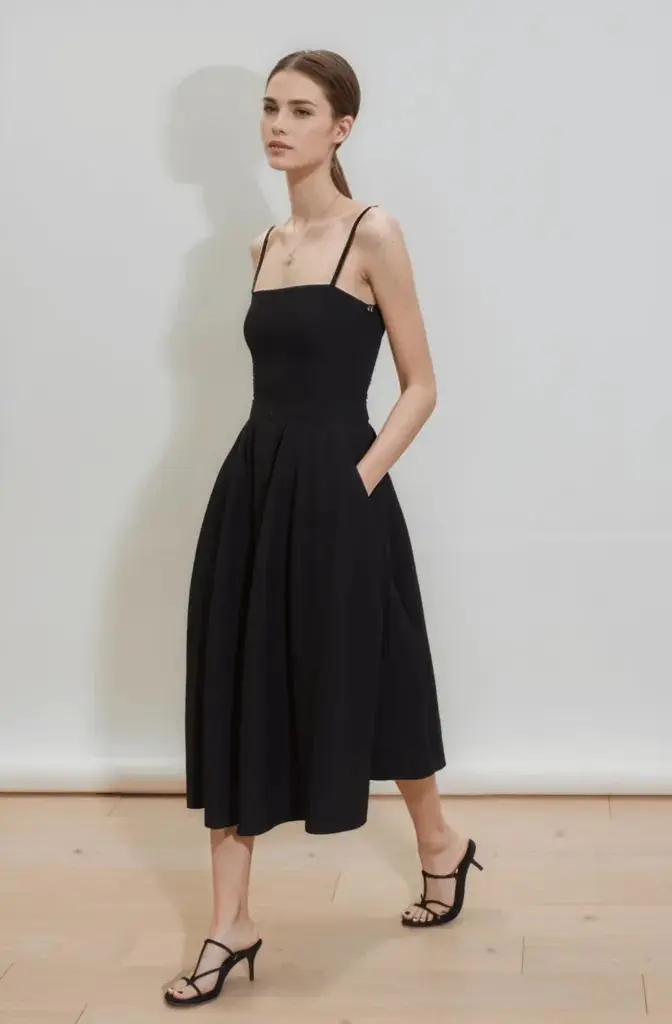
5. Edge: Is There Room for the Missing Anatomy?
Check cropped edges and areas hidden by foreground objects. If the image ends at the foot, expand the canvas first or choose another base. A filled gap still needs the correct angle, size, ground plane, and connection to the ankle.
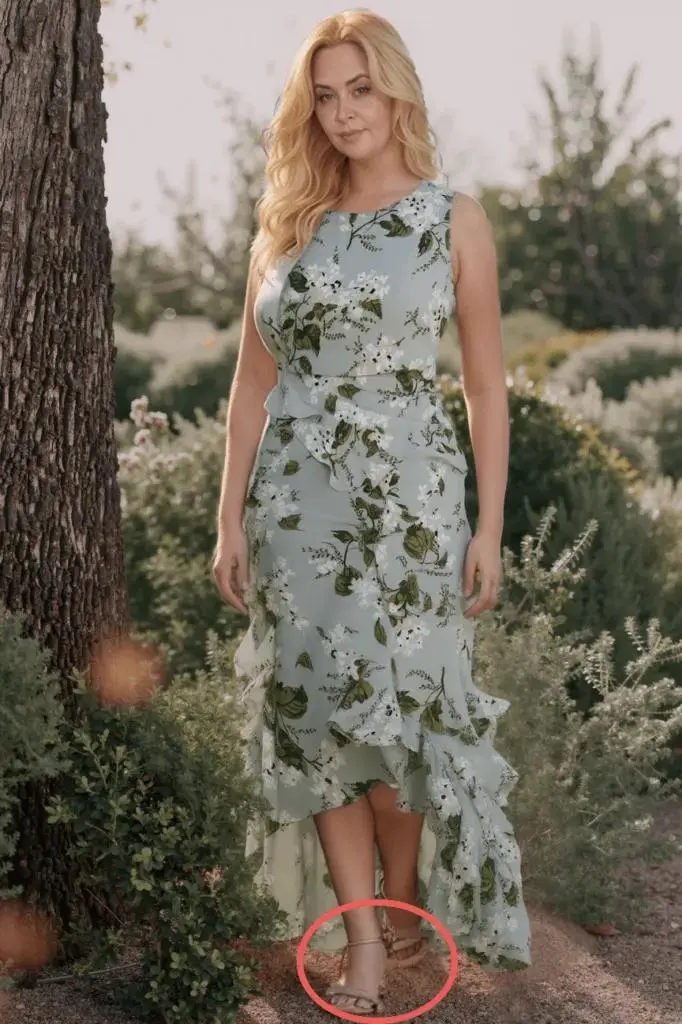

6. Surface: Does the Repair Match the Image?
After structure and contact pass, compare skin color, grain, lighting, shadow softness, and sharpness. Watch for a visible patch around the mask. Smooth skin or sharp nails do not compensate for a bad joint or incorrect scale.

Protect Product Details
| Product | Main risk | Compare before and after |
|---|---|---|
| Footwear | Straps, heels, soles, and logos may shift | Outline and every contact point |
| Rings and bracelets | Metal may merge with fingers or wrists | Stones, settings, clasps, and scale |
| Bags | Handles and fingers may cross incorrectly | Grip, seams, handle shape, and hardware |
| Sleeves and gloves | Fabric may change around a hand or wrist | Cuffs, prints, stitching, and material |
If the product changes, reject the repair even if the anatomy improves. Try a smaller mask or return to the source image.
Record the Outcome
- Pass: Anatomy, product, lighting, and crop all work at the final display size.
- Repair again: The base image works, but one defined local flaw remains.
- Regenerate: The pose, limb direction, product contact, or body balance is wrong.
Review more strictly for a footwear product page or jewelry close-up than for a small social thumbnail. Approve the result only after both the repaired area and the full image remain believable.