
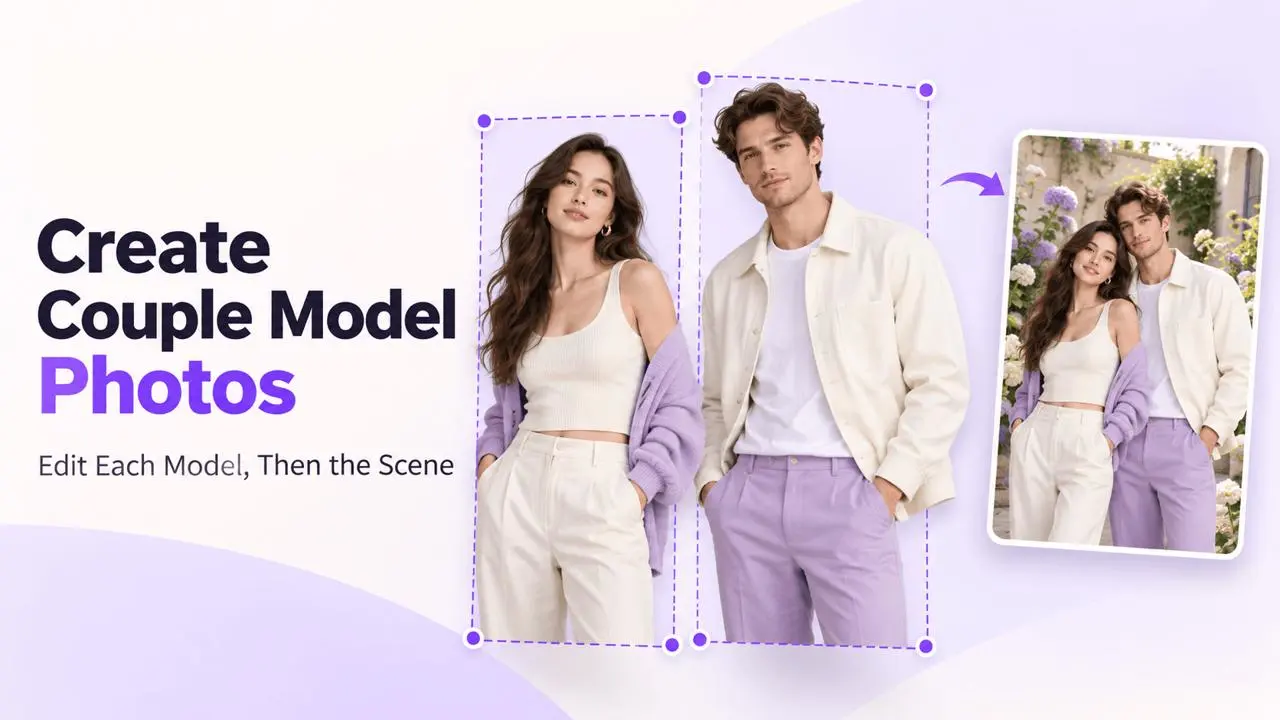
Edit One Person at a Time
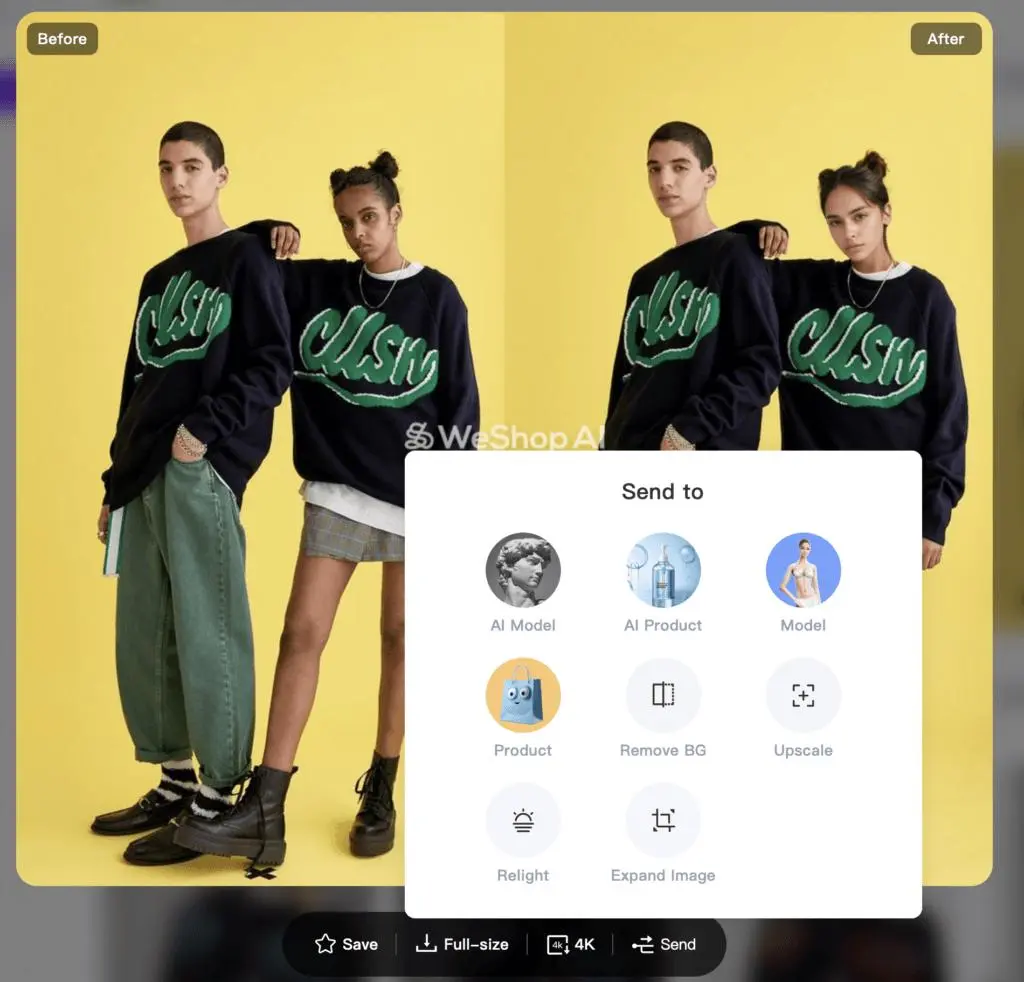
For a two-person image, replace the first model, send the generated result back into AI Model to replace the second, then change the scene while preserving both people and their clothing.
Part 1: Replace the First Model
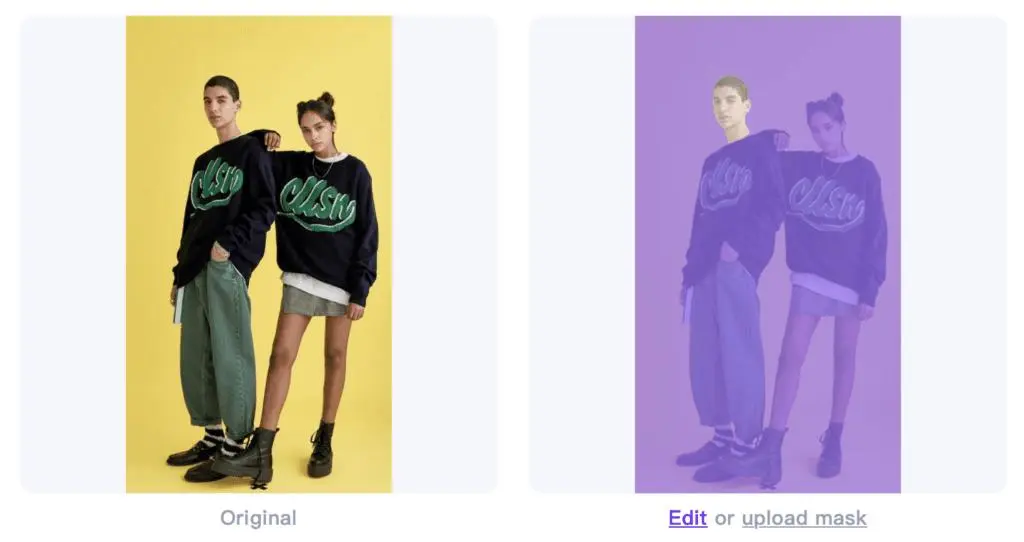
Step 1: Upload and Review the Mask
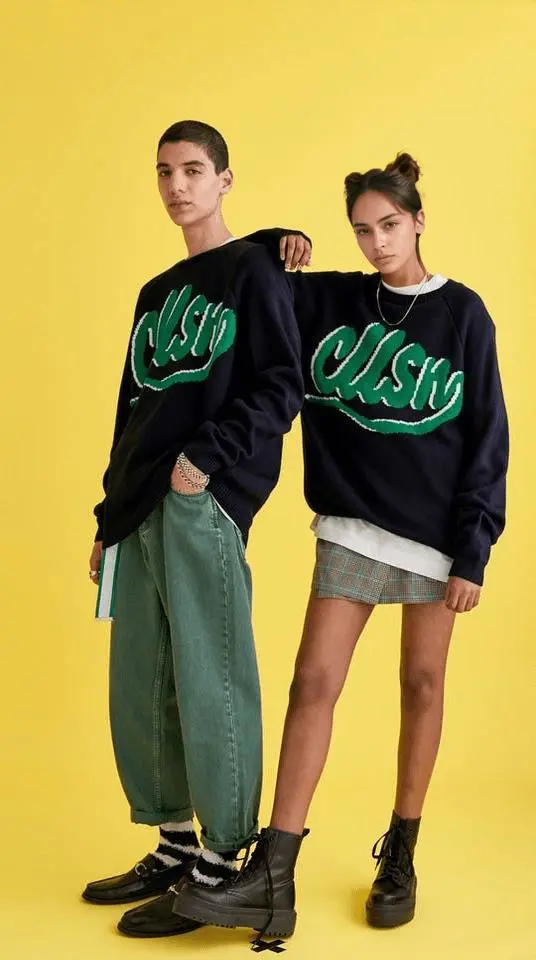
Upload the original image. Open Edit Mask and isolate the first model’s region so that the other person and the areas you want to keep remain protected. Review the preserved selection carefully before generating.
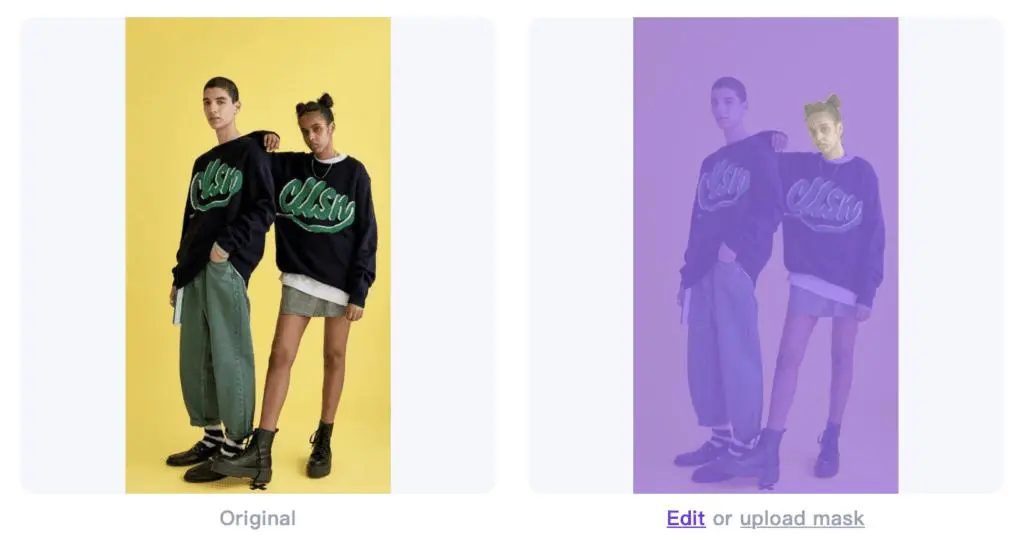
Step 2: Select a Model and Generate
Choose a model under AI Models, then generate. Check that the intended person changed and that the second person still looks right.
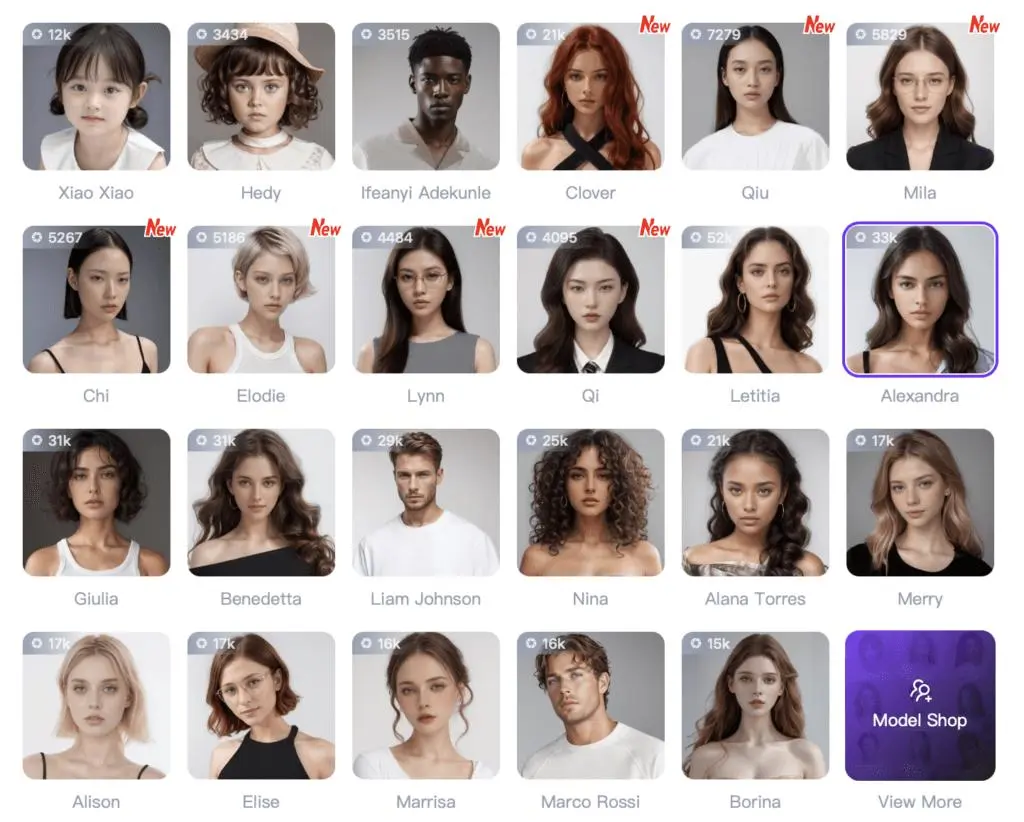
Part 2: Replace the Second Model
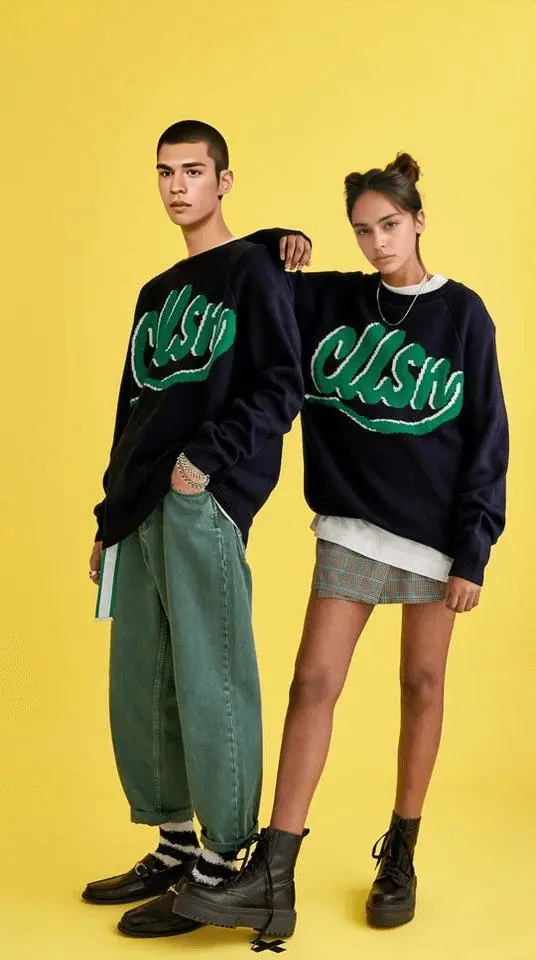
Open the new result and select Send to AI Model. Review the mask again, this time isolating the second person’s region. Choose the second AI model and generate.
Part 3: Change the Scene
Send the result to AI Model again. In Edit Mask, select both models and their clothing as the areas to keep unchanged.
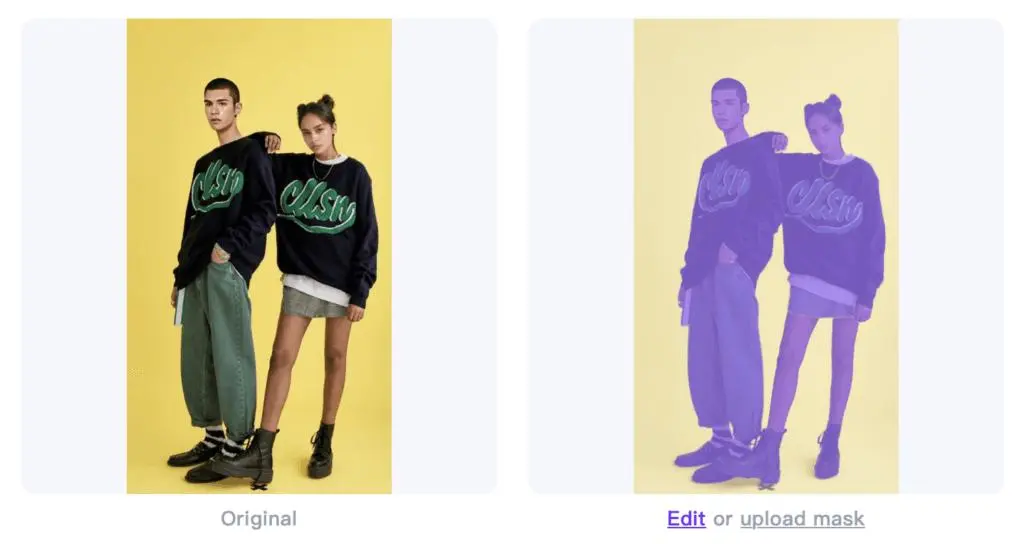
Choose a background from AI Location, or describe the desired setting in the prompt. Generate and compare the scene, model edges, clothing, lighting, and shadows.
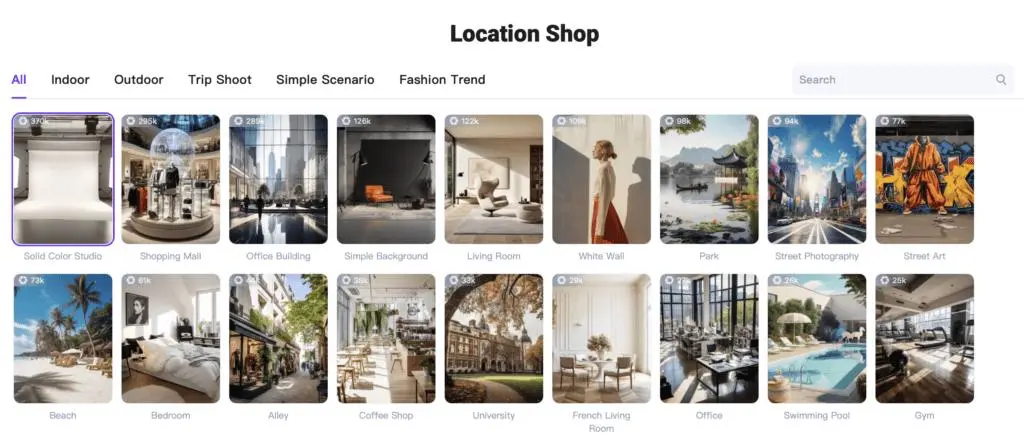
Scene Examples
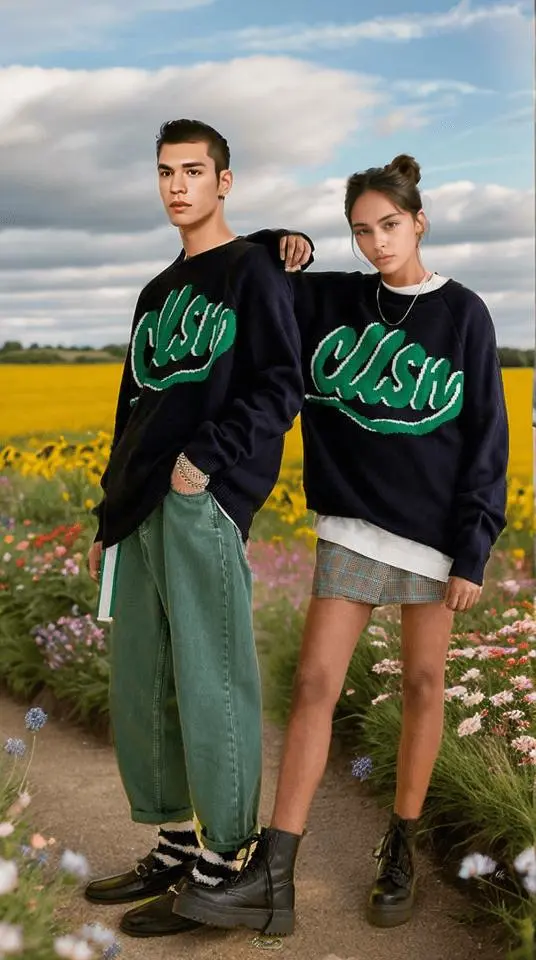
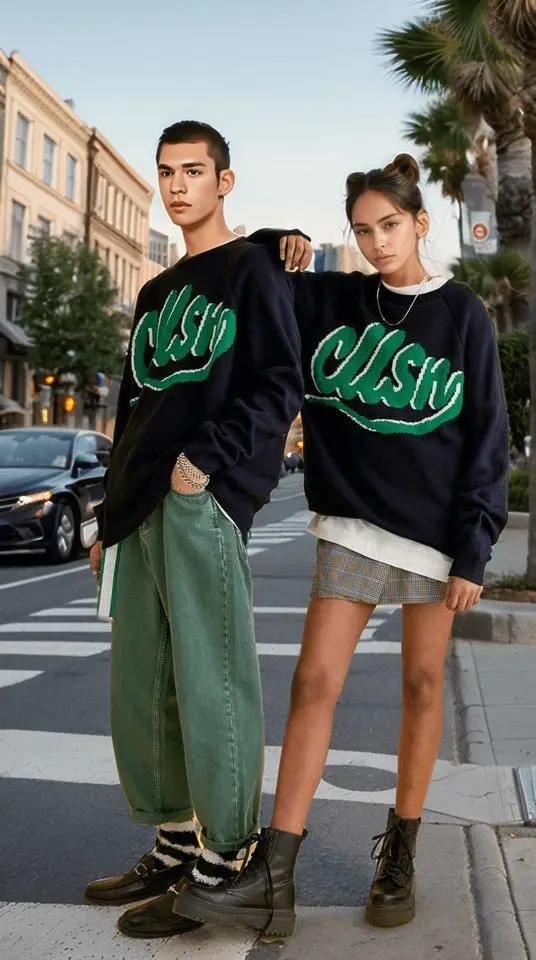
Review Each Pass
Keep the result from each successful stage so you can return to it. If one person changes unexpectedly during the next stage, check the mask and start again from the last suitable result.