

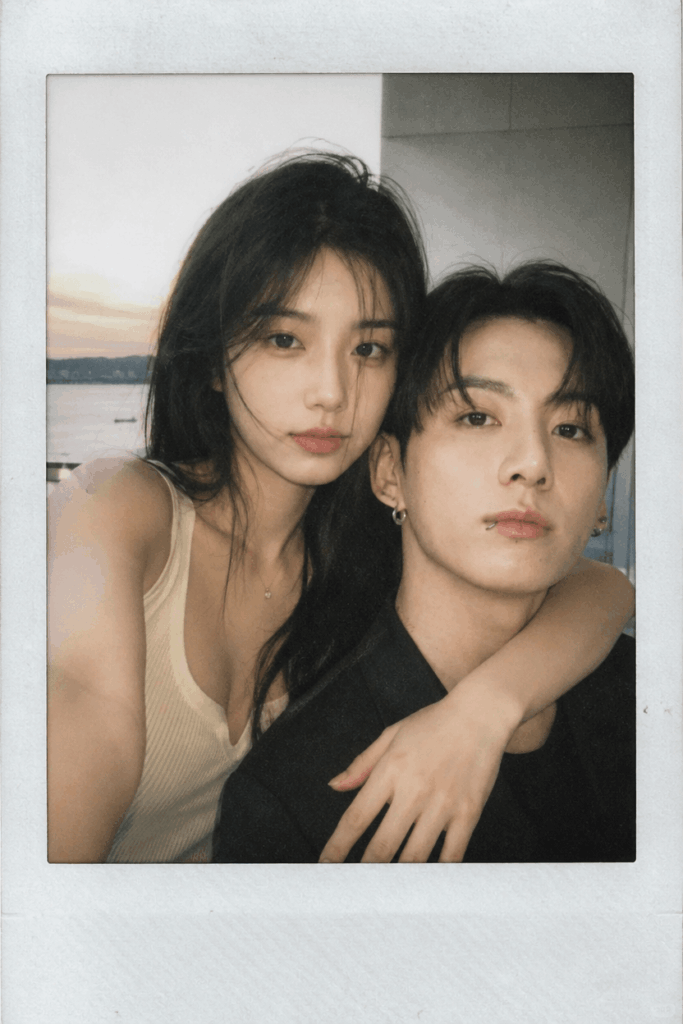
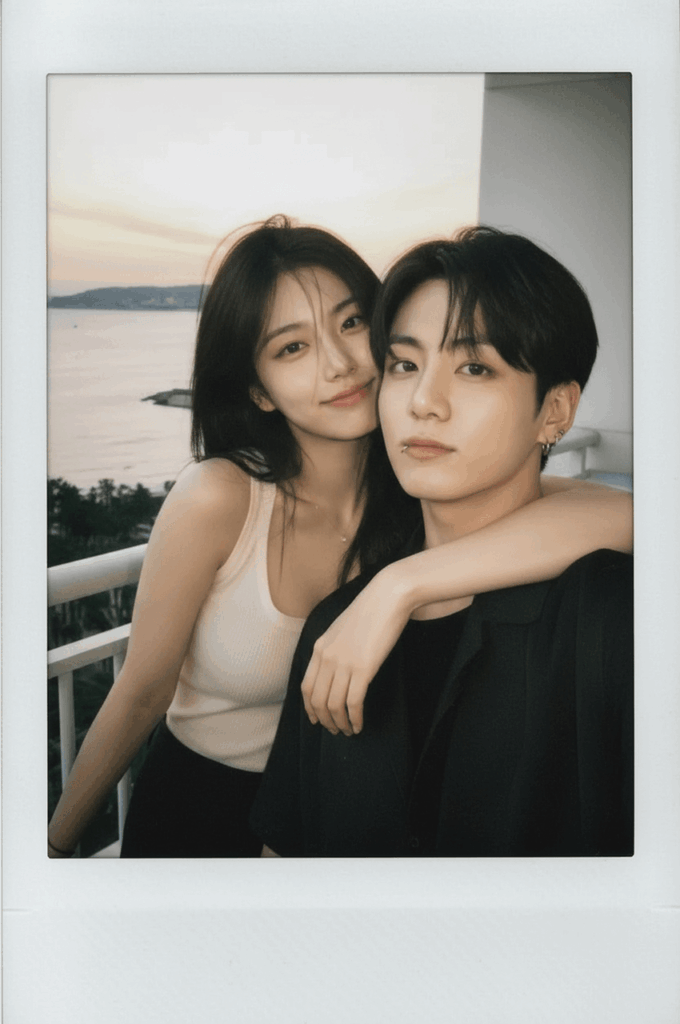
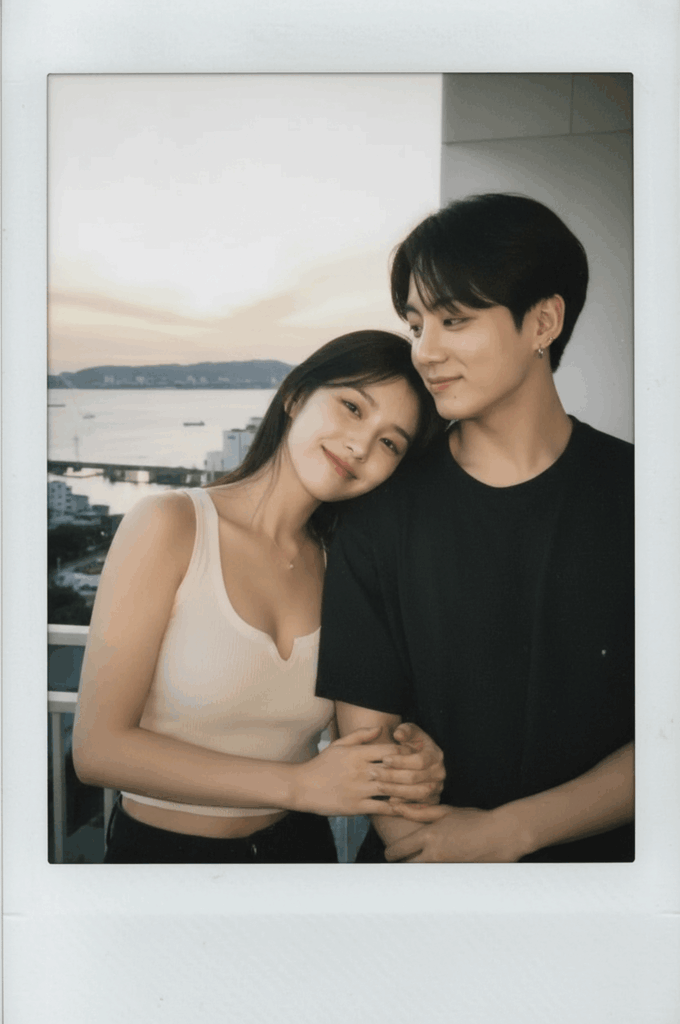
Want an intimate couple photo that looks like it was just snapped at a late-night party and printed straight from a vintage camera?
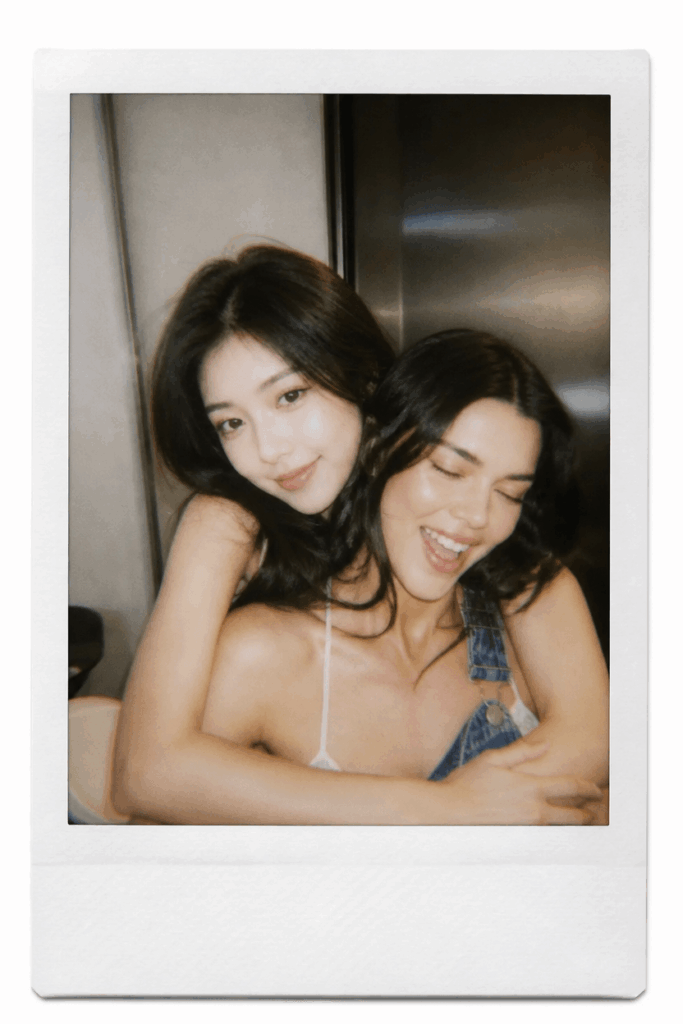
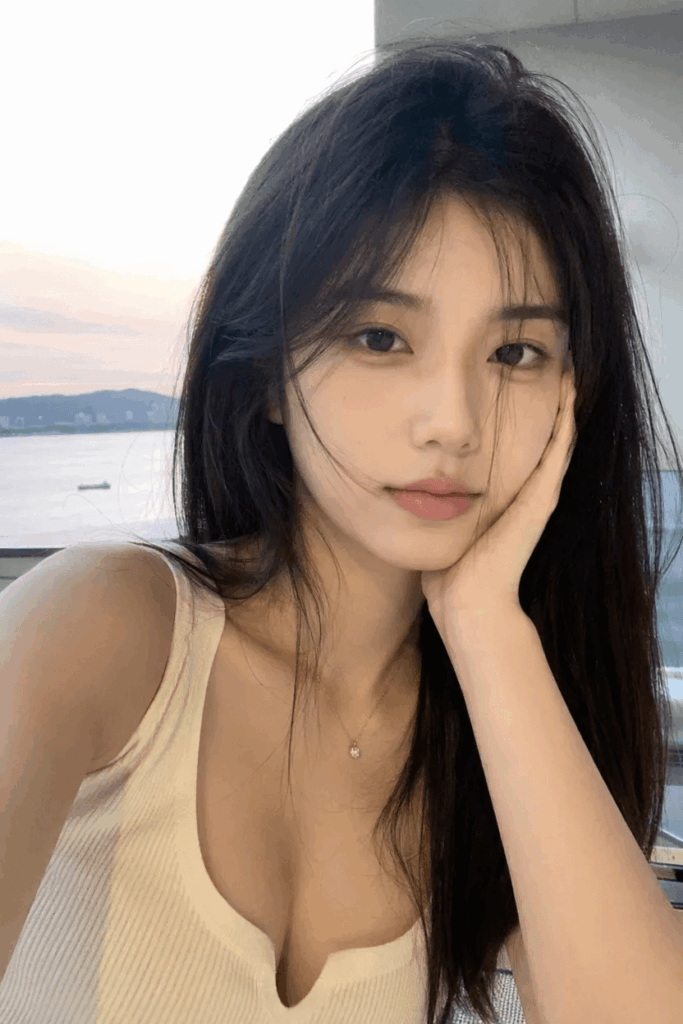
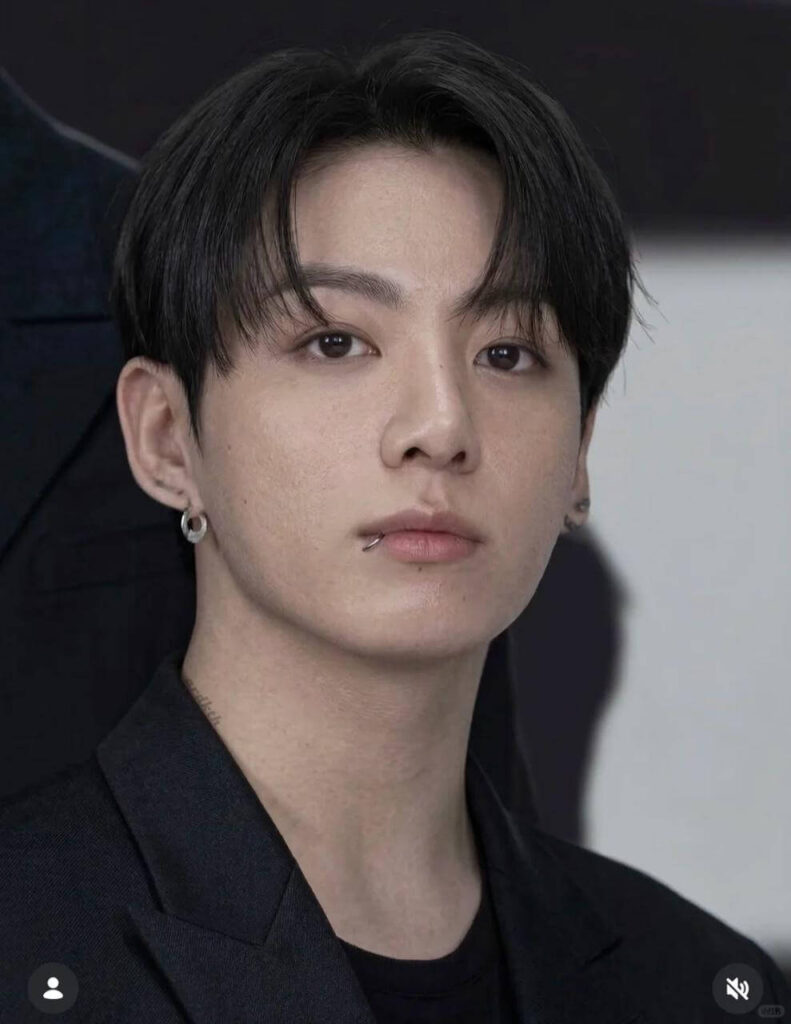
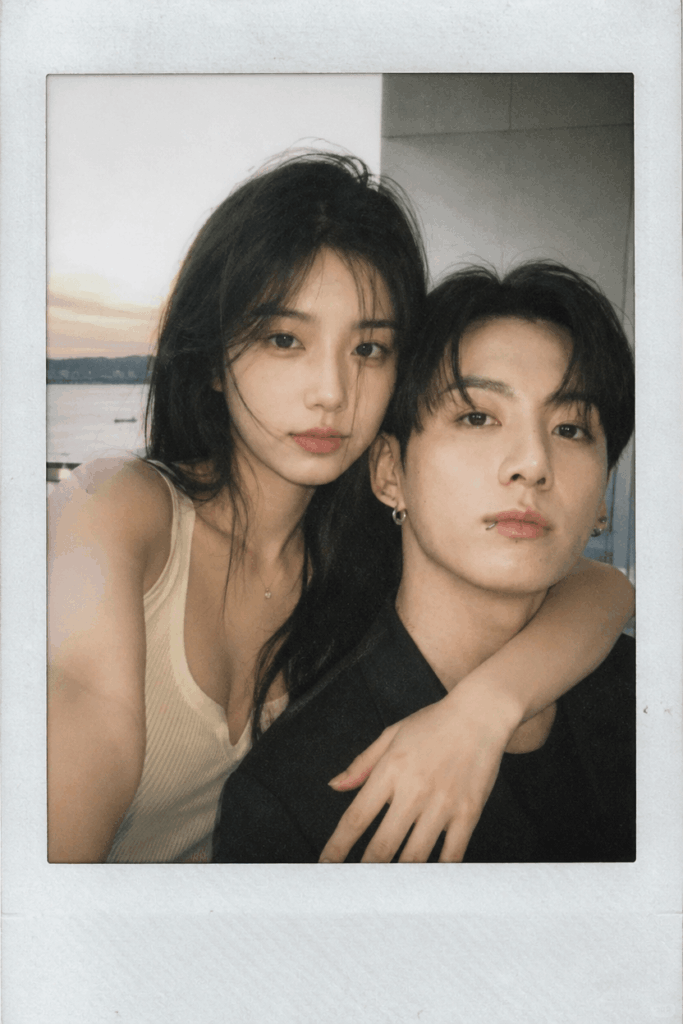
Before you go dropping cash on an expensive camera and film, let me show you a clever shortcut. By using the WeShop AI image combiner, you can instantly turn two separate single photos into a high-quality double shot. We’re talking locked-in facial features, natural poses, and that raw, direct-flash aesthetic.
Whether you want to manifest a “cross-time-and-space” picture with your favorite celebrity or surprise your long-distance partner, this sweet and moody vibe is just one click away.
Preparation & Required Tools
Before we dive into the magic, here is what you need to get started:
| Tool / Asset | Core Purpose | Required? |
WeShop AI (weshop.ai) | The main platform. We will be using its powerful AI Image Combiner feature. | ✅ Yes |
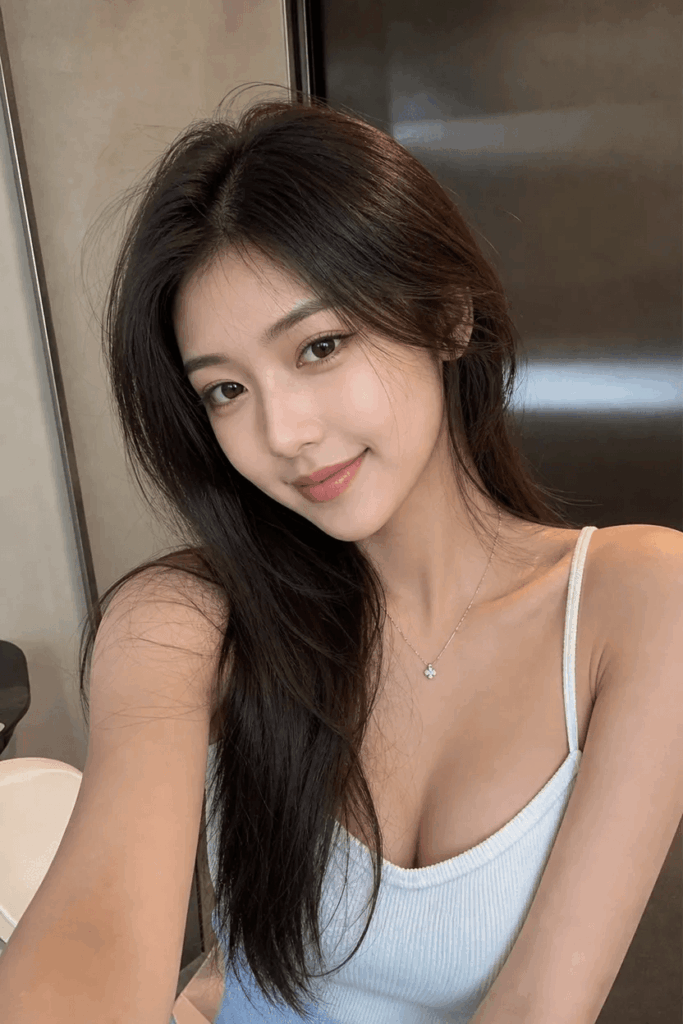
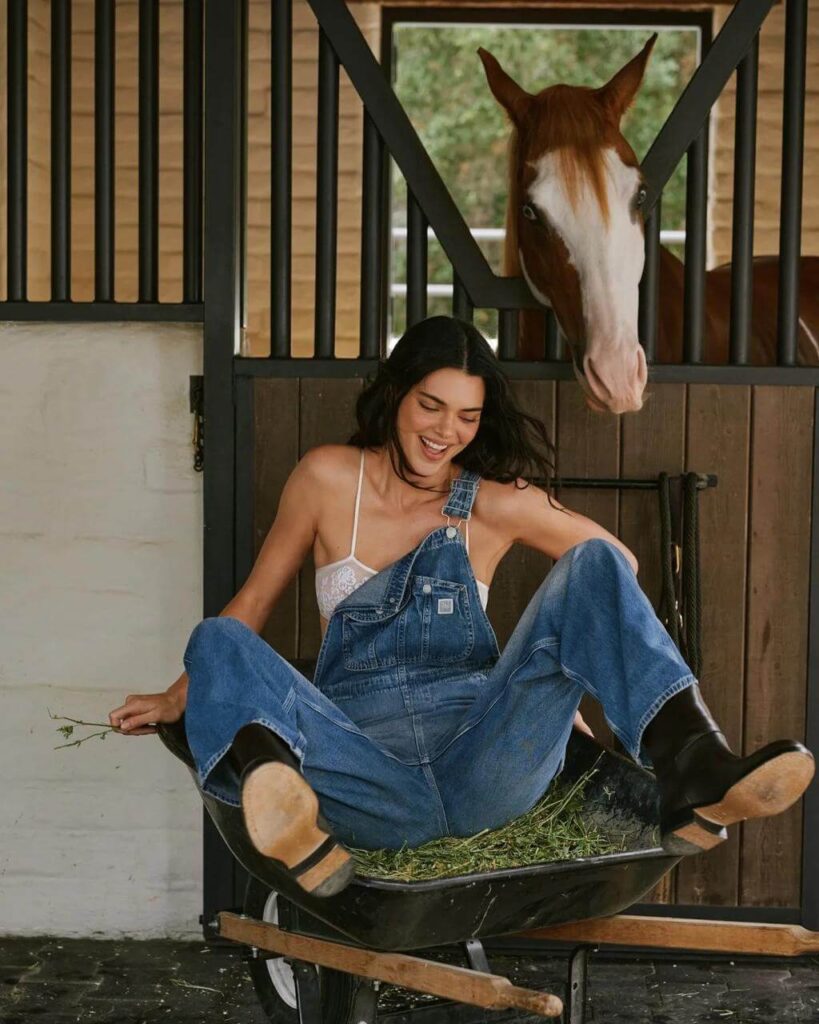
| 2 Single Reference Photos | Photo A (You) + Photo B (Your partner or favorite celeb). Note: Clear, front-facing or slight side-profile shots work best. | ✅ Yes |
💡 Pro-Tip for Natural Results:
Try to choose photos with clean lighting where faces aren’t heavily covered by hair or oversized sunglasses. If both people are looking directly at the camera in their original photos, the final eye contact in the generated image will look incredibly natural.
Step-by-Step Guide
Step 1: Upload Your Assets
- Open your browser and go to the official site: weshop.ai.
- In the top Tools menu, find and click on 「AI Image Combiner」.
- Upload your face photo and your partner/celeb’s photo into the designated slots.
- Clear out any default text in the prompt box so we can add our golden formula.
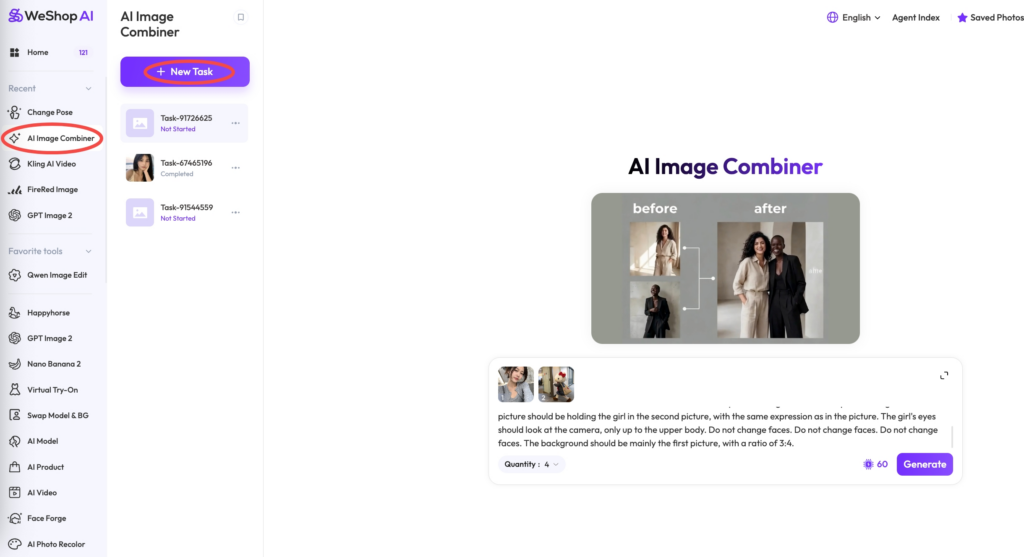
Step 2: Paste the “Aesthetic” Prompt
Copy and paste the exact English prompt below into the text box. This specific wording is the secret sauce for that authentic AI Polaroid photo look:
Prompt Template (Copy & Paste):
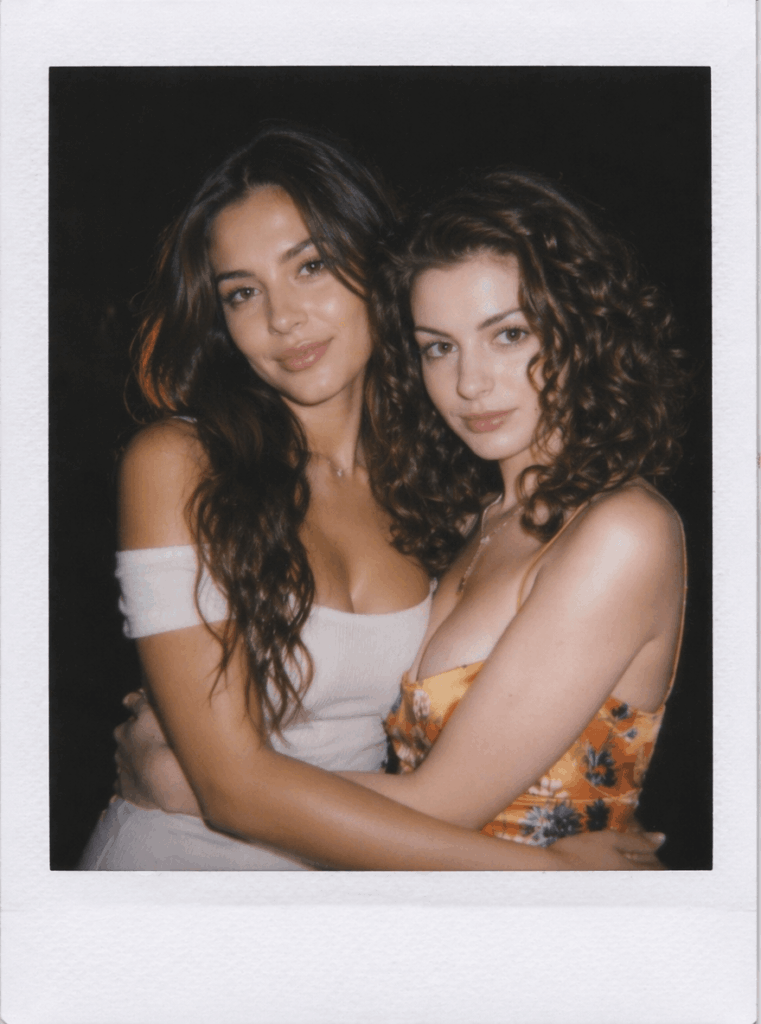
Help me generate an image taken with a Polaroid camera. There is no specific subject or tool mentioned. It should look like an accidental, casual snapshot taken by chance. The photo should have a slight shaky effect. The illumination from the camera flash in the dark areas must spread throughout the entire photo. The girl in the first picture should be holding the girl in the second picture, with the same expression as in the picture. The girl’s eyes should look at the camera, only up to the upper body. Do not change faces. Do not change faces. Do not change faces. The background should be mainly the first picture, with a ratio of 3:4.
✨ Why This Prompt Works So Well:
- “Polaroid camera” + “casual snapshot”: Forces the AI to adopt retro color grading and an effortless, candid composition.
- “slight shaky effect” + “camera flash”: Mimics the classic look of a late-night party photo taken with a heavy direct flash.
- “Do not change faces” (Repeated 3 times): This acts as a strict boundary for the AI, ensuring your facial features stay recognizable instead of morphing into a stranger.
Step 3: Hit Generate
Double-check your images and prompt, then click 【Generate】. Wait a few seconds, and watch the AI stitch your lives together into a stunning, moody film-style photo.
Frequently Asked Questions (FAQ)
Q1: How is the AI Image Combiner different from standard “AI Face Swapping”?
Standard face swapping just mechanically “pastes” a face onto an existing template, which often results in harsh edges and mismatched lighting. The WeShop AI image combiner, however, completely deconstructs both reference photos and generates an entirely new image from scratch. The lighting, angles, and facial expressions blend seamlessly into the environment for a much more realistic finish.
Q2: What if I want us to wear specific outfits?
You can easily customize your wardrobe by injecting details into the prompt. For example, append this to the end of the template: They are both wearing matching black vintage leather jackets. The AI will keep your faces intact while dressing you up perfectly.
Q3: Help! The height proportions look weird in the generated photo.
Don’t panic! You can guide the AI by adding explicit height and positioning descriptions.
- Example adjustment: “The girl is 162cm tall, the guy is 178cm tall. When standing together, the girl’s shoulder reaches the guy’s jawline.” WeShop AI is smart enough to recalibrate the frame based on those numbers.
Q4: I love the vibe, but can I generate different poses without retyping everything?
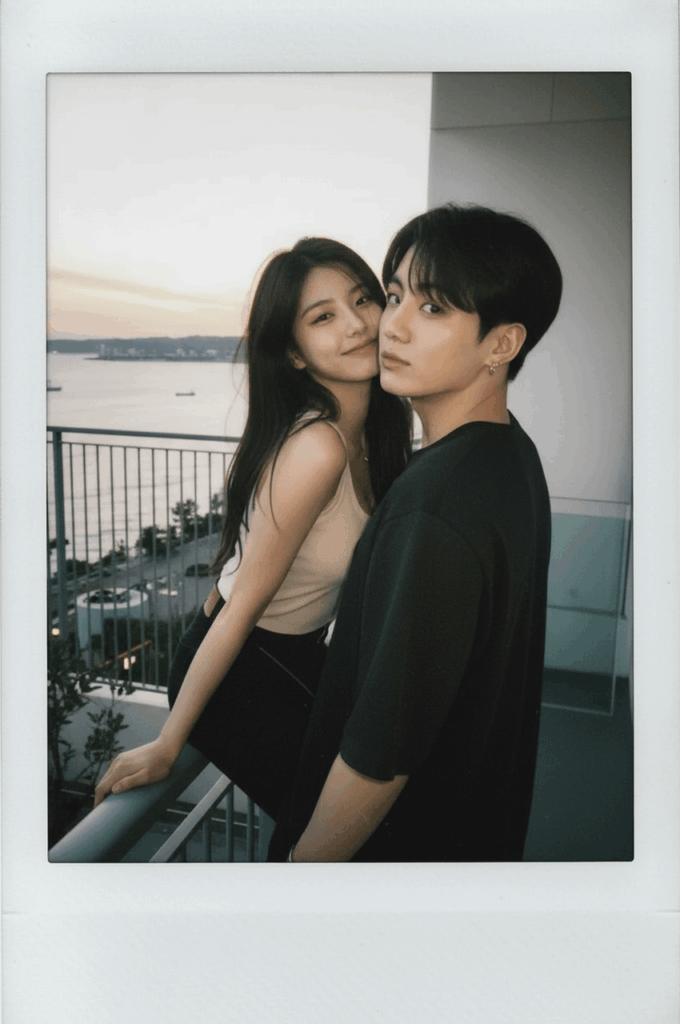
Absolutely. You don’t need to reinvent the wheel. Just use the built-in 【Change Pose】 tool:
- Under your favorite generated image, click the “Send to” icon and select 「Change Pose」 (or navigate to ai-pose-generator).
- Describe the new action in simple terms (e.g., “leaning on shoulder,” “back to back”).
- The system will hold the exact faces and background constant while only modifying the body language.
What to Do Next
You now have a foolproof, budget-friendly strategy to create stunning couple photos without booking a studio or buying expensive gear. You don’t even need to be in the same room to get the perfect shot.
Give it a spin over at weshop.ai, test out the prompt, and see how easy it is to bring your dream aesthetics to life! 📷
Go to WeShop AI For Exploration:


