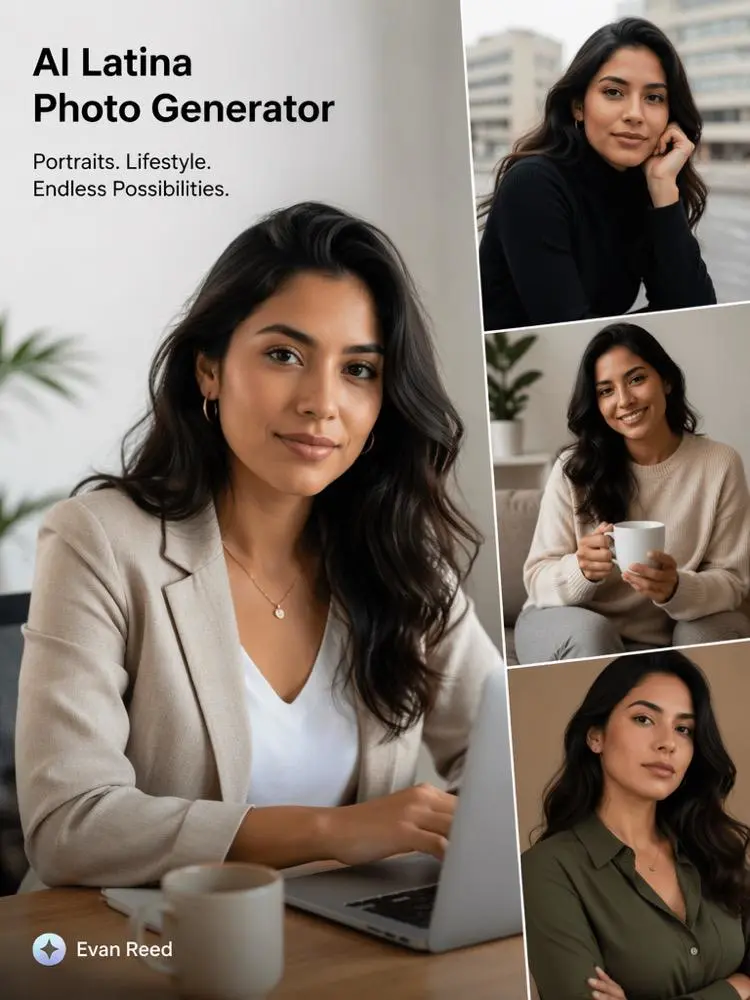
An AI Latina Generator can help you create a full set of connected campaign images. One good image may catch attention. However, a strong campaign needs a clear style, a steady mood, and a simple visual story.
An AI Latina Generator can help you create a full set of campaign visuals. You can plan the person, clothes, setting, colors, and lighting before you start. As a result, the final images can feel like part of the same project.
This method works well for fashion, beauty, social media, product ads, and brand mood boards. More importantly, it helps you avoid random results.
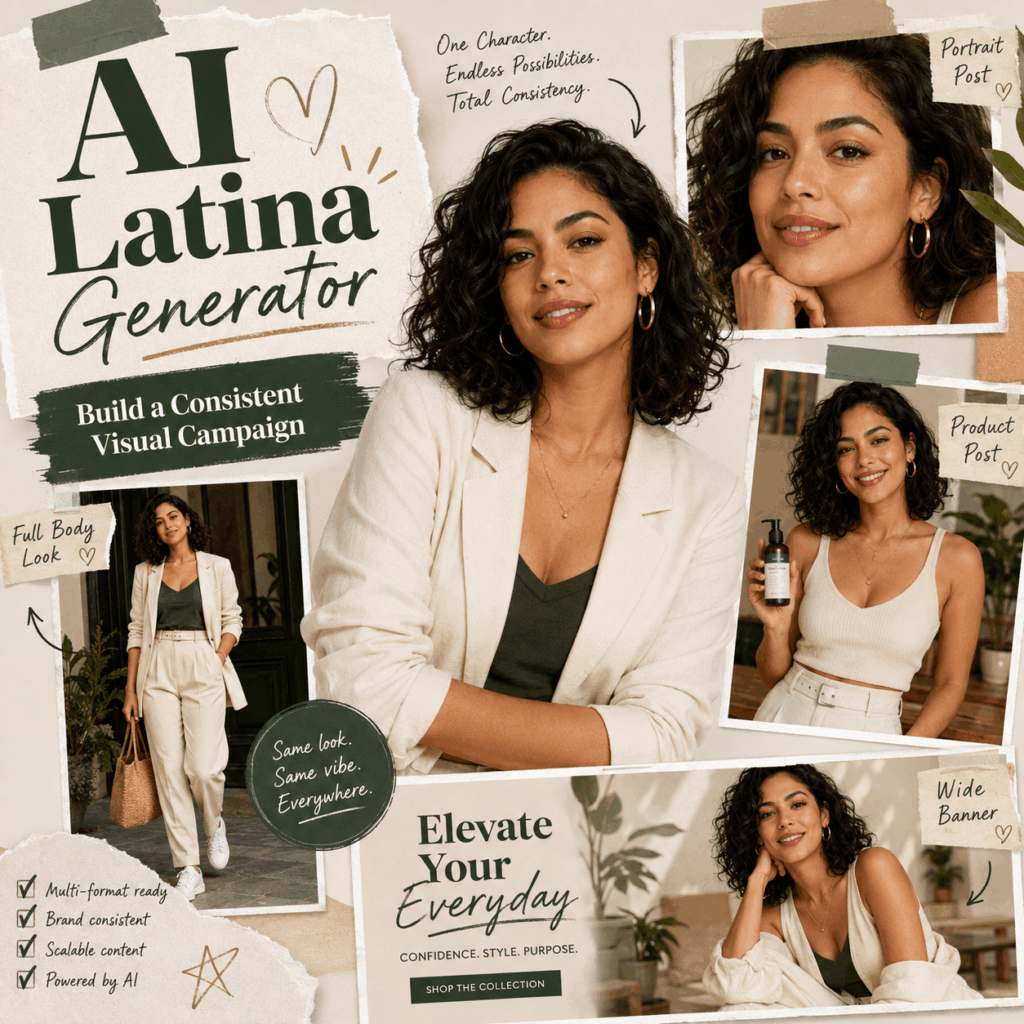
✨ Why Visual Consistency Matters
People often notice a visual style before they read the text. The same colors, lighting, and clothing can make several posts feel connected.
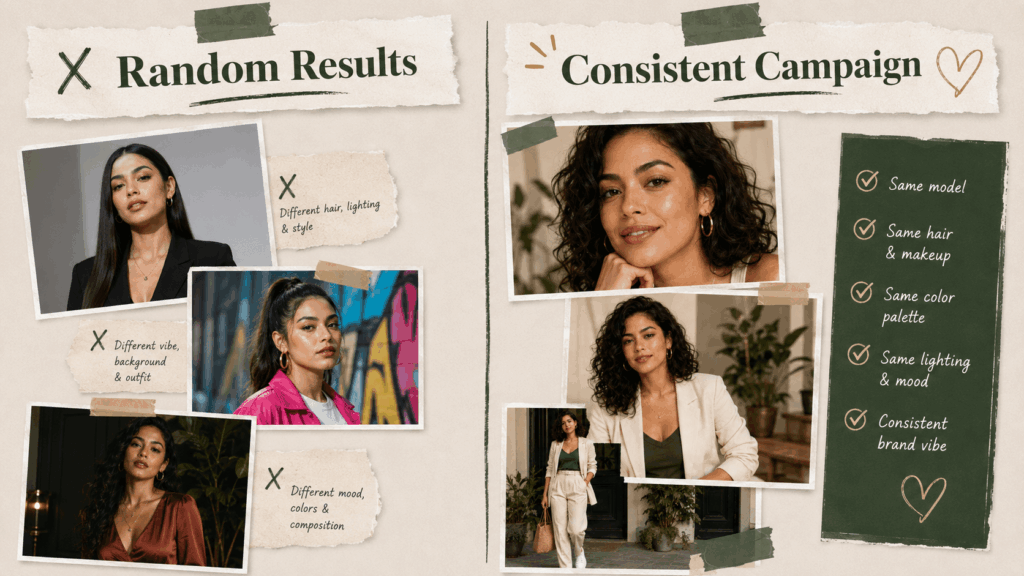
However, it can be hard to keep that style. One image may use soft daylight. The next may look dark and dramatic. In addition, the face, hair, or outfit may change too much.
An AI Latina Generator gives you more control. Still, you need a clear plan. Therefore, do not focus only on making many images. Focus on making images that belong together.
An AI Latina Generator Can Create More Than Portraits
A portrait is only the first step. The tool can also help you build a full visual set.
For example, one campaign may need:
- A close-up beauty portrait
- A waist-up product image
- A full-body lifestyle photo
- A wide website banner
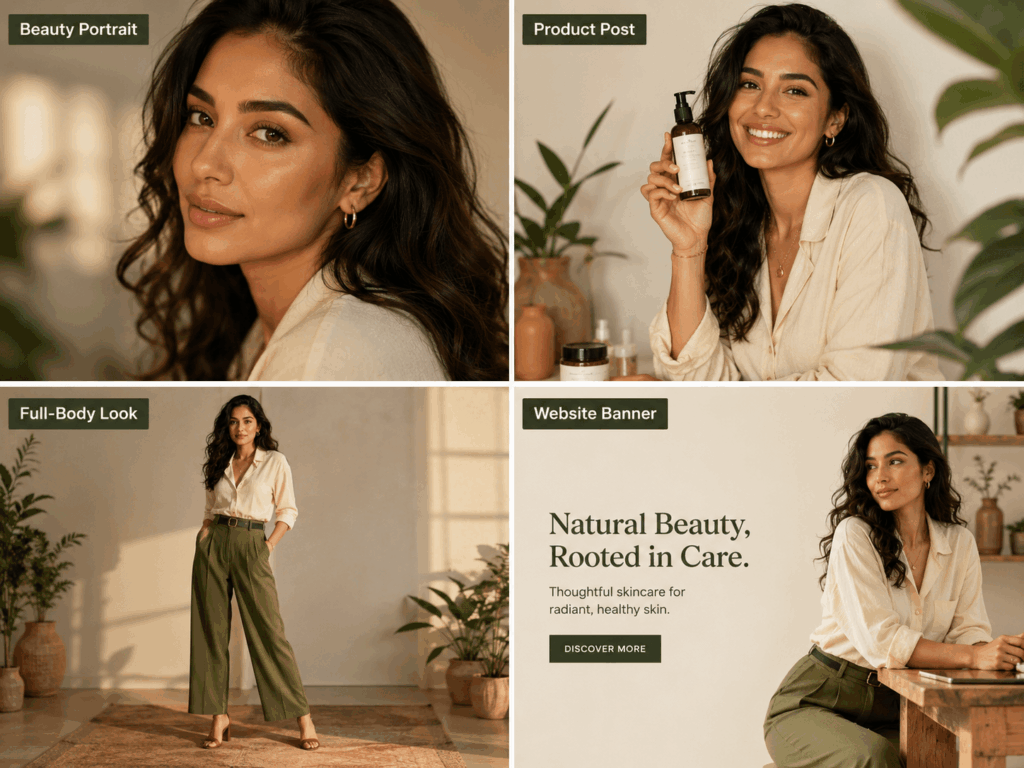
These images do not need the same layout. However, they should share the same person, colors, clothing style, and mood.
Because of this, the campaign can look more polished.
🎯 Plan Your AI Latina Generator Project First
Before you write a prompt, decide what the campaign should say.
A creative brief does not need to be long. Instead, it only needs a few clear ideas.
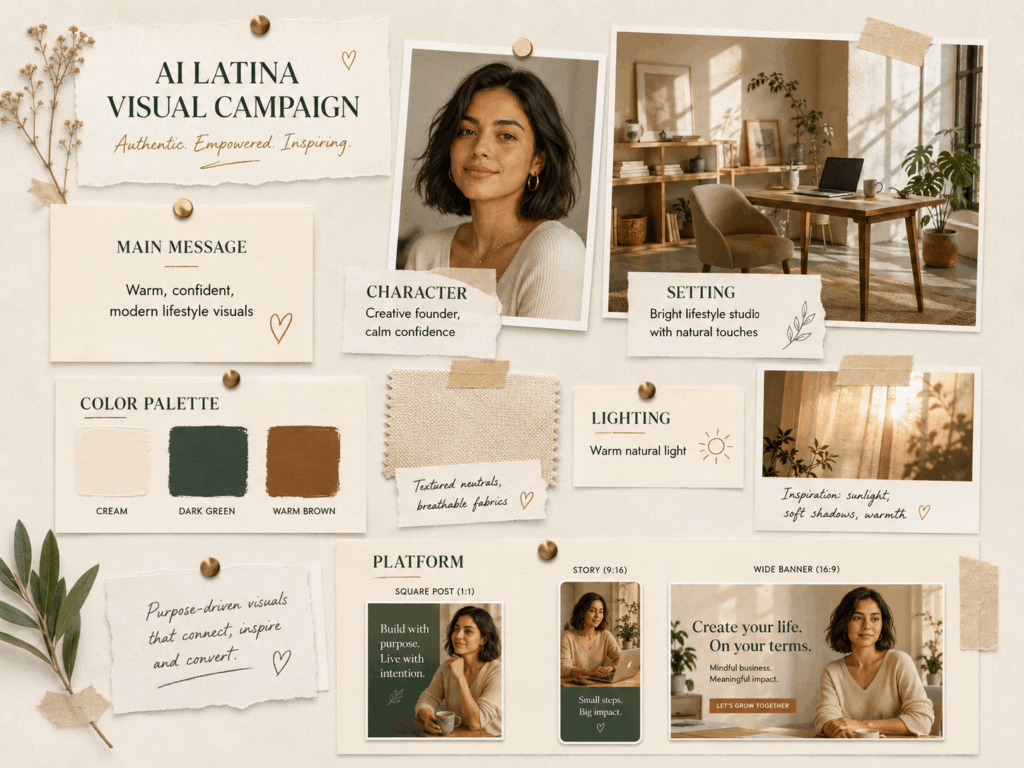
Choose One Main Message
First, choose the main feeling or message.
For example, a skincare campaign may feel calm and fresh. A travel campaign may feel warm and active. Meanwhile, a fashion campaign may feel bold and stylish.
Once the message is clear, the other choices become easier.
Ask yourself:
- What am I promoting?
- Who should like this image?
- What feeling should it create?
- Where will I use it?
The last question is important. Each platform needs a different image shape.
Create a Simple Character Profile
Next, describe the person as a full character.
Do not only list hair, skin tone, and clothes. Instead, add a job, mood, interest, or daily setting.
For example:
“A confident jewelry designer in her early thirties. She works in a bright studio and is preparing a new collection.”
This profile gives the AI Latina Generator more direction. It also helps you create new scenes with the same person.
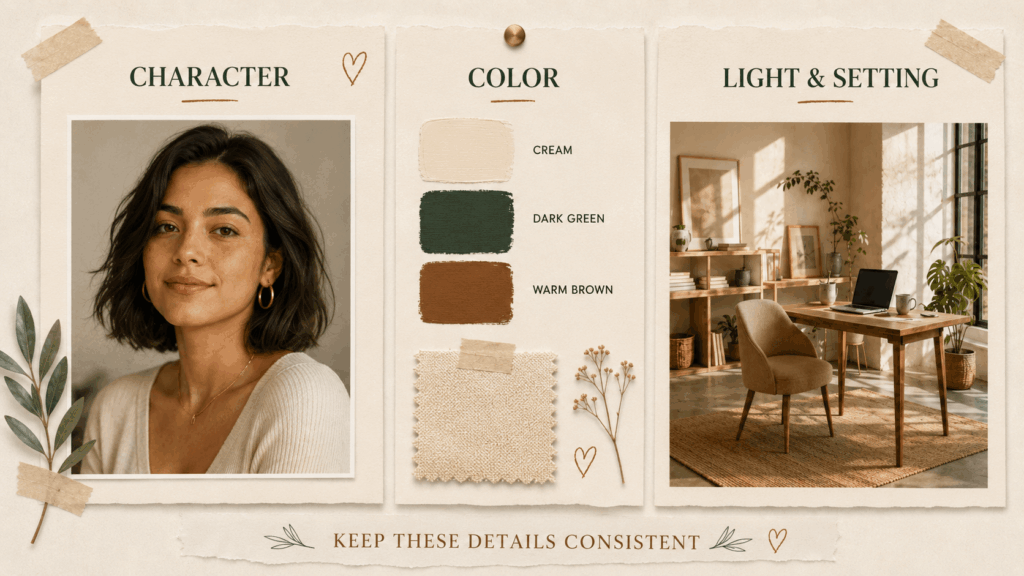
Pick Three Visual Anchors
Visual anchors are details that stay the same.
For example:
- Shoulder-length dark curls
- Cream and dark green clothes
- Warm afternoon light
- A modern craft studio
Repeat these details in your main prompts. As a result, the images are more likely to match.
However, do not keep every detail the same. Change the pose, action, or camera view. This keeps the series fresh.
🪄 How to Build a Series with AI Latina Generator
A simple process can make the work easier.
Step 1: Create the Main Character Image
First, create one strong portrait.
This image should show the person’s face, hair, clothes, mood, and lighting. At this stage, keep the pose simple. Also, avoid a busy background.
Prompt example:
“Latina jewelry designer in her early thirties, shoulder-length dark curls, cream linen shirt, calm expression, bright craft studio, warm window light, realistic editorial photo.”
Once the image looks right, use it as your main style guide.
Step 2: Keep the Person and Change the Shot
Next, create more views of the same person.
For example, try:
- A close-up portrait
- A medium shot at the desk
- A full-body studio photo
- A wide image with space for text
Keep the same hair, clothes, colors, and lighting. Then, change the action.
She could draw a sketch, arrange products, hold a tool, or check a finished design.
As a result, the images will look different but still feel connected.
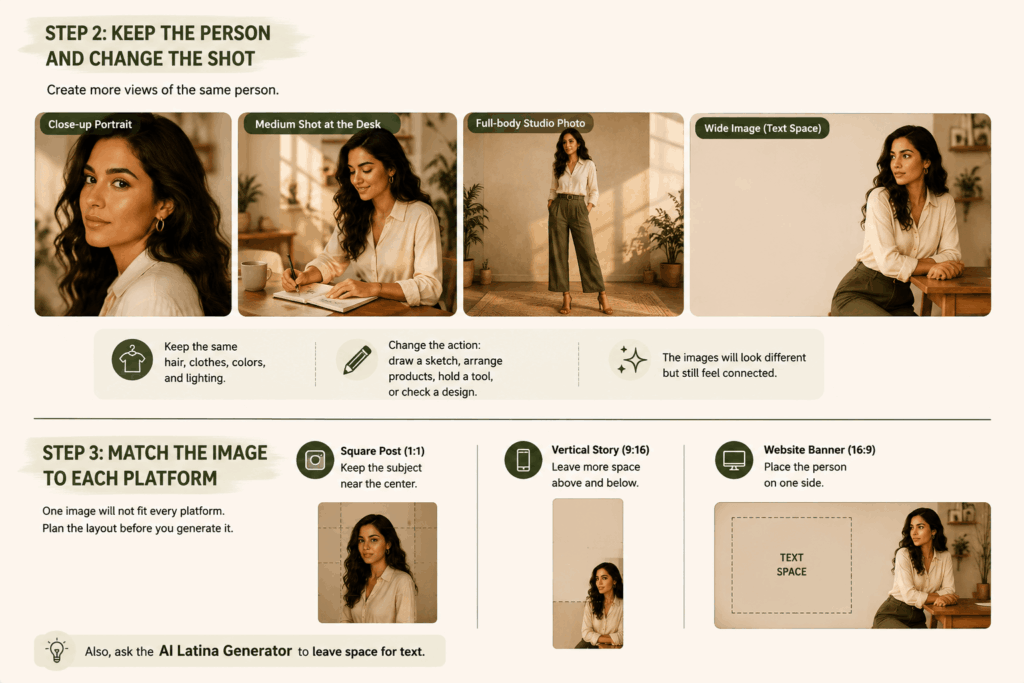
Step 3: Match the Image to Each Platform
One image will not fit every platform. Therefore, plan the layout before you generate it.
For a square post, place the subject near the center. A vertical story needs more space above and below. Meanwhile, a website banner works best when the person appears on one side.
Also, ask the AI Latina Generator to leave space for text.
Step 4: Add Detail Images
Not every image needs to show a face.
You can also create close-ups of hands, tools, products, clothes, packaging, or the work area.
For example, a jewelry campaign may include metal tools, design sketches, a necklace, and sunlight on a desk.
These detail shots add variety. In addition, they can make a feed or landing page feel less repetitive.-up of metal tools, a notebook with sketches, a finished necklace, and sunlight across the studio table.
🌎 Avoid One Fixed Latina Look
There is no single Latina face, style, body type, job, or background.
Therefore, an AI Latina Generator should not create the same narrow image again and again.
Instead, explore different ages, careers, body types, hairstyles, places, and personal styles.
One campaign may show a young fitness coach. Another may show a middle-aged restaurant owner. Meanwhile, a third may feature an older ceramic artist.
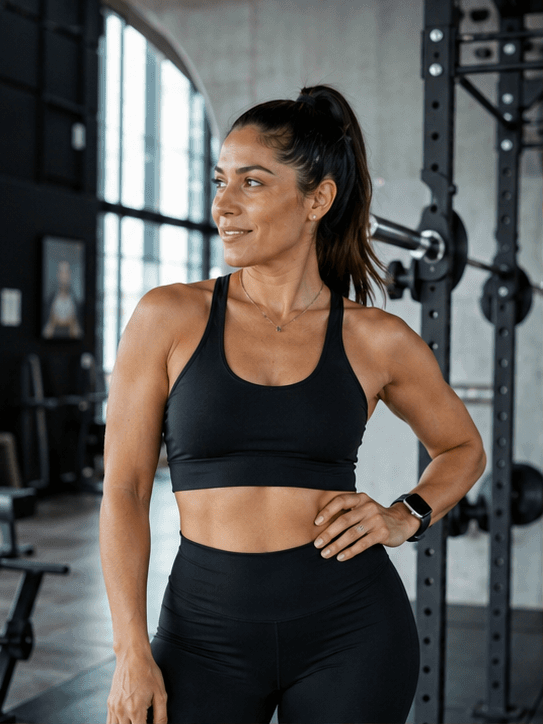
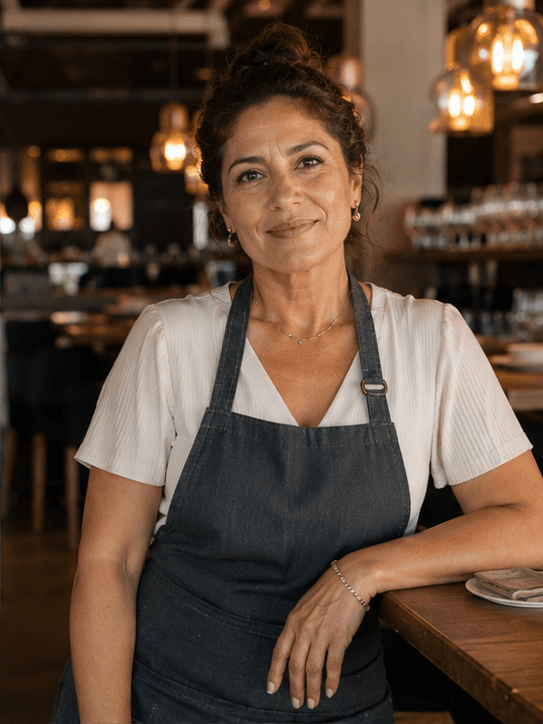
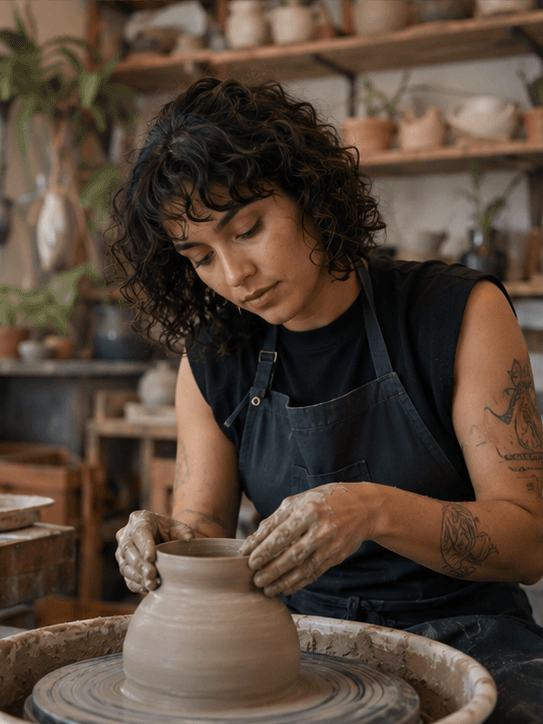
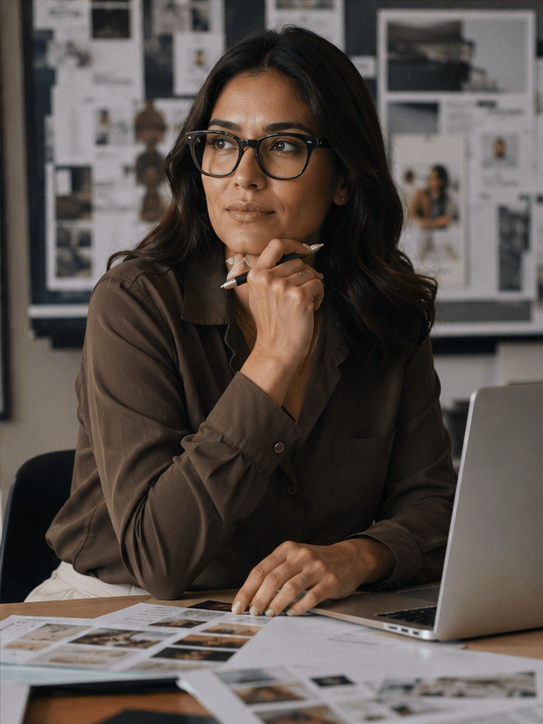
These characters do not need loud cultural symbols. A clear story is often enough.
Also, use cultural clothing or objects with care. They should fit the scene and have a real purpose.
🚀 Who Can Use an AI Latina Generator?
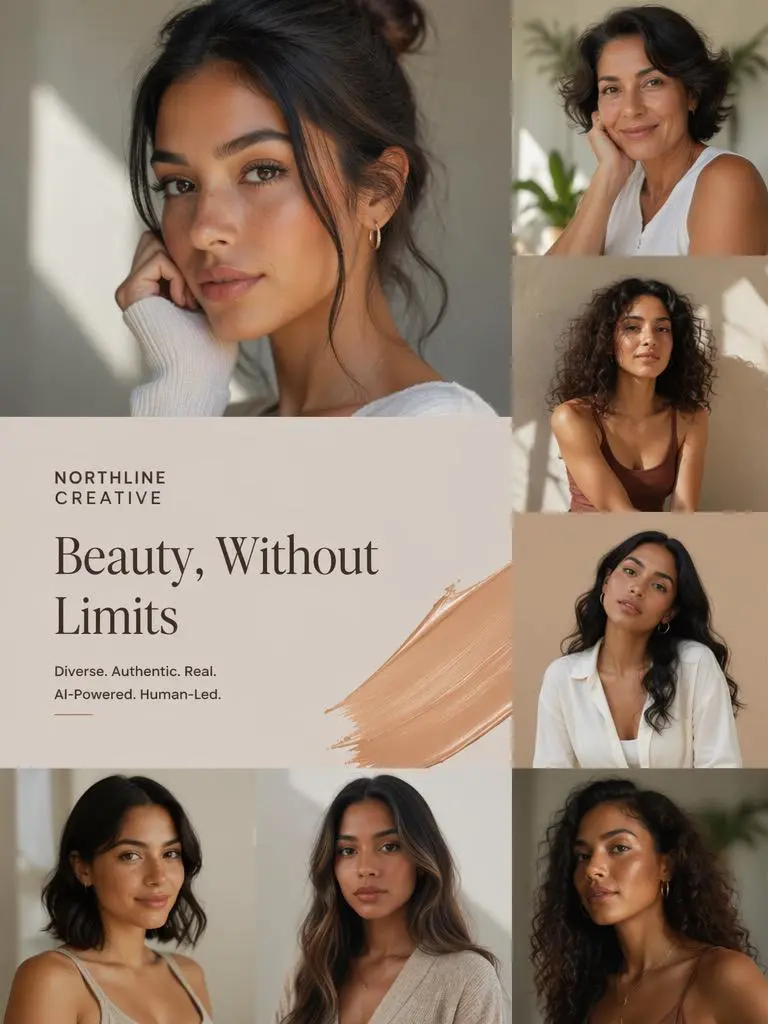
Small brands can use it to test visual ideas before a real photoshoot. Content creators can also build a full week of connected posts.
Meanwhile, designers can use the images in mood boards and early layouts. Writers can use them to shape characters and story worlds.
However, AI images should not be shown as real news photos or real community records. Human review is still important.
❓ AI Latina Generator FAQ
How Can I Keep the Same Style?
Repeat the same character profile, colors, clothes, setting, and lighting. Then, change only the pose, action, or camera view.
Does Every Image Need the Same Person?
No. One main person can create a clear story. However, detail shots and setting images can add variety.
Can an AI Latina Generator Create Different Image Sizes?
Yes. Add the image format to the prompt. For example, ask for a square post, vertical story, or wide banner.
🌟 Final Thoughts
An AI Latina Generator is more useful when you plan a full series.
First, choose one campaign message. Next, create a clear character. Then, keep a few visual details the same.
After that, generate different shots for different platforms. Finally, check the face, hands, clothes, and background before you publish.
Consistency does not mean every image must look the same. Instead, it means every image should feel like part of the same story.
Go to WeShop AI For Exploration: