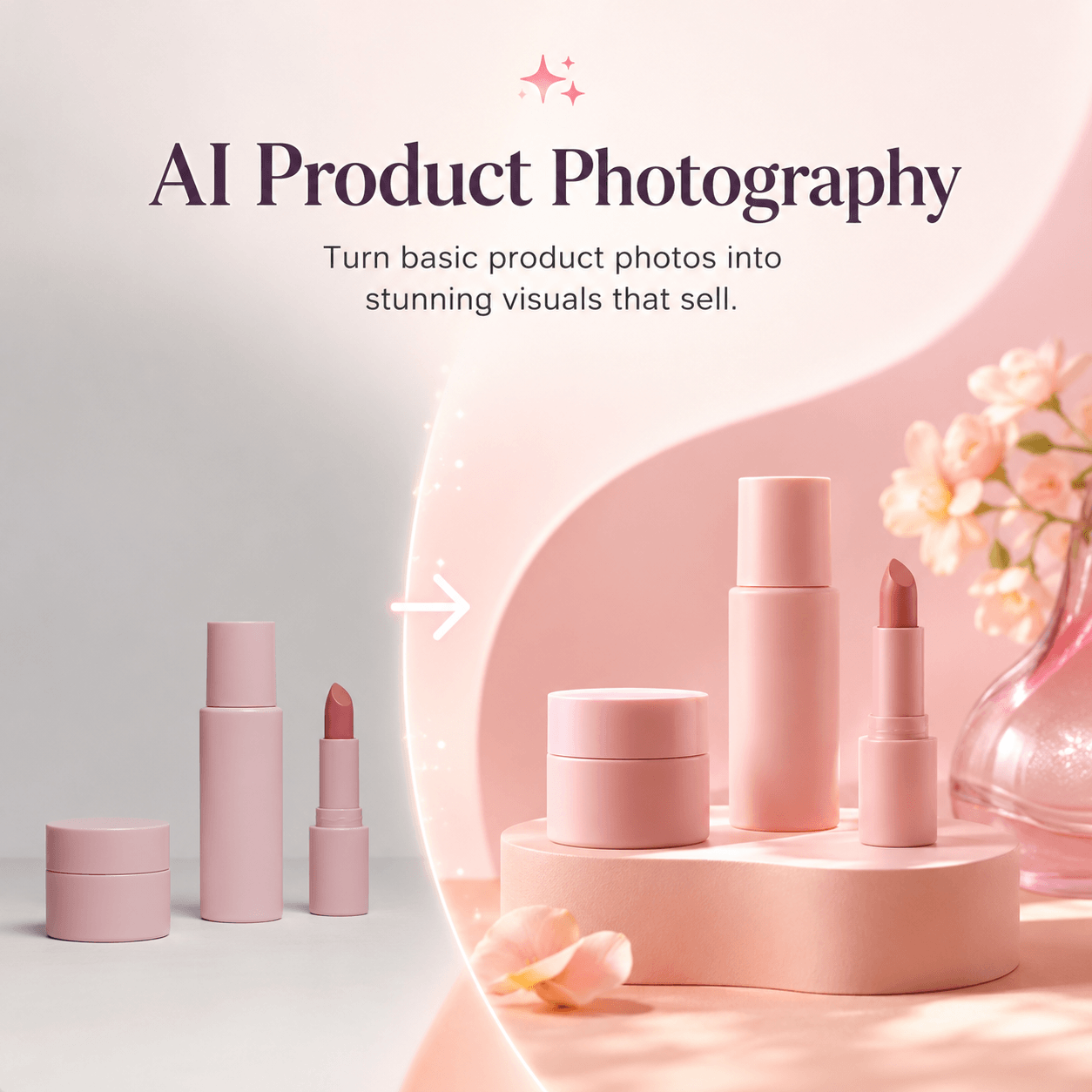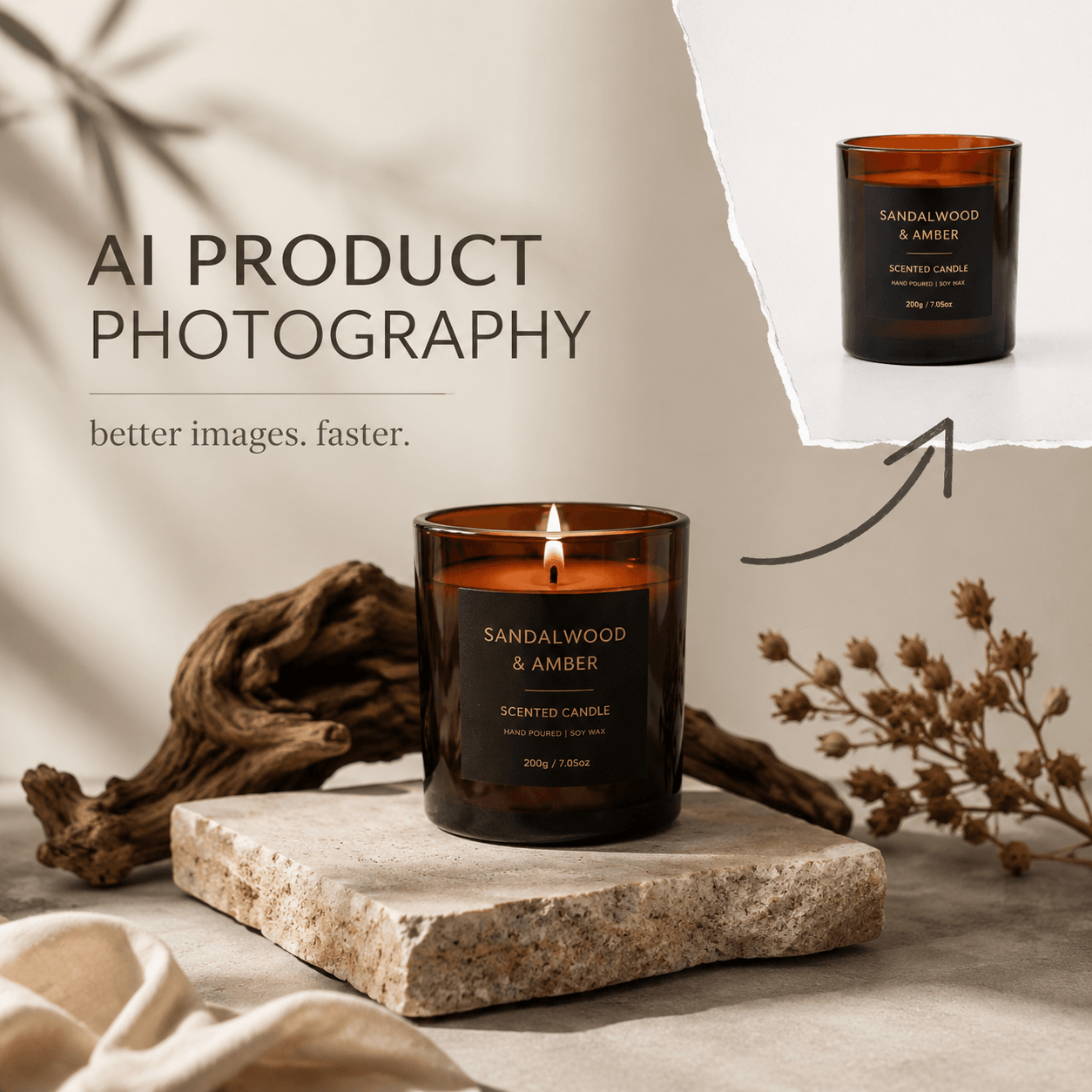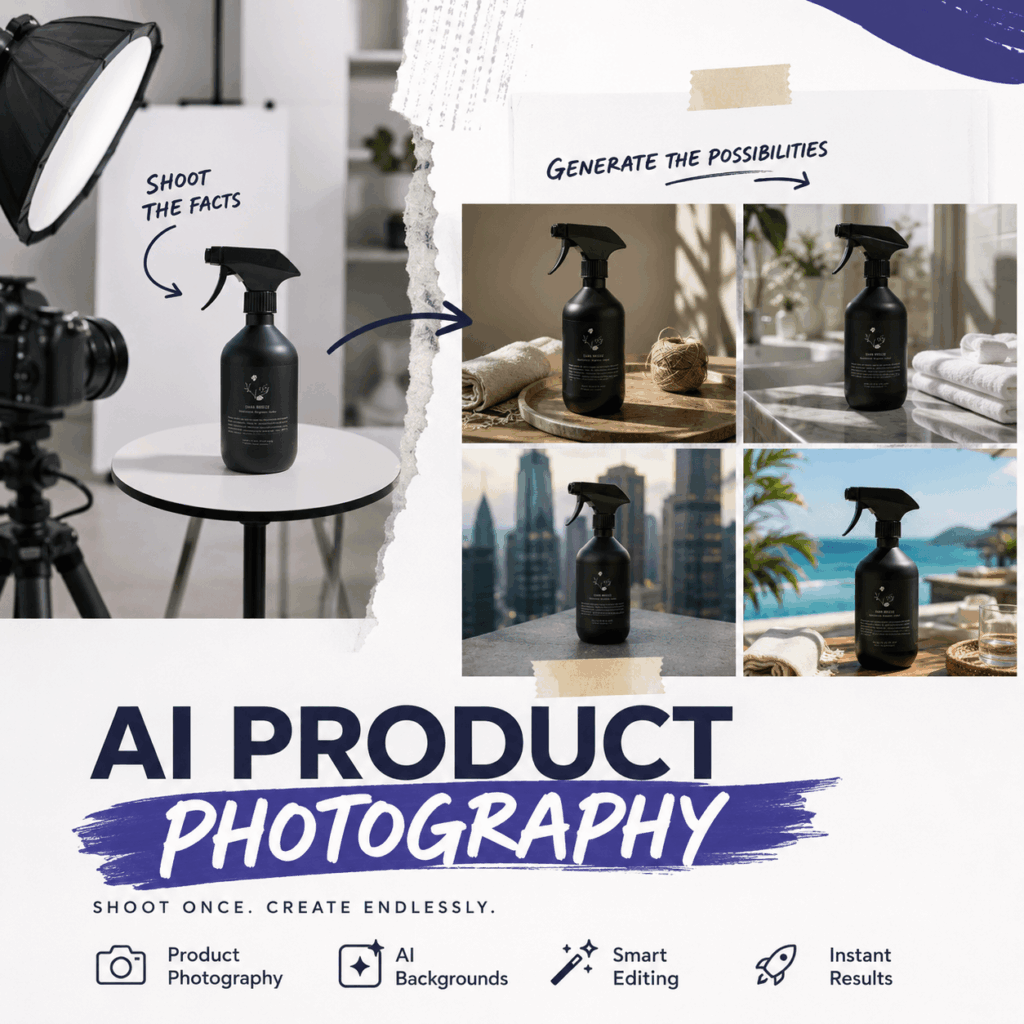
A smart AI product workflow does not replace every photoshoot. Instead, it gives each image a clear job. Some images must prove what the customer will receive. Others can create mood, context, and new campaign ideas.
That difference matters because ecommerce images serve two goals. First, they need to build trust. Then, they need to build desire. Real photography is often stronger at showing product facts. Meanwhile, AI is better at expanding scenes, formats, and creative directions.
Therefore, the best system is not “camera or AI.” It is a hybrid workflow that uses both with care.
The Core Rule for Every AI Product Image
Before making an image, ask one simple question:
Does this image prove a fact, or does it create a feeling?
A factual image shows color, size, material, packaging, fit, or function. Because customers use it as evidence, accuracy must come first.
A creative image does a different job. For example, it may show the product in a summer setting, a luxury bathroom, or a city campaign. Its goal is to help shoppers imagine the product in their lives.
Both image types are useful. However, they should not be treated in the same way.
What You Should Still Shoot
Shoot the Product Facts
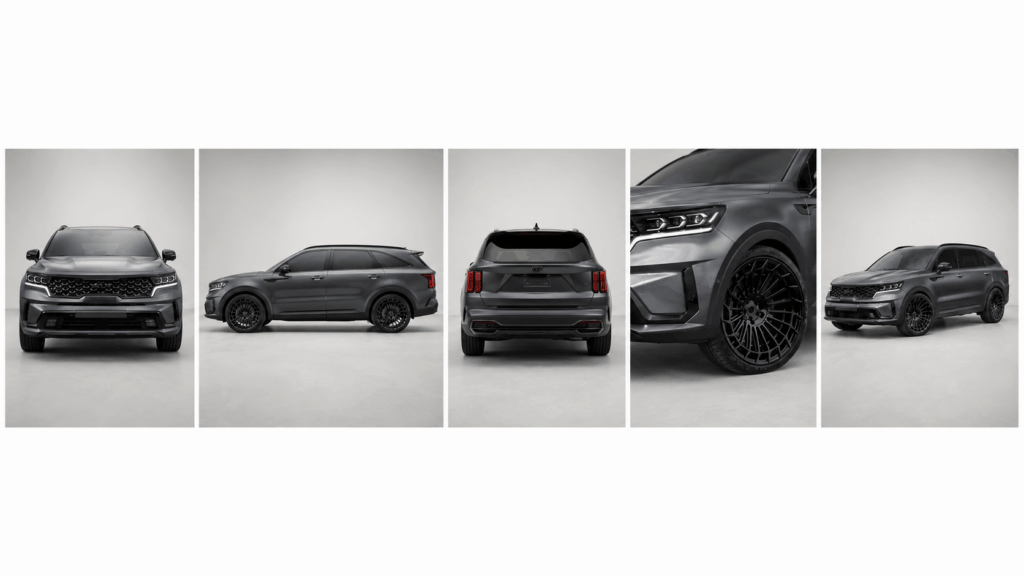
Start with a clean master image set. These photos should show the real product without visual tricks.
For example, capture the front, side, back, packaging, and key details. Also, use even light so the true color is easy to judge. A simple background works well because it keeps the product clear.
Most importantly, shoot anything that may affect a buying decision. That includes logos, labels, seams, hardware, buttons, closures, and included parts.
AI can sometimes change small details. As a result, it should not become the only source of truth.
Shoot Fit, Scale, and Function
Some details are hard to explain without a real reference. Therefore, fit and scale should usually begin with photography.
A bag may look larger online than it really is. Similarly, a bottle can appear taller when there is no size reference. Clothing may also look different when the fabric moves on a real body.
For that reason, photograph the product in use. Show the bag on a shoulder, the ring on a hand, or the lamp inside a real room.
You should also shoot real product functions. For instance, show how a lid opens, how a strap adjusts, or what fits inside a pocket.
These images reduce doubt. In addition, they lower the risk of creating the wrong expectation.
Shoot Claims That Customers May Question
A product claim should have real visual support.
For example, photograph the actual result when you need to prove:
- Water resistance
- Product capacity
- Fabric stretch
- Packaging contents
- Before-and-after results
- Adjustable features
- Material thickness
Do not rely on an AI image when the visual acts as evidence. Otherwise, the image may create a promise the product cannot meet.
What AI Product Tools Should Generate
Generate New Settings and Campaign Moods
Once the product facts are secure, AI can expand the visual world around them.
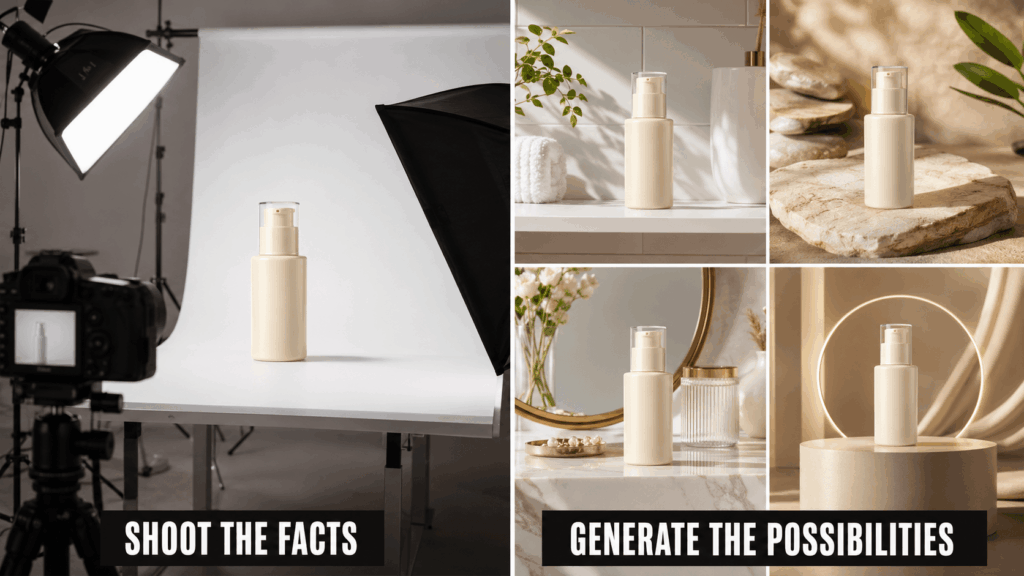
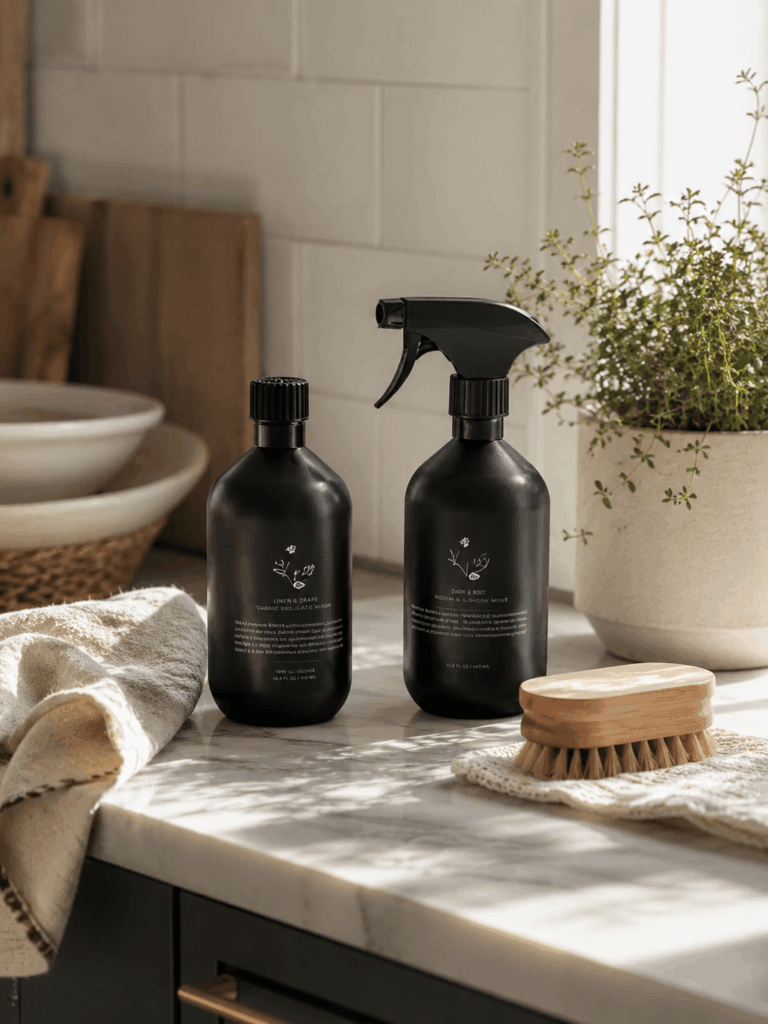
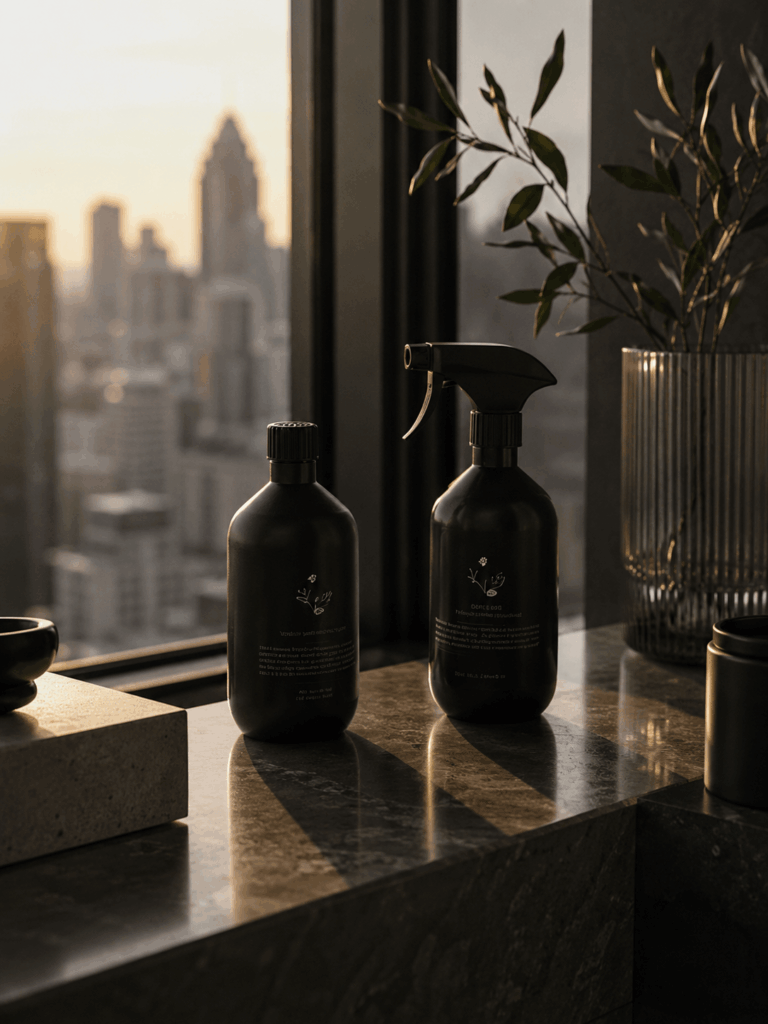
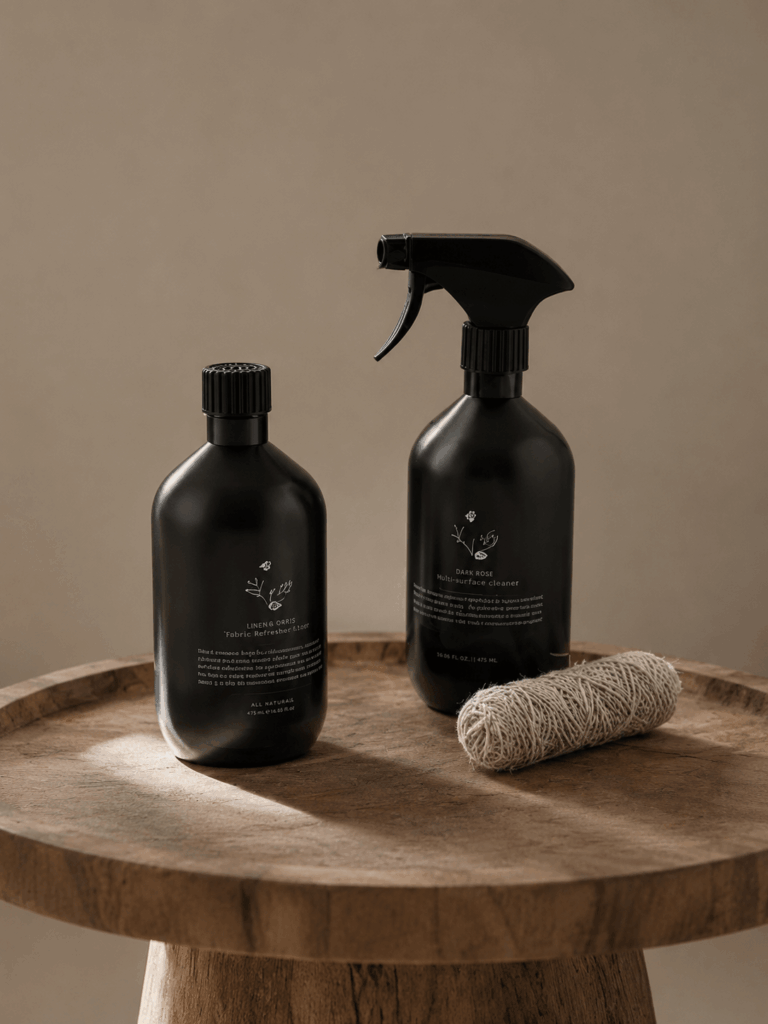
For example, one skincare bottle can move from a plain studio shot to a morning bathroom, a spa scene, or a summer campaign. A handbag can appear in an office, café, city street, or holiday setting.
This is where AI product creation becomes valuable. Instead of rebuilding every set, a brand can test several directions from one trusted source image.
Moreover, these scenes can support different brand moods. The same product may feel clean, playful, premium, calm, or bold.
Still, the product itself should remain stable. The background can change, but the shape, color, label, and material should stay accurate.
Generate Seasonal Campaigns
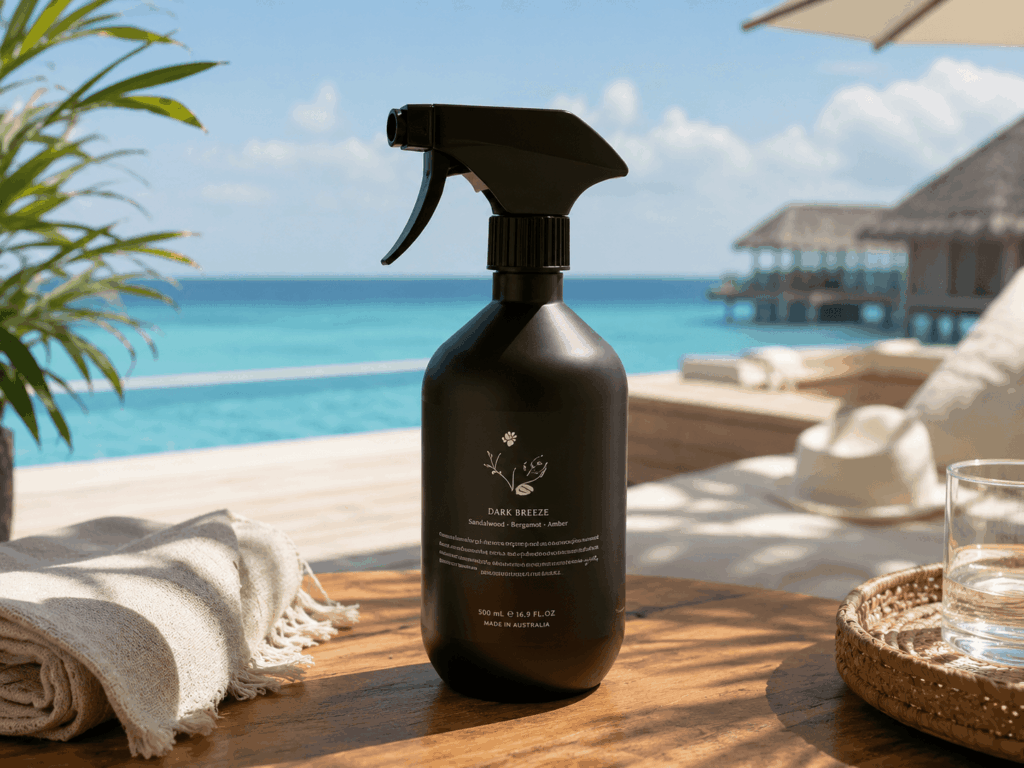
A product may stay the same throughout the year. However, the campaign around it often changes.
Therefore, AI can help create:
- Summer launch visuals
- Holiday promotions
- Valentine’s Day campaigns
- New Year content
- Spring color stories
- Premium editorial scenes
These images do not need to prove every product detail. Instead, they should create attention and emotion.
Even so, product accuracy still matters. The scene may change, but the item being sold must remain recognizable.
Generate Channel-Specific Layouts
One image rarely works well everywhere.
A product page may need a square image. However, a paid advertisement may need a vertical layout. A homepage banner also needs more space around the product.
Therefore, AI can help rebuild the composition for each channel.
You can create:
- Square product graphics
- Vertical social posts
- Horizontal website banners
- Email campaign headers
- Paid advertising variations
In every version, keep the product easy to see.
Do not simply stretch one image into every size. Instead, adjust the framing, empty space, and product position for each format.
As a result, the visual feels planned rather than cropped.
Where AI Product Images Need Extra Care
Some products sit between fact and imagination. In those cases, the team needs a stricter review.
Fashion Fit
AI can create new poses, models, and campaign scenes. However, real references should still prove exact fit, length, and fabric behavior.
For example, a generated fashion image may look attractive. Still, it should not make a loose dress appear fitted or change the real sleeve length.
Beauty and Food
AI can build a strong environment around skincare, cosmetics, or packaged food. Yet it should not invent results, textures, ingredients, or performance claims.
A skincare image can show a calm bathroom scene. However, an AI-generated skin result may be misleading.
Products That Are Not Finished Yet
AI may help visualize an early concept. Nevertheless, a concept image should not be presented as final product proof.
If the real item may still change, clearly separate concept visuals from final ecommerce images.
A useful rule is simple: inspiration can be flexible, but a product promise must be accurate.
A Simple AI Product Shoot-or-Generate Workflow
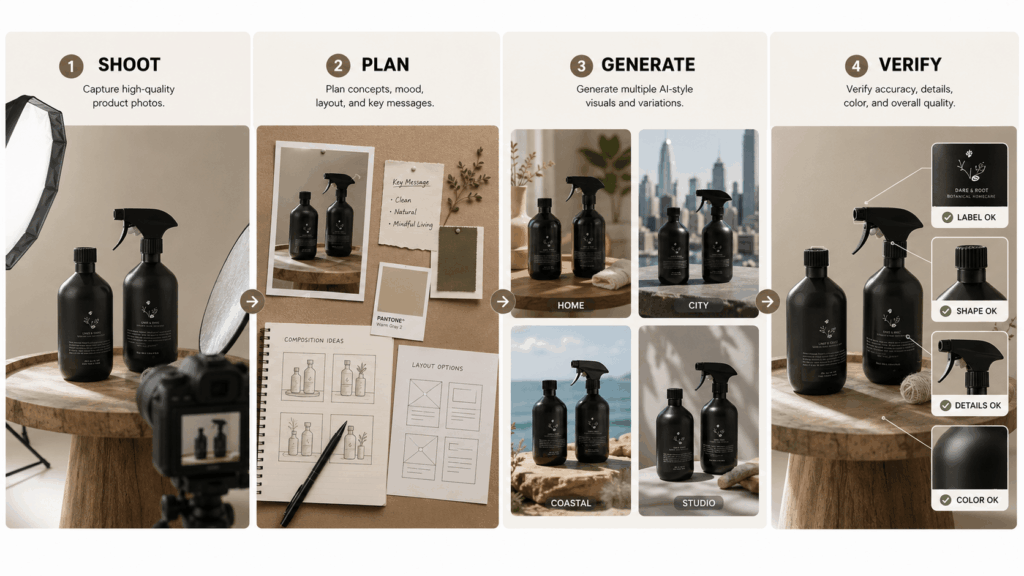
Step 1: Photograph the Real Product
First, capture the product from every useful angle.
Check the color, text, packaging, texture, and proportions. Then, save these files as the permanent reference set.
These photos will help your team review every generated result later.
Step 2: List the Images You Still Need
Next, review the product page and campaign plan.
Do you need a lifestyle image, seasonal banner, social post, or advertisement? Write down each missing asset before generating anything.
This step saves time because every image has a clear purpose.
Step 3: Give Each AI Product Image One Job
Now, write a narrow visual brief.
For example:
“Create a warm bathroom lifestyle image for the second product-gallery position. Keep the bottle shape, pump, label, and cream color unchanged. Use soft morning light and a clean stone shelf.”
A focused brief is easier to review. It also produces more consistent results.
Avoid asking for a product image, social advertisement, homepage banner, and editorial campaign in one prompt. Instead, create one format at a time.
Step 4: Compare the Result With the Master Photo
Finally, check the generated image against the real product.
Review the:
- Shape
- Color
- Logo
- Label
- Material
- Size cues
- Included parts
- Closures and hardware
Also, zoom in on small details before approval.
If a beautiful image changes the product, reject it.
A Quick AI Product Decision Test
Before creating any ecommerce image, ask these four questions:
- Will the customer use this image to confirm a product detail?
- Could an error cause disappointment or a return?
- Is the image showing a fact or creating a mood?
- Can the final result be checked against a real photo?
If the image proves a fact, shoot it.
If the product is already verified and the goal is a new scene, format, or campaign, generate it.
When both jobs appear in one image, use real photography as the base. Then, use AI as the creative layer.
Common Mistakes in an AI Product Workflow
Generating Before Building a Master Image Set
Without strong source images, the team has no reliable comparison point. Therefore, product errors become harder to notice.
Using AI to Prove Product Features
A generated image should not confirm a feature that was never photographed. Instead, use real evidence for fit, function, and performance.
Creating Attractive Images With No Clear Placement
A beautiful image is not always useful. Before generating it, decide whether it belongs on a product page, homepage, advertisement, or social post.
Approving the Mood but Ignoring the Product
Teams often review the background first. However, the item being sold deserves more attention.
Always inspect the product before approving the atmosphere.
FAQ About AI Product Images
Can AI Replace a Full Product Photoshoot?
Not completely. A brand still needs real master images. However, AI can reduce repeated location, prop, model, and seasonal shoots.
What Is the Best Photo to Upload?
Choose a sharp image with the full product visible.
In addition, use clear edges, even light, and a simple background. Avoid photos where hands, props, or shadows hide important details.
Can I Use AI Product Images on Shopify?
Yes, after a careful accuracy check.
Also, prepare the correct size and composition for each placement. A product-gallery image, homepage banner, and social advertisement should not all use the same layout.
Shoot the Facts. Generate the Possibilities.
Real photography records what the product is. In contrast, AI expands where it can go and how it can be presented.
Therefore, the strongest workflow starts with truthful master photos. It then uses AI product tools for lifestyle scenes, seasonal campaigns, advertising formats, and creative tests.
The goal is not to choose one side. Instead, build a system in which every image is accurate, useful, and ready for its channel.
Go to WeShop AI For Exploration: