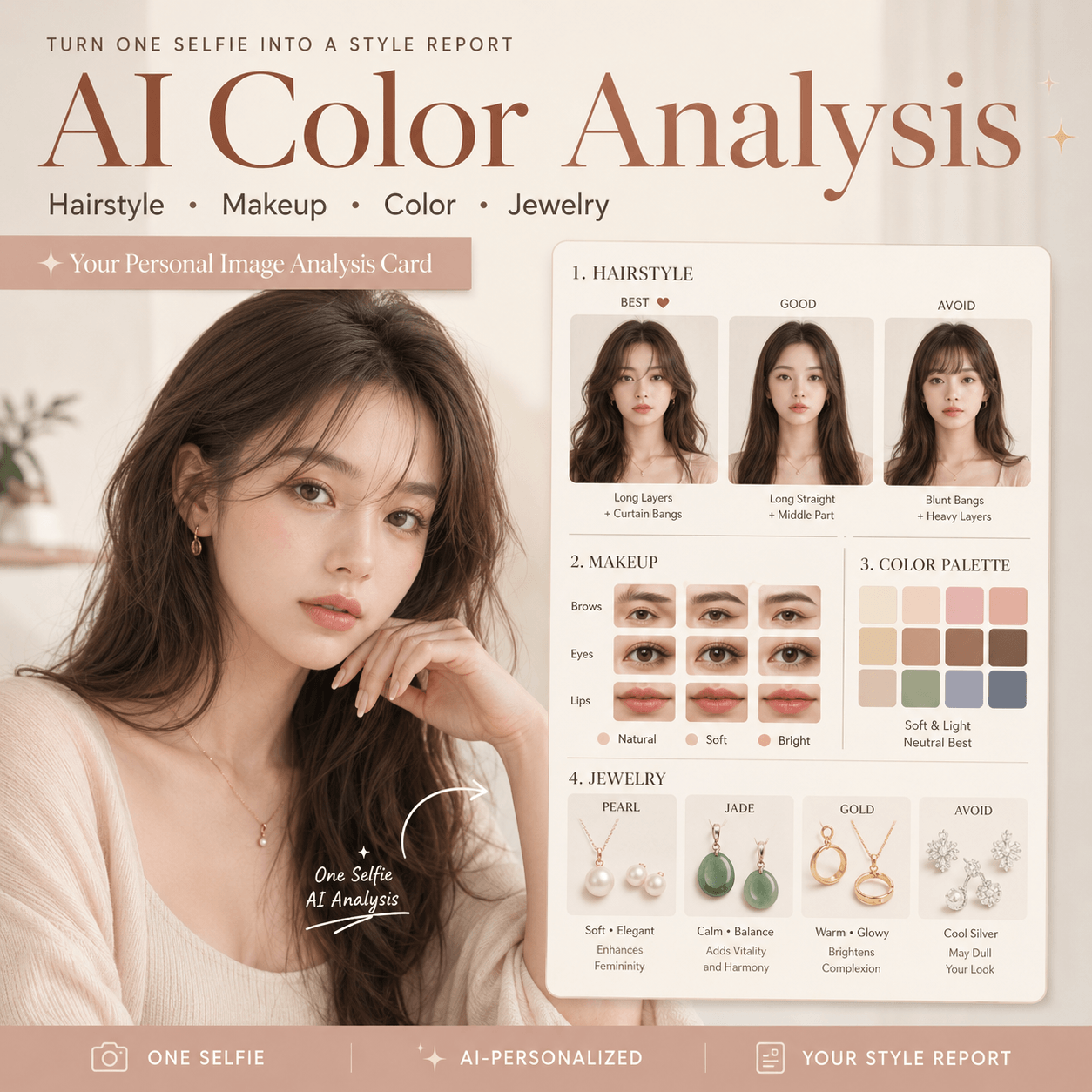
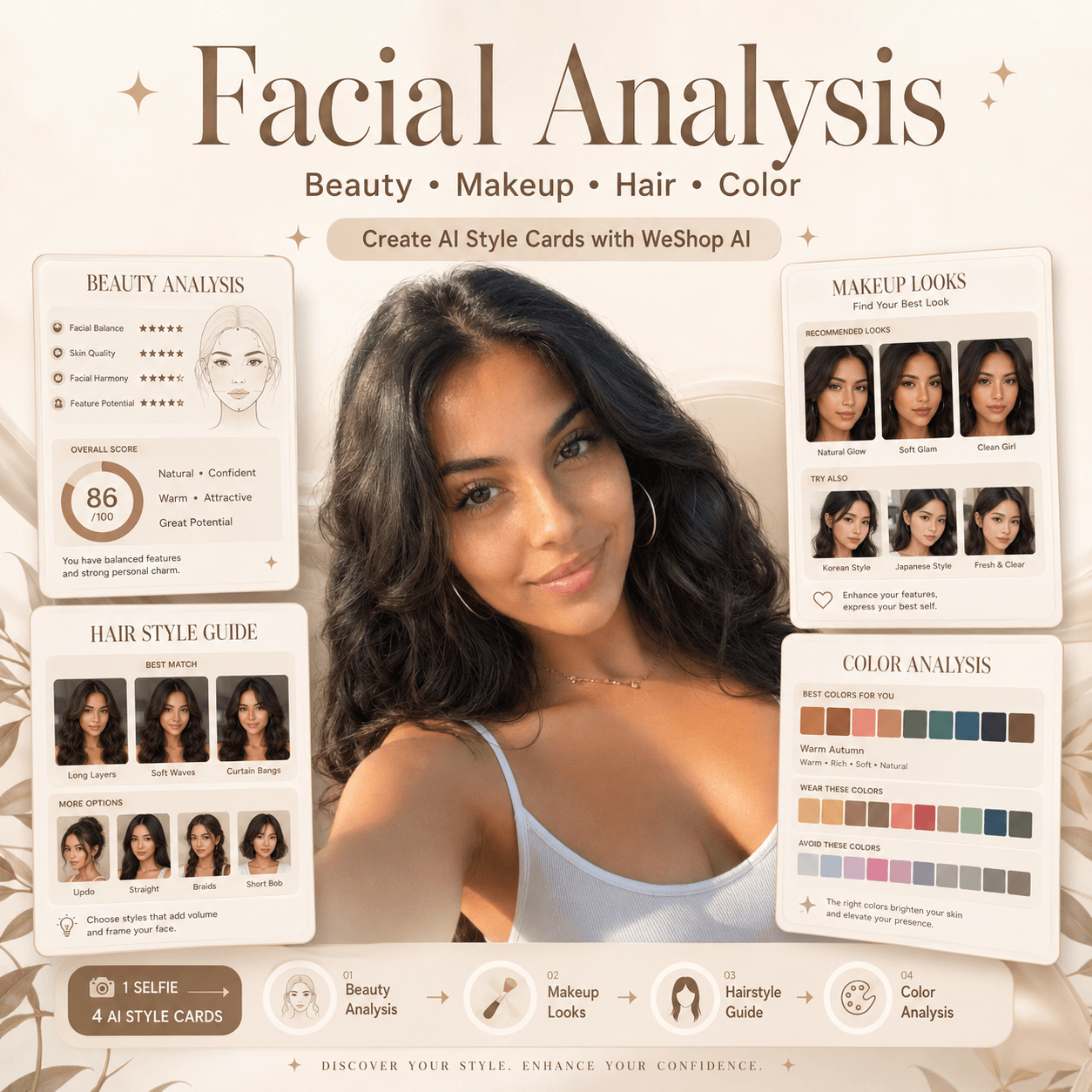
I used to think that taking a set of high-quality workplace image resume photo was time-consuming and expensive, but it wasn’t until recently that I deeply experienced the power of AI drawing that I really realized the “authority” of AI tools such as GPT! With just an ordinary daily tourist photo and a precise “magic instruction”, you can have an “American elite ID photo” with its own typography and excellent texture in a few minutes.
This tutorial will teach you step by step how to use AI tools to seamlessly transform casual life photos into professional resume photos suitable for your resume, LinkedIn homepage, or personal IP introduction. No need to go to an offline studio, Xiaobai can easily do it!
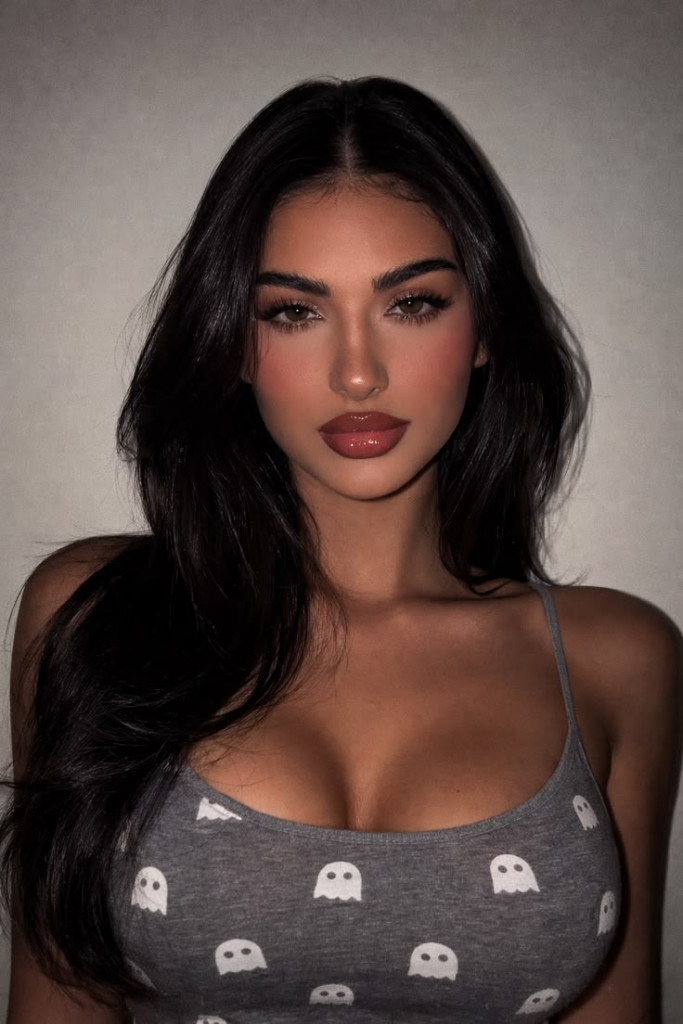
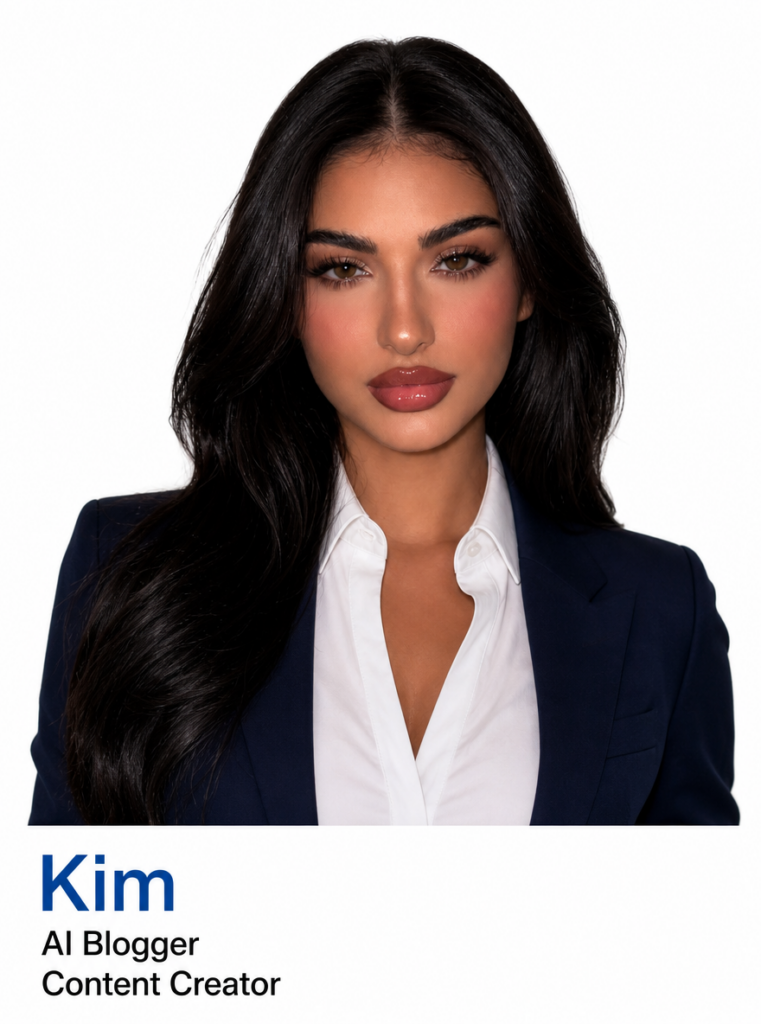
Preparation / Required tools
Before you begin, make sure you have the following tools and assets ready:
- Core tool: WeShop GPT image generator (access link: https://www.weshop.ai/tools/gpt-image)
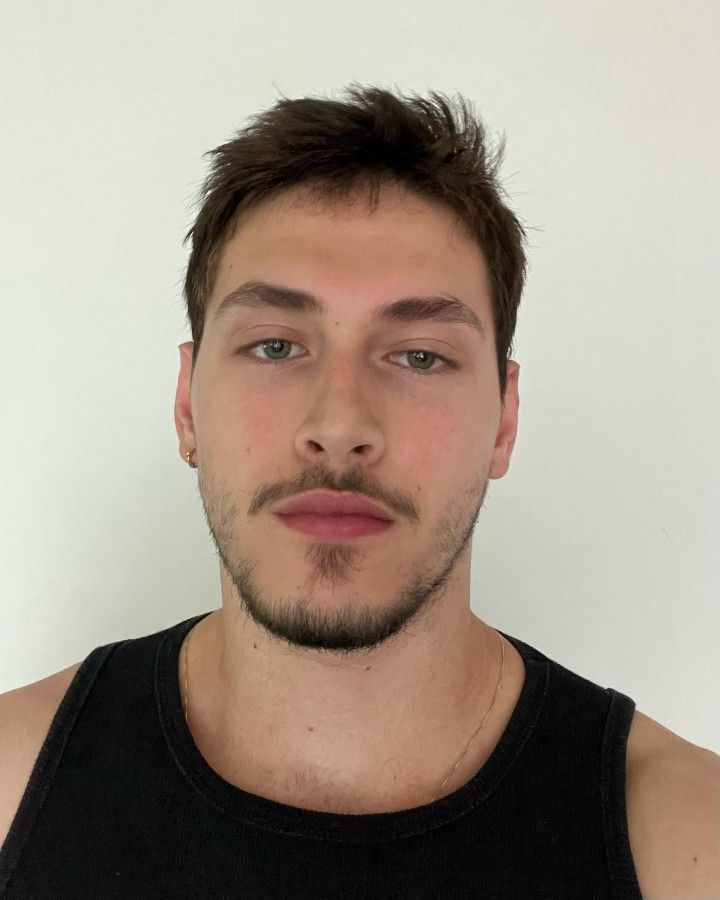
- Profile photo material: A daily photo of the person with clear facial features and even lighting (reference legend: life photo/tourist photo is acceptable).
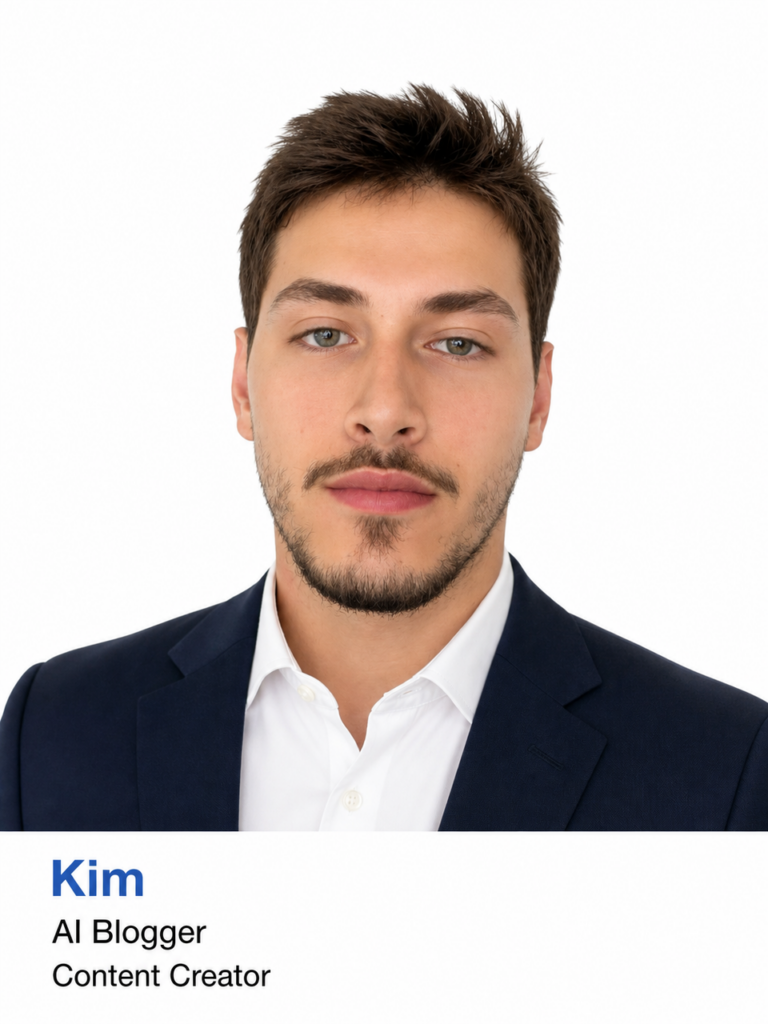
- (Optional) Typography Reference Image: A screenshot of a business card/ID photo with a plain white background at the bottom and text typography to help the AI better understand your desired typography format.
Detailed step-by-step guide
Step 1: Prepare and upload your base photo
Open the prepared WeShop AI tool page. Find the image upload area in the operation interface, and upload your personal daily photos (such as daily travel photos, life photos) to the system as a basic reference map (Subject). If you have a reference image for the layout, you can also upload it as a reference image.
💡 Tips / Pitfall Avoidance Guide: Try to choose the original image where the face is not severely obscured and there is no exaggerated filter deformation, the more accurate the AI’s recognition of the facial features, the more the final effect will be like you.
Step 2: Copy and Enter the “Prompt”
Once the image is uploaded, find the “Prompt” input box on the page. This step is key to determining the style of the photo and the texture of the typography. Please copy the following polished English instructions directly and paste them into the input box
Code Block:

1 Generate a business-style professional portrait with the same layout, style, and typography as the reference image (Image 1).
2 Subject:
3  Based on the provided user photo, create a refined professional portrait. Enhance the facial contours, smooth the skin texture, and design a polished business hairstyle that complements the face shape.
4 The person is wearing a dark navy blazer paired with a crisp white shirt. The overall appearance should be clean, professional, and suitable for a resume-style or business profile portrait.
5 Background:
6 The background should be solid pure white.
7 Bottom Text Layout (strictly follow the reference):
8  There is a full-width pure white banner area at the bottom of the image. All text must remain within this area.
9 Line 1: Left-aligned blue text reading “Kim”. The font, size, and color should exactly match the first blue line in the reference image.
10 Line 2: Left-aligned black text directly below Line 1, reading “AI Blogger”. The font, size, and color should match the second line in the reference image.
11 Line 3: Left-aligned black text directly below Line 2, reading “Content Creator”. The font, size, and color should match the third line in the reference image.
12 Overall Style:
13  Maintain a clean, polished, and professional corporate portrait aesthetic consistent with the reference image. Use soft, even lighting. Ensure the final image is high-resolution, sharp, and visually refined, suitable for resume and business profile use.
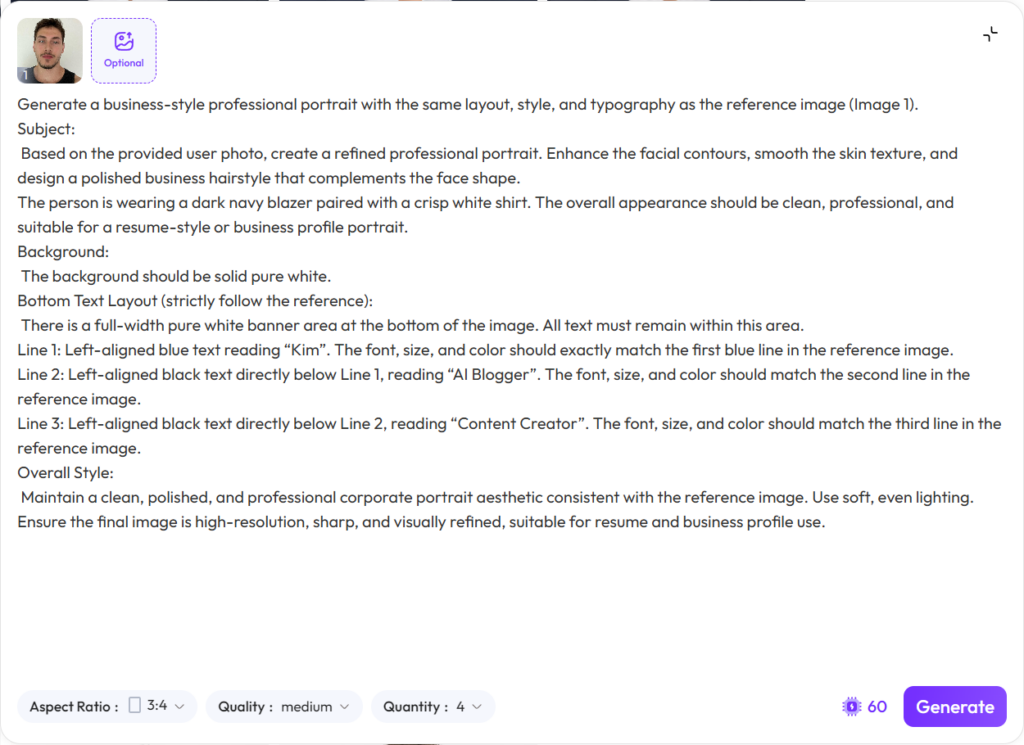
Step 3: One-click generation and effect acceptance
Click the “Generate” button and wait for the AI to process. In a few seconds, the AI will automatically optimize your face, adjust your makeup, change your outfit (dark blue suit + white shirt), and generate a personal typography with standard blue and black fonts at the bottom.
Advanced Tips / Frequently Asked Questions (FAQs)
Q1: How do I modify my name and professional title at the bottom of the photo?
It’s that simple! You just need to find the following sentences in the English command just copied and replace them:
- Replace “Kim” with your real name or English name
- Replace AI Blogger and Content Creator with your current real occupation (such as Product Manager, Graphic Designer, etc.)
Q2: What if I don’t want to wear a dark blue suit?
You can customize your outfits. Find in the instructions The person is wearing a dark navy blazer with a crisp white shirt. This sentence is modified to your favorite outfit. For example, if you want a gray suit, you can change it to The person is wearing a light grey suit…
Q3: Why do the generated resume photos not look like me?
AI generation occasionally produces “excessive beauty”. If you find that it doesn’t look like it, it is recommended to replace it with a frontal original picture with better lighting and no bangs that seriously obscure the facial features and try again.
As long as you find the right tools and instructions, professional resume photos that used to cost hundreds or thousands of yuan and hours to complete can now be owned for free with just a computer and 5 minutes. Hurry up and take out the life photos in your photo album and use this method to update your job resume or social platform avatar!
Go to WeShop AI For Exploration: