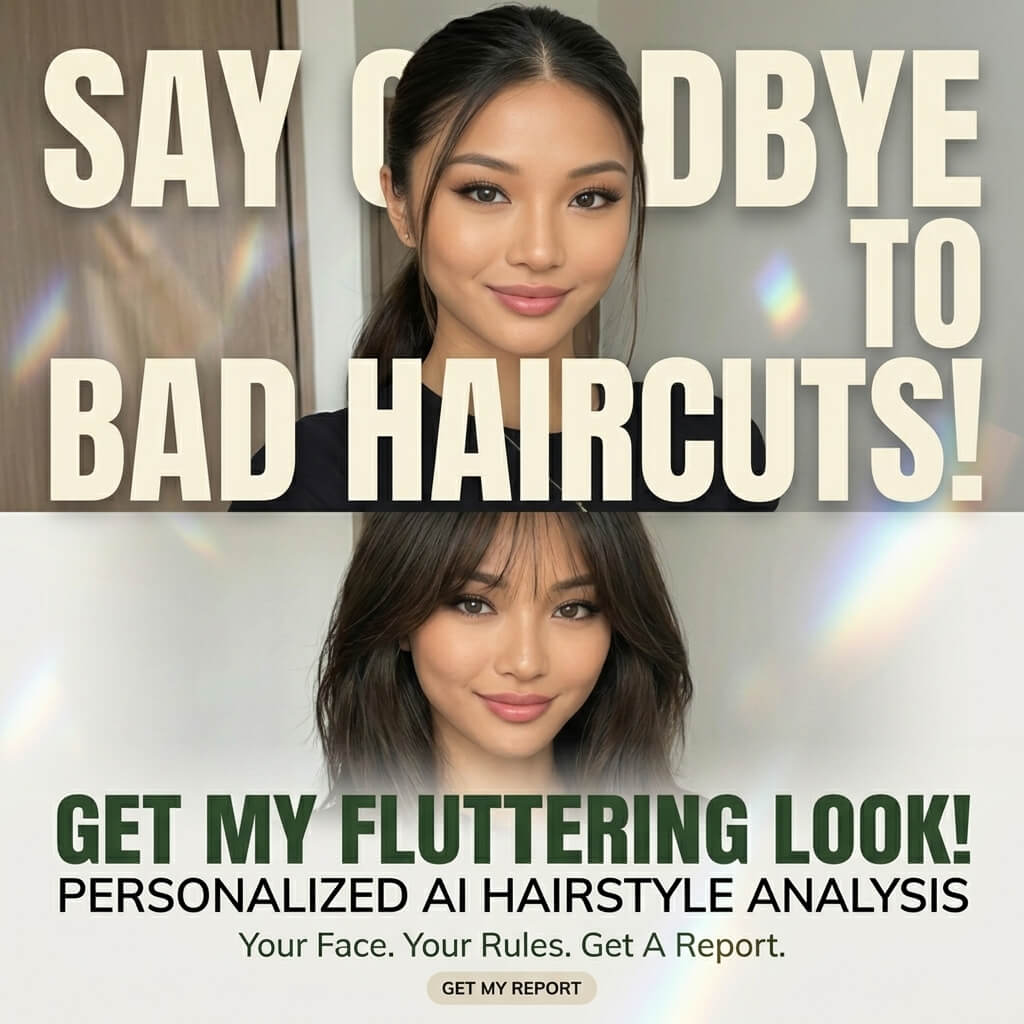
Have you ever spent hours copying a famous beauty influencer’s makeup look, only to realize your signature color might be completely different because the shades look totally off on you? Or perhaps you are shopping online, scrolling through endless outfits, but you simply cannot decide which specific hue will actually make your unique skin tone pop.
As a matter of fact, the secret to glowing up isn’t about chasing viral trends. Instead, it is all about understanding your unique facial features and uncovering your personal signature color.
Fortunately, you no longer need to spend a fortune booking a professional color consultant. Today, cutting-edge AI technology can do the heavy lifting for you. In this guide, I will show you exactly how to use professional AI tools to turn a simple selfie into a magazine-worthy “Makeup Analysis Guide” and a “Personal Color Palette.”
Not only will this help you pinpoint your perfect style, but it is also a super aesthetic format that is bound to get tons of saves and likes on your social media feed. Are you ready to level up? Let’s dive right in!
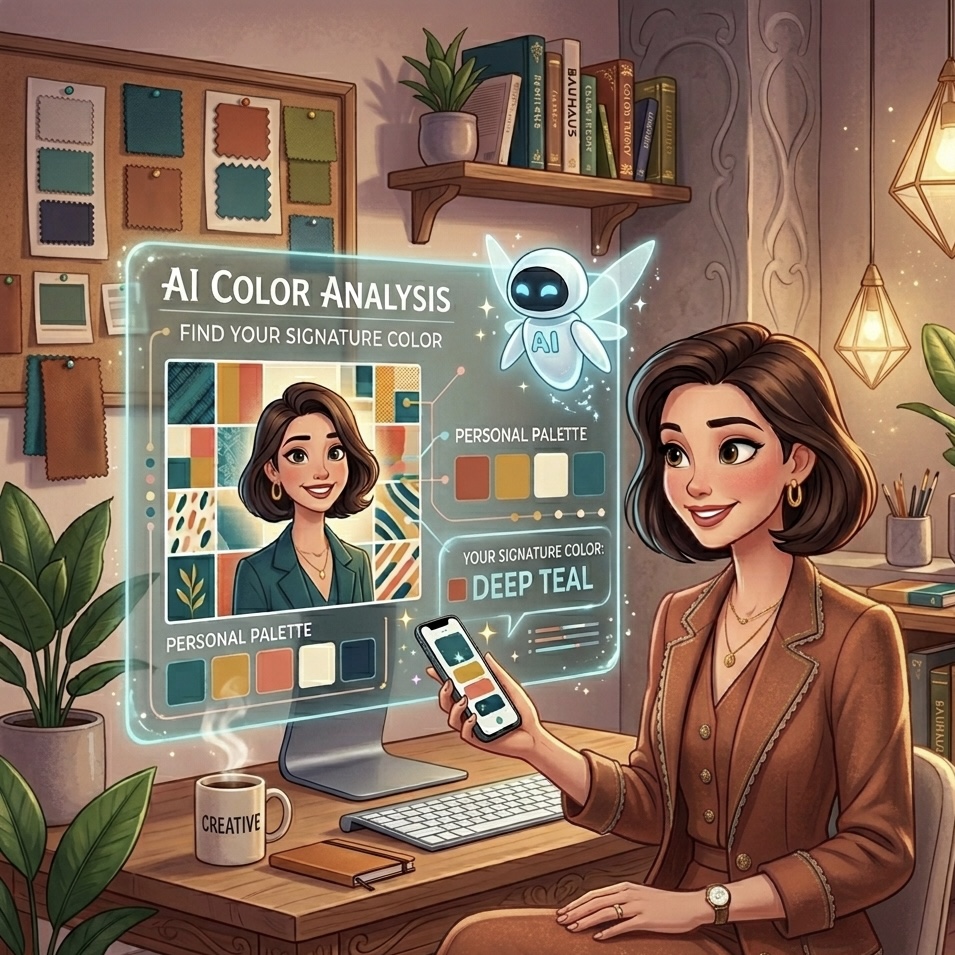
1. Preparation: Tools for Finding Your Signature Color
Before we start the transformation, you need to gather a few essential tools and materials.
- The Core AI Tool: WeShop.ai GPT Image. Basically, this is a powerful, web-based image generation platform. Therefore, you do not need to download any heavy software—just open your browser and you are good to go.
- A High-Quality Portrait: This is the most crucial part because your photo quality directly impacts how accurately the AI calculates your signature color.
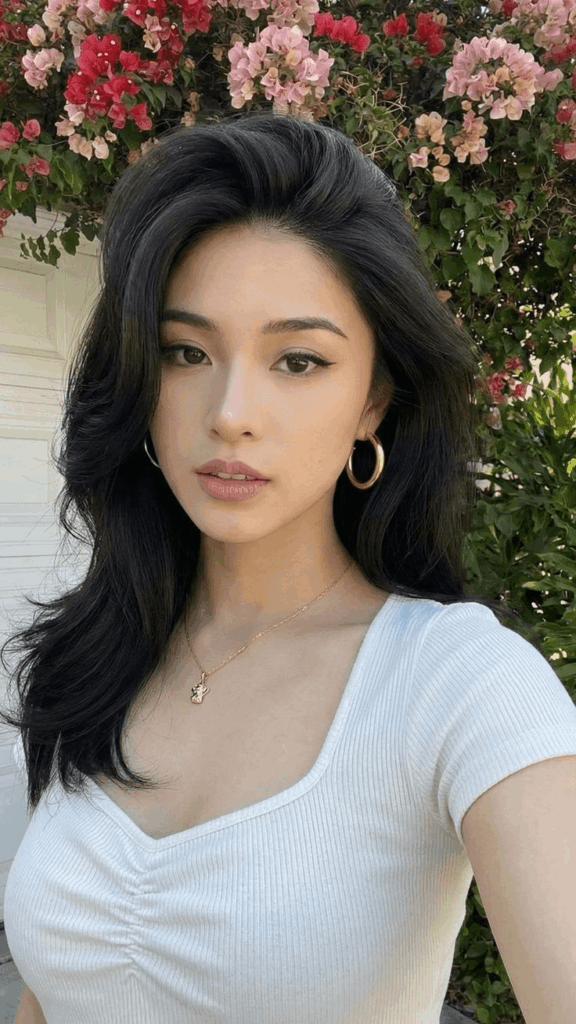
- Front-Facing Shot: Choose a clear photo looking straight into the camera so that all your features are fully visible.
- Even, Natural Lighting: Ideally, snap a picture near a window during daytime. Make sure to avoid harsh side shadows or heavy overexposure.
- No Filters or Heavy Makeup: For the best results, use a bare-face selfie or very light makeup. Consequently, the AI will be able to read your true skin undertones and facial geometry without distortion.
- The Text Prompts: Copy and paste the optimized English prompts provided in the steps below.
2. Step-by-Step Guide: How to Generate Your Signature Color Palette
Step 1: Upload Your Photo to the AI Tool
First, open the WeShop.ai GPT Image tool page in your browser. Next, look for the chat box or the designated image drop zone. Then, click the “Upload Image” button and select your prepared portrait. Once the image finishes loading, you are officially ready for the magic stage!
Step 2: Generate Your “Makeup Analysis Guide”
In order to get a clean, magazine-style layout while keeping your real facial features recognizable, you need to give the AI highly specific instructions. Therefore, copy and paste the exact prompt below into the chat box.
Copy & Paste: “Based on the portrait photo I uploaded, please generate a high-quality ‘Makeup Analysis Guide’ infographic. The overall layout and labels should be in Chinese version. The visual style must be clean, fashionable, and resemble a professional beauty magazine column. Keep the original facial features, skin tone, and real appearance to maintain high recognizability—do not over-retouch. The layout must prioritize visual presentation, highlighting key points through image showcases. Use concise text labels instead of long paragraphs.”
After you hit send, the AI will analyze your facial proportions.
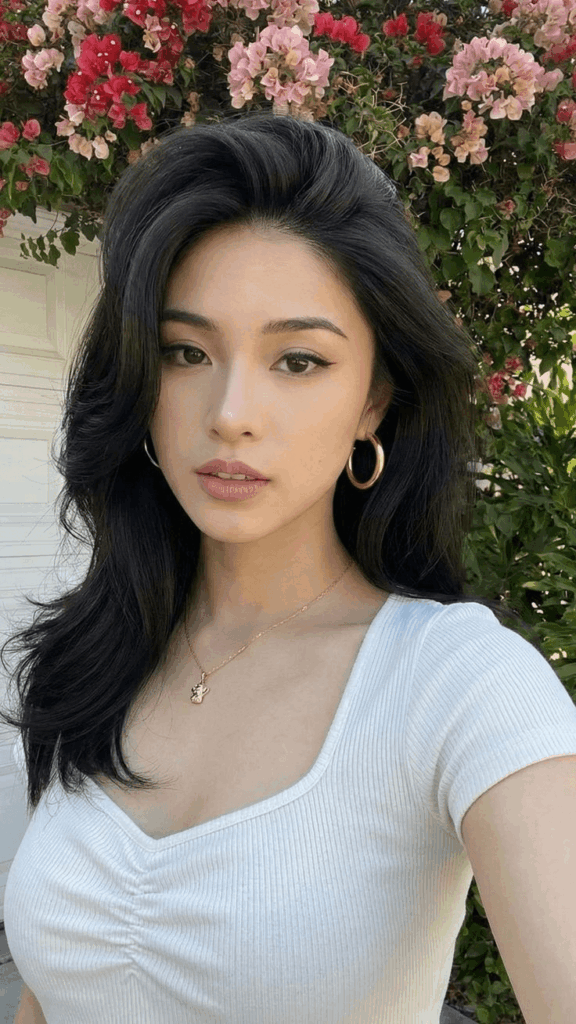
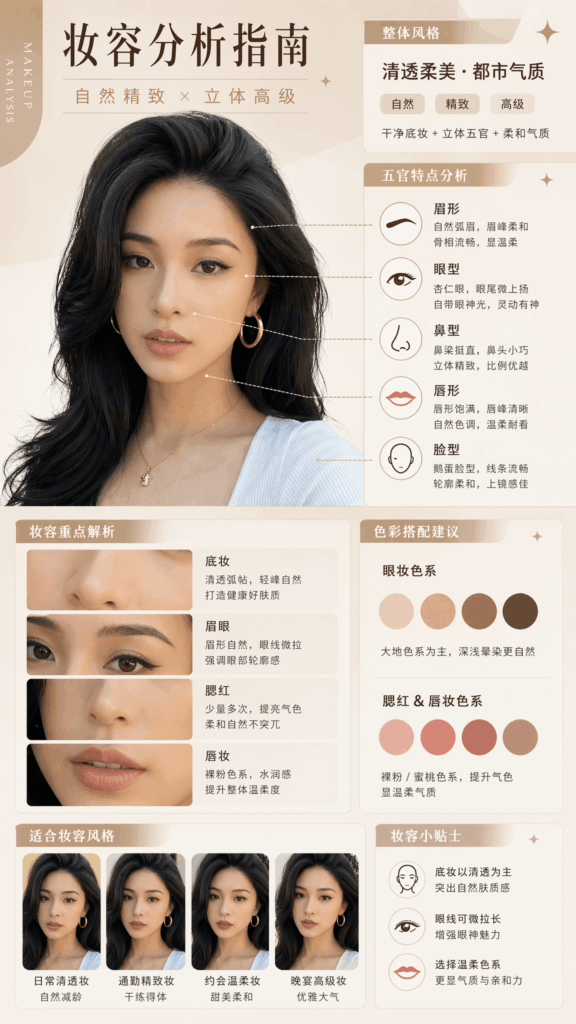
💡 Pro-Tip: The goal here is “realism.” As a result, you will see the AI precisely locate your features and generate clear, actionable makeup advice tailored to your facial structure.
Step 3: Reveal Your True Signature Color Chart
Now that your makeup layout is ready, let’s unlock your seasonal color palette. Ultimately, this step solves all your wardrobe dilemmas by showing you exactly which clothing shades flatter your complexion the most. While remaining on the same page, copy and paste this second prompt:
“Based on the portrait photo I uploaded, please create a high-quality personal color analysis card. Keep the subject’s original facial features, skin tone, face shape, and realistic characteristics without distortion. Show the effect of different clothing colors on the subject using left-right or side-by-side visual comparisons. Clearly distinguish between ‘suitable colors’ and ‘unsuitable colors’ so viewers can instantly see which shades flatter the skin tone and enhance the overall complexion. The layout design should be clean, stylish, and resemble a professional image consultant’s report. Use visual presentation as the main focus with only short Chinese text labels (e.g., 推荐/Recommended, 普通/Average, 避免/Avoid). Absolutely no long paragraphs of text. Ensure high resolution and clear information suitable for social media sharing.”
Once generated, the AI will place your face against different color arrays. Consequently, you will get a beautiful, easy-to-read chart mapping out your ultimate signature color matches and the shades you should avoid.
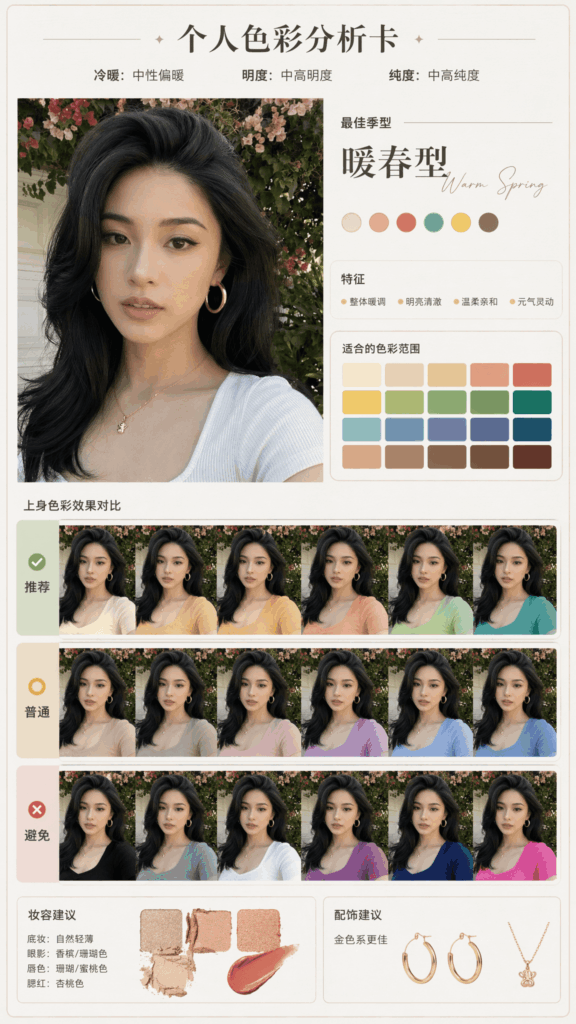
With a clear, side-by-side visual comparison, you can instantly spot which colors are complete deal-breakers and which ones reveal your true signature color.
3. Pro Tips and FAQ for Mastering Your Signature Color
To ensure you get the absolute best results, I have summarized the most common issues beginners face along with some expert workarounds.
Why doesn’t the AI output look like me?
More often than not, this happens due to your initial photo quality. For example, if your original photo has aggressive beauty filters or poor lighting, the AI gets confused and over-compensates. To fix this, simply swap it out for a raw, unfiltered selfie taken in natural light, and try again!
The text on the image looks messy or glitched. What should I do?
Admittedly, AI text rendering still has its limitations, and text can sometimes look warped. However, if the overall layout looks great, you can easily save the image and use mobile editing apps like Meitu or Xingtu. Simply use the “Heal” or “Eraser” tool to wipe away the messy text, and type over it with your own clean labels.
Advanced Trick: How do I test a specific style with my signature color?
If you want to experiment with a specific aesthetic, you can append a quick modifier to the end of the Step 2 prompt. For instance:
- For a clean everyday vibe: add ”
Please focus the analysis on a natural daily makeup look.” - For a cool, edgy vibe: add ”
Focus on a cool-toned Thai makeup style.”
4. Conclusion: Own Your Signature Color Look
In short, understanding your personal canvas is the fastest way to master your style. Thanks to smart platforms like WeShop.ai, we no longer have to guess what works. Instead, anyone can generate a personalized beauty blueprint in under five minutes.
So, go ahead and pick out your best selfie to give it a shot! Additionally, if you hit a snag or end up creating a gorgeous palette, please leave a comment or share your results below. Finally, do not forget to share this guide with your besties so you can all find your signature color together!
Go to WeShop AI For Exploration: